Category: Advanced Manufacturing
-
CNC Machining Costs: How Design Decisions Affect Part Cost
Learn how geometry, tolerances, materials, and production volume affect CNC machining costs. See how design decisions influence machining time, tooling, inspection, and manufacturability. Manufacturing cost starts in the CAD model Two aluminum housings can look nearly identical on screen and perform the same function, yet one may take significantly longer to machine than the other.…
Manufacturing
-
MSC Industrial Supply Co Saves Customers $3.1 Million and Counting with Autodesk Fusion
For 85 years, MSC Industrial Supply Co., a $4 billion company offering more than 2.5 million products, has helped manufacturers improve the way they work. By equipping its metalworking specialists with Autodesk Fusion, MSC has helped customers achieve $3.1 million in cost savings across more than 100 optimization engagements. One example is aircraft manufacturer Air…
Case Studies
-

High-Mix Manufacturing with Autodesk Fusion for Manufacturing: Scaling Job Shop Workflows and CNC Programming
Learn how Autodesk Fusion helps job shops and contract manufacturers manage high-mix production with connected CAD/CAM workflows, automation, and scalable manufacturing tools. For many manufacturers, success isn’t defined by producing thousands of identical parts. It’s about handling a constant stream of unique jobs, customer requirements, engineering revisions, and delivery deadlines without sacrificing efficiency. One customer…
Manufacturing
-
3-Axis vs. 5-Axis Machining: How to Choose Based on Part Geometry, Not Just Cost
Choosing between 3-axis vs. 5-axis machining isn’t just about machine cost. Learn how part geometry, setup requirements, and manufacturing goals influence the right CNC strategy and how Fusion for Manufacturing helps support each approach. When manufacturers compare 3-axis and 5-axis machining, the conversation usually starts with machine cost. Five-axis machines require a larger investment, so…
Manufacturing
-
What’s New and Next for Fusion Manufacturing: 5 Announcements from IMTS and Autodesk University
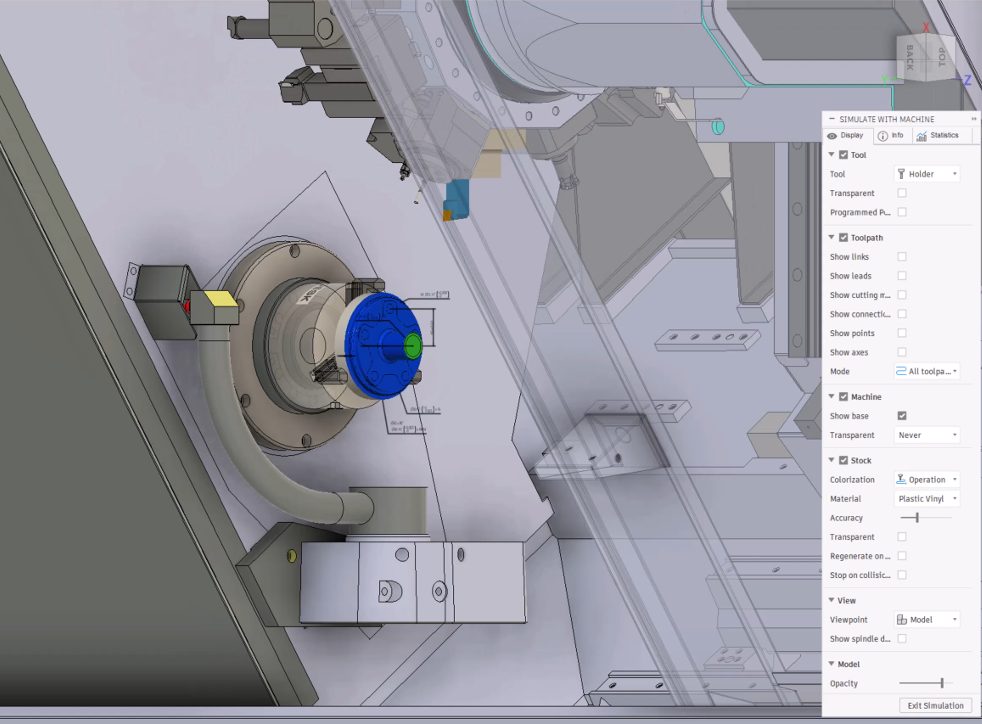
Explore five major Fusion manufacturing developments, including machine simulation, CAM automation, System Modeler, local data options, and Fusion Compute MCP. IMTS and Autodesk University brought plenty of news for manufacturers this year. If you didn’t catch every announcement, demo or roadmap session, here’s a look at some of the biggest developments and what they tell…
Manufacturing
-
Product Manufacturing Information Comes to Fusion: Keep Manufacturing Intent with the Model
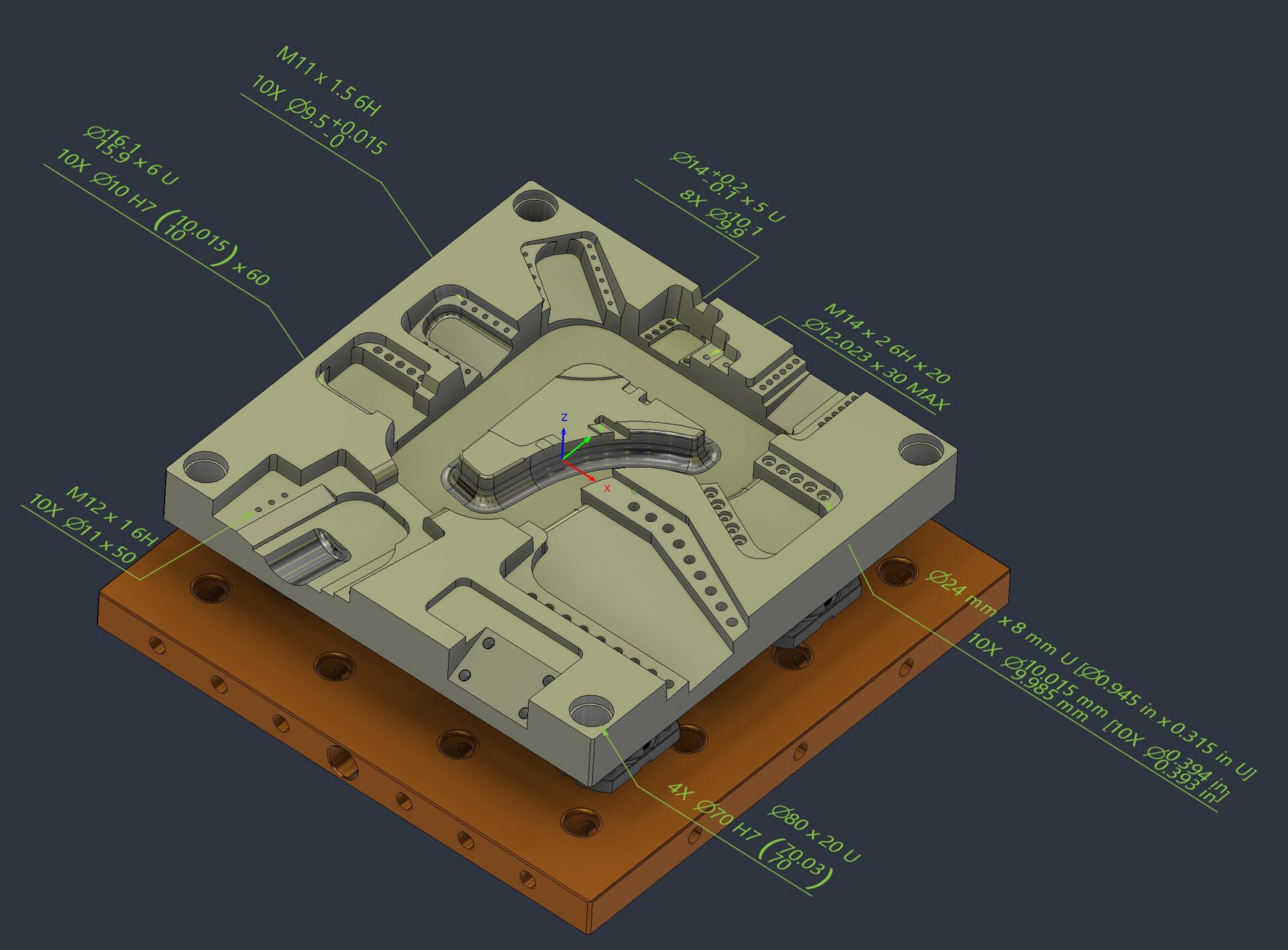
Understand PMI in Fusion, including Manufacturing ready hole notes, thread annotation and leader note creation. Keep manufacturing intent connected to the model from design through manufacturing. Manufacturing runs on more than geometry. The details that determine whether a part is made correctly, inspected accurately, and delivered on time often live beyond the model itself: tolerances, thread…
Manufacturing
-
The Next Era of Product Development: Compressing the Journey from Intent to Outcome
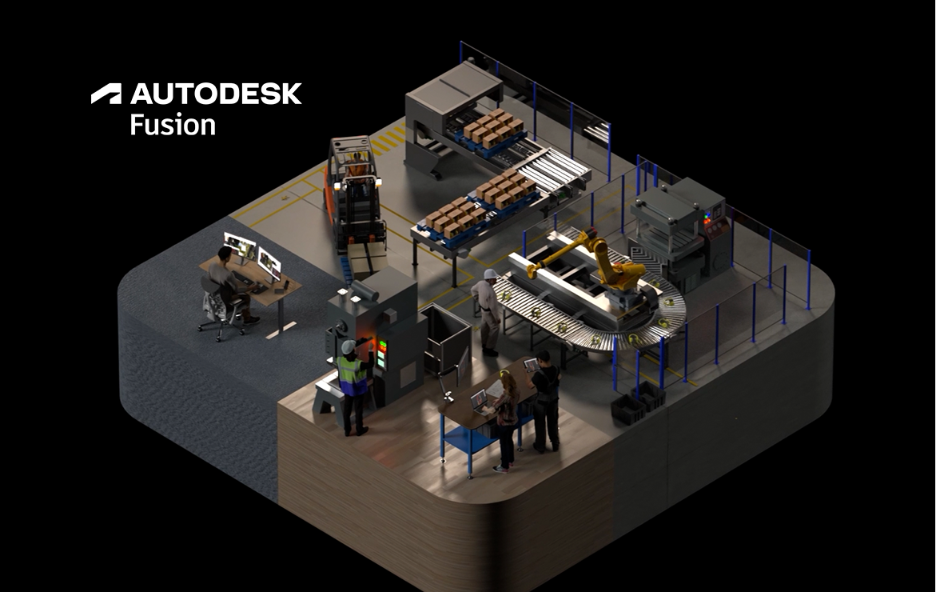
The companies getting the most value from AI aren’t simply automating tasks. They’re reducing the time, effort, and friction required to turn ideas into outcomes. For decades, manufacturers have responded to complexity by adding more tools, more systems, and more steps to their process. The assumption was simple: as products become more complex, organizations need more…
Thought Leadership
-
Why Another CNC Machine Won’t Solve Your Capacity Problem
Increase manufacturing capacity without adding machines or headcount. Learn how connected workflows and Autodesk Fusion help manufacturers eliminate bottlenecks and scale efficiently. If you walk through almost any growing machine shop or contract manufacturing facility, you’ll hear the same conversation: “We’re booked solid. We need another machine.” Sometimes that’s true. But more often, the real…
Manufacturing
-
The Hidden Cost of Disconnected Manufacturing Workflows
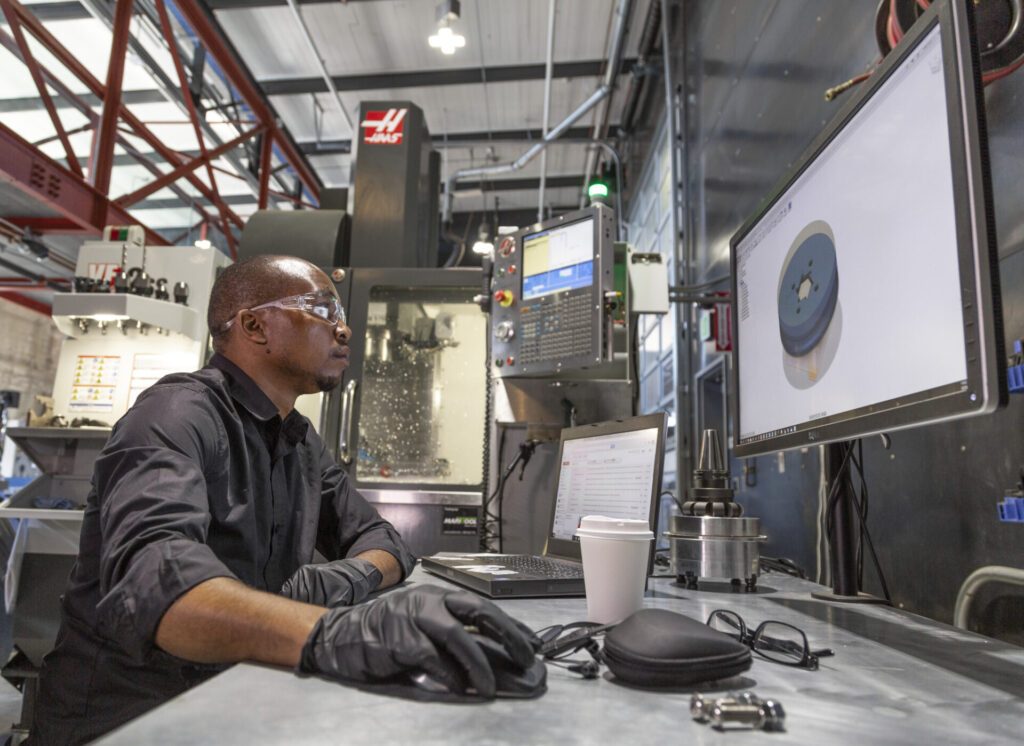
Struggling with revisions, programming bottlenecks, and disconnected software? Discover how connected manufacturing workflows help increase productivity and deliver parts faster. For many manufacturers, the biggest threat to productivity isn’t on the shop floor. It’s in the office. It’s the programmer waiting for an updated CAD model. The engineer emailing design revisions. The operator asking whether…
Manufacturing
-
Standardization: The Secret to Consistent Growth in Manufacturing
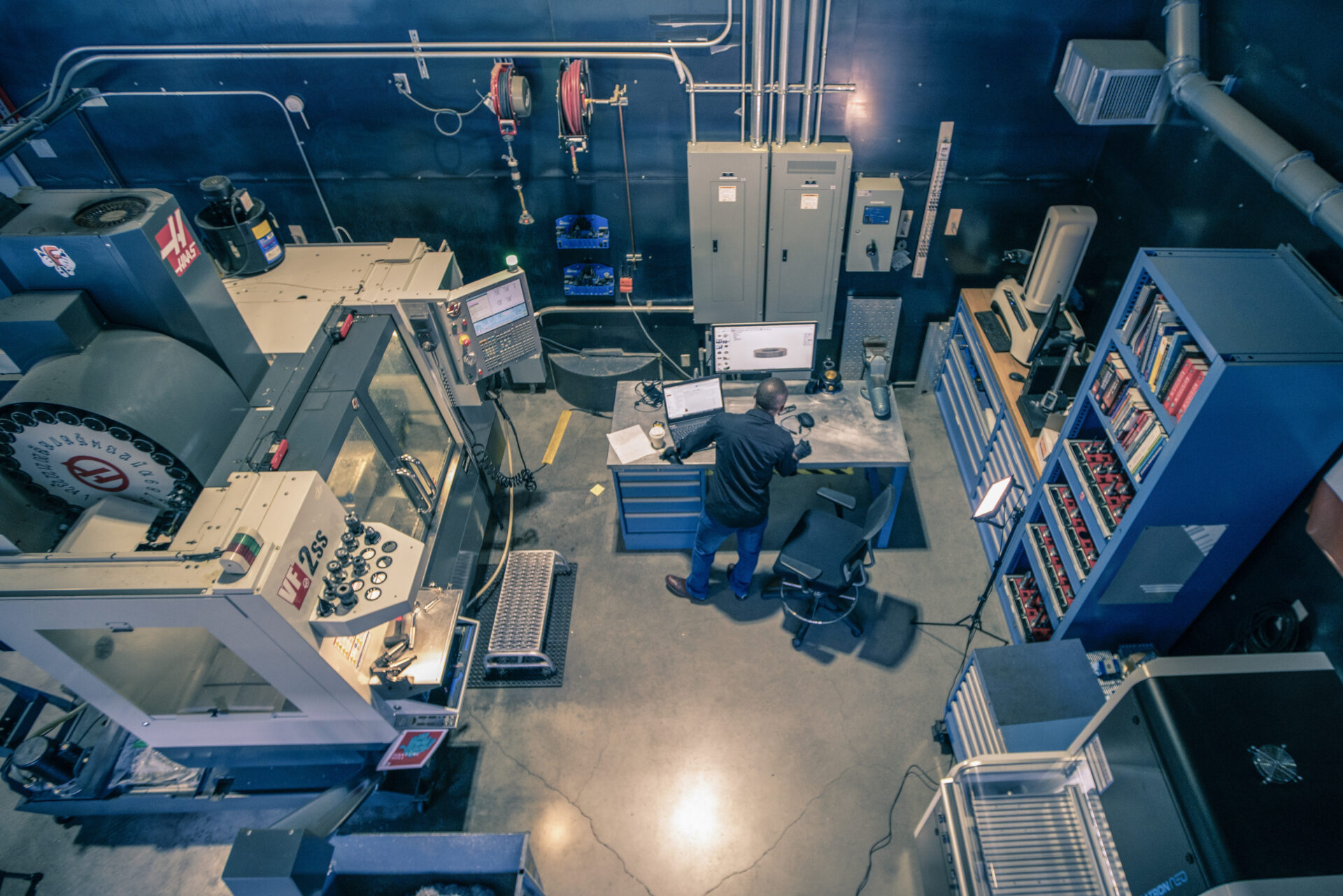
Growth is easier when every employee follows proven processes. Learn how standardization in manufacturing improves quality, productivity, and scalability. As a business grows, complexity tends to grow with it. More jobs. More customers. More machines. More employees. That’s when many manufacturers discover a hidden problem: everyone has their own way of working. One programmer has…
Manufacturing
-
Your Machines Are Capable of More. The Autodesk Fusion Manufacturing Extension Unlocks It
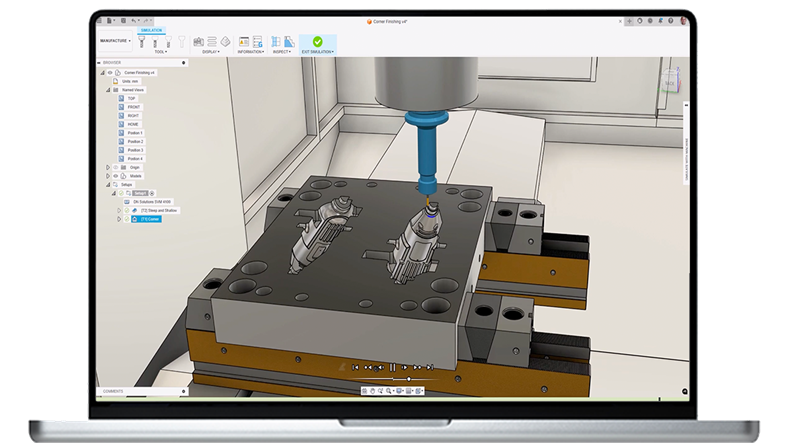
Unlock advanced CNC, multi‑axis machining, and automated workflows with the Autodesk Fusion Manufacturing Extension. Reduce programming time and get more from your machines. Who doesn’t want to get more out of their machines? More throughput. Better surface quality. Fewer setups. Greater confidence on the shop floor. As parts become more complex and customer expectations continue…
Advanced Manufacturing
-

Fusion for Manufacturing: Toolpath Automation with Steep and Shallow and Hole Recognition
Next up in this Fusion 360 Machining Extension series is toolpath automation, including steep and shallow and hole recognition tools.
Machining
-
Setup and Buy Your Workholding with the 5th Axis Workholding Intelligence Add-In for Fusion
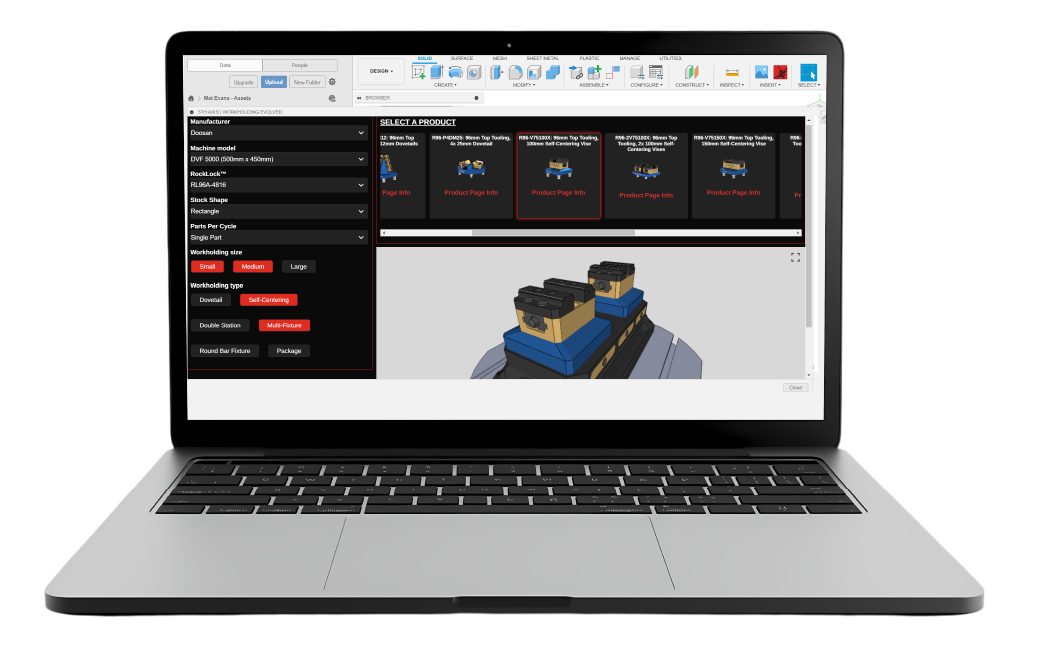
Optimize CNC setupwith machine‑aware workholding in Fusion. The 5th Axis Workholding Intelligence Add‑In helps small shops save time and standardize proven setups. For shop owners and operators, time on the machine is what drives revenue, but time spent configuring setups, sourcing workholding, and validating designs can quietly eat into margins. What if those steps were faster,…
Manufacturing
-
CNC Deburring: How Autodesk Fusion for Manufacturing Eliminates Manual Finishing Bottlenecks
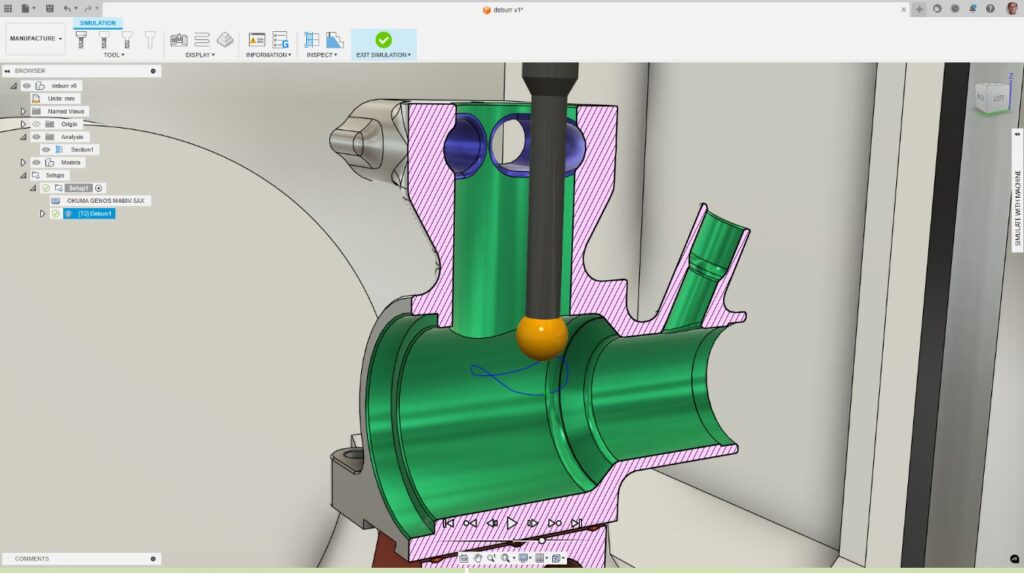
Learn how CNC deburring in Autodesk Fusion for Manufacturing replaces manual finishing with programmable, consistent deburr toolpaths. A part is complete when the last toolpath runs. Burrs, small, sharp imperfections left behind after cutting, can compromise fit, function, safety, and surface quality. For many manufacturers, deburring remains one of the most time‑consuming and inconsistent steps…
Advanced Manufacturing
-
4-Axis Machining in Autodesk Fusion: Capabilities, Workflows, and When to Use It
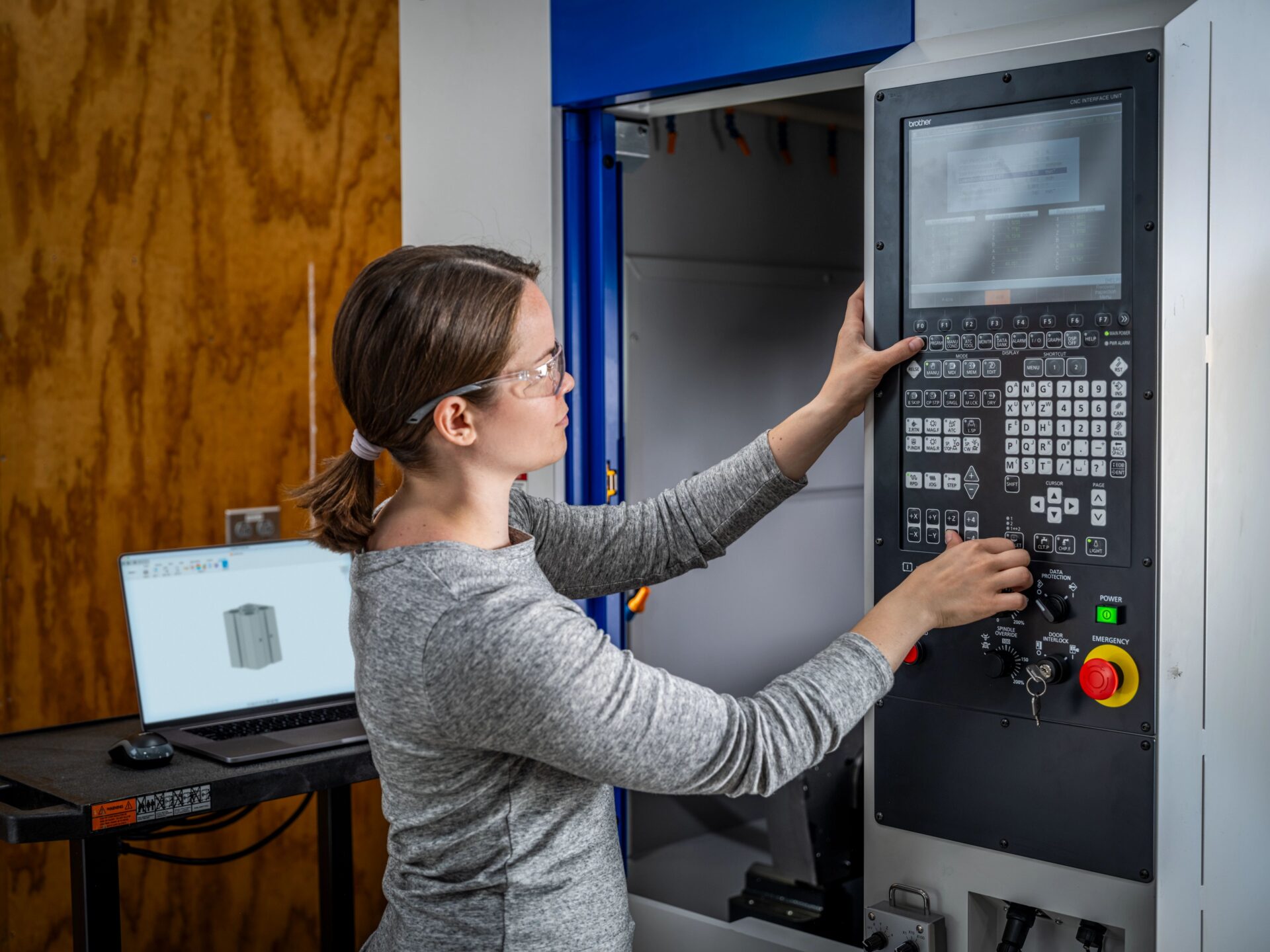
Explore 4‑axis machining in Autodesk Fusion, including indexed, wrapped, and simultaneous toolpaths, integrated CAD/CAM workflows, and CNC programming benefits. What is 4‑axis machining? 4‑axis machining expands traditional 3‑axis CNC machining by adding a rotary axis (A‑axis) that rotates around the X‑axis. This additional degree of motion allows for the machining features around cylindrical or wrapped…
Advanced Manufacturing