 Shannon McGarry
This post is also available in:
Evaluate whether the switch to Fusion is right for your team. Compare traditional CAD workflows, cloud collaboration, manufacturing integration, migration considerations, and more.

Elevate your design and manufacturing processes with Autodesk Fusion
Quick answer: Autodesk Fusion is a strong choice for teams that want integrated CAD, CAM, simulation, PCB/electro‑mechanical workflows, data management, and cloud collaboration in one connected platform. Traditional CAD systems remain powerful, but growing teams often reevaluate tools when software costs rise, workflows become fragmented, or collaboration becomes harder to manage.
If you’re exploring alternatives to SOLIDWORKS, Creo, Siemens NX, or Solid Edge, you’re probably not doing it for the sake of “new CAD.” You’re trying to solve business problems:
- Rising software and maintenance costs
- Added manufacturing, electronics, or simulation workflows that require separate tools
- Time lost managing files, revisions, and handoffs instead of designing and shipping products
Most companies don’t switch CAD platforms because they’ve outgrown pure modeling capabilities. They switch because they’ve outgrown the surrounding workflows.

Signs you’ve outgrown your current CAD
1. You’re managing too many separate applications
In many traditional CAD environments, you need separate solutions for:
- Manufacturing (CAM)
- Simulation/analysis (CAE)
- Data management (PDM/PLM or shared drives)
- Collaboration and reviews
- Electronics / PCB design
As workflows expand, teams end up managing multiple systems, subscriptions, and file formats.
Fusion takes a different approach by bringing CAD, CAM, CAE, PCB/electro‑mechanical, and cloud‑based data management into a single connected platform. Instead of stitching tools together, you build around one environment.
2. Collaboration has become a bottleneck
If your team spends significant time:
- Emailing files back and forth
- Manually tracking versions and revisions
- Resolving check‑in/check‑out conflicts
- Chasing “which file is the latest?”
then the problem may not be the CAD tool itself, but the file‑based workflow around it.
Modern product development depends on real‑time collaboration and shared access to project data. Cloud‑connected platforms like Fusion let teams work from a shared, versioned source of truth, instead of exchanging copies of designs.
3. Manufacturing is becoming more comples
As products move from concept to production, disconnected design and manufacturing workflows create friction.
Engineering changes often require:
- Re‑exporting files
- Rebuilding manufacturing data
- Managing multiple versions across different systems
Platforms that directly connect CAD and CAM help reduce these handoffs and keep manufacturing data aligned with design revisions. Fusion’s integrated environment is designed to support design‑to‑manufacture in one place.
4. Your team is growing more distributed
What works for a two‑person engineering team in one office often breaks down for:
- Ten or twenty engineers across multiple locations
- Distributed design, manufacturing, and suppliers
- External partners who need controlled access
As organizations scale, collaboration, data management, and accessibility become just as important as the modeling tools themselves.
Cloud‑connected platforms give teams a common environment where data, versions, and permissions are managed centrally, rather than through shared drives and email.
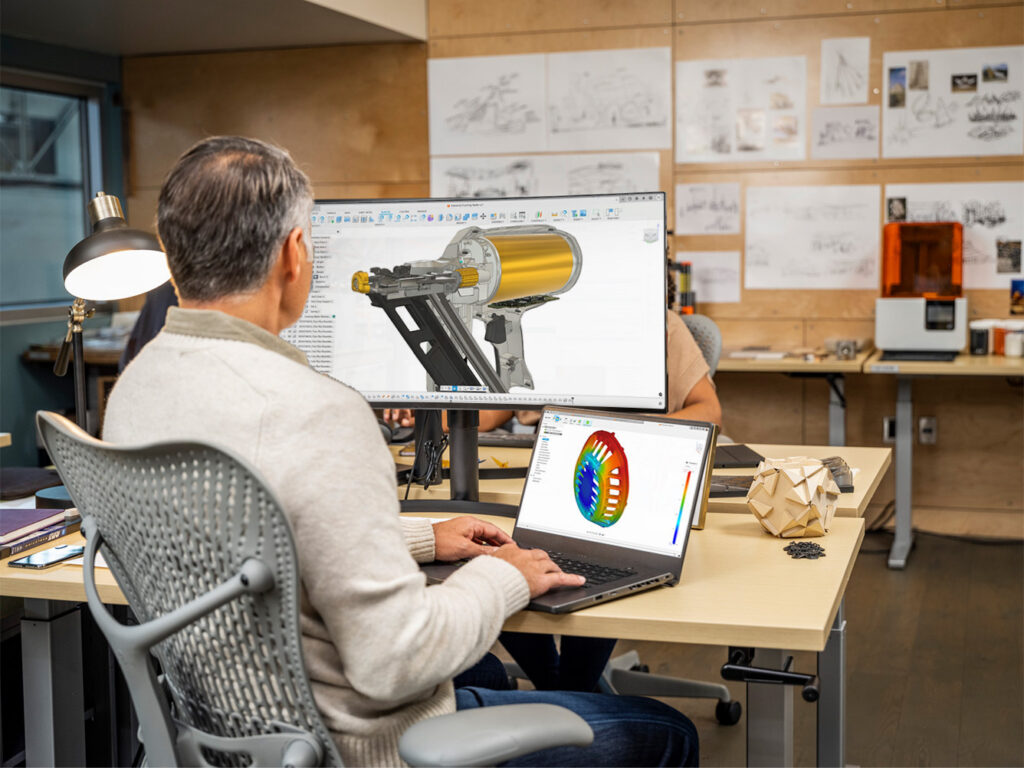
How Fusion differs from traditional CAD Wworkflows
Traditional CAD platforms were built around local files and add‑ons:
- CAD in one application
- CAM, simulation, and PCB in separate tools or modules
- PDM/PLM or network drives for data management
- Email, spreadsheets, and shared folders for collaboration
Modern cloud‑connected platforms like Fusion take a different approach.
Instead of separating design, manufacturing, simulation, and collaboration into different systems, Fusion connects them through a single, cloud‑based product data model.
This allows teams to:
- Design products
- Run simulations and basic analyses
- Generate toolpaths
- Manage versions and revisions
- Collaborate with internal and external stakeholders
without constantly exporting, duplicating, and moving files between applications.
For many organizations, the biggest benefit isn’t “better modeling.” It’s fewer workflow interruptions and less time spent managing data.
Cost considerations: Looking beyond license prices
When evaluating CAD, the real cost of product development often includes:
- CAD software
- CAM software
- Simulation tools
- Data management systems
- Collaboration and review platforms
- IT infrastructure and servers
- Training, maintenance, and integrations
Many organizations discover they’re paying for multiple disconnected systems to accomplish workflows that could be run in a single platform.
When comparing Fusion to SOLIDWORKS, Creo, NX, or Solid Edge, it’s worth asking:
- How many separate software subscriptions are required to cover CAD, CAM, simulation, and data management?
- How much time is spent managing and moving files instead of designing?
- How much IT overhead is tied to servers, PDM/PLM, and upgrades?
- How many handoffs and re‑exports occur between design and manufacturing?
Fusion is designed to reduce software sprawl and integration overhead by consolidating these capabilities.
Collaboration: A common driver for switching
Engineering teams are more distributed and cross‑functional than ever. Designers, engineers, manufacturers, and suppliers all need access to the same information, often in real time.
File‑based workflows make collaboration harder because users must:
- Exchange copies of designs
- Manually reconcile changes
- Rely on PDM/PLM or shared drives to keep everyone in sync
Cloud‑connected platforms such as Fusion let teams work from a shared source of truth, where:
- Project data, versions, and revisions stay connected
- Access is controlled but doesn’t require IT-heavy infrastructure
- Reviews and markups can happen in a browser, not just on a CAD workstation
Teams often see benefits like:
- Improved visibility into who changed what and when
- Simplified design reviews and approvals
- Easier collaboration with suppliers and partners
- Fewer version‑control issues
- Better communication between design, manufacturing, and management
For many organizations, collaboration improvements become the primary reason to seriously evaluate a switch.
What about existing CAD data?
One of the biggest concerns in any migration is existing designs and IP. Most teams have years of:
- Parts and assemblies
- Drawings
- Manufacturing data and toolpaths
- Product documentation
Successful migration strategies typically do not start by converting everything.
Instead, many teams:
- Run a pilot project in Fusion.
- Evaluate workflows and integration points (manufacturing, data management, collaboration).
- Migrate active or high‑value designs that will see ongoing work.
- Expand adoption over time as confidence grows.
This staged approach reduces risk while allowing the team to learn Fusion in context, rather than as an isolated training exercise.
What’s the learning curve like?
Switching CAD systems always requires adjustment. However, most users already understand core product‑development concepts:
- Parametric modeling and sketching
- Assemblies and constraints
- Design intent
- Manufacturing workflows and downstream needs
The biggest shift is often less about modeling and more about:
- Working in a cloud‑connected environment
- Using integrated CAD/CAM/CAE instead of separate tools
- Adopting new approaches to collaboration and data management
Teams moving from traditional desktop, file‑based systems may find cloud workflows unfamiliar at first, but they often become a productivity advantage once teams see the impact on versioning, sharing, and access.
When Fusion is worth evaluating
Fusion is worth close consideration when organizations want:
✅ CAD and CAM in a single platform
✅ Integrated simulation capabilities for analysis within the same environment
✅ Cloud collaboration and data management built into the tool
✅ PCB and mechanical design workflows in one connected system
✅ Easier collaboration across teams and locations
✅ Reduced software sprawl and IT overhead
✅ Faster design‑to‑manufacturing workflows with fewer handoffs
✅ A platform that supports both startups and growing product teams without re‑platforming later
For companies developing physical products, the biggest gains often come not from adding more software, but from connecting workflows so that design, manufacturing, and collaboration happen in a single, coherent environment, exactly where Fusion is designed to compete strongly.
Thinking about making a switch to Fusion?
If collaboration challenges, disconnected workflows, manufacturing complexity, or software sprawl are slowing your team down, it may be time to evaluate alternative approaches.
Explore Autodesk Fusion, review migration resources, start a free trial, and see how a connected product development platform can help streamline the path from concept to production.
Frequently asked questions
Organizations typically evaluate alternatives when costs increase, workflows become fragmented, collaboration becomes difficult, or they need better connections between design, simulation, manufacturing, and data management.
Fusion can serve as a complete product development platform for many teams by combining CAD, CAM, simulation, electronics, collaboration, and cloud-based data management. The best fit depends on an organization’s specific workflows and requirements.
Yes. Fusion combines CAD and CAM within a single environment, helping manufacturers reduce handoffs between design and production while maintaining associativity between design changes and manufacturing data.
For many companies, yes. Cloud collaboration can improve visibility, simplify reviews, reduce version-control issues, and give distributed teams access to the same project information.
You should consider switching to Autodesk Fusion when your biggest challenges are no longer CAD modeling capabilities but the workflows that surround them. Common signs include managing separate CAD, CAM, simulation, and data management tools, dealing with file transfers between systems, or spending significant time resolving version-control issues.
Autodesk Fusion is particularly well suited for teams that want design, engineering, manufacturing, electronics, and collaboration workflows connected within a single platform. Instead of moving data between multiple applications, teams can work from a shared source of product information throughout the product development process.
A migration may be worth evaluating if engineering changes require frequent manual exports, manufacturing data becomes disconnected from design revisions, or collaboration between design and manufacturing teams is slowing product development. In these situations, Fusion’s integrated CAD, CAM, simulation, data management, and cloud collaboration capabilities can help reduce handoffs, improve visibility, and streamline the path from design to production.
Organizations most often switch to Autodesk Fusion when they want to consolidate CAD, CAM, simulation, and collaboration into a single platform. Common motivations include reducing software complexity, improving cloud collaboration, simplifying data management, lowering workflow overhead, and creating a more connected path between product design and manufacturing.