
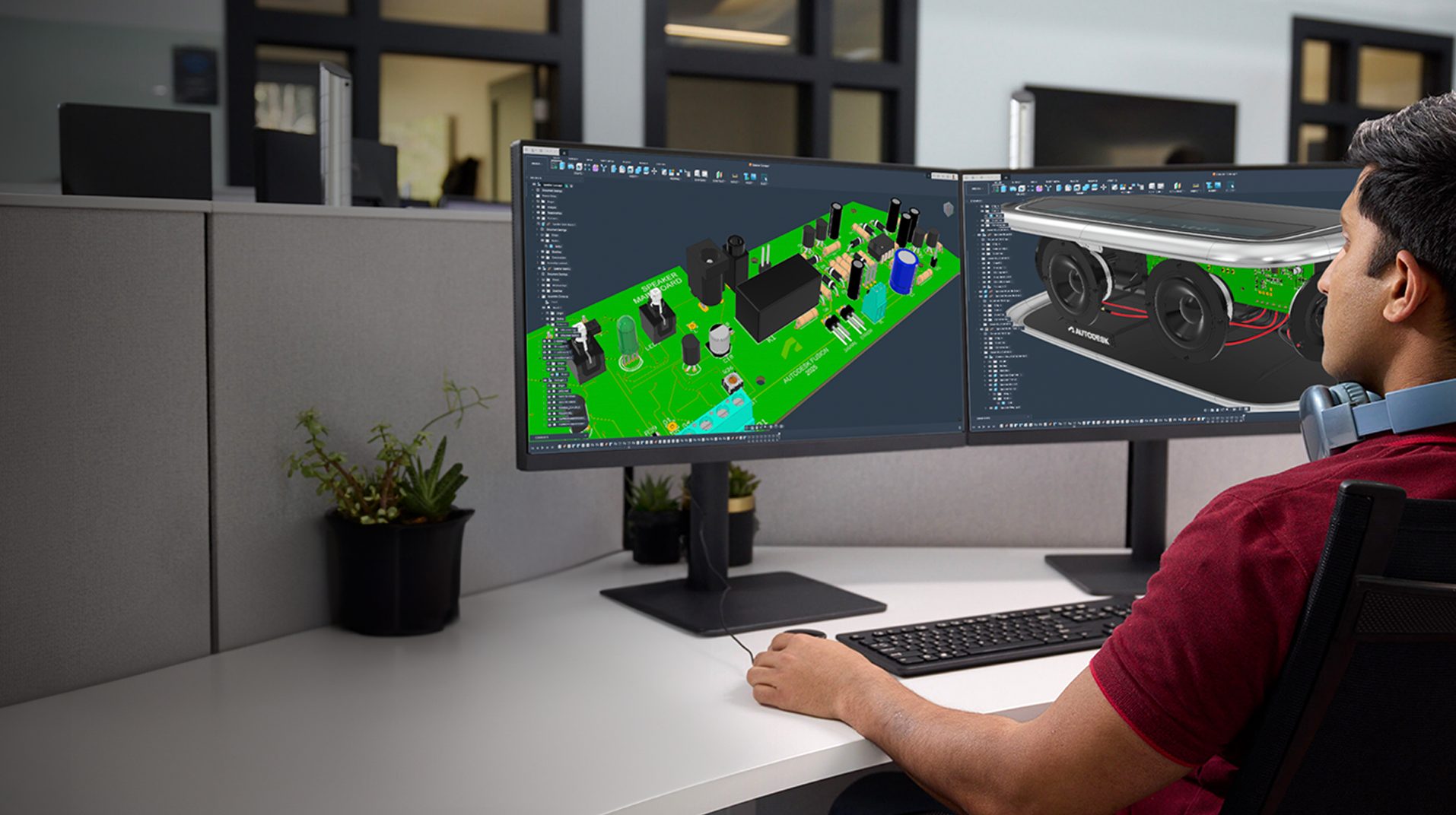
Discover why some SolidWorks users evaluate Autodesk Fusion to reduce software sprawl, connect CAD and CAM workflows, simplify product data management, and improve collaboration. Manufacturing has changed. Today’s product development teams need more than powerful CAD tools. They need smoother coordination between design, engineering and manufacturing, better visibility into product data, effective collaboration across locations,…
Fusion
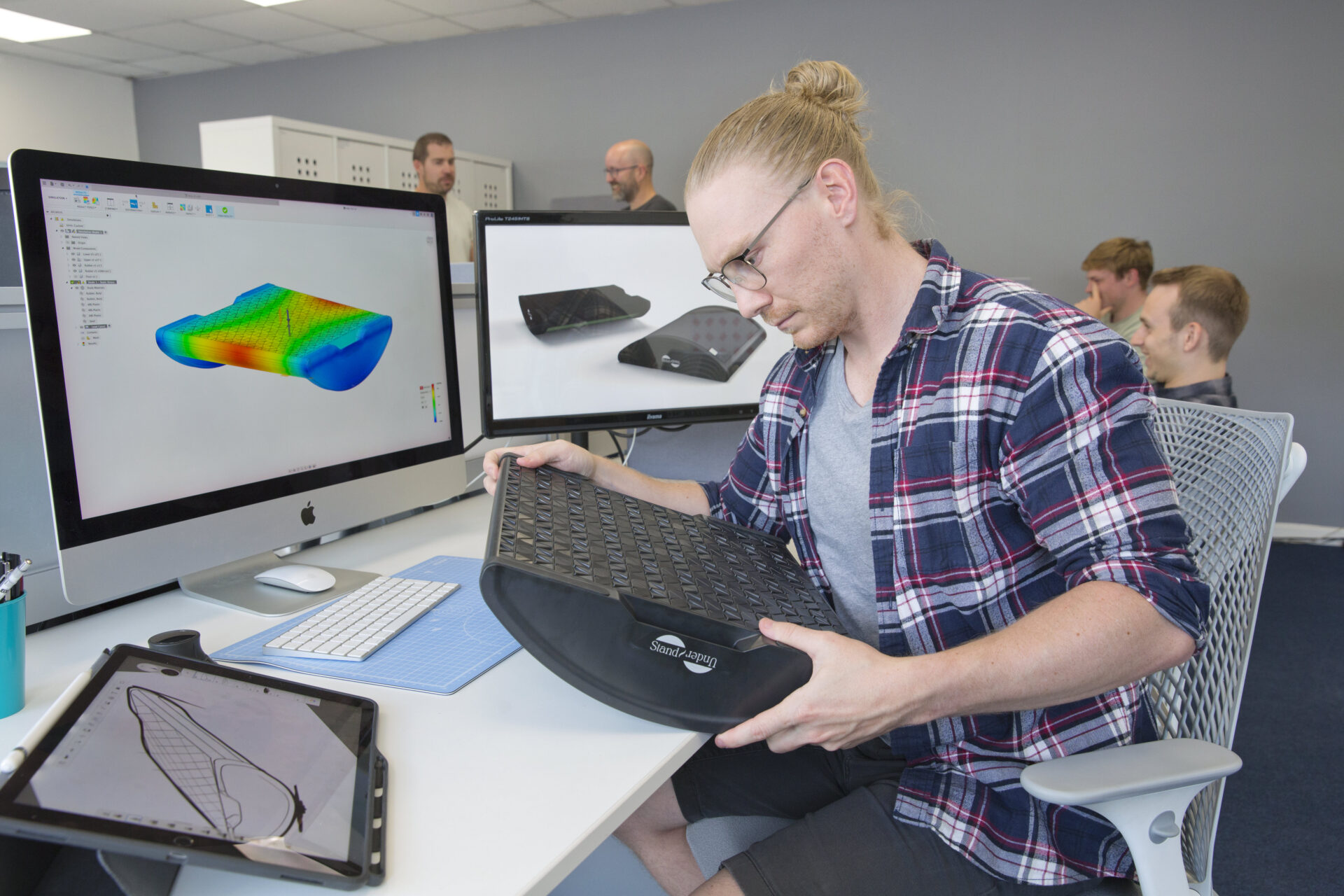
Scale your business with fewer bottlenecks. Discover how Fusion connects design, manufacturing, and data so teams can grow without added friction. Typically early-on with businesses, speed comes naturally. Decisions happen quickly. Teams sit close to the work. Products move from idea to prototype without much friction. Then growth starts to introduce weight. More people, more…
Fusion

Small product teams can compete with global brands by moving faster, collaborating better, and reducing workflow complexity. Learn how connected product development with Autodesk Fusion helps teams innovate and scale. Large brands have bigger budgets, larger teams, and more resources. But when it comes to innovation, speed, and bringing new ideas to market, size isn’t…
Product Design & Engineering
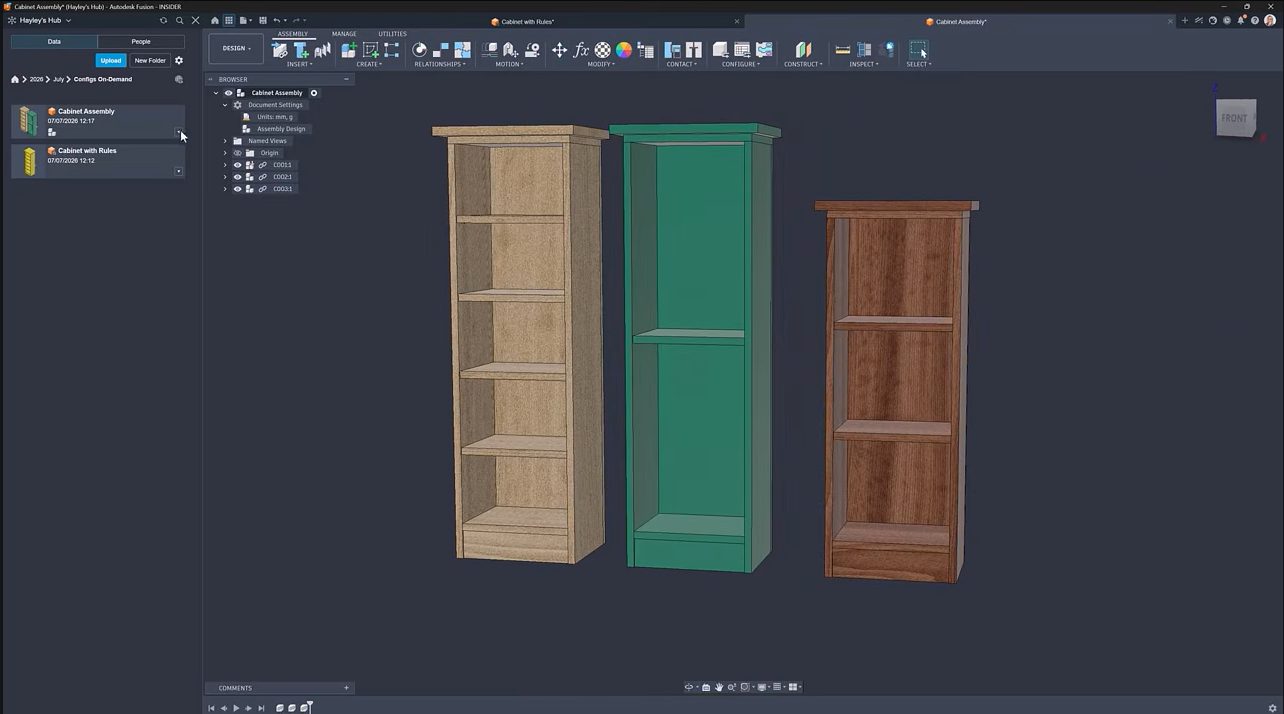
Learn how on-demand configurations in Fusion let teams create product variants as needed, reduce configuration management effort, and streamline configurable product design. Creating every possible product variation upfront can quickly become difficult to manage. As configurable products become more complex, configuration tables grow larger, setup time increases, and teams often spend effort creating combinations that…
Product Design & Engineering

Discover how Autodesk Fusion connects design, engineering, electronics, manufacturing, and data management in a single product development platform built to support growing teams and complex products. Product development becomes more challenging as products become more complex. Design files multiply. Engineering disciplines expand. Manufacturing requirements evolve. Teams spread across locations. The challenge quickly becomes keeping people,…
Fusion

Learn how Autodesk Fusion connects ECAD-MCAD design in one platform, helping hardware teams reduce handoff friction and develop electromechanical products faster. The biggest challenge in PCB design isn’t routing traces or creating schematics, it’s managing the gap between electrical and mechanical design. Every enclosure change, connector adjustment, mounting-hole revision, or component-height issue creates another handoff…
Fusion
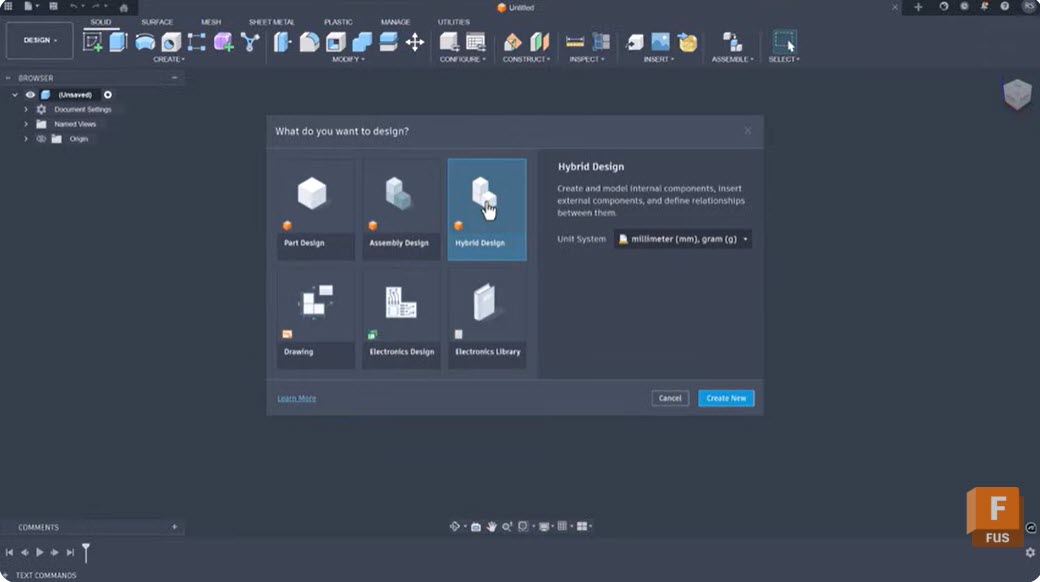
Learn how intent-driven design in Fusion uses constraints, parameters, feature history, and assembly relationships to create models that are easier to modify, reuse, and scale as product requirements evolve. Most CAD workflows begin with geometry. Designers sketch profiles, create features, apply dimensions, and move on. The challenge often comes later, when requirements change and someone…
Product Design & Engineering

Explore Autodesk Fusion sessions at AU 2026 covering AI-assisted design, engineering, manufacturing, and product development, and see how teams are combining AI with human expertise. The most successful design and manufacturing teams are using AI to automate repetitive tasks, generate options, analyze data, and accelerate workflows, while relying on human creativity, engineering judgment, and manufacturing…
Fusion
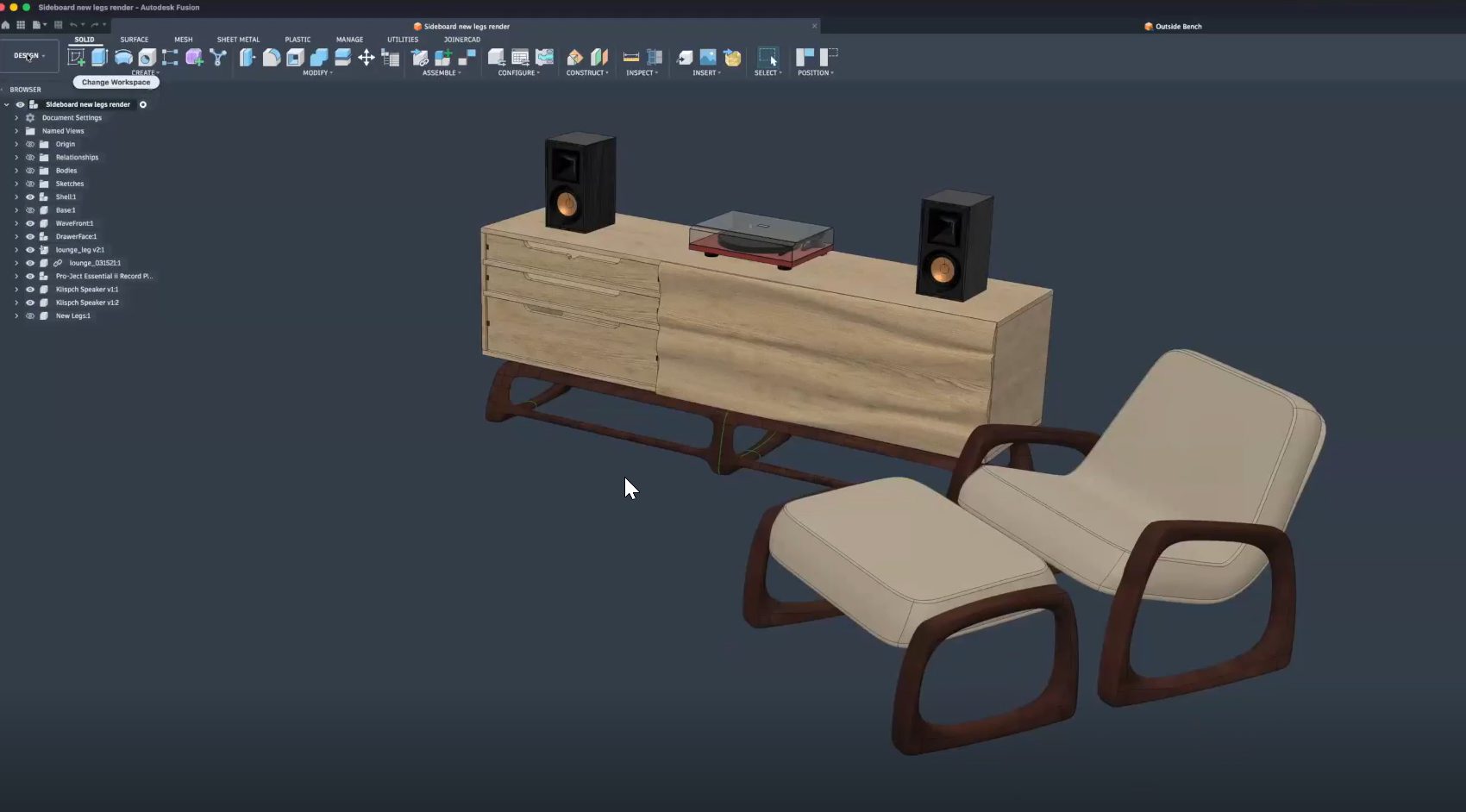
Learn how furniture manufacturers can streamline production from CAD to CNC using Autodesk Fusion to connect design, toolpaths, nesting, and machines in one workflow, reducing errors and rework. Furniture manufacturers face growing pressure to deliver customized products faster, without sacrificing quality or margins. As product variety increases and timelines shrink, disconnected software and manual handoffs…
Fusion

Explore the top partner-led Autodesk Fusion sessions at AU 2026 featuring Naya, Vizcom, and Avnet as they talk about all things related to AI, product development, automation, and connected workflows. Product development is increasingly connected. Designers, engineers, manufacturers, and product teams are no longer working in isolated systems. AI, automation, supply chain intelligence, and collaborative…
Fusion
Planning your AU 2026 schedule? Don’t miss these Autodesk Fusion sessions on design, engineering, manufacturing, AI, collaboration, and the digital thread. Every year, Autodesk University brings together designers, engineers, manufacturers, and innovators to learn from industry leaders, discover new workflows, and see where Autodesk technology is headed next. AU 2026 is no exception. Whether you’re…
News
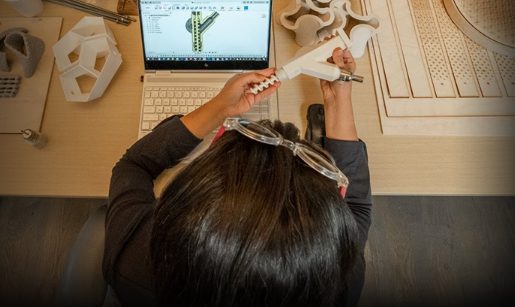
Explore Autodesk Fusion for personal use, including what’s free, feature limitations, and when it’s time to upgrade. Compare Fusion for Personal Use vs. Autodesk Fusion and discover the advanced design, manufacturing, simulation, collaboration, and data management tools available with a full subscription. Maybe you’re designing parts for a 3D printer, building custom furniture in your…
Fusion

Discover the top Autodesk Fusion product development sessions at AU 2026 covering AI, PLM, product design, optimization, digital transformation, and connected workflows. Products are becoming more complex, customer expectations are rising, and teams are being asked to deliver faster with fewer resources. At the same time, AI, connected workflows, and digital transformation are creating entirely…
Fusion
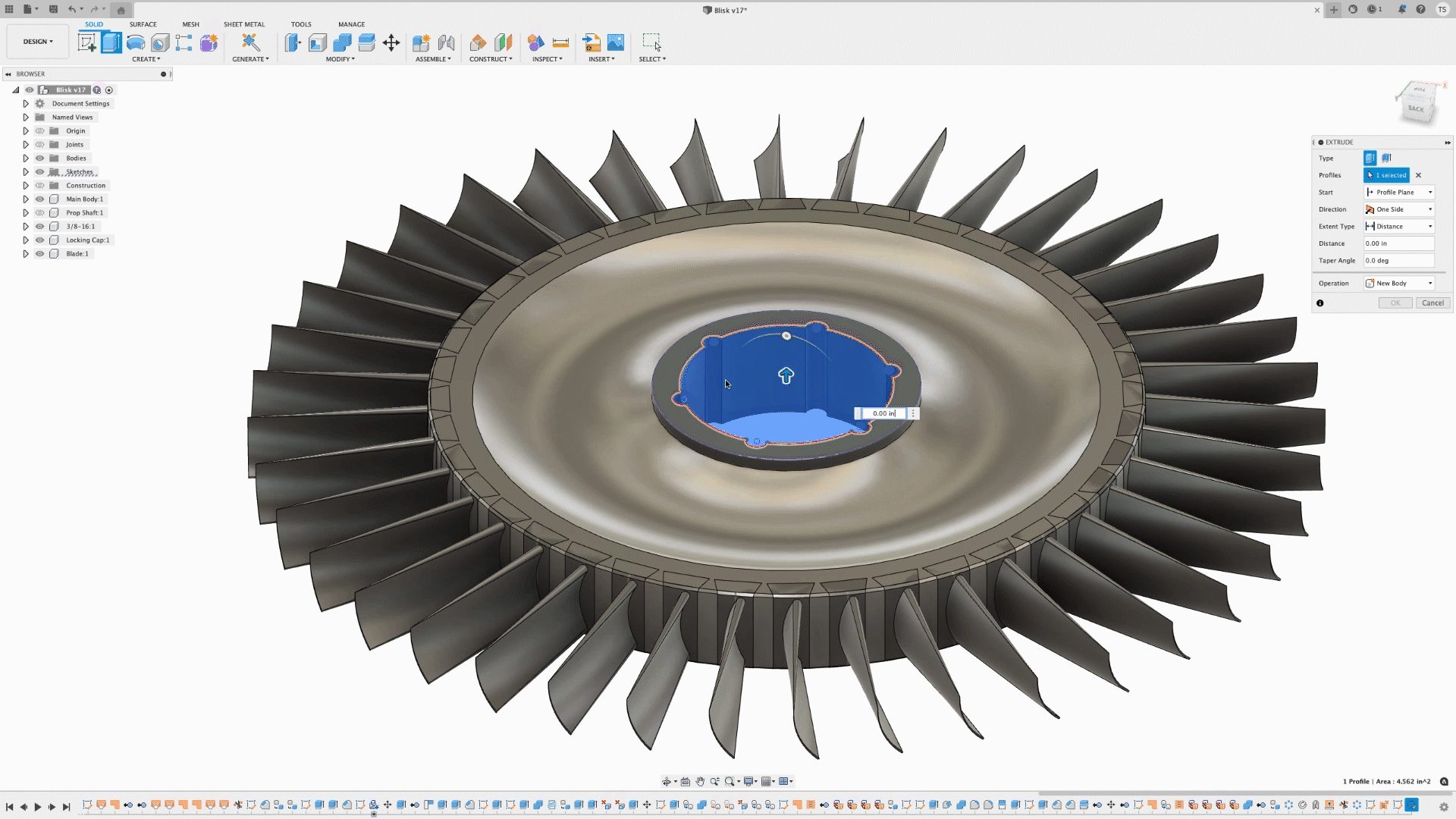
Discover the 3D modeling tools in Fusion, including parametric, direct, surface, freeform, and mesh modeling. Learn when to use each approach and how Fusion supports professional product development from concept through manufacturing. When evaluating professional CAD software, one question comes up repeatedly: What types of 3D modeling does it support? The answer matters because different…
Product Design & Engineering

Get answers to 15 of the most common Autodesk Fusion questions. Learn about Fusion’s CAD, CAM, CAE, AI tools, cloud collaboration, pricing, manufacturing workflows, and professional engineering capabilities. If you’re evaluating CAD software, comparing product development platforms, or researching whether Autodesk Fusion is the right fit for your team, you’re not alone. These are some…
Fusion