-
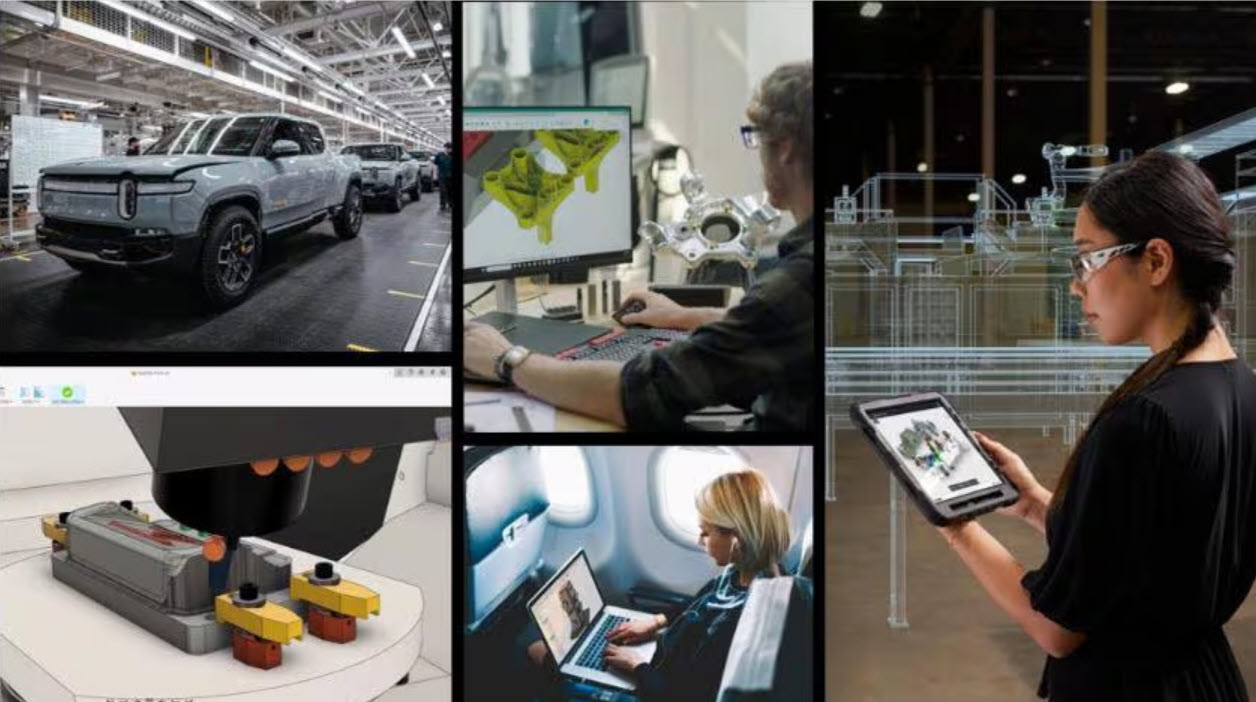
AI Won’t Replace Engineers—But Engineers Who Use AI Will Replace Those Who Don’t
AI is reshaping engineering workflows. Learn how engineers use it to design faster, reduce manual work, and stay competitive with Autodesk Fusion. Rather than displacing human ingenuity, AI is enhancing it. Engineers who use these tools gain a competitive edge, accelerating innovation and efficiency in ways traditional methods can’t match. AI capabilities in Autodesk Fusion…
Manufacturing
-
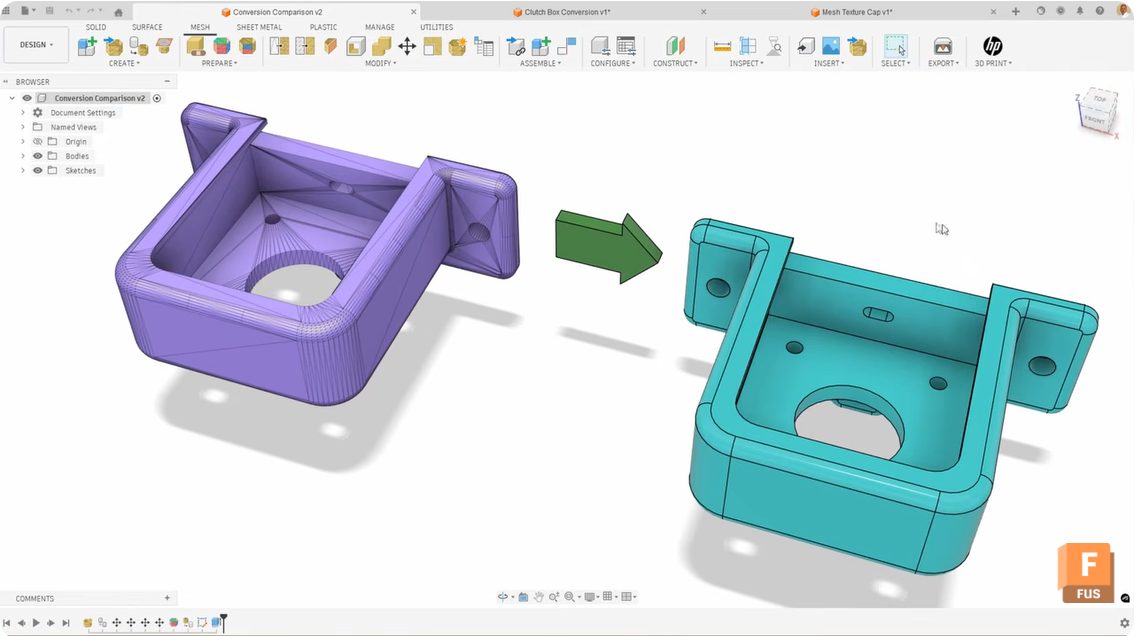
Mastering Mesh Conversion in Autodesk Fusion: Unlocking the Power of Face Groups
Learn how generate face groups in Fusion improves mesh‑to‑solid conversion, eliminating compute failed errors and messy surface results. Converting mesh bodies to solid bodies in Autodesk Fusion can be tricky sometimes. You follow the workflow, click convert, and either get a “compute failed” error or end up with a random patchwork of surfaces, instead of…
Product Design & Engineering
-

Here’s How to Set Up Your Fusion Hub
Creating your Fusion Hub is the first step after purchasing Autodesk Fusion. Here's everything you need to know about the process.
Getting Started
-

Toward Smarter Collaboration: Save Freely, Version Intentionally in Fusion
Discover how Fusion enables real-time, multi-user collaboration with a unified data model and intentional versioning for clearer, faster product development. Fusion is an end to end platform for Design to Make workflows and as laid out in this blog post, we’ve been working towards improving collaboration workflows for teams so you can bring products to…
Data management
-
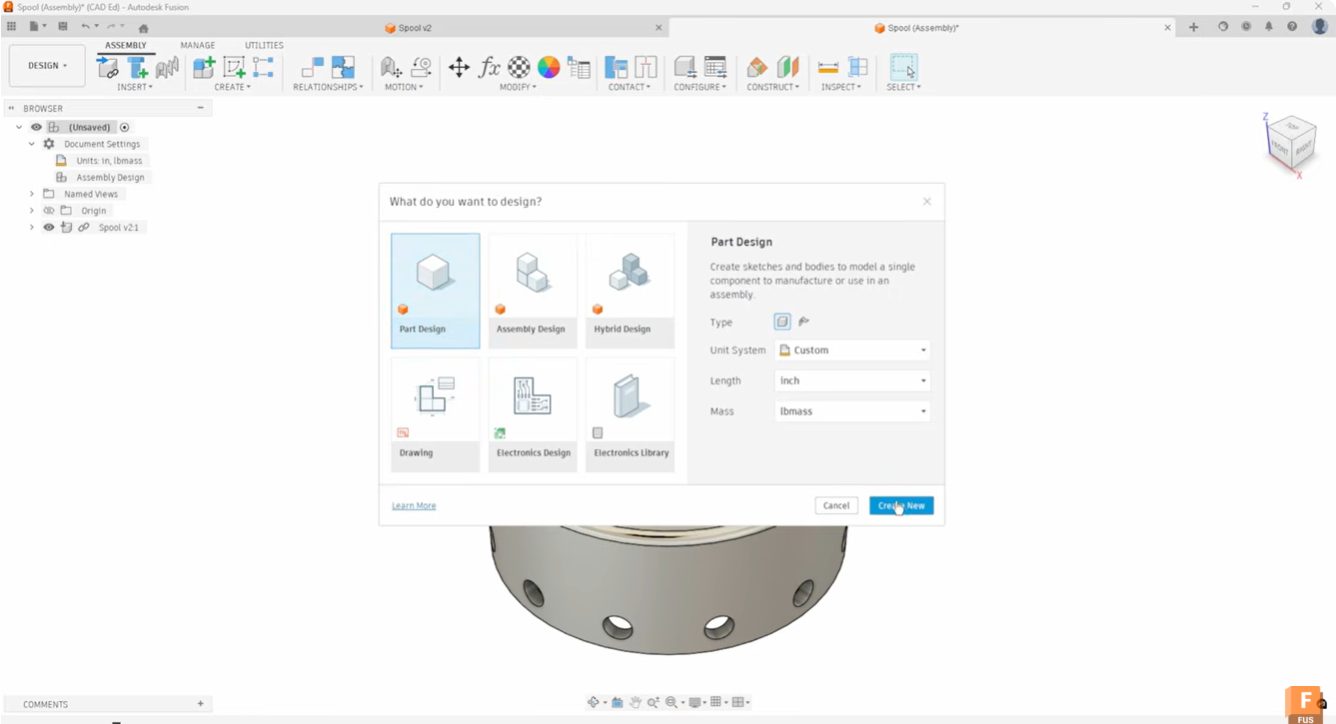
Start Your Fusion Designs Right with Intent-Driven Design
Learn how intent-driven design in Fusion helps you choose part, assembly, or hybrid workflows to start designs with clarity and avoid rework.
Industrial Design
-

What Are the Benefits of Integrated CAD/CAM Software?
Learn about how Autodesk Fusion 360, a cloud-based, integrated CAD/CAM software, can transform your design process.
Industrial Design
-
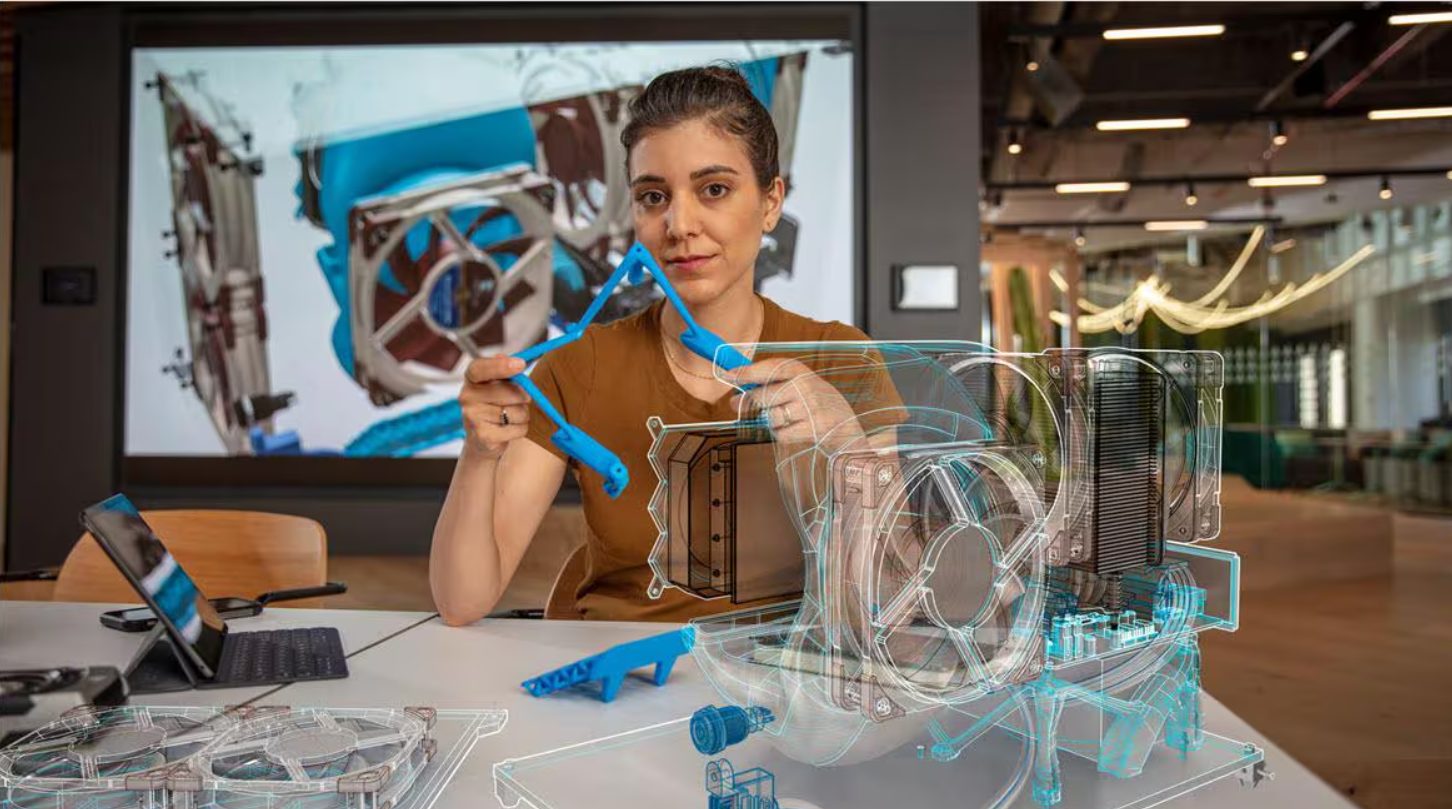
AI in CAD Isn’t Replacing Designers — It’s Removing the Work That Slows Them Down
AI in CAD helps by automate repetitive work and expand design options. See how Fusion’s AI capabilities turn intent into outcomes. For decades, CAD has been the engine of modern engineering. But beneath the surface, much of the work inside CAD has remained stubbornly manual: repetitive modeling steps, configuration changes, design checks, redraws, and rework.…
Industrial Design
-
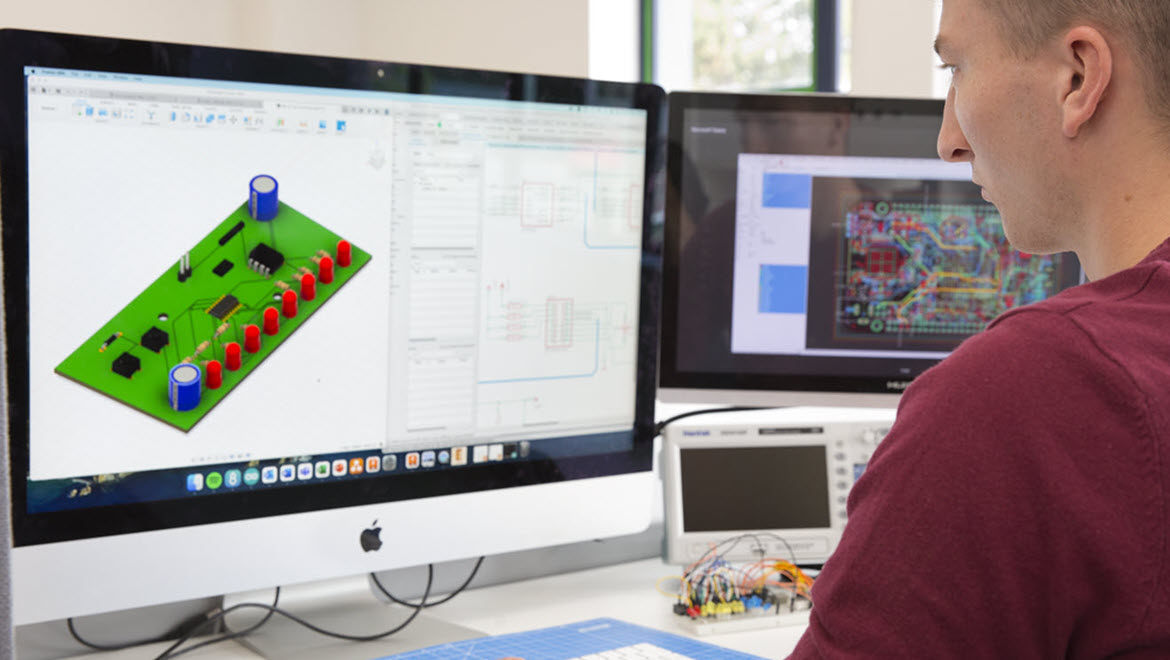
Why ECAD-MCAD Collaboration Matters in 2026 (And How to Get It Right)
ECAD MCAD collaboration connects electrical and mechanical design into a unified workflow, helping teams reduce rework, improve product fit, and accelerate time to market with Autodesk Fusion.
Fusion
-

May 2026 Product Update – What’s New
Fusion’s May update introduces connected data enhancements, faster 3D Pocket machining, Electronics Python API support, expanded AI-assisted workflows and more. Minor Updates Our latest minor update brings several important fixes and improvements to enhance your experience. Click to learn more. Highlights v.2703.1.11 – May 27. 2026 (Major Update) Fusion’s May update focuses on practical workflow improvements…
What's New
-
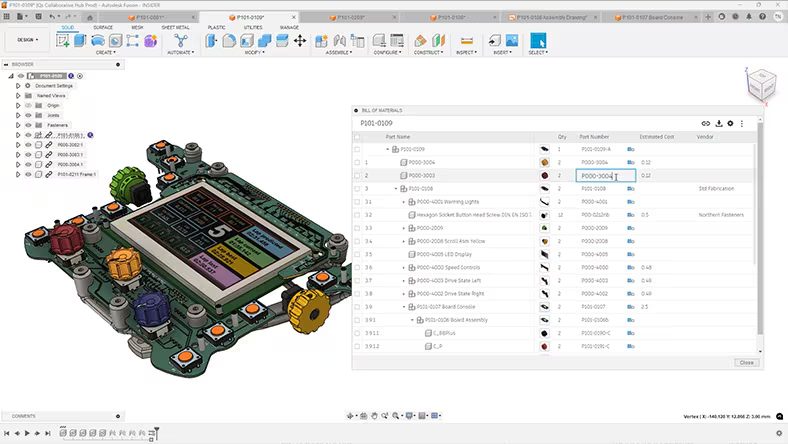
Why Cloud CAD Is Replacing Traditional Design Workflows
Discover how cloud CAD eliminates version conflicts, hardware limits, and data silos to accelerate product development with Autodesk Fusion.
Product Design & Engineering
-
When Consumers Change Faster Than Products: How Trends Rewrite Design Strategy
Consumer trends influence product design decisions around cost, speed, and sustainability. Learn how to adapt design strategy to change.
Fusion
-
How Small Design and Manufacturing Teams Are Moving Faster Than Ever
Modern product development tools are helping small design and manufacturing teams achieve high-volume output. With Autodesk Fusion, teams can improve collaboration, automate repetitive tasks, and focus on delivering high-quality products from design through production. It’s easy for small design and manufacturing teams to feel at a disadvantage compared to larger organizations with dedicated departments and…
Manufacturing
-
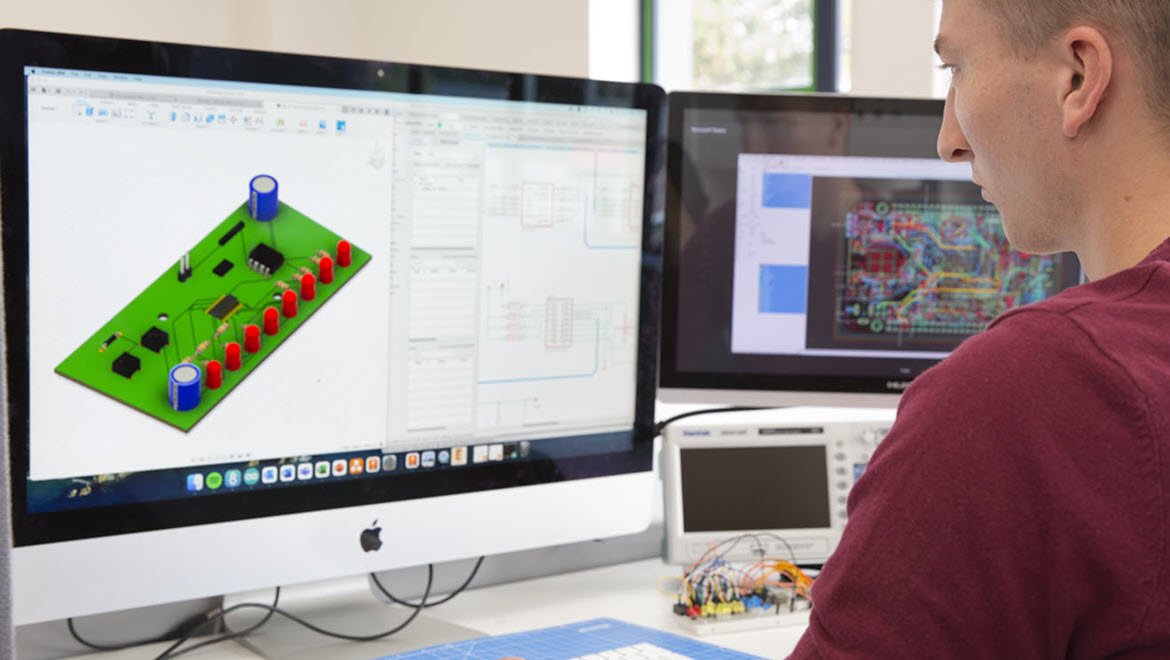
What Should Be Validated Before Sending a PCB Design to Manufacturing?
Avoid PCB respins by validating schematics, DFM, mechanical fit, and manufacturing data before release using connected workflows in Autodesk Fusion. Sending a PCB to manufacturing is one of the most expensive moments in product development. Mistakes discovered after this point multiply quickly. A missed clearance, a mismatched footprint, or an overlooked mechanical constraint can trigger…
Fusion
-
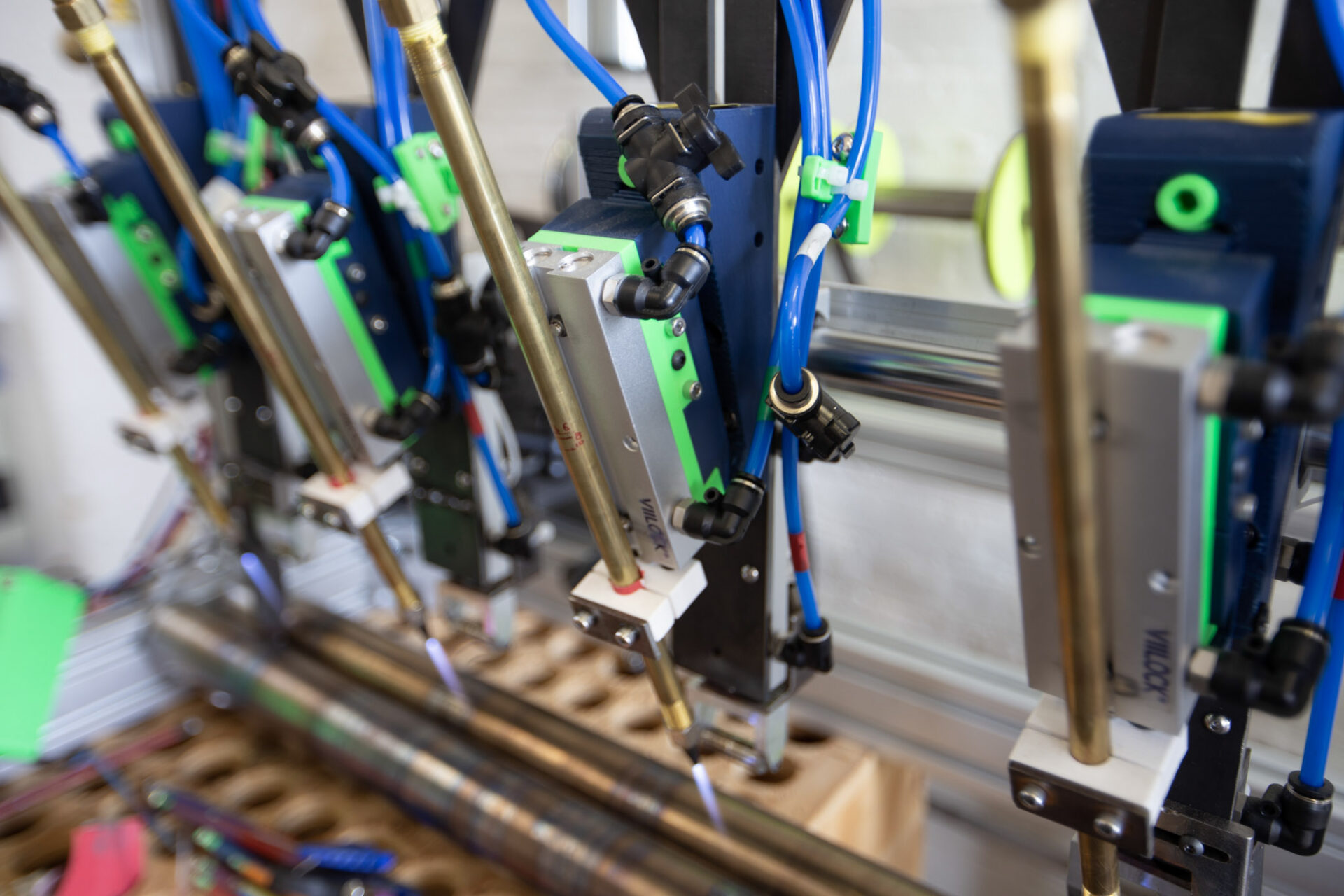
Nikolas Weinstein Studios Creates Glass Sculpture Innovation with Custom Machines and Autodesk Fusion
Nikolas Weinstein Studios uses Autodesk Fusion to design custom-built machines that power its complex glass fabrication process. These include a bespoke kiln, a precision glass-grooving machine, and specialized weaving systems engineered specifically for the studio’s unique glass sculptures. By combining custom-machined assemblies with off-the-shelf parts, Fusion enables the team to rapidly prototype and create tools…
Case Studies
-
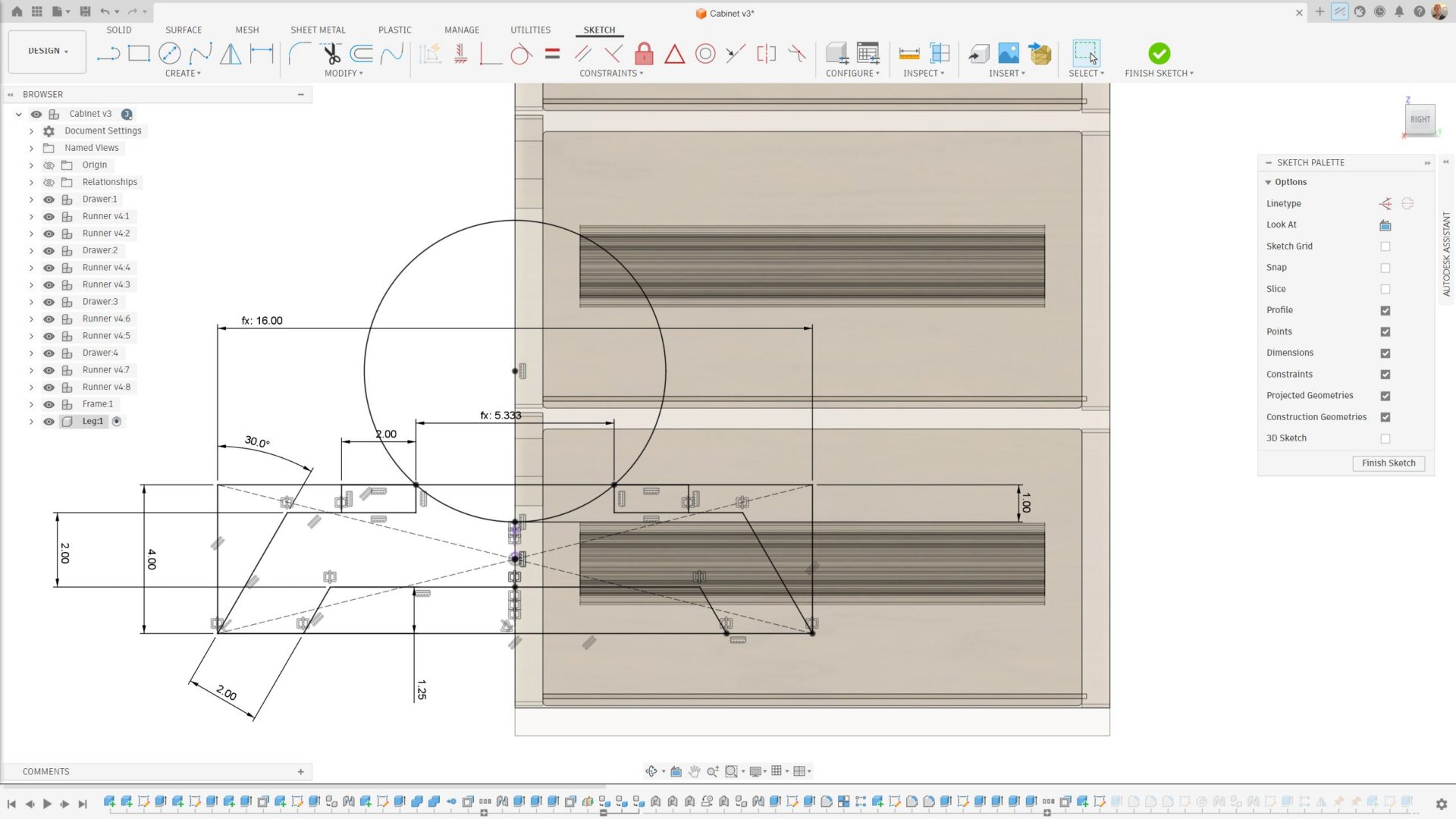
Sketching and Parametric Basics in Autodesk Fusion: How to Avoid Common Failures and Build Stable Models
Learn how to avoid common sketch failures in Fusion, from unconstrained sketches and open profiles to unstable parameters all while using best practices for clean, editable, parametric models. Sketching is the foundation of every parametric model in Fusion. When sketches are properly constrained and structured, downstream features update predictably. When they’re not, even small edits can cause failures, flipped dimensions, broken features, or…
Getting Started