-
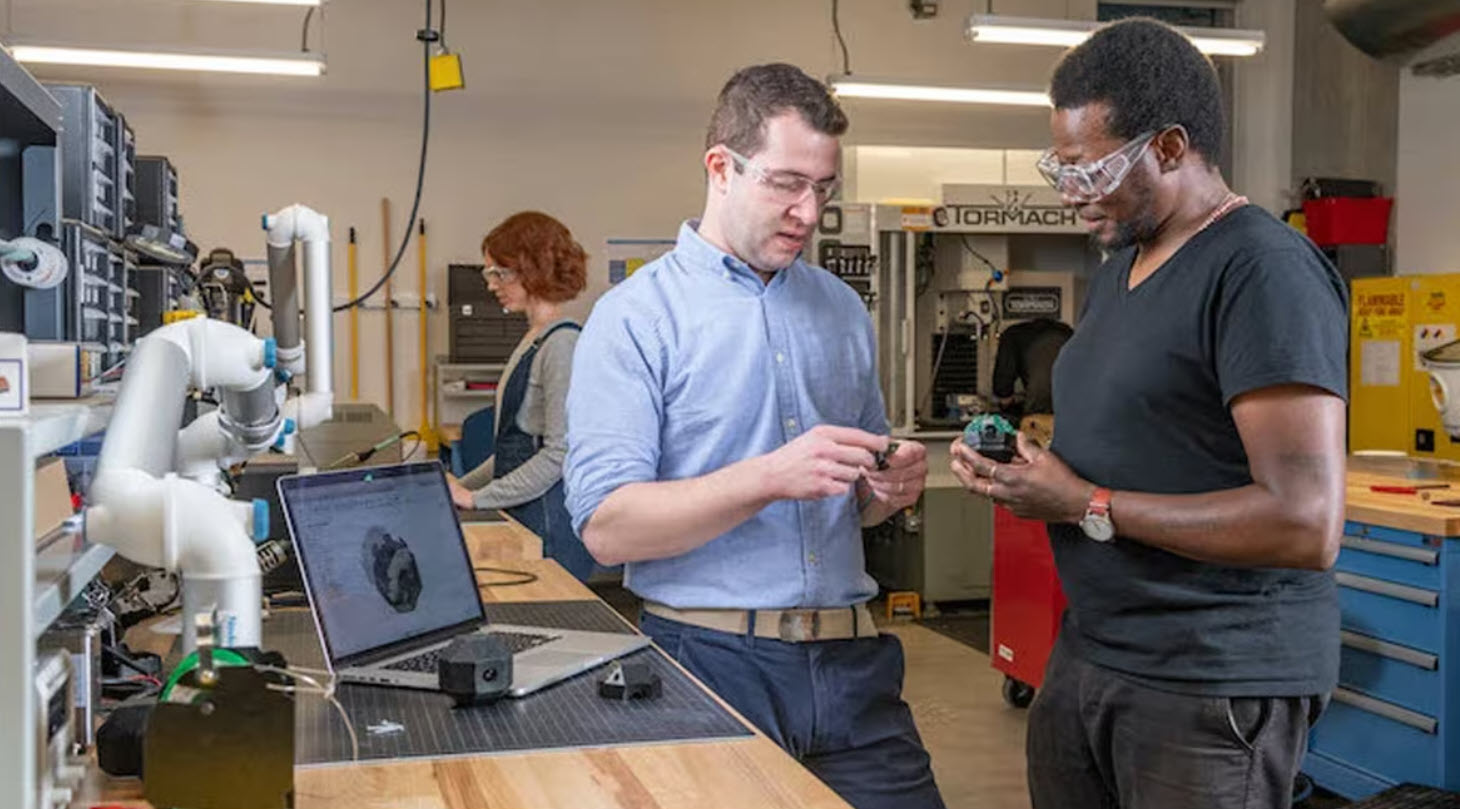
Design for Manufacturability in Fusion: From CAD Geometry to Production-Ready Parts
Learn how Fusion supports design for manufacturability by connecting CAD and manufacturing workflows, helping teams optimize machining, reduce cycle times, and move from design to production faster. Designing a great part is only half the challenge. The real test comes when that part reaches the shop floor. A design that looks perfect on screen can…
Manufacturing
-
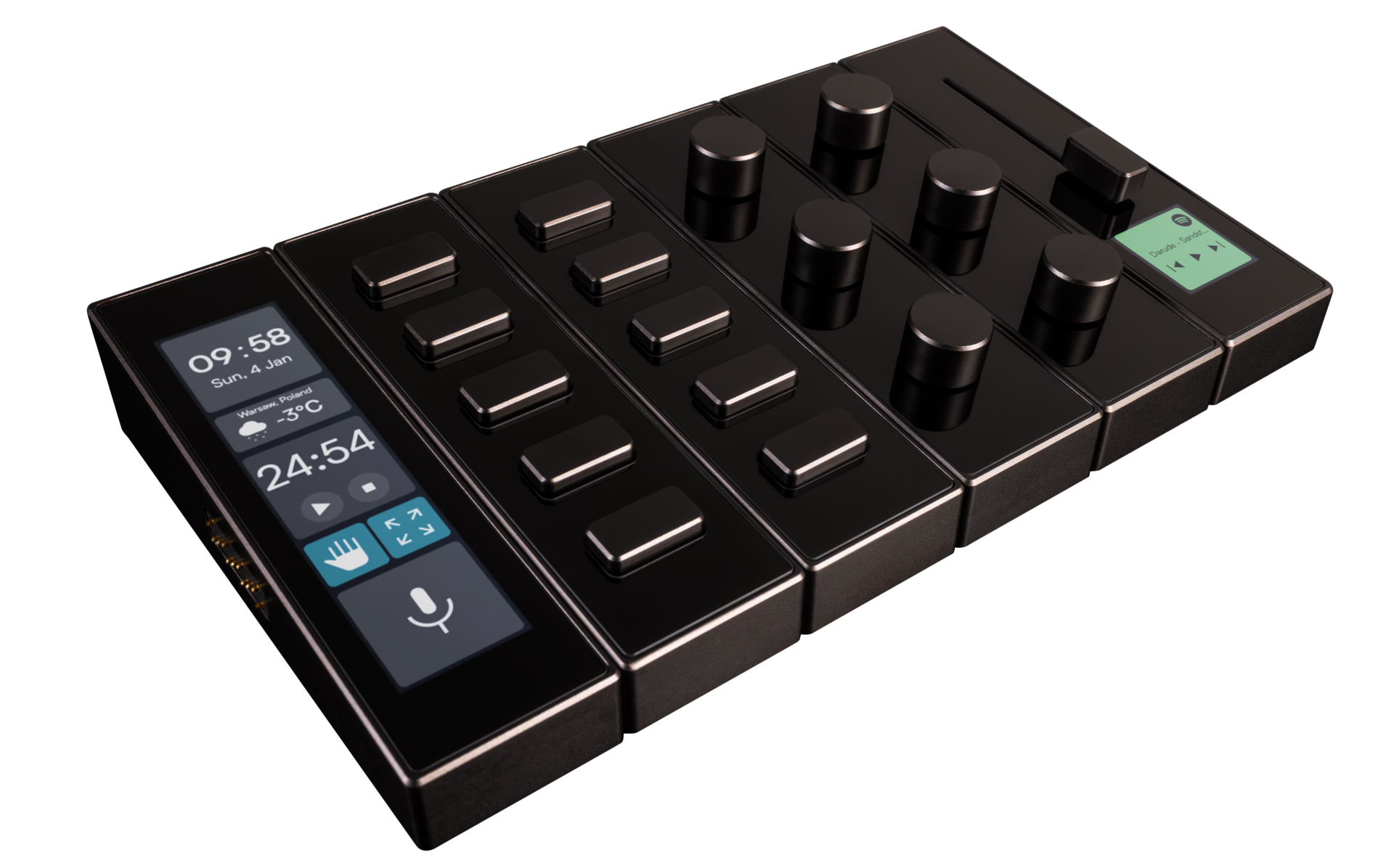
Shortcuts at Your Fingertips: modue Designs Modular Control Deck with Autodesk Fusion
modue is creating a more intuitive way to control and personalize gaming, music production, and everyday digital workflows. Using Autodesk Fusion from the earliest concepts through prototyping and production design, the team developed a modular control deck with customizable modules. After gaining more than 50 million social media views and raising roughly $400,000 on Kickstarter,…
Case Studies
-
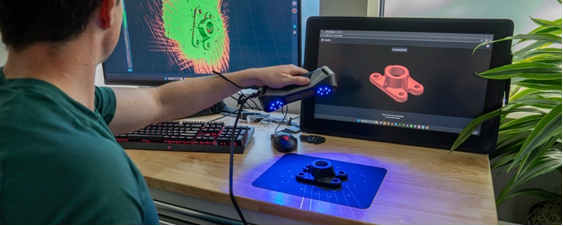
Turn 3D Scans Into Editable CAD Models in Autodesk Fusion with the New Backflip AI Add-In
The new Backflip AI add-in for Autodesk Fusion helps engineers move from scanned physical parts to editable, parametric CAD models-without leaving their Fusion design environment. Physical parts often contain valuable design information, but that information can be hard to reuse when the original CAD file is missing, a replacement part is no longer available, a…
News
-

Growing Faster Without Losing Control of Your Product Data with Cloud PLM
Growing product businesses need better ways to manage product data, revisions, and collaboration. Learn how cloud PLM helps small teams scale without the complexity of traditional systems. For years, Product Lifecycle Management (PLM) was viewed as something only large enterprises could afford. Implementing PLM often meant lengthy deployments, dedicated IT teams, expensive consulting engagements, and…
Data management
-
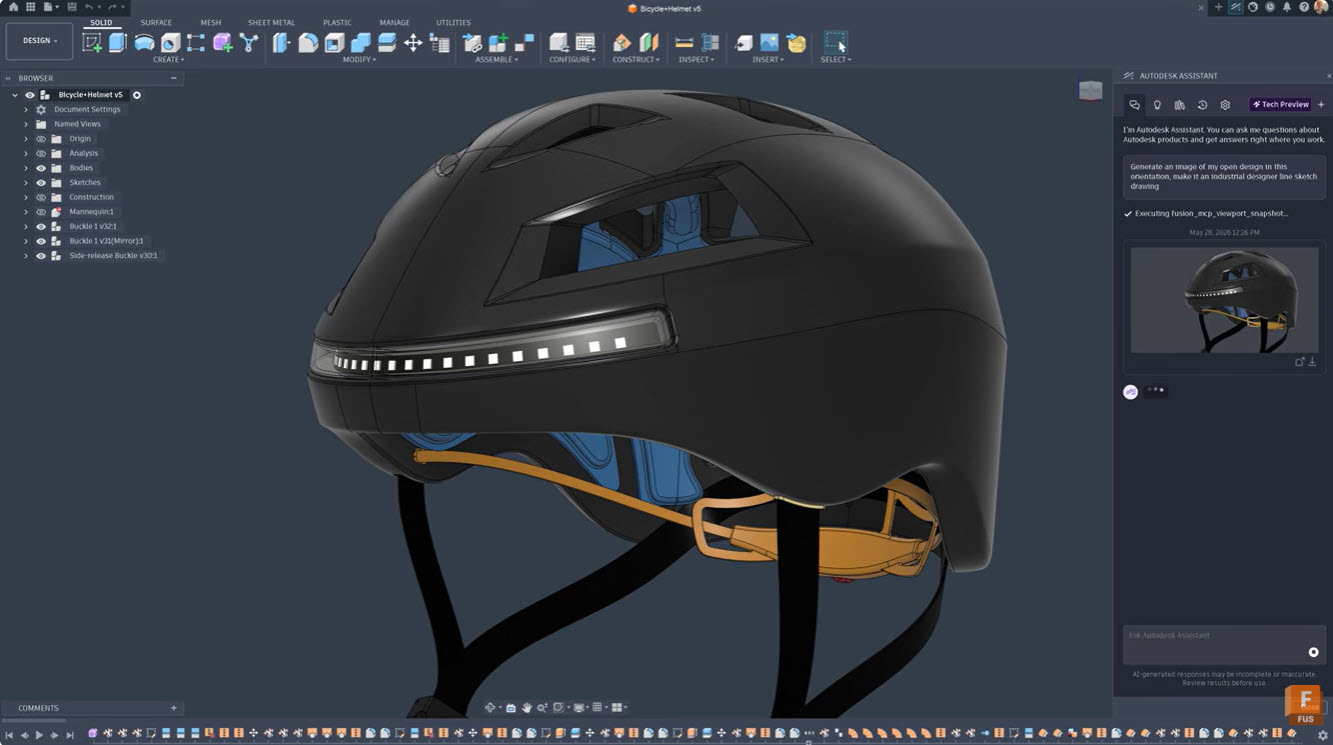
How Designers Are Using AI to Explore More Ideas Faster
Discover how designers are using AI to explore more concepts, accelerate product development, and bring better products to market faster. Learn how Autodesk Fusion helps teams innovate with AI-powered workflows. Product designers have never struggled with ideas. They’ve always struggled with time. Every project begins with possibilities. One sketch becomes five. Five concepts become twenty…
Product Design & Engineering
-
Autodesk Fusion FAQ: 15 Common Questions, Answered Directly
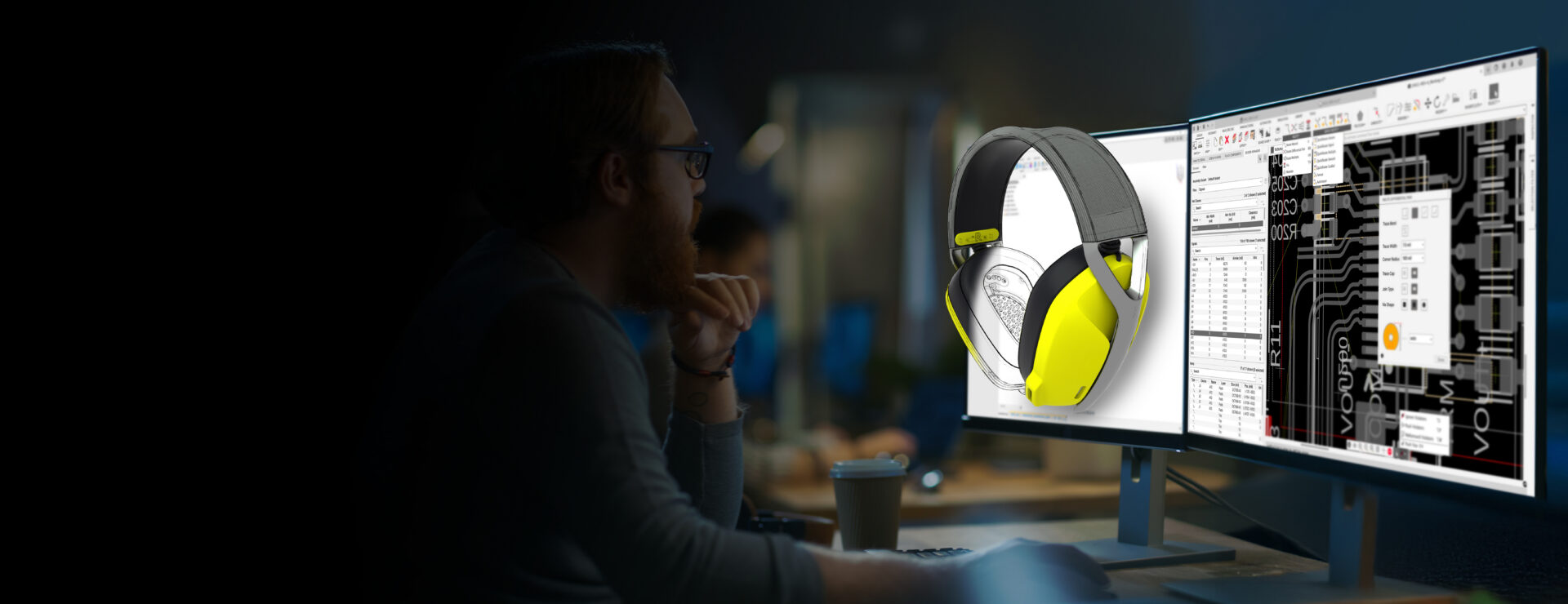
Get answers to 15 of the most common Autodesk Fusion questions. Learn about Fusion’s CAD, CAM, CAE, AI tools, cloud collaboration, pricing, manufacturing workflows, and professional engineering capabilities. If you’re evaluating CAD software, comparing product development platforms, or researching whether Autodesk Fusion is the right fit for your team, you’re not alone. These are some…
Fusion
-
Why More Engineers Are Using Simulation Earlier in Product Development with Autodesk Fusion
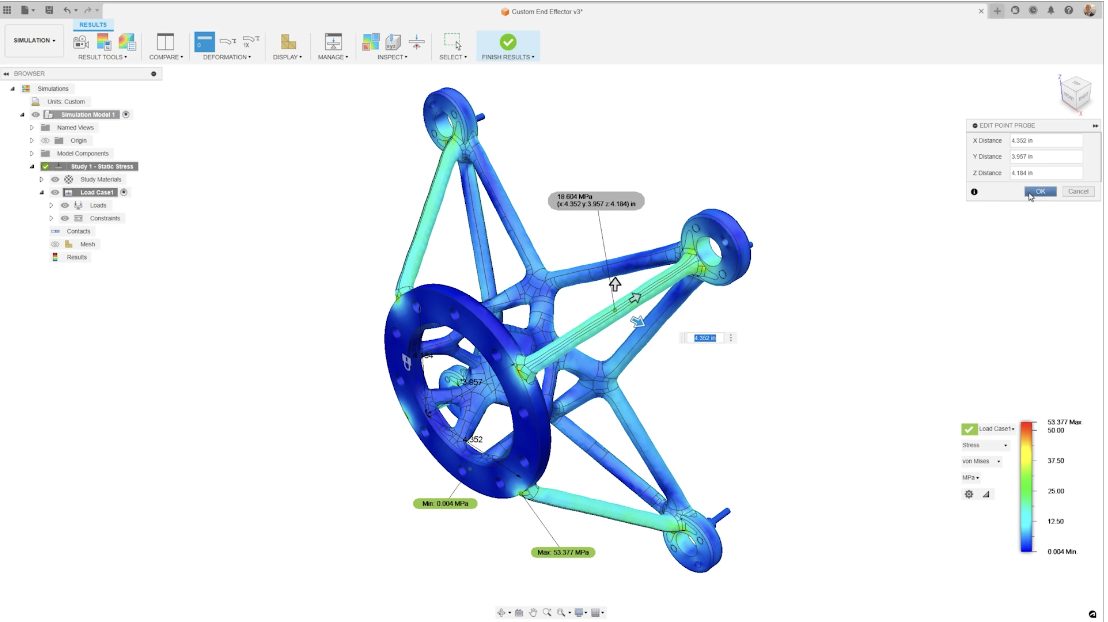
Explore Autodesk Fusion simulation capabilities, including FEA, thermal, modal, event, and generative design tools that help engineers validate designs earlier. Design decisions made early in development have impact on product cost, performance, and manufacturability. Yet many engineering teams still rely on physical prototypes to uncover issues that could have been identified long before the first…
Mechanical Engineering
-
How Small Manufacturers Can Compete with Limited Resources
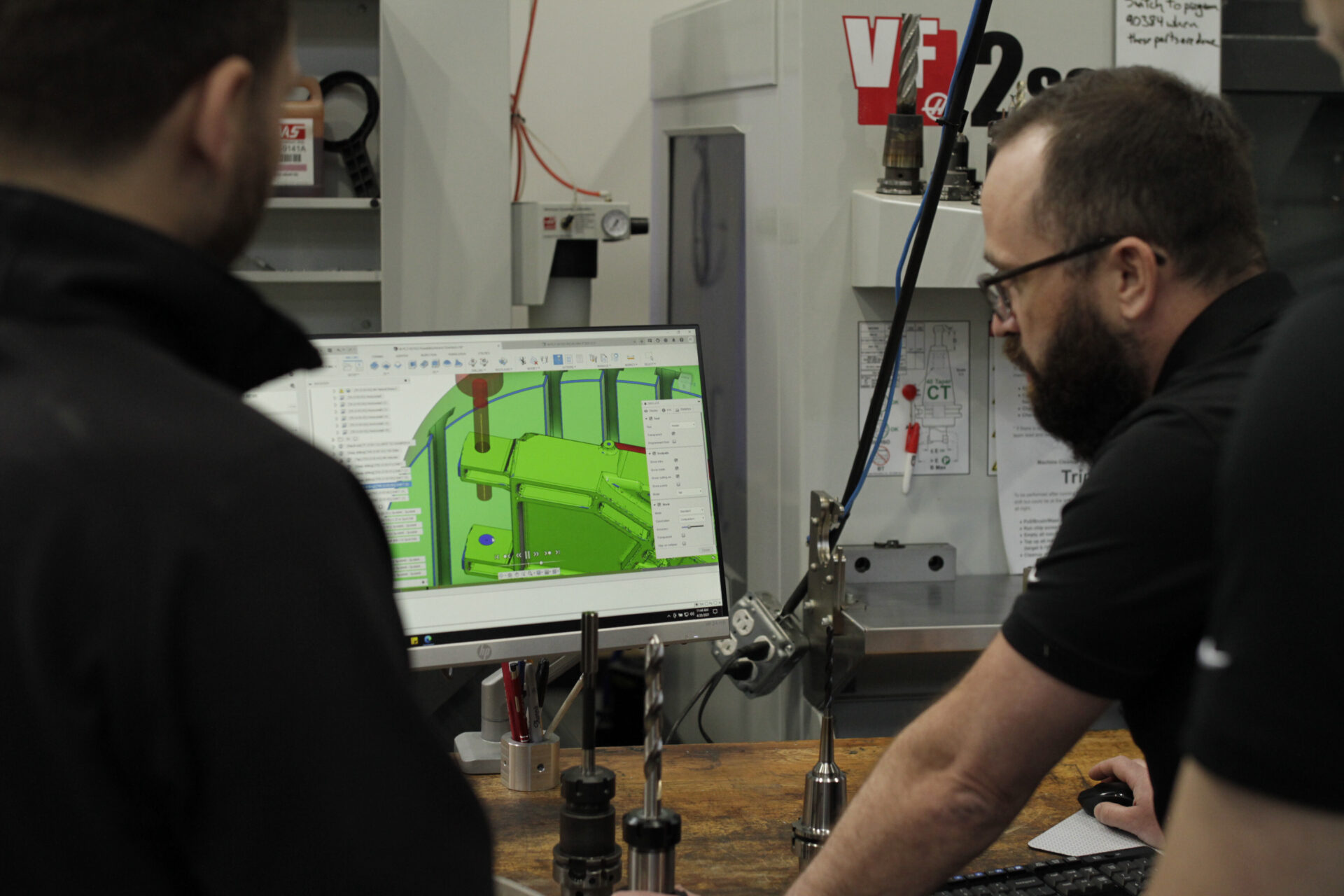
Learn how small manufacturers can improve efficiency, reduce costs, accelerate product development, and compete with larger companies using modern design and manufacturing technology. Large manufacturers often have bigger budgets, dedicated engineering teams, specialized software, and extensive supply chains. For smaller manufacturers, competing against that scale can feel overwhelming. Yet some of the most innovative products…
Fusion
-
What Is Autodesk Fusion? A Complete Overview
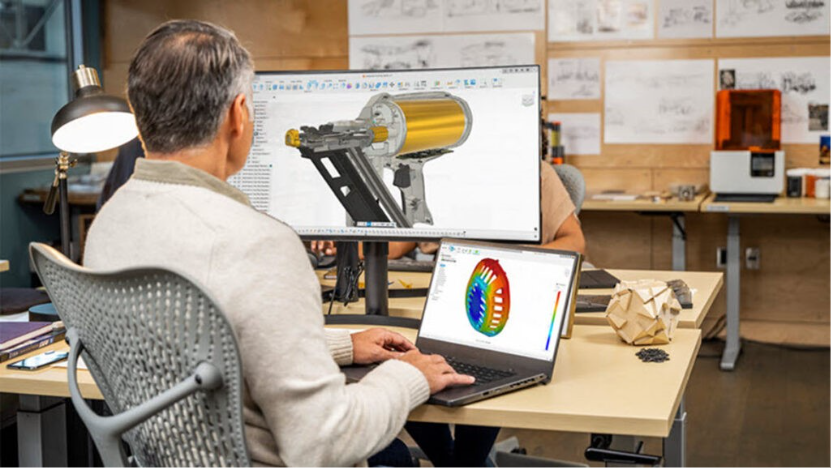
Autodesk Fusion, formerly Fusion 360, is a platform for 3D CAD, CAM, CAE, PCB design, data management, and manufacturing. Learn what Autodesk Fusion includes, who it’s for, and how to get started. Autodesk Fusion, formerly Fusion 360, is an integrated product development platform for 3D CAD, modeling, manufacturing, industrial design, electronics, mechanical engineering, and data…
Fusion
-
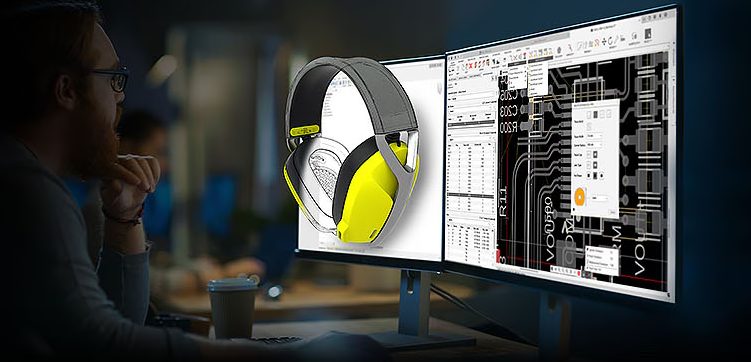
How Much Does Product Development Software Really Cost? (Beyond CAD Licenses)
Discover the true cost of product development software. Compare CAD, CAM, PDM, collaboration, and IT costs to evaluate total cost of ownership. Quick answer: Product development software costs often extend far beyond a CAD subscription. Many organizations pay separately for CAD, CAM, simulation, data management, collaboration tools, IT infrastructure, and the hidden costs of revision…
Fusion
-
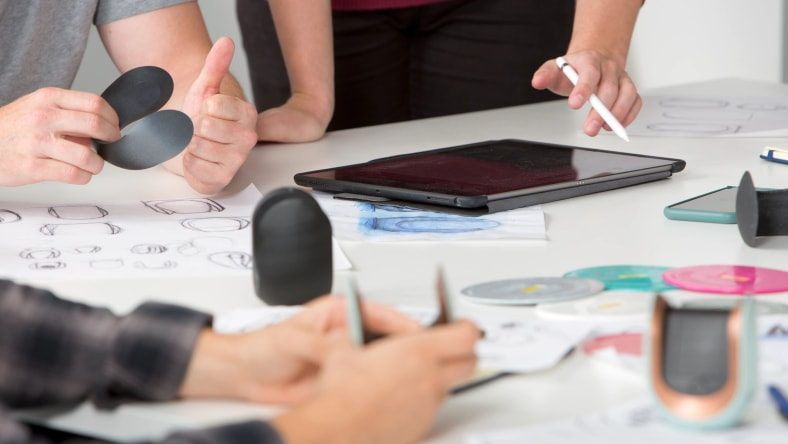
What Is Rapid Prototyping Software? A Complete Guide for Engineering Teams
Learn how rapid prototyping software accelerates product development with integrated CAD, simulation, and manufacturing workflows. See how Autodesk Fusion helps teams move from concept to prototype faster. Rapid prototyping used to mean one thing: build it, test it, learn from it, and build it again. The faster teams could iterate physical prototypes, the faster they…
Industrial Design
-
Using Collaborative Editing Hubs in Fusion: Managing Shared Part Numbers with the SPN Breakup Utility
Learn how Shared Part Numbers work in Fusion Collaborative Editing hubs, why unexpected part linking can occur, and how to use the SPN Breakup Utility to restore independent part numbers. A better foundation for collaboration If you’ve recently updated your Autodesk Fusion hub to collaborative editing (CE), you’re now working on a modern data management…
Data management
-

Kitchen Cabinet Design Software: What Professionals Actually Use
Choosing the right kitchen cabinet design software matters. Let’s take a look at what professionals use, from entry-level tools to full parametric CAD, and why Autodesk Fusion is the top solution. If you’ve spent time designing kitchen cabinets, you already know that the software you choose shapes everything downstream, including how fast you work, how…
Industrial Design
-
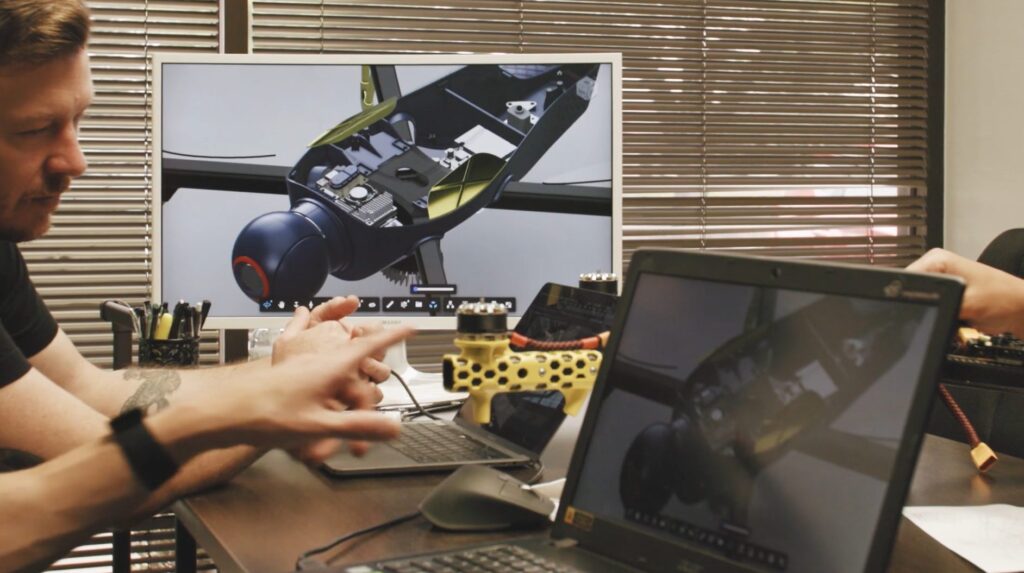
Design for Manufacturing (DFM): The Complete Guide for Building Products That Actually Ship
Design for Manufacturing (DFM) helps teams reduce costs, improve quality, and scale production by aligning design decisions with real-world manufacturing processes. Learn how it works. Most product failures don’t happen because of bad ideas. They happen because designs don’t translate cleanly into production. A part may look perfect in CAD but be difficult to machine.…
Manufacturing
-

When Should You Switch from SolidWorks, Creo, NX, or Solid Edge to Autodesk Fusion?
Evaluate whether the switch to Fusion is right for your team. Compare traditional CAD workflows, cloud collaboration, manufacturing integration, migration considerations, and more. Quick answer: Autodesk Fusion is a strong choice for teams that want integrated CAD, CAM, simulation, PCB/electro‑mechanical workflows, data management, and cloud collaboration in one connected platform. Traditional CAD systems remain powerful, but growing teams…
Thought Leadership