 Melisa Kaner
This post is also available in:
Discover how electronics design in Autodesk Fusion has evolved as EAGLE approaches end of access in June 2026, with far improved usability, smarter routing for complex designs, and a frictionless path from PCB design to manufacturing.

Elevate your design and manufacturing processes with Autodesk Fusion
With EAGLE access scheduled to end on June 7, 2026, we know many longtime users are thinking carefully about what comes next.
For more than 30 years, EAGLE has played a foundational role in making professional PCB design accessible to engineers, students, and makers around the world. Many workflows, habits, and even careers built on EAGLE still matter today, and that legacy continues to matter to us.
That’s why we want to take a moment to show how far electronics design in Autodesk Fusion has progressed. The experience has evolved to support more complex boards, tighter integration with mechanical design, and a smoother path from design to manufacturing, all while preserving the core principles EAGLE users value.
This is not an exhaustive list. It’s a practical look at some of the improvements we’re most excited about, especially for those planning their transition from EAGLE to Fusion.
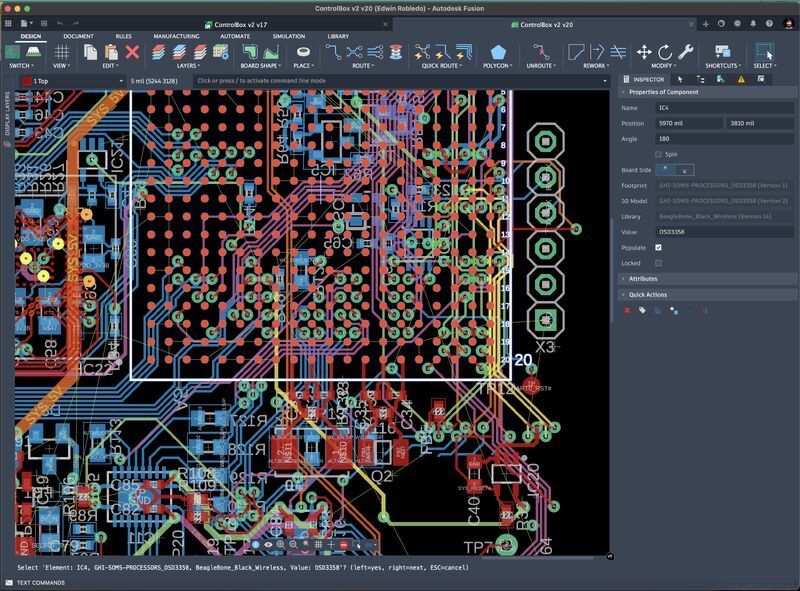
Work with larger, more complex boards without outgrowing the tool
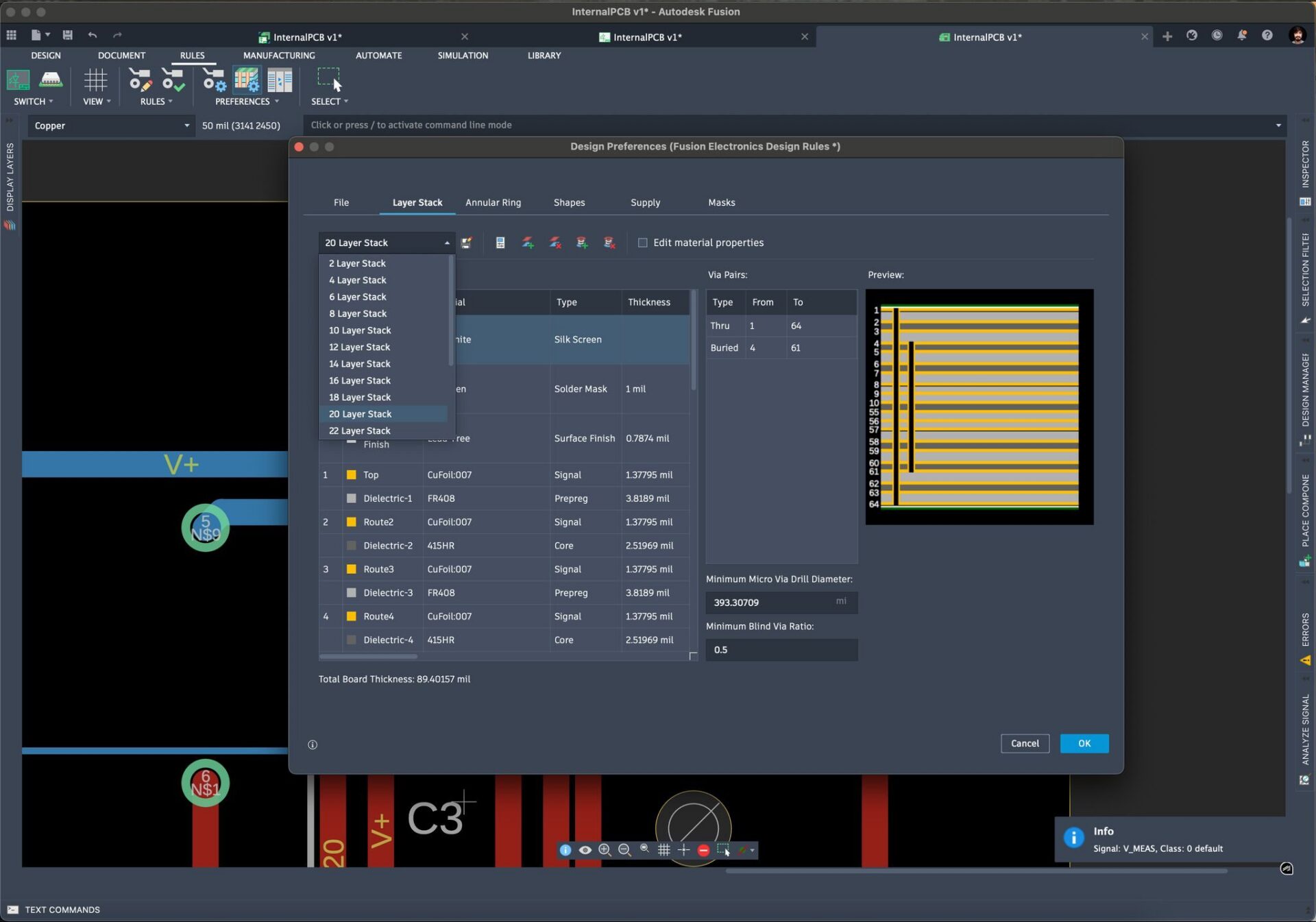
Fusion is built to handle more complex designs with confidence, whether you’re working across multiple sheets, dense layouts, or advanced stack-ups. We now support up to 64 copper layers compared to EAGLE’s 16, giving you significantly more headroom as your designs grow. The upgraded layer stack manager also makes it easier to define and manage real-world stack-ups with greater control. For free student and hobbyist users, board size limitations have been relieved, and layer limitations have lifted from 2 to 4 layers.
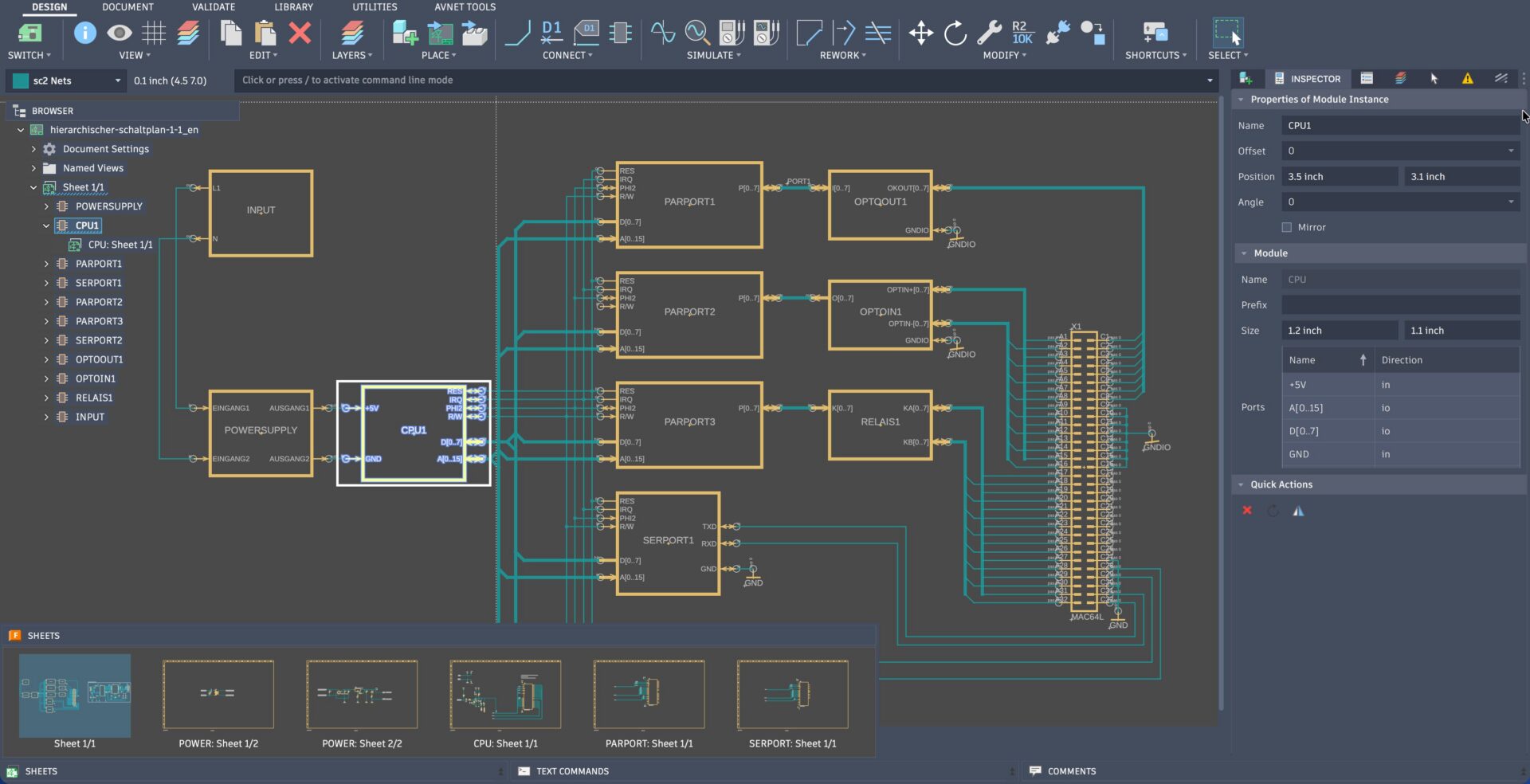
Working with hierarchical designs and reusable modules is easier than ever. The electronics browser gives you a clear overview of sheets and modules. Improved port selection and connectivity make it easier to define and follow signals across your design levels. As your design complexity increases, flattened reference designators help keep your reference designators readable and scalable.
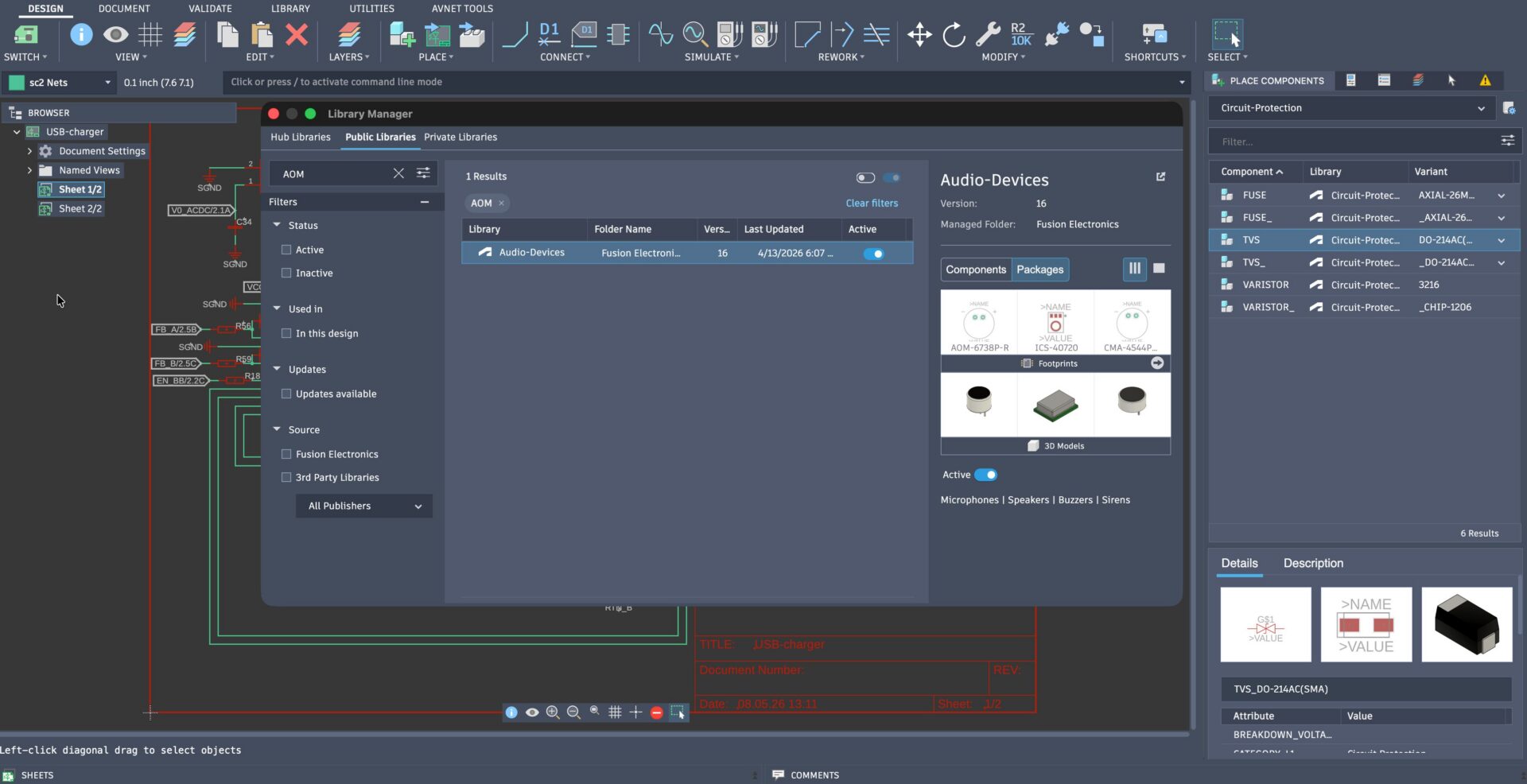
Spend less time fighting libraries and components
We’ve heard your feedback on our library experience and we’ve put that feedback into action, simplifying the process of finding or creating the components you need.
New tools enable you to seamlessly migrate your existing EAGLE data into the Fusion ecosystem, eliminating confusion around library types. We’ve also improved our search capabilities, expanded our collection of components, and now support more intuitive browsing for public libraries using component names.
The new component authoring experience is approachable and powerful. You can now avoid lengthy steps by uploading and attaching your STEP files directly to your components or incorprate 3rd party icomponents quickly & easily into your existing library structure.
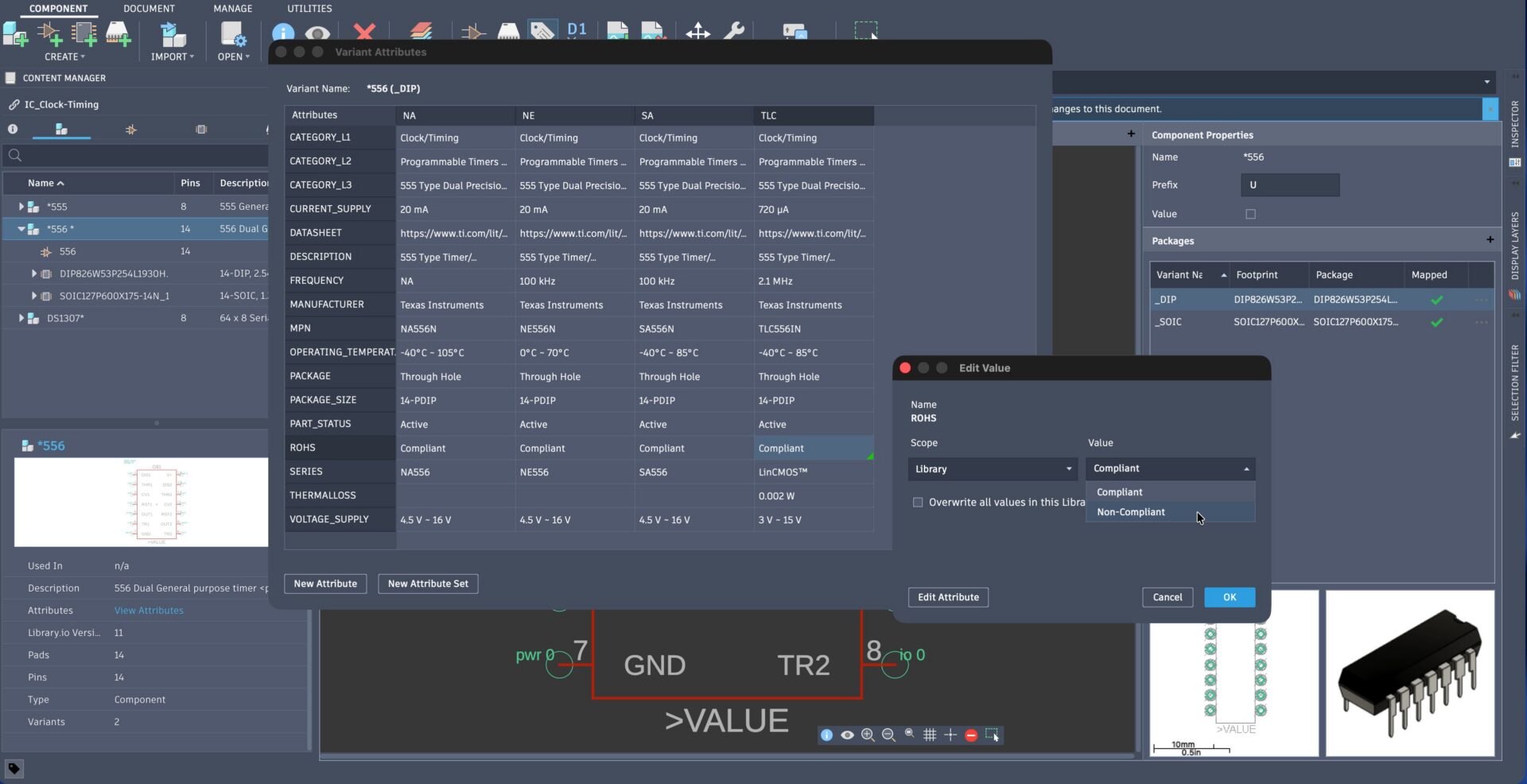
Lengthy attribute administration is a thing of the past with our new hierarchical attribute experience. Our new attributes editor supports defining attributes for all levels of granularity, copying values between components, customizing value scopes, and much more. This gives you the tools you need to easily manage and maintain fully defined attribute sets. You can use attributes throughout the compoennet search experience & are easy to view during placement.
Design and route your boards faster with built-in intelligence
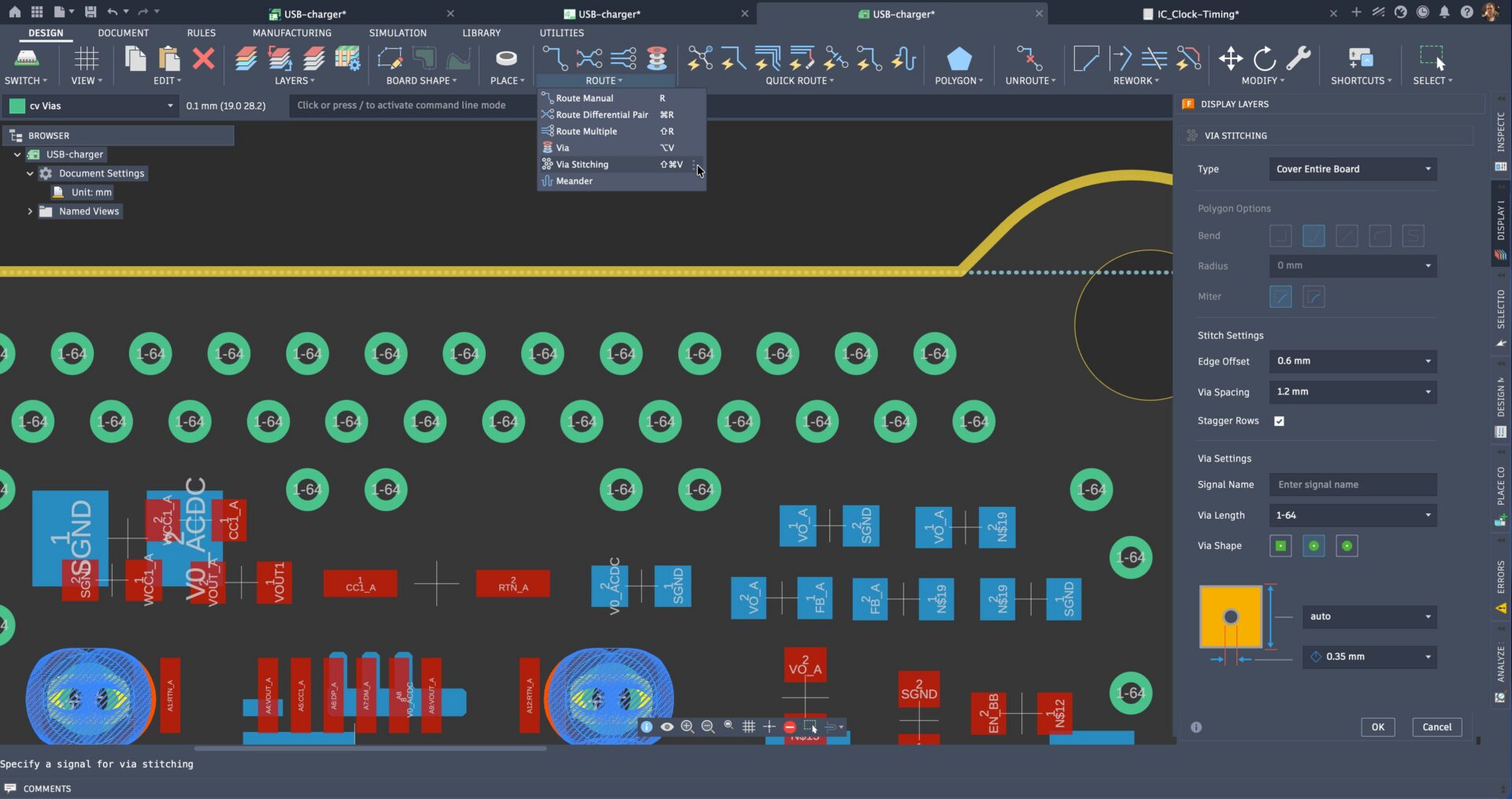
Save hours of rework with our advanced obstacle avoidance (push & shove) capabilities, integrated at the core of our design system. This, paired with our constraint-driven via stitching & teardrop capabilities, positions Fusion electronics as a partner to your design process.
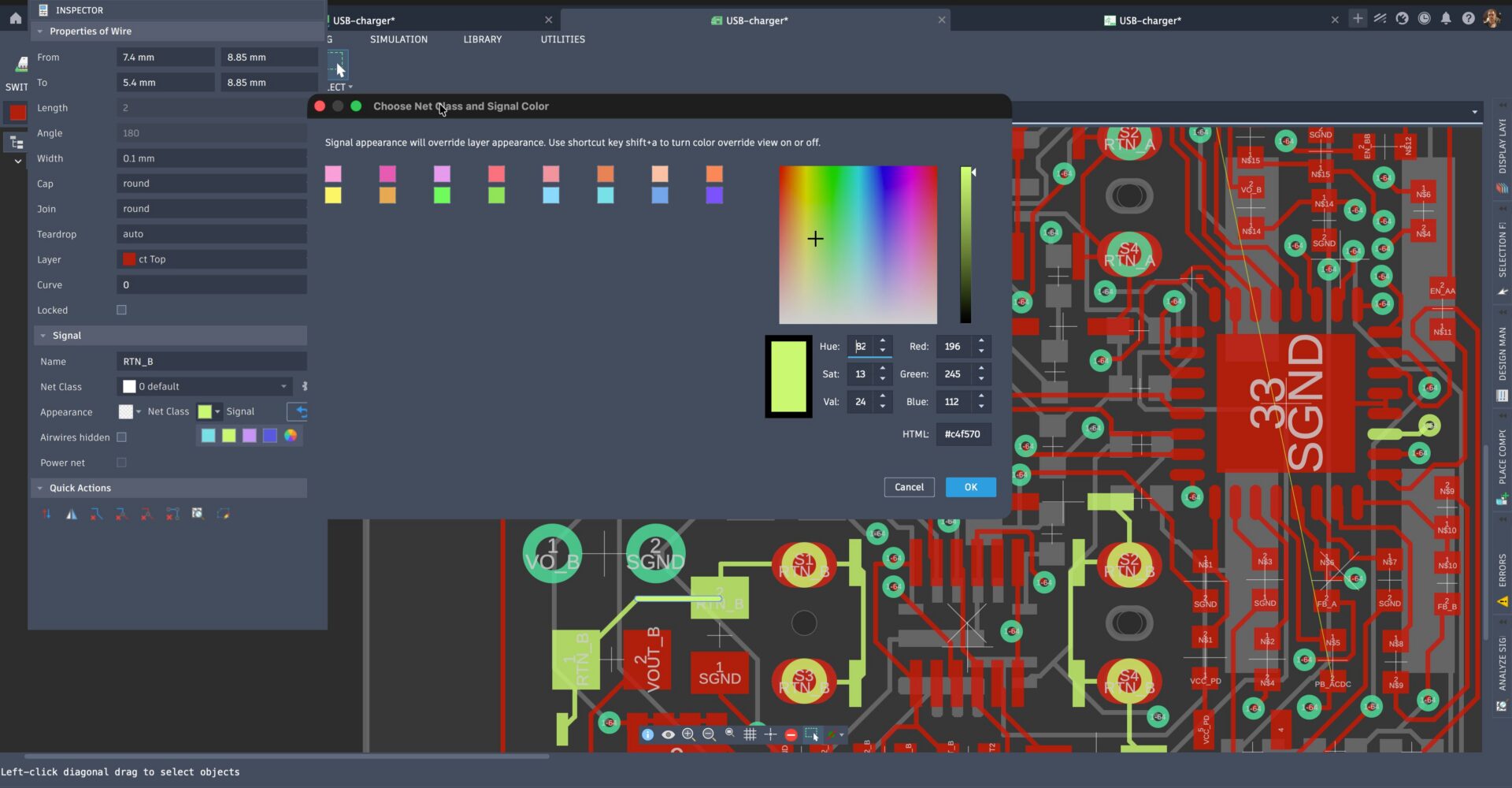
We’ve not taken the simple things for granted. You also have the ability to remove un-used copper pads for high-density routing or color coded nets to maintain clarity as designs grow in complexity. You can now quickly identify signals, reduce routing errors, and stay in control even in dense layouts.
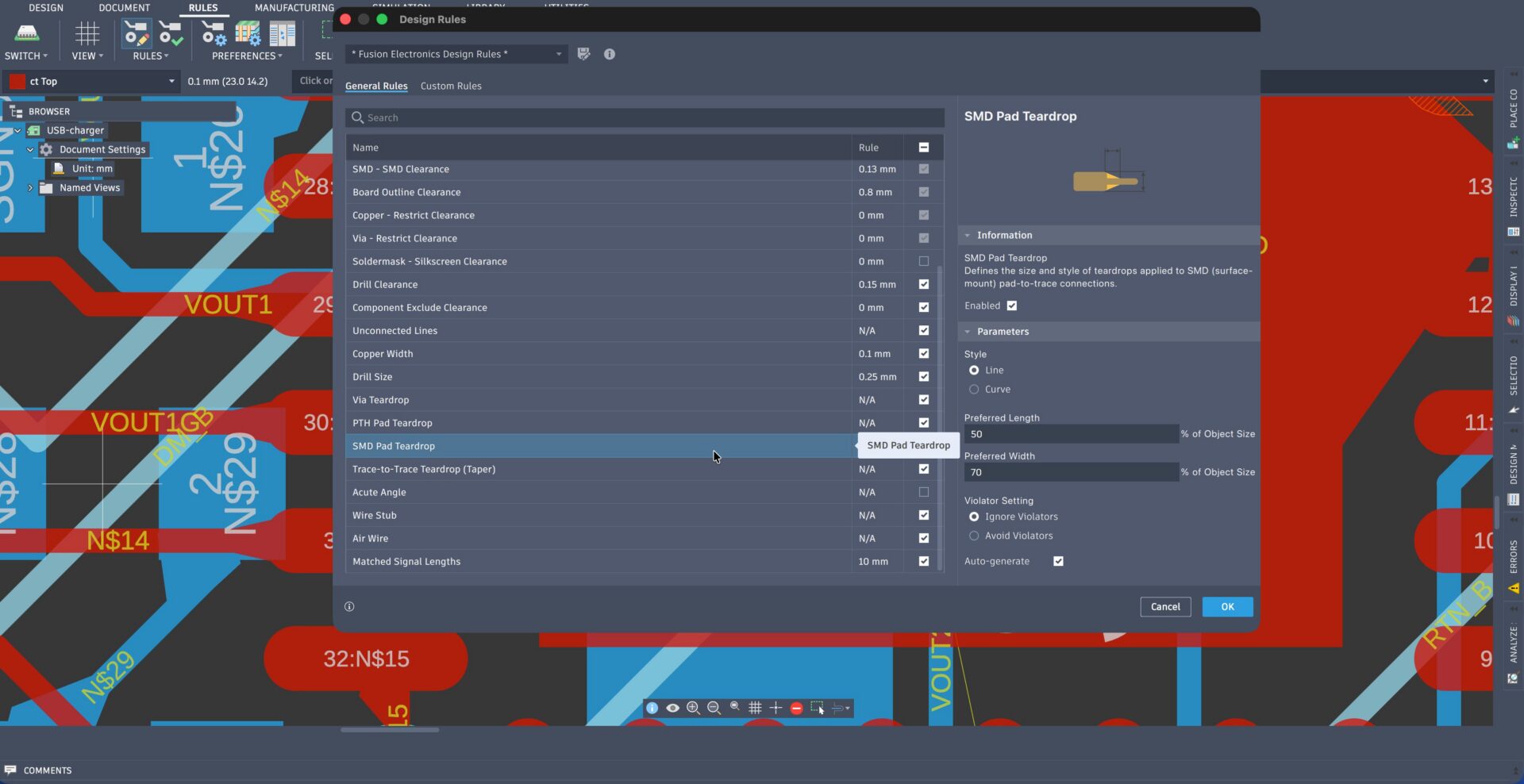
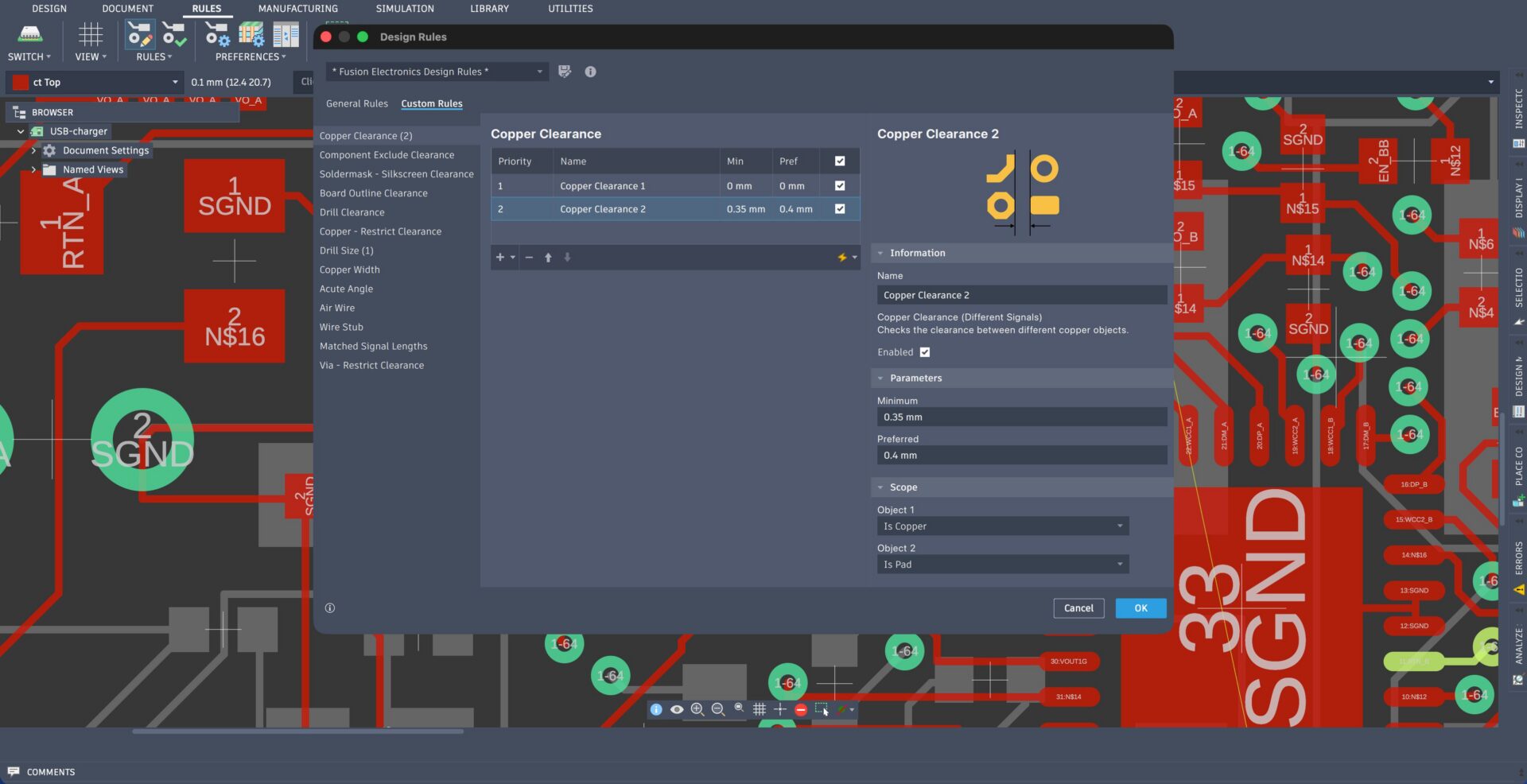
Our design rules system has become far more capable. Specific scopes (from individual nets and components to entire classes of signals) can now be targeted, enabling you to define constraints exactly where they matter. This unlocks complex requirements for high-speed routing, spacing, and manufacturing constraints without overcomplicating your setup.
Continued performance improvements
Performance continues to be a primary focus across Fusion electronics, with many steadily delivered over the past several years. We know delays slow you down, so we’ve made focused performance improvements over key areas of your workflow.
Everyday tasks like navigating large designs, editing schematics, and routing dense boards are now noticeably more responsive, with faster load, save, and switching times. Workflows between schematic, PCB, and 3D PCB have also become more fluid, reducing manual steps and making the overall design experience smoother and more predictable.
Stay in one tool from design to manufacturing
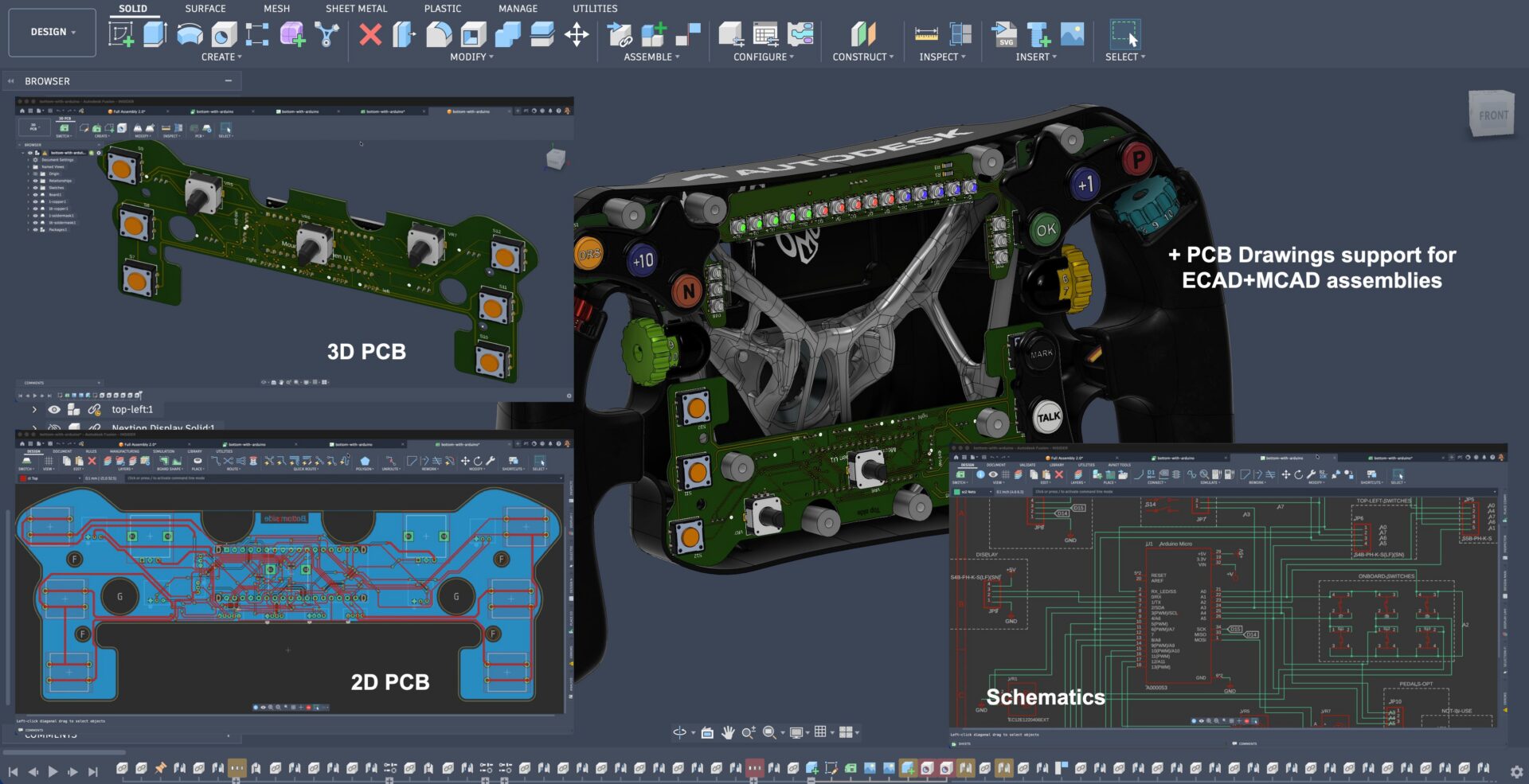
ECAD and MCAD collaboration in Fusion is best-in-class, bringing electronics and mechanical design together in a single, unified environment. Associative 2D and 3D PCB workflows allow changes to flow seamlessly between board and enclosure. This keeps everything in sync without manual rework. Updates between electronics & mechanical environments are complete with a single click. It’s now much easier to validate fit, form, and function as part of one continuous design process. This turns what was once a disconnected workflow into a fully integrated design ecosystem.
BOM management
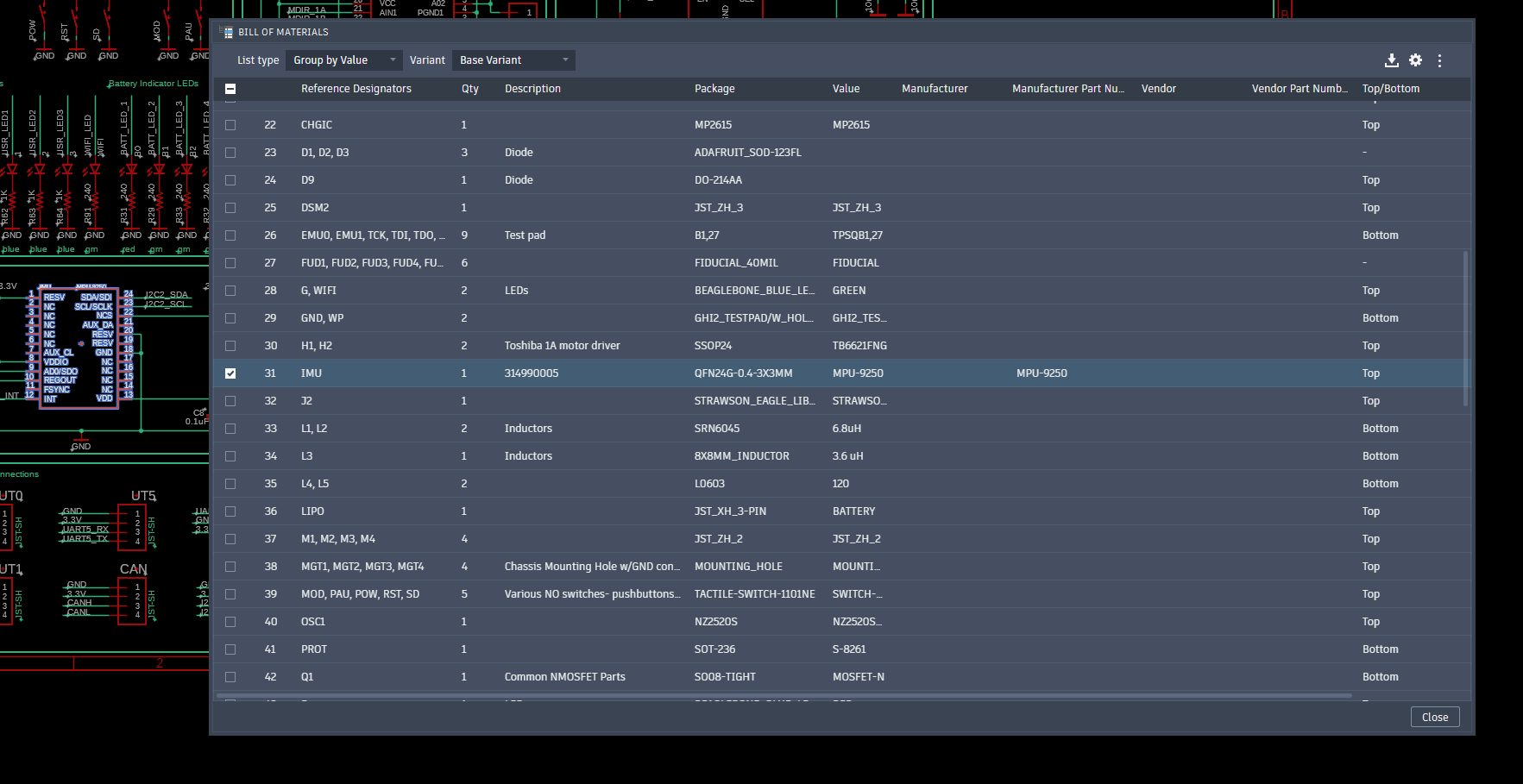
Generate BOMs natively with flexible export options, renumber reference designators easily, and manage component attributes directly, without relying on scripts.
Documentation
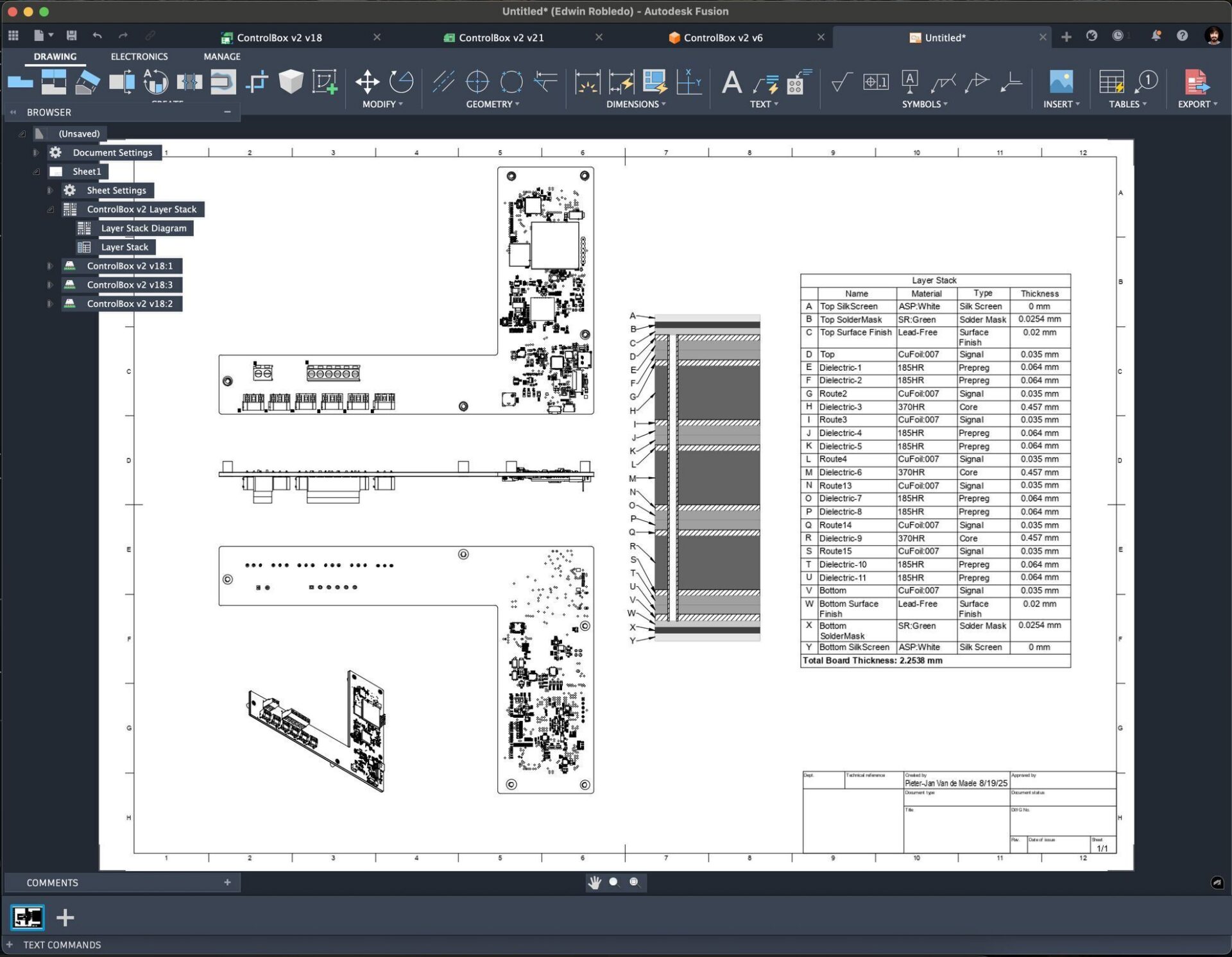
Manufacturing & documentation output is a first-class experience in Fusion. Not only do we now support ODB++, but you can generate full fidelity drawings within our dedicated drawings workspace in just a few clicks (no matter where your PCB is in your design hierarchy). Your documentation updates in lockstep with your design, ensuring you’re always up to date without manual rework or intervention needed. Design for manufacturing is easier than ever with automatic mask/stencil generation support.
Collaborate and manage your designs without conflicts
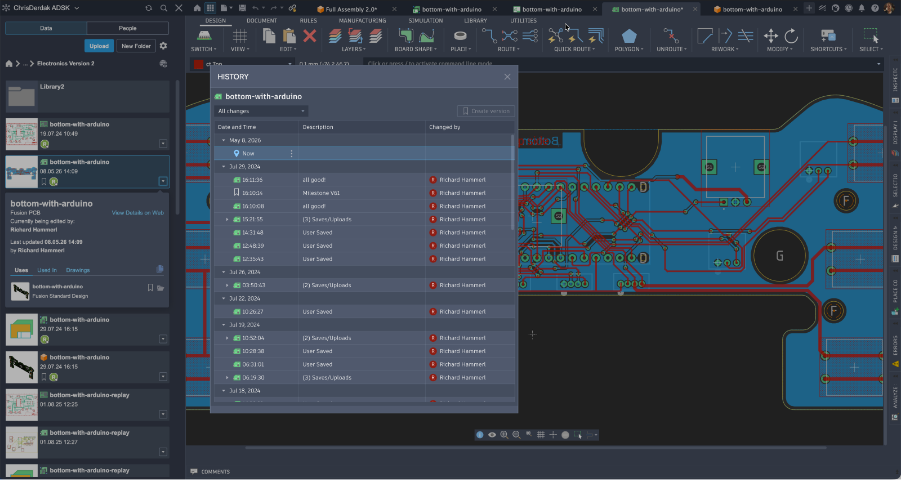
Collaborating on designs is predictable and conflict-free, using native reservation mechanics , helping you coordinate your changes across teams. Your work is automatically versioned and managed, giving you a complete history and a safety net without relying on manual file management. This allows you to focus on designing, knowing your data stays organized, in sync, and protected at every step.
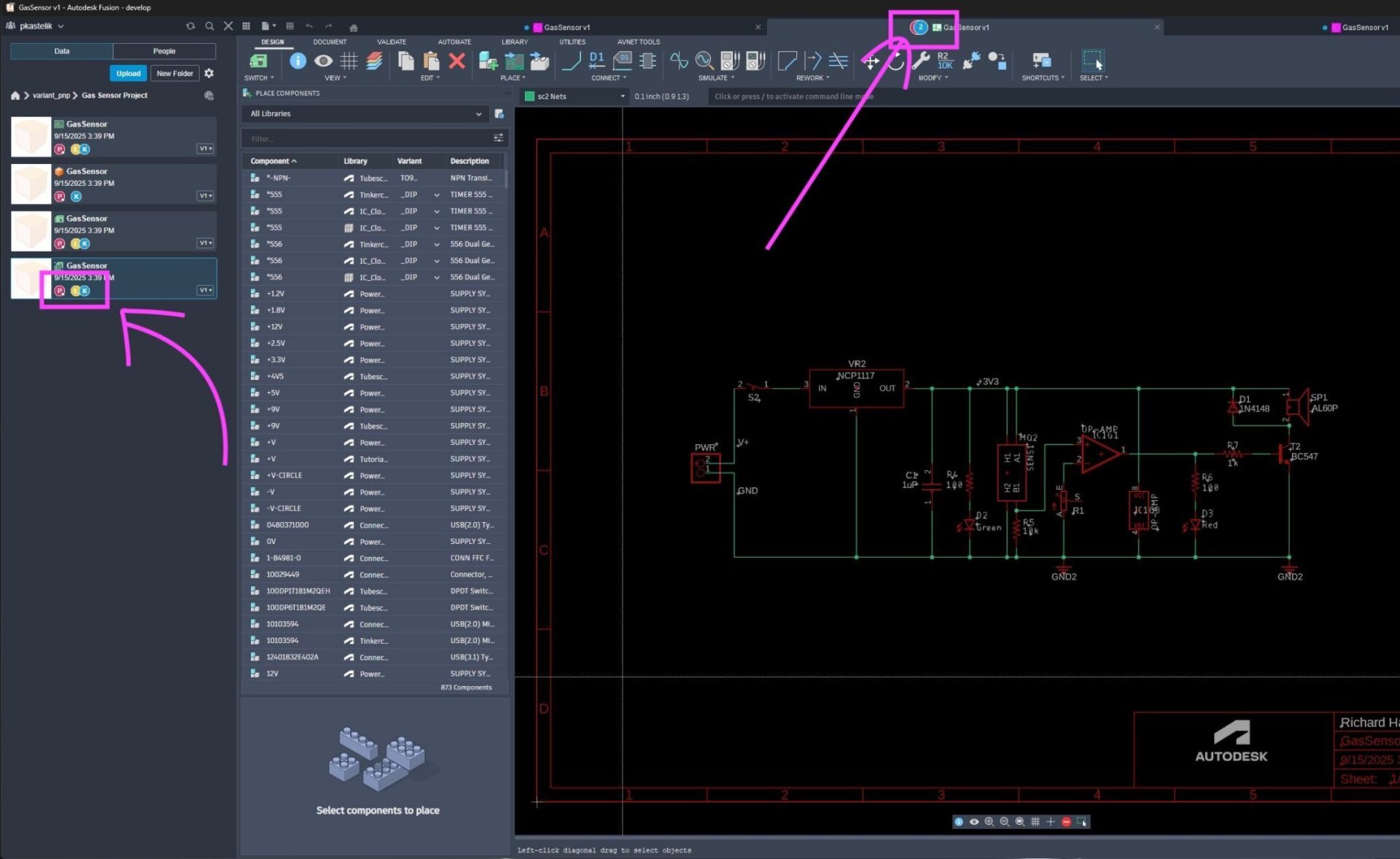
At its core, Fusion Electronics retains the heartbeat of EAGLE. The same foundational ideas, clarity, efficiency, and design intent, continue to shape how the electronics workspace works today. Your investment in EAGLE hasn’t been lost; your designs, libraries, and experience carry forward into a dedicated, high‑performance electronics environment built to scale with your future needs.
We recognize many of you have tried Fusion electronics in the past and for some, it didn’t yet match the speed, flexibility, or familiarity you expected. That’s why we’ve spent the past few years addressing that feedback directly, and the experience today is significantly faster, more stable, and more capable than its early releases.
As EAGLE’s end of access approaches, our goal is simple: to ensure you have a clear, capable path forward that supports the way you design today, and gives you the room to grow tomorrow.
Get started today with the easy-to-use EAGLE to Fusion transition guide.