-
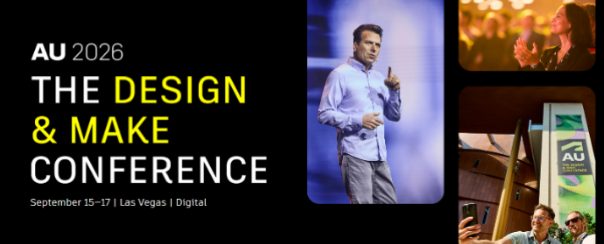
How AI Is Reshaping Product Development: Fusion Sessions You Can’t Miss at AU 2026
Explore Autodesk Fusion sessions at AU 2026 covering AI-assisted design, engineering, manufacturing, and product development, and see how teams are combining AI with human expertise. The most successful design and manufacturing teams are using AI to automate repetitive tasks, generate options, analyze data, and accelerate workflows, while relying on human creativity, engineering judgment, and manufacturing…
Fusion
-
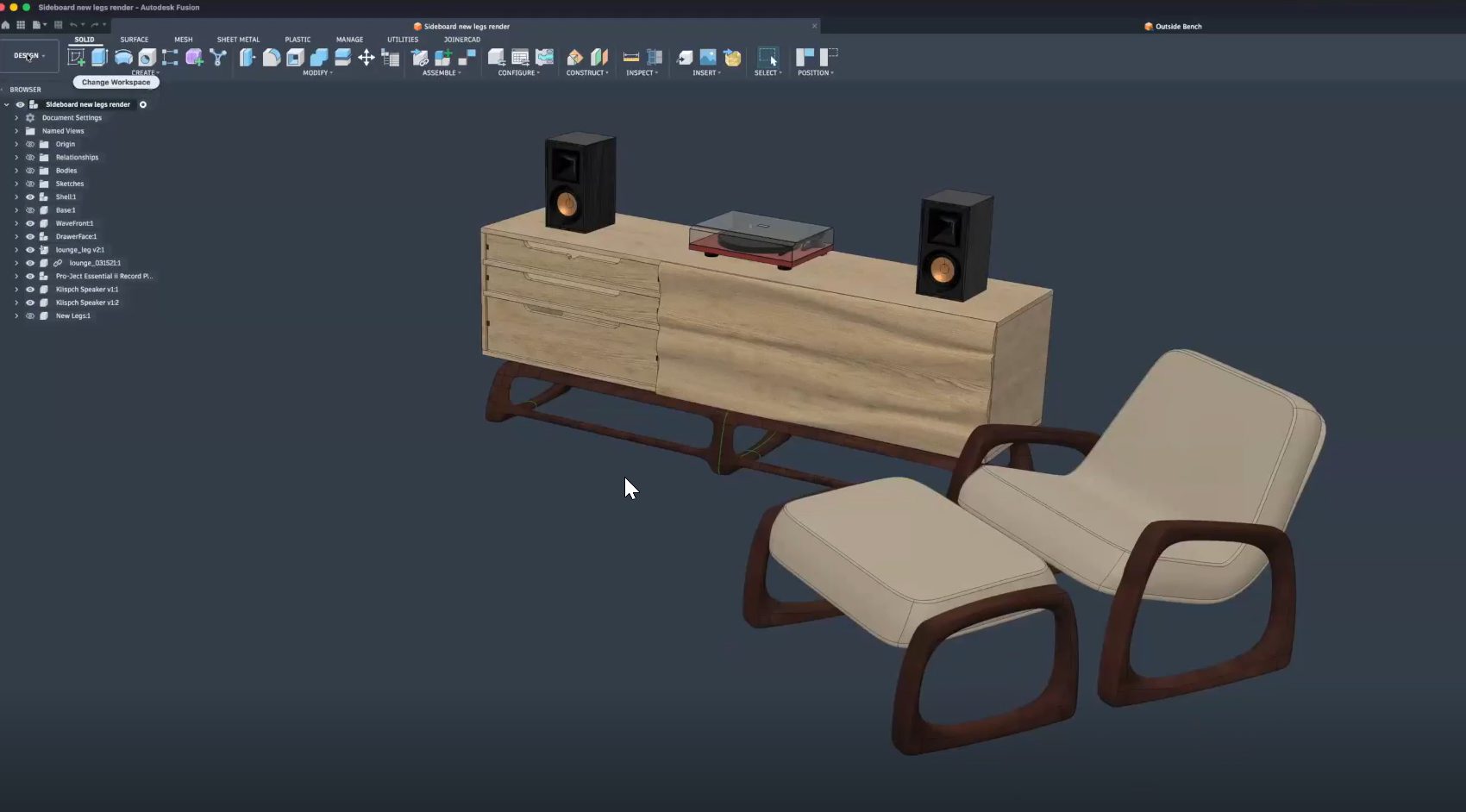
From Design to CNC: Streamlining Furniture Production with Autodesk Fusion
Learn how furniture manufacturers can streamline production from CAD to CNC using Autodesk Fusion to connect design, toolpaths, nesting, and machines in one workflow, reducing errors and rework. Furniture manufacturers face growing pressure to deliver customized products faster, without sacrificing quality or margins. As product variety increases and timelines shrink, disconnected software and manual handoffs…
Fusion
-

Partner-Led Fusion Sessions: Exploring the Future of Product Development at AU 2026
Explore the top partner-led Autodesk Fusion sessions at AU 2026 featuring Naya, Vizcom, and Avnet as they talk about all things related to AI, product development, automation, and connected workflows. Product development is increasingly connected. Designers, engineers, manufacturers, and product teams are no longer working in isolated systems. AI, automation, supply chain intelligence, and collaborative…
Fusion
-
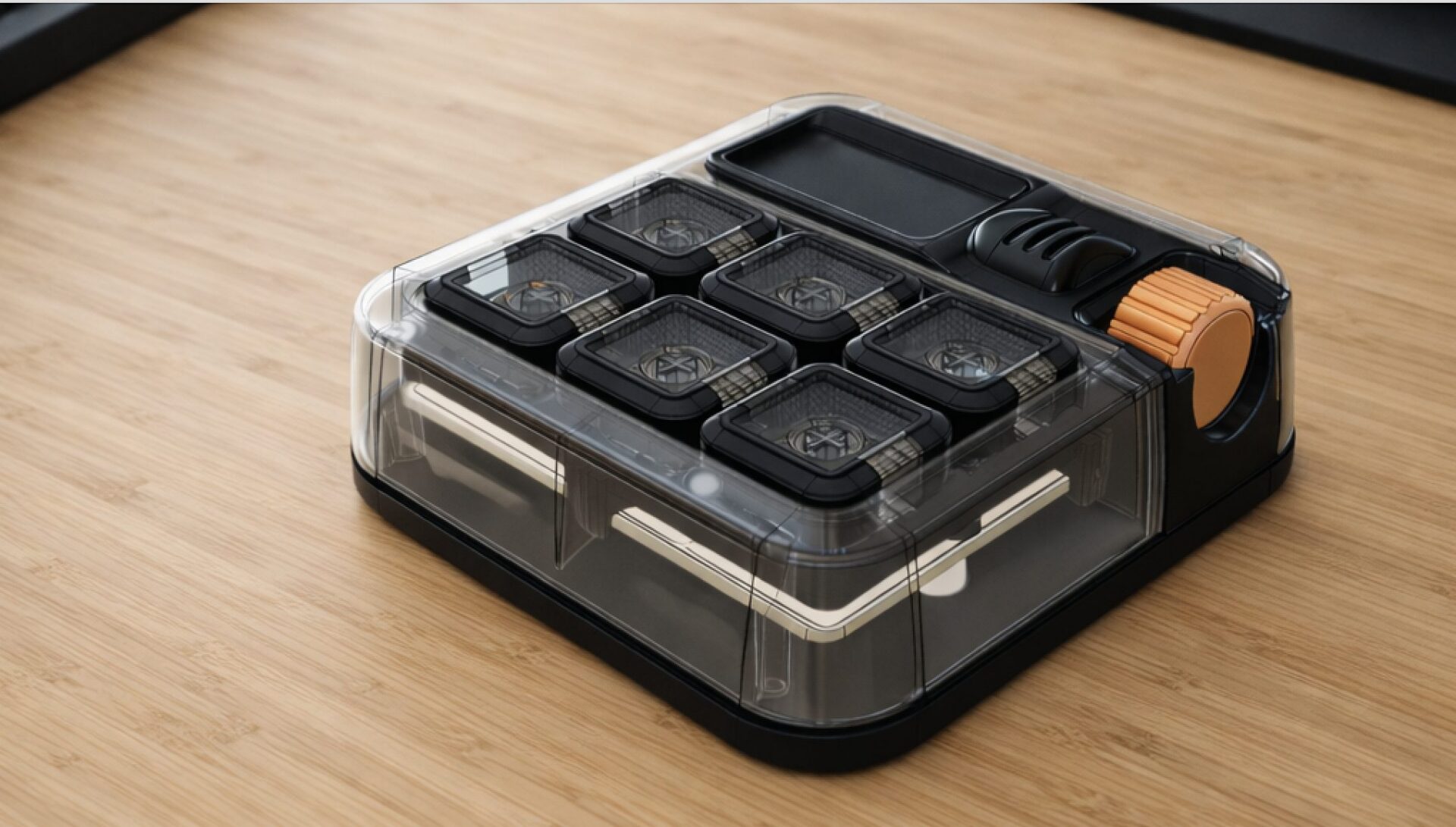
Introducing the Autodesk (micro) Macro Keypad at AU2026
Celebrating 10 years of the Factory with the next evolution of the Autodesk Keypad. This year marks the 10th anniversary of the Factory Experience. Since its debut at Autodesk University in 2016, the Factory has showcased the complete product development journey from concept and design to manufacturing and production through a new, hands-on product each year.…
Fusion
-
Autodesk University 2026: Must-Attend Design & Manufacturing Sessions
Planning your AU 2026 schedule? Don’t miss these Autodesk Fusion sessions on design, engineering, manufacturing, AI, collaboration, and the digital thread. Every year, Autodesk University brings together designers, engineers, manufacturers, and innovators to learn from industry leaders, discover new workflows, and see where Autodesk technology is headed next. AU 2026 is no exception. Whether you’re…
News
-

Built-in PDM and PLM in Autodesk Fusion: How It Works and Why It Matters for Engineering Teams
Learn how Autodesk Fusion’s built-in PDM and Fusion Manage PLM help engineering teams reduce silos, improve revision control, automate workflows, and maintain a single source of truth across product development. For many engineering organizations, the biggest bottleneck isn’t CAD performance, simulation accuracy, or manufacturing capacity. It’s information. The right design exists somewhere. The latest revision…
Data management
-
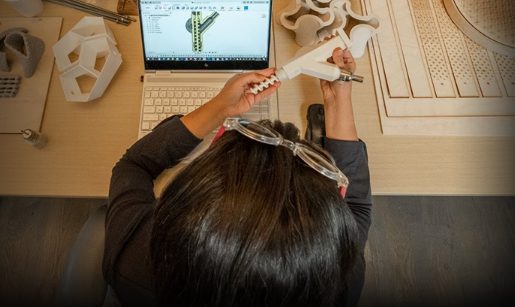
Fusion for Personal Use: The Best Free Design and Make Tool You Should Consider Upgrading
Explore Autodesk Fusion for personal use, including what’s free, feature limitations, and when it’s time to upgrade. Compare Fusion for Personal Use vs. Autodesk Fusion and discover the advanced design, manufacturing, simulation, collaboration, and data management tools available with a full subscription. Maybe you’re designing parts for a 3D printer, building custom furniture in your…
Fusion
-

Autodesk University 2026: Top Product Development Sessions You Should Attend
Discover the top Autodesk Fusion product development sessions at AU 2026 covering AI, PLM, product design, optimization, digital transformation, and connected workflows. Products are becoming more complex, customer expectations are rising, and teams are being asked to deliver faster with fewer resources. At the same time, AI, connected workflows, and digital transformation are creating entirely…
Fusion
-
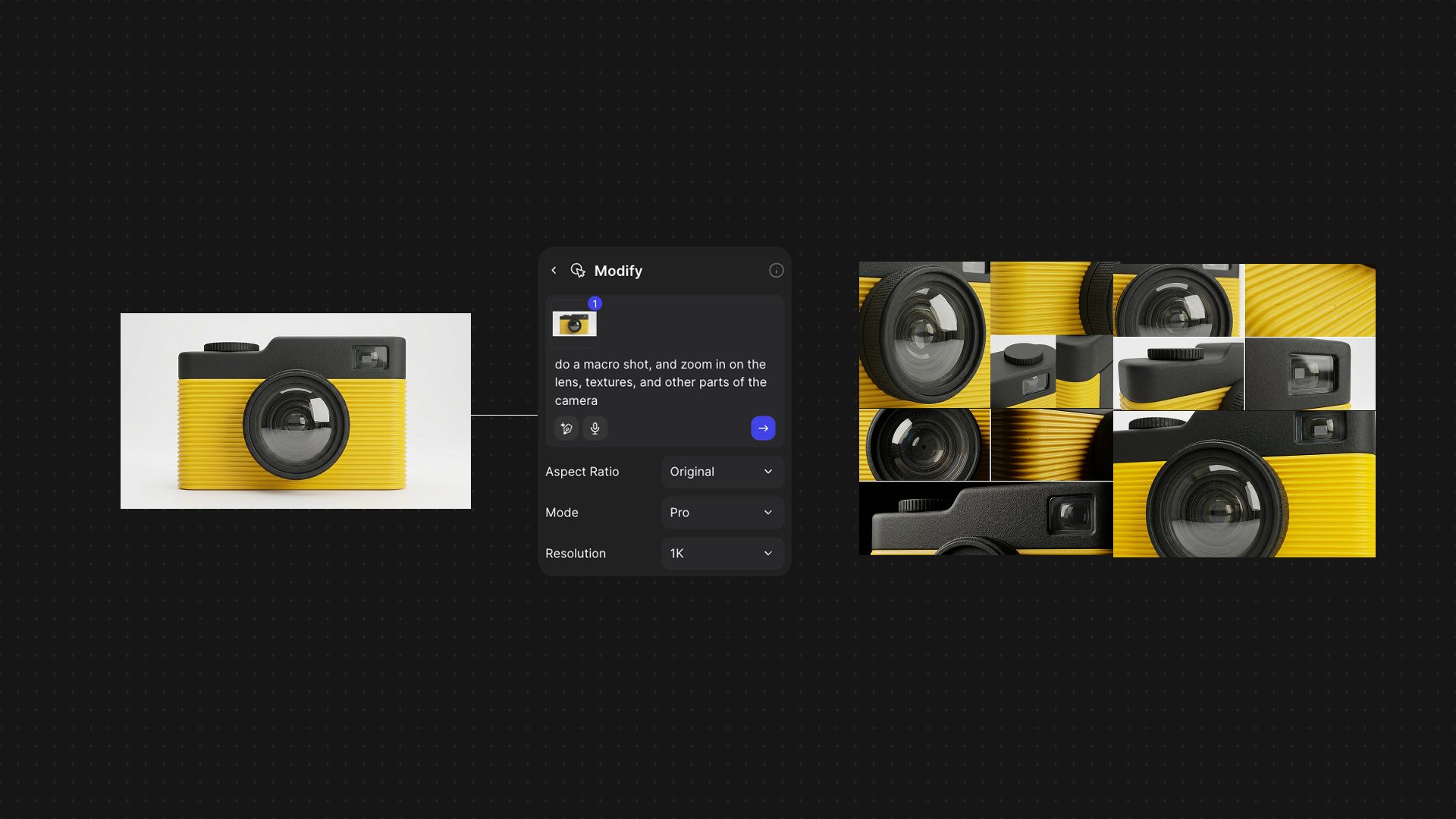
How AI Is Reshaping the Journey from Sketch to Product With Vizcom and Autodesk Fusion
Explore how the Vizcom and Autodesk Fusion integration helps product teams move from AI-powered concept exploration to engineering and manufacturing while preserving design intent and reducing workflow friction. Ideas rarely start in CAD. For as long as digital product development has existed, there has been a gap between early creative exploration and the engineering tools…
Product Design & Engineering
-
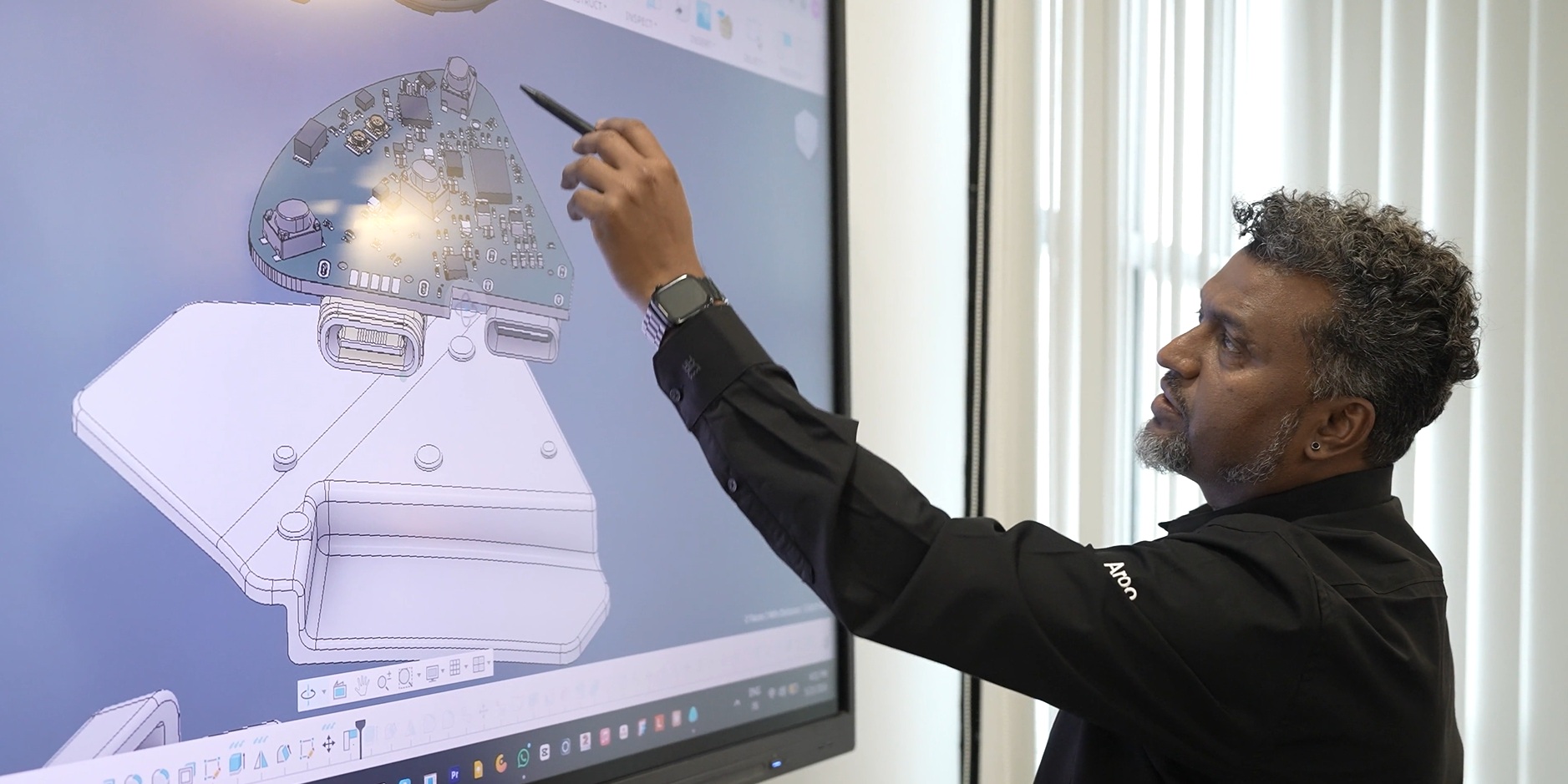
BluArmor Drives Smart Motorcycle Helmet Innovation with Autodesk Fusion
Autodesk Fusion helped BluArmor bring a complex, motorcycle helmet-mounted device to life by unifying design and engineering on a single platform. Using parametric modeling, real-time collaboration, and integrated simulation, the team rapidly iterated complex designs, validated performance for harsh riding conditions in India, and scaled products while reducing prototyping and time to market. Based in…
Case Studies
-
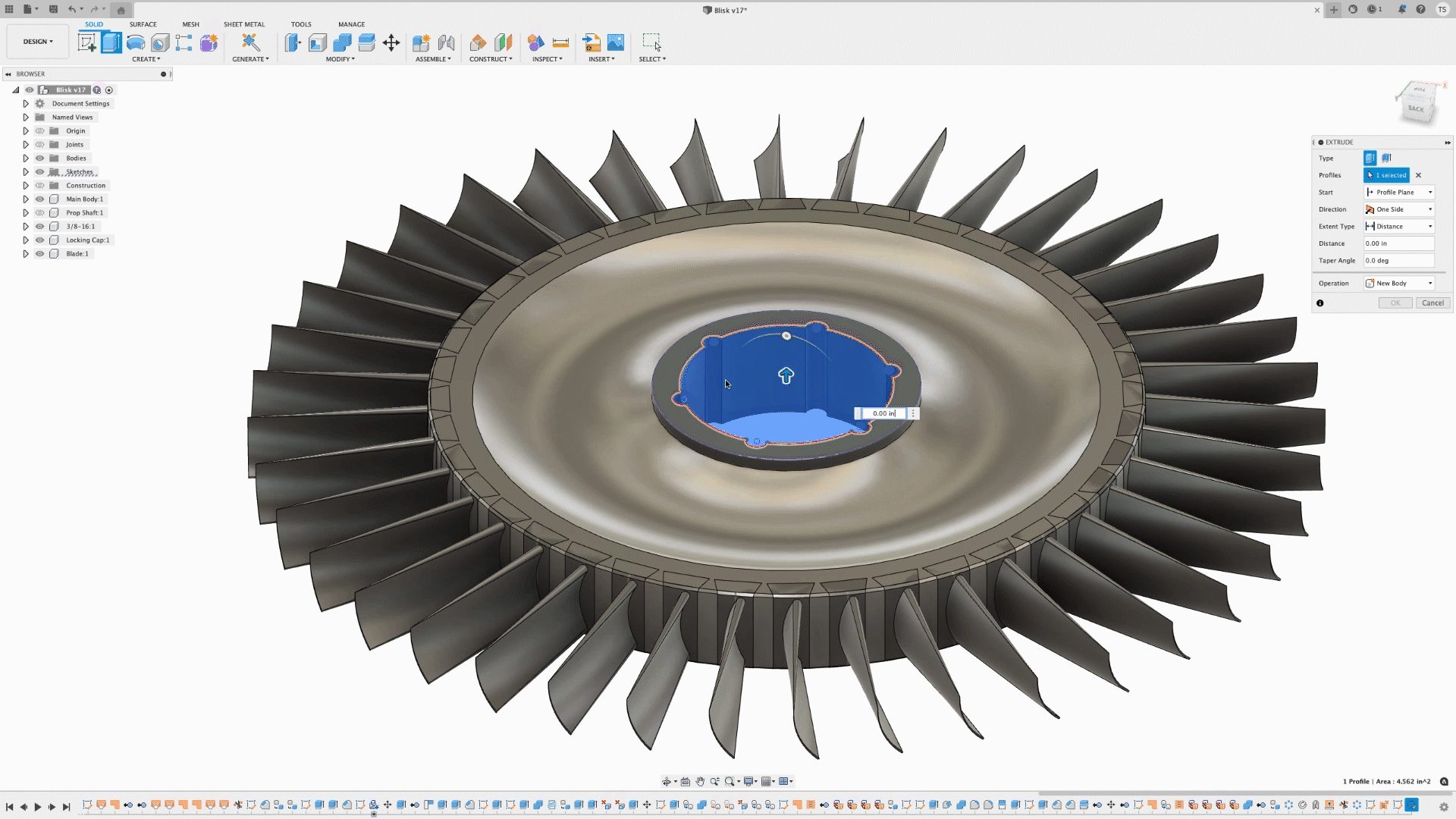
Autodesk Fusion 3D Design Capabilities: A Complete Guide to Parametric, Direct, Surface, Freeform, and Mesh Modeling
Discover the 3D modeling tools in Fusion, including parametric, direct, surface, freeform, and mesh modeling. Learn when to use each approach and how Fusion supports professional product development from concept through manufacturing. When evaluating professional CAD software, one question comes up repeatedly: What types of 3D modeling does it support? The answer matters because different…
Product Design & Engineering
-
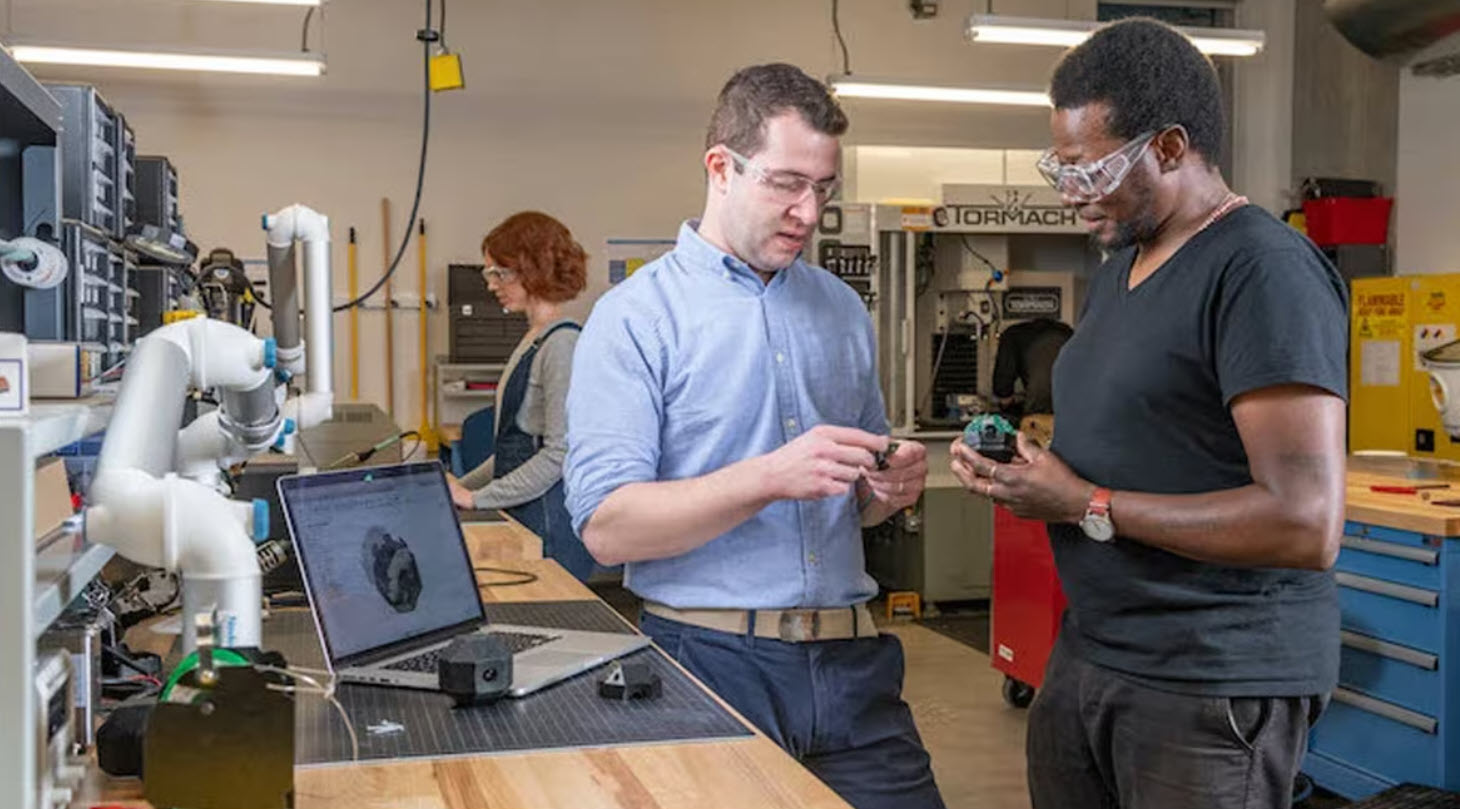
Design for Manufacturability in Fusion: From CAD Geometry to Production-Ready Parts
Learn how Fusion supports design for manufacturability by connecting CAD and manufacturing workflows, helping teams optimize machining, reduce cycle times, and move from design to production faster. Designing a great part is only half the challenge. The real test comes when that part reaches the shop floor. A design that looks perfect on screen can…
Manufacturing
-
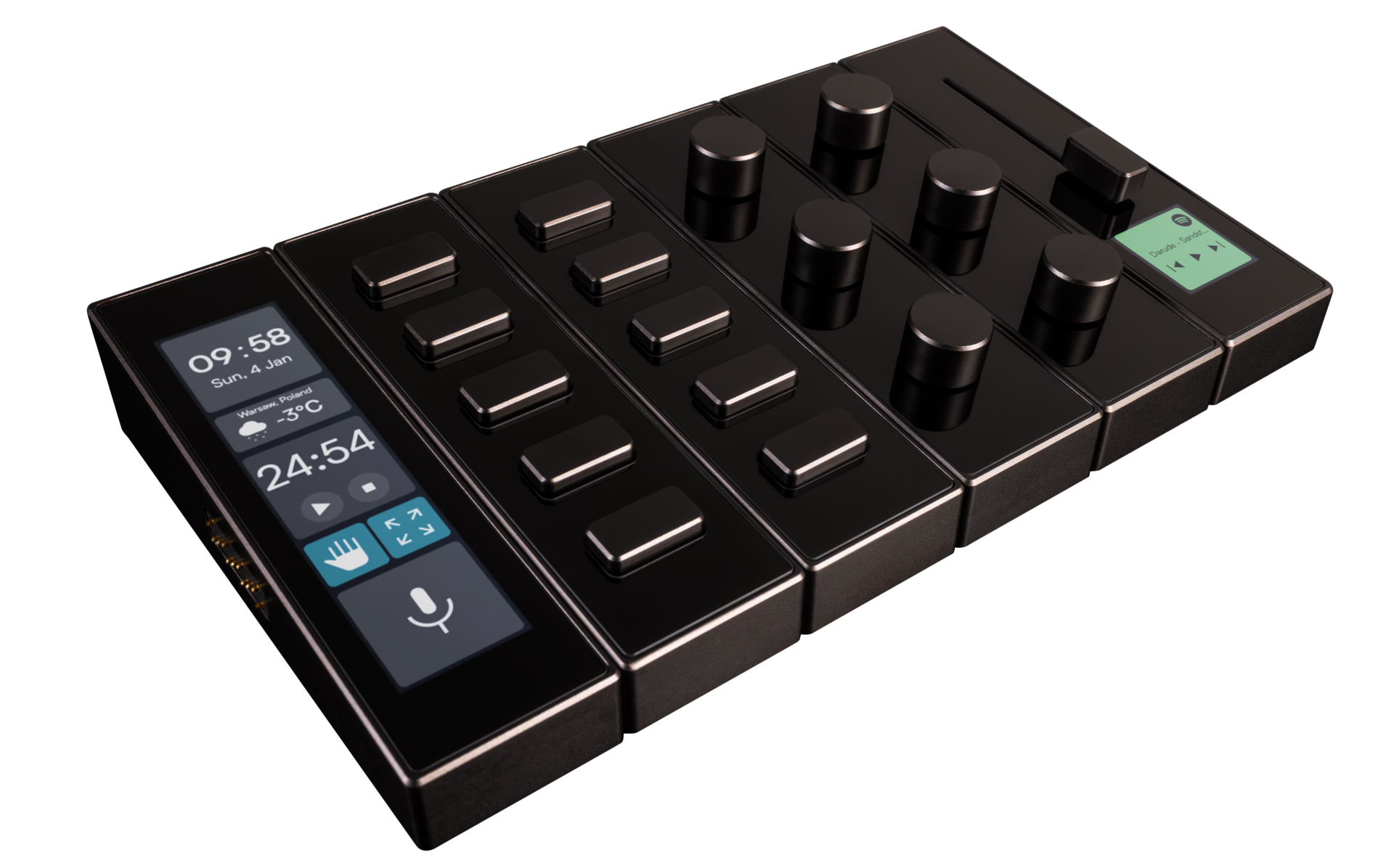
Shortcuts at Your Fingertips: modue Designs Modular Control Deck with Autodesk Fusion
modue is creating a more intuitive way to control and personalize gaming, music production, and everyday digital workflows. Using Autodesk Fusion from the earliest concepts through prototyping and production design, the team developed a modular control deck with customizable modules. After gaining more than 50 million social media views and raising roughly $400,000 on Kickstarter,…
Case Studies
-
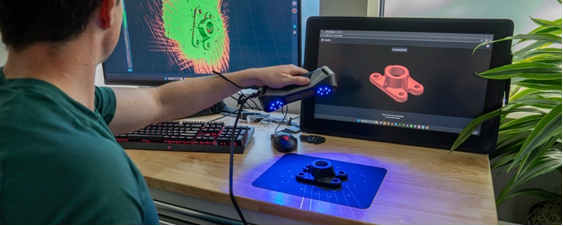
Turn 3D Scans Into Editable CAD Models in Autodesk Fusion with the New Backflip AI Add-In
The new Backflip AI add-in for Autodesk Fusion helps engineers move from scanned physical parts to editable, parametric CAD models-without leaving their Fusion design environment. Physical parts often contain valuable design information, but that information can be hard to reuse when the original CAD file is missing, a replacement part is no longer available, a…
News
-
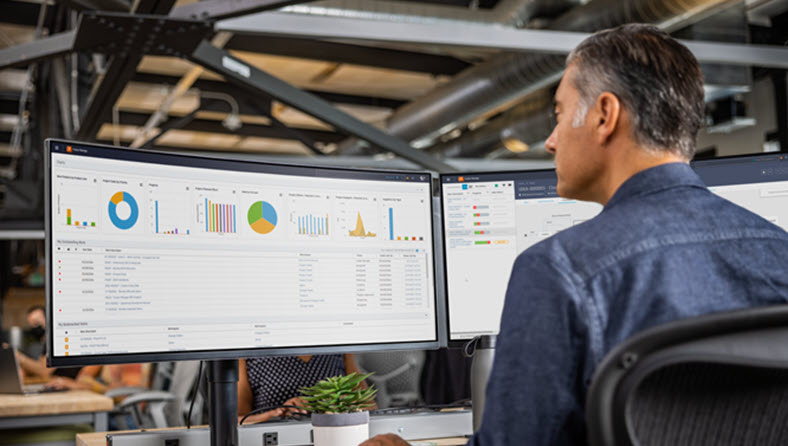
Growing Faster Without Losing Control of Your Product Data with Cloud PLM
Growing product businesses need better ways to manage product data, revisions, and collaboration. Learn how cloud PLM helps small teams scale without the complexity of traditional systems. For years, Product Lifecycle Management (PLM) was viewed as something only large enterprises could afford. Implementing PLM often meant lengthy deployments, dedicated IT teams, expensive consulting engagements, and…
Data management