-
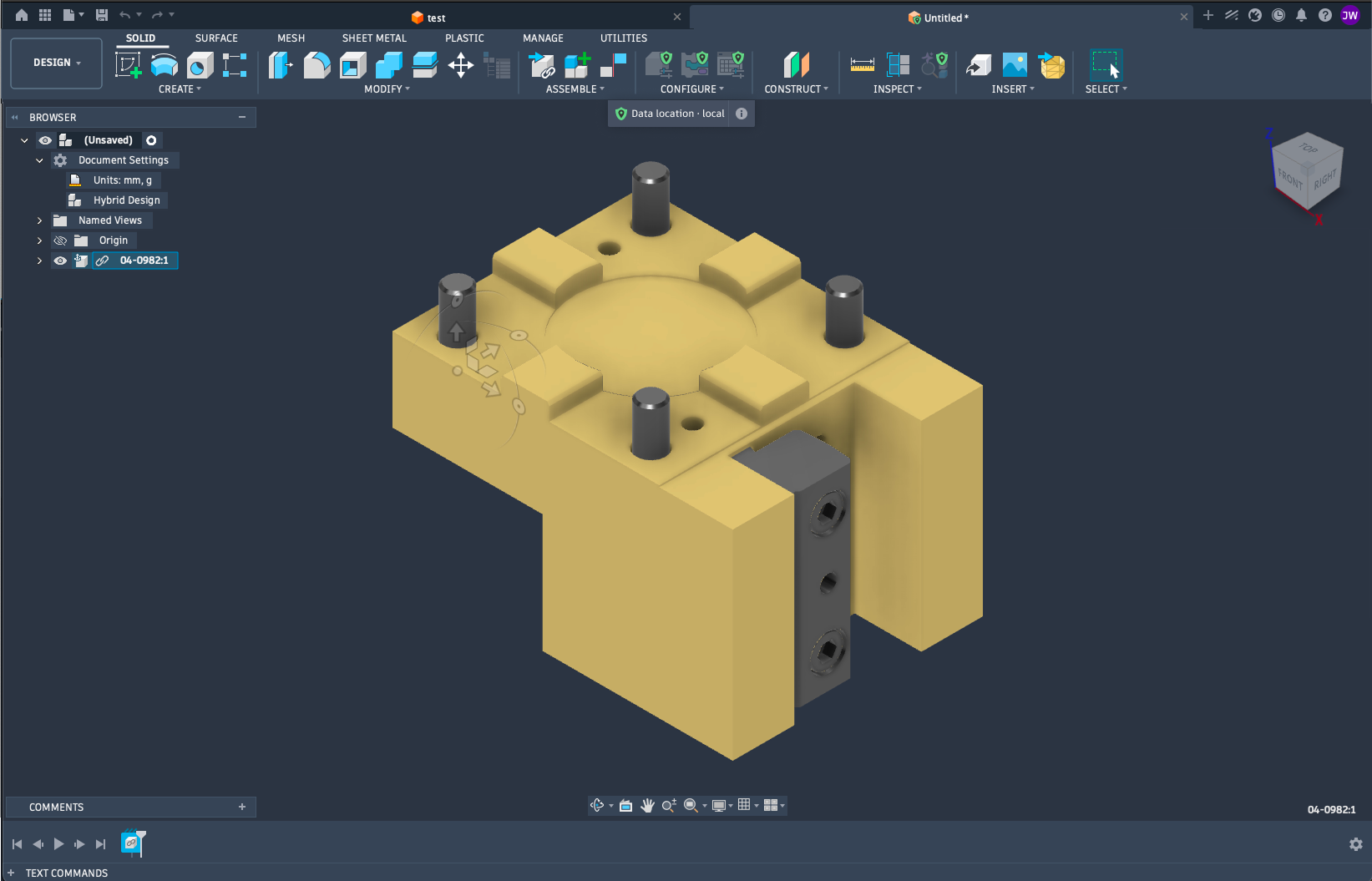
Autodesk Fusion: Your Data Where You Need It
Gain more control over where your manufacturing data resides, without giving up the connected power of Fusion. Autodesk Fusion brings design and manufacturing together in a single, connected platform helping manufacturers move from idea to production faster. Autodesk is recognized by CIMdata as a market leader in CAM, Fusion continues to expand the range of…
Data management
-
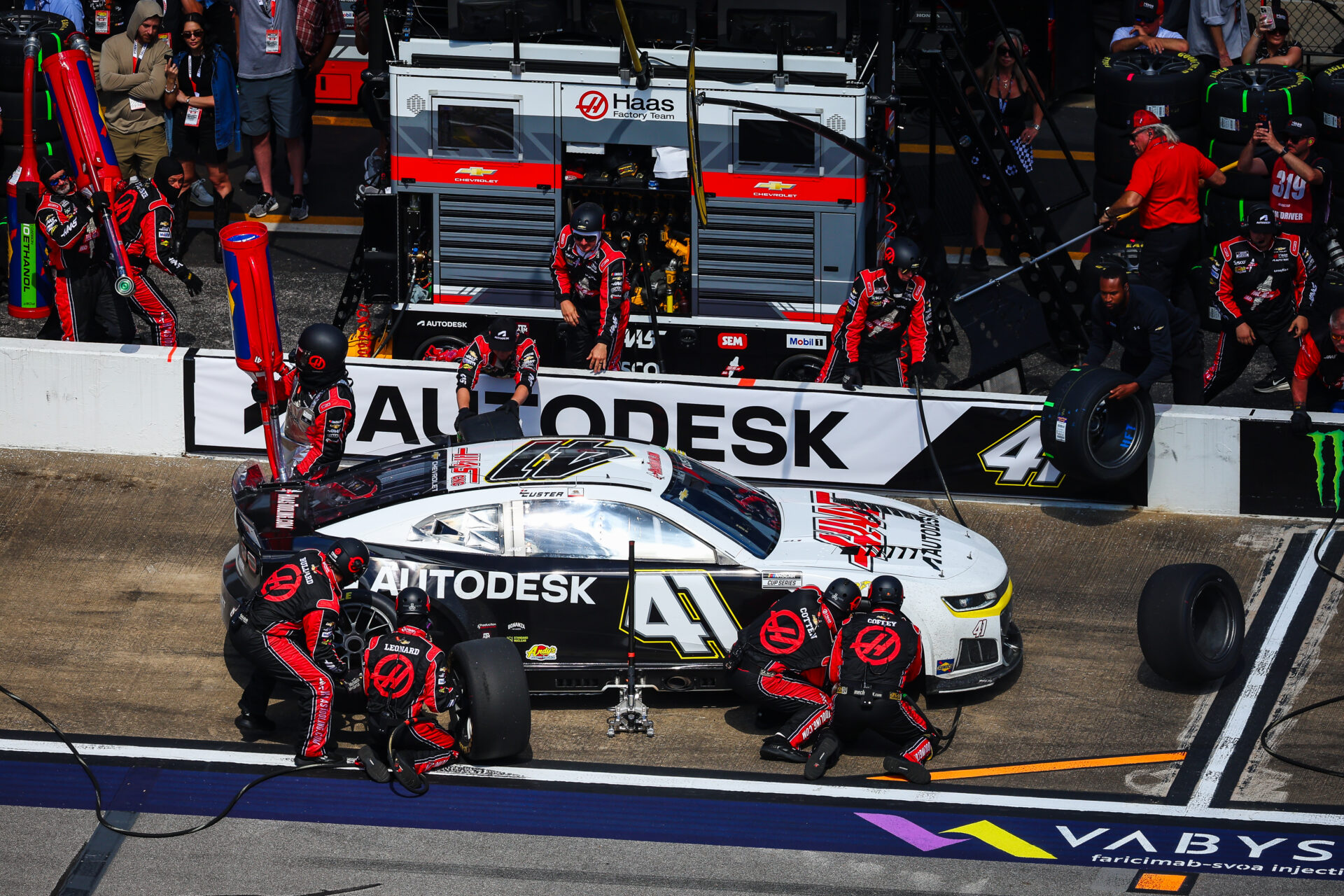
Start Your Toolpaths: Haas Factory Team Races Ahead in NASCAR With Autodesk Fusion
The Haas Factory Team is using Autodesk Fusion to streamline machining workflows, improve turnaround times and volume of parts, and keep critical components race ready. Fusion has helped the team tackle complex projects, including a redesigned car jack pump housing, with more efficient toolpaths and manufacturing processes. NASCAR races are all about speed and precision.…
Case Studies
-

ECAD-MCAD Integration in Autodesk Fusion: How Electronics and Mechanical Design Work Together
Learn how Autodesk Fusion connects ECAD-MCAD design in one platform, helping hardware teams reduce handoff friction and develop electromechanical products faster. The biggest challenge in PCB design isn’t routing traces or creating schematics, it’s managing the gap between electrical and mechanical design. Every enclosure change, connector adjustment, mounting-hole revision, or component-height issue creates another handoff…
Fusion
-

Unlock Faster Product Development with the September 2026 Fusion Update
Discover five powerful updates in Autodesk Fusion that help designers, engineers, and manufacturers work more efficiently. See how the September 2026 release streamlines modeling, sheet metal design, CNC programming, and model-based manufacturing workflows. Every product team feels the pressure to move faster without sacrificing quality. Yet too much time is often lost to disconnected tools,…
What's New
-
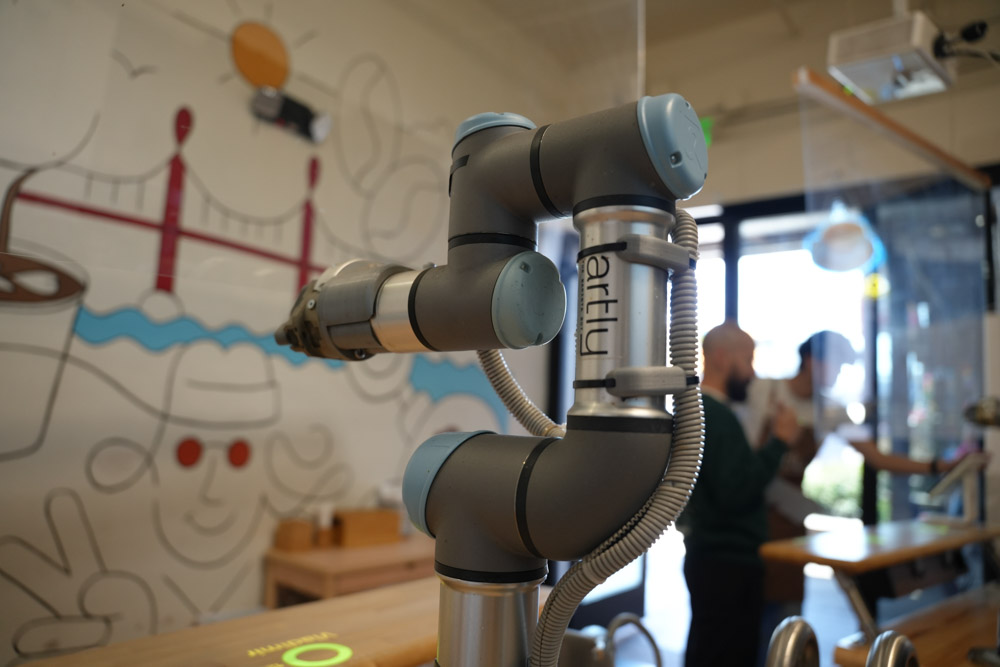
Artly Brews Physical AI Design for the Barista Bot with Autodesk Fusion
Artly’s Barista Bot is a physical AI-powered robotic coffee system to deliver specialty coffee in locations where a full-service café may not be practical. The team uses Fusion across the design and engineering process, from individual components to the complete robotic system. With Fusion, Artly can rapidly test and 3D print multiple prototypes in a…
Case Studies
-

Why A Bill of Materials (BOM) Defines More Than Just Parts
Understand what a bill of materials (BOM) is, the key types, and why BOM management is critical for manufacturing planning, cost control, and cross-team alignment, and how connected tools like Autodesk Fusion help keep data in sync. For something so foundational, the bill of materials (BOM) is often misunderstood. You’ll oftern hear it described as…
Data management
-
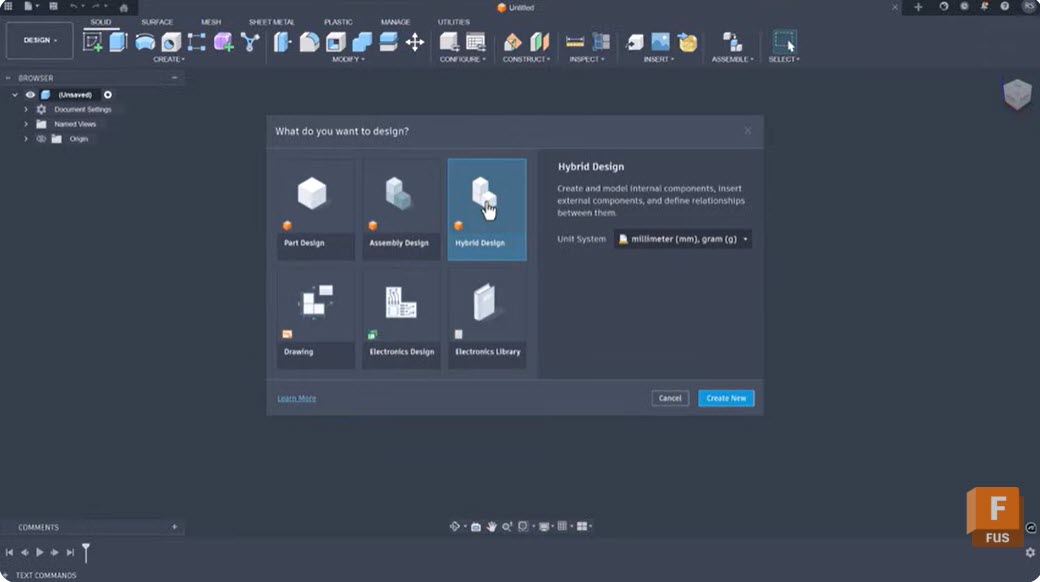
Intent-Driven Design in Autodesk Fusion: What It Is and How It Changes Your Modeling Workflow
Learn how intent-driven design in Fusion uses constraints, parameters, feature history, and assembly relationships to create models that are easier to modify, reuse, and scale as product requirements evolve. Most CAD workflows begin with geometry. Designers sketch profiles, create features, apply dimensions, and move on. The challenge often comes later, when requirements change and someone…
Product Design & Engineering
-
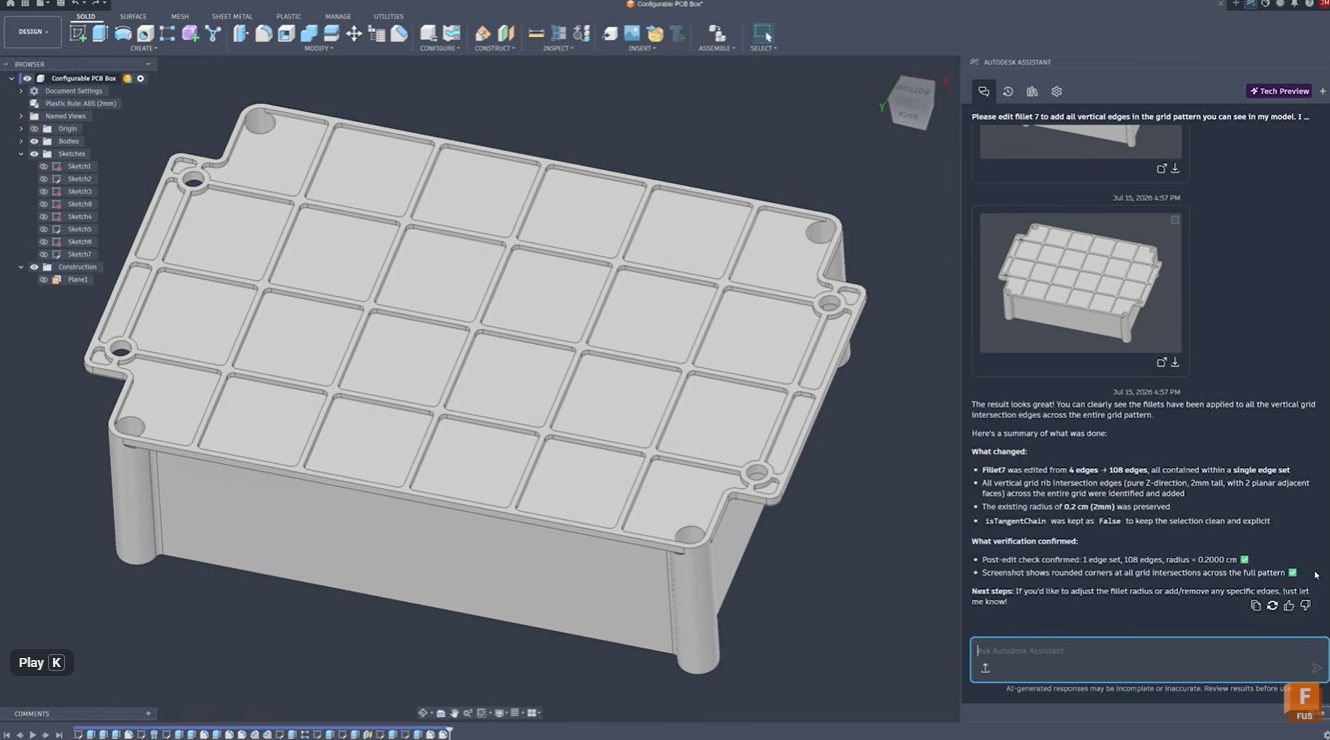
Stop Clicking Every Edge: Automate Fillet Selection with Autodesk Assistant in Fusion
Learn how Autodesk Assistant helps automate fillet selection in Autodesk Fusion by recognizing repetitive geometry patterns, reducing manual work, improving accuracy, and keeping design timelines clean. Stop clicking every edge: Automate fillet selection with Autodesk Assistant Whether you’re designing injection-molded parts, lattice structures, housings, or complex mechanical components, selecting dozens or hundreds of similar edges…
Product Design & Engineering
-

September 2026 Major Product Update – What’s New
September brings new Scene Lights, expanded sheet metal and PMI workflows, faster performance, and more. Explore everything new in this update. Minor Update Our latest minor update brings several important fixes and improvements to enhance your experience. Click to learn more. Highlights v.2705.1.11 – September 3, 2026 The September update is a big one for Fusion,…
What's New
-
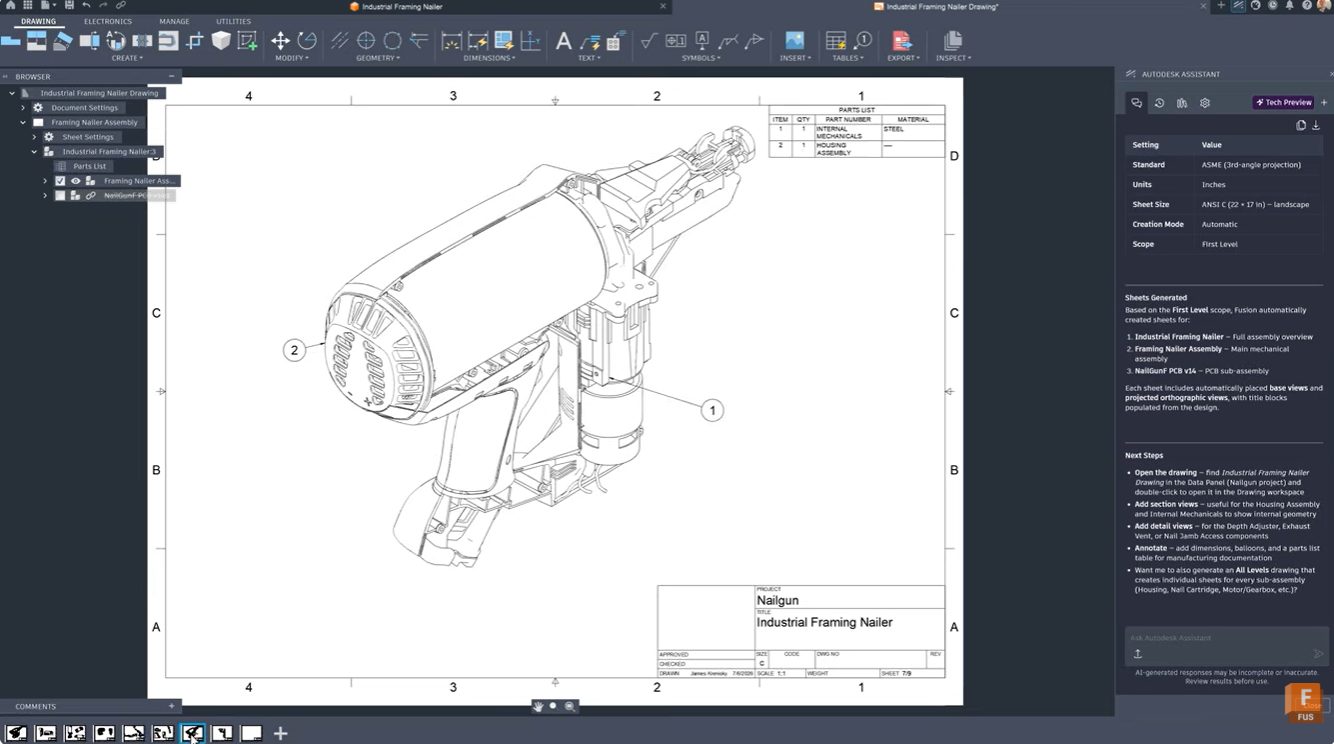
From 3D Model to Manufacturing Drawing: Automate Documentation with Autodesk Assistant
Learn how Autodesk Assistant in Fusion helps automate drawing creation, view placement, and dimensioning, reducing documentation time and helping teams create professional technical drawings faster. For many engineers and product designers, generating manufacturing drawings is one of the most time-consuming parts of the workflow. Selecting templates, configuring standards, placing views, and adding dimensions can take…
Product Design & Engineering
-

How AI Is Reshaping Product Development: Fusion Sessions You Can’t Miss at AU 2026
Explore Autodesk Fusion sessions at AU 2026 covering AI-assisted design, engineering, manufacturing, and product development, and see how teams are combining AI with human expertise. The most successful design and manufacturing teams are using AI to automate repetitive tasks, generate options, analyze data, and accelerate workflows, while relying on human creativity, engineering judgment, and manufacturing…
Fusion
-
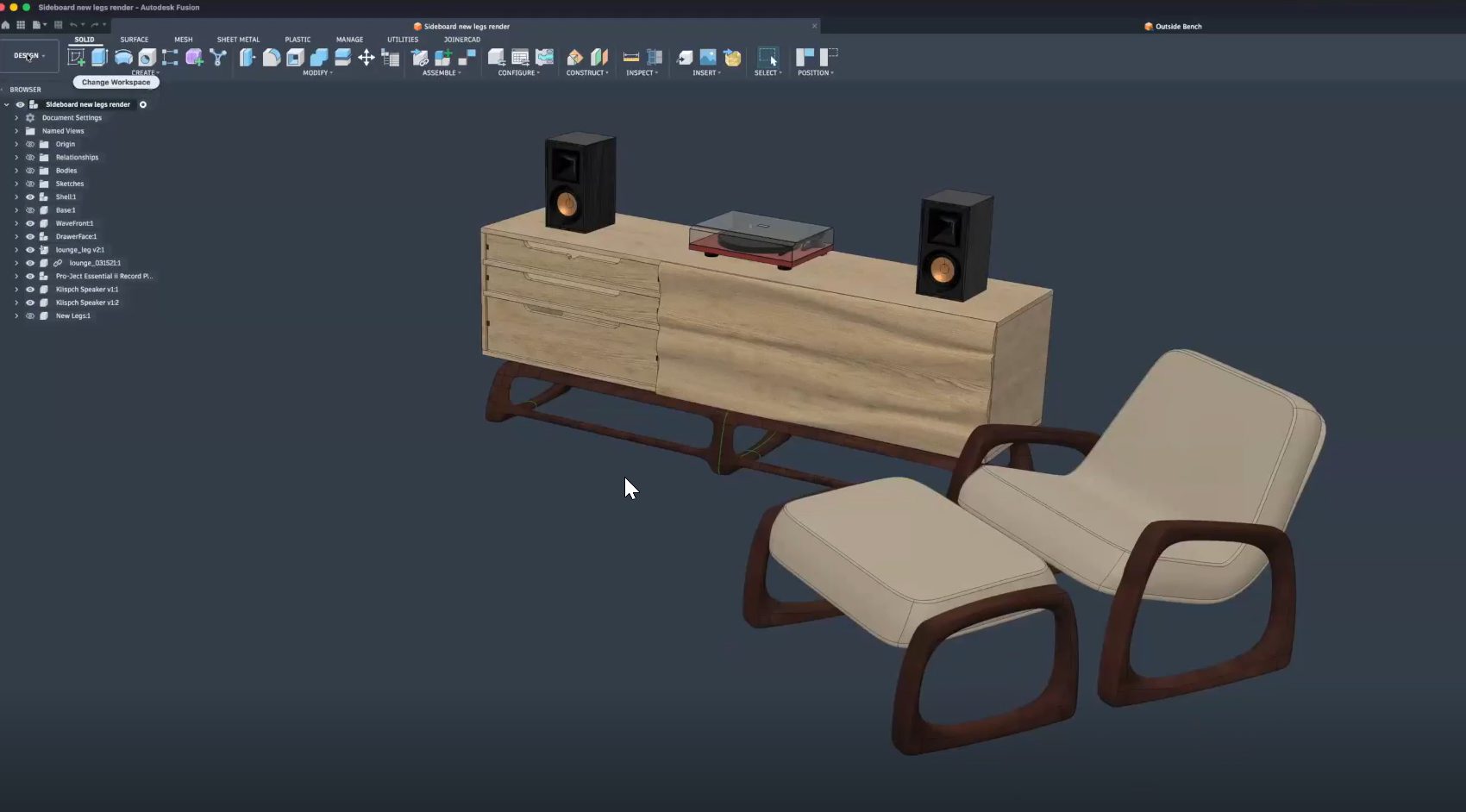
From Design to CNC: Streamlining Furniture Production with Autodesk Fusion
Learn how furniture manufacturers can streamline production from CAD to CNC using Autodesk Fusion to connect design, toolpaths, nesting, and machines in one workflow, reducing errors and rework. Furniture manufacturers face growing pressure to deliver customized products faster, without sacrificing quality or margins. As product variety increases and timelines shrink, disconnected software and manual handoffs…
Fusion
-

Partner-Led Fusion Sessions: Exploring the Future of Product Development at AU 2026
Explore the top partner-led Autodesk Fusion sessions at AU 2026 featuring Naya, Vizcom, and Avnet as they talk about all things related to AI, product development, automation, and connected workflows. Product development is increasingly connected. Designers, engineers, manufacturers, and product teams are no longer working in isolated systems. AI, automation, supply chain intelligence, and collaborative…
Fusion
-
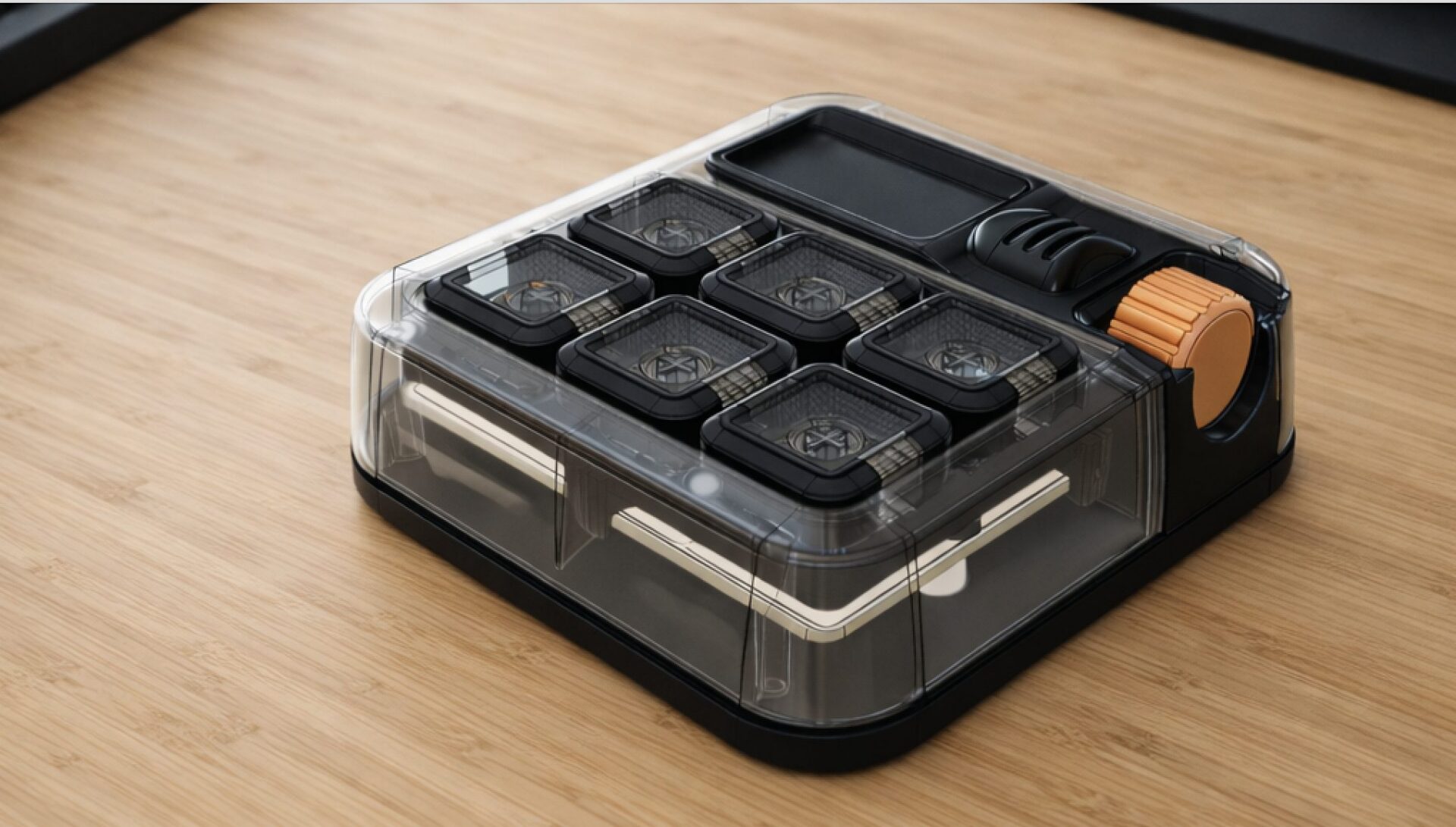
Introducing the Autodesk (micro) Macro Keypad at AU2026
Celebrating 10 years of the Factory with the next evolution of the Autodesk Keypad. This year marks the 10th anniversary of the Factory Experience. Since its debut at Autodesk University in 2016, the Factory has showcased the complete product development journey from concept and design to manufacturing and production through a new, hands-on product each year.…
Fusion
-
Autodesk University 2026: Must-Attend Design & Manufacturing Sessions
Planning your AU 2026 schedule? Don’t miss these Autodesk Fusion sessions on design, engineering, manufacturing, AI, collaboration, and the digital thread. Every year, Autodesk University brings together designers, engineers, manufacturers, and innovators to learn from industry leaders, discover new workflows, and see where Autodesk technology is headed next. AU 2026 is no exception. Whether you’re…
News