-
Why Another CNC Machine Won’t Solve Your Capacity Problem
Increase manufacturing capacity without adding machines or headcount. Learn how connected workflows and Autodesk Fusion help manufacturers eliminate bottlenecks and scale efficiently. If you walk through almost any growing machine shop or contract manufacturing facility, you’ll hear the same conversation: “We’re booked solid. We need another machine.” Sometimes that’s true. But more often, the real…
Manufacturing
-
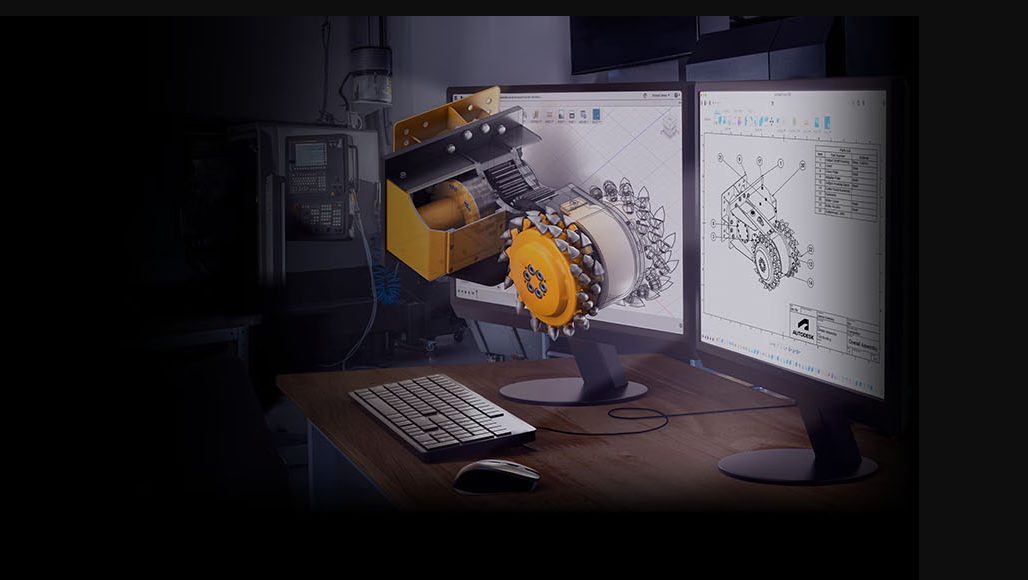
The Moment Legacy CAD Starts Slowing You Down
Struggling with slow, disconnected CAD workflows? Discover why teams are switching from legacy tools to integrated platforms like Fusion for faster iteration, lower cost, and seamless collaboration. There’s a point most engineering teams reach where the limitations of their software stack become impossible to ignore. It usually isn’t because a feature is missing. It isn’t…
Thought Leadership
-
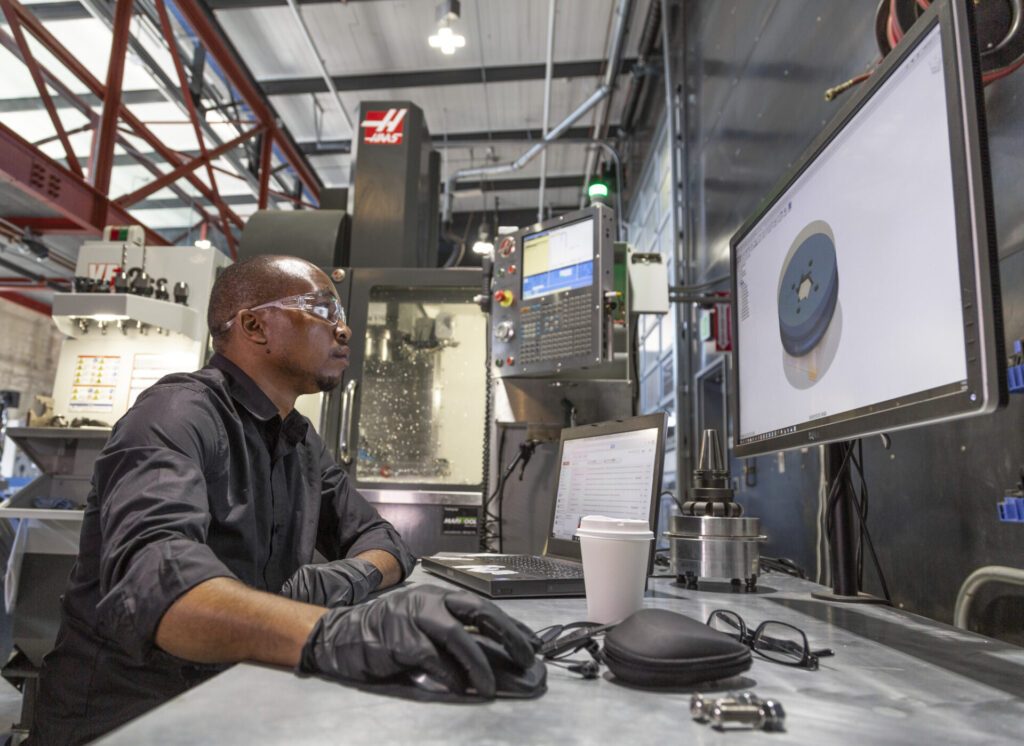
The Hidden Cost of Disconnected Manufacturing Workflows
Struggling with revisions, programming bottlenecks, and disconnected software? Discover how connected manufacturing workflows help increase productivity and deliver parts faster. For many manufacturers, the biggest threat to productivity isn’t on the shop floor. It’s in the office. It’s the programmer waiting for an updated CAD model. The engineer emailing design revisions. The operator asking whether…
Manufacturing
-

Cabinet Design Software: From Custom Cabinet Concepts to Manufacturing-Ready Designs
Discover how cabinet designers and manufacturers use Autodesk Fusion to design custom cabinets, manage revisions, create realistic visualizations, and prepare production-ready designs for CNC manufacturing. Whether you’re designing custom kitchen cabinets, built-in storage, office furniture, or commercial millwork, success depends on more than creating a beautiful design. Every cabinet must ultimately be manufactured accurately, efficiently,…
Fusion
-
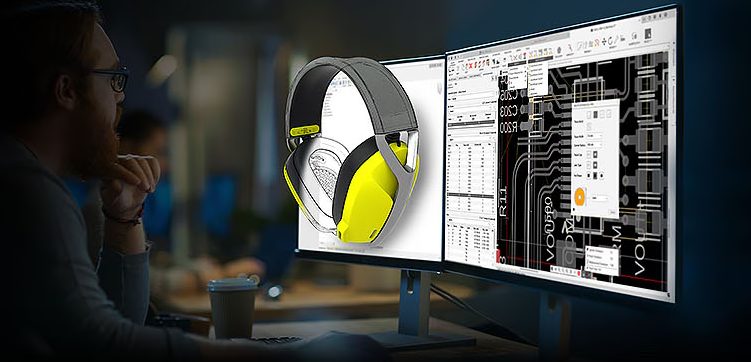
Why EAGLE Users Should Make the Move to Autodesk Fusion
EAGLE users can move to Fusion for familiar PCB workflows, native BOM and design rules, ECAD-MCAD integration, 3D PCB design, and easier migration of existing designs. For many electronics designers, EAGLE has been a familiar workspace, a trusted tool, and the place where countless schematic and PCB designs have taken shape. You know the commands,…
Electronics Engineering
-
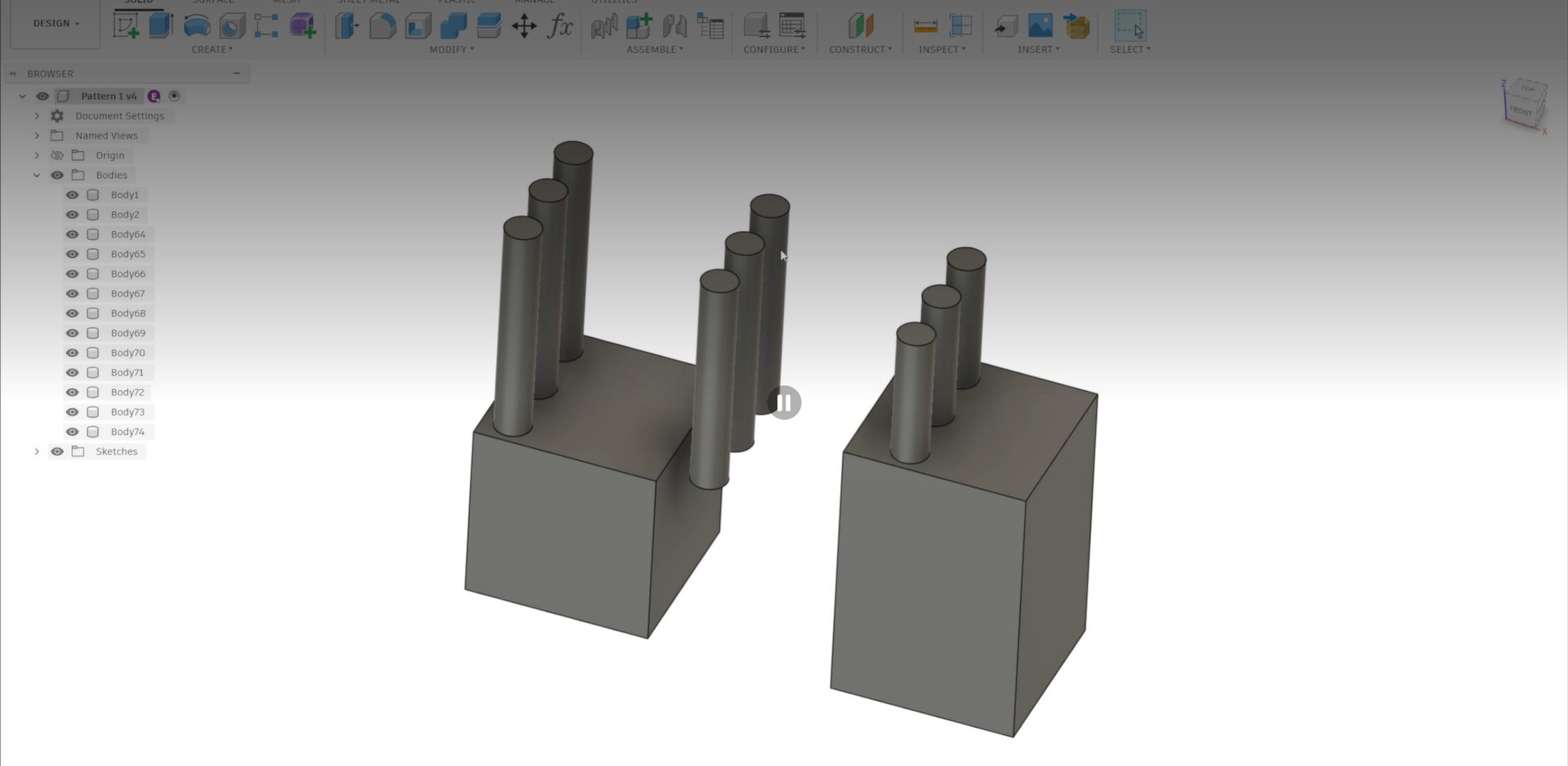
Understanding Compute Options for Mirror and Pattern in Autodesk Fusion
Avoid broken mirror and pattern results in Fusion by learning when to use Optimized, Identical, or Adjust compute options for accurate outcomes. When working with mirror and pattern features in Fusion, you’ve likely encountered a frustrating scenario: you select the default “Optimized” compute option, the preview shows exactly what you want, but when you click…
Tutorials
-
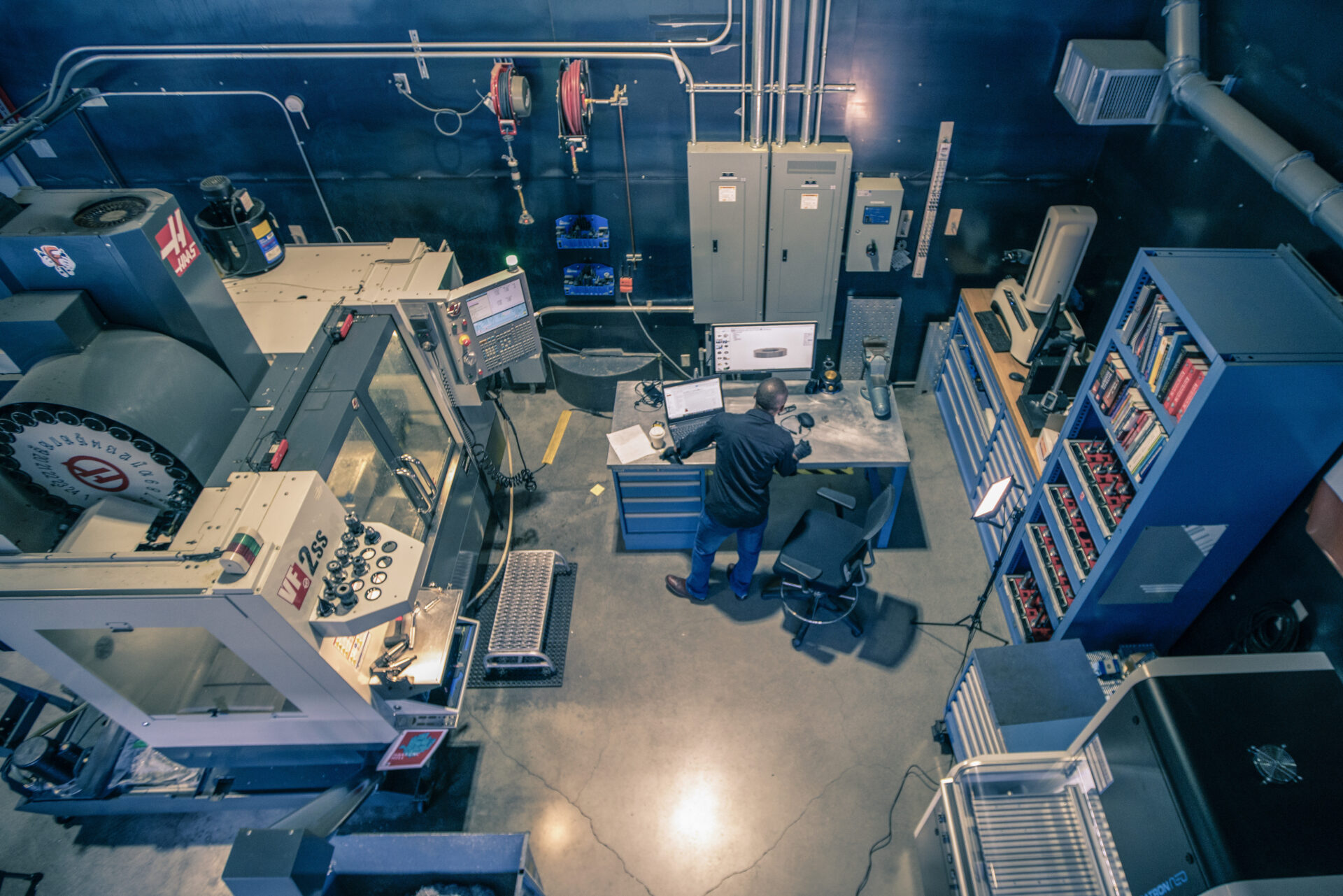
Standardization: The Secret to Consistent Growth in Manufacturing
Growth is easier when every employee follows proven processes. Learn how standardization in manufacturing improves quality, productivity, and scalability. As a business grows, complexity tends to grow with it. More jobs. More customers. More machines. More employees. That’s when many manufacturers discover a hidden problem: everyone has their own way of working. One programmer has…
Manufacturing
-
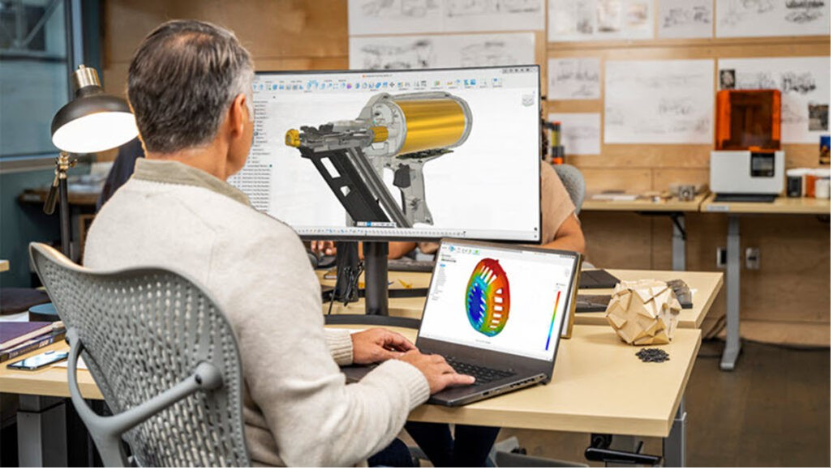
How Small Manufacturers Can Use CAE Software Without a Simulation Engineer
Learn how small manufacturers can use Autodesk Fusion simulation tools to validate designs, reduce prototypes, and improve products without a CAE specialist. Small manufacturing businesses face the same engineering challenges as large enterprises: designing reliable products, reducing costly prototypes, improving quality, and accelerating time to market. The difference is that most small teams don’t have…
Mechanical Engineering
-
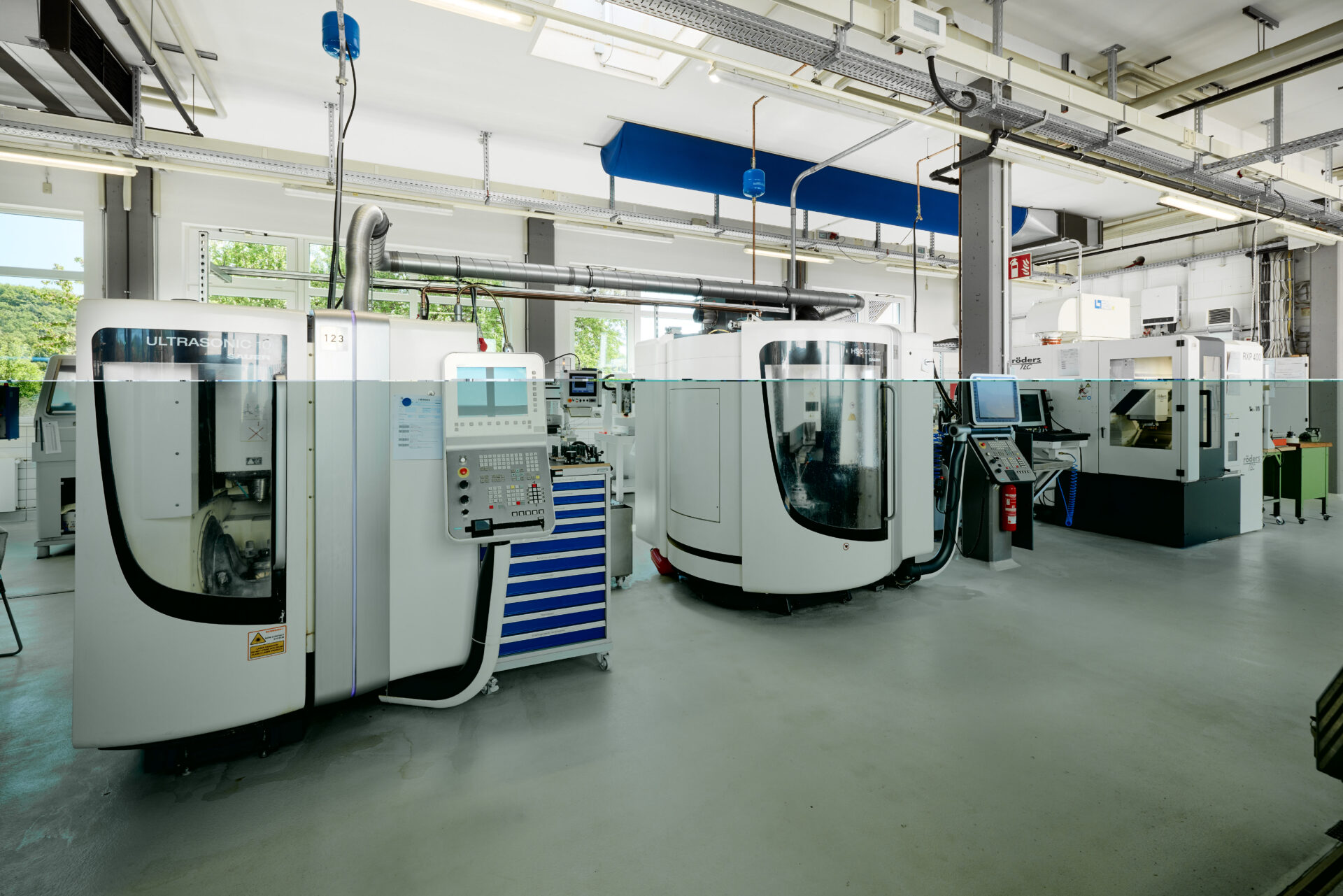
Albert Schütz GmbH Sharpens Precision Manufacturing with Autodesk Fusion
Albert Schütz GmbH is using Autodesk Fusion to bring CAD and CAM together in one platform, replacing separate tools. Fusion’s out-of-the-box post-processors, simple setup, and integrated workflows have helped the company save time, connect more easily to machines, and even design a custom centerless grinding machine for high-volume optical components. With Fusion and the Manufacturing…
Case Studies
-
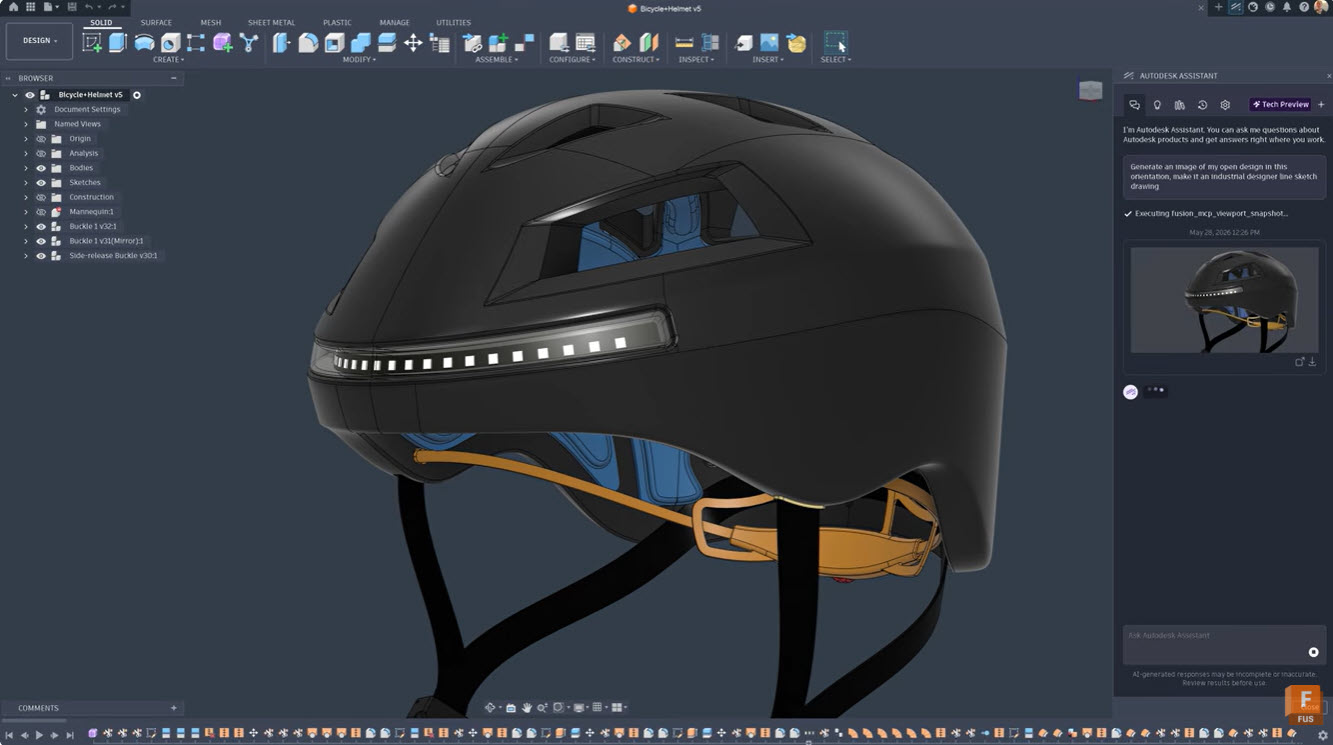
A Guide to Autodesk Assistant in Fusion
Learn how Autodesk Assistant in Fusion uses AI and natural language prompts to automate tasks, create add-ins, generate drawings, and streamline design and manufacturing workflows. Autodesk Assistant is transforming how designers and engineers work in Fusion by bringing AI capabilities directly into your workflow. This intelligent tool understands plain language commands and can handle everything…
Tutorials
-
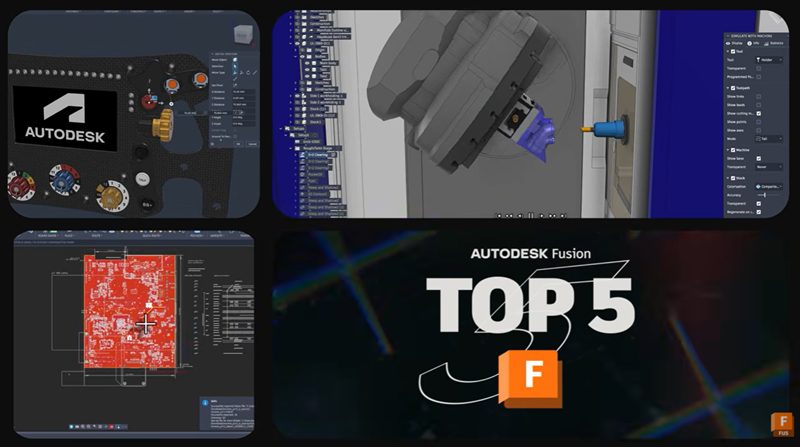
5 Key Features in the July 2026 Autodesk Fusion Update That Help Teams Work Faster
Explore the top highlights in the July 2026 Fusion update, including on-demand configurations, CAM enhancements, component reuse, and Altium import. The July 2026 Autodesk Fusion update is focused on a simple goal: helping product development teams spend less time managing complexity and more time delivering products. This release introduces new capabilities across design, manufacturing, electronics,…
What's New
-
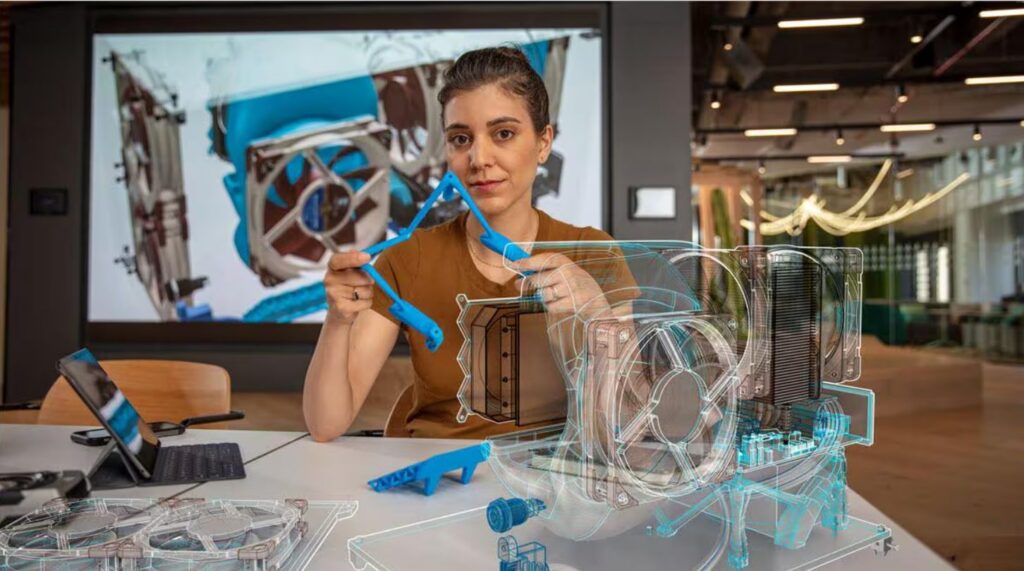
How AI in Manufacturing Improves Design, Decisions, and Delivery
Learn how AI is shaping real-world product design and manufacturing. See how Autodesk Fusion uses AI to improve decision-making, reduce iteration cycles, and help engineering teams work faster and more consistently. AI in manufacturing is embedded in how products get designed, tested, and built today. It isn’t about replacing engineers or automating creativity. It’s about…
Fusion
-
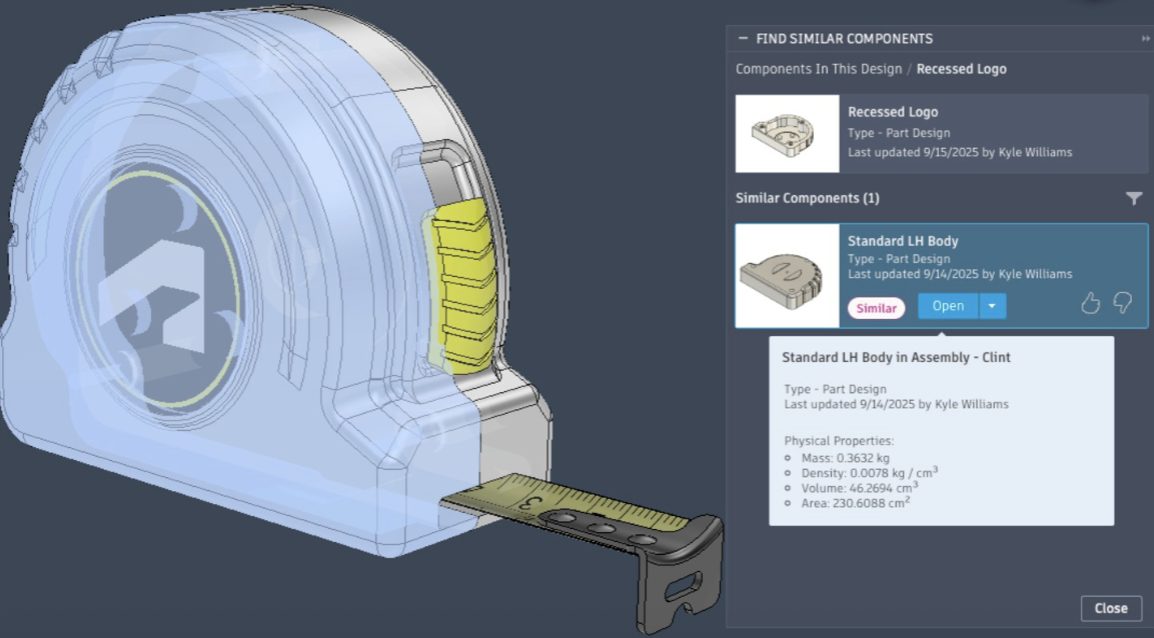
Introducing Find Similar in Autodesk Fusion: Reduce Duplicate Parts and Reuse Designs Faster
Reduce duplicate parts and improve design reuse with Find Similar in Autodesk Fusion. Search by geometry, discover existing designs, and create cleaner product data. Design teams move fast. But when existing parts are hard to find, teams oftenn recreate components that already exist somewhere else in the organization. Introducing Find Similar in Fusion, a capability…
What's New
-
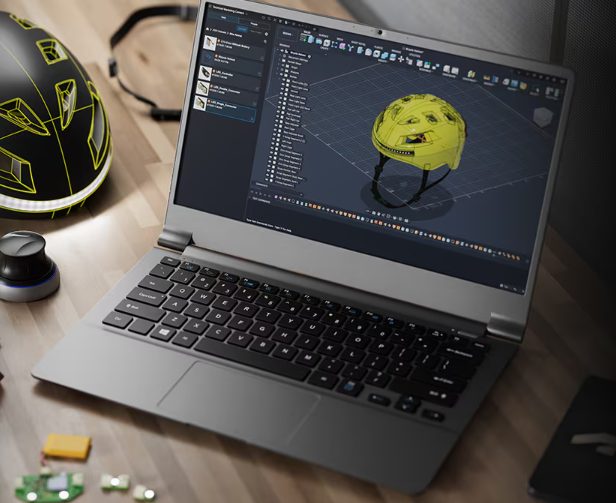
How Small Teams Handle Growing Product Complexity, Without Adding Overhead
Learn how small design and manufacturing teams handle growing product complexity using parametric modeling, configurations, and connected BOM workflows in Fusion. For small product teams, complexity doesn’t scale linearly, it compounds. A handful of SKUs becomes dozens of variants. A clean assembly becomes a web of dependencies. A straightforward handoff to manufacturing turns into version…
Fusion
-
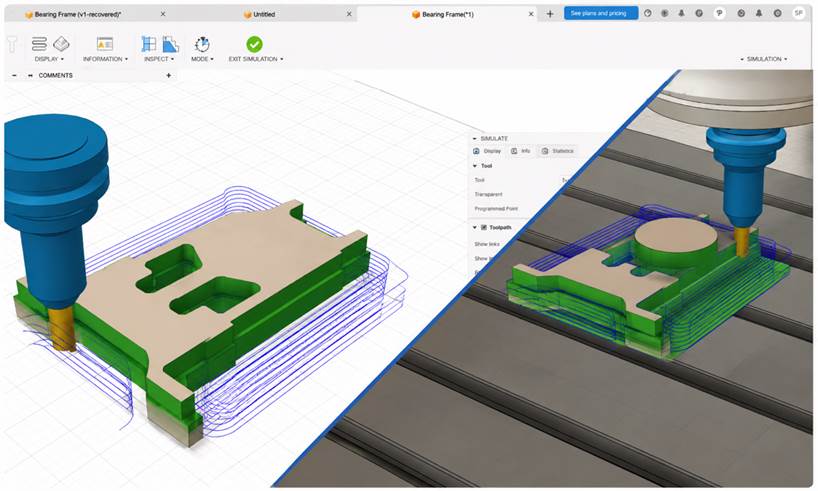
Reduce Roughing Time in Autodesk Fusion with the ModuleWorks SmartRoughing Add-In
Combine the connected manufacturing platform in Autodesk Fusion with physics-based machining intelligence to reduce cycle times, improve tool life, and eliminate roughing guesswork. CNC programmers must balance material removal rates, tool wear, machine limits, and cycle times under tight deadlines. Traditional roughing often relies on manual tuning, test cuts, and operator experience, leading to inconsistent…
Manufacturing