Category: Product Design & Engineering
-
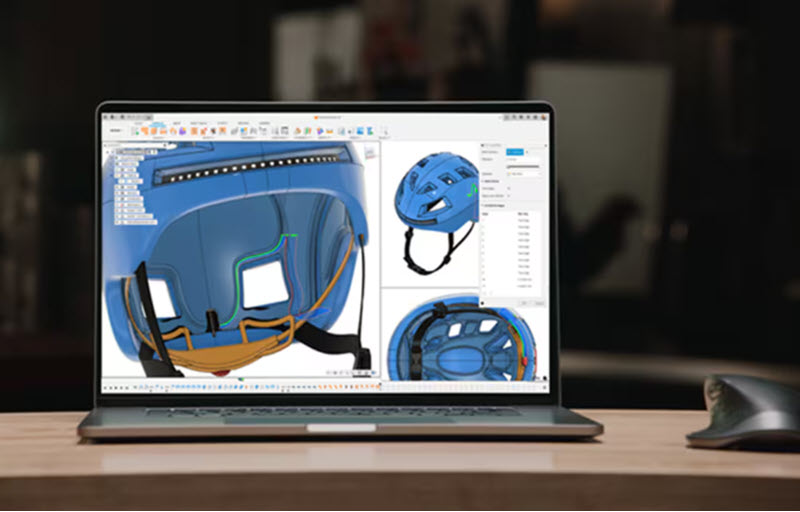
Consumer Product Design Software: From Concept to Manufacturing
Learn what consumer product design software is, the key capabilities product teams need, and how Autodesk Fusion supports connected workflows from concept design through engineering and manufacturing. Consumer product design software helps designers, engineers, and product development teams transform ideas into manufacturable products. Whether developing consumer electronics, wearable devices, household goods, sporting equipment, packaging, or…
Product Design & Engineering
-
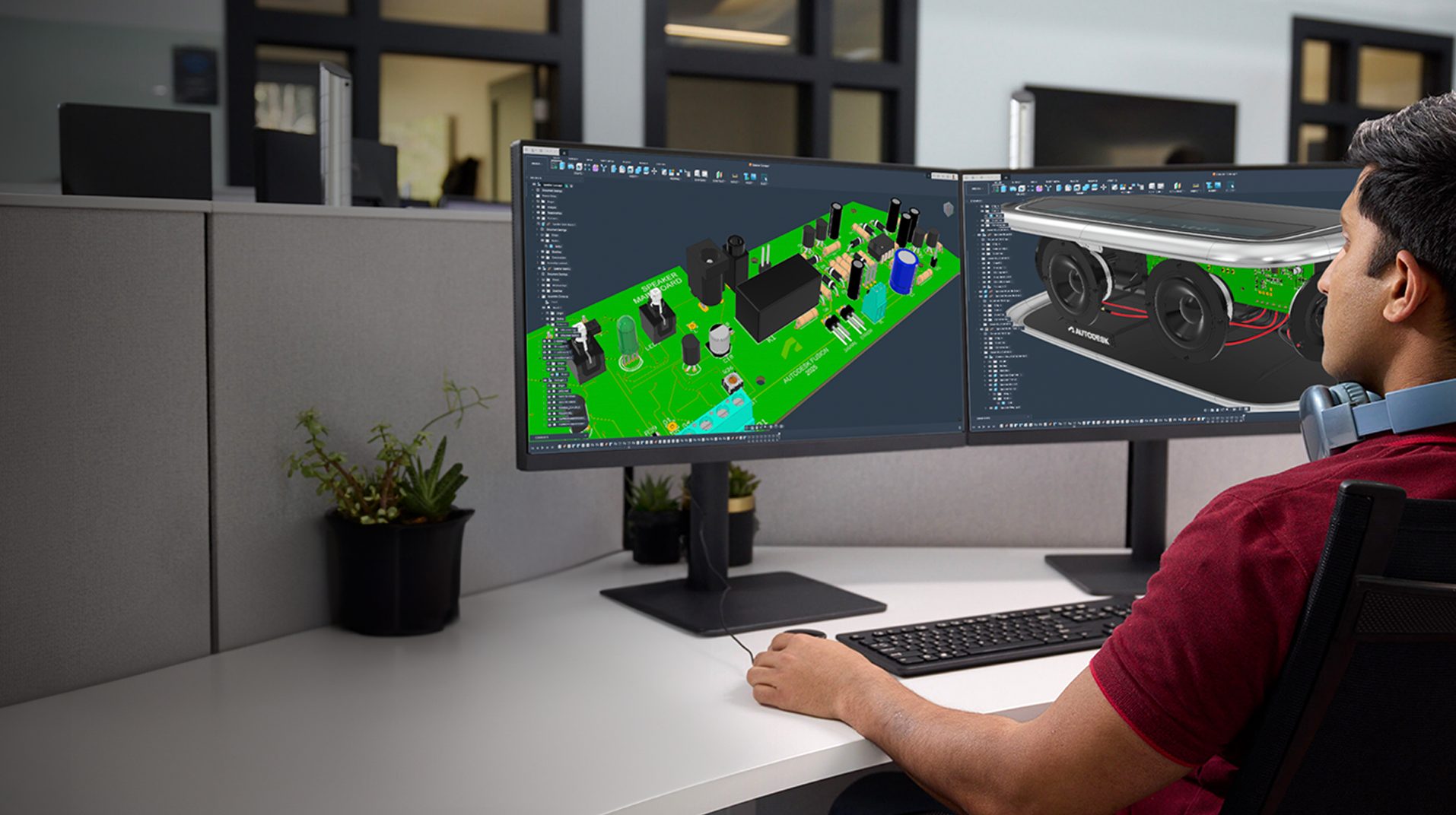
Why Some Teams Move from SolidWorks to Autodesk Fusion
Discover why some SolidWorks users evaluate Autodesk Fusion to reduce software sprawl, connect CAD and CAM workflows, simplify product data management, and improve collaboration. Manufacturing has changed. Today’s product development teams need more than powerful CAD tools. They need smoother coordination between design, engineering and manufacturing, better visibility into product data, effective collaboration across locations,…
Fusion
-

How Small Product Teams Compete With Global Brands
Small product teams can compete with global brands by moving faster, collaborating better, and reducing workflow complexity. Learn how connected product development with Autodesk Fusion helps teams innovate and scale. Large brands have bigger budgets, larger teams, and more resources. But when it comes to innovation, speed, and bringing new ideas to market, size isn’t…
Product Design & Engineering
-
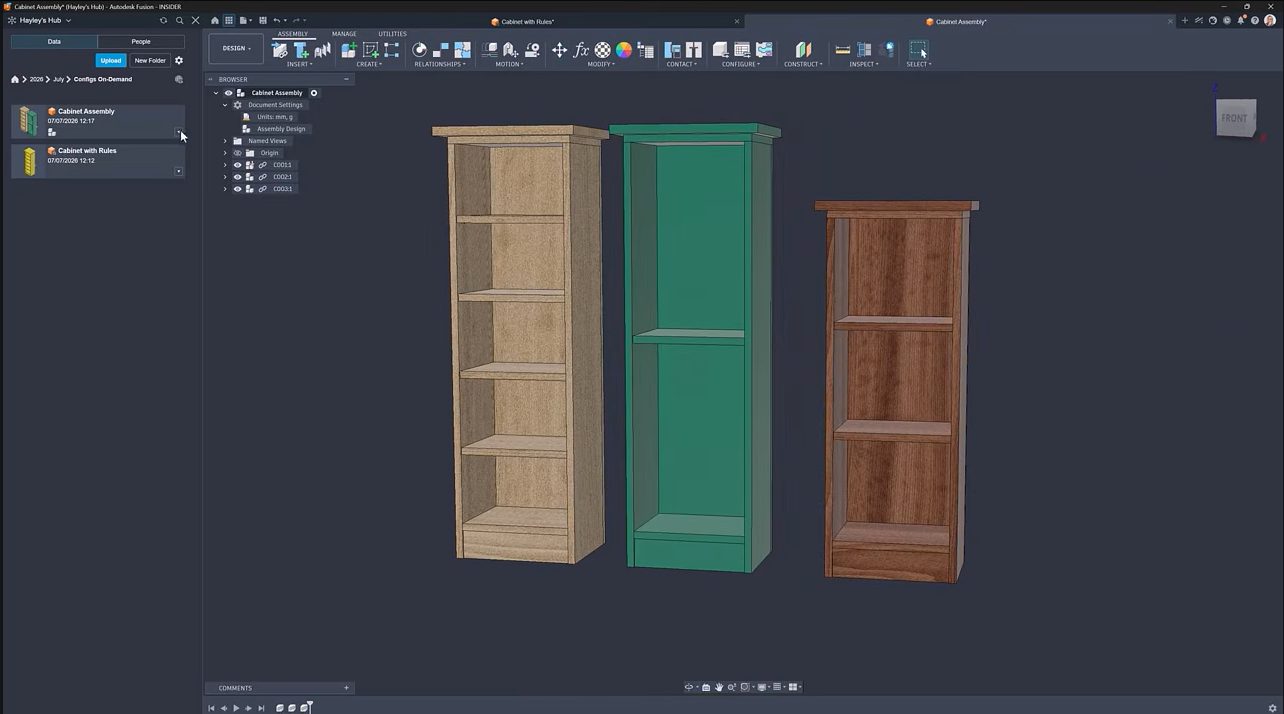
How On-Demand Configurations in Autodesk Fusion Simplify Configurable Product Design
Learn how on-demand configurations in Fusion let teams create product variants as needed, reduce configuration management effort, and streamline configurable product design. Creating every possible product variation upfront can quickly become difficult to manage. As configurable products become more complex, configuration tables grow larger, setup time increases, and teams often spend effort creating combinations that…
Product Design & Engineering
-
8 Practical Ways to Automate Your Fusion Workflow with Autodesk Assistant
Autodesk Assistant has become one of the most useful tools in Fusion because it helps automate the small, repetitive tasks that slow down everyday work. Across design, manufacturing prep, sheet metal, and electronics, the workflow is simple: describe what you need in plain language, then let Assistant handle the tedious part. We pulled together eight…
Fusion
-
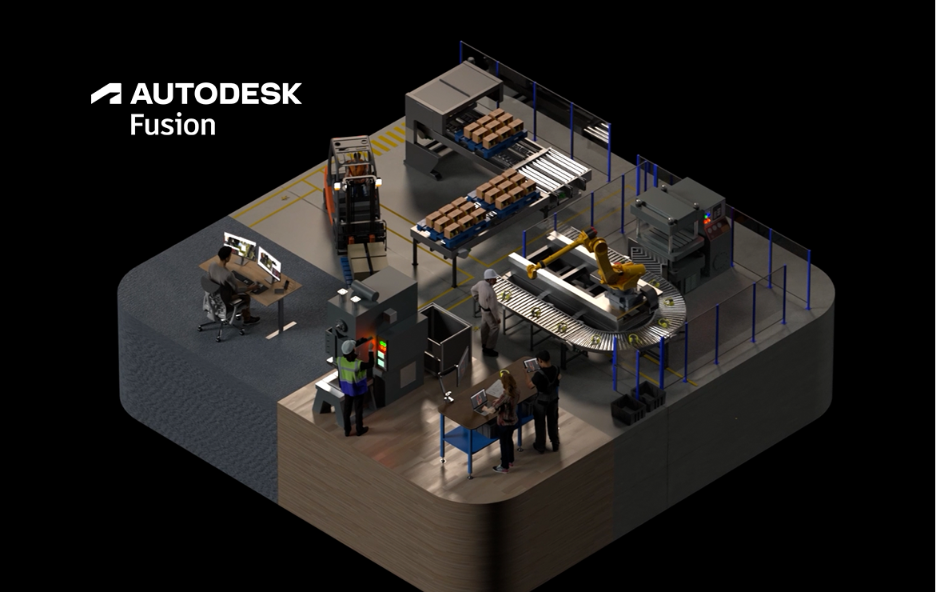
The Next Era of Product Development: Compressing the Journey from Intent to Outcome
The companies getting the most value from AI aren’t simply automating tasks. They’re reducing the time, effort, and friction required to turn ideas into outcomes. For decades, manufacturers have responded to complexity by adding more tools, more systems, and more steps to their process. The assumption was simple: as products become more complex, organizations need more…
Thought Leadership
-
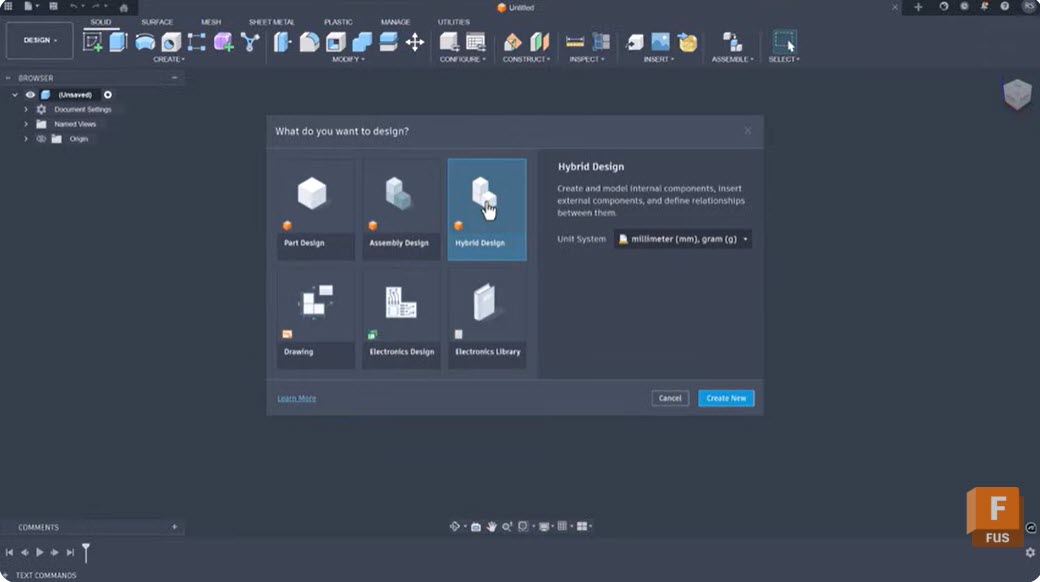
Intent-Driven Design in Autodesk Fusion: What It Is and How It Changes Your Modeling Workflow
Learn how intent-driven design in Fusion uses constraints, parameters, feature history, and assembly relationships to create models that are easier to modify, reuse, and scale as product requirements evolve. Most CAD workflows begin with geometry. Designers sketch profiles, create features, apply dimensions, and move on. The challenge often comes later, when requirements change and someone…
Product Design & Engineering
-
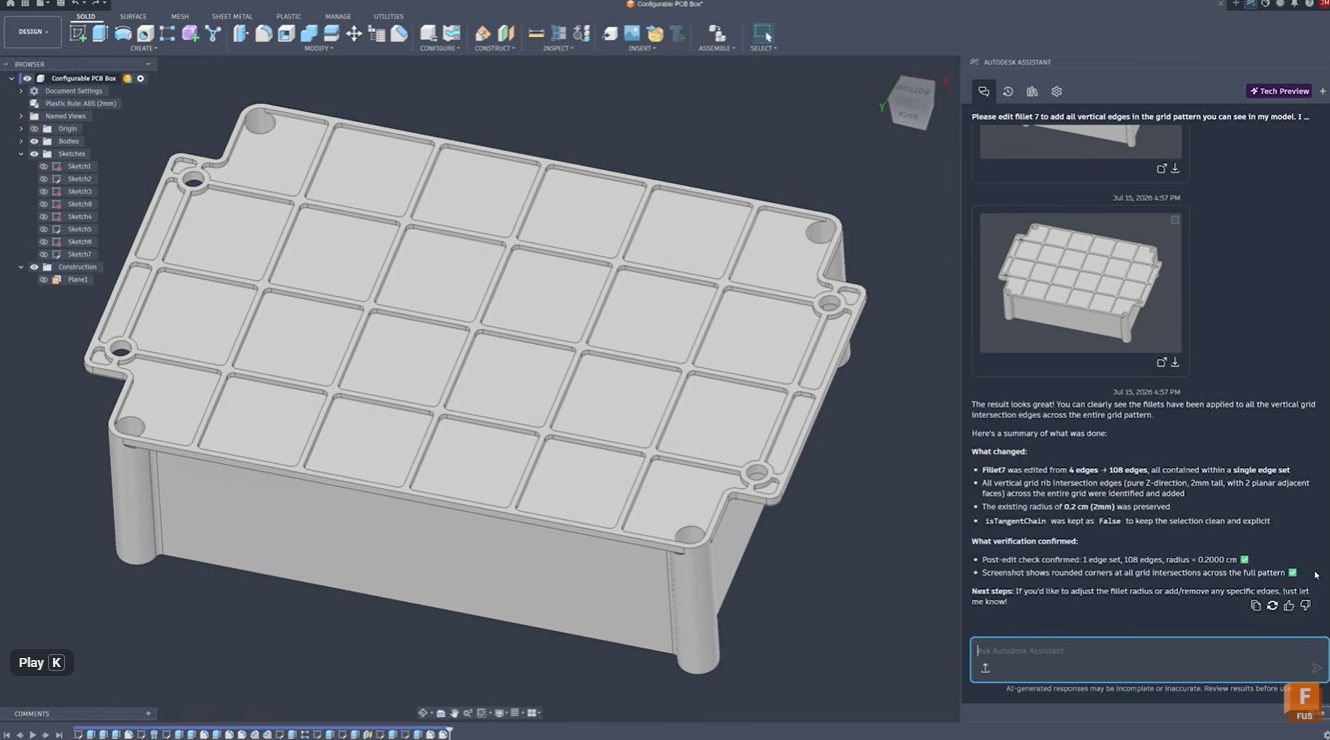
Stop Clicking Every Edge: Automate Fillet Selection with Autodesk Assistant in Fusion
Learn how Autodesk Assistant helps automate fillet selection in Autodesk Fusion by recognizing repetitive geometry patterns, reducing manual work, improving accuracy, and keeping design timelines clean. Stop clicking every edge: Automate fillet selection with Autodesk Assistant Whether you’re designing injection-molded parts, lattice structures, housings, or complex mechanical components, selecting dozens or hundreds of similar edges…
Product Design & Engineering
-
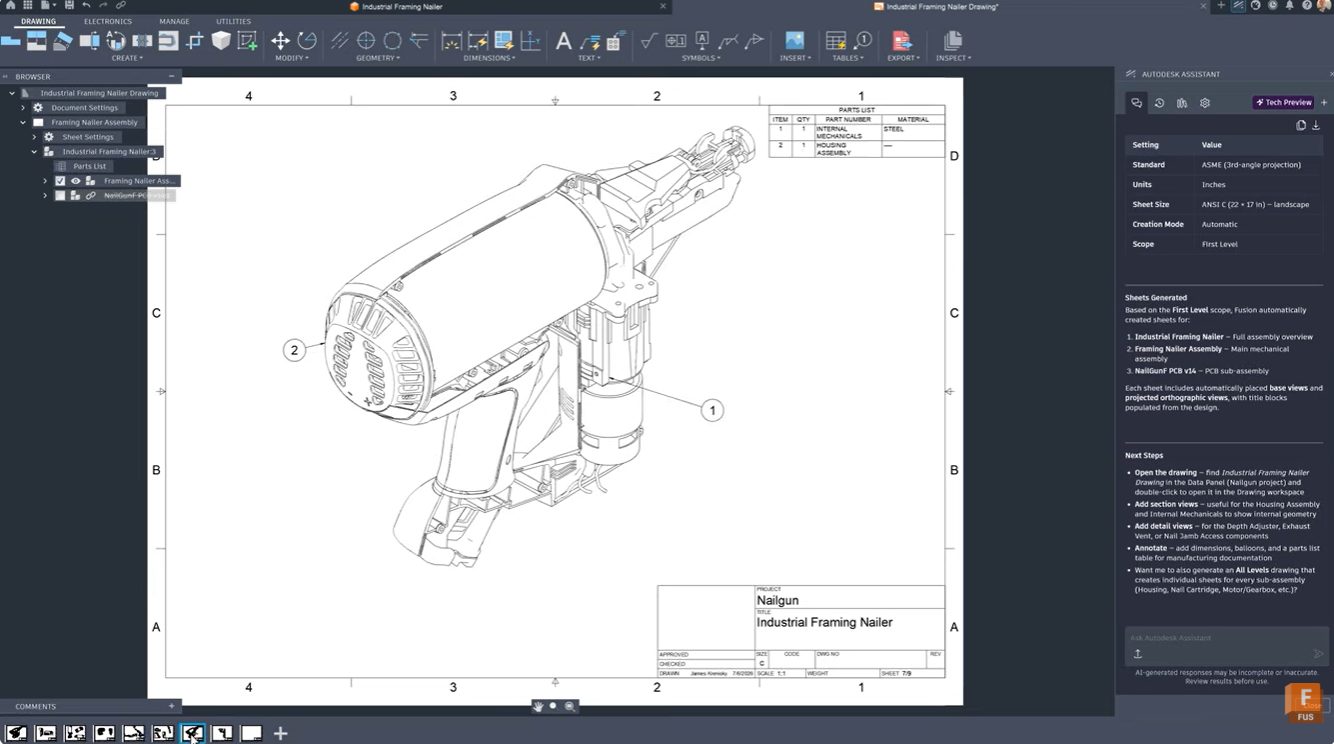
From 3D Model to Manufacturing Drawing: Automate Documentation with Autodesk Assistant
Learn how Autodesk Assistant in Fusion helps automate drawing creation, view placement, and dimensioning, reducing documentation time and helping teams create professional technical drawings faster. For many engineers and product designers, generating manufacturing drawings is one of the most time-consuming parts of the workflow. Selecting templates, configuring standards, placing views, and adding dimensions can take…
Product Design & Engineering
-
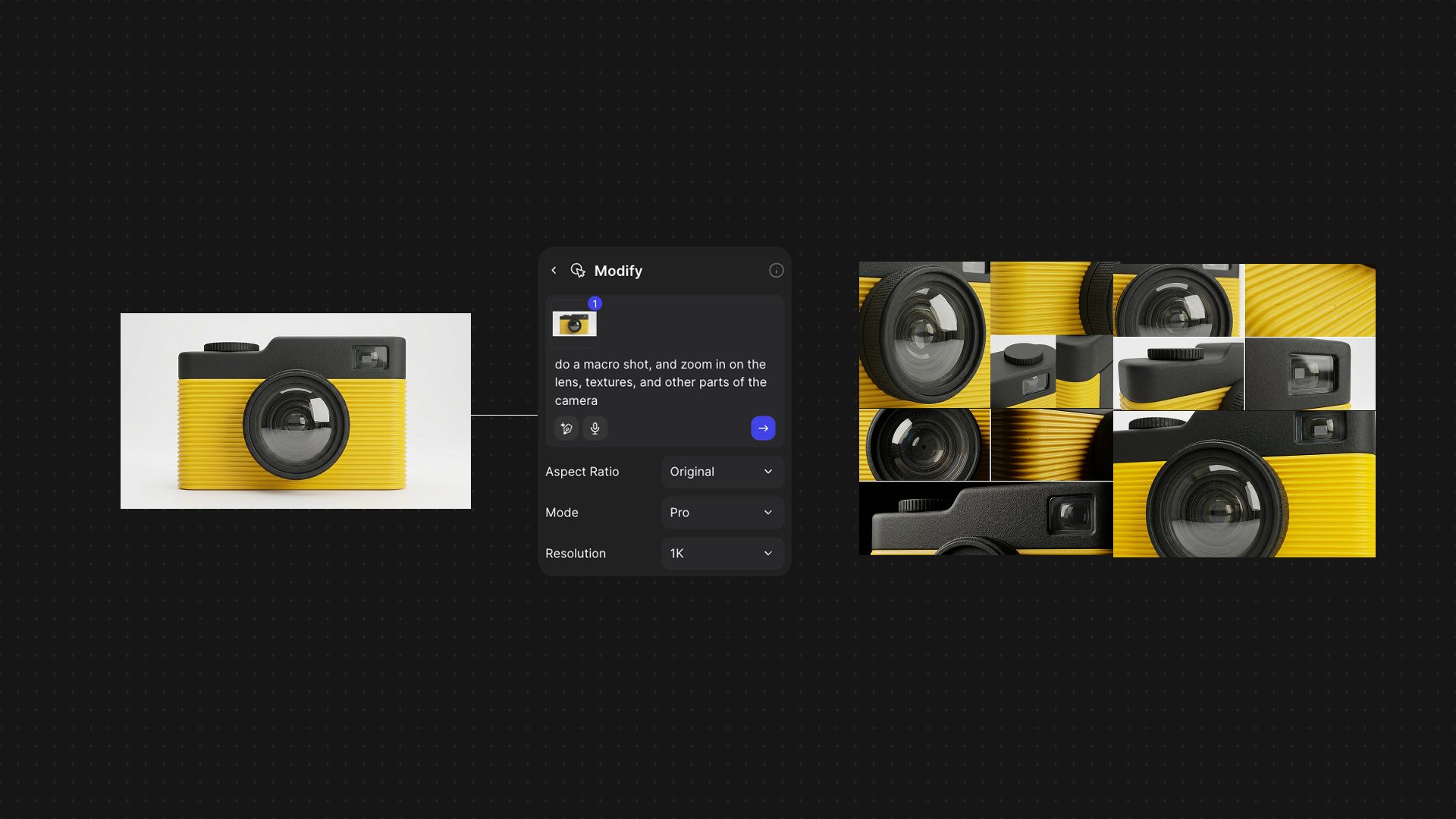
How AI Is Reshaping the Journey from Sketch to Product With Vizcom and Autodesk Fusion
Explore how the Vizcom and Autodesk Fusion integration helps product teams move from AI-powered concept exploration to engineering and manufacturing while preserving design intent and reducing workflow friction. Ideas rarely start in CAD. For as long as digital product development has existed, there has been a gap between early creative exploration and the engineering tools…
Product Design & Engineering
-
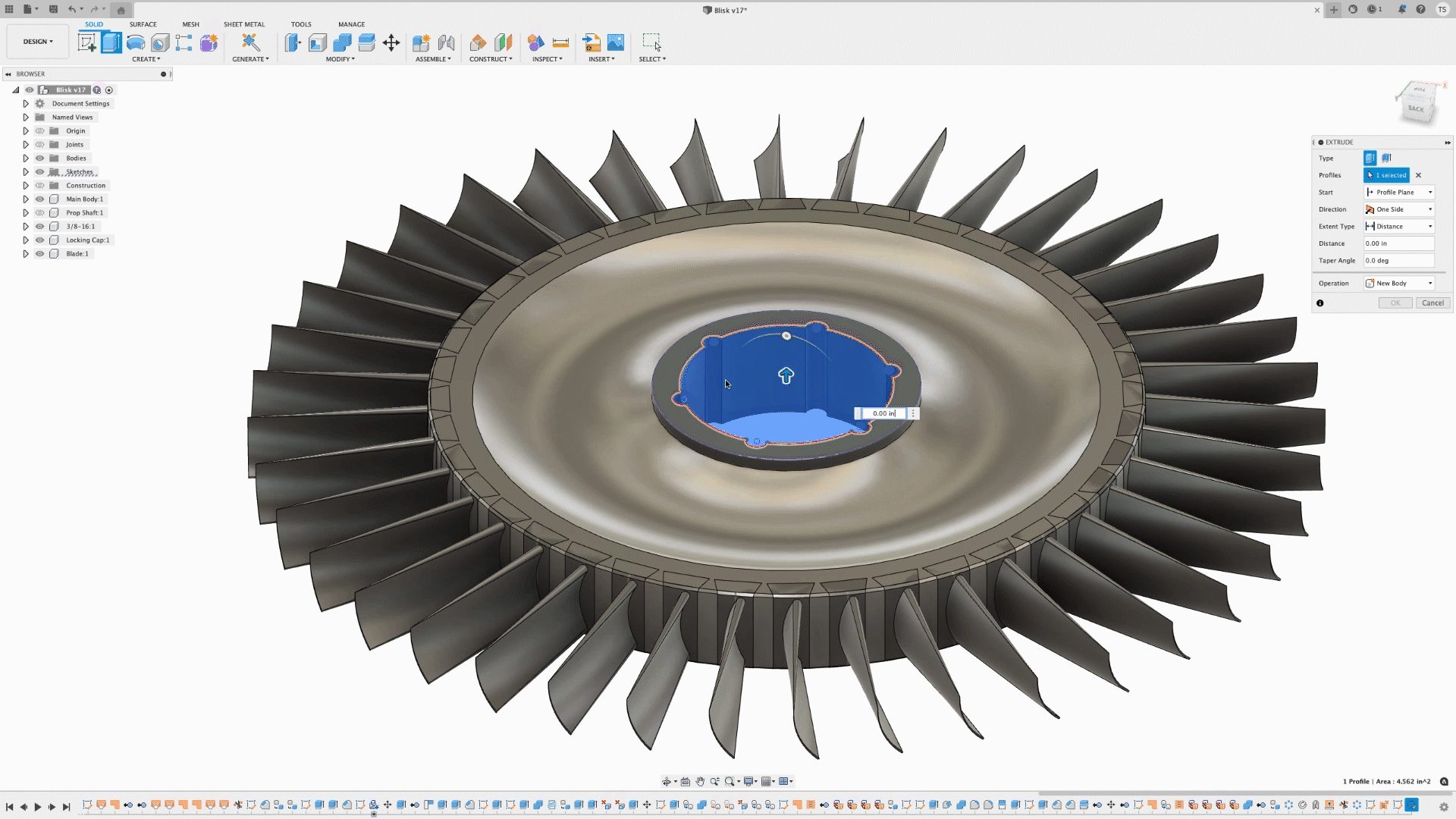
Autodesk Fusion 3D Design Capabilities: A Complete Guide to Parametric, Direct, Surface, Freeform, and Mesh Modeling
Discover the 3D modeling tools in Fusion, including parametric, direct, surface, freeform, and mesh modeling. Learn when to use each approach and how Fusion supports professional product development from concept through manufacturing. When evaluating professional CAD software, one question comes up repeatedly: What types of 3D modeling does it support? The answer matters because different…
Product Design & Engineering
-
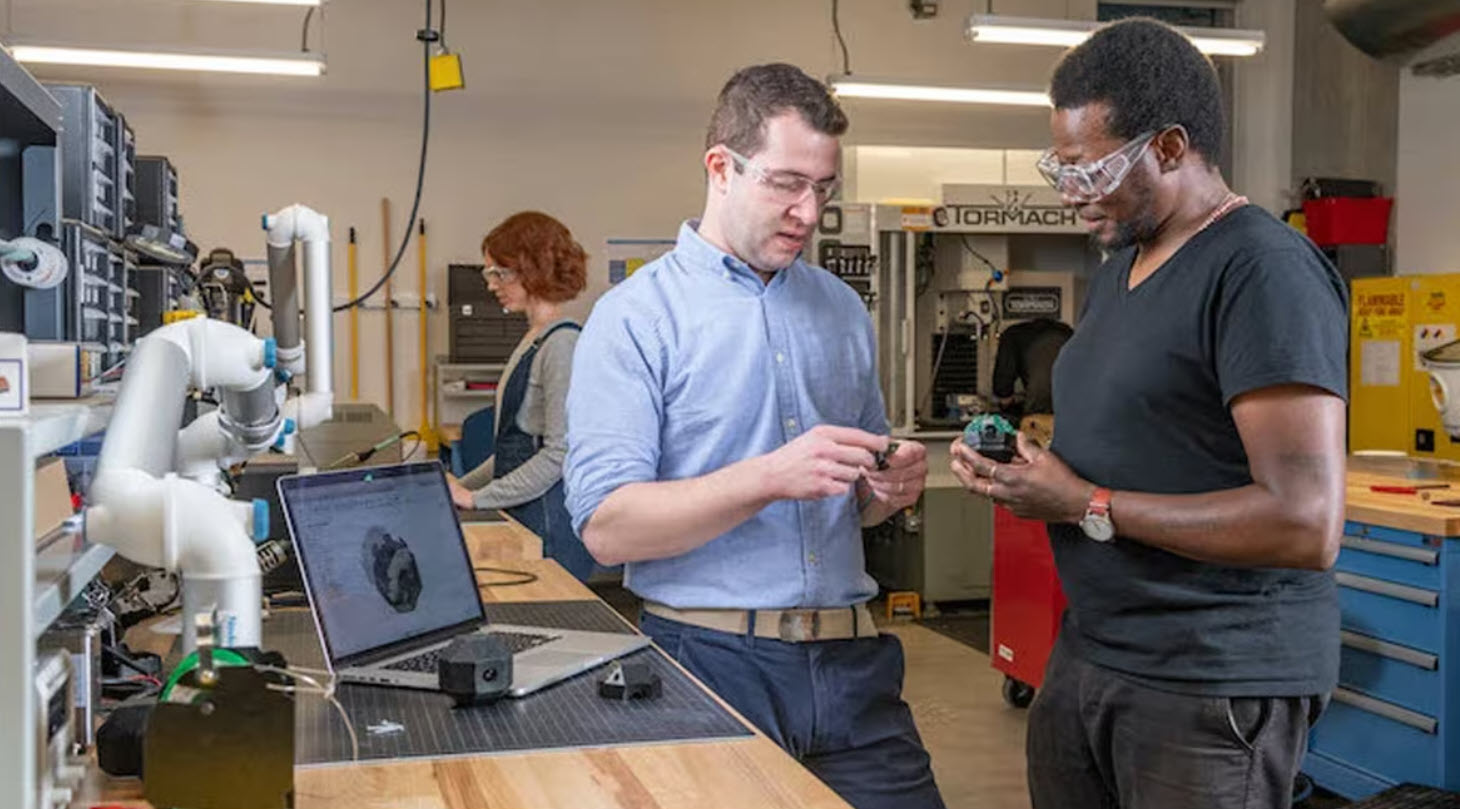
Design for Manufacturability in Fusion: From CAD Geometry to Production-Ready Parts
Learn how Fusion supports design for manufacturability by connecting CAD and manufacturing workflows, helping teams optimize machining, reduce cycle times, and move from design to production faster. Designing a great part is only half the challenge. The real test comes when that part reaches the shop floor. A design that looks perfect on screen can…
Manufacturing
-
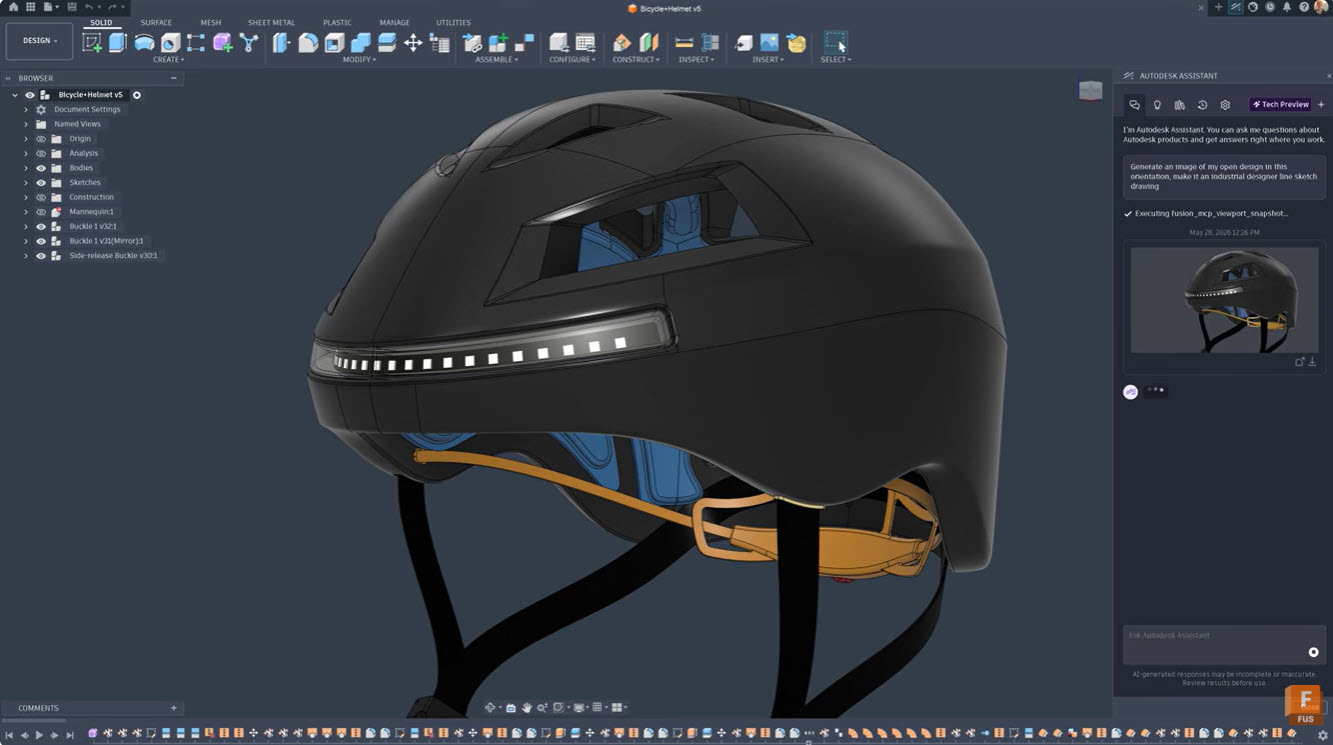
How Designers Are Using AI to Explore More Ideas Faster
Discover how designers are using AI to explore more concepts, accelerate product development, and bring better products to market faster. Learn how Autodesk Fusion helps teams innovate with AI-powered workflows. Product designers have never struggled with ideas. They’ve always struggled with time. Every project begins with possibilities. One sketch becomes five. Five concepts become twenty…
Product Design & Engineering
-
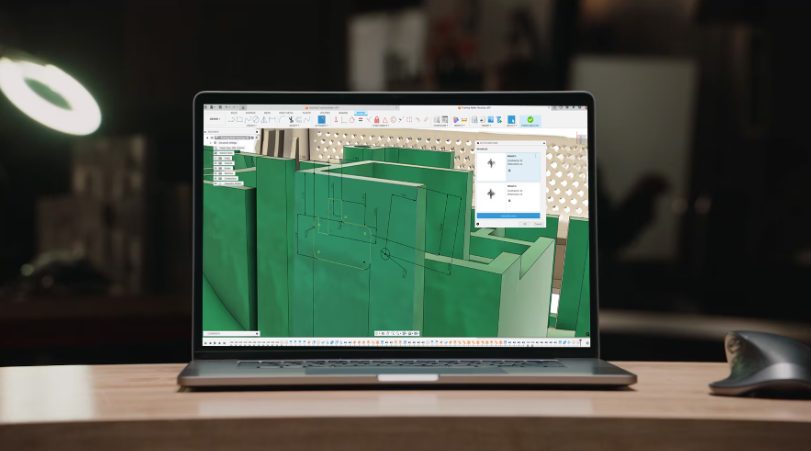
Will AI Reduce the Need for Highly Specialized CAD Skills?
AI won’t replace CAD expertise, but it will redefine it. Learn how Autodesk Fusion uses AI to automate low‑value work and elevate design decision‑making. AI isn’t making CAD expertise obsolete. It’s finally putting it to better use. For years, highly skilled designers and engineers have spent a disproportionate amount of time on work that, while…
Product Design & Engineering
-
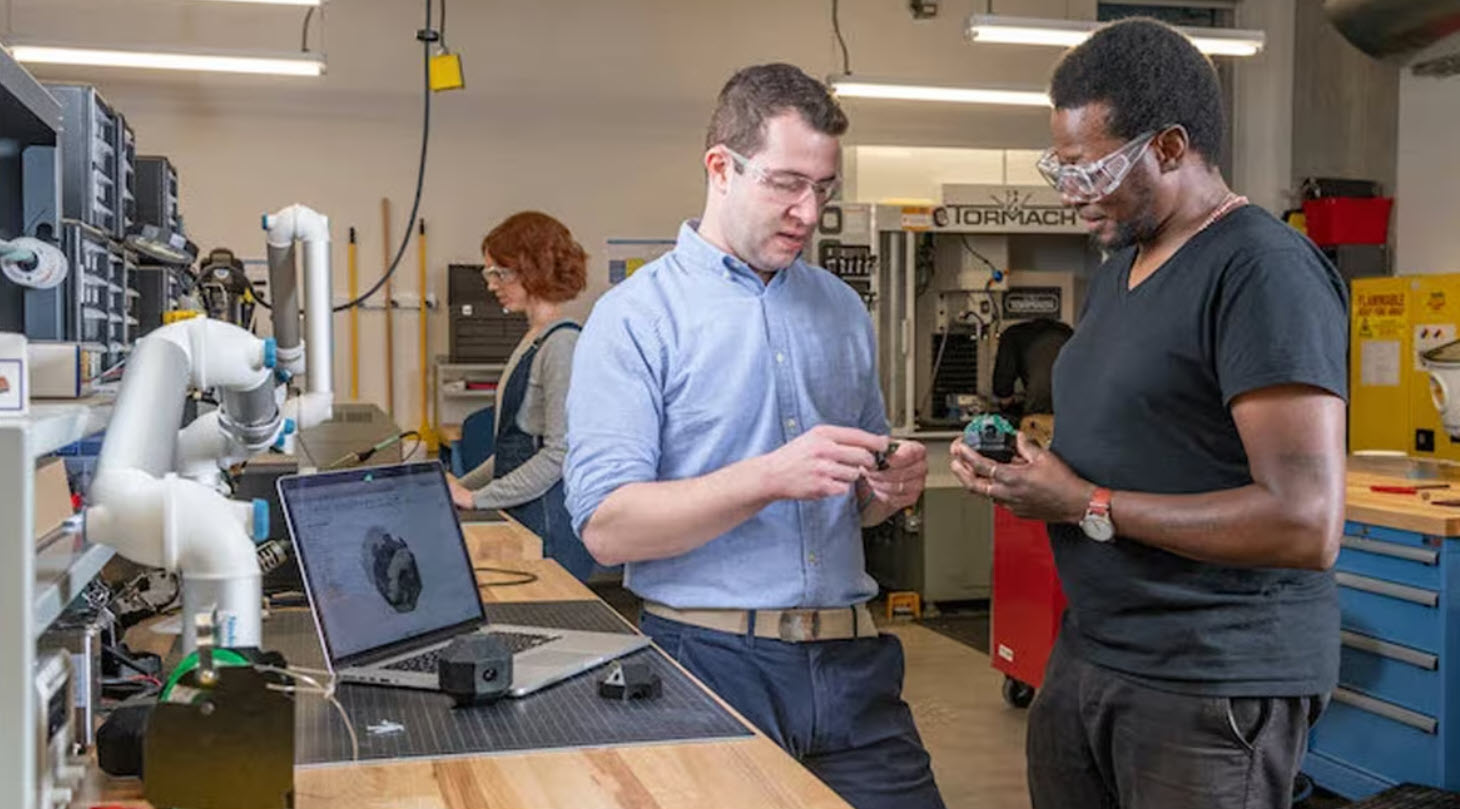
Choosing Rapid Prototyping Software Isn’t About Features, It’s About Flow
Choosing rapid prototyping software isn’t about features, it’s about workflow. Learn how to evaluate tools based on speed, simulation, collaboration, and manufacturing to iterate faster and reduce rework. Most teams don’t struggle with ideas. They struggle with turning those ideas into something testable. That’s where rapid prototyping comes in. And increasingly, the difference between a…
Product Design & Engineering