Category: Product Design & Engineering
-
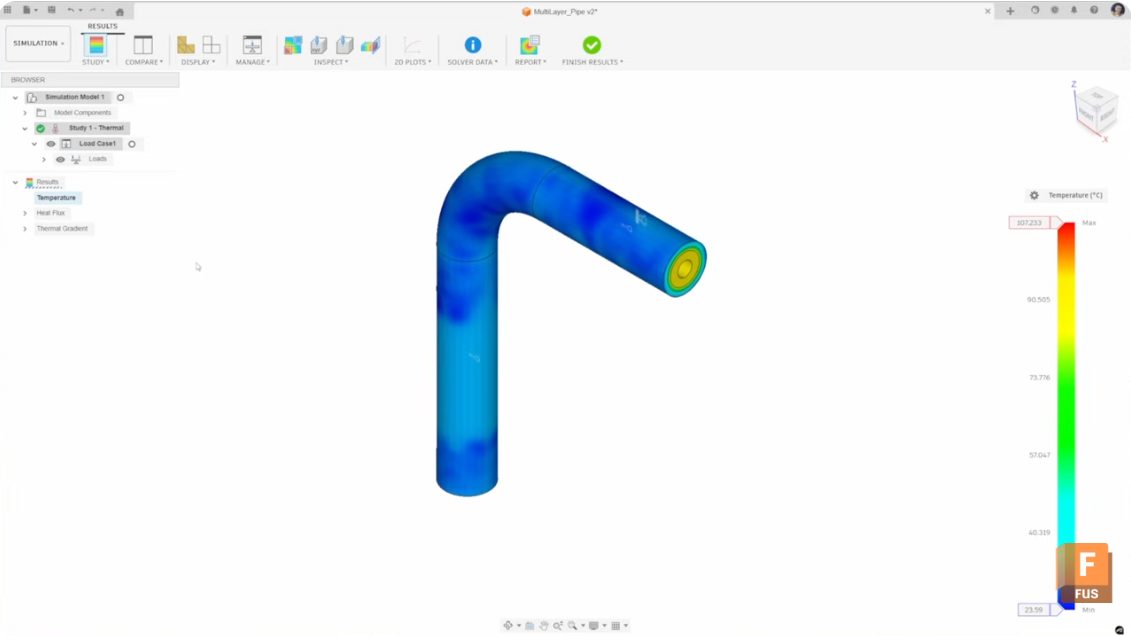
Thermal Simulations in Autodesk Fusion: A Step-by-Step Guide
Learn how to run thermal simulations in Autodesk Fusion—from materials and loads to mesh, results, and reports. Thermal analysis is essential for validating design decisions when components will operate under specific temperature conditions. Whether you’re designing cooling fins, evaluating insulation performance, or ensuring materials can withstand operational heat, Autodesk Fusion’s simulation workspace provides the tools…
Product Design & Engineering
-
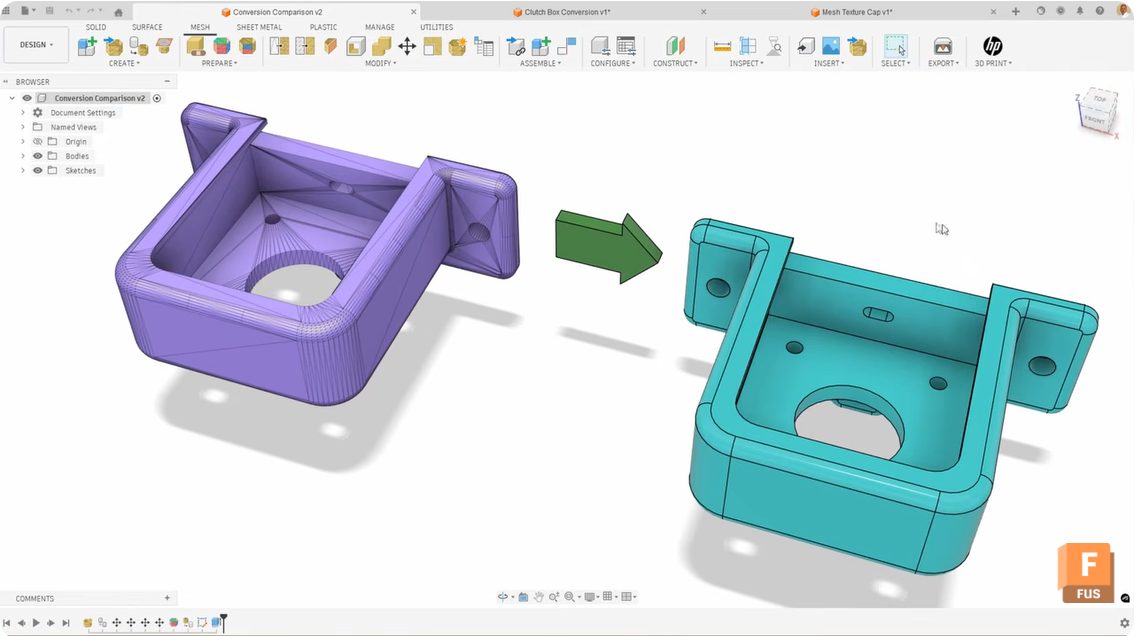
Mastering Mesh Conversion in Autodesk Fusion: Unlocking the Power of Face Groups
Learn how generate face groups in Fusion improves mesh‑to‑solid conversion, eliminating compute failed errors and messy surface results. Converting mesh bodies to solid bodies in Autodesk Fusion can be tricky sometimes. You follow the workflow, click convert, and either get a “compute failed” error or end up with a random patchwork of surfaces, instead of…
Product Design & Engineering
-

Here’s How to Set Up Your Fusion Hub
Creating your Fusion Hub is the first step after purchasing Autodesk Fusion. Here's everything you need to know about the process.
Getting Started
-
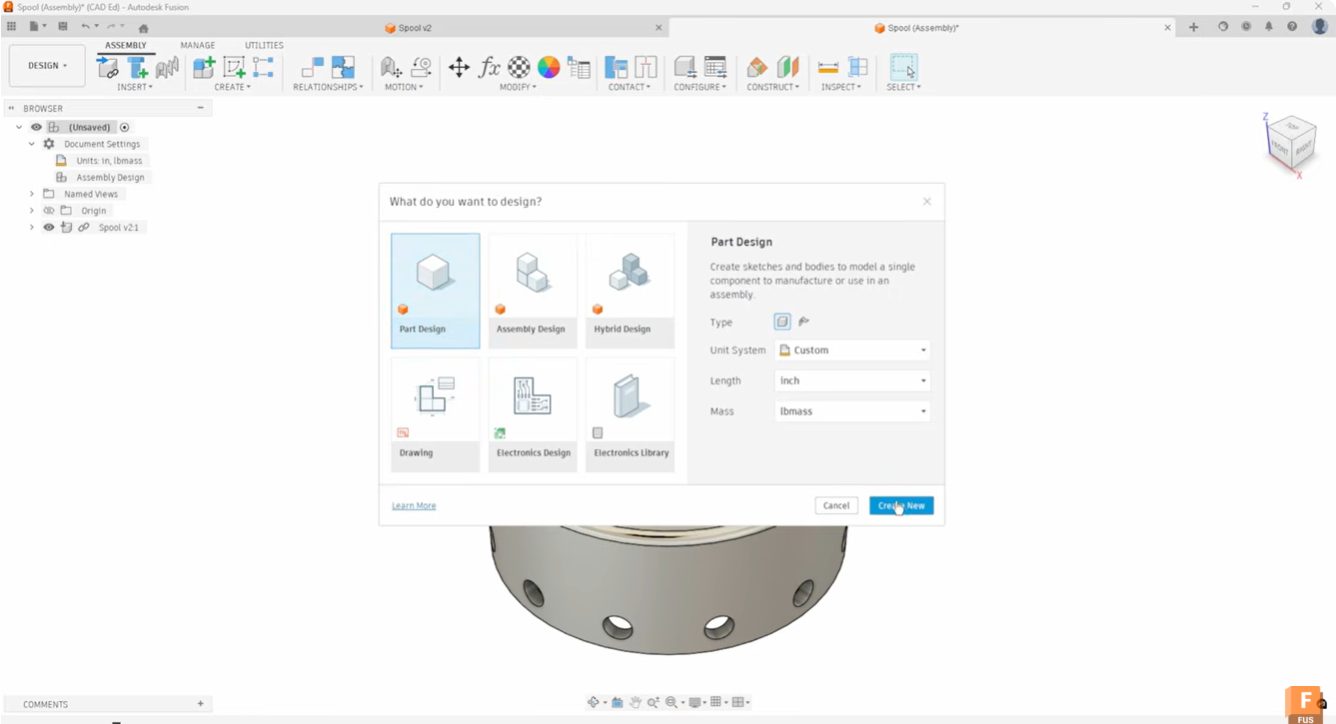
Start Your Fusion Designs Right with Intent-Driven Design
Learn how intent-driven design in Fusion helps you choose part, assembly, or hybrid workflows to start designs with clarity and avoid rework.
Industrial Design
-
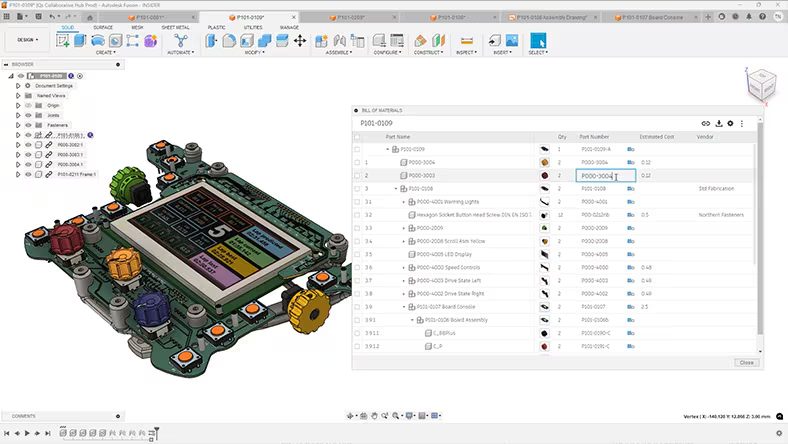
Why Cloud CAD Is Replacing Traditional Design Workflows
Discover how cloud CAD eliminates version conflicts, hardware limits, and data silos to accelerate product development with Autodesk Fusion.
Product Design & Engineering
-

What AI‑Assisted Rendering in Fusion Means for Modern Design Workflows
Learn how AI‑assisted rendering in Fusion brings visualization into the flow of design, using natural language, embedded AI, and scalable cloud platforms to accelerate iteration. AI rendering is beginning to change how designers visualize and iterate on concepts, removing friction between idea, model, and presentation. AI‑assisted rendering in Fusion that lets users generate visual renderings…
Product Design & Engineering
-
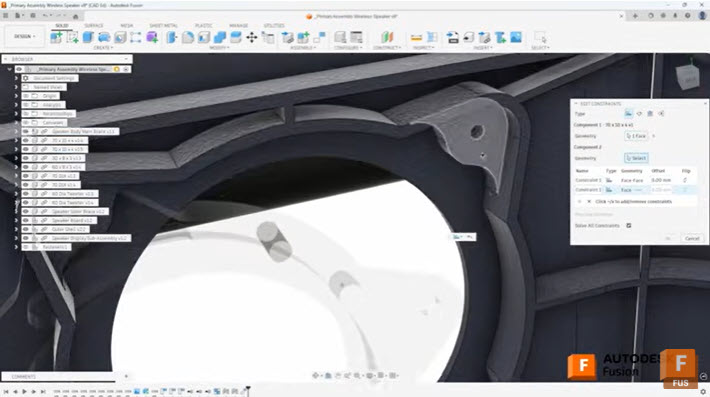
Efficient Assembly Design with Joints and Constraints in Autodesk Fusion
Learn when to use joints and constraints in Autodesk Fusion to build efficient assemblies, control motion, and manage complex component relationships. When building assemblies in Autodesk Fusion, understanding how to effectively position and relate components is fundamental to creating efficient, well-structured designs. Two primary methods exist for establishing these relationships: the Joint command and the…
Tutorials
-
How to Set Up Teams, Projects, and Secure Access in Autodesk Fusion
This article covers a few of Fusion 360's key data management features, from creating teams to setting up secure SSO for your organization.
Mechanical Engineering
-
Here’s How to Set Up Your Fusion Hub (and Get Your Team Collaborating Faster)
Creating your Fusion Hub is the first step after purchasing Autodesk Fusion. Here's everything you need to know about the process.
Getting Started
-
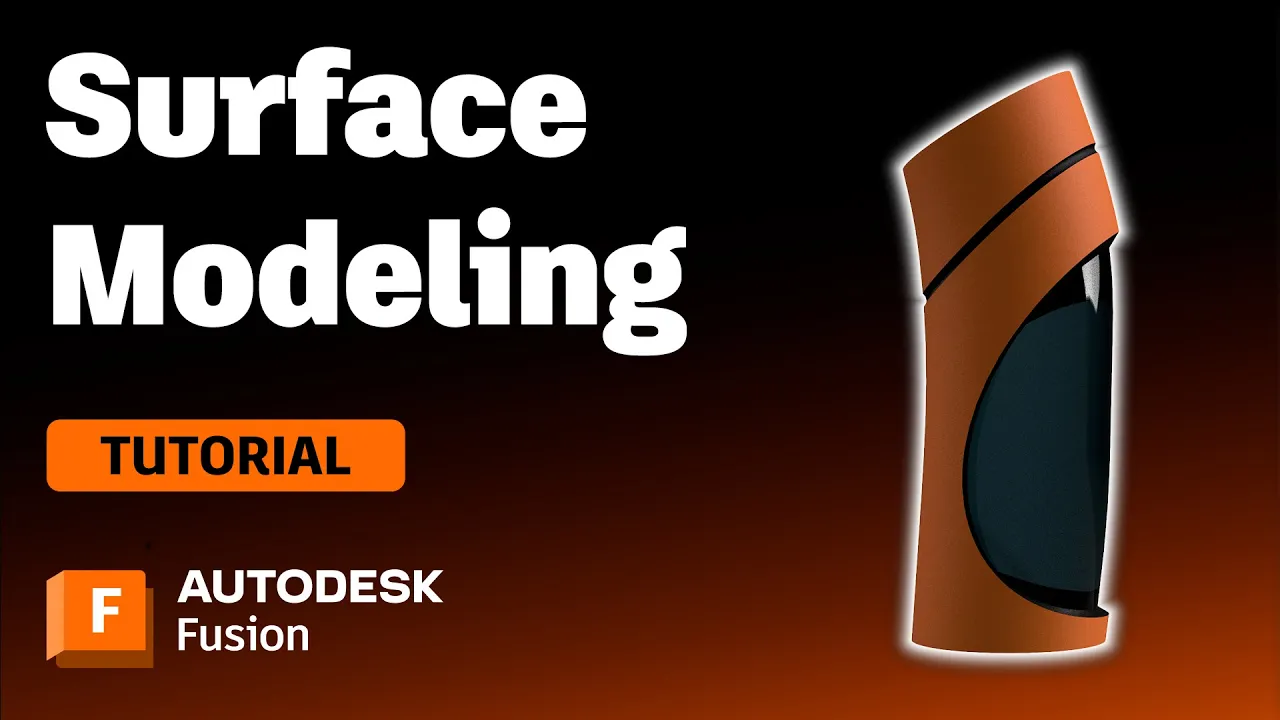
Surface Modeling Software: Autodesk Fusion
Check out this tutorial to understand surface modeling in Autodesk Fusion, how it relates to solid modeling, and its advantages.
Getting Started
-
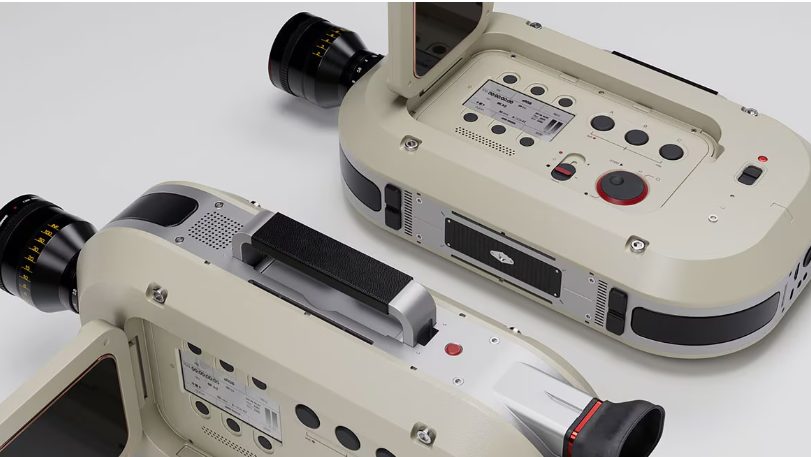
Design Without Limits with the Autodesk Fusion Design Extension
Unlock advanced modeling, automation, and manufacturing‑aware design tools with the Autodesk Fusion Design Extension to create complex, high‑performance products faster. Every product team wants to move faster without sacrificing quality. More design flexibility. Fewer workarounds. Better confidence that what’s being designed can actually be manufactured. As products become more complex and performance expectations increase, traditional…
Product Design & Engineering
-

4 Advantages of Prototyping in the Design Process
Prototyping a design before the fabrication process can help avoid design flaws, improve inter-team communication, and save you money.
Industrial Design
-
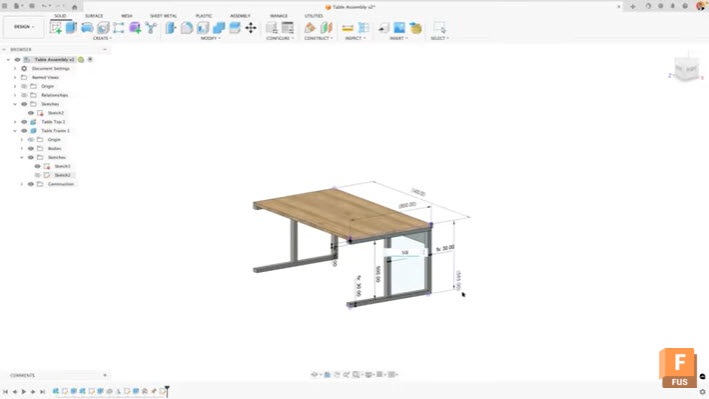
Maximize Efficiency: View and Edit Sketch Dimensions Outside of Sketches in Autodesk Fusion
Learn how to view and edit sketch dimensions outside of sketch mode in Autodesk Fusion to speed up design changes and improve workflow efficiency. When working in Autodesk Fusion, accessing dimensional information typically requires entering edit mode for each sketch. This workflow can slow down your design process, especially when you need to make quick…
Tutorials
-
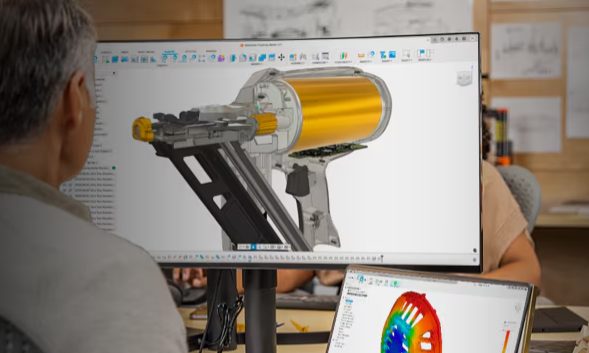
How Digital‑First Brands Are Reducing Time‑to‑Market with Unified Design‑to‑Make Workflows
Digital‑first brands are launching products faster by unifying design, engineering, and manufacturing. See how connected design‑to‑make workflows in Autodesk Fusion reduce rework and speed time‑to‑market. Speed doesn’t come from working harder. It comes from removing friction. Digital‑first brands, especially in consumer products, hardware, and advanced manufacturing have figured this out. They’re not launching faster because…
Product Design & Engineering
-
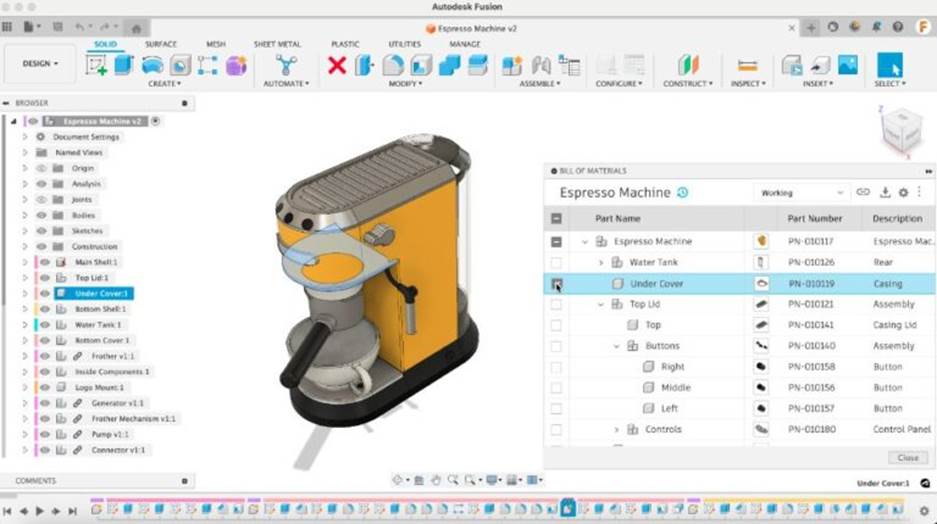
Metrics That Prove Your Connected Product Development Investment is Working
Explore how connected product development improves key engineering metrics of time-to-market, first-pass yield, and cost of poor quality. Learn how integrating ECAD, MCAD, and PLM reduces latency and errors and how Autodesk Fusion can help. Product development teams constantly face pressure to deliver complex designs faster and with fewer errors. One means of alleviating these…
Product Design & Engineering