Category: Machining
-
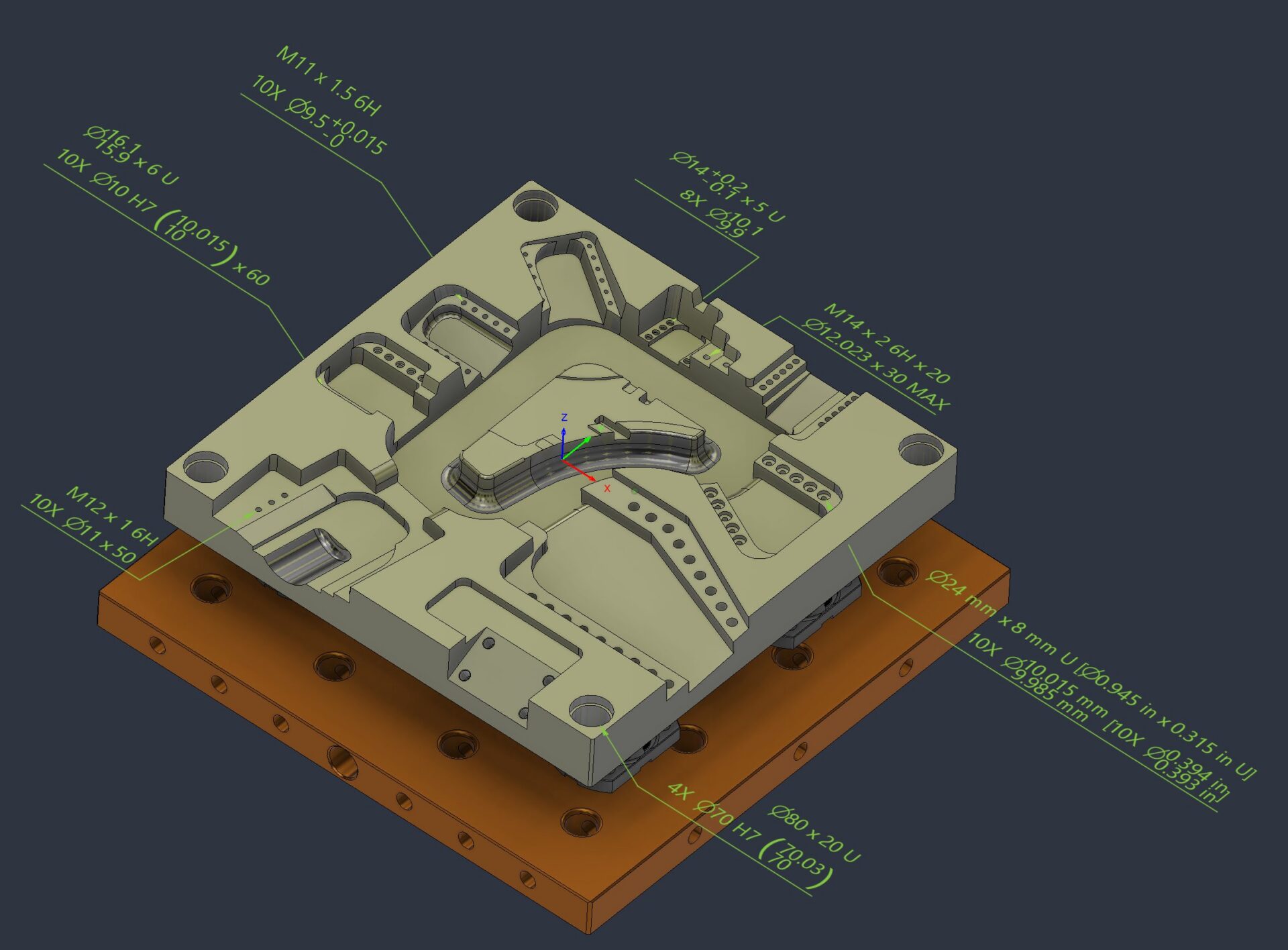
Product Manufacturing Information Comes to Fusion: Keep Manufacturing Intent with the Model
Understand PMI in Fusion, including Manufacturing ready hole notes, thread annotation and leader note creation. Keep manufacturing intent connected to the model from design through manufacturing. Manufacturing runs on more than geometry. The details that determine whether a part is made correctly, inspected accurately, and delivered on time often live beyond the model itself: tolerances, thread…
Manufacturing
-
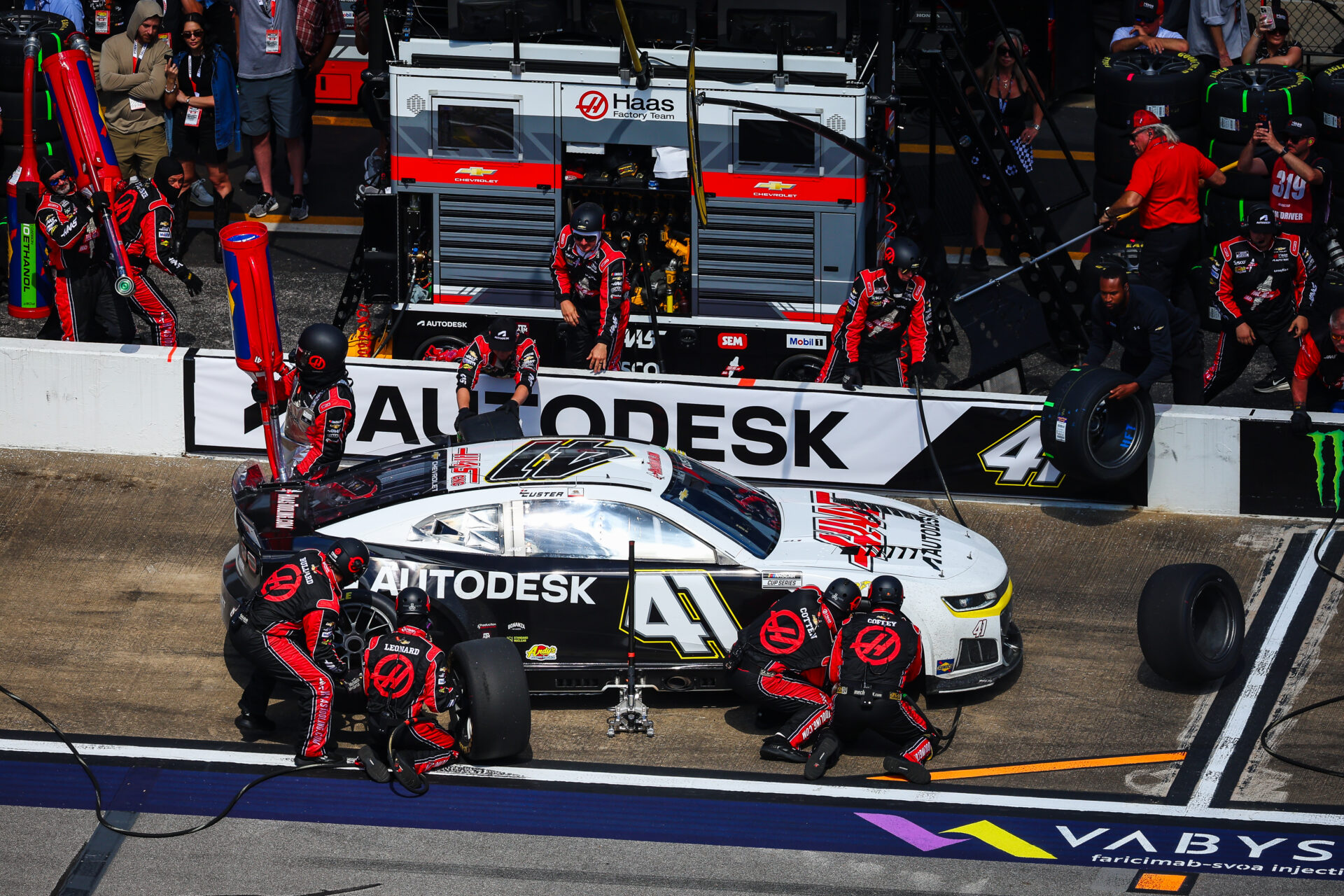
Start Your Toolpaths: Haas Factory Team Races Ahead in NASCAR With Autodesk Fusion
The Haas Factory Team is using Autodesk Fusion to streamline machining workflows, improve turnaround times and volume of parts, and keep critical components race ready. Fusion has helped the team tackle complex projects, including a redesigned car jack pump housing, with more efficient toolpaths and manufacturing processes. NASCAR races are all about speed and precision.…
Case Studies
-
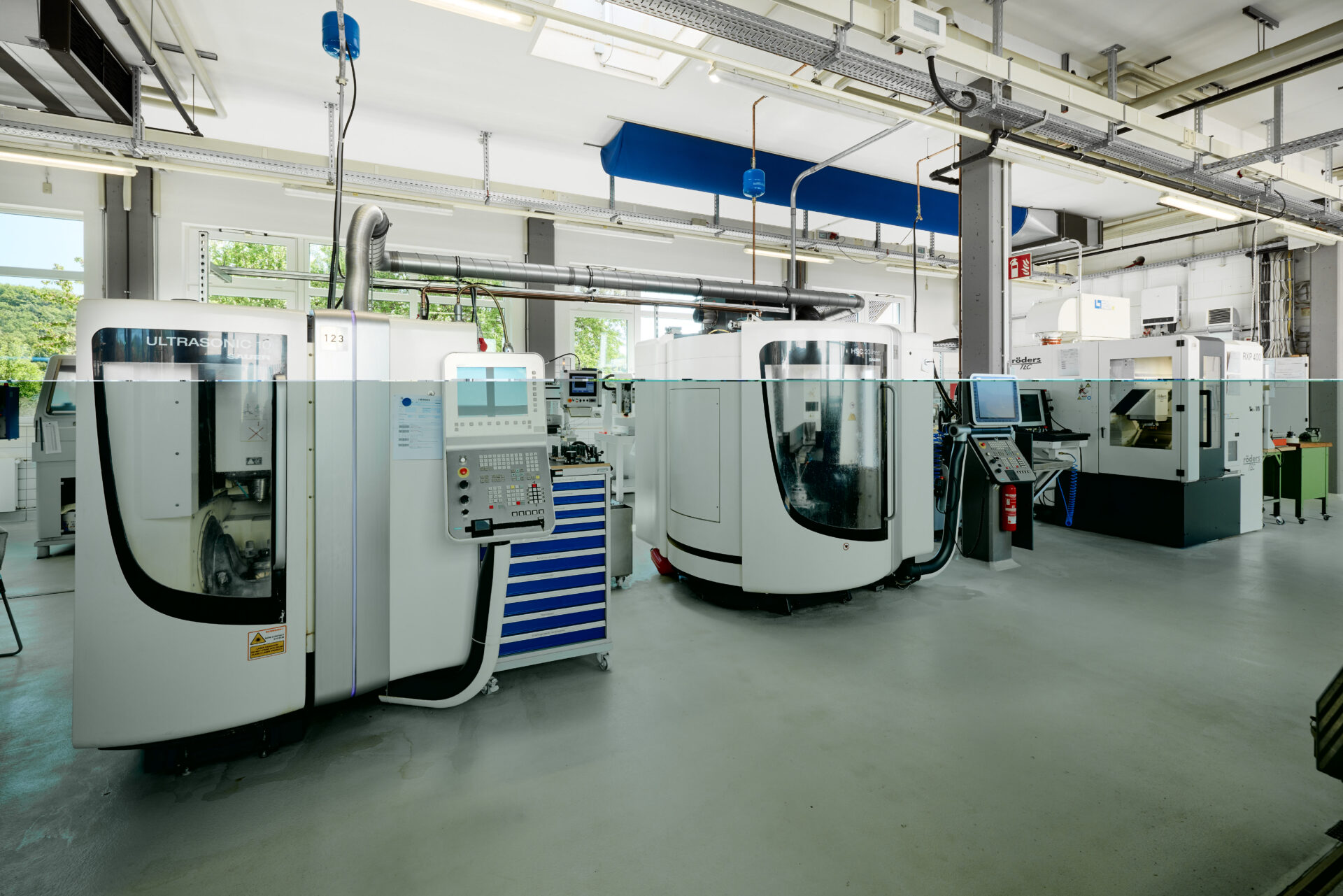
Albert Schütz GmbH Sharpens Precision Manufacturing with Autodesk Fusion
Albert Schütz GmbH is using Autodesk Fusion to bring CAD and CAM together in one platform, replacing separate tools. Fusion’s out-of-the-box post-processors, simple setup, and integrated workflows have helped the company save time, connect more easily to machines, and even design a custom centerless grinding machine for high-volume optical components. With Fusion and the Manufacturing…
Case Studies
-
Autodesk Fusion vs. SolidWorks: The Ultimate Migration Guide
Are you curious about Fusion 360 vs. SolidWorks? This migration guide will be the key to your success.
Getting Started
-

Here’s How to Set Up Your Fusion Hub
Creating your Fusion Hub is the first step after purchasing Autodesk Fusion. Here's everything you need to know about the process.
Getting Started
-

What Are the Benefits of Integrated CAD/CAM Software?
Learn about how Autodesk Fusion 360, a cloud-based, integrated CAD/CAM software, can transform your design process.
Industrial Design
-

Fusion for Manufacturing: Toolpath Automation with Steep and Shallow and Hole Recognition
Next up in this Fusion 360 Machining Extension series is toolpath automation, including steep and shallow and hole recognition tools.
Machining
-
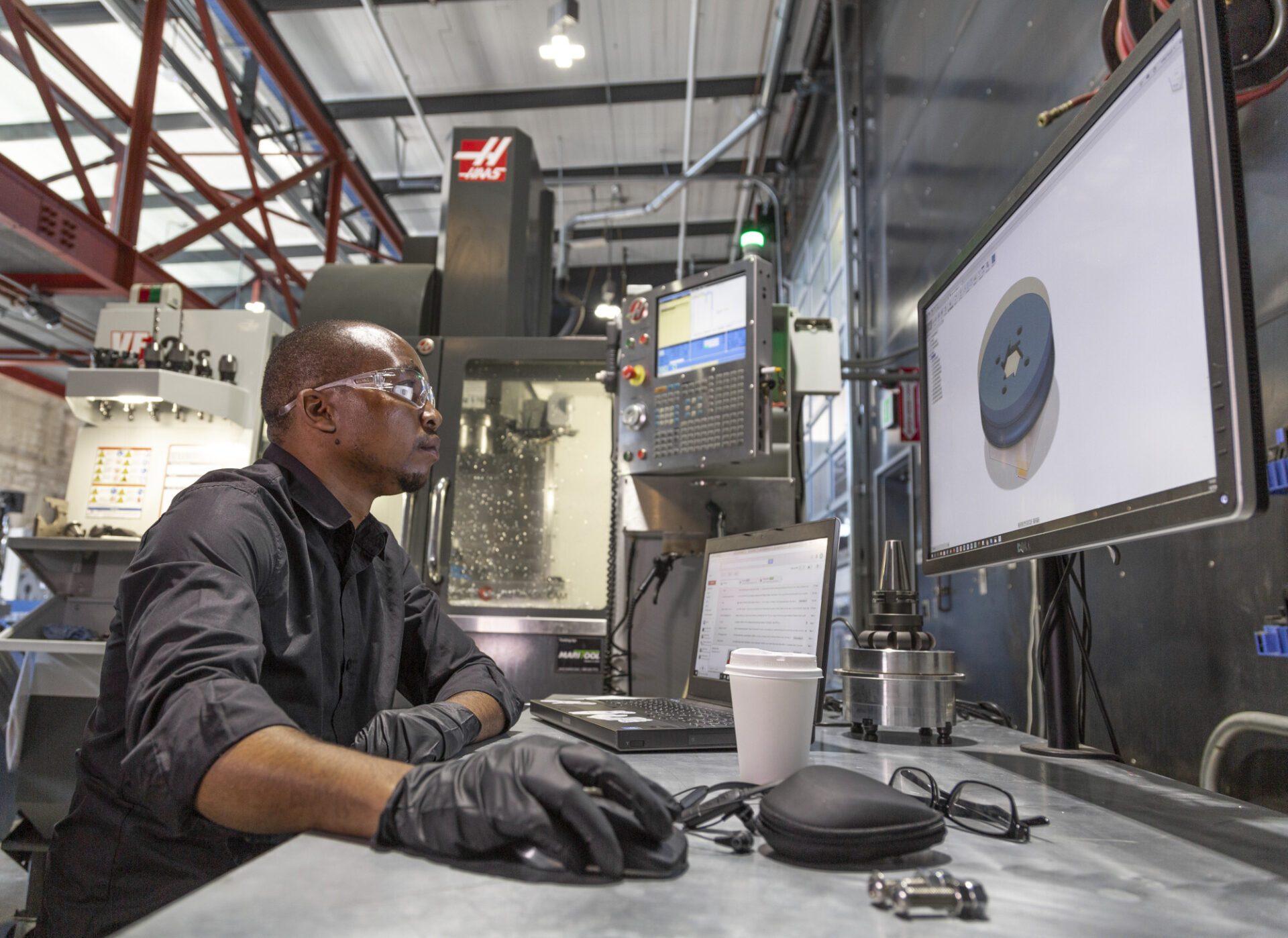
Autodesk Fusion Manufacturing Fundamentals: From Design to Production—Without Switching Tools
This guide highlights tools to master, best practices, and things to be aware of as you get up to speed with manufacturing in Fusion 360.
Getting Started
-
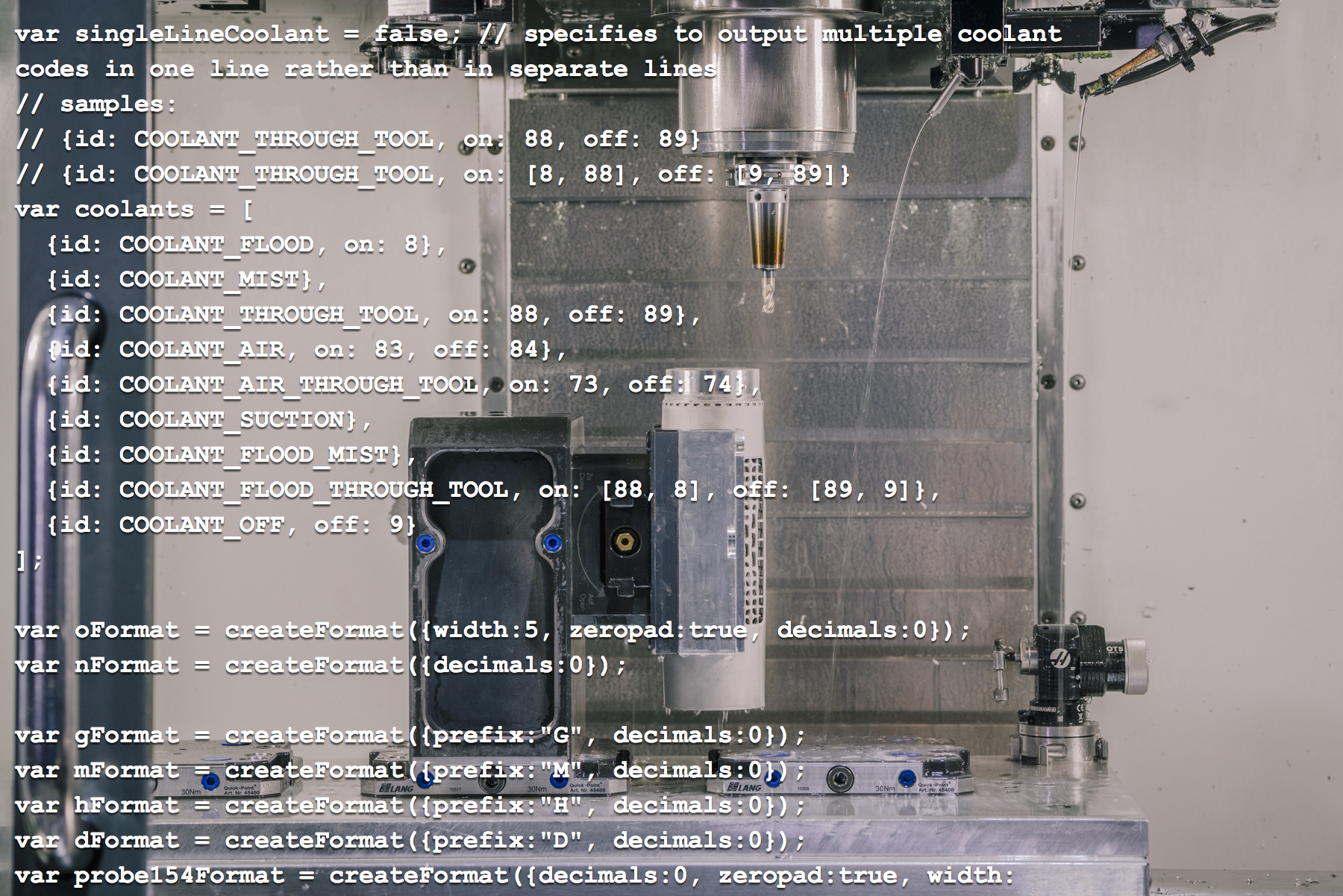
A Quick Introduction to Editing Post Processors in Autodesk Fusion [Update 2026]
If you're generating toolpaths with a CAM system, you need a way to turn them into code for your machine. Typically this is done by a post processor. These are often expensive, difficult to create, and hard to find support. Learn more about how Fusion 360 flips this on its head.
Machining
-
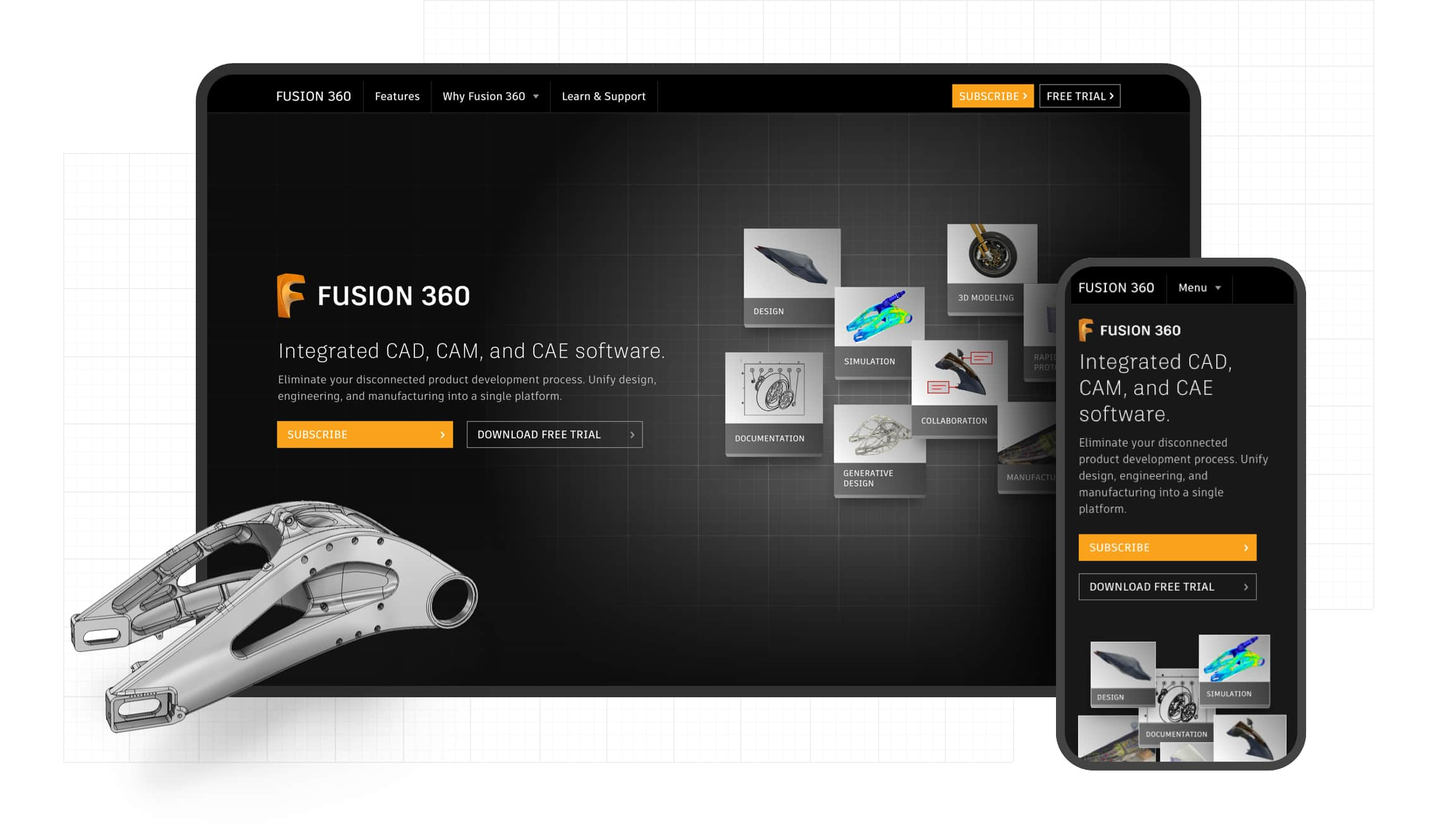
How to Set Up Teams, Projects, and Secure Access in Autodesk Fusion
This article covers a few of Fusion 360's key data management features, from creating teams to setting up secure SSO for your organization.
Mechanical Engineering
-
Here’s How to Set Up Your Fusion Hub (and Get Your Team Collaborating Faster)
Creating your Fusion Hub is the first step after purchasing Autodesk Fusion. Here's everything you need to know about the process.
Getting Started
-
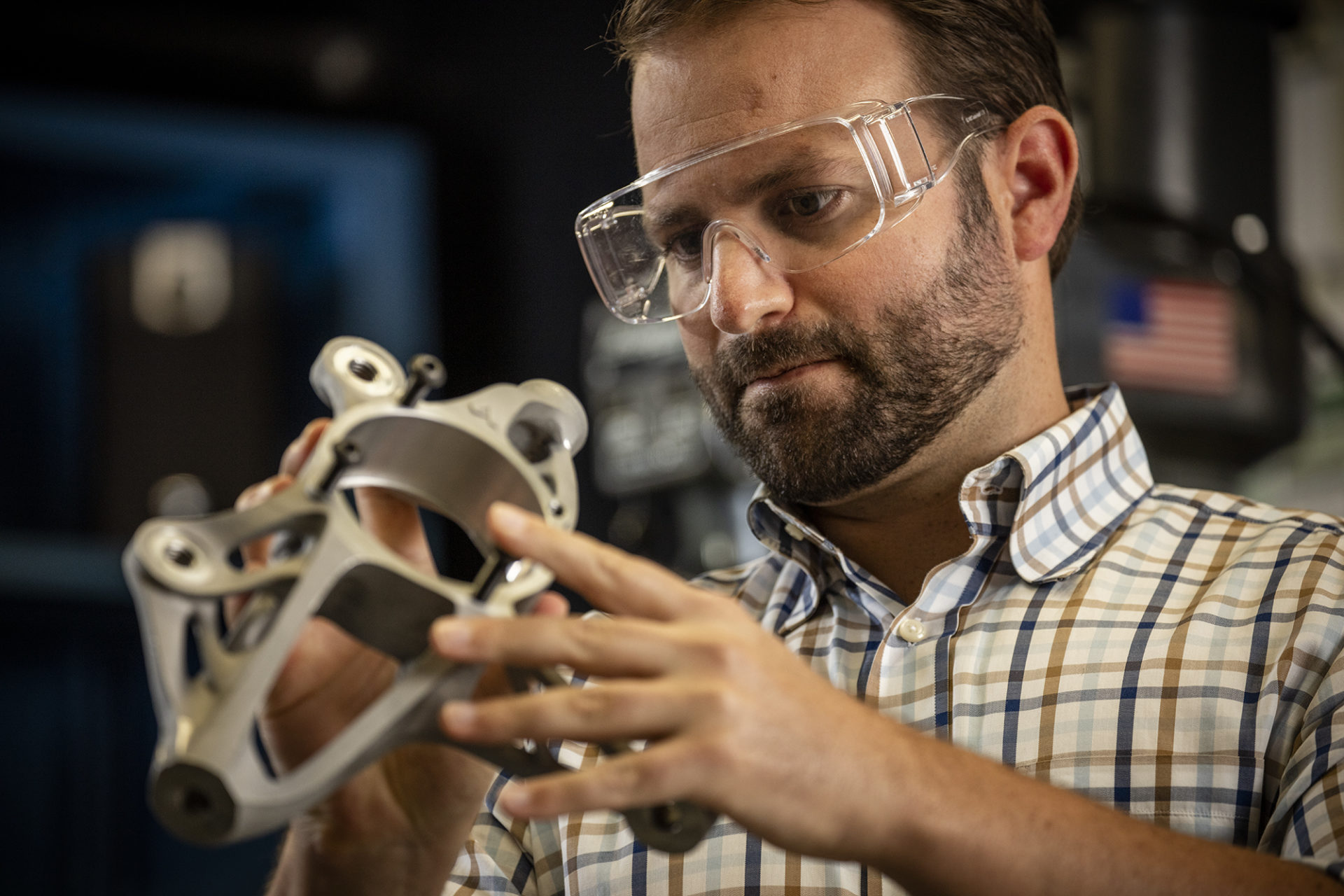
Autodesk Fusion Extensions Explained: Which Extension is Right for You?
An overview of what Autodesk Fusion extensions we offer, what they can help you accomplish, and how to unlock their advanced capabilities.
Getting Started
-

Enhanced CAM Capabilities in Autodesk Fusion Simplify High-Precision, Simultaneous 5-Axis Machining at Yutaka
Ultra-high precision components in the sub-micron range are essential in fields like semiconductor production equipment and aerospace. Manufacturing these requires advanced machining techniques like simultaneous 5-axis machining, making not only cutting-edge equipment but also personnel proficient in software indispensable. Yutaka Co., Ltd., a precision machined parts manufacturer in Matsuyama, Ehime Prefecture, is tackling this with…
Customer Stories
-
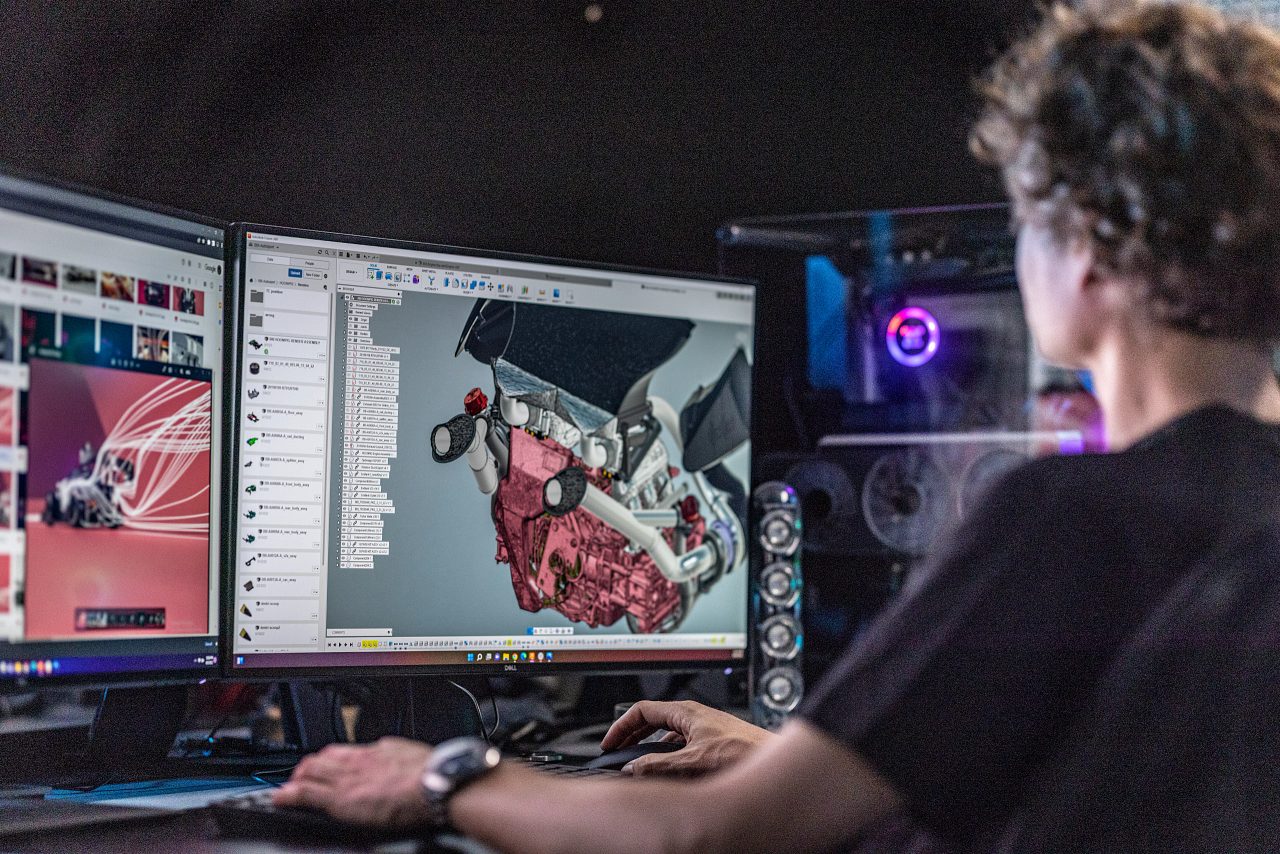
Autodesk Fusion Subscription Types
Autodesk Fusion 360 provides various licenses suited to your design and make goals. Learn about the licenses and what best suits you.
Getting Started
-
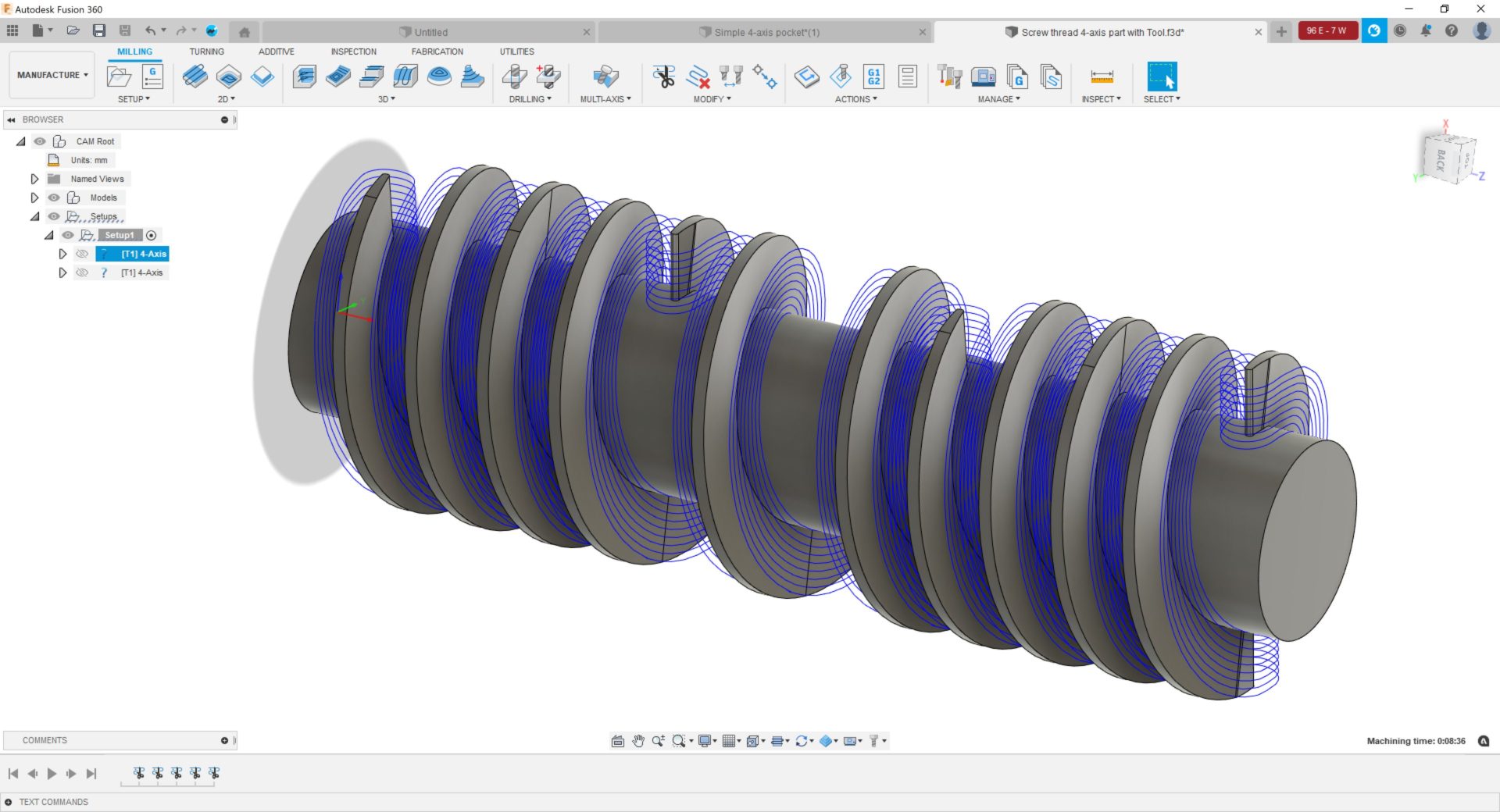
Benefits of 4-Axis Machining With Autodesk Fusion for Manufacturing
Discover the benefits of 4-axis machining with Fusion 360, including enhanced precision, reduced tool deflection, fewer setups and more.
Machining