 Heather Miller
The Haas Factory Team is using Autodesk Fusion to streamline machining workflows, improve turnaround times and volume of parts, and keep critical components race ready. Fusion has helped the team tackle complex projects, including a redesigned car jack pump housing, with more efficient toolpaths and manufacturing processes.
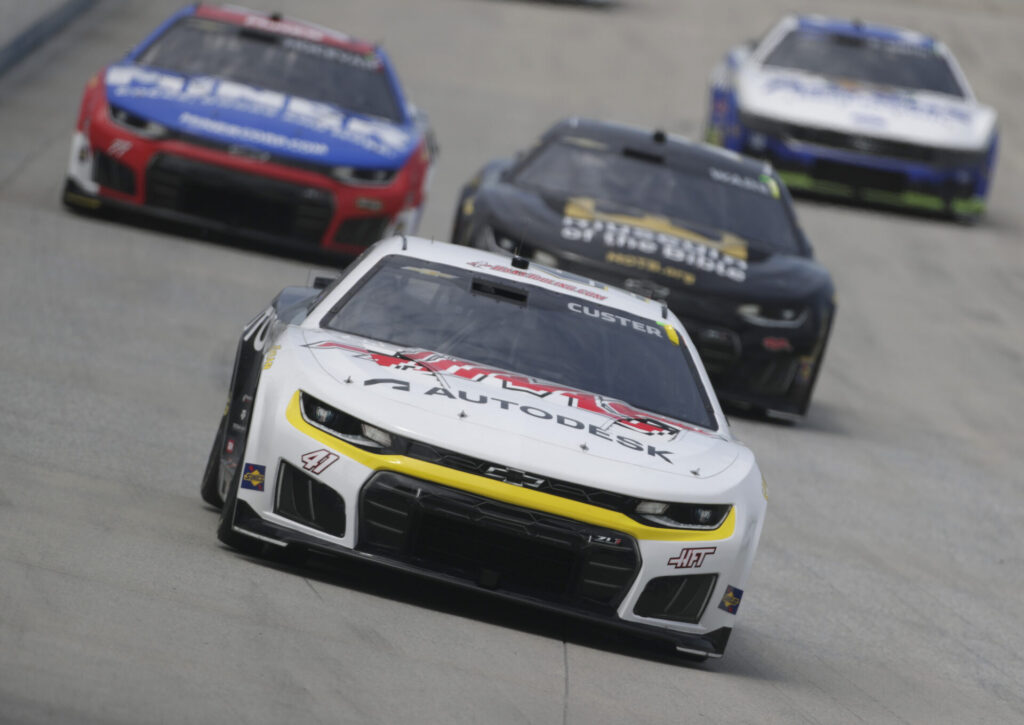
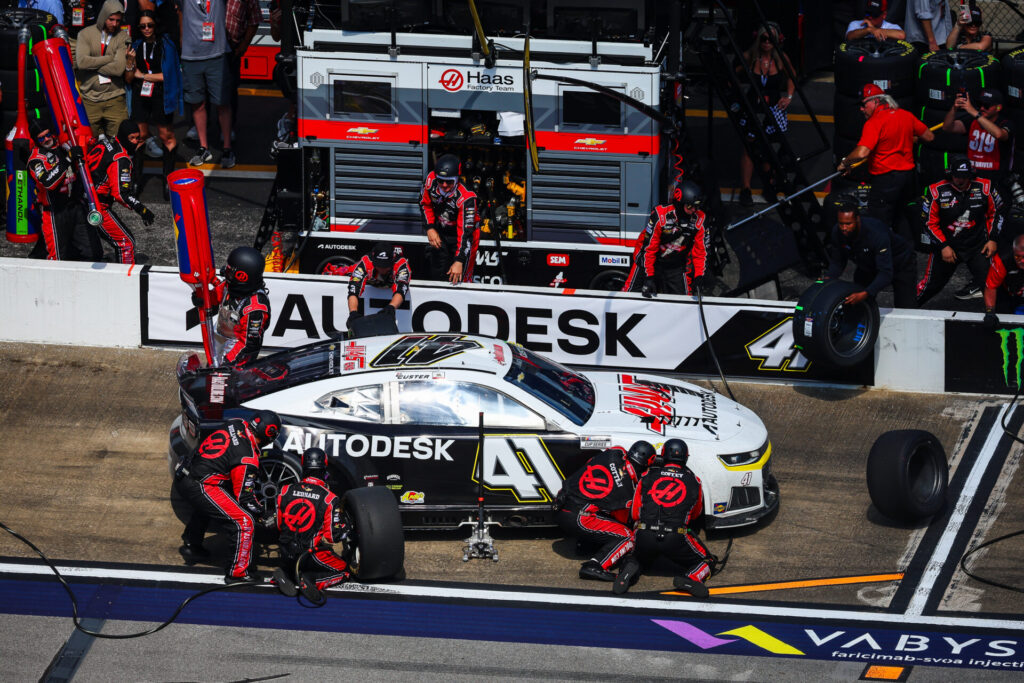
NASCAR races are all about speed and precision. But that isn’t reserved only for the track on the weekend. There’s pit crew practice where every movement is analyzed to shave even a fraction of a second off those stops. Then there’s the car itself where new parts are being designed to improve performance, and existing components need to be replaced at any given time. Behind the scenes of NASCAR are the manufacturing teams that supply these parts to keep the cars race ready. For the Haas Factory Team, they are shifting into high gear with Autodesk Fusion.

Elevate your design and manufacturing processes with Autodesk Fusion
Pulling ahead with Fusion
Based in Kannapolis, North Carolina and owned by Haas Automation founder Gene Haas, the Haas Factory Team competes with Cole Custer’s No. 41 Chevrolet in the NASCAR Cup Series alongside two cars driven by Sheldon Creed and Sam Mayer in the NASCAR O’Reilly Auto Parts Series. Dean Thompson will join the team to compete in the NASCAR O’Reilly Auto Parts Series in 2027, bringing the team to three full-time entries in that series.
With a manufacturing-focused owner, it’s only natural that the shop is a priority for the overall team. Let’s say machining equipment isn’t a problem. For machine shop manager Justin Cook, every day is definitely different. It might be a last-minute request to machine a part or figure out how to manufacture new projects with Fusion, from new power-steering or oil filter brackets to a fuel pickup piece, steering column brackets, steering rack spacers, and more.
The entire shop team is fully embracing Fusion for their daily projects, especially now that many templates were moved over from Mastercam.
“We now have a backlog of toolpaths to grab template files, and that helps with a quicker turnaround time,” Cook says. “It’s a lot simpler now because I can drag toolpaths over.”
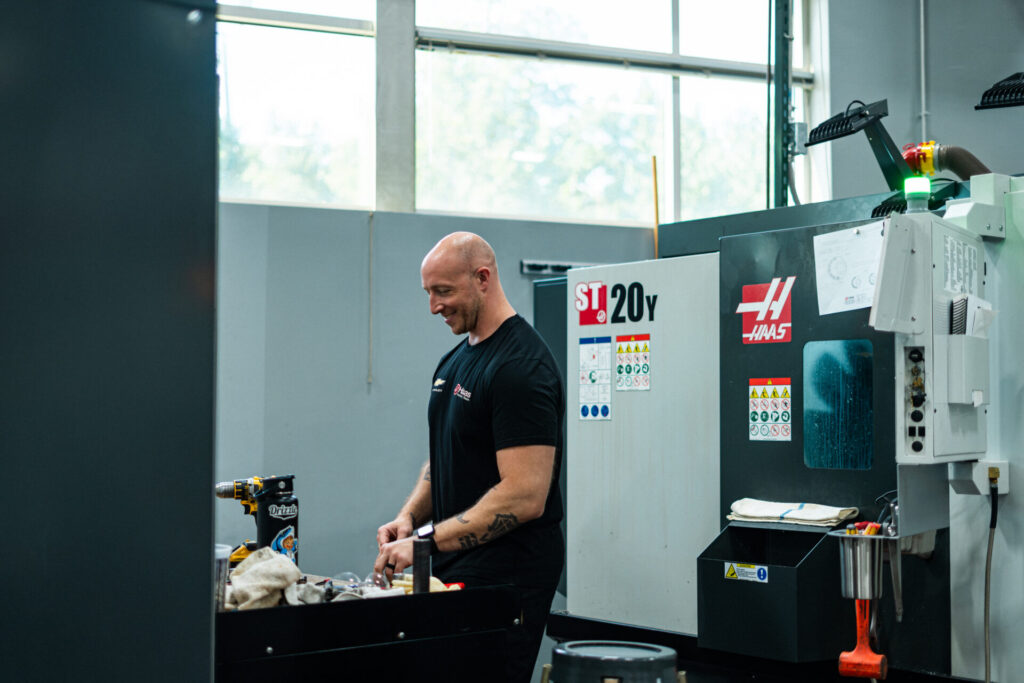
With the Haas Factory Team’s switch from Ford to Chevrolet last year, the team has been running a massive number of new parts. Using Fusion, they’ve directly experienced the benefits.
“With the volume of net new jobs and parts we’ve created since the beginning of the year, Fusion has played a significant role in helping us achieve our goals,” Cooks says.
“Having one model to work from makes everything easier,” he adds. “You can manage multiple setups, create and control soft jaws, save your NC files, and keep everything organized in one place. The workflow with Fusion is really nice.”
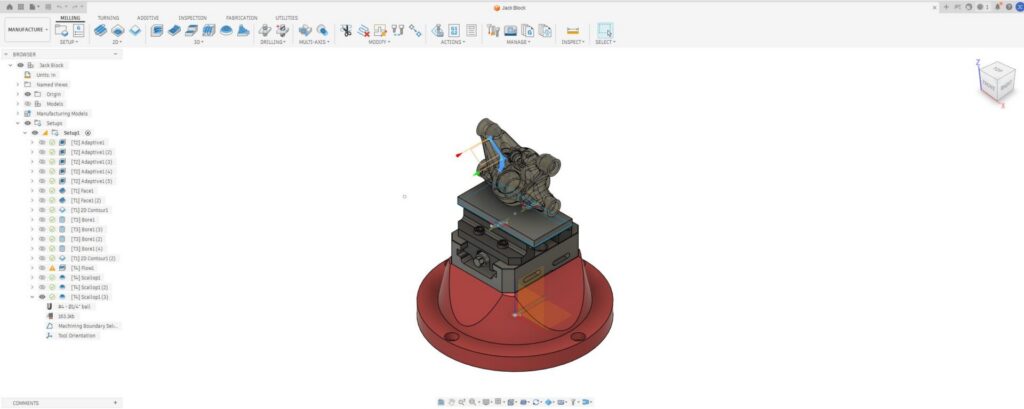
The team also takes advantage of the Haas Tooling Add-In that provides instant access to over 3,000 Haas tools in the Fusion tool library and seamless, e-commerce connectivity. The add-in automatically recognizes the tools referenced in a CAM program and streamlines the ordering process.
“The Haas Tooling add-in with Fusion is an efficient way to get tools into my cart without having to search through the Haas tooling website,” Cook says.
Rethinking the car jack
Recently, the Haas Factory Team took on a new challenge by taking a fresh look at one of the most critical components of the pit stop: the car jack. Tyler Bullard, both an engineer and tire carrier for the pit crew, redesigned the jack’s pump housing to improve weight, strength, fluid flow, and durability with Fusion.
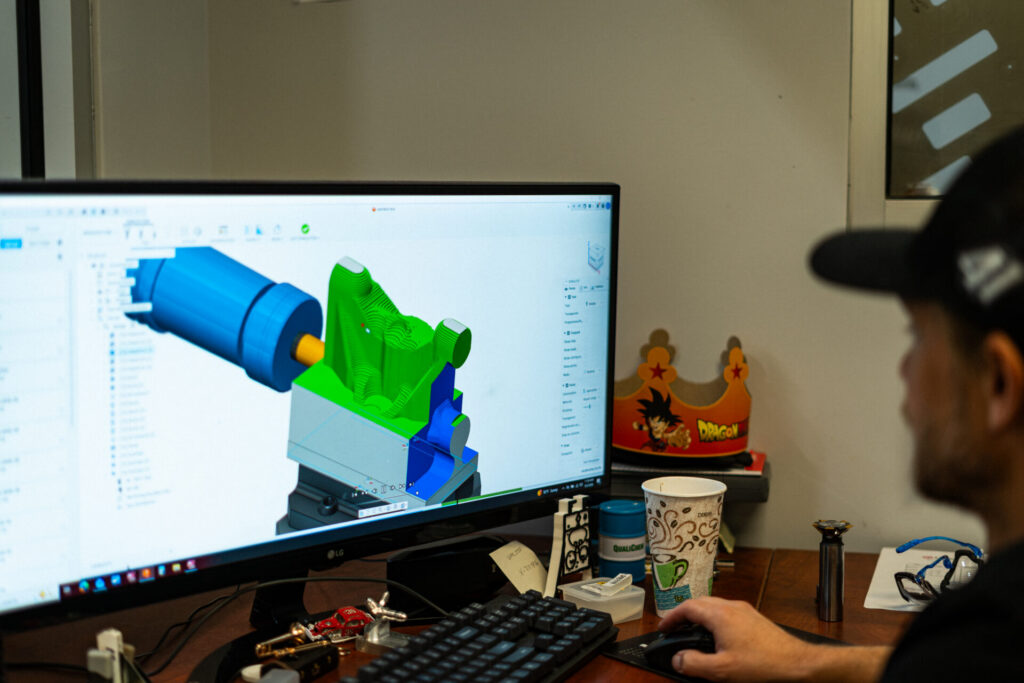
Once the new pump house design was finalized, Cook and the team took over and machined the complex component with their Haas UMC 750, one of 16 machines in the shop. In comparison to using Mastercam, Cook could see the difference when they used Fusion and the Manufacturing Extension instead.
“Even during roughing for the pump house, it was much easier with Fusion than Mastercam because of the lower number of toolpaths created,” Cook says. “It creates its own stock model as you go, so there’s no need to build and reference multiple stock models or create separate containment boundaries.”
Elevate your design and manufacturing processes with Autodesk Fusion
Building new skills with Fusion
As Fusion becomes standard in the machine shop, the entire team is adopting the software and learning it together. According to Cook, Fusion’s streamlined interface and simplified workflows make it easier for machinists to build confidence early without becoming overwhelmed by overly complex settings and programming options.
“A lot of even the default settings are good right out of the box,” Cook says. “Fusion really consolidates it down to the stuff that matters.”
One of the team’s newest hires already had experience using Fusion for personal projects and 3D printing, making the transition to the team even more seamless. They also recently brought on Coleman Kennard as an intern from Gaston College’s computer-integrated machining program where he’s already learning Fusion.
Bringing together education and the industry sides has been mutually beneficial. For Kennard, the combination of classroom instruction and hands-on shop experience with Haas Factory Team is helping turn what he learns in school into real-world skills. And, for Cook, they can help develop Kennards’s skills while also gleaning insights.
“It’s really great having Coleman here,” he says. “There are different tricks he’s showing us in Fusion that he’s learning in school, so it has gone hand in hand. We can lean on each other.”
Driven by purpose
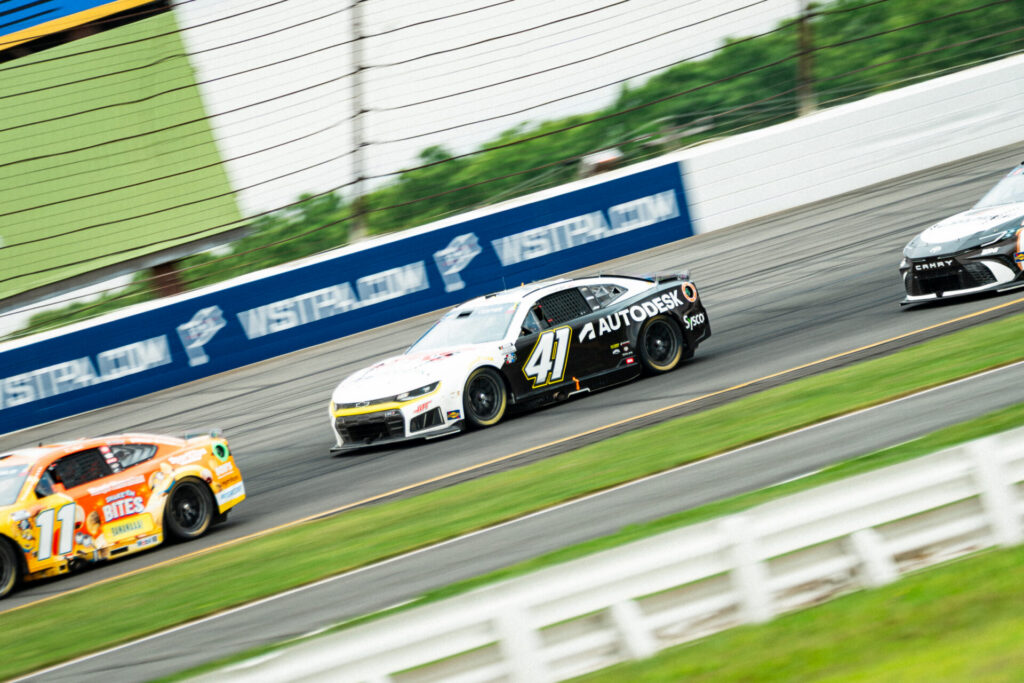
Cook describes the Haas Factory Team as a true community that is built on pride in their work, respect, and a shared sense of purpose. That culture is present every day, not just on race day. And, of course, working for a professional NASCAR stock race team is a pretty legendary job.
“You get to be around race cars all day and see your product on the track every week, which is really rewarding,” he says. “One of the most satisfying things is when they win because you know you had a hand in that.”