Category: Fusion
-
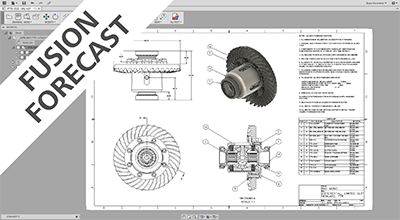
Fusion Forecast: Drawings, a Necessary Evil
In this Fusion Forecast, I will take a look at the state of drawings in Fusion 360. I'll also give a glimpse of what is to come next.
Fusion
-
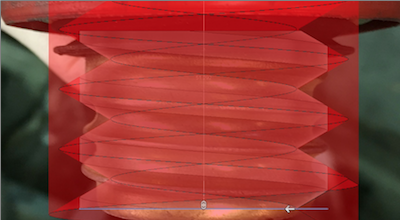
QUICK TIP: Custom Threads
Do you need to make custom thread profiles in Fusion 360? Check out this QUICK TIP, where BRCHN Design House takes over and shows you how they do it!
Fusion
-
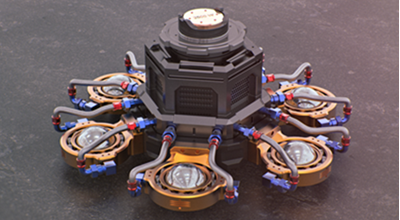
Fusion 360 Model of the Month – July
Congratulations to Michael Ramos and his Exagoa design – winner of the Fusion 360 model of the month for July.
Fusion
-
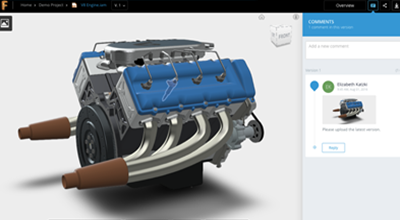
A360 Team is now Fusion Team
A360 Team can do a lot today, however we're working hard to make it meet more of your product design and manufacturing needs.
Fusion
-
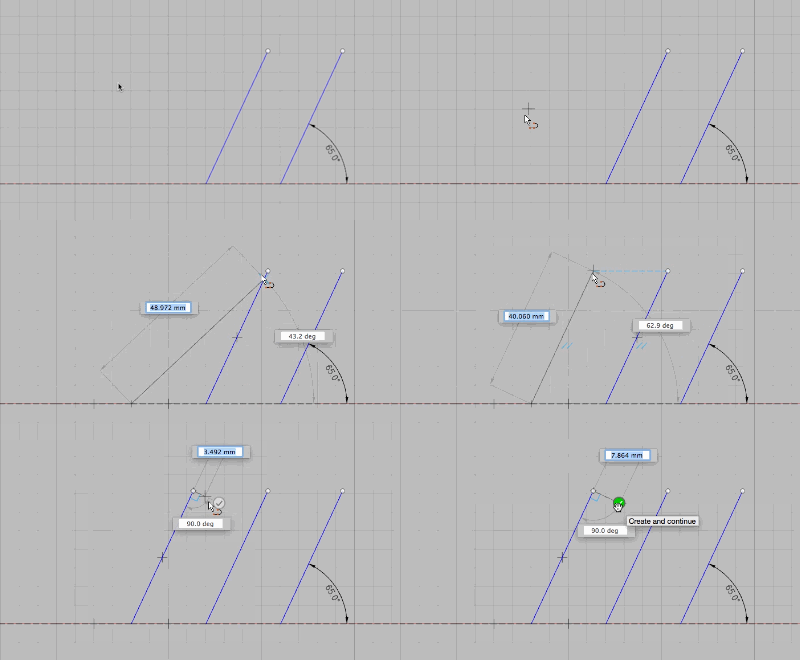
QUICK TIP: Hidden Sketch Gems
Check out this QUICK TIP to learn about 3 hidden sketch gems in Fusion 360. Go ahead...make those tangent arcs, perpendicular lines, and lines faster!
Fusion
-
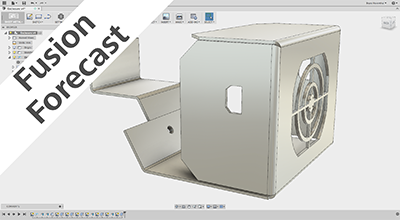
Fusion Forecast: Sheetmetal
In this week's Fusion Forecast, the heavily anticipated sheet metal functionality is ripped open. We look to see not only how Fusion 360 implements sheet metal tools, but also expands the possibilities from concept to production.
Fusion
-

Oru Kayak Uses Better Design to Get More People Paddling
Oru Kayak is revolutionizing the kayak industry with their folding kayaks that are easy to transport and store.
Fusion
-
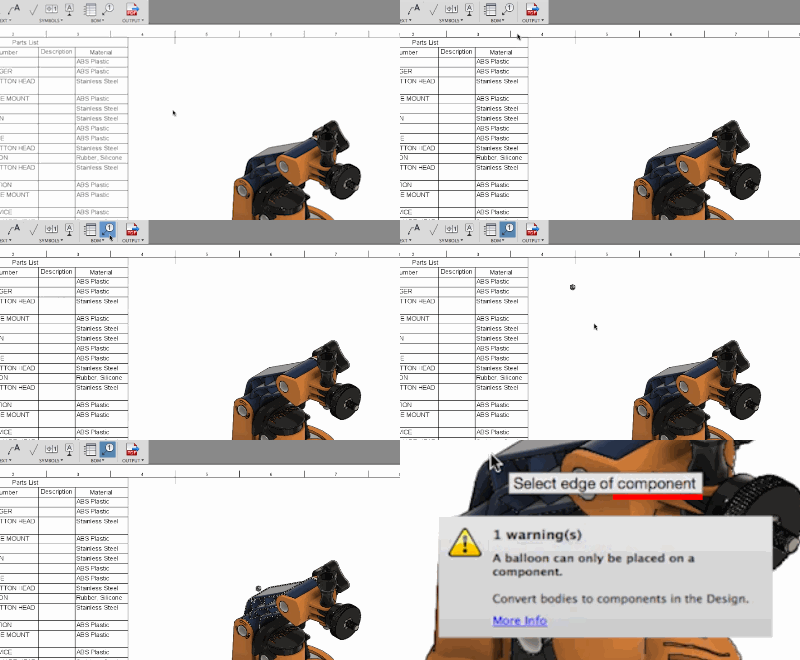
QUICK TIP: Body v Component
Check out this QUICK TIP where we discuss the key difference between a body, and a component in Fusion 360. Good to know for users of all skill levels.
Fusion
-
QUICK TIP: Open in Fusion 360
Are you looking to move your designs to Fusion 360? Check out how we've enhanced our online training lessons to allow you to follow along!
Fusion
-
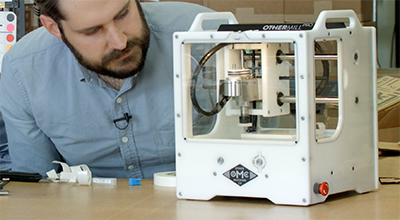
There is a new CNC mill on the scene: Othermill Pro
The new mill sports a higher spindle speed, faster rapids, and stiffer construction, making it easy to precisely prototype the parts you design in Fusion 360.
Fusion
-

The Fusion Forecast: Desktop Connect
In this weeks Fusion Forecast, we will dig into Desktop Connect. This functionality will connect your desktop CAD tools to the cloud.
Fusion
-
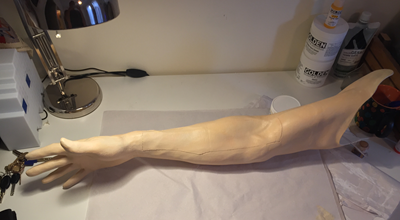
Escobar Technologies Aims to Reinvent Medical Simulation
Escobar Technologies uses Fusion 360 to 3D print simulators for training physicians and pre-surgical preparation.
Fusion
-
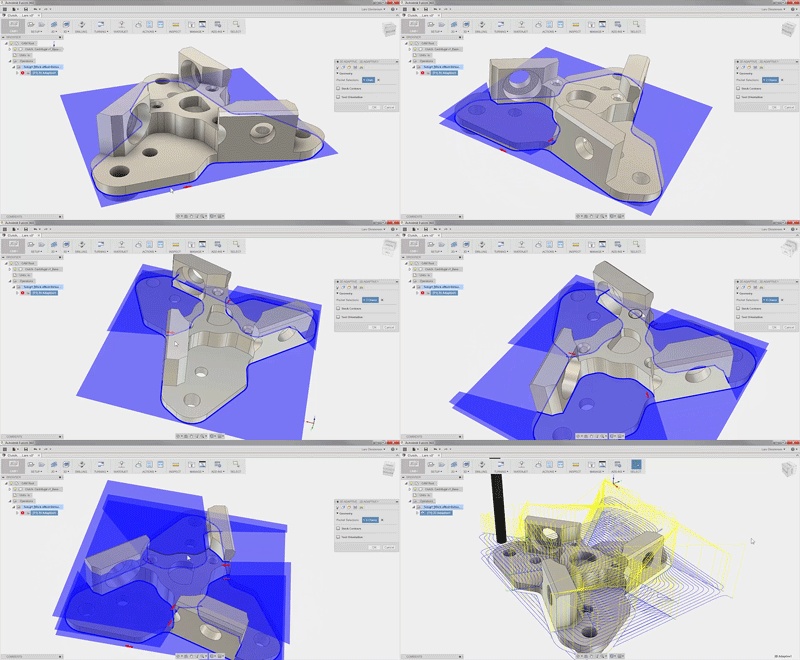
QUICK TIP: Selection tools for CAM within Fusion 360
Check out how you can leverage selection methods in Fusion 360 to create more precise toolpaths.
Fusion
-
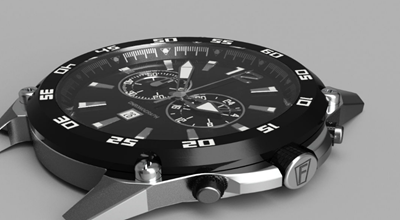
Fusion 360 Model of the Month – June
Congratulations to Igor and his Festina F16673 watch – winner of the Fusion 360 model of the month for June.
Fusion
-
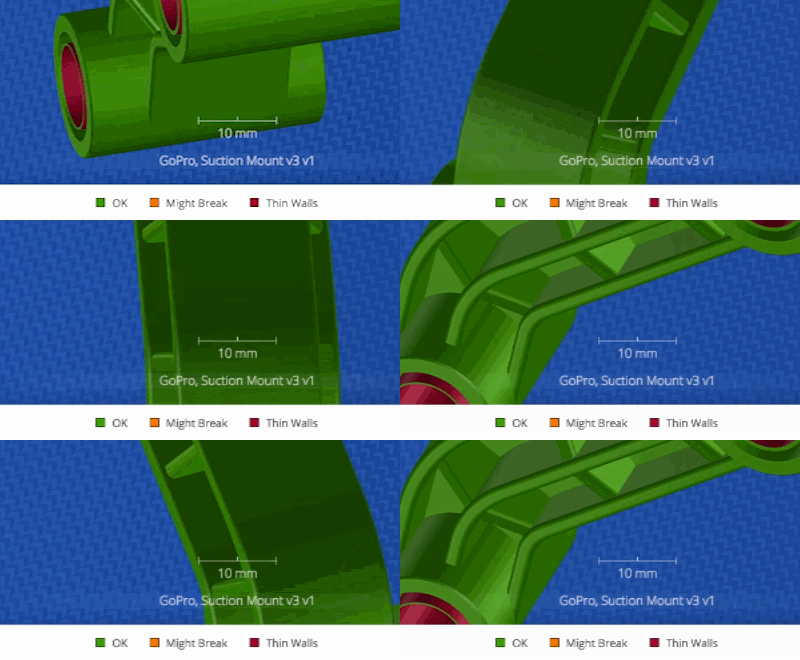
QUICK TIP: 3D Printing App
If you order or want 3D prints of your models, come see why you NEED the latest App of the Month selection! Get your parts fast and less expensive!
Fusion