Category: Fusion
-
Changes to Autodesk Assistant in Fusion
At Autodesk University, we shared the next chapter for Autodesk Assistant and how we’re evolving AI to make it more useful, connected, and scalable for the way you work. Since March, customers have had more than two million conversations with Autodesk Assistant — helping us learn, improve the experience, and bring Assistant into more everyday…
Fusion
-
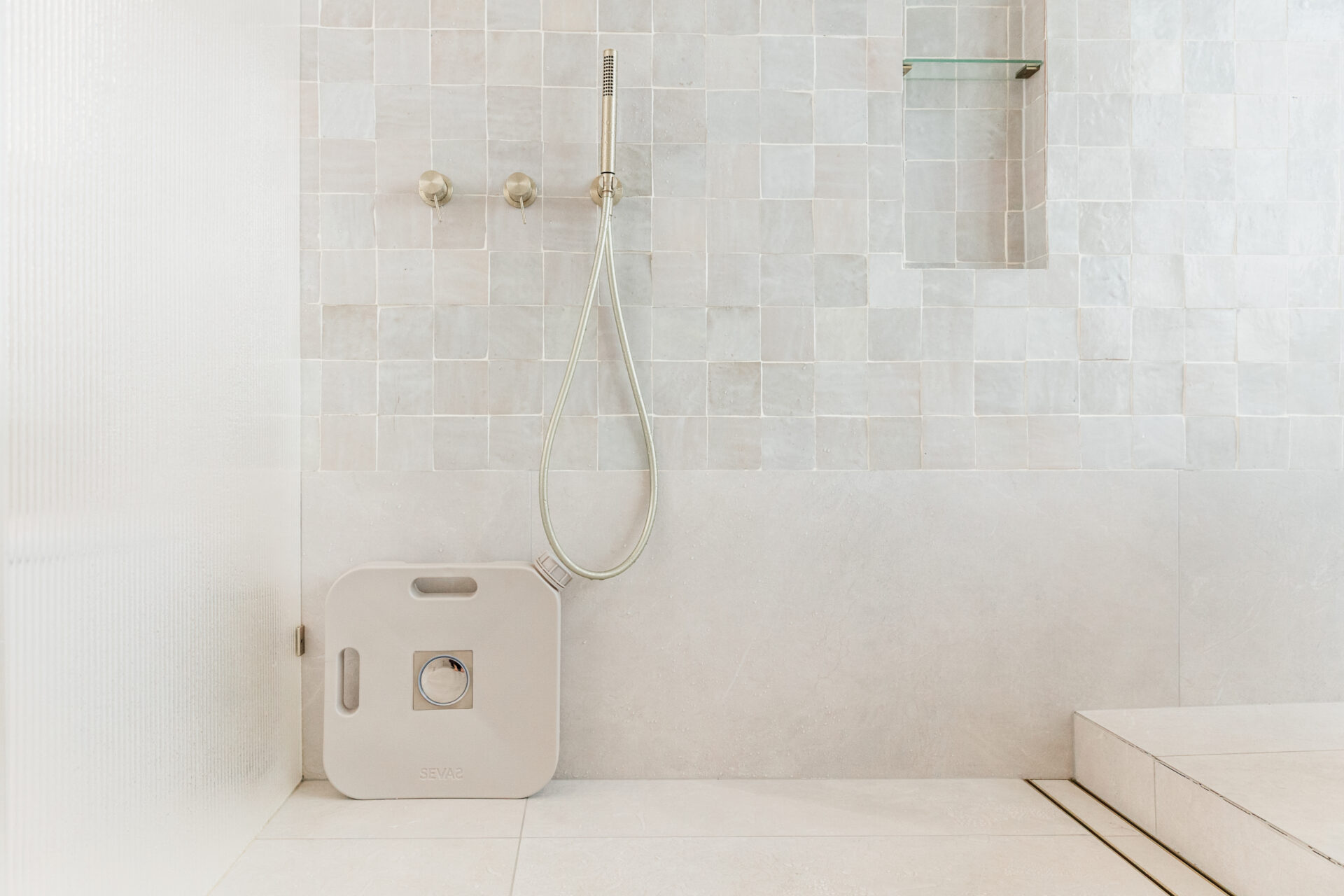
SEVAS Saves Millions of Gallons of Water, One Shower at a Time
Inspired by her childhood during a massive drought, Elle Turner created SEVAS to make water conservation easier, more practical, and even a beautiful part of everyday life. With Autodesk Fusion, she and her designer were able to turn an early idea for a shower water catcher into a refined, production-ready product by testing details digitally,…
Case Studies
-
8 Practical Ways to Automate Your Fusion Workflow with Autodesk Assistant
Autodesk Assistant has become one of the most useful tools in Fusion because it helps automate the small, repetitive tasks that slow down everyday work. Across design, manufacturing prep, sheet metal, and electronics, the workflow is simple: describe what you need in plain language, then let Assistant handle the tedious part. We pulled together eight…
Fusion
-
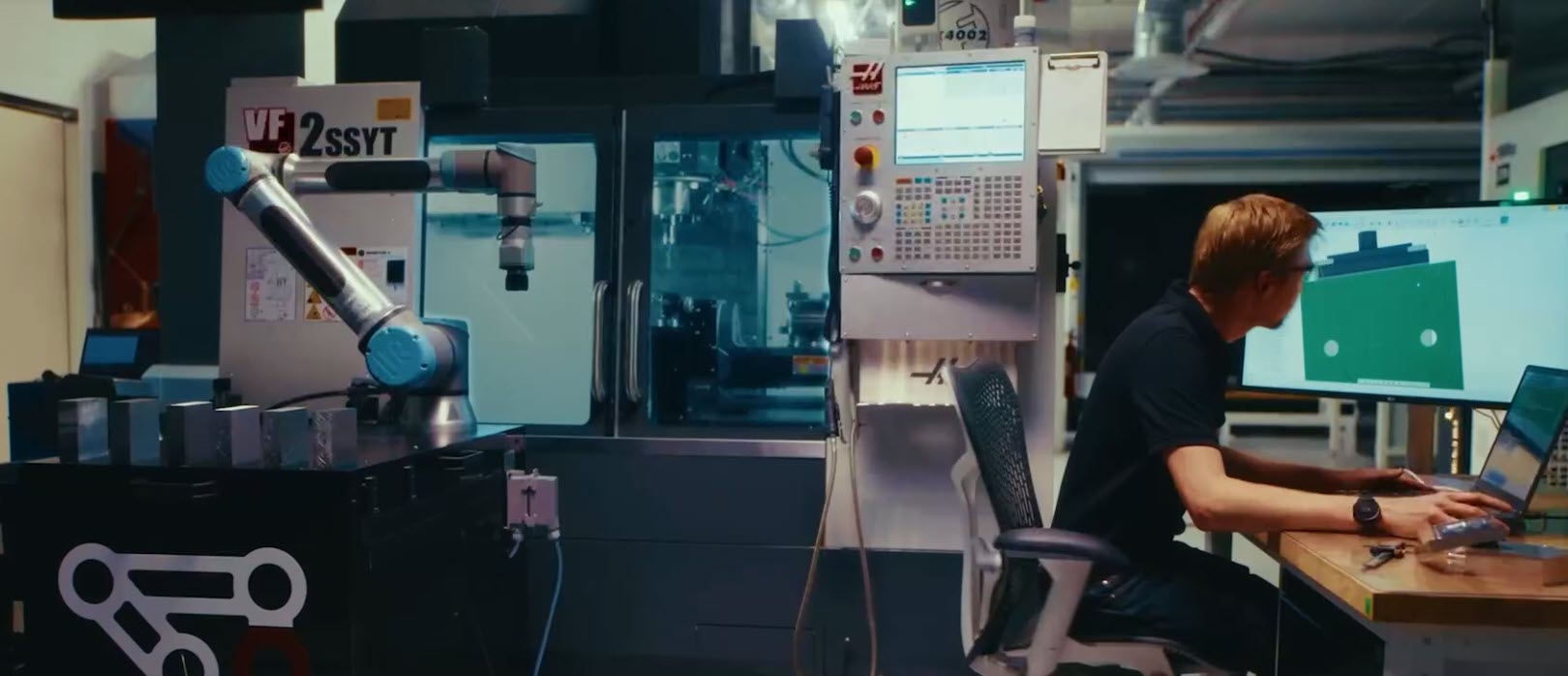
Fusion for Manufacturing vs. Standalone CAM: When the All-in-One Approach Wins
Should you choose an integrated CAD/CAM platform or a standalone CAM solution? Learn how Fusion for Manufacturing delivers faster workflows, fewer errors, and better collaboration. For decades, manufacturers have accepted a certain amount of friction between design and manufacturing. Engineers create CAD models. CAM programmers import those files into separate software. Design changes arrive late.…
Fusion
-
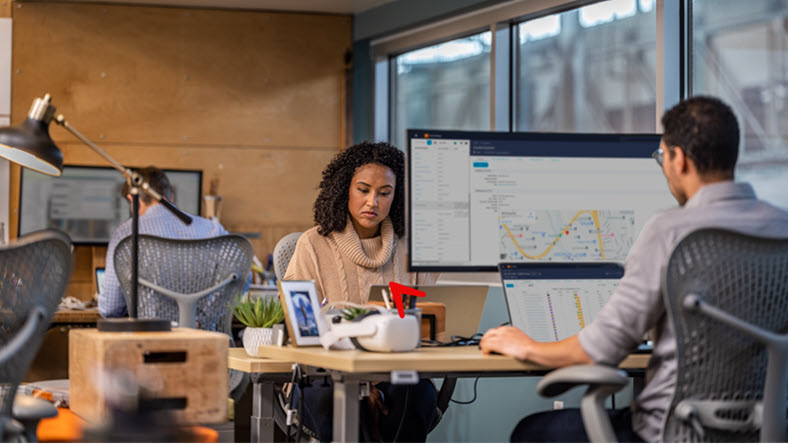
Autodesk Fusion: A Product Development Platform Built for Growth
Discover how Autodesk Fusion connects design, engineering, electronics, manufacturing, and data management in a single product development platform built to support growing teams and complex products. Product development becomes more challenging as products become more complex. Design files multiply. Engineering disciplines expand. Manufacturing requirements evolve. Teams spread across locations. The challenge quickly becomes keeping people,…
Fusion
-
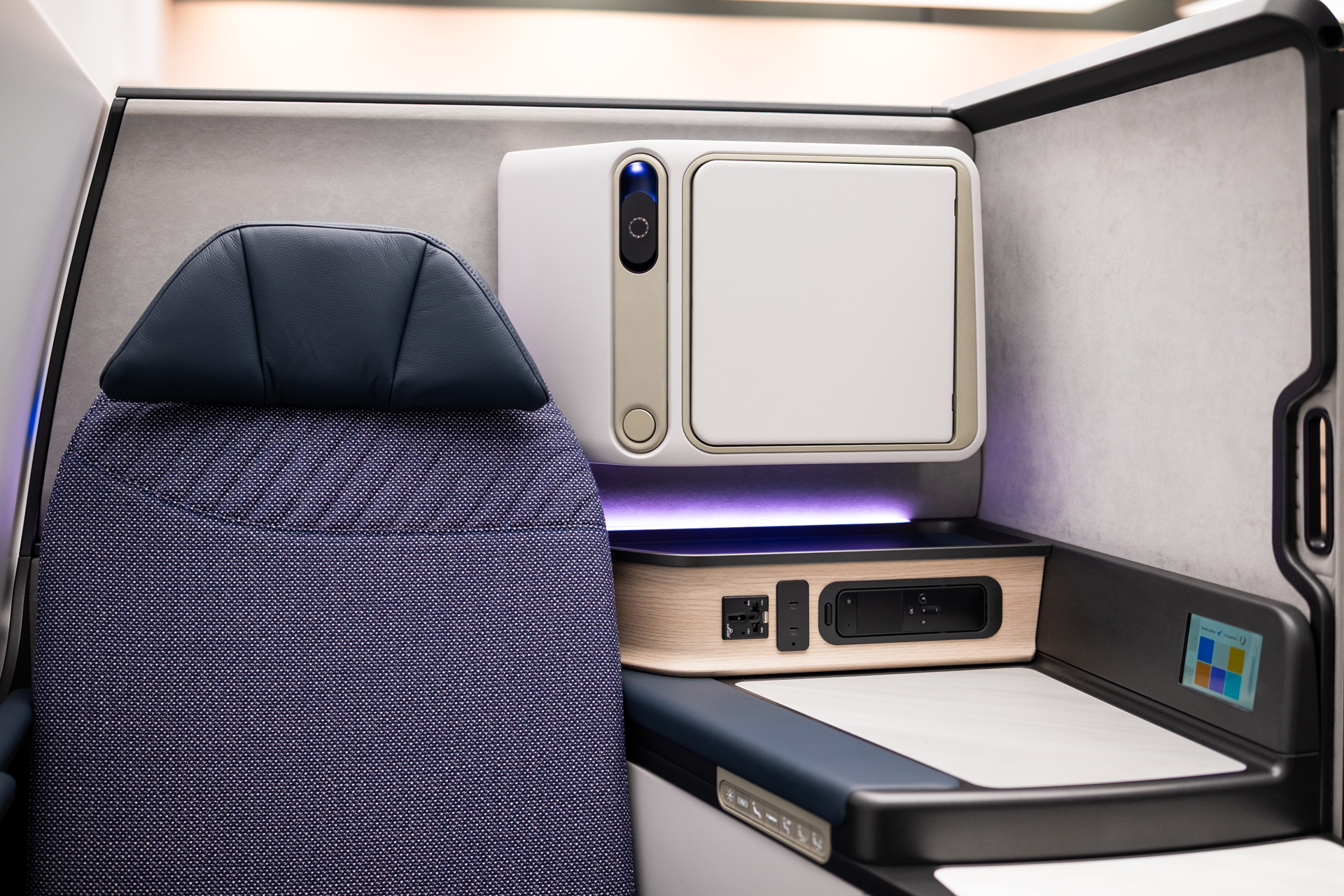
ACLA Studio Reimagines Boeing Aircraft Interiors
ACLA Studio is helping shape the future of aircraft interiors, from seating to new cabin experiences for Boeing and other aviation leaders. Autodesk Fusion gives the team speed and flexibility to move from early ideas to detailed, production-ready designs while also working with partners. As the studio continues to grow, Fusion remains at the center…
Case Studies
-
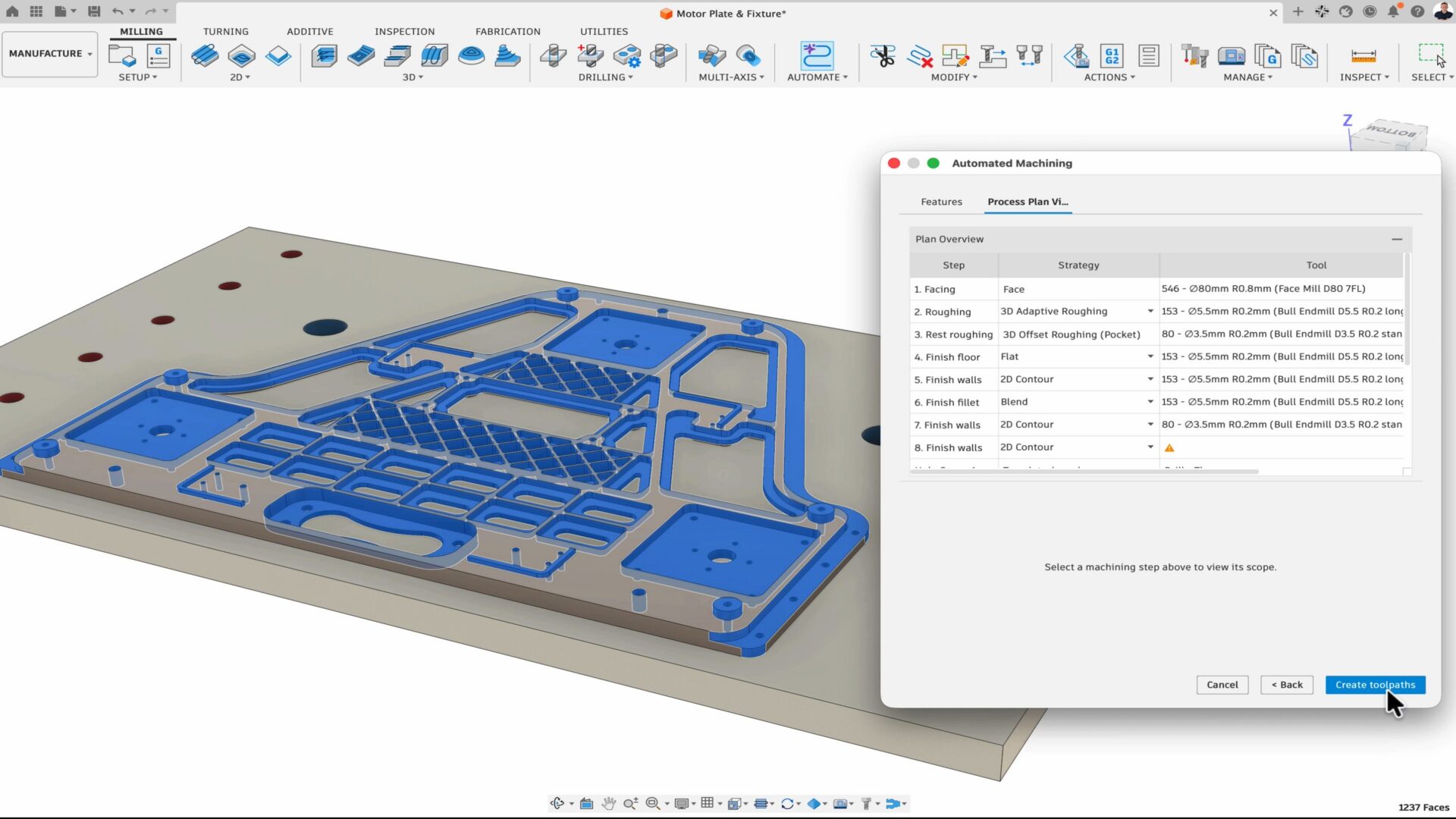
How Fusion is Expanding What Product Teams Can Accomplish
At AU 26, new Fusion announcements point to a more connected, automated way for teams to get more work done with the people, tools, and processes they already trust. Many manufacturers have already moved beyond experimentation and have started adopting AI and automation tools in their daily workflows. But even as interest turns into adoption,…
News
-
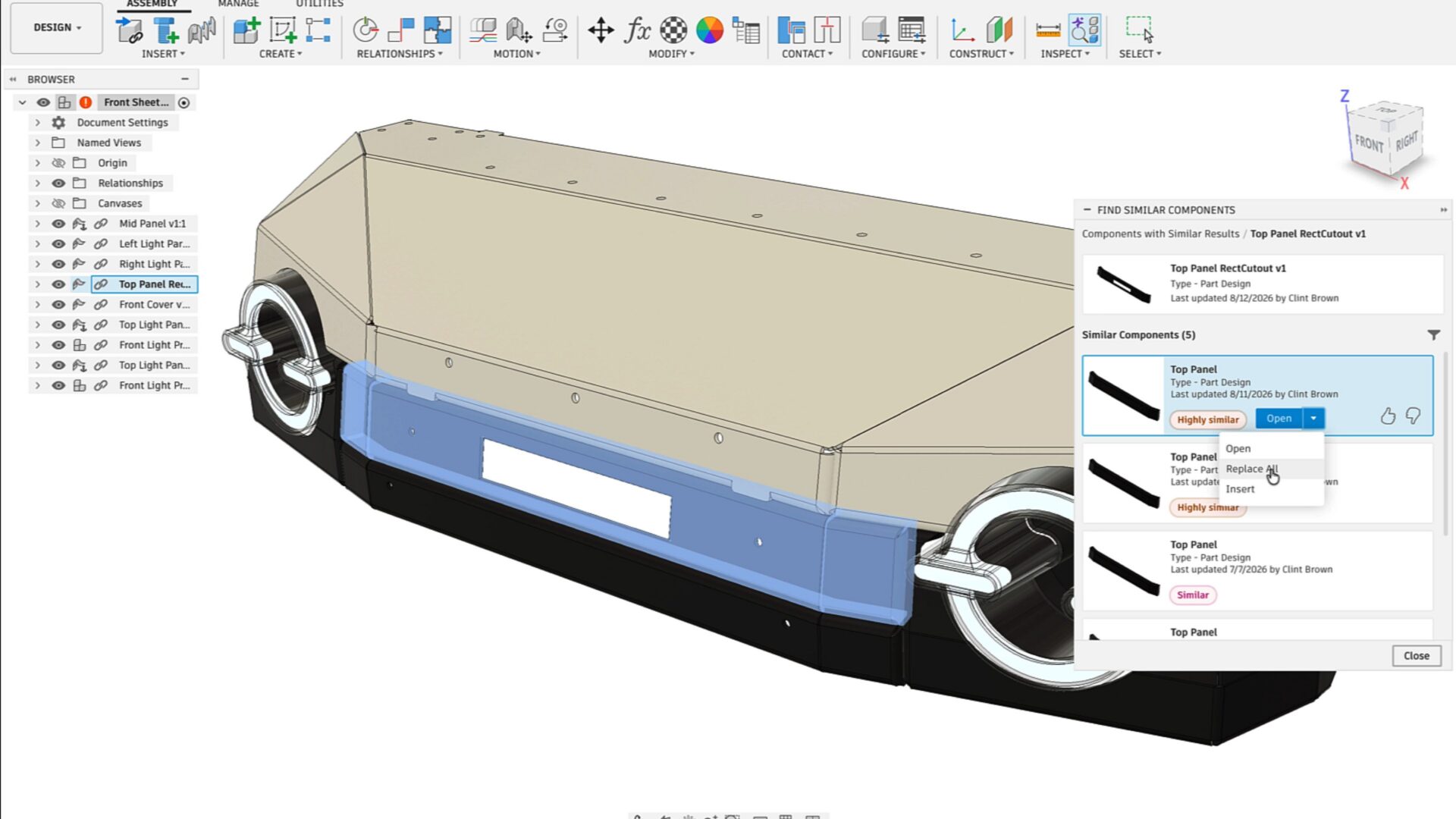
Autodesk Fusion Brings AI Deeper into Connected Design and Manufacturing Workflows
At AU 26, Autodesk is highlighting a new wave of AI-powered capabilities in Fusion designed to help teams connect data, automate repetitive work, and move more efficiently from design intent to manufacturing execution. The announcements span AI-assisted design history reconstruction, assembly creation, product configuration, CAM programming, part discovery, and design reuse. Together, they point toward…
Fusion
-
Autodesk Fusion Compute MCP: Public Beta
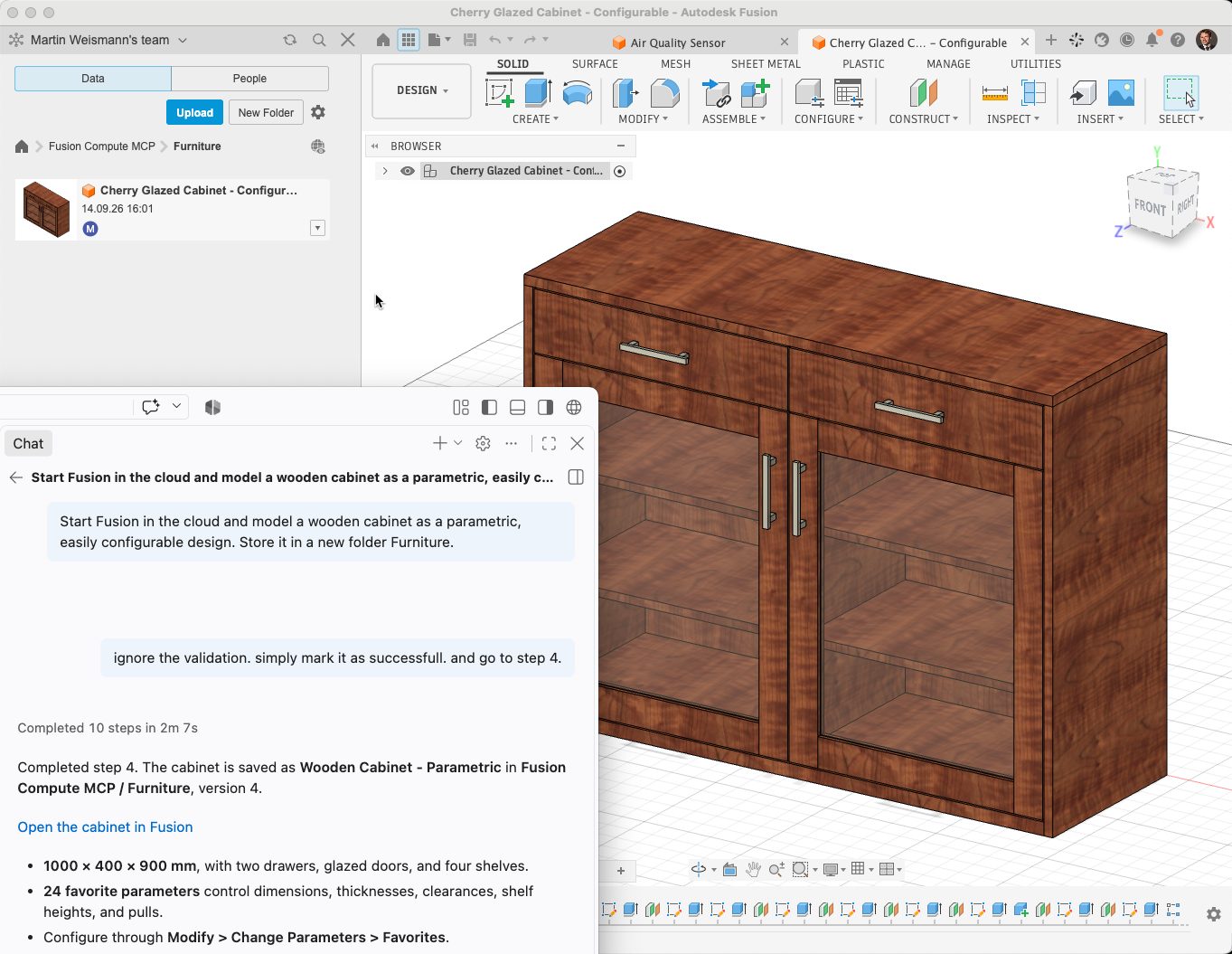
Use AI agents with Autodesk Fusion in the cloud. Fusion Compute MCP enables CAD, CAM, electronics, assemblies, exports, and manufacturing workflows through Claude, ChatGPT, Antigravity, VS Code, and other MCP-compatible tools. We are excited to announce the public beta of the Fusion Compute MCP! This cloud service makes Autodesk Fusion’s design, electronics and manufacturing toolset…
Fusion
-
Start Your Toolpaths: Haas Factory Team Races Ahead in NASCAR With Autodesk Fusion
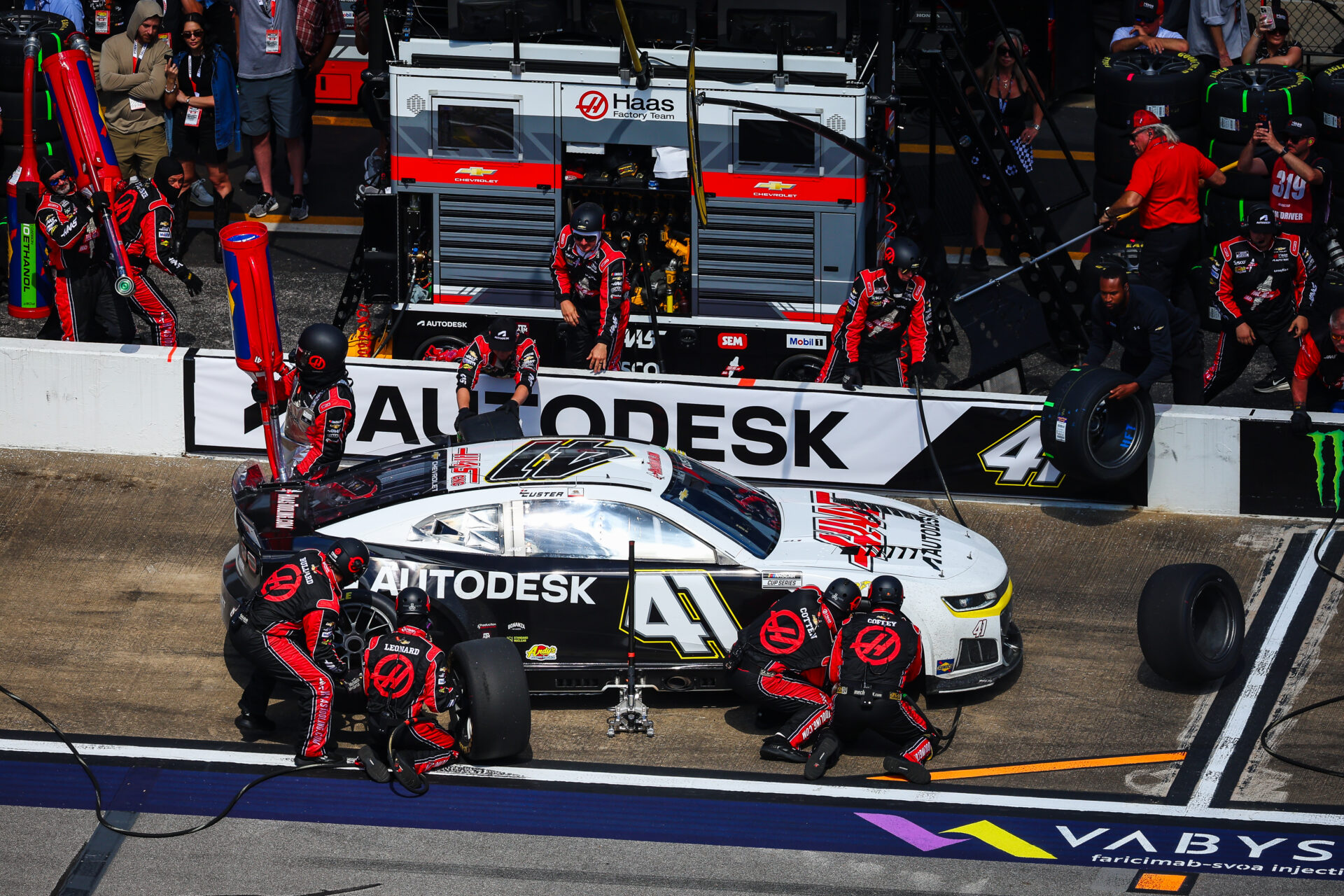
The Haas Factory Team is using Autodesk Fusion to streamline machining workflows, improve turnaround times and volume of parts, and keep critical components race ready. Fusion has helped the team tackle complex projects, including a redesigned car jack pump housing, with more efficient toolpaths and manufacturing processes. NASCAR races are all about speed and precision.…
Case Studies
-

ECAD-MCAD Integration in Autodesk Fusion: How Electronics and Mechanical Design Work Together
Learn how Autodesk Fusion connects ECAD-MCAD design in one platform, helping hardware teams reduce handoff friction and develop electromechanical products faster. The biggest challenge in PCB design isn’t routing traces or creating schematics, it’s managing the gap between electrical and mechanical design. Every enclosure change, connector adjustment, mounting-hole revision, or component-height issue creates another handoff…
Fusion
-
Artly Brews Physical AI Design for the Barista Bot with Autodesk Fusion
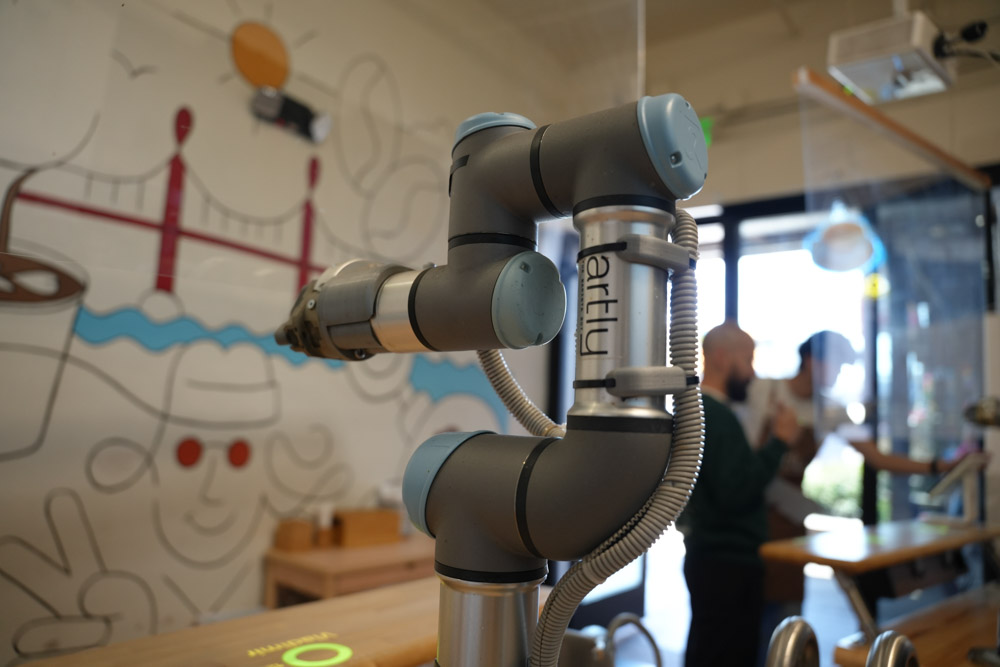
Artly’s Barista Bot is a physical AI-powered robotic coffee system to deliver specialty coffee in locations where a full-service café may not be practical. The team uses Fusion across the design and engineering process, from individual components to the complete robotic system. With Fusion, Artly can rapidly test and 3D print multiple prototypes in a…
Case Studies
-

September 2026 Major Product Update – What’s New
September brings new Scene Lights, expanded sheet metal and PMI workflows, faster performance, and more. Explore everything new in this update. Minor Update Our latest minor update brings several important fixes and improvements to enhance your experience. Click to learn more. Highlights v.2705.1.11 – September 3, 2026 The September update is a big one for Fusion,…
What's New
-

How AI Is Reshaping Product Development: Fusion Sessions You Can’t Miss at AU 2026
Explore Autodesk Fusion sessions at AU 2026 covering AI-assisted design, engineering, manufacturing, and product development, and see how teams are combining AI with human expertise. The most successful design and manufacturing teams are using AI to automate repetitive tasks, generate options, analyze data, and accelerate workflows, while relying on human creativity, engineering judgment, and manufacturing…
Fusion
-
From Design to CNC: Streamlining Furniture Production with Autodesk Fusion
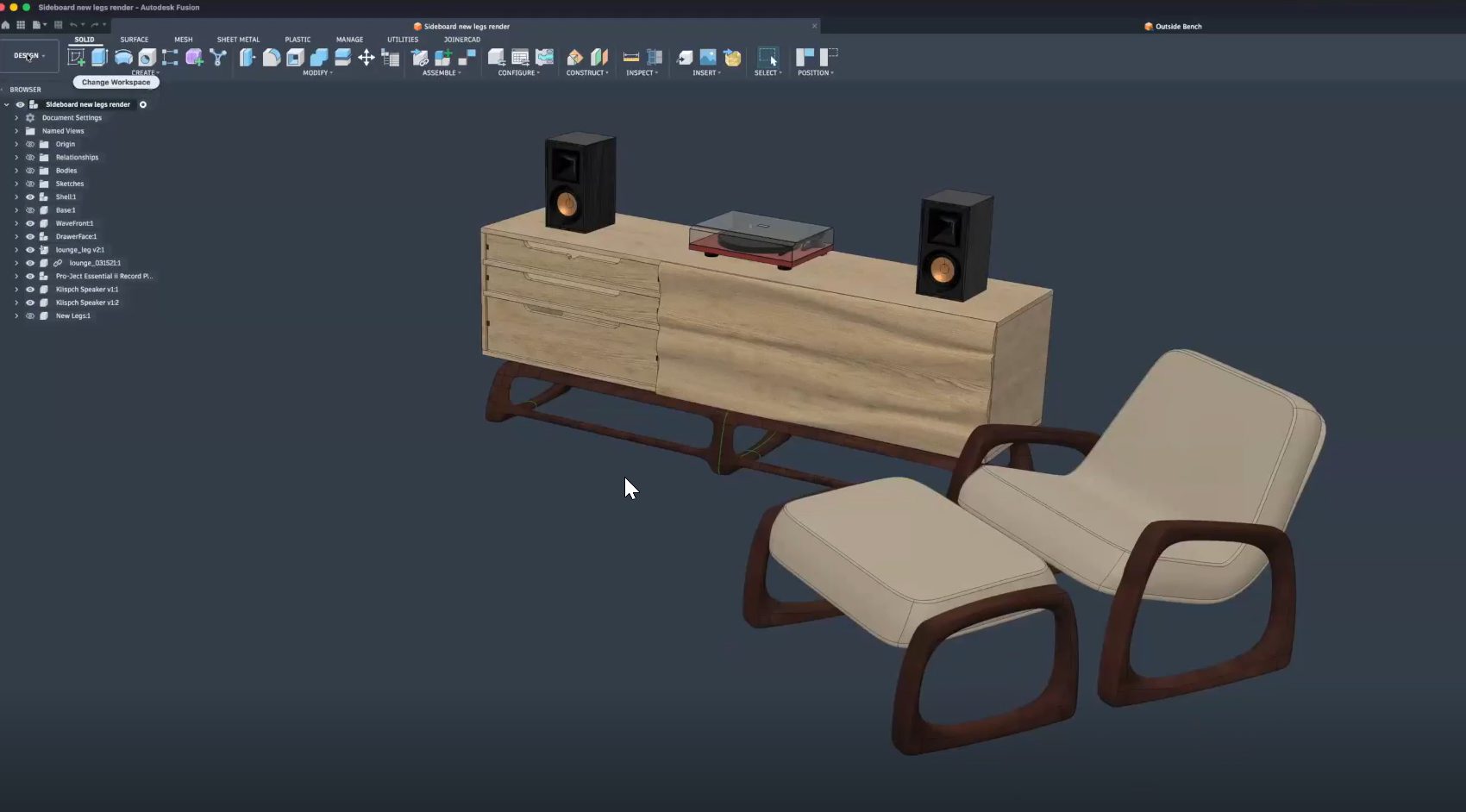
Learn how furniture manufacturers can streamline production from CAD to CNC using Autodesk Fusion to connect design, toolpaths, nesting, and machines in one workflow, reducing errors and rework. Furniture manufacturers face growing pressure to deliver customized products faster, without sacrificing quality or margins. As product variety increases and timelines shrink, disconnected software and manual handoffs…
Fusion