 Shannon McGarry
Discover why some manufacturers evaluate Autodesk Fusion as an alternative to Mastercam. Learn how connecting design, CNC programming, collaboration, and manufacturing data can help simplify workflows, improve visibility, and support more efficient production.

Elevate your design and manufacturing processes with Autodesk Fusion
For manufacturers evaluating CAM software, toolpath generation may be only one consideration. Design revisions, production planning, collaboration, and data management can also affect how efficiently work moves into production.
Fusion brings CAD, CAM, simulation, electronics, collaboration, and data management together in a single platform, enabling manufacturers to manage multiple workflows in one environment.
Fusion and Mastercam are designed with different product scopes, which may be relevant for manufacturers evaluating workflow requirements. While Mastercam is widely used for CNC programming and machining workflows, Fusion is designed to provide CAD, CAM, simulation, collaboration, and data-management capabilities within a single platform. For some manufacturers, Fusion’s integrated workflow capabilities are one factor considered during software evaluation.
Here are some of the reasons manufacturers evaluate Fusion as an alternative to Mastercam.
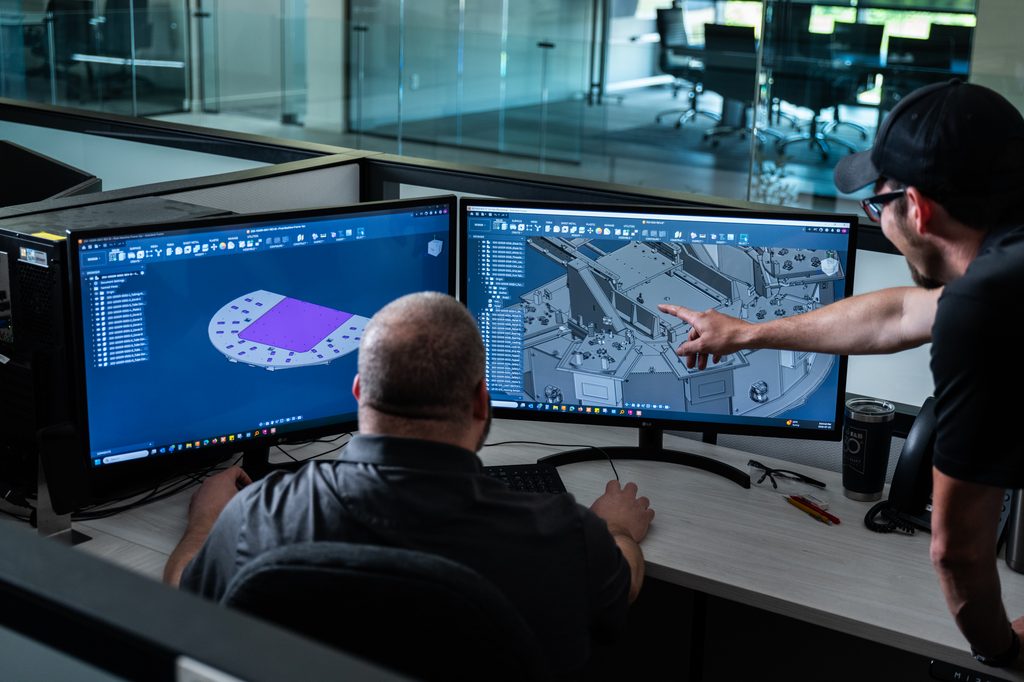
1. Respond faster to design changes
Manufacturing rarely stands still. Customer requirements change. Engineers release revisions. Production teams identify opportunities for improvement after programming has already begun.
Every change has the potential to slow work down when information is spread across multiple systems.
Fusion can help manufacturers respond to those changes by connecting design, CAM, collaboration, and manufacturing data in the same environment.
These benefits can extend beyond workflow management. The Haas Factory Team reported that, for a specific pump-house project, Fusion’s stock-modeling and toolpath workflow reduced some of the manual setup steps involved in programming.
2. Support additional workflows alongside CNC programming
Many manufacturers need to support work beyond CNC programming, including design review, fixture development, simulation, collaboration, and production planning.
As products become more complex, manufacturers are increasingly looking for ways to connect information across design, engineering, manufacturing, and quality processes. NIST notes that smart manufacturing depends on effectively communicating product designs, manufacturing information, and quality data throughout the product lifecycle, rather than managing these activities in isolation.
Fusion extends beyond traditional CAM by bringing design, simulation, manufacturing, collaboration, and data management together in a single platform. Instead of adding separate systems as operational needs grow, manufacturers can support more of the product development process within a single environment.
For some organizations, the value goes beyond CNC programming. It’s about creating a foundation that can support design, engineering, manufacturing, and collaboration workflows without adding new layers of complexity as the business grows.
3. Reduce software sprawl
Over time, many organizations end up using separate solutions for CAD, CAM, simulation, collaboration, file sharing, and data management. While each tool may solve a specific problem, managing the connections between them can create additional complexity, licensing costs, training requirements, and administrative overhead. According to Tech-Clarity, disconnected engineering and manufacturing systems often require information to be recreated, translated, and transferred between applications, introducing inefficiencies and increasing the risk of errors across the product lifecycle. As products become more complex, those disconnects can create friction long before a part reaches the machine.
Fusion brings CAD, CAM, simulation, electronics, collaboration, and data management together in a single platform, helping manufacturers manage multiple workflows within one environment.
4. Keep manufacturing teams connected
Manufacturing is increasingly collaborative. Designers, engineers, programmers, suppliers, and production teams often work across different locations, time zones, and disciplines. Keeping everyone aligned with the latest information can be challenging when communication relies on file transfers, email chains, and disconnected systems.
“When I first came in, we were using a mix of BobCAD and Mastercam. My main goal was to transition our department to be on one software with the added benefit of having connectivity through the cloud so that parts, tooling, and machines could be accessed by the whole team.”
-Joel Goodwin, machining operations manager, Uni-Fab
5. Build workflows around connected data
Data silos remain a common challenge across manufacturing organizations. Research published in the Journal of Intelligent Manufacturing found that business operations and data-driven decision-making are often hindered by data spread across departments, systems, and business units.
Fusion was built around connected data, helping teams maintain continuity across design, engineering, and manufacturing workflows. But connected data doesn’t mean every project must follow the same model.
As manufacturers increasingly face customer, intellectual property, regulatory, and regional data requirements, Autodesk is expanding how organizations can manage project data in Fusion. This gives teams greater flexibility over where certain data resides while continuing to benefit from a connected design and manufacturing platform.
The result is an approach that helps manufacturers keep more work inside a connected workflow instead of managing information across multiple systems.
Ready to simplify design and manufacturing?
For many manufacturers, the decision isn’t simply about how quickly a toolpath can be generated. It’s about how efficiently information moves from design to production, how easily teams stay aligned when changes occur, and how many systems it takes to get work out the door. For some manufacturers, Fusion’s connected approach may reduce workflow handoffs and simplify coordination across teams.
Frequently asked questions
Why do some manufacturers evaluate Autodesk Fusion as an alternative to Mastercam?
How does the product scope of Autodesk Fusion compare with Mastercam?
Does Autodesk Fusion support workflows beyond CNC programming?
How can Autodesk Fusion help reduce software sprawl?
How does Autodesk Fusion help manufacturing teams stay connected?
Comparative information disclaimer
References to Mastercam and other third-party products are provided solely to describe factors that organizations may consider when evaluating manufacturing software. Product information is derived from publicly available materials and customer accounts available as of October 2026. Autodesk has not independently tested or validated the comparative capabilities of the third-party products referenced in this article. Product features, functionality, availability, and specifications are subject to change and may vary by product version, configuration, region, and use case.
Customer statements describe the experiences of the identified customers in their particular operating environments. Individual experiences and results may vary. These statements should not be interpreted as guarantees that other customers will achieve the same or similar results. Autodesk provides comparative information “as is,” without warranty of any kind, express or implied.