
Learn how Autodesk Fusion helps job shops and contract manufacturers manage high-mix production with connected CAD/CAM workflows, automation, and scalable manufacturing tools. For many manufacturers, success isn’t defined by producing thousands of identical parts. It’s about handling a constant stream of unique jobs, customer requirements, engineering revisions, and delivery deadlines without sacrificing efficiency. One customer…
Manufacturing
Choosing between 3-axis vs. 5-axis machining isn’t just about machine cost. Learn how part geometry, setup requirements, and manufacturing goals influence the right CNC strategy and how Fusion for Manufacturing helps support each approach. When manufacturers compare 3-axis and 5-axis machining, the conversation usually starts with machine cost. Five-axis machines require a larger investment, so…
Manufacturing
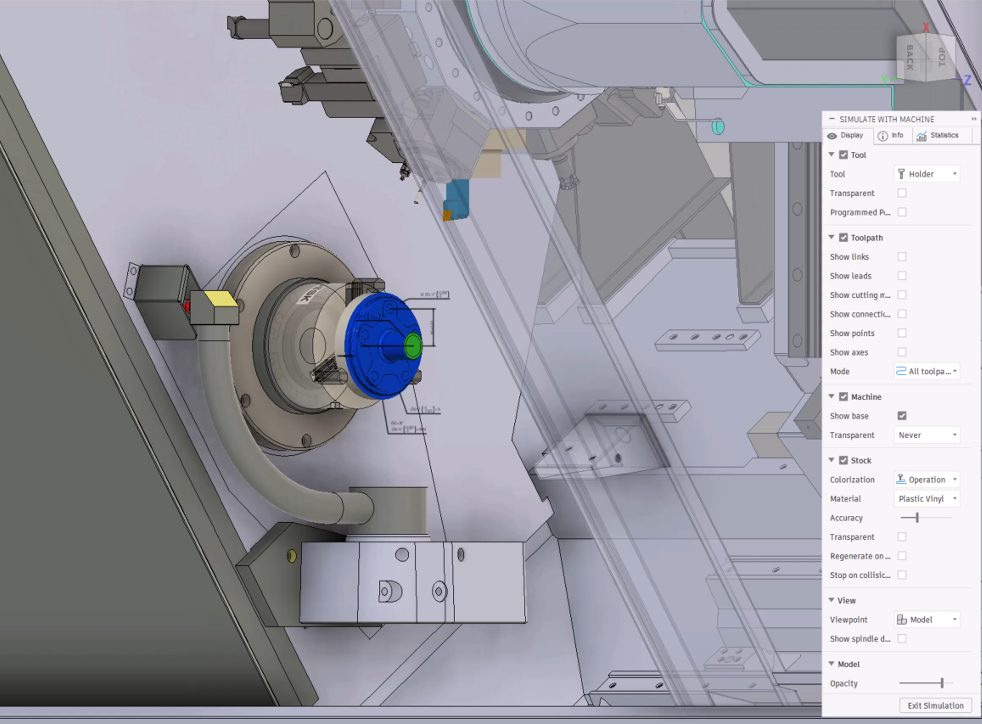
Explore five major Fusion manufacturing developments, including machine simulation, CAM automation, System Modeler, local data options, and Fusion Compute MCP. IMTS and Autodesk University brought plenty of news for manufacturers this year. If you didn’t catch every announcement, demo or roadmap session, here’s a look at some of the biggest developments and what they tell…
Manufacturing
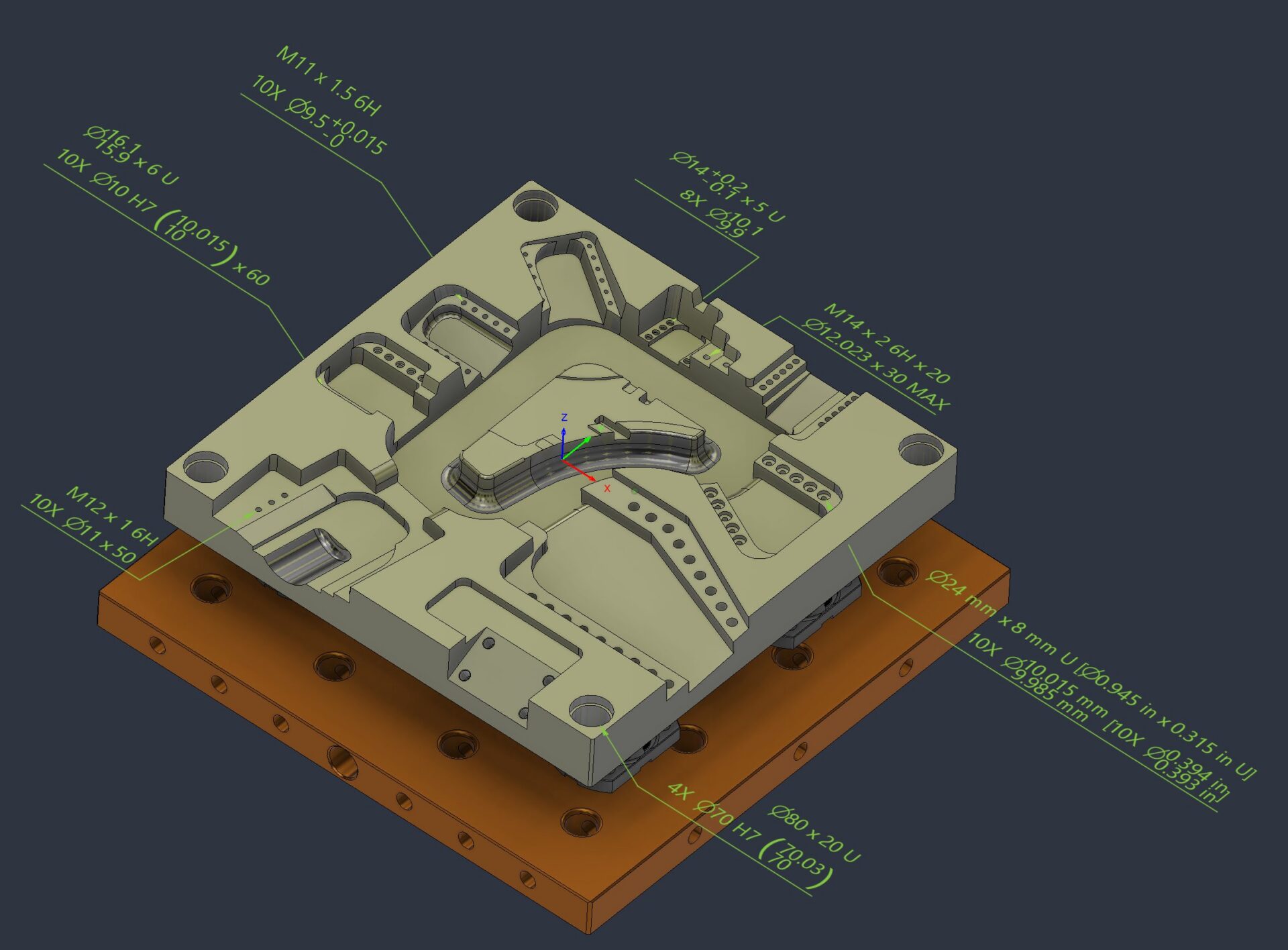
Understand PMI in Fusion, including Manufacturing ready hole notes, thread annotation and leader note creation. Keep manufacturing intent connected to the model from design through manufacturing. Manufacturing runs on more than geometry. The details that determine whether a part is made correctly, inspected accurately, and delivered on time often live beyond the model itself: tolerances, thread…
Manufacturing
Autodesk Assistant has become one of the most useful tools in Fusion because it helps automate the small, repetitive tasks that slow down everyday work. Across design, manufacturing prep, sheet metal, and electronics, the workflow is simple: describe what you need in plain language, then let Assistant handle the tedious part. We pulled together eight…
Fusion
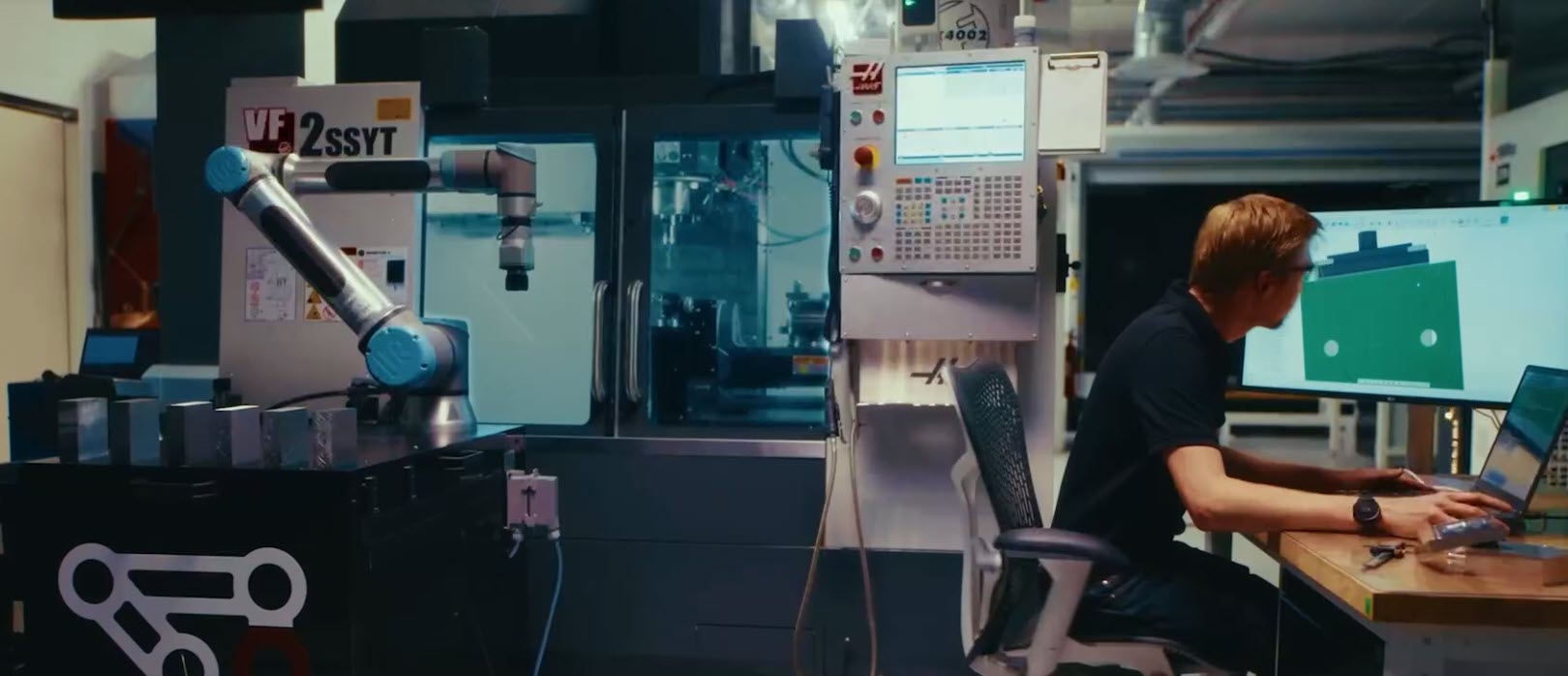
Should you choose an integrated CAD/CAM platform or a standalone CAM solution? Learn how Fusion for Manufacturing delivers faster workflows, fewer errors, and better collaboration. For decades, manufacturers have accepted a certain amount of friction between design and manufacturing. Engineers create CAD models. CAM programmers import those files into separate software. Design changes arrive late.…
Fusion
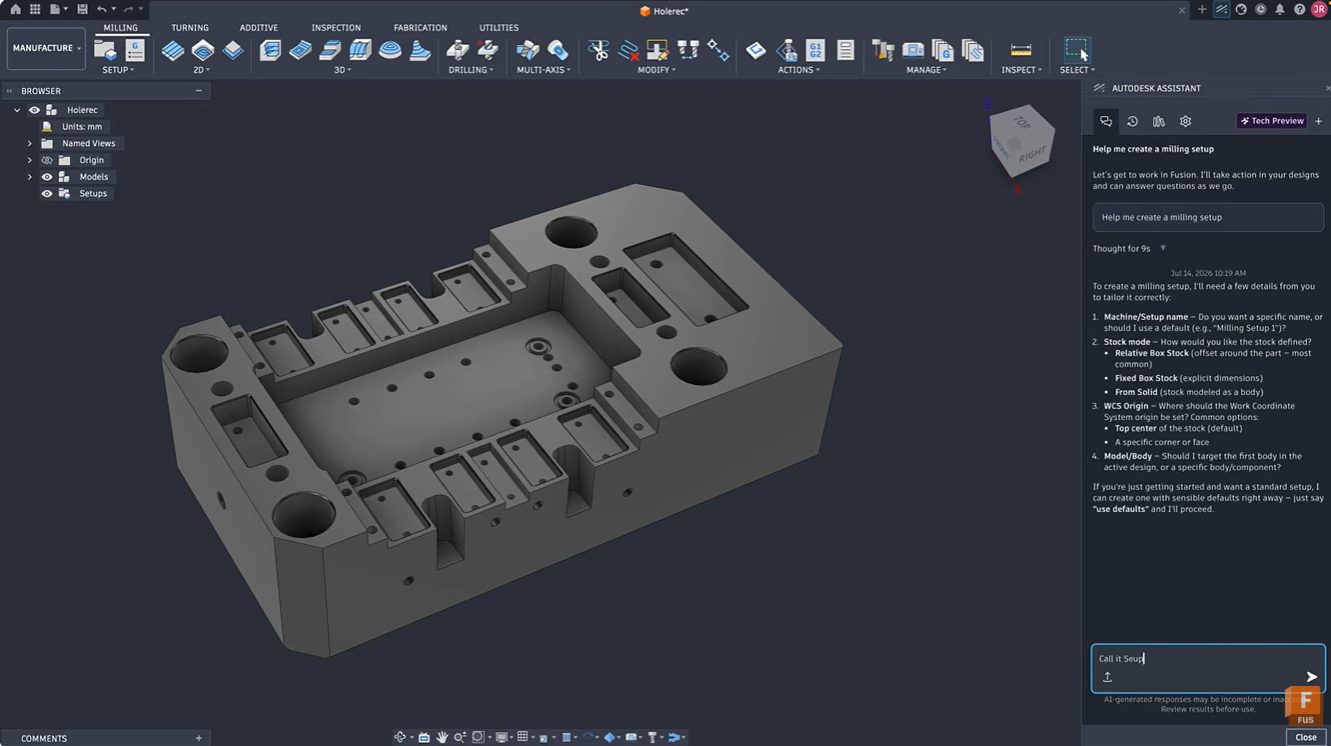
Learn how Autodesk Assistant in Fusion simplifies milling setup creation, tool selection, and toolpath programming through natural language guidance. Reduce setup time and accelerate CAM learning. Getting started with CAM programming can feel intimidating. Even experienced machinists occasionally spend valuable time configuring setups, selecting tools, and navigating numerous parameters before cutting the first chip. Autodesk…
Manufacturing
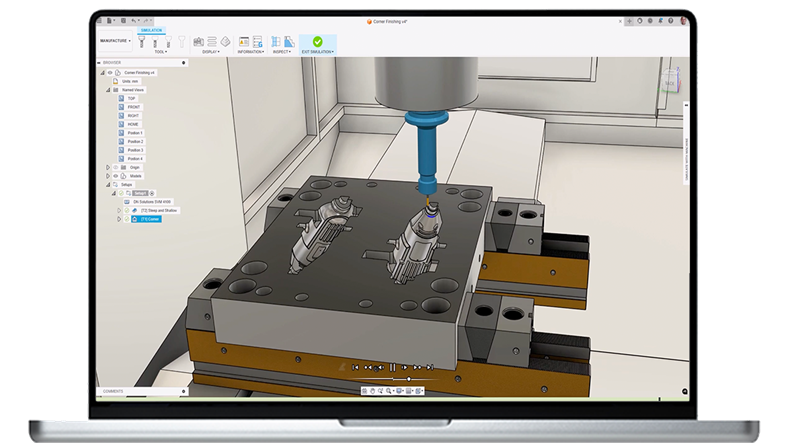
Unlock advanced CNC, multi‑axis machining, and automated workflows with the Autodesk Fusion Manufacturing Extension. Reduce programming time and get more from your machines. Who doesn’t want to get more out of their machines? More throughput. Better surface quality. Fewer setups. Greater confidence on the shop floor. As parts become more complex and customer expectations continue…
Advanced Manufacturing
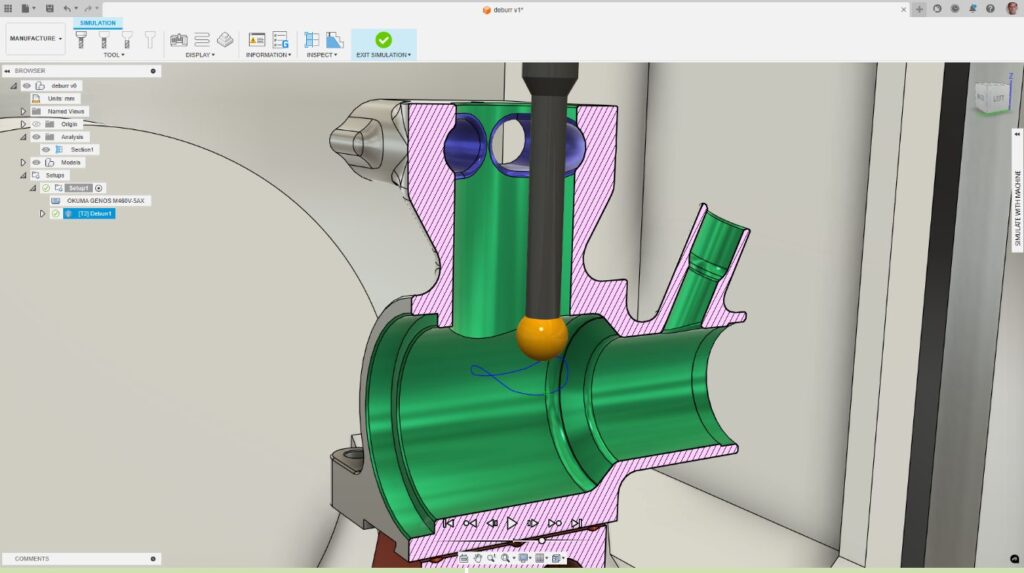
Learn how CNC deburring in Autodesk Fusion for Manufacturing replaces manual finishing with programmable, consistent deburr toolpaths. A part is complete when the last toolpath runs. Burrs, small, sharp imperfections left behind after cutting, can compromise fit, function, safety, and surface quality. For many manufacturers, deburring remains one of the most time‑consuming and inconsistent steps…
Advanced Manufacturing