
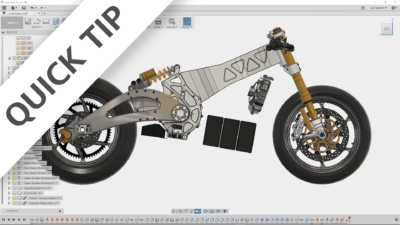
Balance your designs by using the center of mass analysis to help drive the location of components in your next design.
Fusion

Come learn about a new app: Composite Connectors. Then use it to construct strong and lightweight custom designs with composites.
Fusion
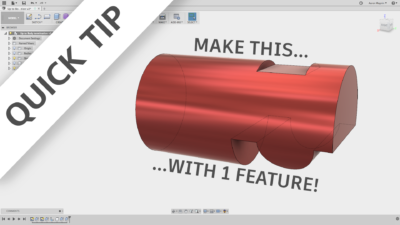
Check out this one-feature-wonder, as we use "to object" and extrude in ways we've never before.
Fusion

Browsing and searching for data can be very time consuming. These tips can save you time and get you back to modeling!
Fusion
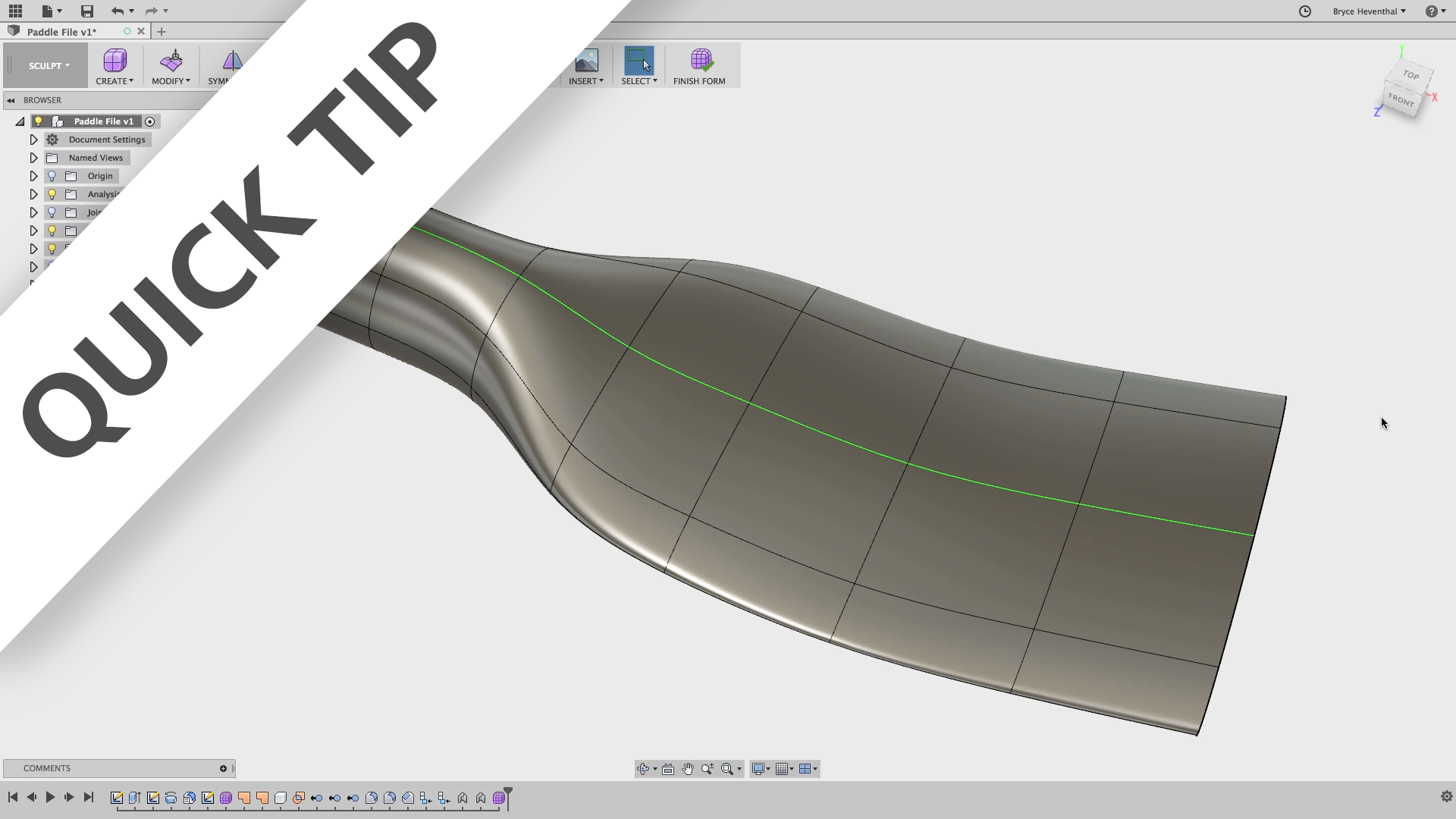

We'll show you where to find all the latest lessons, show you some behind the scenes info to make better use of the portal and…
Fusion
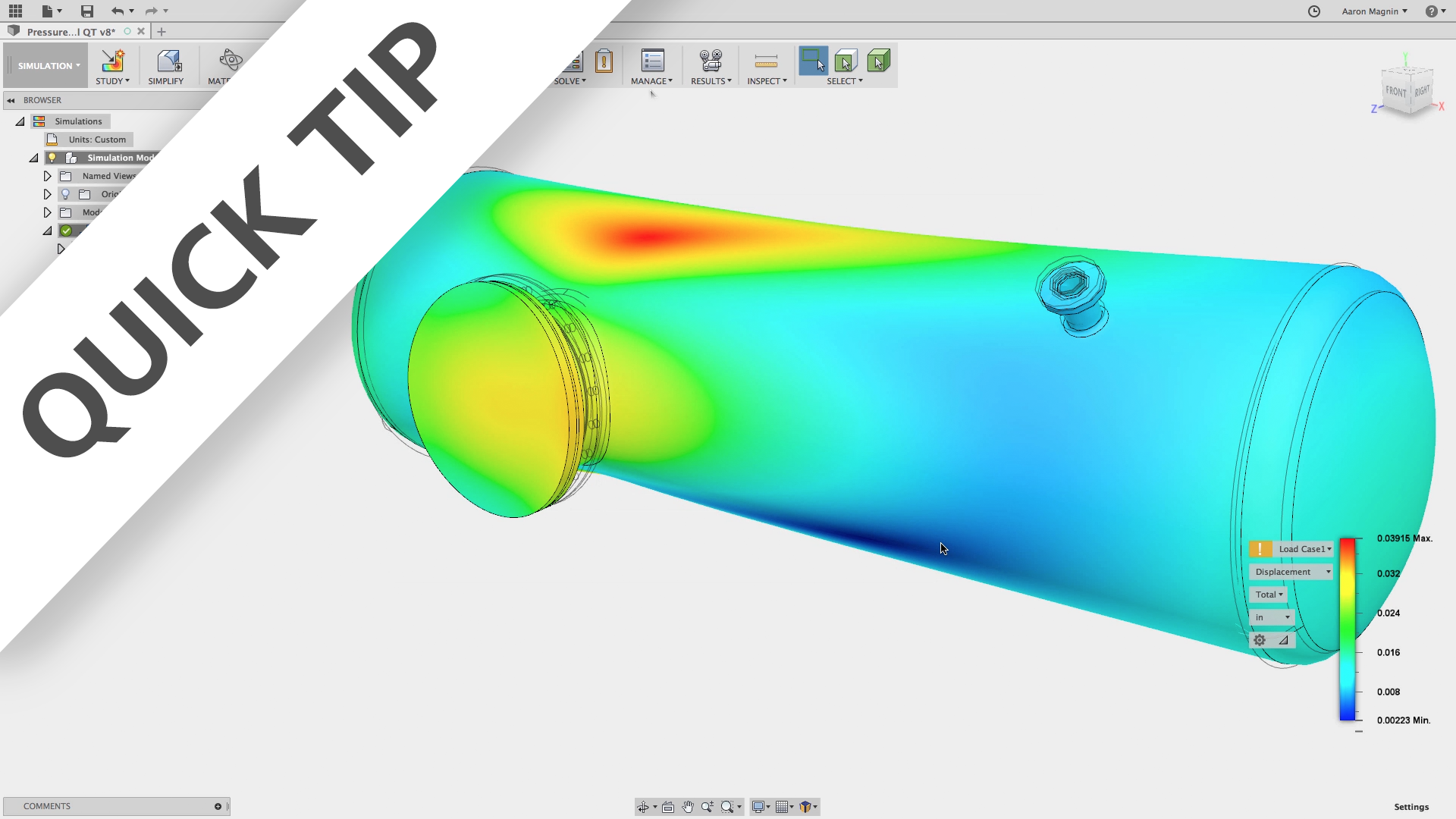
Let’s revisit the 'Simplify Updates' feature that was added to Fusion 360’s simulation workspace
Fusion
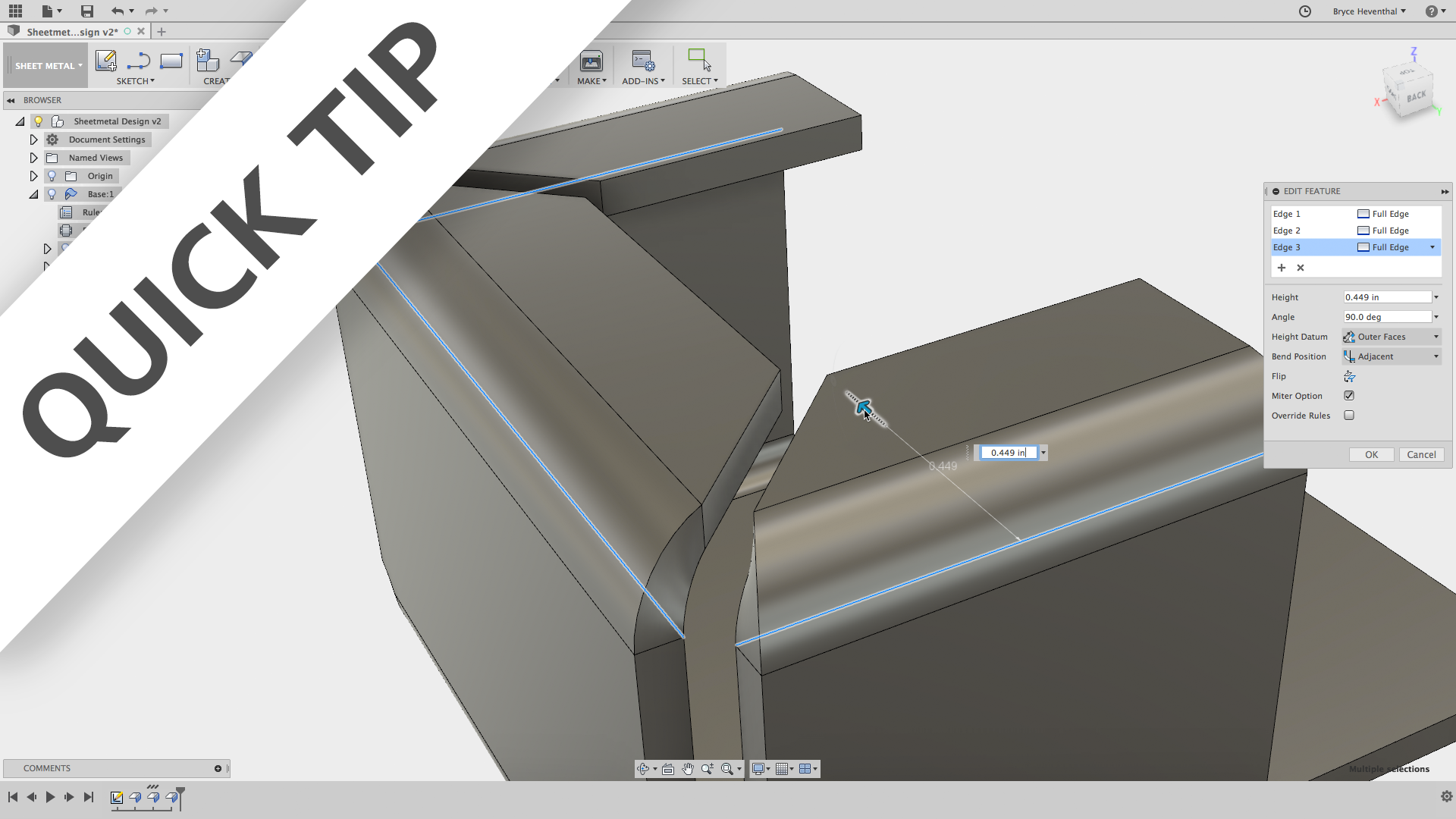
Have you used sheet metal in Fusion 360 yet? Well this week's quick tip will start you off with some best practices while designing sheet metal.
Fusion
Without the ability to create planes, some geometry would be impossible to make. Learn how to make these in an excerpt from our NEW getting started content.
Fusion
Extruding cuts is one of the most essential tools in CAD modeling. Watch this quick tip to take your extruded cuts to the next level.
Fusion
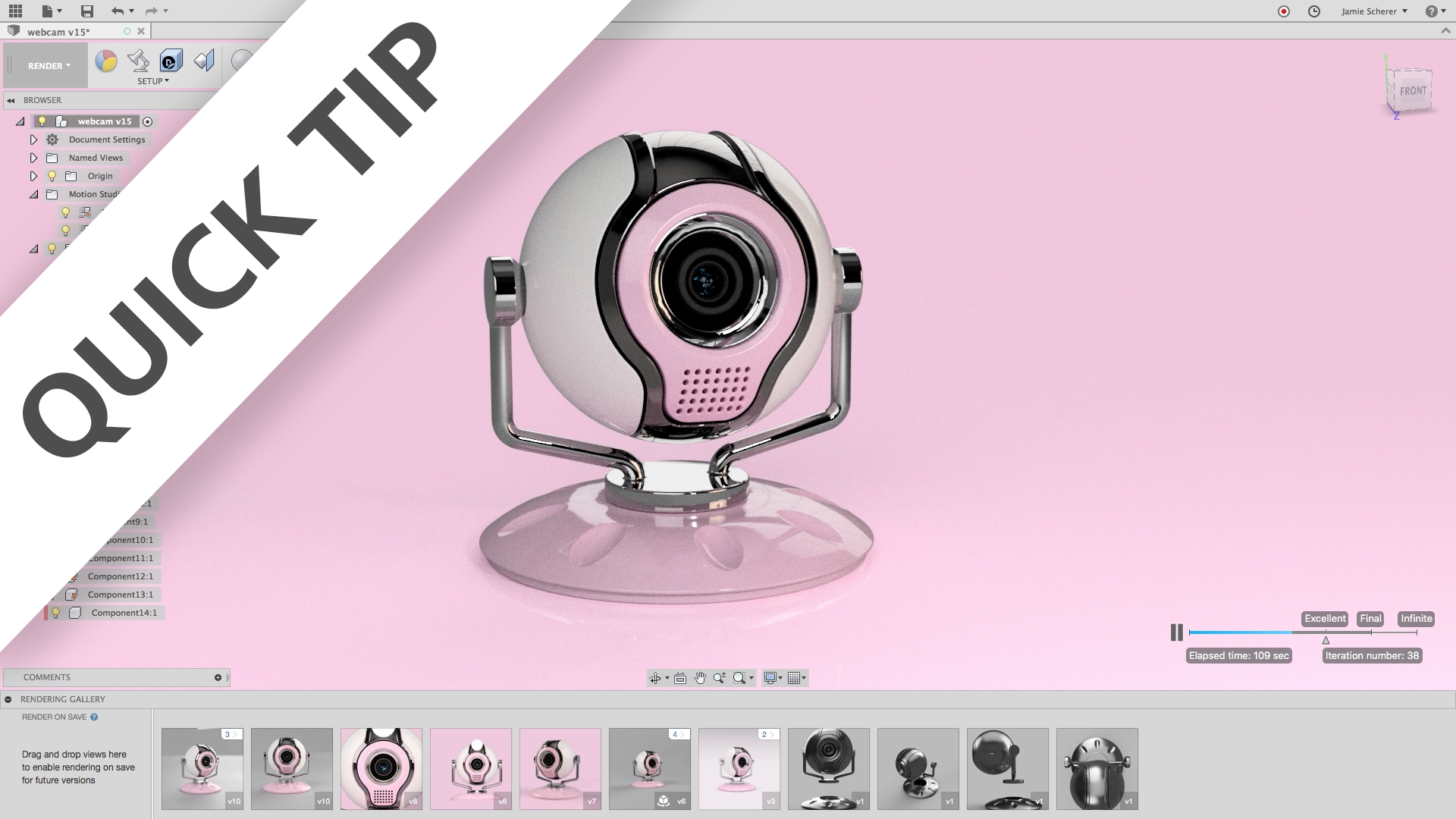
In this QUICK TIP, we'll show you how to use joints to open up advanced rendering techniques for lighting, animation, AND turntable rendering in Fusion 360.
Fusion

This Quick Tip is going to turn your boring drawings into a stunning manufacturing drawing with a few different tips on the section view tool.
Fusion
Hit the ground running in our newest workspace, by watching this multi-faceted QUICK TIP! Sheet metal in Fusion 360 is HERE! Start using it today...
Fusion
Buckling is important to test for, even if a static stress study determines your models won’t yield. Watch this to learn how and when you should do this.
Fusion
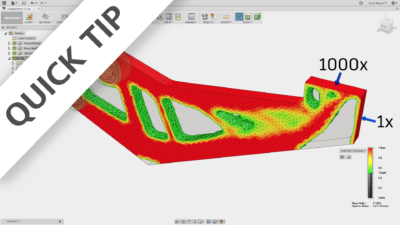
Shape optimization studies provide a powerful way to lightweight parts in Fusion 360. Watch this QUICK TIP to learn how to use these effectively!
Fusion