
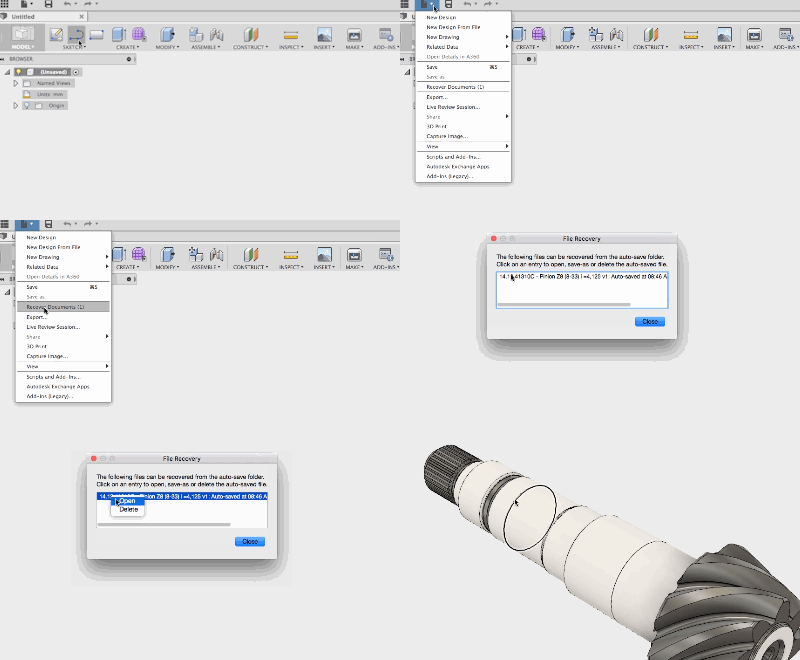
Minimize lost work by utilizing Fusion 360's robust document recovery tool. In this QUICK TIP, we'll show you how to use & customize this feature.
Fusion
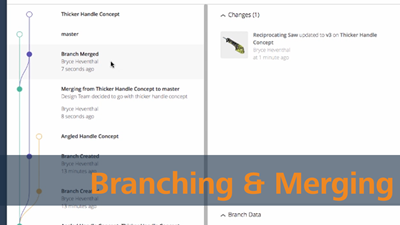
In this week’s Fusion Forecast, we will nerd out on the Branching & Merging functionality that will make its way into Fusion 360. Branching & Merging will allow teams to design in parallel like never before in the development process.
Fusion
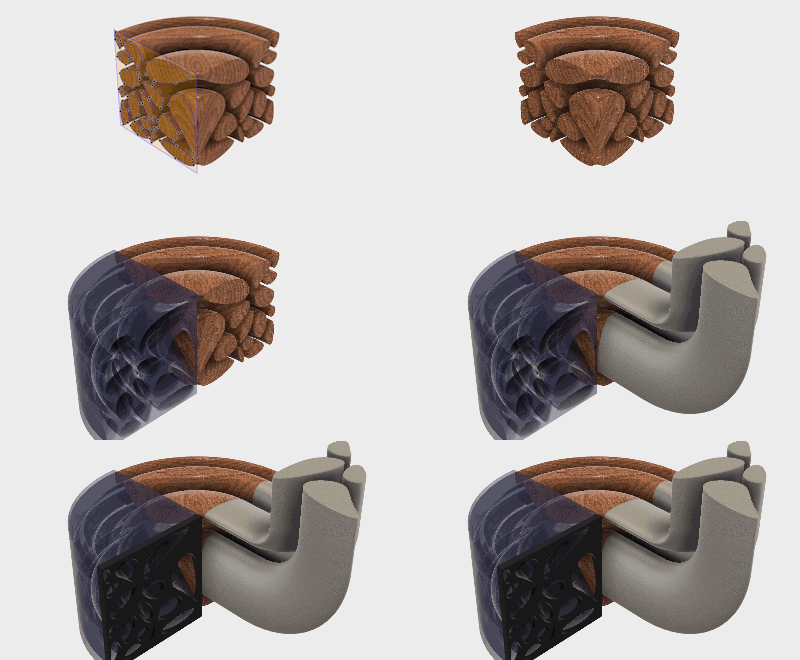
The June App of the Month selection is an incredibly powerful (and fun!) automatic sketch generator. Check out the QUICK TIP to learn more!
Fusion
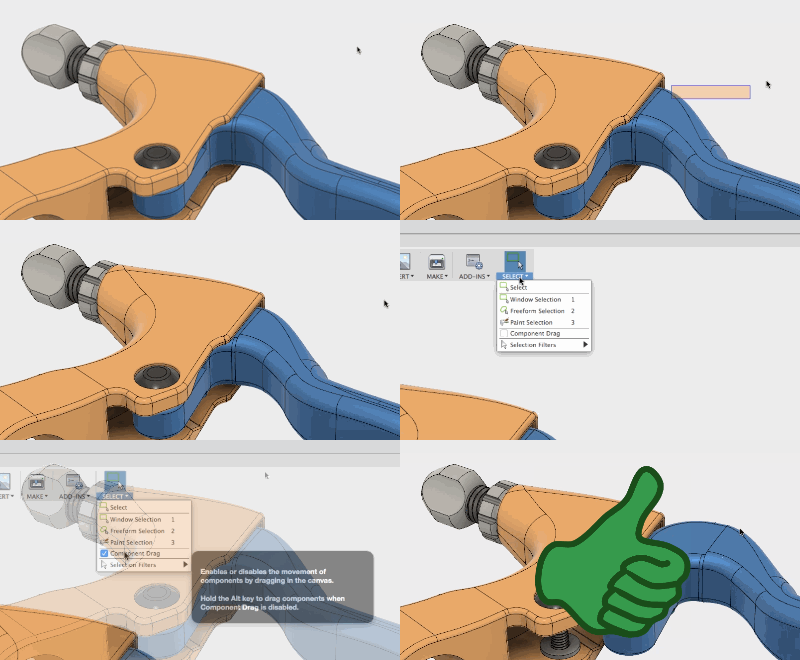
In this QUICK TIP, see why you're unable to click and drag components freely at some times, and how you can enable this ability.
Fusion

Next time you need feedback on your Fusion 360 design, use a Share (or Public) Link! This will enable unrivaled collaboration with you and your team.
Fusion
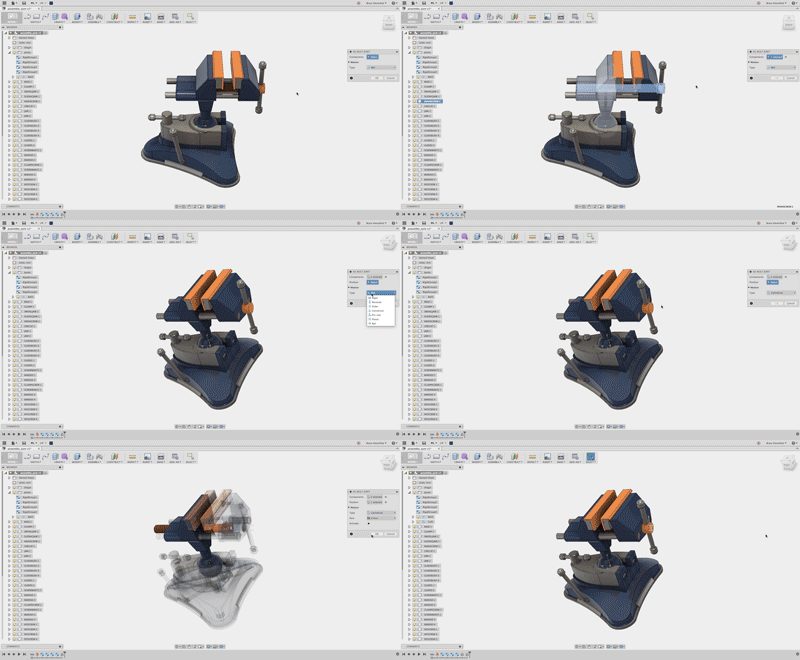
No one likes working with imported geometry, but in this week's QUICK TIP we show how easy Fusion 360 assembles imported assemblies. In this tip, as-built joints & rigid groups quickly assemble this vise.
Fusion
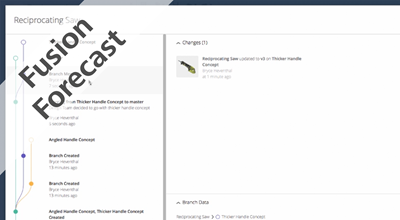
In this ongoing series, we will forecast different functionality that will get implemented into Fusion 360. In this week’s forecast, we will take a look at the upgrade to Fusion 360’s infrastructure (WIP 2.0). This major update to the back end will enable innovative functionality in the future.
News
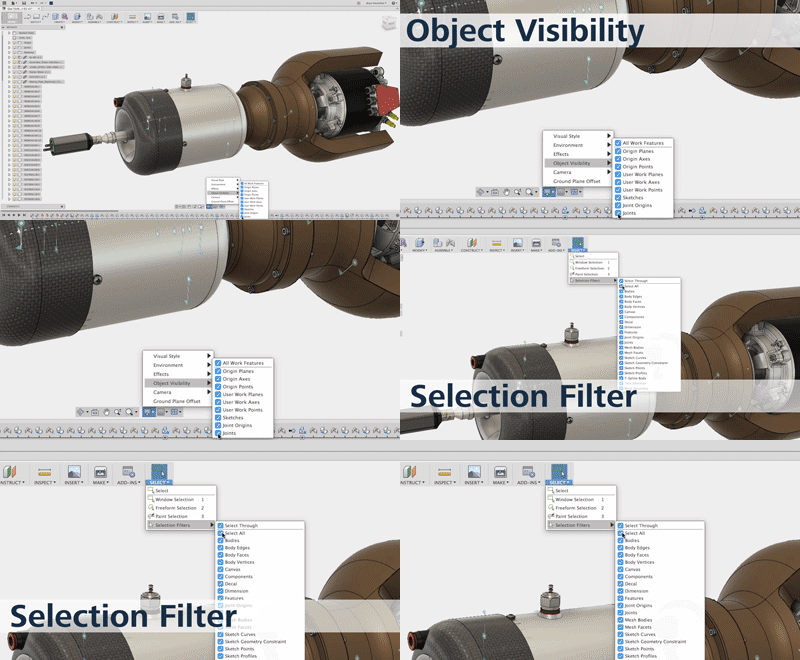
While designing in Fusion 360, joint previews, sketches and work planes need to be turned off to view different aspects of the design. In this week's QUICK TIP, learn how to turn off a selection of different objects or all of them in your design.
Fusion
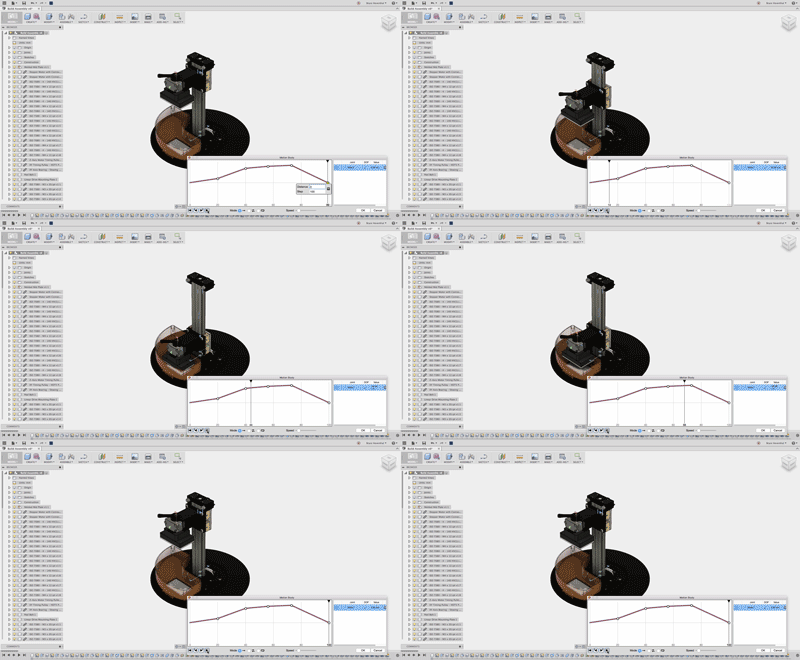
Never send a manager or customer a standard grey CAD animation again. In this week’s Quick Tip, make motion studies to demonstrate how your design functions and then take it a step further with a rendering of your motion study using cloud resources.
Fusion
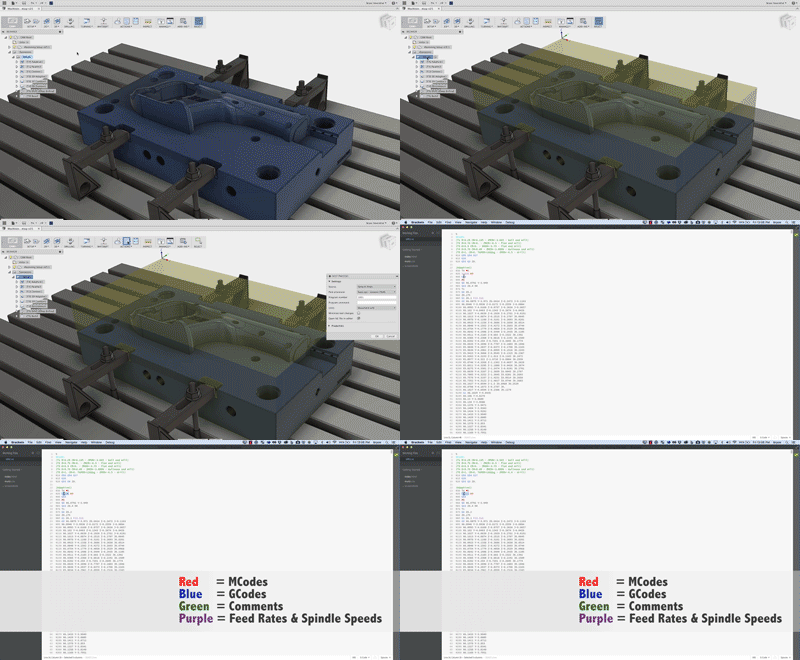
In this week's QUICK TIP, enhance your GCode viewing experience while using brackets or learn how to choose a different default GCode editor.
Fusion
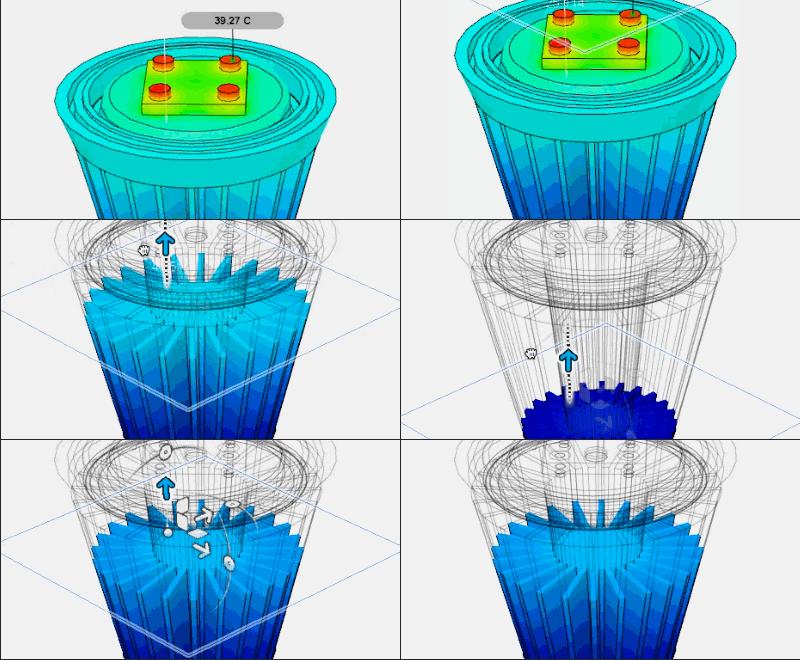
Happy Earth Day! In this post, we'll look at how we were able to use Fusion 360's Simulation workspace to optimize an LED light bulb to ensure a long life.
Fusion
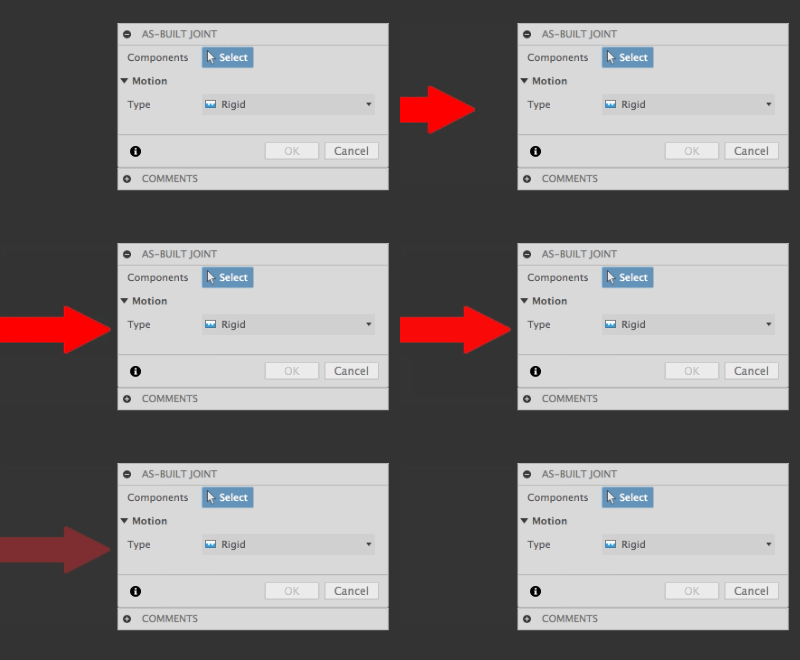
Have your dialogue boxes gone missing?! If so, check out this QUICK TIP to learn the easy way to find them. The solution (and dialogue box) are already there!
Fusion
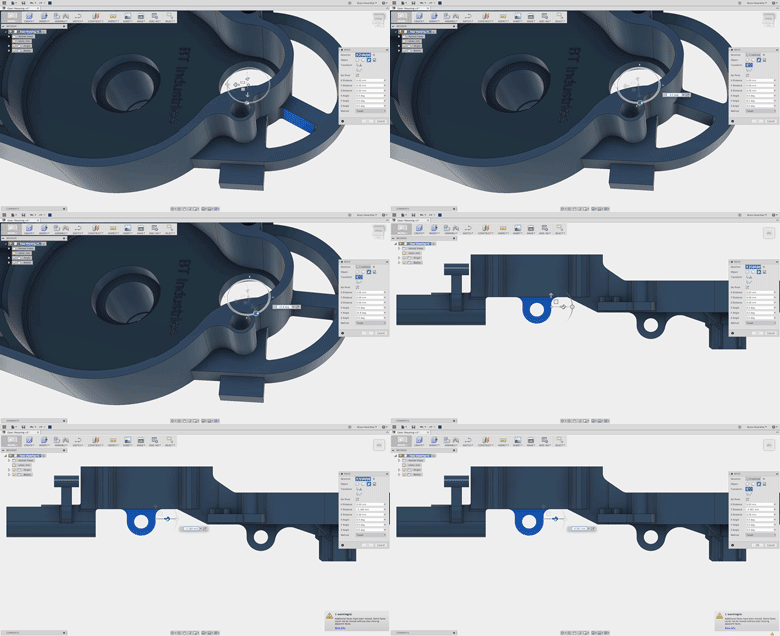
Check out this QUICK TIP to learn how to use the move face command to translate and rotate groups of faces to make design changes.
Fusion
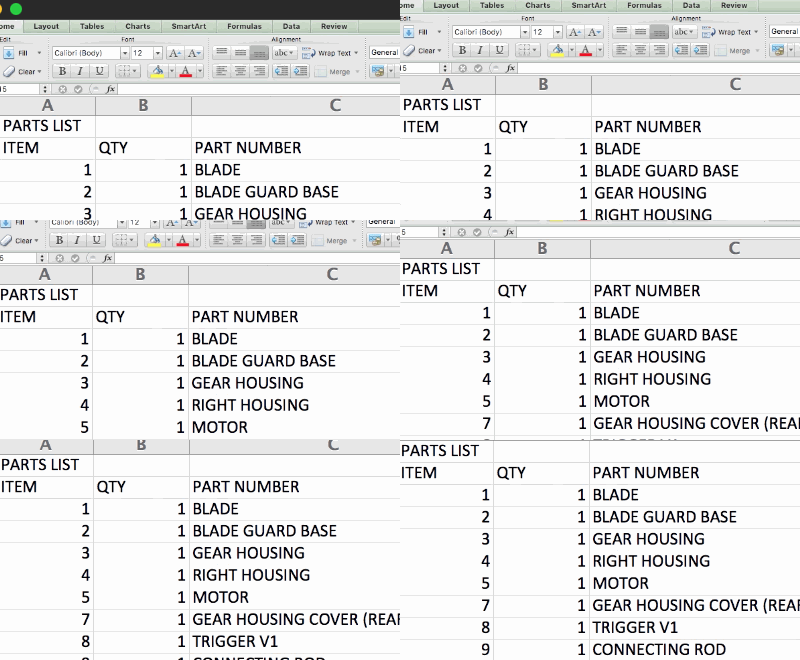
If you need to export your Fusion 360 BOM's to another software, check out this QUICK TIP!
Fusion
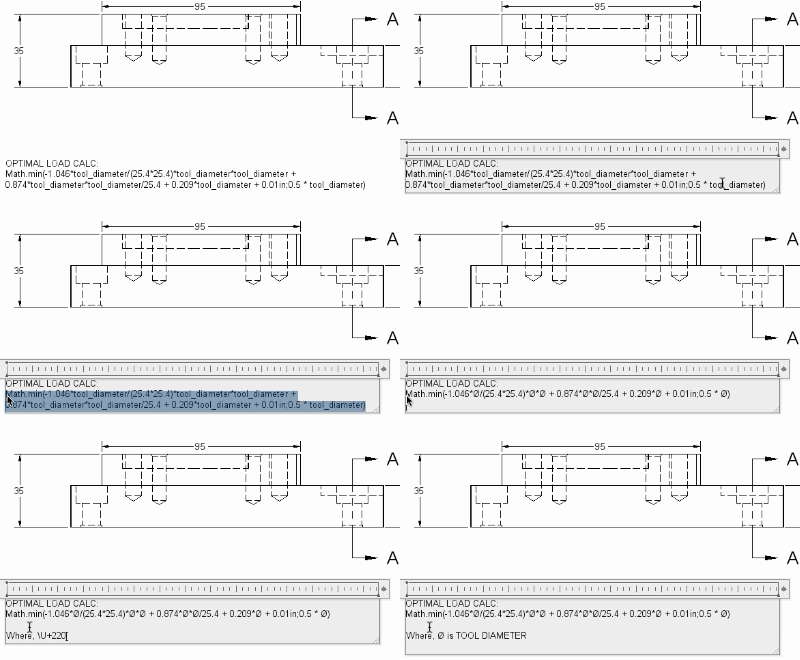
In this QUICK TIP, we’ll show you how to access the 65k special characters/symbols Unicode opens up for your Fusion 360 drawings and annotations.
Fusion