VIDEO PRODUCTION MANAGEMENT SOFTWARE

Improve cloud collaboration for animation and VFX studios with production management software

See how remote teams across Mumbai, Bengaluru, and LA use video production management software to stay on track with VFX projects.    


Call 000-800-040-2543 (9:30 AM to 5:30 PM India local time) if you need our assistance.

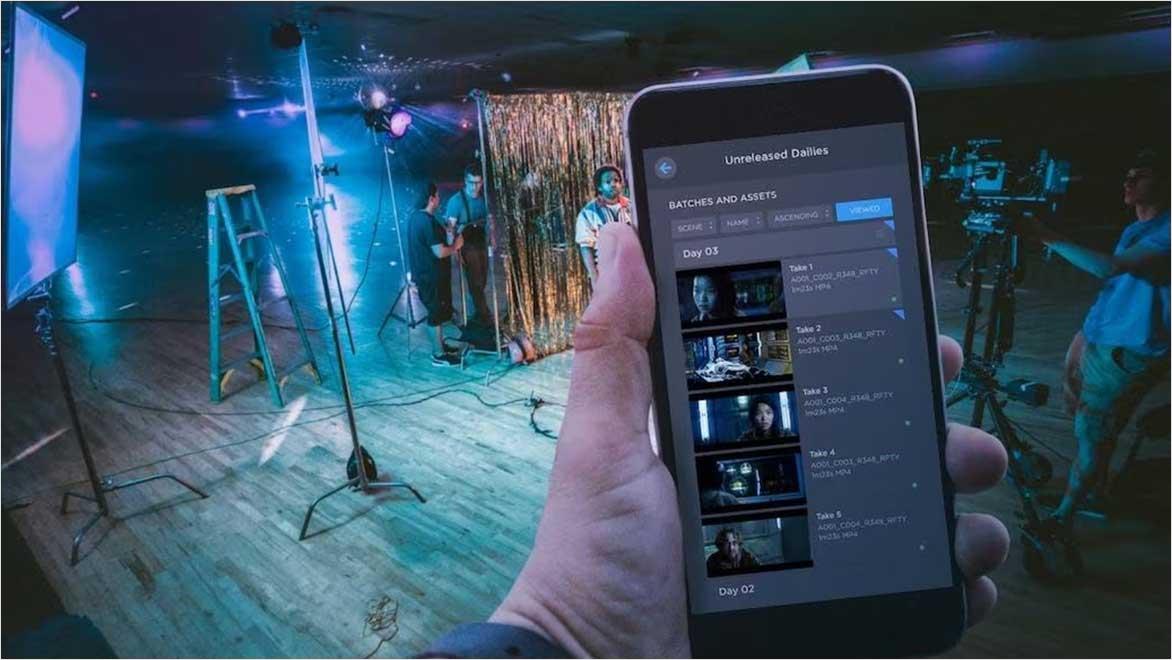
Cloud-based video production management on mobile device during film set shoot
Cloud-based production tools allow on-set teams to stream camera data directly to the cloud so post-production teams can access shots immediately.

What is cloud-based video production management?

Cloud-based production management uses project tracking and review tools to  setup, track, and schedule every step of a project, including shots and assets, through the pipeline. It helps remote teams improve collaboration, maximize resources, and remove business guesswork . This method replaces older systems such as spreadsheets, emails, and locally hosted servers.

Animation setup in VFX studio

The growth of animation and VFX in India

India has become a global centre for animation and VFX media and services. Studios from Mumbai to Hyderabad work on Hollywood movies, popular shows, and high-end ads. Demand is growing, deadlines are tighter, and teams work from different locations. Remote work is becoming the standard.

Over the past two decades, India’s animation and VFX industry has transformed from a niche sector into a global contender. Analysts project the market will exceed $2.2 billion in value by 2026. This growth has fuelled the rise of leading animation studios in major cities such as Mumbai, Bangalore, Chennai, and Hyderabad.

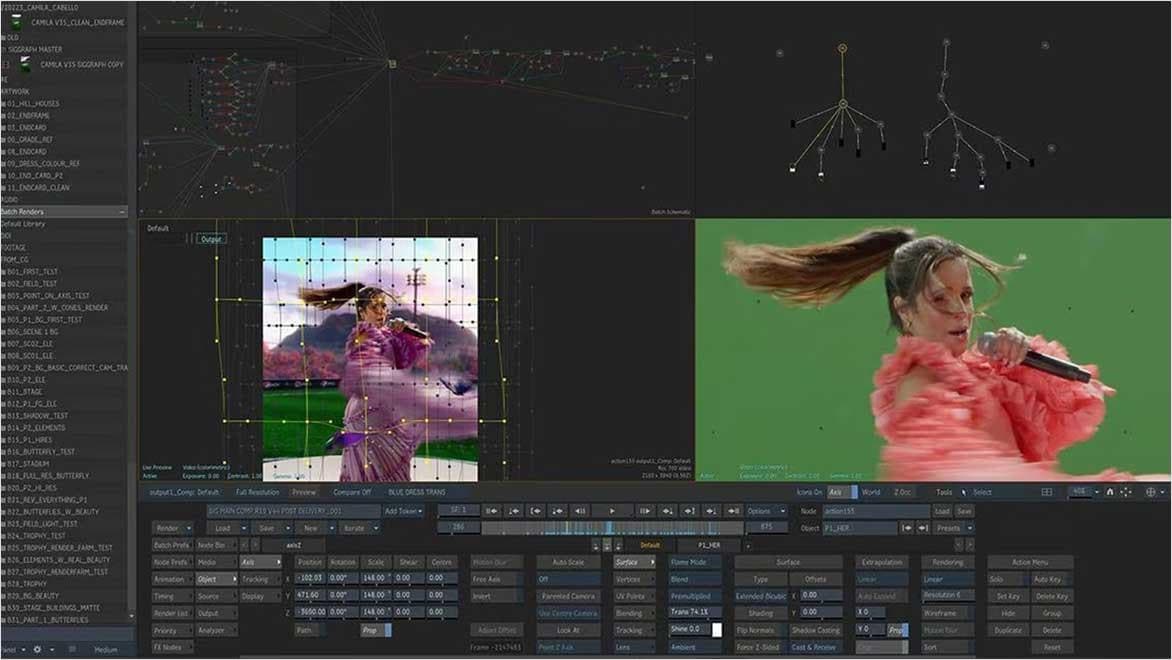
VFX compositing with green screen and background replacement
Image courtesy of Studio Rufus.

The shift from on-premise to cloud in post-production

Studios traditionally depended on on-site servers to manage assets and project schedules, requiring dedicated equipment, IT teams, and physical access. The COVID-19 pandemic upended this model, forcing teams to shift to remote work almost overnight. Studios scrambled for alternatives in response, often turning to basic tools like Google Sheets, Dropbox, or FTP servers. While these stopgaps helped in the short term, they proved unsustainable for long-term production needs.

Cloud solutions like Autodesk Flow Production Tracking (formerly ShotGrid) offer a better solution: online project management that is accessible anywhere and designed for creative teams. The software enables real-time collaboration, transparency across departments, version control, and centralised feedback. For Indian studios working with international 

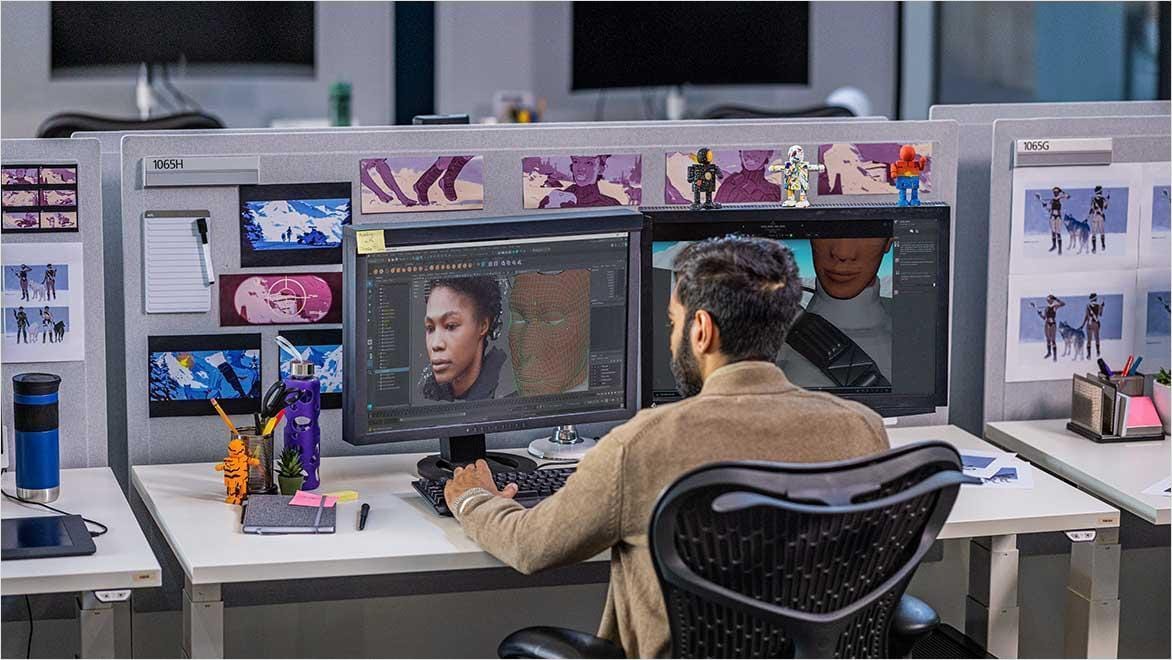
Artist working in a media and entertainment studio.

Challenges faced by Indian animation and VFX studios

VFX studios face several challenges in today's production environment. Teams operate across cities. Many studios manage projects with partners or clients in other continents, requiring them to navigate different time zones and cultures.

Smaller studios struggle with limited technical resources. Production teams often juggle tight workloads, using spreadsheets and email chains to manage schedules and track file versions. The most frustrating are review bottlenecks, where slow feedback and approval processes create delays that impact the entire production pipeline.

How Autodesk Flow Production Tracking accelerates post-production workflows

Autodesk Flow Production Tracking enables creative teams to track and manage animation and visual effects (VFX) projects through the pipeline. It combines task management, scheduling, media playback, file tracking, and real-time notes in one platform.

Task assignment

Producers can assign shots or assets, set deadlines, and monitor progress. AI-powered scheduling features enable producers to better predict and plan for dynamic production scenarios.


Review and approvals

Artists can upload work directly, and supervisors can comment and approve from anywhere.


Asset and shot tracking

Teams link every asset or shot to its tasks, notes, and versions, ensuring full traceability.


Integration with other tools

Artists can access Flow Production Tracking’s production management and review tools right within creative software such as Maya3ds Max, or Unreal Engine.


Permission controls and security

Enterprise-grade security for sensitive content across international boundaries.


Get started with Autodesk’s video production management software

Want to manage your animation and VFX projects better? Explore how Autodesk Flow Production Tracking can streamline your pipeline.


Click here to buy online or call 000-800-040-2543 (9:30 AM to 5:30 PM India local time) if you need our assistance.

Real examples: How studios use Autodesk Flow Production Tracking in their post-production workflow

FutureWorks

FutureWorks, one of India's top visual effects (VFX) studios, utilised Autodesk Flow Production Tracking to enhance its production process. With clients worldwide and over 300 artists based between Mumbai and Chennai, managing tasks and feedback proved challenging, especially with remote work. Autodesk Flow Production Tracking helped the team keep everything in one place, where managers could assign work, track progress, and manage schedules, and artists could easily find and share files. Overall, it helped them focus more on creativity and deliver quality output while staying connected as a team.


Mila

Cinzia Angelini, an experienced animator and director, created Mila while working with over 350 volunteer artists from 35 countries. The team began with basic tools like email and Skype, and then transitioned to cloud-based production software, including Slack and Autodesk Flow Production Tracking. Flow Production Tracking provided them with a platform to manage everything and keep production running smoothly. Using Autodesk tools like Maya and Arnold, they maintained consistency across projects, teams, and locations and completed Mila in January 2021.


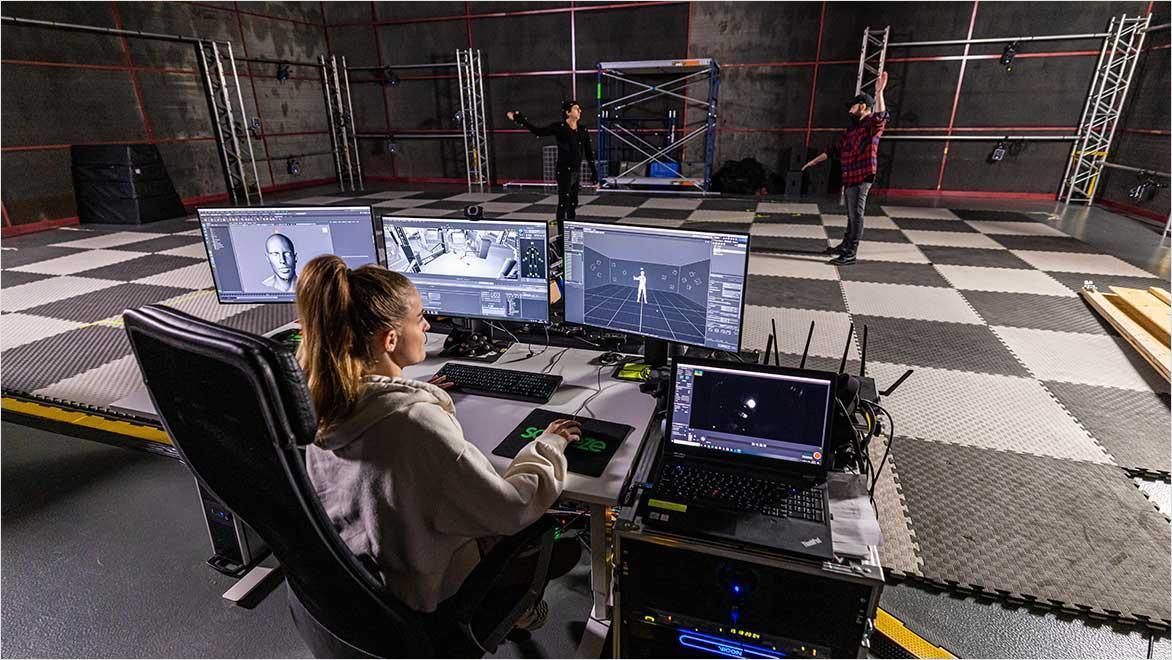
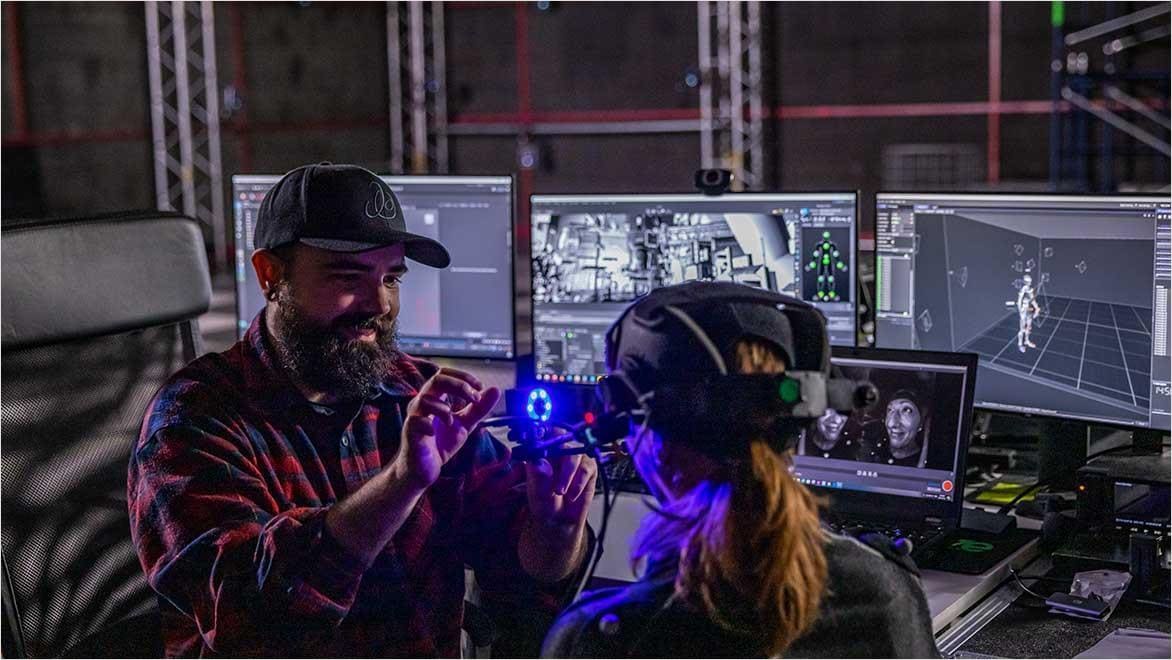
Technician setting up motion capture in VFX studio with Autodesk software.

Use Autodesk software to create animation and VFX concepts

Cloud production with Autodesk makes the entire process smoother. From planning to delivery, Autodesk Flow Production Tracking connects teams, data, and workflows to give creative studios an advantage.

This synergy is essential as India attracts more international work and launches its original content. As budgets grow and production timelines shrink, having a streamlined system is essential for success.

Run your projects from anywhere with Autodesk’s cloud production tools for animation and VFX teams.

Call 000-800-040-2543 (9:30 AM to 5:30 PM India local time) if you need our assistance.

Cloud-based animation and VFX production free resources

Tell better stories with video production management software that streamlines your production workflows, giving you more time for creative focus.


Deliver natural-looking effects and large-scale complexity for world-building, and scale your studio’s rendering and simulation capabilities with this animation project management tool

Learn how visual effects make Bollywood movies more exciting by bringing creative ideas and scenes to life.


Cloud-based post-production management for animation and VFX studios frequently asked questions (FAQs)

What is cloud-based video production management?

Cloud production management involves utilising cloud-based tools to plan, track, and manage animation or visual effects (VFX) projects. Instead of relying on local servers or manual spreadsheets, teams utilise cloud software to collaborate, share files, assign tasks, and monitor progress in real-time, from anywhere.

Is cloud production suitable for small or indie studios?

Definitely. Cloud tools can level the playing field for smaller studios by providing them with access to the same infrastructure and workflows that larger studios use, without the need for heavy upfront investment.

Is cloud production for films and media secure for high-value content?

Yes. Autodesk’s tools (e.g., Flow Production Tracking and Flow Capture) offer robust security features, including encryption, access control, and multi-factor authentication, to protect content against leaks or unauthorised access.

What kind of support is available for Indian studios?

Autodesk provides regional support, documentation, onboarding help, and training sessions. Visit Autodesk India website for more details.

See more FAQ