Design & Engineering
-
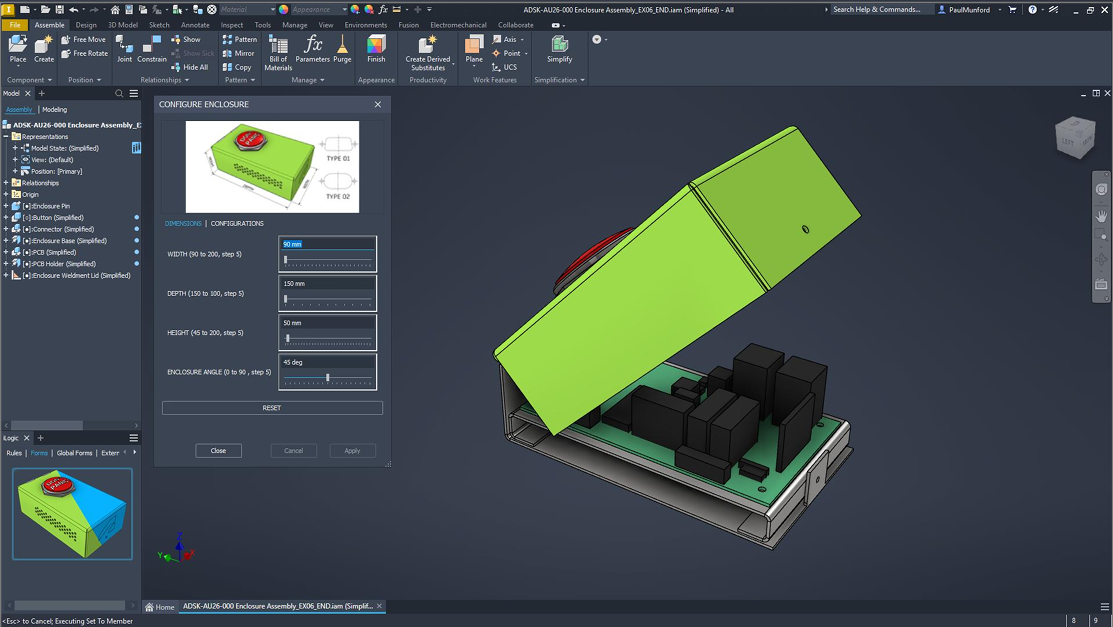
Autodesk Inventor: Get Started with Configuration
Learn how to build configurable assemblies in Autodesk Inventor using iLogic, Model States, named parameters, and top-down design techniques that make configuration reliable and scalable. Change a few parameters and watch a model reconfigure itself, that’s the promise of configuration in Autodesk Inventor. In practice, though, applying configuration to a model that wasn’t designed for…
Design & Engineering
-
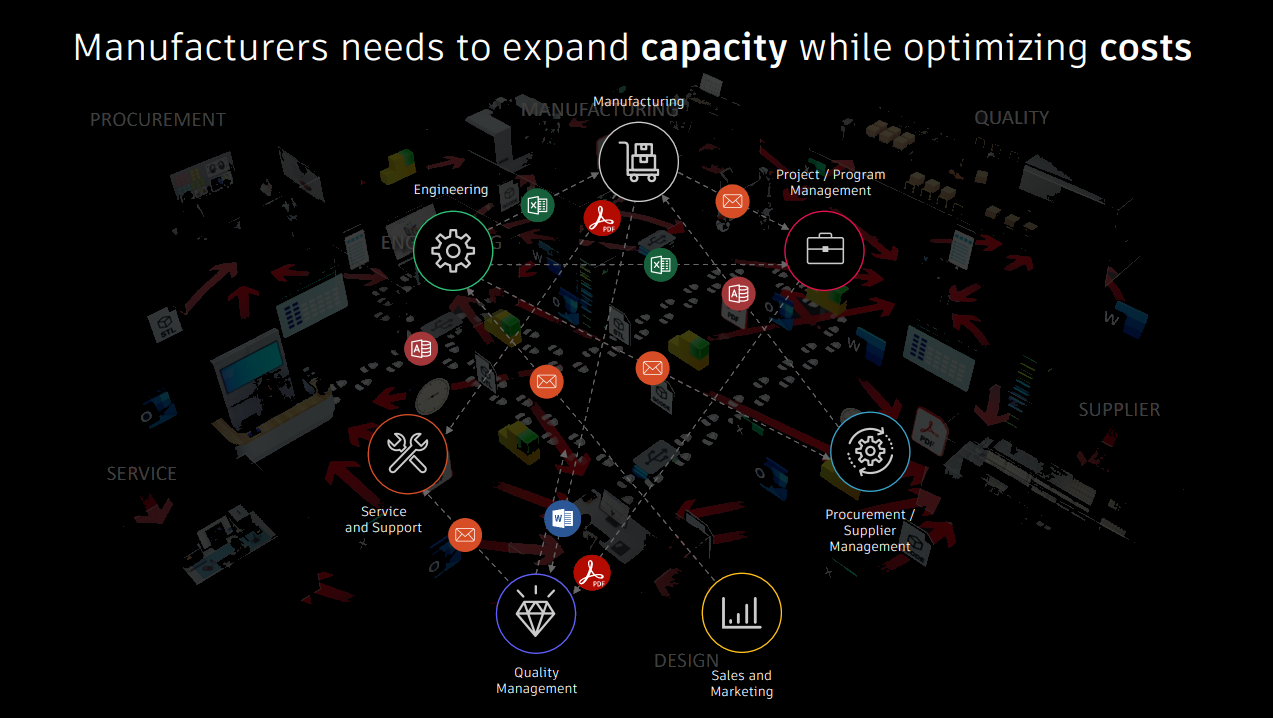
Breaking Down Silos: Connecting Vault, Fusion Manage, and Forma
Learn how Vault Connector connects Vault Professional with Fusion Manage and Autodesk Forma, helping manufacturers synchronize engineering data, streamline collaboration, and reduce manual handoffs. Most manufacturers don’t struggle with a lack of data. They struggle with getting the right data to the right people at the right time. Engineering teams carefully manage CAD files, revisions,…
Autodesk Fusion Manage
-
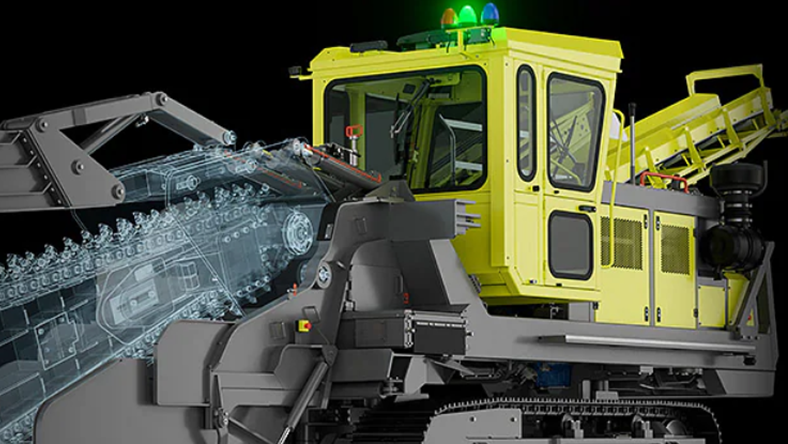
Autodesk Product Design & Manufacturing Collection for Enterprise Manufacturing: Scalability, Multi-Site Operations, and Global Teams
Learn how Product Design & Manufacturing Collection (PDMC) helps enterprise manufacturers support global teams, multi-site operations, design governance, and scalable product development workflows. As manufacturers grow, product development becomes increasingly complex. What started as a single engineering team working from one location often evolves into a global network of designers, engineers, suppliers, and manufacturing facilities…
Design & Engineering
-
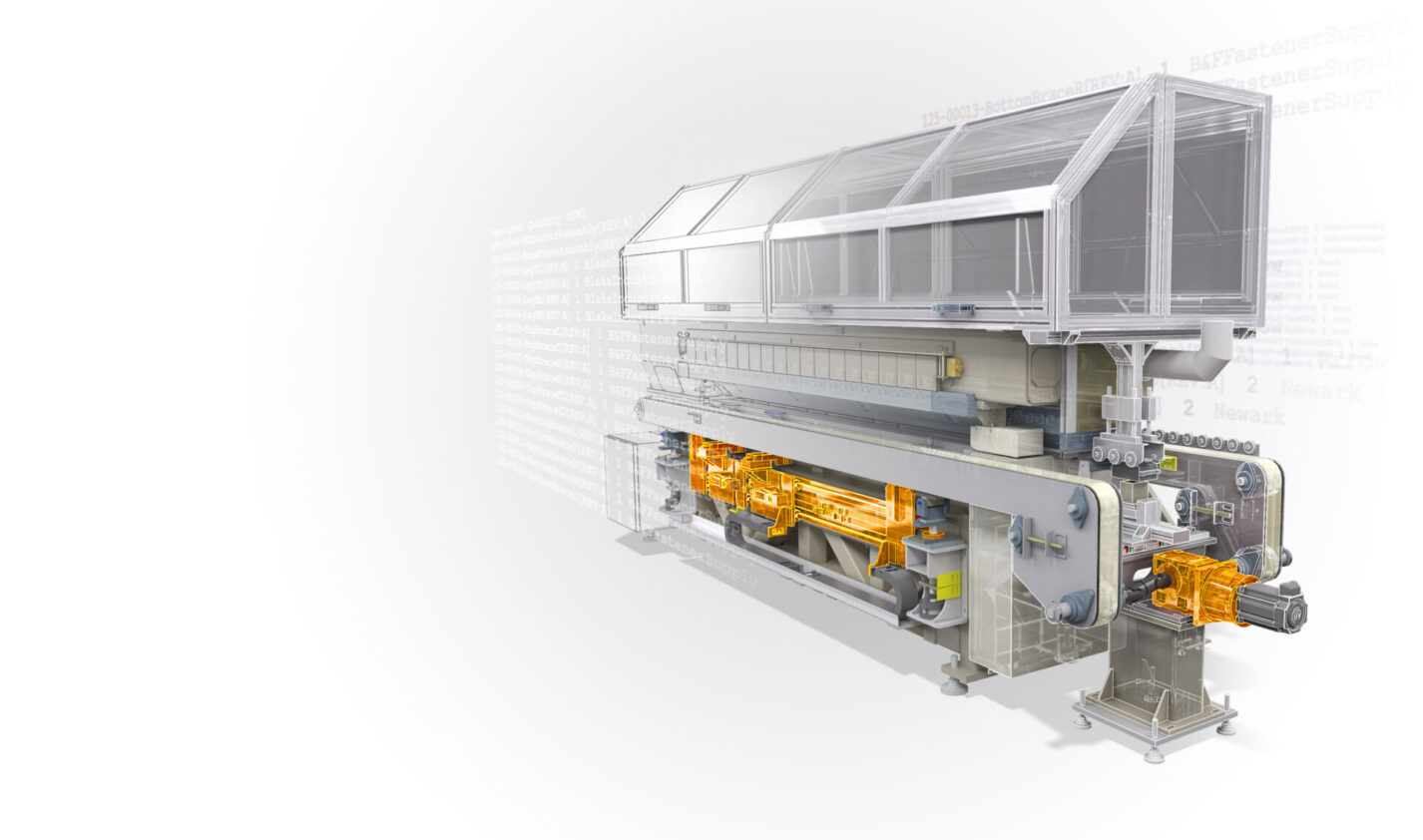
What is iLogic in Autodesk Inventor? A Practical Guide for Design Automation
Learn how Autodesk Inventor iLogic helps engineers automate repetitive tasks, create configurable products, reduce errors, and accelerate mechanical design workflows. What is iLogic in Autodesk Inventor? iLogic is the built-in rules-based design automation engine in Autodesk Inventor. It allows engineers and designers to create logic-driven models that automatically respond to inputs, parameters, and design requirements…
Design & Engineering
-
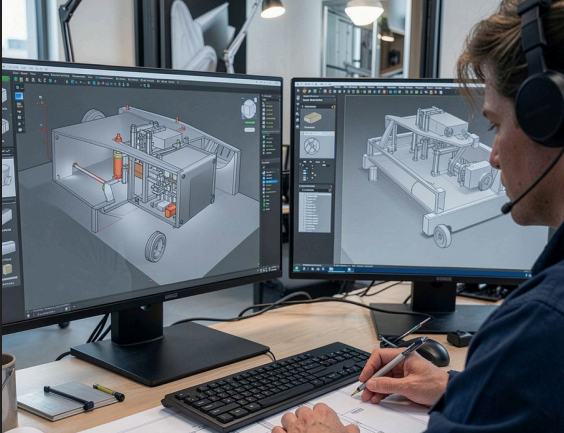
Seamless Data Exchange: AutoCAD and Inventor Interoperability
Learn how to move data between AutoCAD and Inventor using imports, references, links, Desktop Connector, and Autodesk Forma. Discover the best workflows for maintaining design intent, reducing rework, and keeping teams connected. If you work across AutoCAD and Inventor, you already know the friction: a 2D layout lives in one tool, the 3D model lives…
Design & Engineering
-

A More Connected Path from Design to Fabrication in Inventor
Autodesk’s acquisition of select Klietsch technology and intellectual property (IP) adds specialized structural-steel detailing and fabrication capabilities, with the intent of extending Inventor and the Product Design & Manufacturing Collection (PDMC) into more automated design-to-fabrication workflows over time. Designing complex structural steel assemblies requires more than creating the structure itself. Engineers and designers need to…
Design & Engineering
-
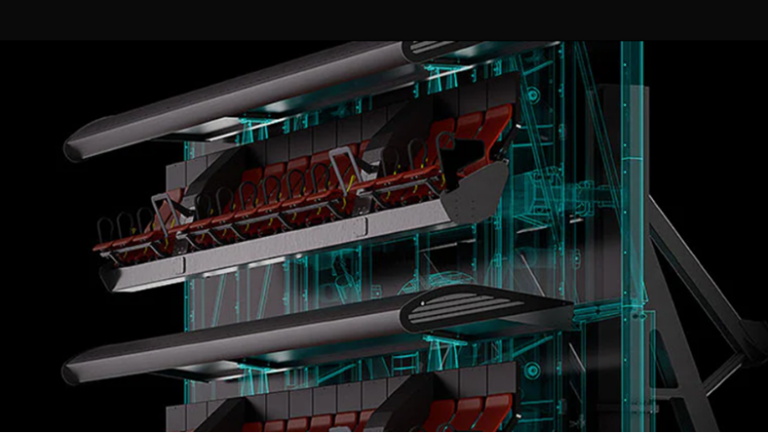
Autodesk Inventor for Industrial Machinery Design: Capabilities, Workflows, and Real-World Fit
Discover how Autodesk Inventor supports industrial machinery design with advanced 3D modeling, large assembly management, automation, simulation, and manufacturing workflows. Whether you’re developing automated production equipment, conveyor systems, packaging machines, process equipment, material handling systems, agricultural machinery, or custom manufacturing solutions, engineers must balance mechanical performance, manufacturability, serviceability, and cost while coordinating thousands of interconnected…
Design & Engineering
-
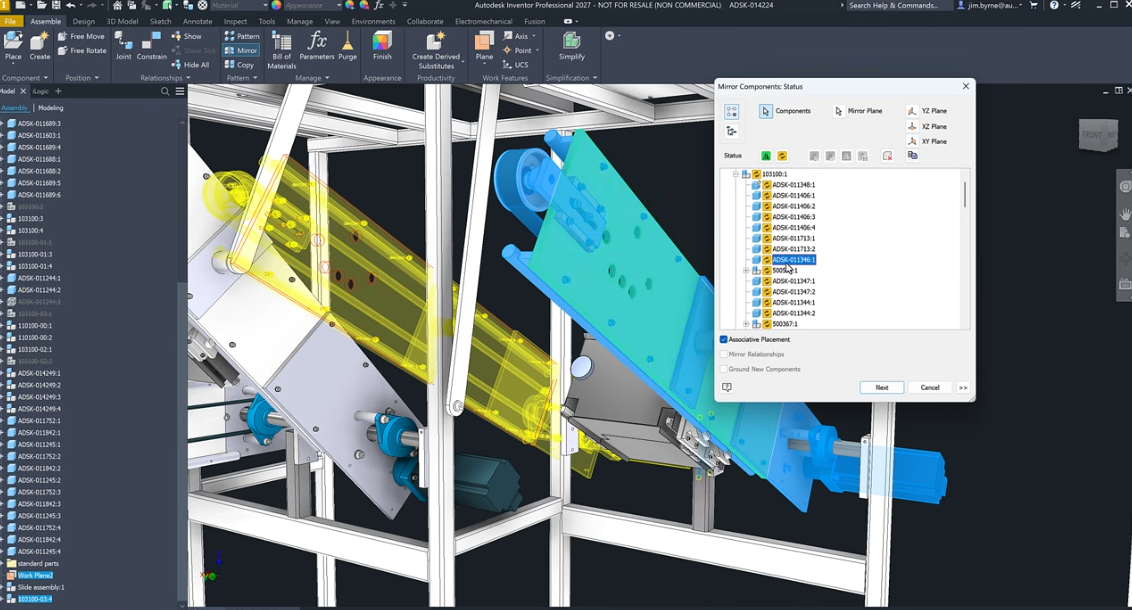
Large Assemblies in Inventor: Techniques for Complex Product Designs
Learn how Autodesk Inventor handles large assemblies and discover practical techniques to improve performance, reduce complexity, manage dependencies, and work more efficiently on complex product designs. As products become more sophisticated, engineering teams are being asked to manage increasingly complex assemblies. Industrial equipment, automation systems, heavy machinery, transportation products, and advanced manufacturing equipment can easily…
Autodesk Inventor
-
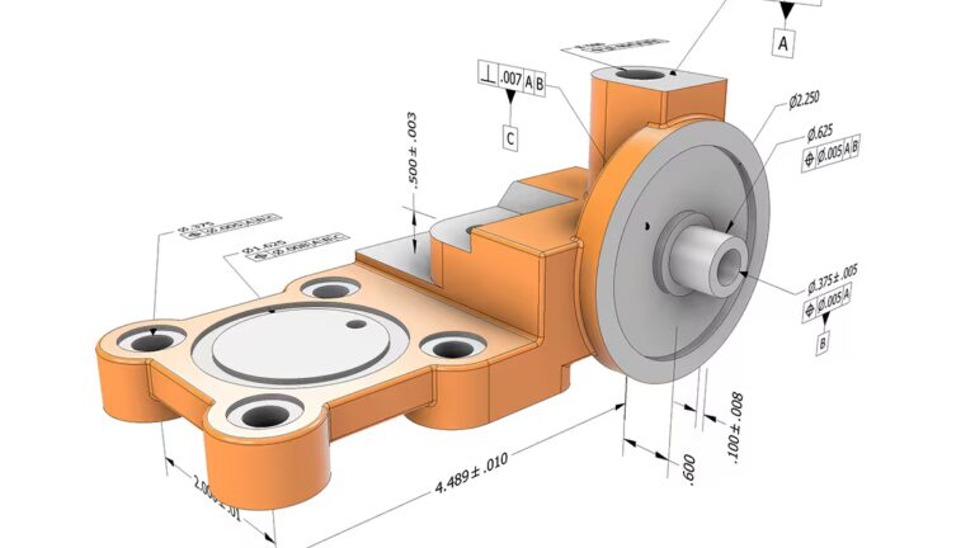
GD&T Guide: How Geometric Dimensioning and Tolerancing Supports Model-Based Definition
Learn how geometric dimensioning and tolerancing (GD&T) works, where traditional 2D documentation can create challenges, and how Autodesk Inventor’s model-based definition (MBD) tools help connect design intent, manufacturing, and inspection through annotated 3D models. What is GD&T and why does it matter? For more than a century, manufacturers have relied on engineering drawings to communicate…
Autodesk Inventor
-

Design for Assembly (DFA): What It Is, Principles, and How to Reduce Manufacturing Cost
Design for assembly (DFA) simplifies product design to reduce manufacturing cost and speed up production. Learn key principles, benefits, and real-world best practices. What is design for assembly (DFA)? Design for assembly (DFA) is a product design approach that simplifies how parts are assembled by reducing part count, minimizing fasteners, and standardizing components. The goal…
Design & Engineering
-
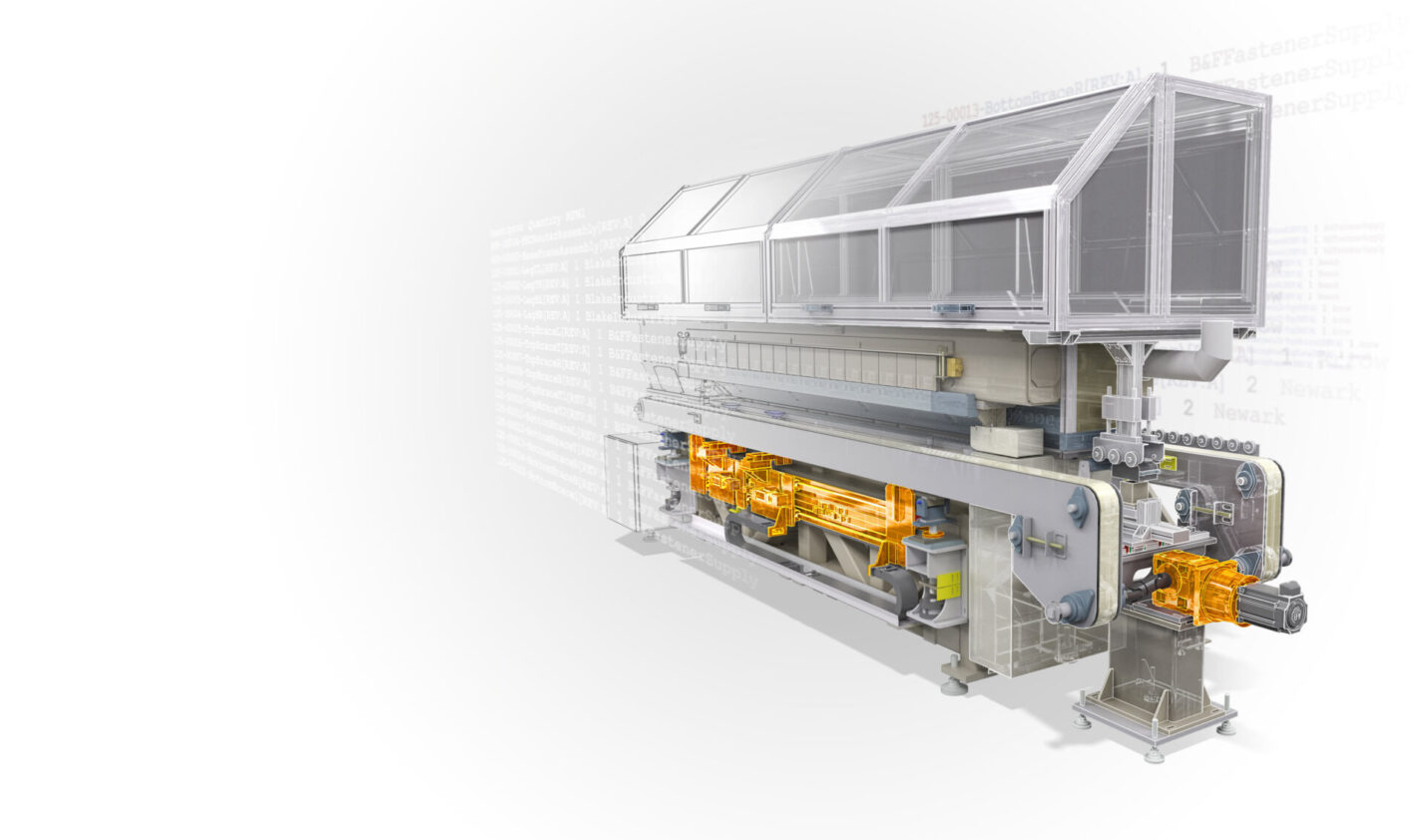
Autodesk Inventor Subscription: What You Get and Why Engineers Choose It
Explore Autodesk Inventor subscription options, pricing, and features. Learn what you get, how it works, and start a free trial to test it on real engineering workflows. If you’re evaluating Autodesk Inventor, the real question isn’t just “What does it cost?” It’s: “Will this help me design faster, reduce errors, and get products to market…
Design & Engineering
-
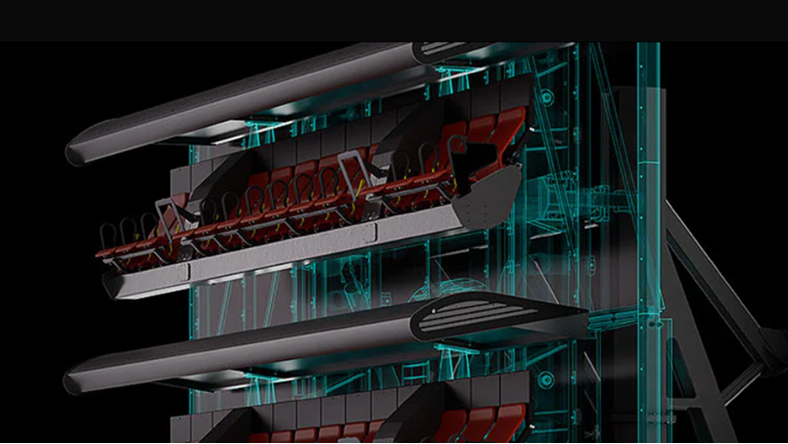
How to Manage Large Multi-Part Assemblies in CAD for Industrial Machinery
Struggling with large CAD assemblies slowing you down? Learn how to manage complex industrial machinery designs, and why Autodesk Inventor is built for large-scale performance. Designing industrial machinery is one of the most demanding use cases in CAD. Assemblies don’t just grow, they scale. What starts as a manageable model quickly becomes a system of…
Design & Engineering