-
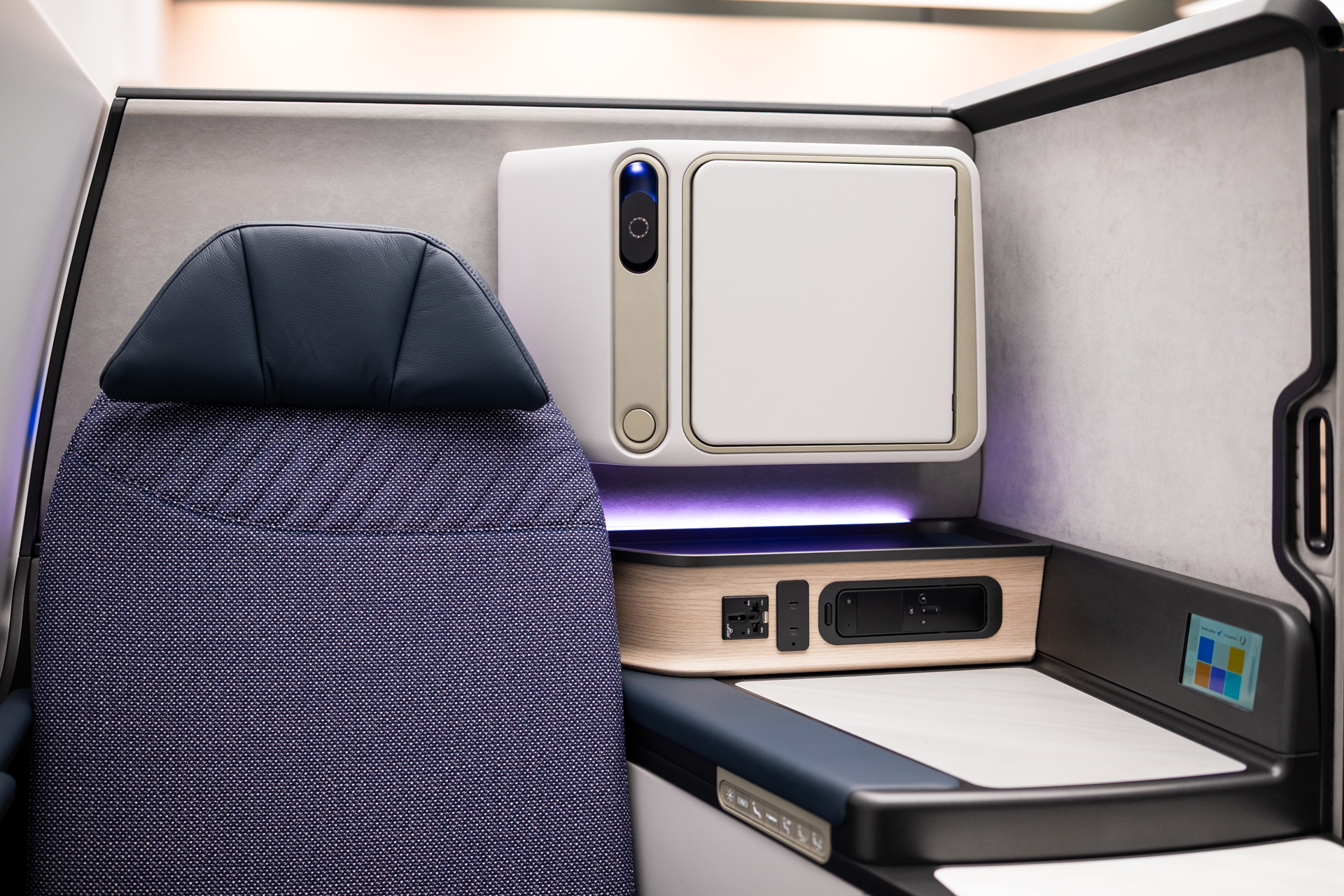
ACLA Studio Reimagines Boeing Aircraft Interiors
ACLA Studio is helping shape the future of aircraft interiors, from seating to new cabin experiences for Boeing and other aviation leaders. Autodesk Fusion gives the team speed and flexibility to move from early ideas to detailed, production-ready designs while also working with partners. As the studio continues to grow, Fusion remains at the center…
Case Studies
-
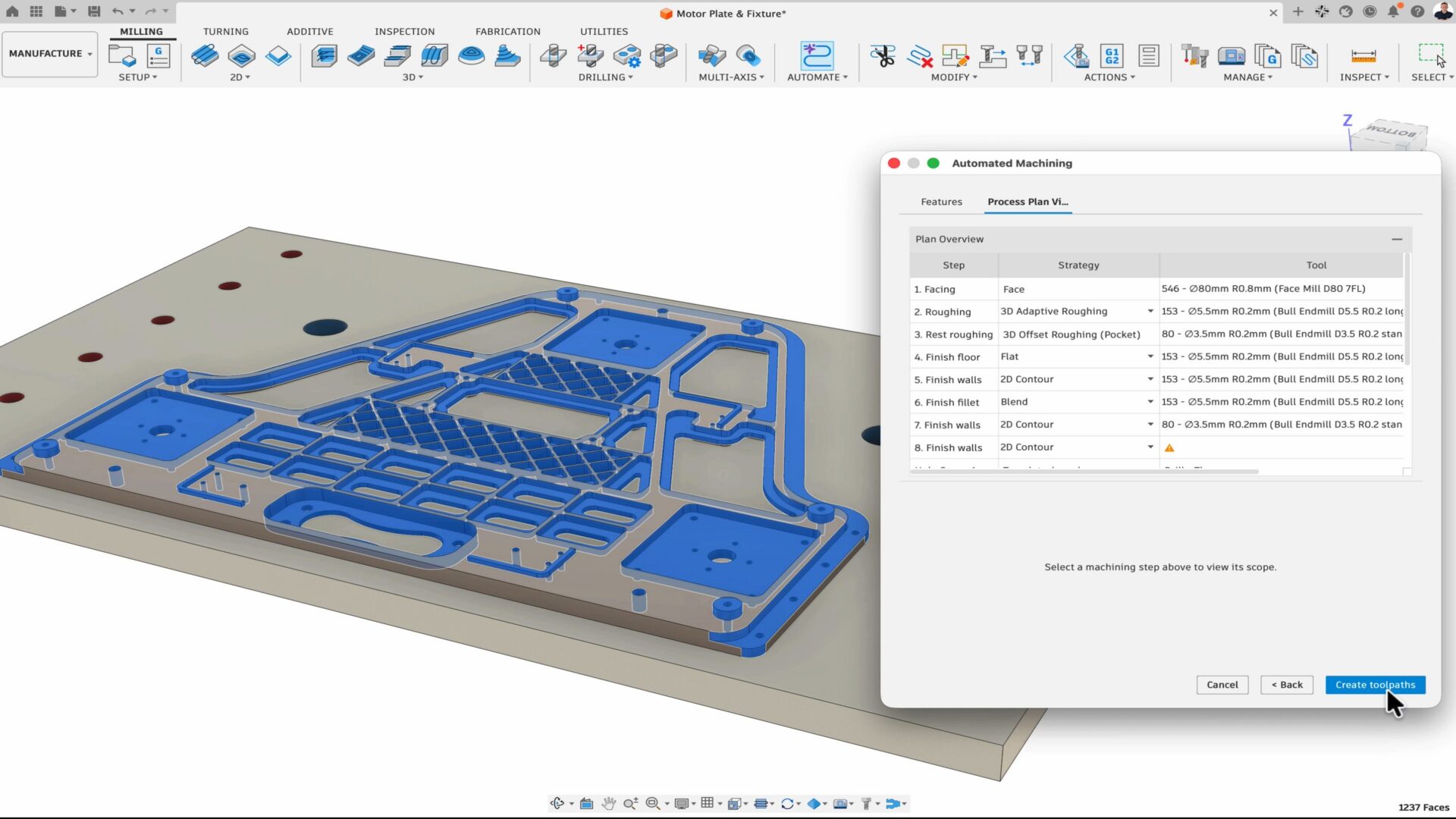
How Fusion is Expanding What Product Teams Can Accomplish
At AU 26, new Fusion announcements point to a more connected, automated way for teams to get more work done with the people, tools, and processes they already trust. Many manufacturers have already moved beyond experimentation and have started adopting AI and automation tools in their daily workflows. But even as interest turns into adoption,…
News
-
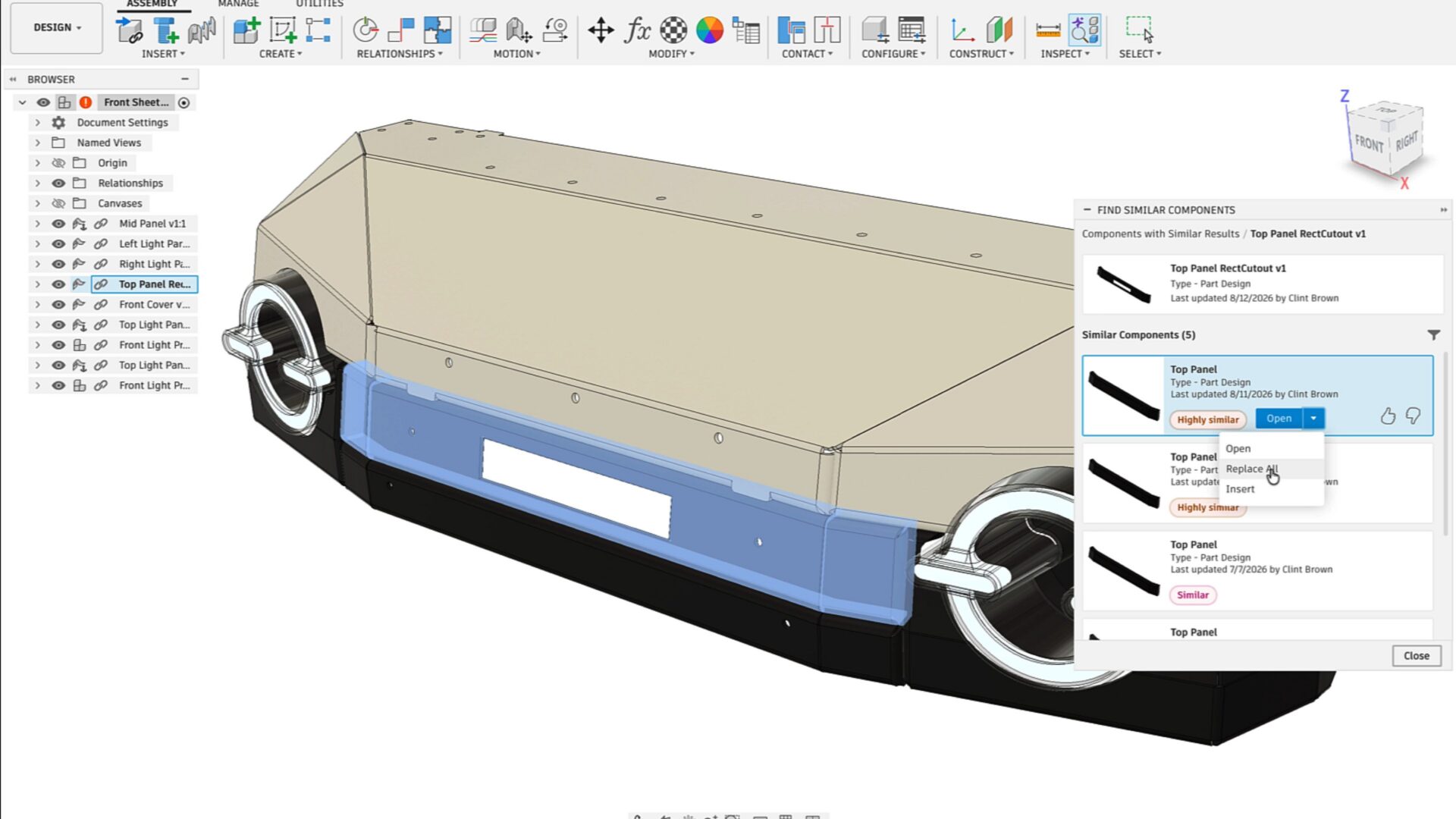
Autodesk Fusion Brings AI Deeper into Connected Design and Manufacturing Workflows
At AU 26, Autodesk is highlighting a new wave of AI-powered capabilities in Fusion designed to help teams connect data, automate repetitive work, and move more efficiently from design intent to manufacturing execution. The announcements span AI-assisted design history reconstruction, assembly creation, product configuration, CAM programming, part discovery, and design reuse. Together, they point toward…
Fusion
-
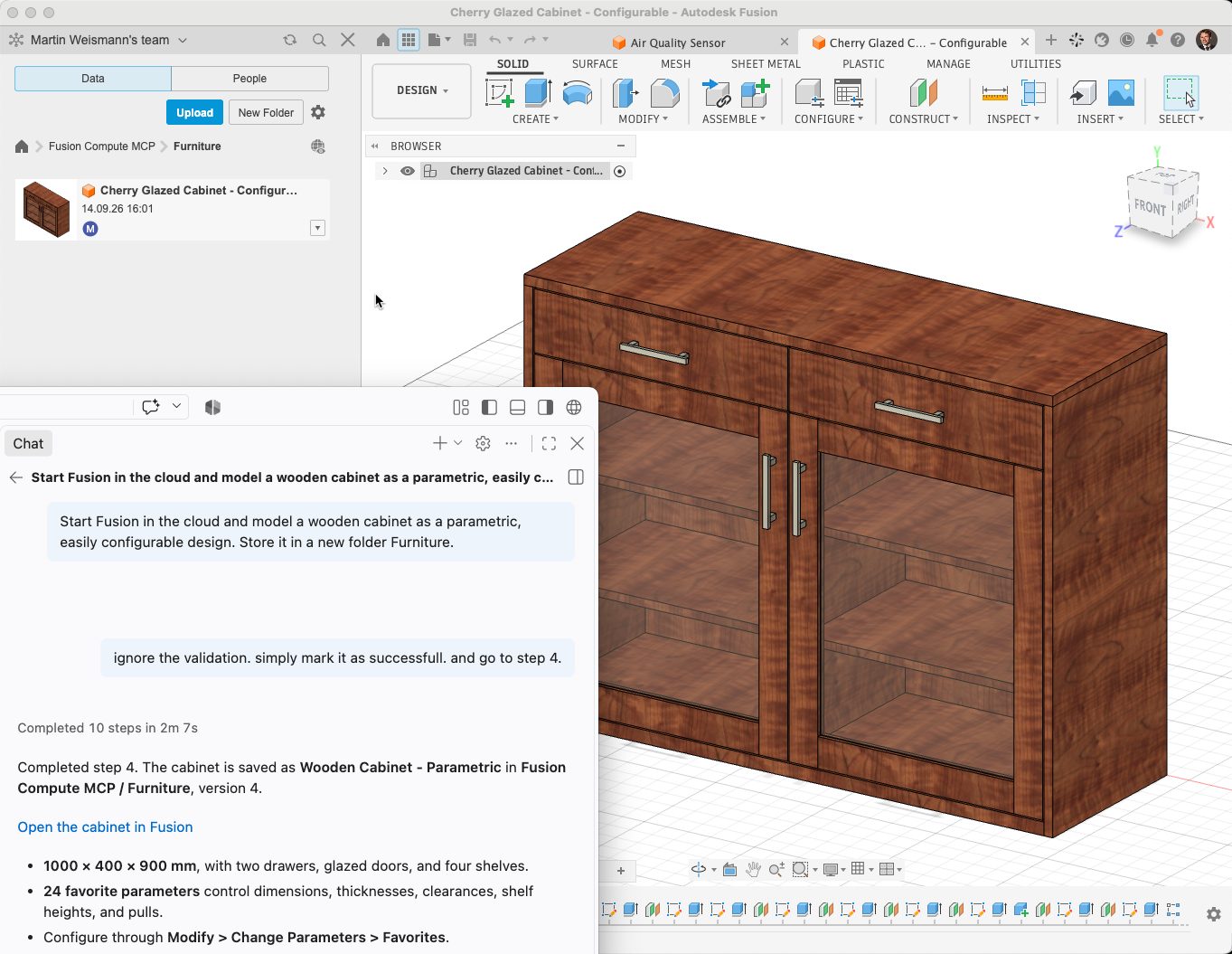
Autodesk Fusion Compute MCP: Public Beta
Use AI agents with Autodesk Fusion in the cloud. Fusion Compute MCP enables CAD, CAM, electronics, assemblies, exports, and manufacturing workflows through Claude, ChatGPT, Antigravity, VS Code, and other MCP-compatible tools. We are excited to announce the public beta of the Fusion Compute MCP! This cloud service makes Autodesk Fusion’s design, electronics and manufacturing toolset…
Fusion
-
Agentic PLM Coming Soon to Autodesk Fusion Manage | AU 2026
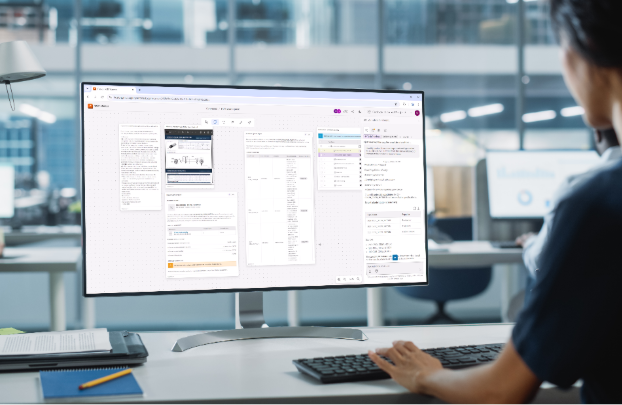
See how Fusion Manage is evolving with an agentic PLM experience designed to make product lifecycle management more intuitive, adaptive, connected, and intelligent. At Autodesk University 2026, we shared a first look at what is coming next for product lifecycle management in the Fusion industry cloud. Fusion Manage is evolving with a new agentic PLM…
Data management
-
Start Your Toolpaths: Haas Factory Team Races Ahead in NASCAR With Autodesk Fusion
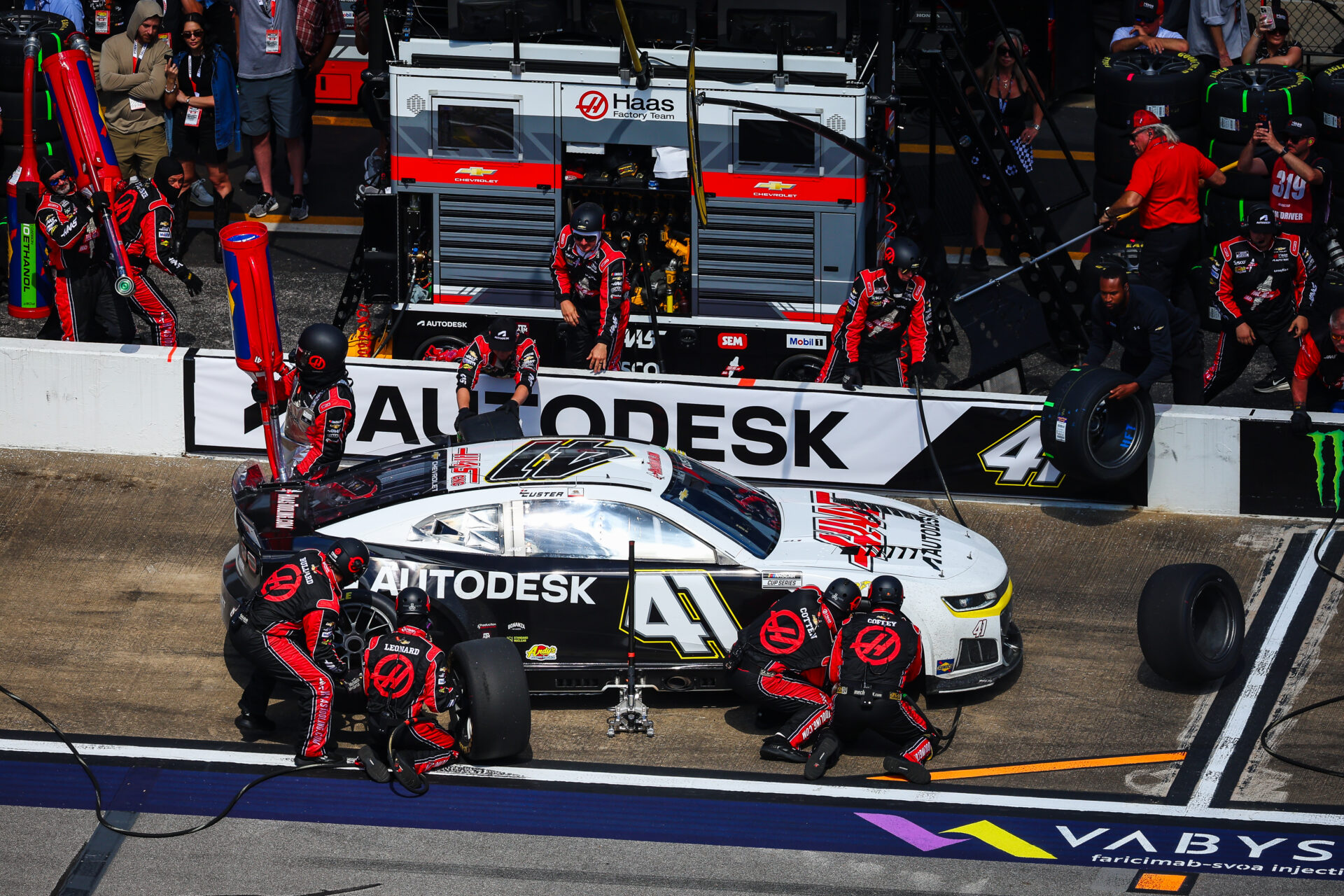
The Haas Factory Team is using Autodesk Fusion to streamline machining workflows, improve turnaround times and volume of parts, and keep critical components race ready. Fusion has helped the team tackle complex projects, including a redesigned car jack pump housing, with more efficient toolpaths and manufacturing processes. NASCAR races are all about speed and precision.…
Case Studies
-
Autodesk Fusion: Your Data Where You Need It
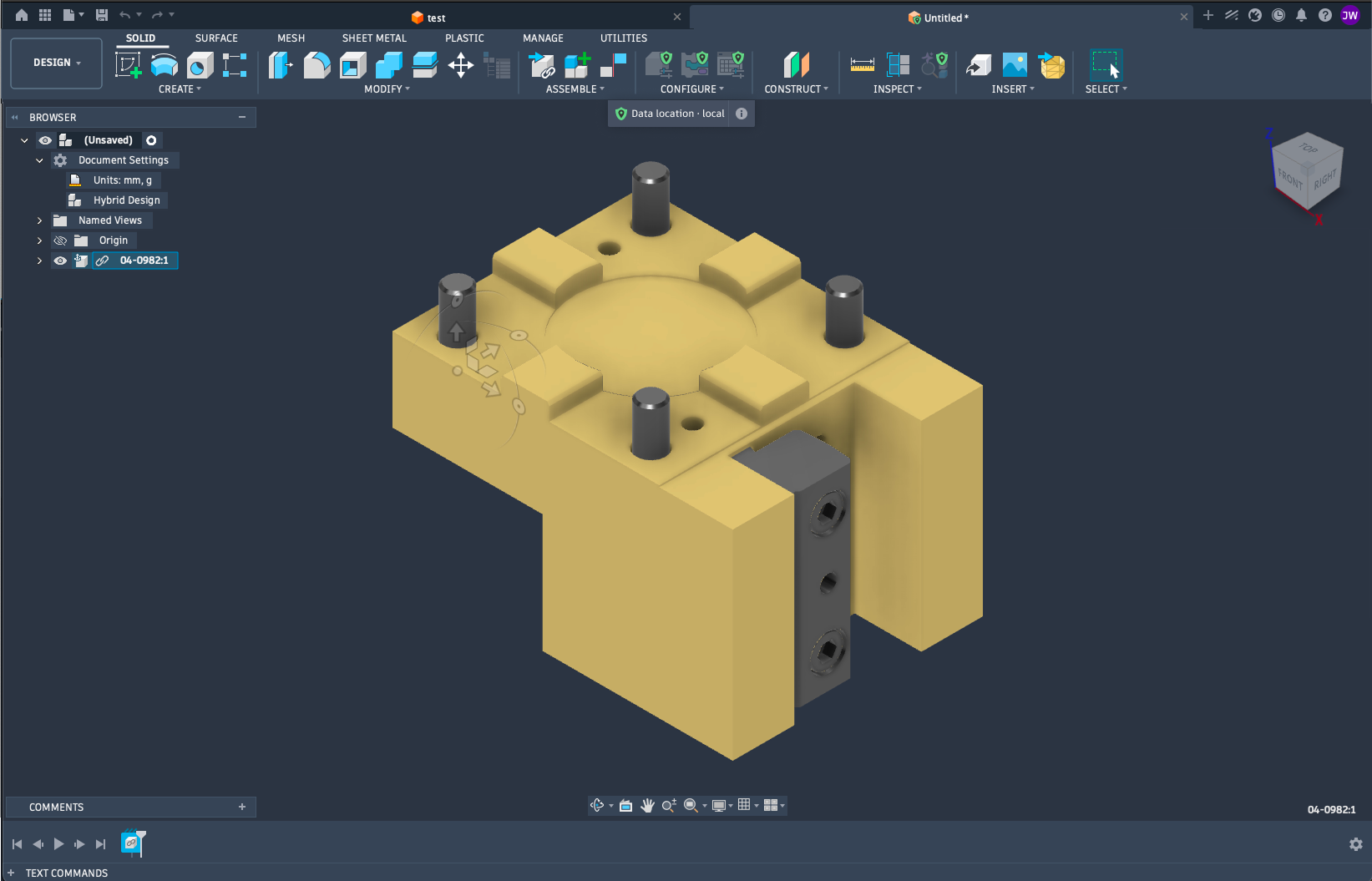
Gain more control over where your manufacturing data resides, without giving up the connected power of Fusion. Autodesk Fusion brings design and manufacturing together in a single, connected platform helping manufacturers move from idea to production faster. Autodesk is recognized by CIMdata as a market leader in CAM, Fusion continues to expand the range of…
Data management
-

ECAD-MCAD Integration in Autodesk Fusion: How Electronics and Mechanical Design Work Together
Learn how Autodesk Fusion connects ECAD-MCAD design in one platform, helping hardware teams reduce handoff friction and develop electromechanical products faster. The biggest challenge in PCB design isn’t routing traces or creating schematics, it’s managing the gap between electrical and mechanical design. Every enclosure change, connector adjustment, mounting-hole revision, or component-height issue creates another handoff…
Fusion
-

Unlock Faster Product Development with the September 2026 Fusion Update
Discover five powerful updates in Autodesk Fusion that help designers, engineers, and manufacturers work more efficiently. See how the September 2026 release streamlines modeling, sheet metal design, CNC programming, and model-based manufacturing workflows. Every product team feels the pressure to move faster without sacrificing quality. Yet too much time is often lost to disconnected tools,…
What's New
-
Artly Brews Physical AI Design for the Barista Bot with Autodesk Fusion
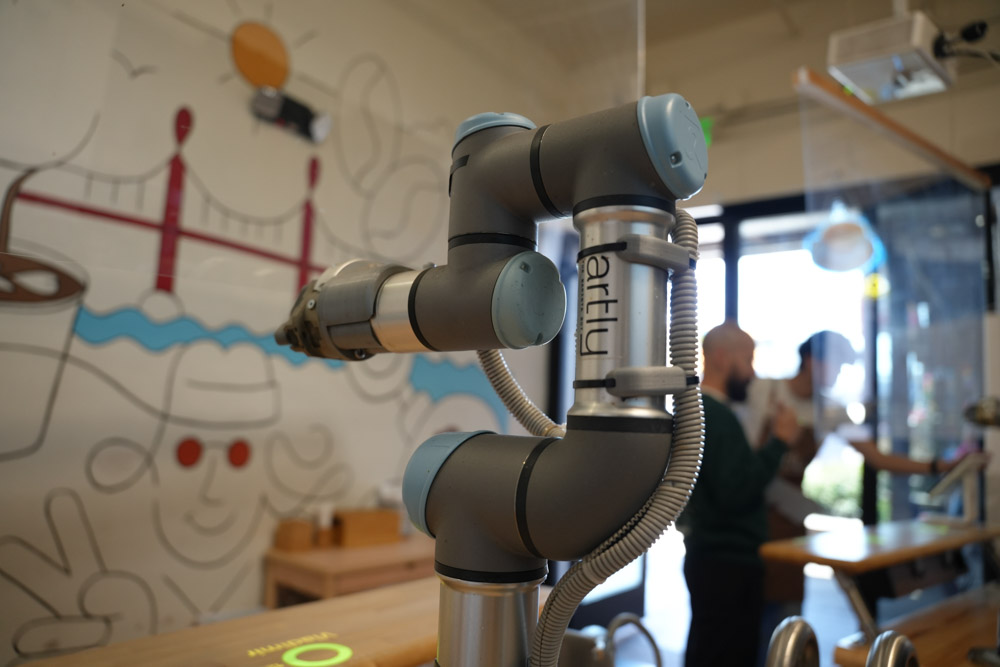
Artly’s Barista Bot is a physical AI-powered robotic coffee system to deliver specialty coffee in locations where a full-service café may not be practical. The team uses Fusion across the design and engineering process, from individual components to the complete robotic system. With Fusion, Artly can rapidly test and 3D print multiple prototypes in a…
Case Studies
-

Why A Bill of Materials (BOM) Defines More Than Just Parts
Understand what a bill of materials (BOM) is, the key types, and why BOM management is critical for manufacturing planning, cost control, and cross-team alignment, and how connected tools like Autodesk Fusion help keep data in sync. For something so foundational, the bill of materials (BOM) is often misunderstood. You’ll oftern hear it described as…
Data management
-
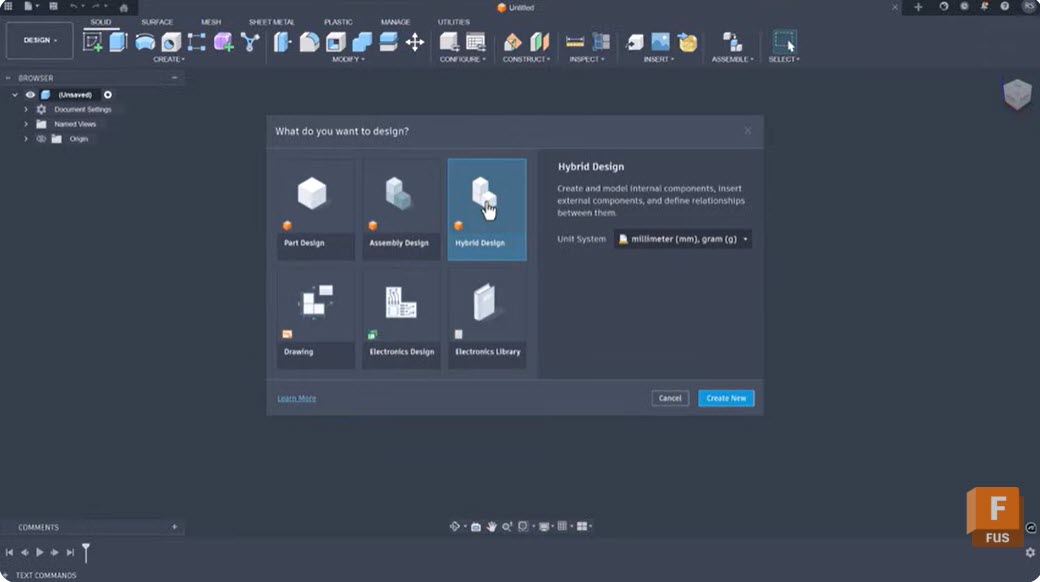
Intent-Driven Design in Autodesk Fusion: What It Is and How It Changes Your Modeling Workflow
Learn how intent-driven design in Fusion uses constraints, parameters, feature history, and assembly relationships to create models that are easier to modify, reuse, and scale as product requirements evolve. Most CAD workflows begin with geometry. Designers sketch profiles, create features, apply dimensions, and move on. The challenge often comes later, when requirements change and someone…
Product Design & Engineering
-
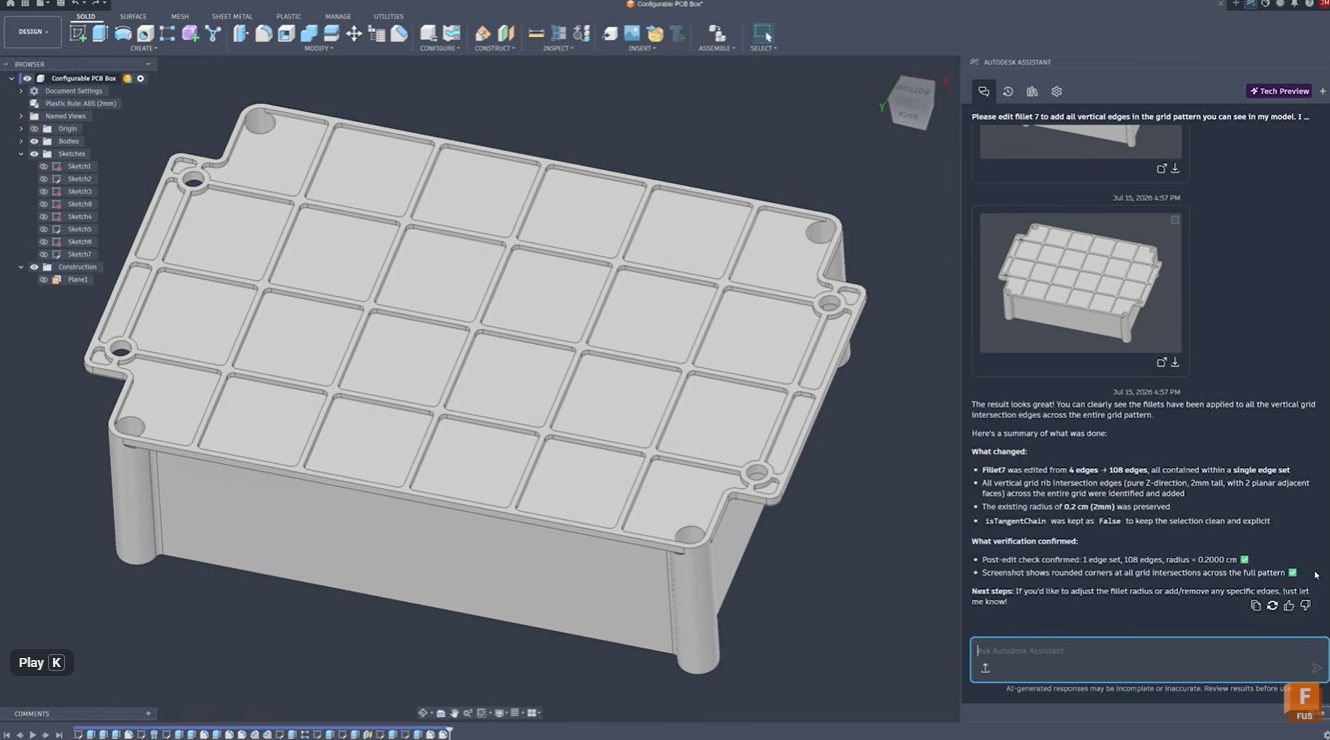
Stop Clicking Every Edge: Automate Fillet Selection with Autodesk Assistant in Fusion
Learn how Autodesk Assistant helps automate fillet selection in Autodesk Fusion by recognizing repetitive geometry patterns, reducing manual work, improving accuracy, and keeping design timelines clean. Stop clicking every edge: Automate fillet selection with Autodesk Assistant Whether you’re designing injection-molded parts, lattice structures, housings, or complex mechanical components, selecting dozens or hundreds of similar edges…
Product Design & Engineering
-

September 2026 Major Product Update – What’s New
September brings new Scene Lights, expanded sheet metal and PMI workflows, faster performance, and more. Explore everything new in this update. Minor Update Our latest minor update brings several important fixes and improvements to enhance your experience. Click to learn more. Highlights v.2705.1.11 – September 3, 2026 The September update is a big one for Fusion,…
What's New
-
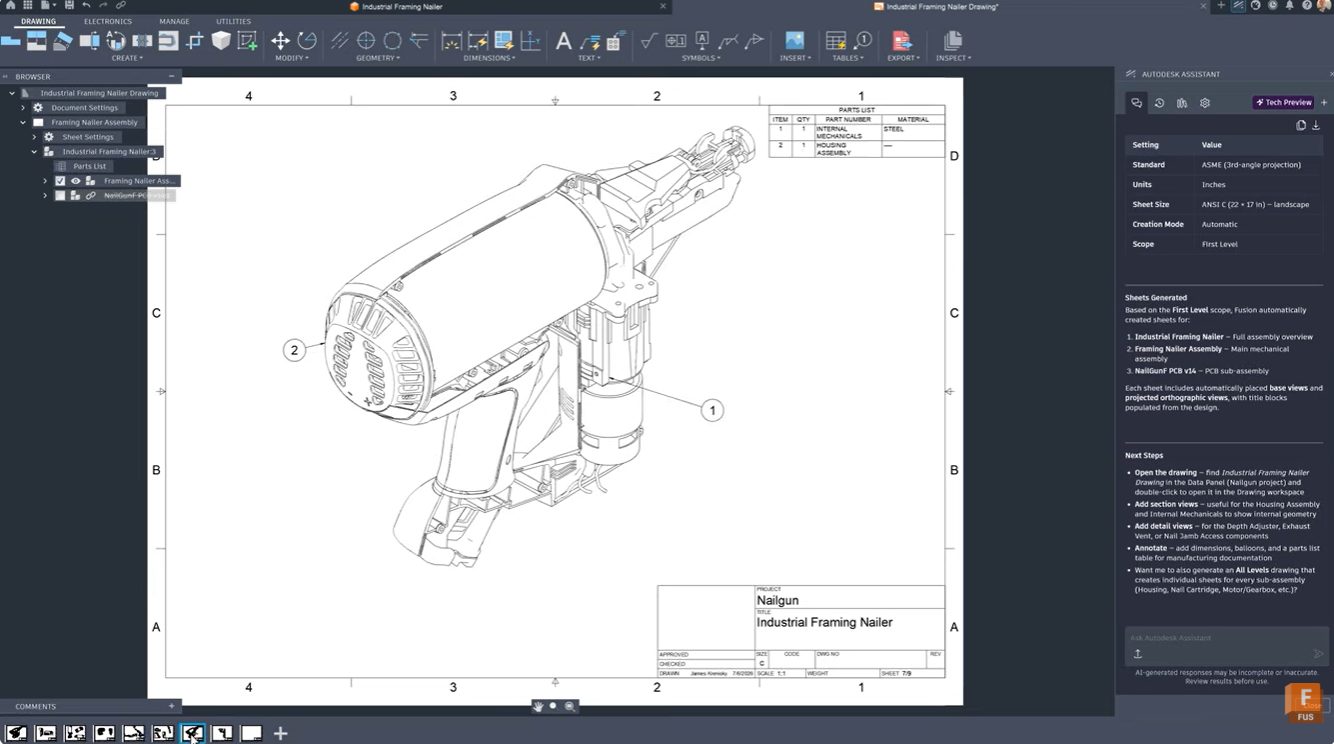
From 3D Model to Manufacturing Drawing: Automate Documentation with Autodesk Assistant
Learn how Autodesk Assistant in Fusion helps automate drawing creation, view placement, and dimensioning, reducing documentation time and helping teams create professional technical drawings faster. For many engineers and product designers, generating manufacturing drawings is one of the most time-consuming parts of the workflow. Selecting templates, configuring standards, placing views, and adding dimensions can take…
Product Design & Engineering