Category: Industrial Design
-
Stop Clicking Every Edge: Automate Fillet Selection with Autodesk Assistant in Fusion
Learn how Autodesk Assistant helps automate fillet selection in Autodesk Fusion by recognizing repetitive geometry patterns, reducing manual work, improving accuracy, and keeping design timelines clean. Stop clicking every edge: Automate fillet selection with Autodesk Assistant Whether you’re designing injection-molded parts, lattice structures, housings, or complex mechanical components, selecting dozens or hundreds of similar edges…
Product Design & Engineering
-
What Is Rapid Prototyping Software? A Complete Guide for Engineering Teams
Learn how rapid prototyping software accelerates product development with integrated CAD, simulation, and manufacturing workflows. See how Autodesk Fusion helps teams move from concept to prototype faster. Rapid prototyping used to mean one thing: build it, test it, learn from it, and build it again. The faster teams could iterate physical prototypes, the faster they…
Industrial Design
-

Kitchen Cabinet Design Software: What Professionals Actually Use
Choosing the right kitchen cabinet design software matters. Let’s take a look at what professionals use, from entry-level tools to full parametric CAD, and why Autodesk Fusion is the top solution. If you’ve spent time designing kitchen cabinets, you already know that the software you choose shapes everything downstream, including how fast you work, how…
Industrial Design
-
Understanding Compute Options for Mirror and Pattern in Autodesk Fusion
Avoid broken mirror and pattern results in Fusion by learning when to use Optimized, Identical, or Adjust compute options for accurate outcomes. When working with mirror and pattern features in Fusion, you’ve likely encountered a frustrating scenario: you select the default “Optimized” compute option, the preview shows exactly what you want, but when you click…
Tutorials
-
Unlocking Innovative Solutions with Generative Design
Generative design uses AI to create and test hundreds of manufacturing‑ready designs. See how Autodesk Fusion helps teams innovate faster and reduce cost. No matter how you slice it, creating an optimized design takes ample planning and experimentation. It’s essential that products meet certain performance (and durability) requirements under specific operating conditions, and teams must…
Industrial Design
-
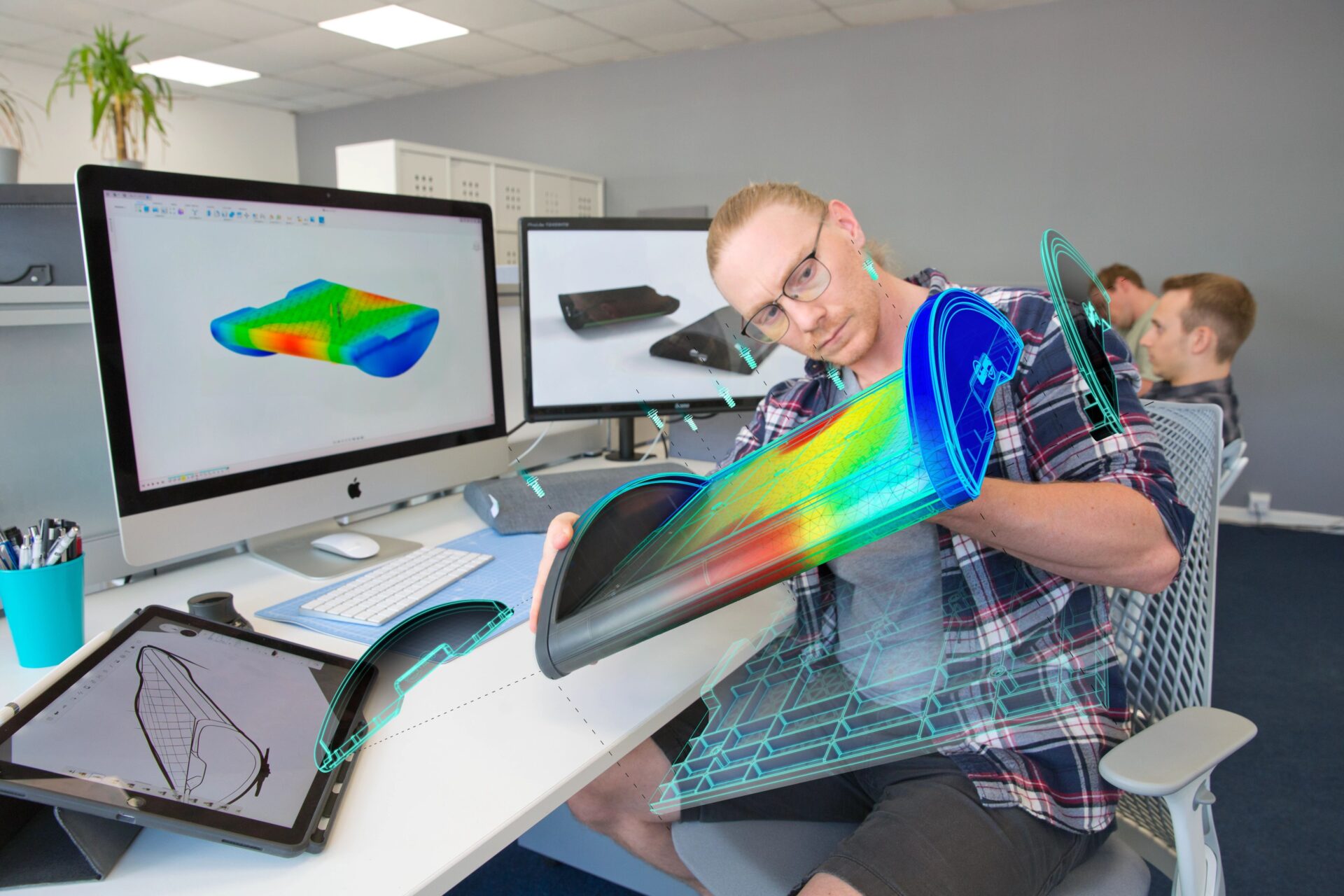
Autodesk Fusion vs. SolidWorks: The Ultimate Migration Guide
Are you curious about Fusion 360 vs. SolidWorks? This migration guide will be the key to your success.
Getting Started
-
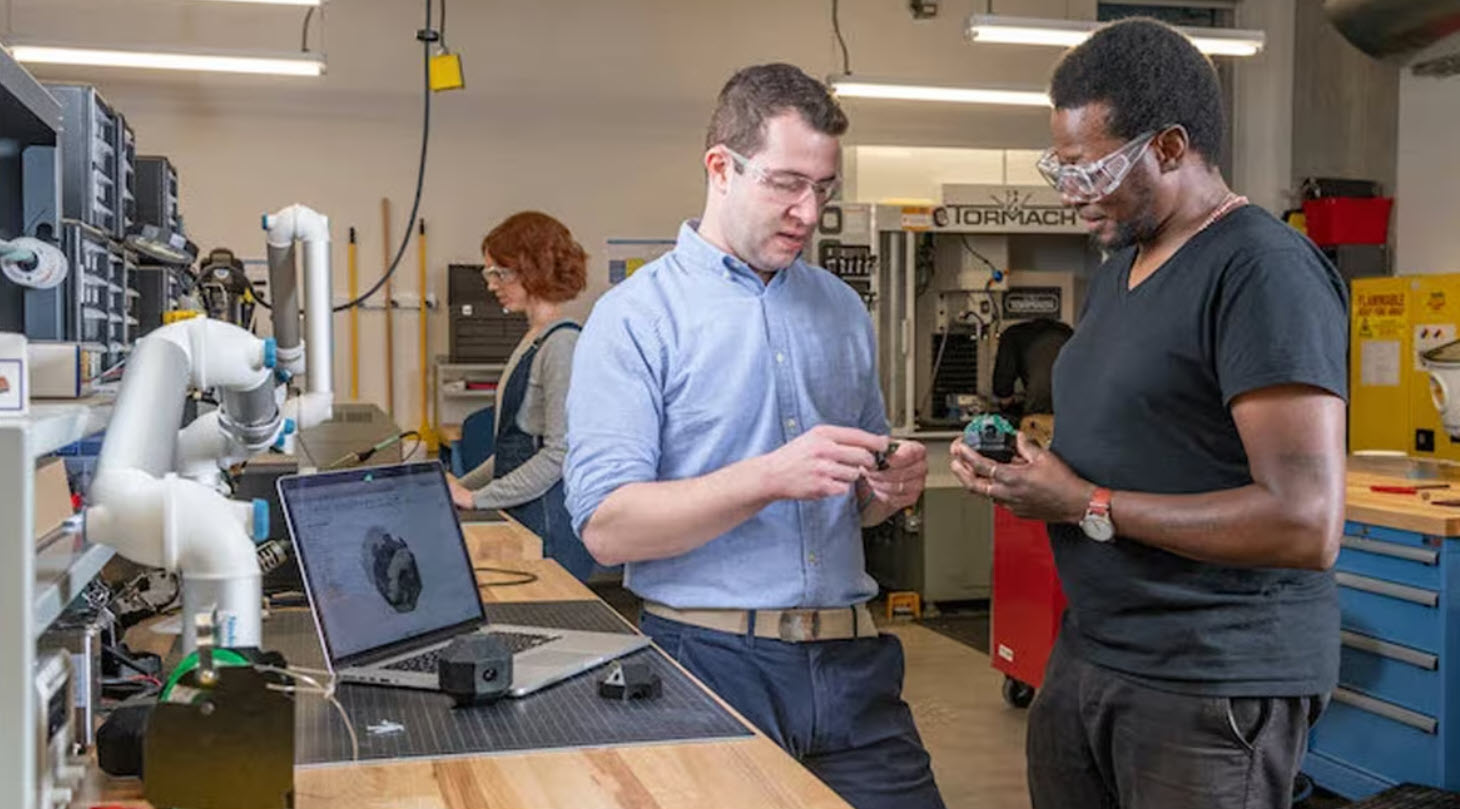
Choosing Rapid Prototyping Software Isn’t About Features, It’s About Flow
Choosing rapid prototyping software isn’t about features, it’s about workflow. Learn how to evaluate tools based on speed, simulation, collaboration, and manufacturing to iterate faster and reduce rework. Most teams don’t struggle with ideas. They struggle with turning those ideas into something testable. That’s where rapid prototyping comes in. And increasingly, the difference between a…
Product Design & Engineering
-

Designing Furniture That’s Easier to Manufacture (Before You Cut Material)
Design furniture that’s easier to manufacture by validating fit, joints, and tolerances before cutting material. Learn how early design decisions reduce rework and production delays. Most furniture manufacturing problems don’t originate on the shop floor. They start when designs are created without fully accounting for how parts will be produced, assembled, and changed under real‑world…
Industrial Design
-

How Manufacturers Scale Furniture Design Customization Without Chaos
Learn how modern furniture manufacturers manage mass customization, improve visualization, and connect design to manufacturing using Autodesk Fusion. Customization is no longer a niche offering in furniture manufacturing, it’s an expectation. Customers want furniture that fits their space, their style, and their functional needs, whether that means different dimensions, finishes, materials, or modular configurations. For…
Industrial Design
-

Here’s How to Set Up Your Fusion Hub
Creating your Fusion Hub is the first step after purchasing Autodesk Fusion. Here's everything you need to know about the process.
Getting Started
-
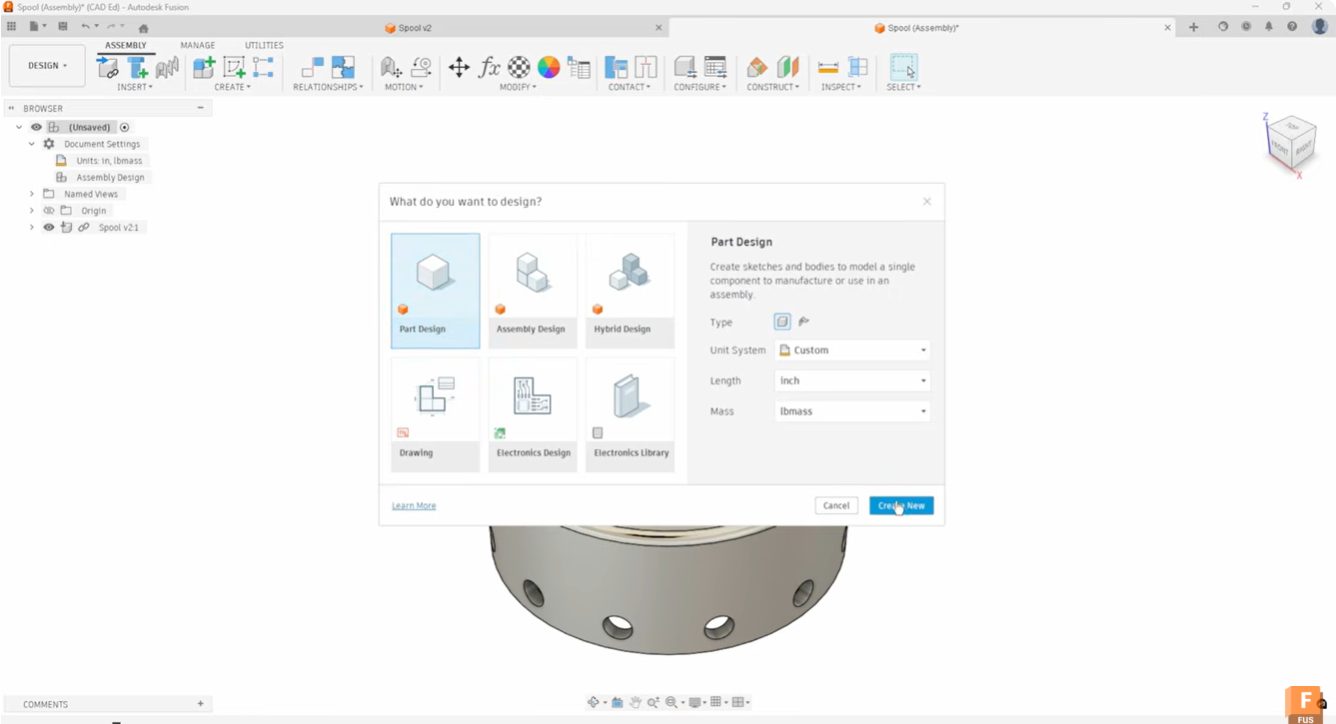
Start Your Fusion Designs Right with Intent-Driven Design
Learn how intent-driven design in Fusion helps you choose part, assembly, or hybrid workflows to start designs with clarity and avoid rework.
Industrial Design
-

What Are the Benefits of Integrated CAD/CAM Software?
Learn about how Autodesk Fusion 360, a cloud-based, integrated CAD/CAM software, can transform your design process.
Industrial Design
-
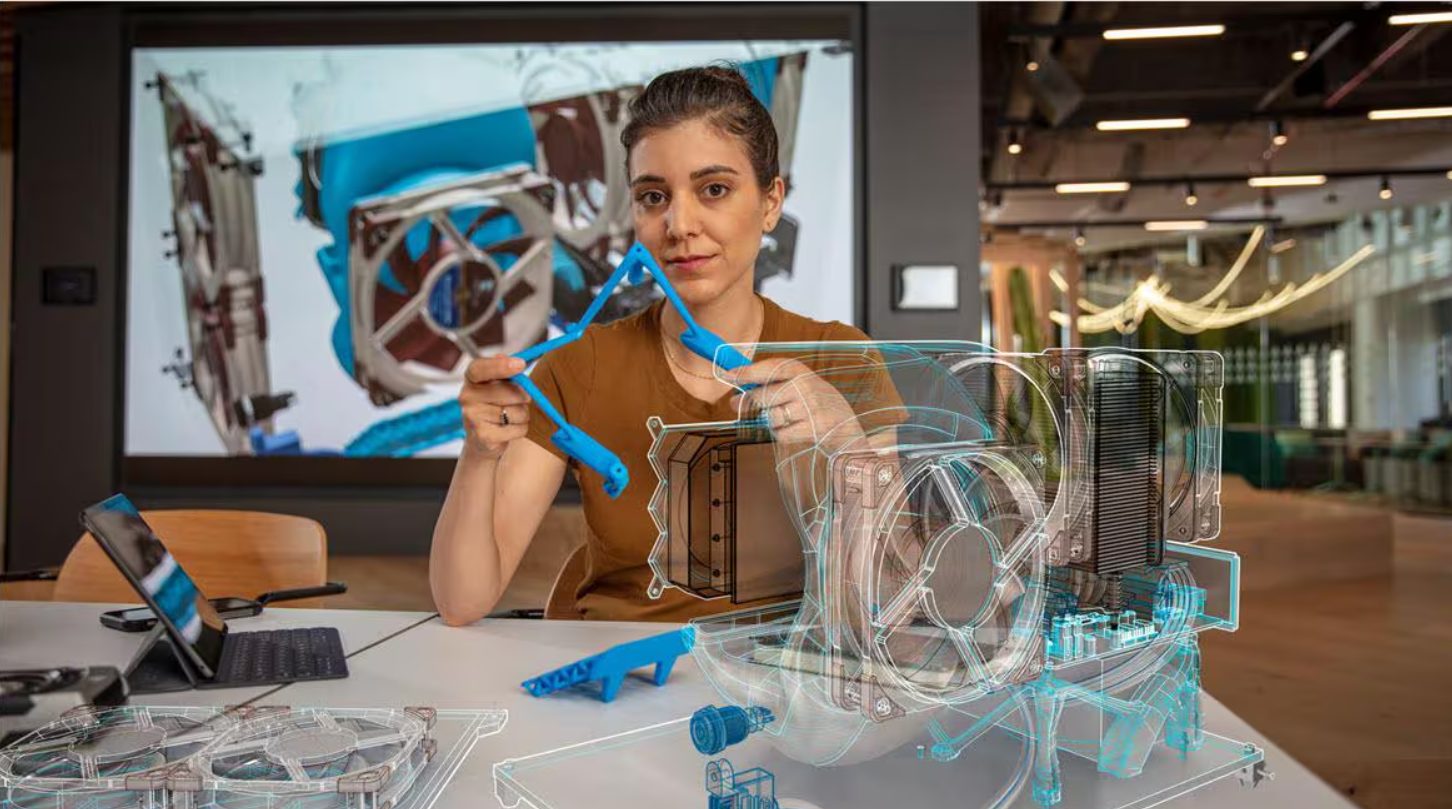
AI in CAD Isn’t Replacing Designers — It’s Removing the Work That Slows Them Down
AI in CAD helps by automate repetitive work and expand design options. See how Fusion’s AI capabilities turn intent into outcomes. For decades, CAD has been the engine of modern engineering. But beneath the surface, much of the work inside CAD has remained stubbornly manual: repetitive modeling steps, configuration changes, design checks, redraws, and rework.…
Industrial Design
-
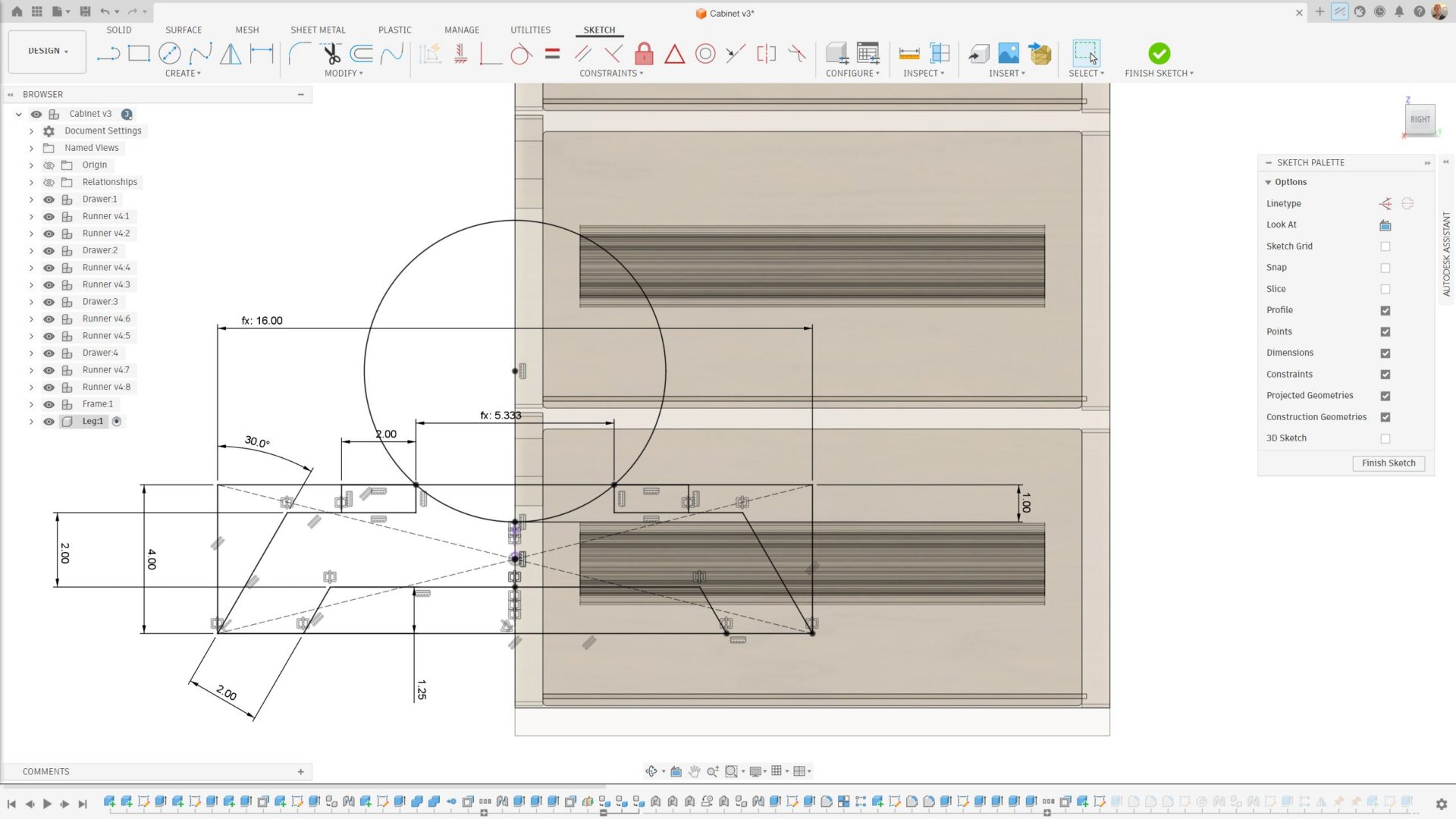
Sketching and Parametric Basics in Autodesk Fusion: How to Avoid Common Failures and Build Stable Models
Learn how to avoid common sketch failures in Fusion, from unconstrained sketches and open profiles to unstable parameters all while using best practices for clean, editable, parametric models. Sketching is the foundation of every parametric model in Fusion. When sketches are properly constrained and structured, downstream features update predictably. When they’re not, even small edits can cause failures, flipped dimensions, broken features, or…
Getting Started
-
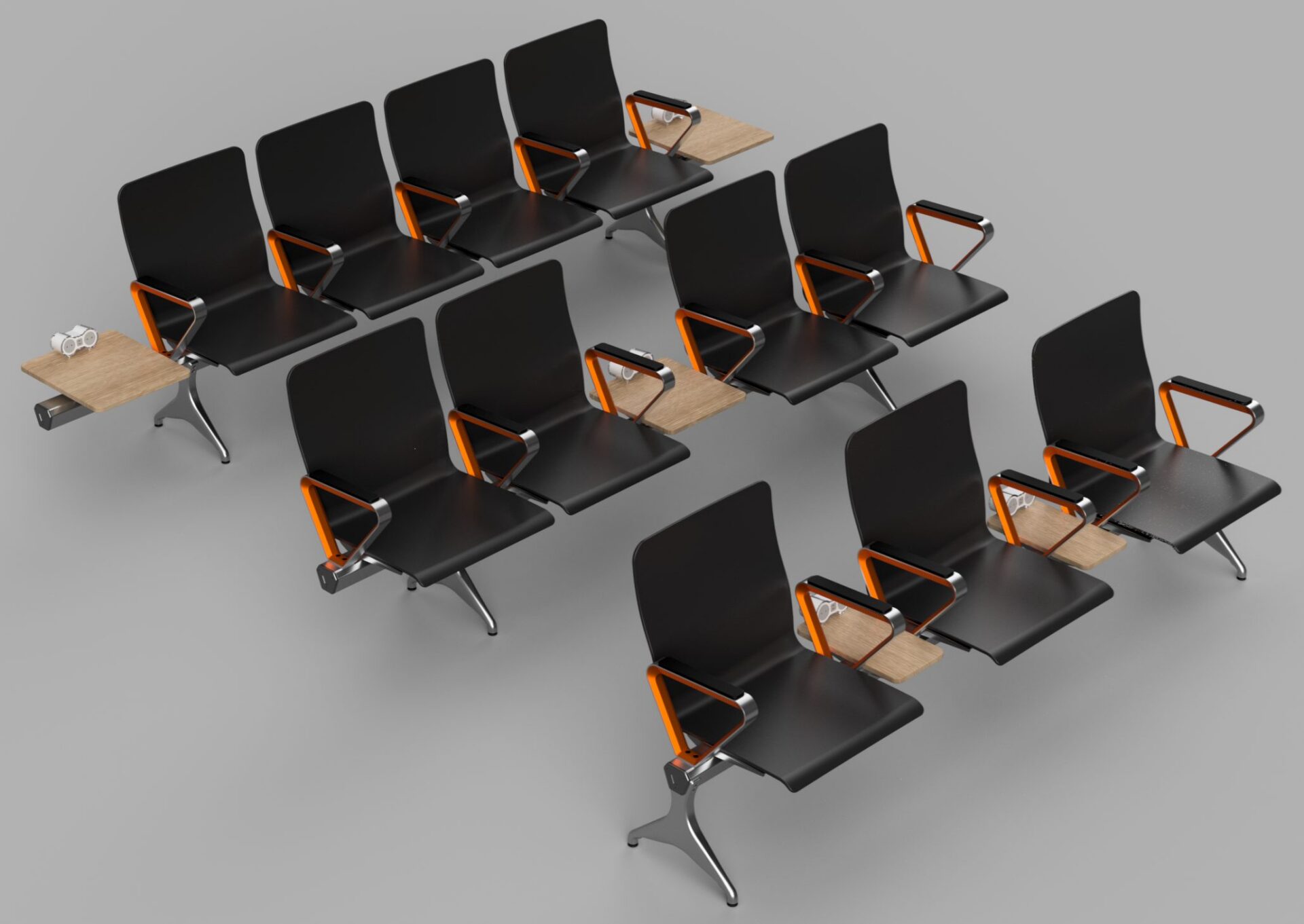
Introducing Configuration Rules in Autodesk Fusion
Configuration rules in Fusion let you define logic that controls parameters, options, and features, ensuring every configuration stays valid, consistent, and ready for manufacturing. Fusion now includes configuration rules, letting you define logic that drives and constrains values in a configured design. Configuration rules automate how design options work together, helping ensure outputs remain valid…
Fusion