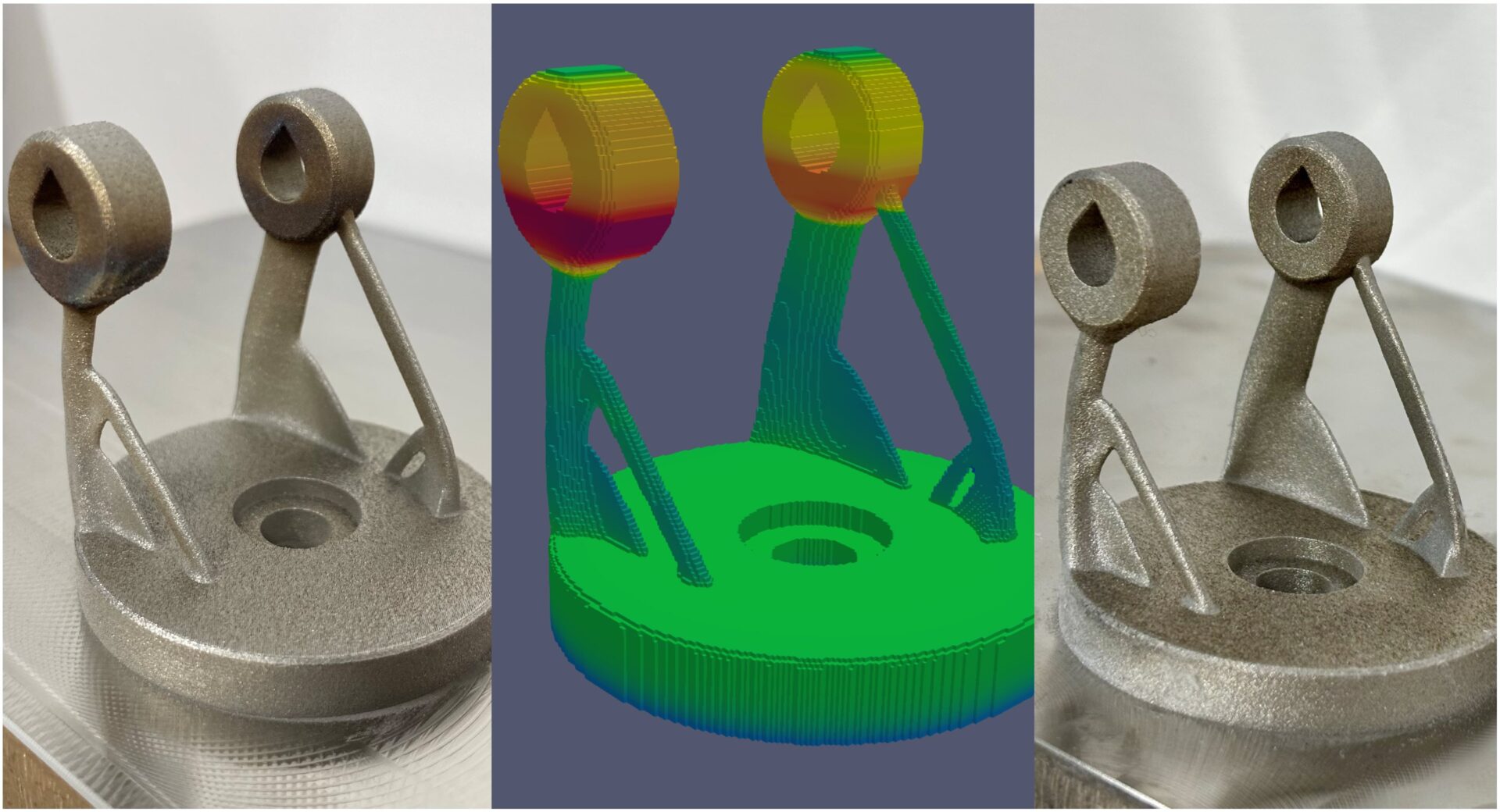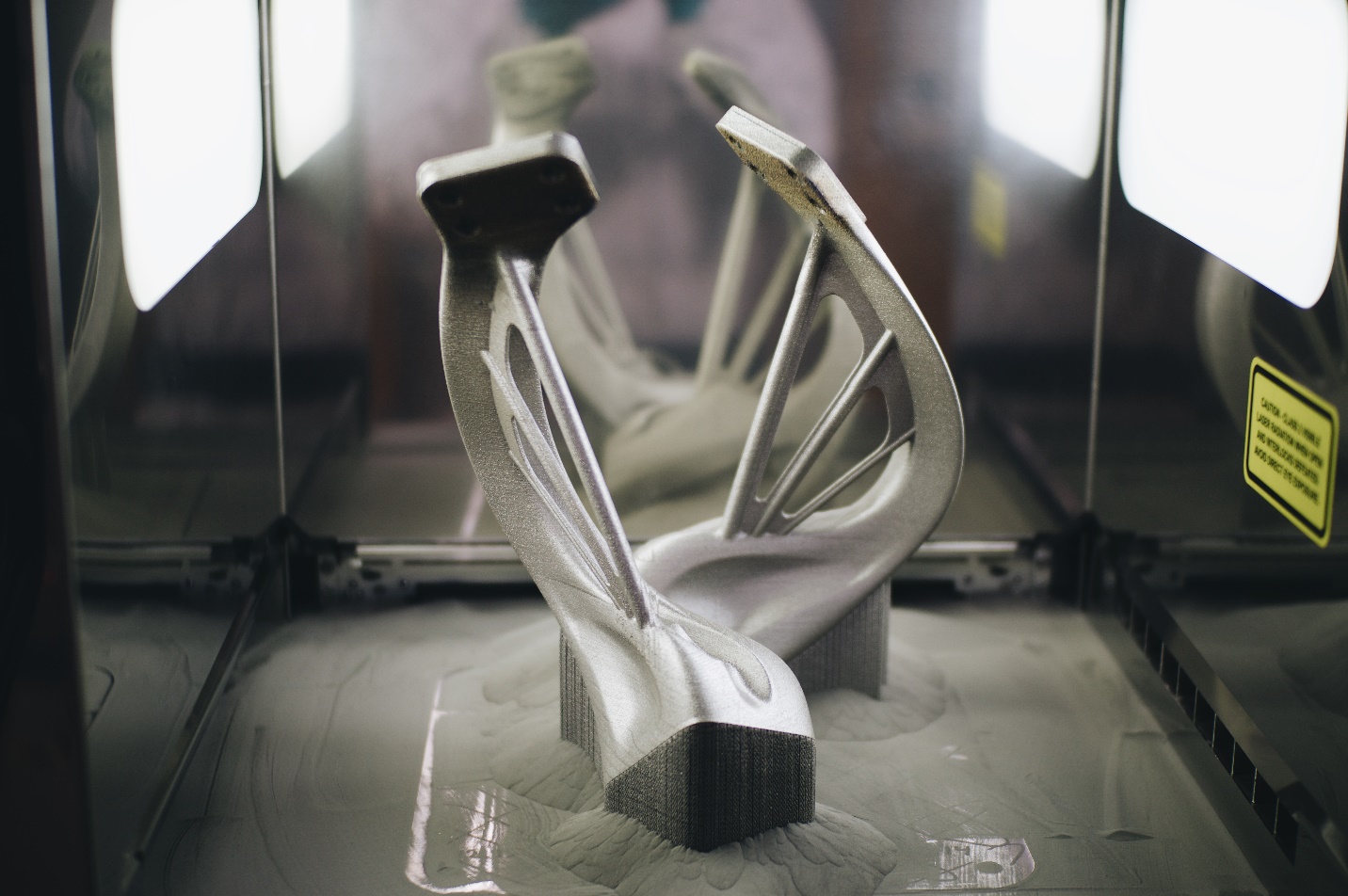
Learn how Autodesk used simulation-driven laser power optimization in Metal Powder Bed Fusion to reduce hot spots and improve part quality.
Manufacturing

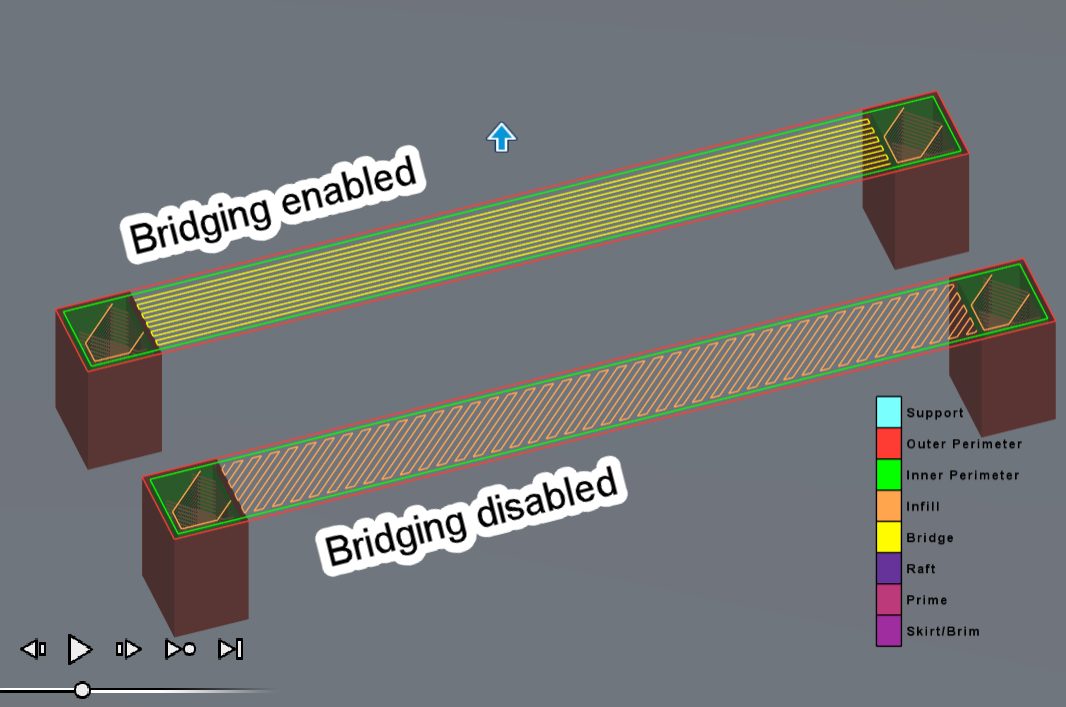
Autodesk Fusion offers powerful tools for optimizing every detail of your 3D printing workflow, and its FFF print settings are no exception.
Manufacturing

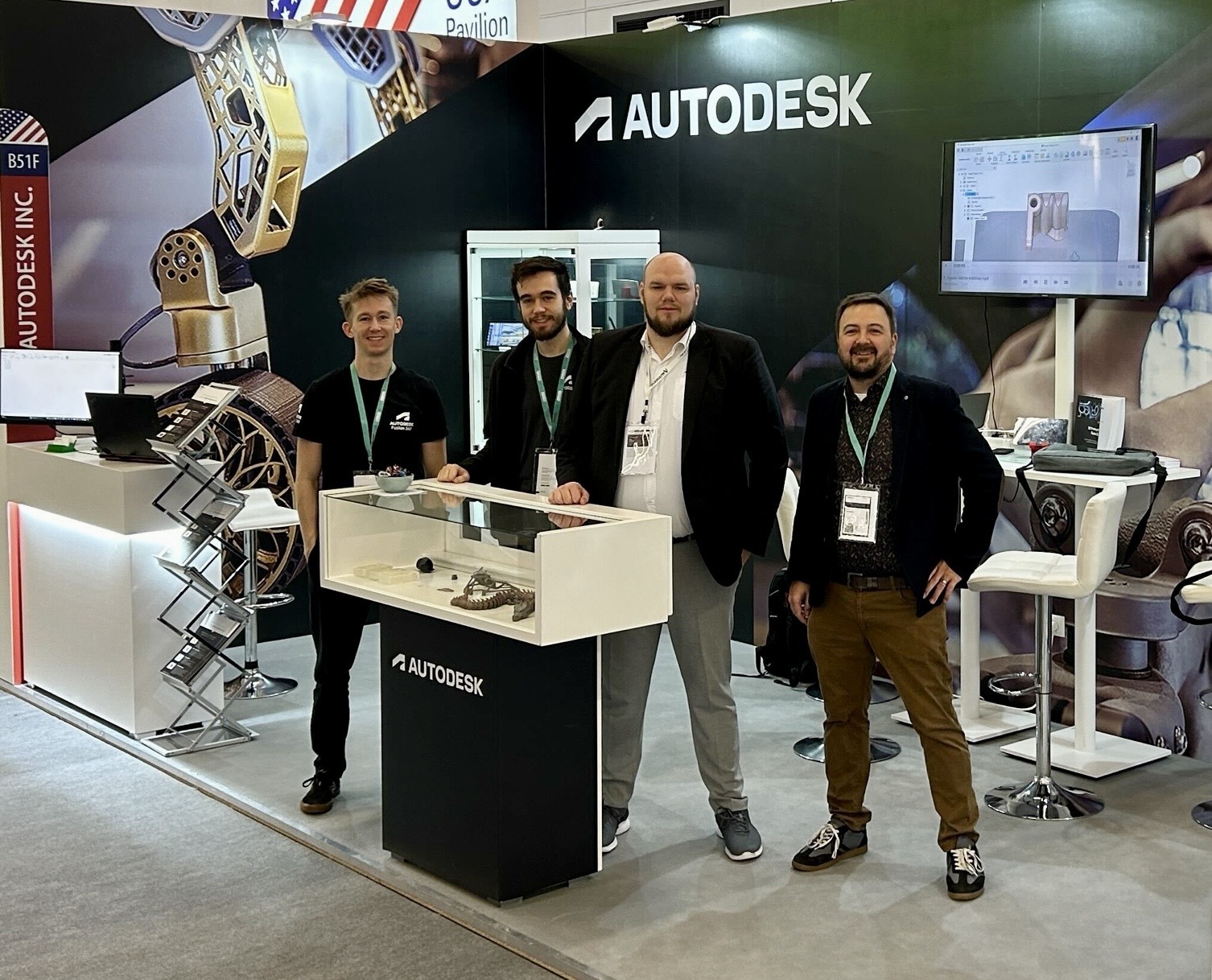
Please join the Autodesk team November 18-21 at booth E18 in hall 11.0 at Formnext 2025, the industry hub for additive manufacturing!
Manufacturing

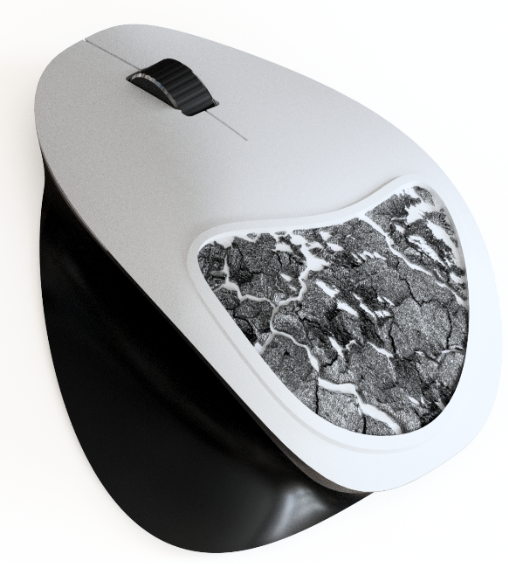
Learn how to create custom texture patterns on mesh bodies in Fusion using the new Texture Extrude feature. Textures have a wide range of applications. They can enhance the grip of surfaces, improve aesthetics, incorporate logos, aid in manufacturing, and much more. With the Fusion July update, a new feature has been added which allows…
Fusion

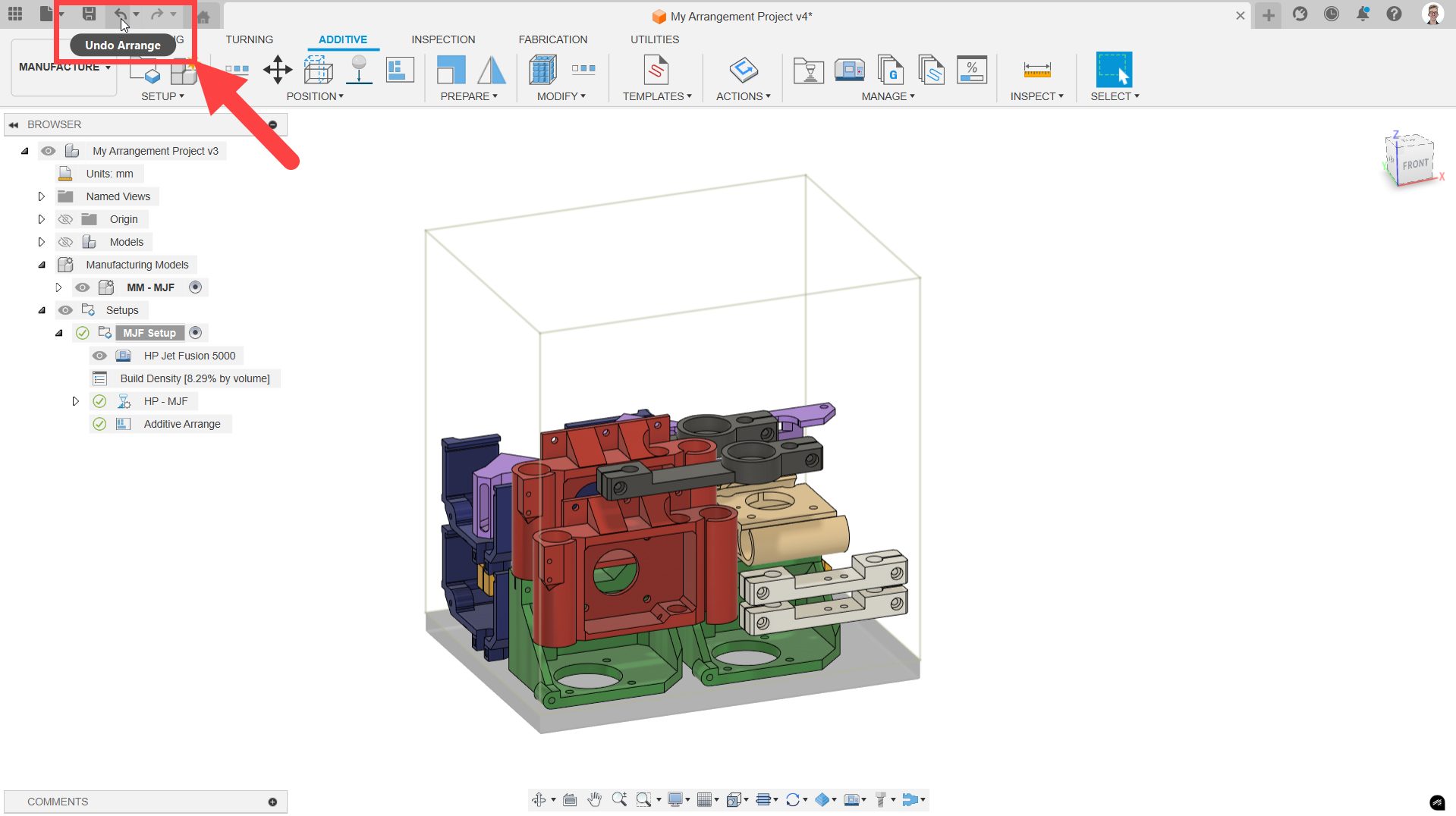
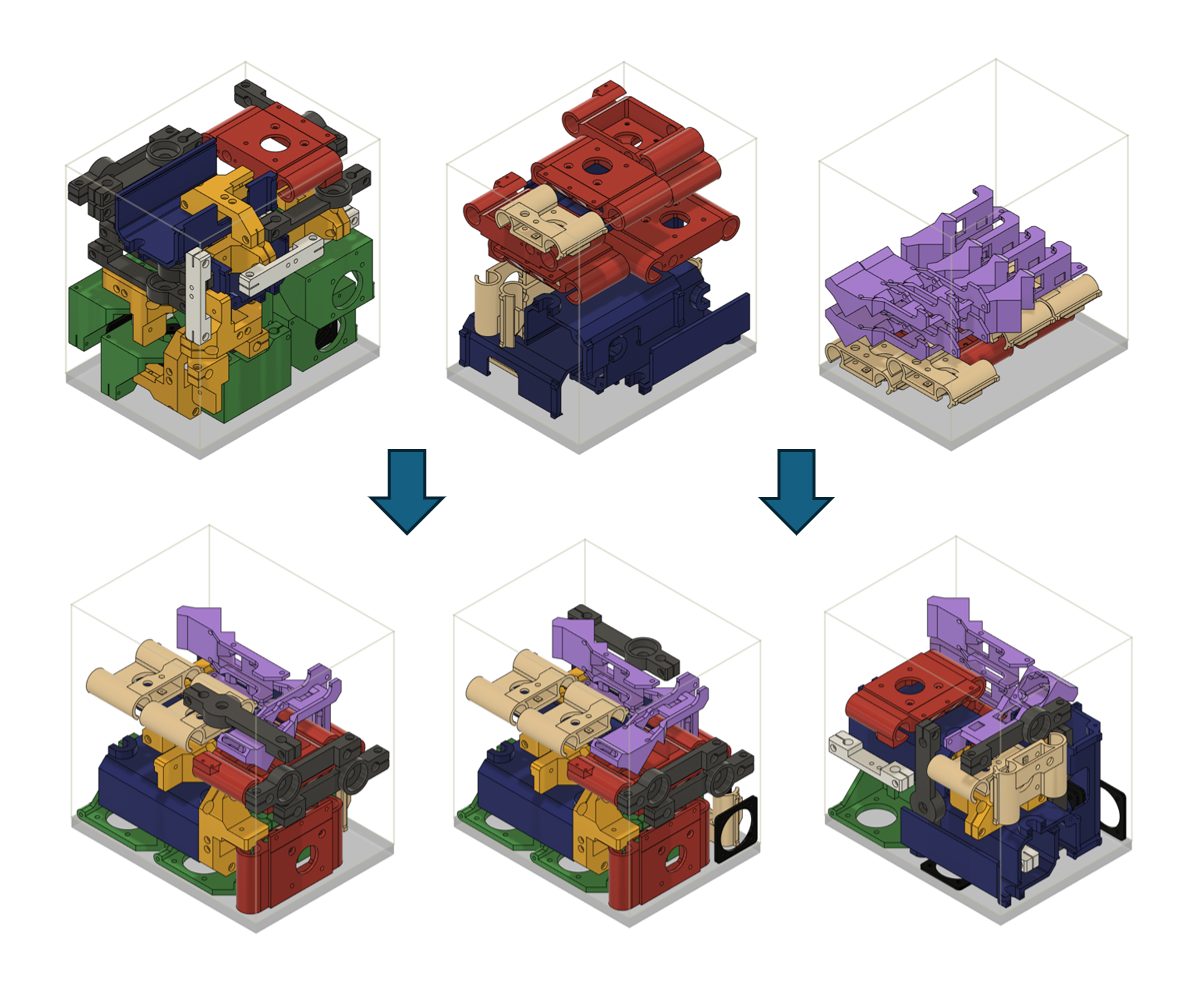
Arranging components within a 3D printer’s build volume is essential for maximizing printer capacity, minimizing waste, and optimizing production efficiency.
Tutorials

This guide provides a comprehensive solution to multi-tray packing, allowing you to distribute parts evenly and maximize machine usage.
Manufacturing

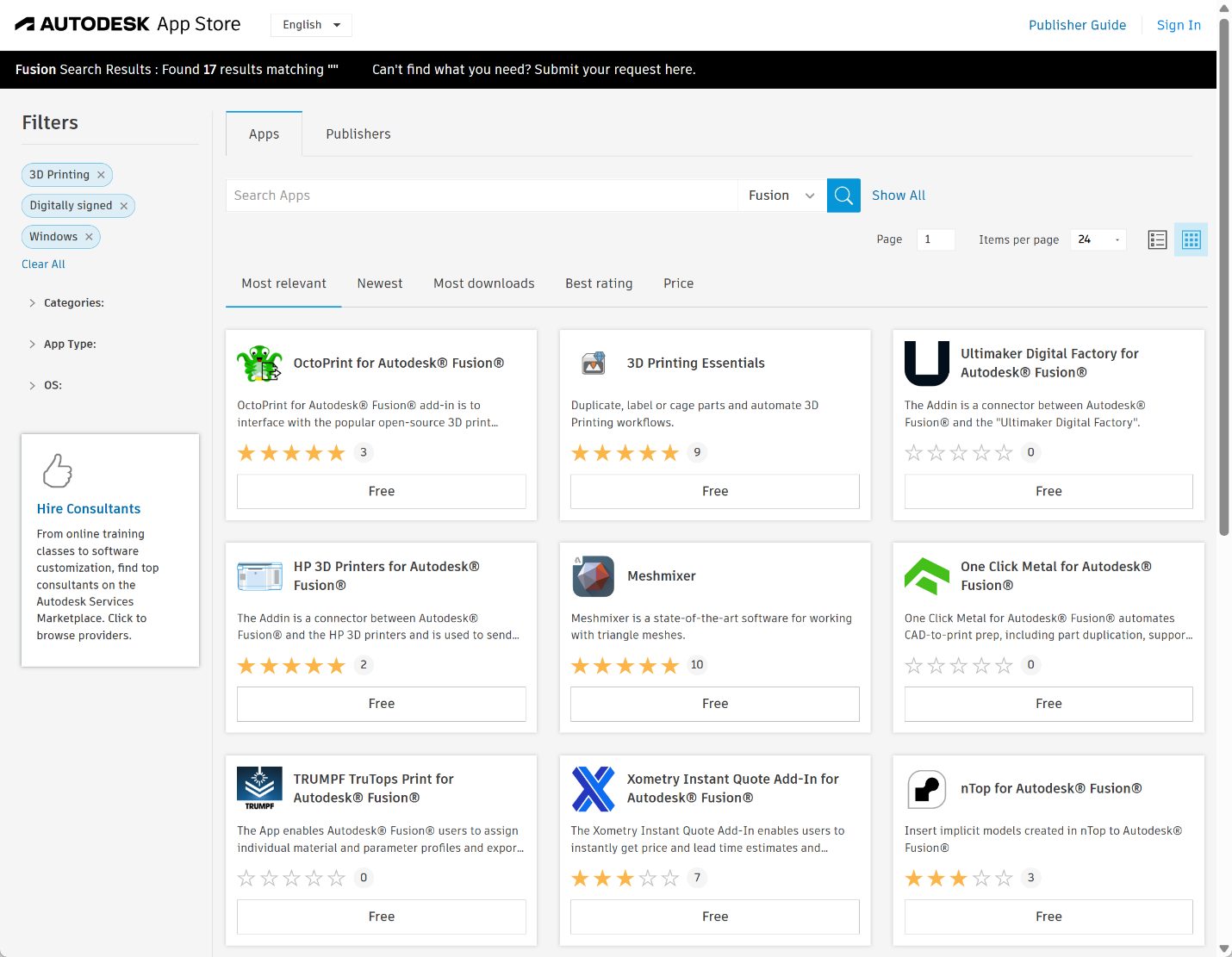
A look at the many 3D printing apps for Autodesk Fusion that maximize your additive manufacturing capabilities.
Mechanical Engineering

Ready to get started 3D printing with Autodesk Fusion? Here are some essential tips & tricks to make the process as easy as possible.
Manufacturing

Discover the seamless integration of Renishaw’s advanced additive manufacturing solutions with Autodesk Fusion, unlocking optimized settings and enhanced workflows for metal 3D printing. Explore new capabilities and the "Renishaw for Fusion" add-in at RAPID+TCT 2025.
Advanced Manufacturing

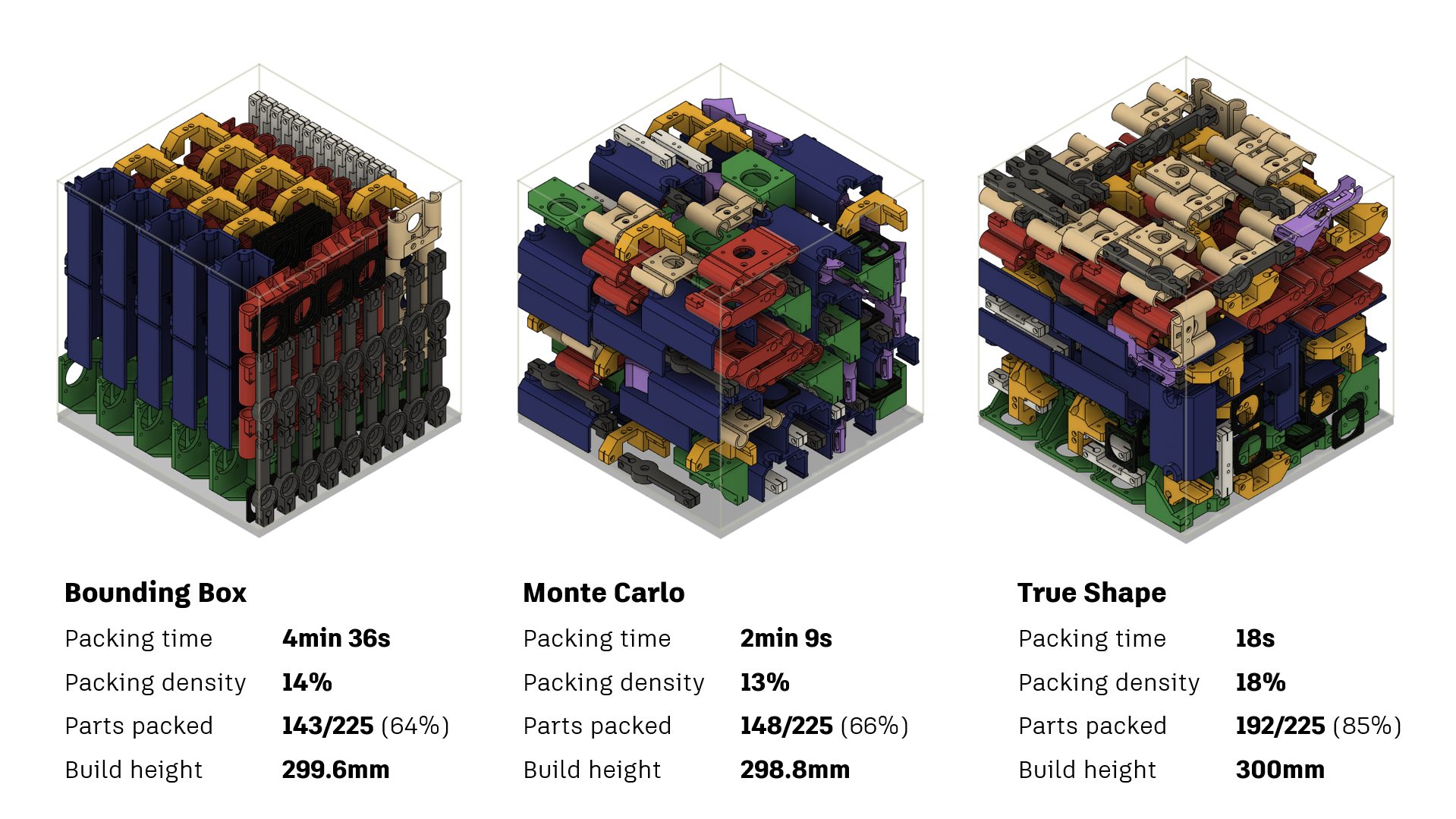
Learn how to optimize 3D nesting in Autodesk Fusion using Bounding Box, Monte Carlo, and True Shape packing for efficient manufacturing.
Manufacturing

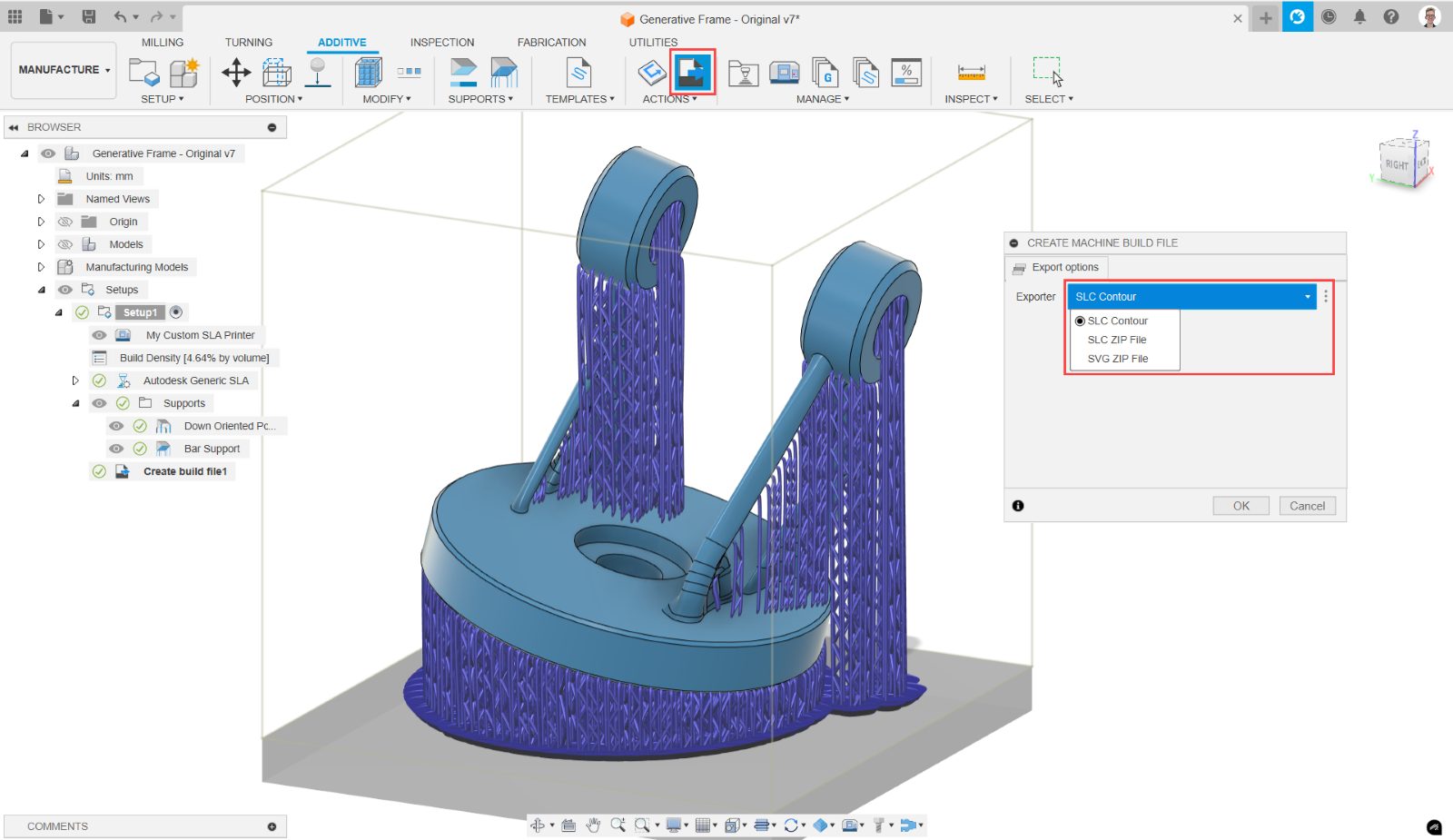
Learn how to configure custom 3D printers in Autodesk Fusion using generic additive file formats for seamless additive manufacturing workflows.
Tutorials

Fusion now supports Bambu Lab printers, enabling GCODE generation for X1, P1 series, and future AMS compatibility.
What's New

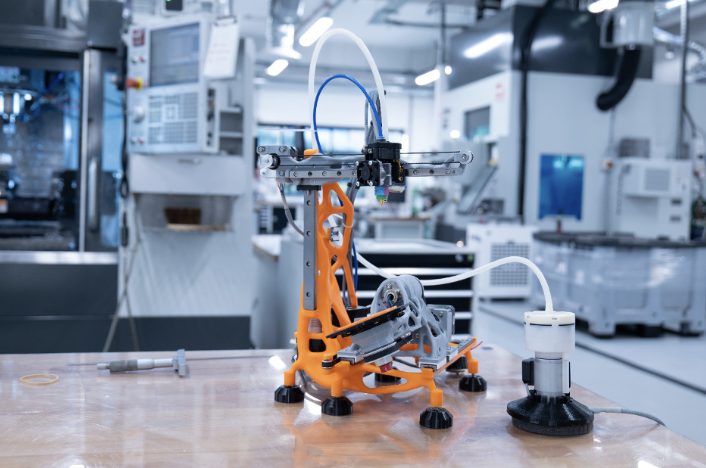
Generative Machine develops an open-source 5-axis FDM 3D printer, designed using Autodesk Fusion’s generative design and AI-driven tools.
Advanced Manufacturing

Optimize FFF printing with Autodesk Fusion. Learn post-processing essentials, postprocessor properties, and supported printers to improve efficiency.
Tutorials

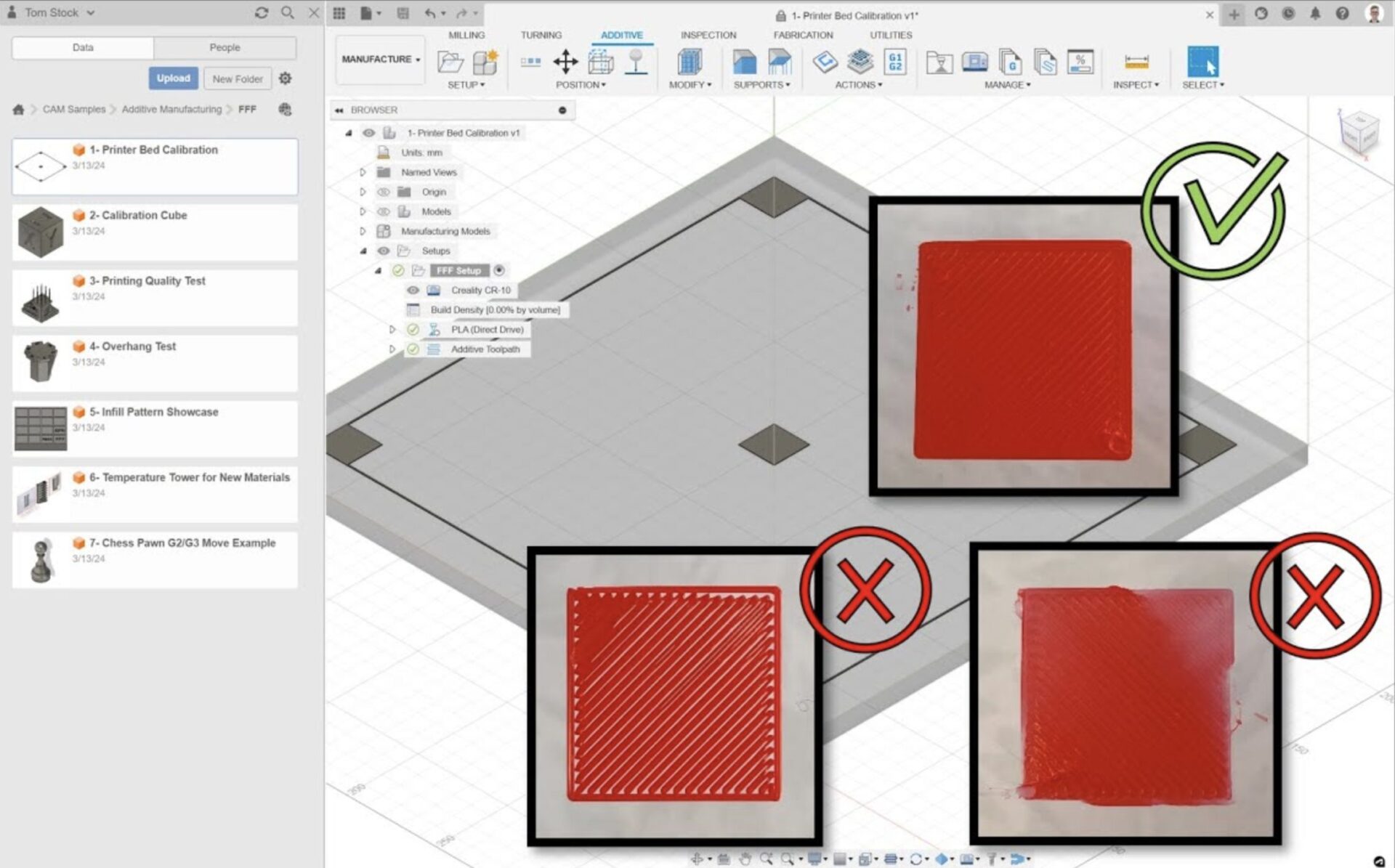
Learn how to calibrate an FFF printer’s print bed using the "Printer Bed Calibration" project in the samples folder in Autodesk Fusion.
Tutorials