Create animated stories that move hearts
Create animated stories that move hearts
Deliver high-quality content with powerful animation software trusted by the industry’s top film and TV studios.
© Disney/Pixar




Every stage of your animation pipeline covered
Visualize your story, set camera angles and timing, and allocate resources effectively.
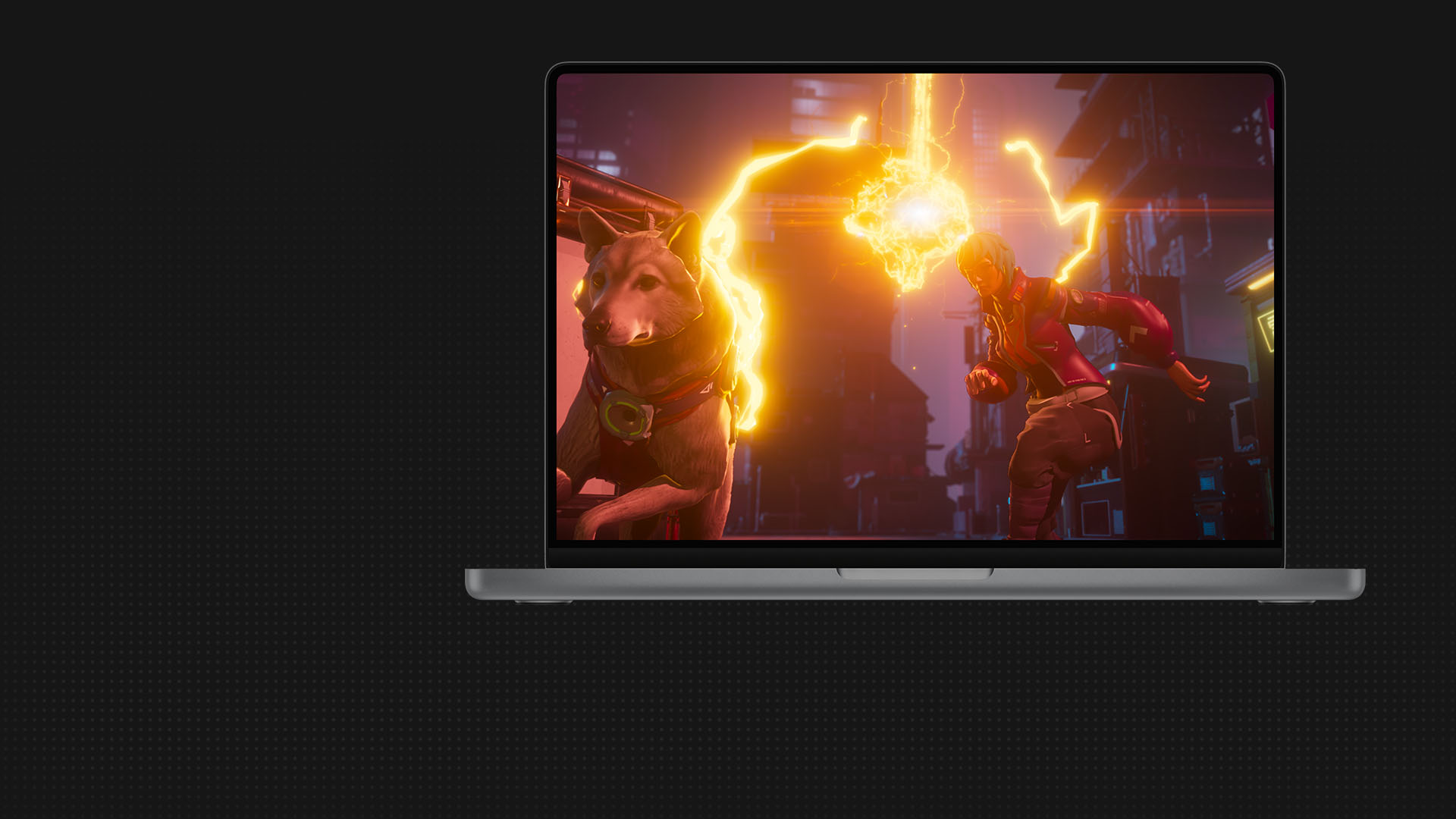
Shape worlds, characters, and props with modeling tools, then bring them to life with motion capture, animation, and crowd tools.
Deliver rendered animations with exceptional detail and style, always on time and within budget.
Media & Entertainment Collection
Create better, smarter, faster with the M&E Collection
Get all the creative tools you need to build a powerful and scalable animation pipeline for less.
Collection includes
ANIMATION CAPABILITIES
All the tools you need to make it real

Pre-visualization
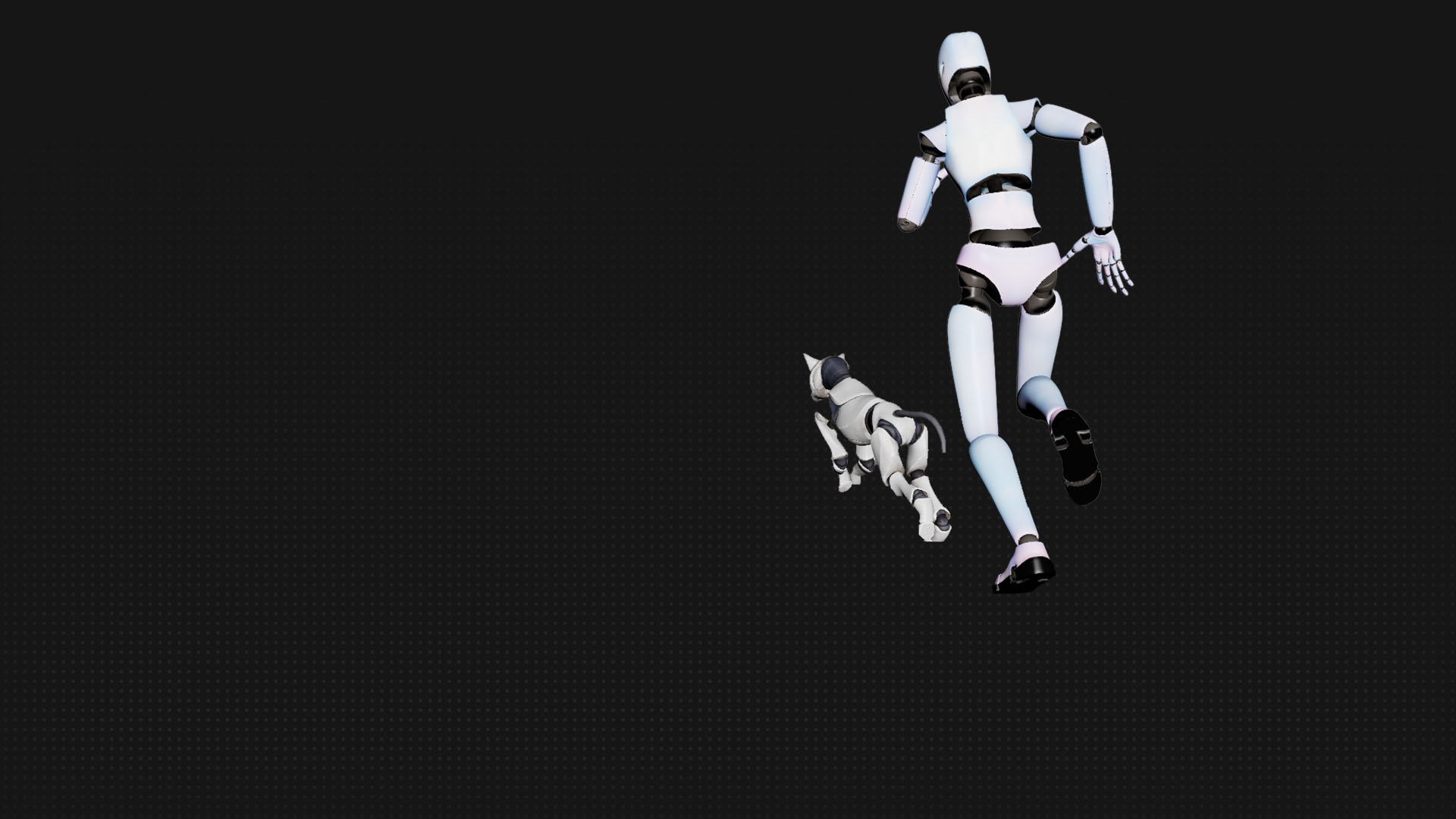
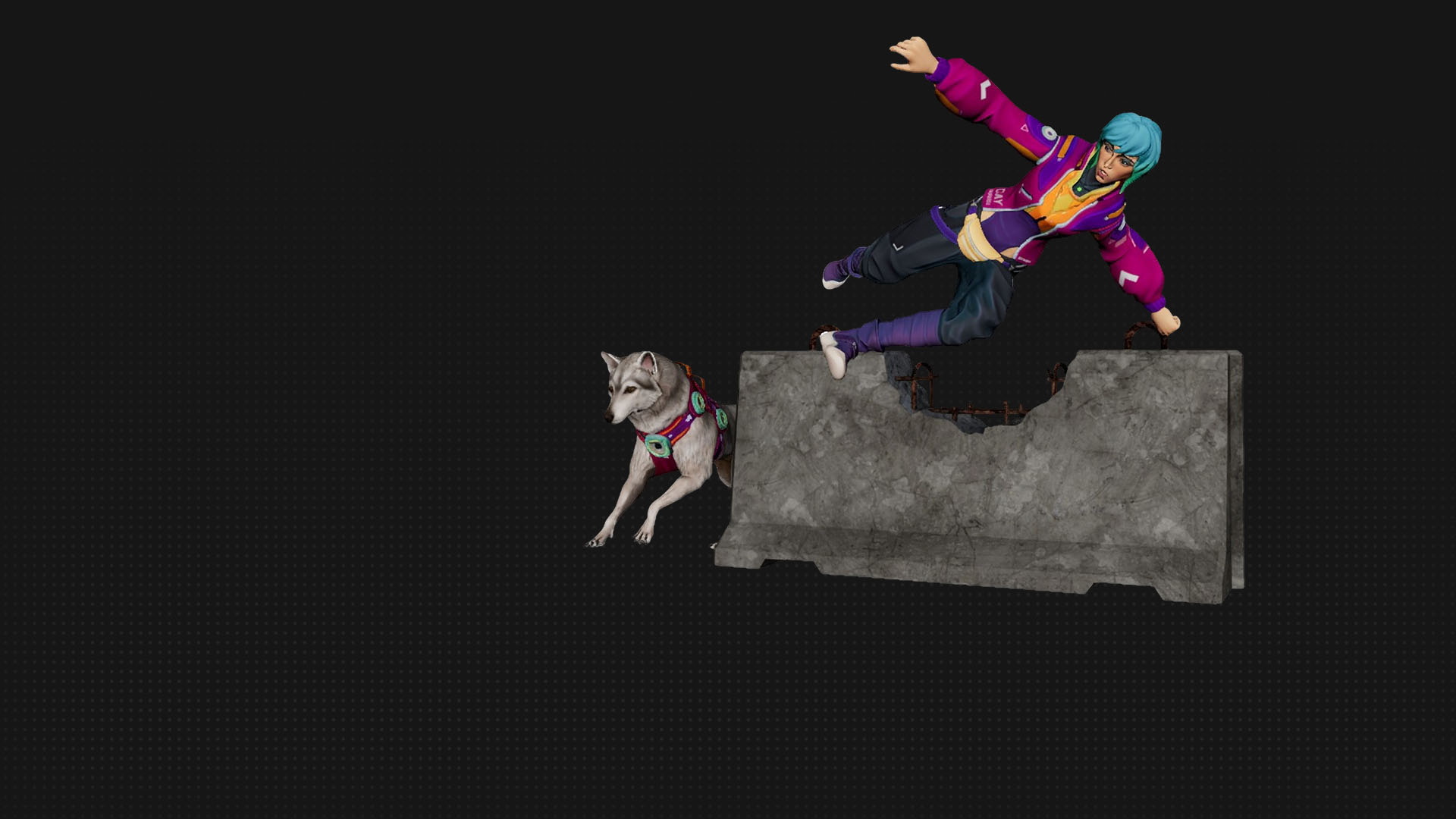
Turn ideas into animations with AI mocap in Flow Studio, then export to Maya, Blender, or Unreal.


Customer success
AI in Maya helped animate 3x faster
Griffin Animation Studios
MotionMaker in Maya allowed me to focus on performance, polish, and story refinement.
—Eddie Chew, Founder and Animator, Griffin Animation Studios
Customer success
AI in Maya helped animate 3x faster
Griffin Animation Studios
MotionMaker in Maya allowed me to focus on performance, polish, and story refinement.
—Eddie Chew, Founder and Animator, Griffin Animation Studios
What the industry is making with Autodesk
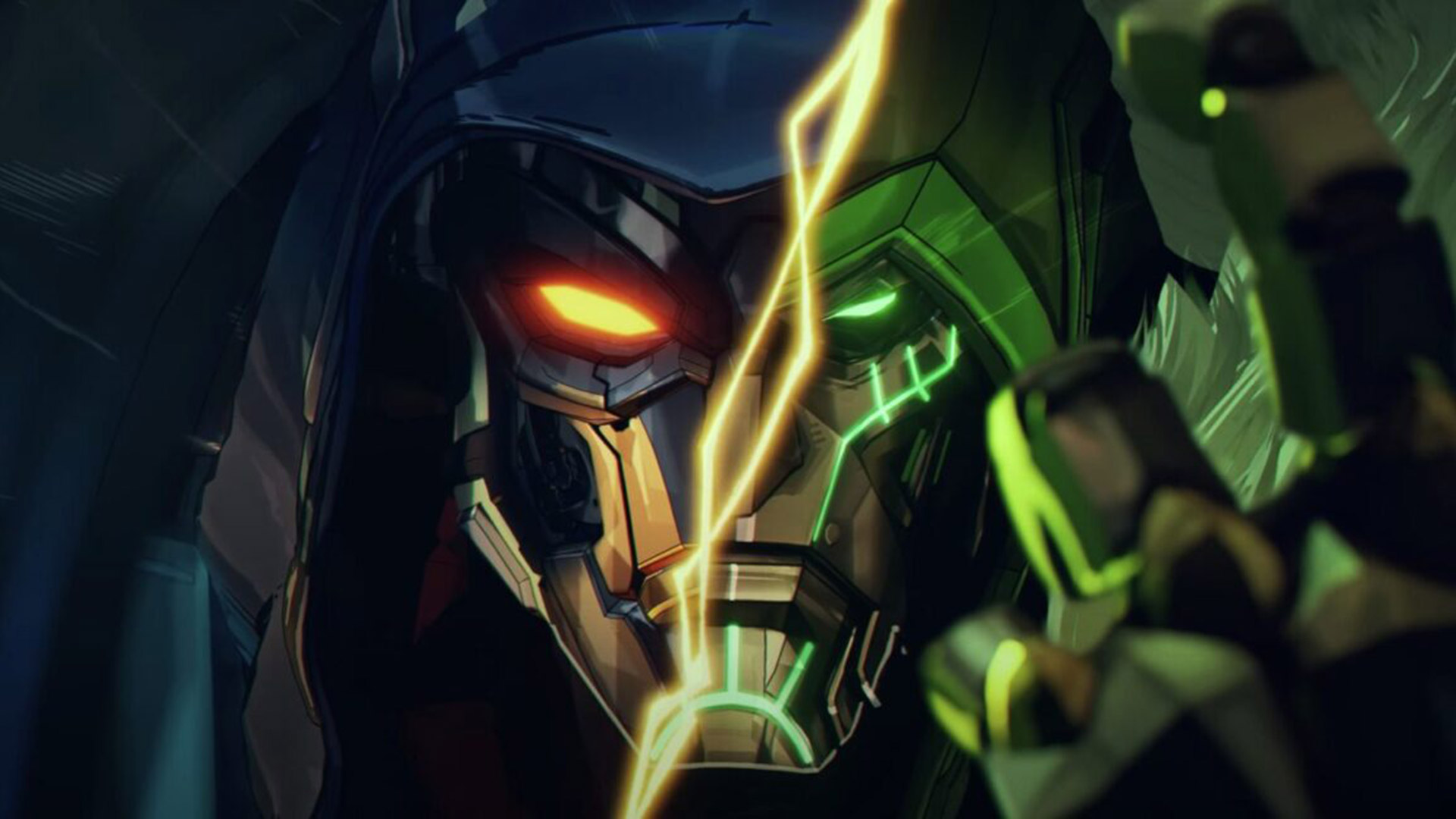
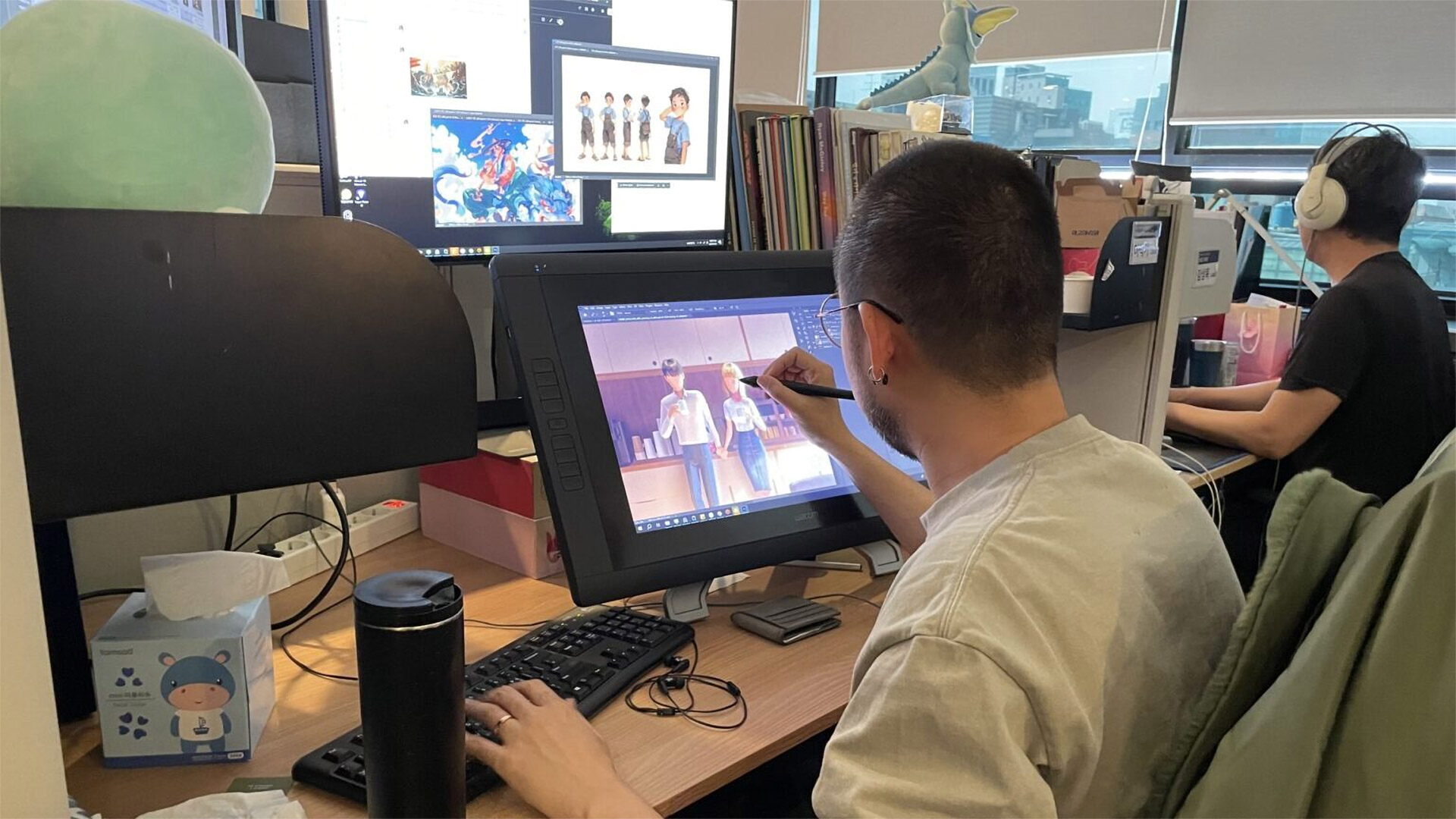
The future of the industry
Trends, training, and tools to help you lead
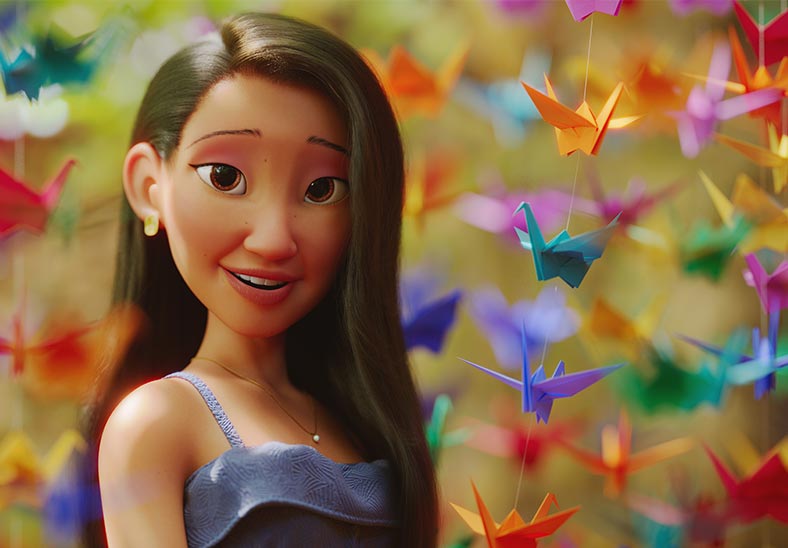

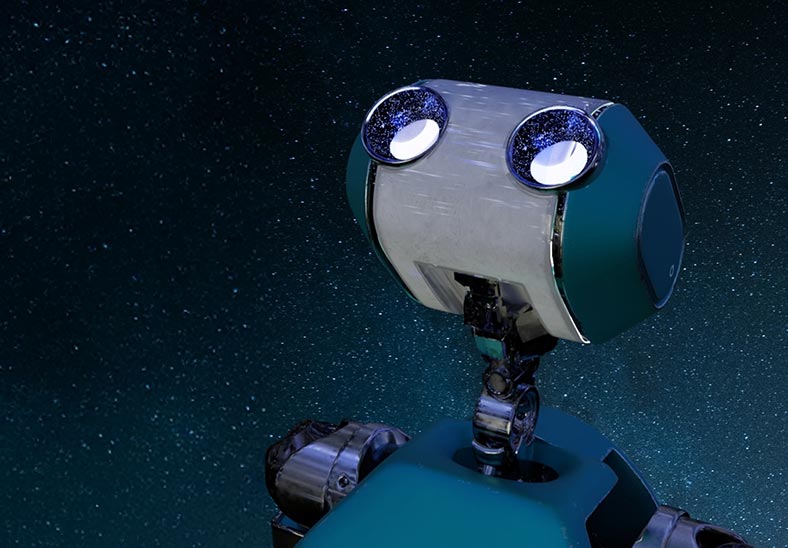


Explore our animation community
Connect with other animation and product experts to share knowledge and be inspired.


Related industries


Related industries
Questions? We have answers.
What is 3D animation?
3D animation uses computer graphics to make objects look like they’re moving in 3-dimensional space. Artists use 3D modeling software to build the objects. Next comes rigging, a virtual representation of an object or character’s skeleton. Animators pose the rig at strategic points so it appears to move. Newer methods of animation involve motion capture, which records an actor’s live movements for digital animation.
What are the essential skills required for 3D animation?
The most essential skills for making 3D animation are the comprehensive skills needed for animation software such as Maya or 3ds Max. These skills include creating 3D models, textures, lighting, other visual effects, and the animation itself through keyframing and/or motion capture.
Additional artistic and soft skills will also help. Understanding the principles of animation in general—like timing, spacing, anticipation, and squash-and-stretch—will apply to 3D animation specifically, as will a knack for drawing, visual composition, color, and design. Attention to detail and soft skills like problem-solving and good team communication are also important.
How long does it take to create a 3D animation?
Creating a 3D animation takes a considerable amount of time, as well as skills and organization. The specific time it takes for 3D animation depends on the animation’s complexity and required detail, the number and experience level of contributors, the length of the animation, and the specific hardware and software technologies. A very simple 3D animation may take only a few hours, or it could take several days to create a 30-second clip. Popular feature-length 3D-animated movies almost universally require a large team and multiple years to produce.
Can 3D animation be used in virtual reality (VR) experiences?
Yes, 3D animation can be and quite frequently is used in VR experiences. 3D animations help build out the immersive and interactive environments of VR. Their ability to represent hyper realistic surroundings with lifelike textures, physics, lighting, and so forth can make VR worlds convincing to the user. However, 3D animations intended specifically for VR use need to factor in concerns like user interactivity, potential motion sickness, and so on. Those concerns contribute to making 3D animations for VR even more complicated to create than 3D animations for traditional screens.
Which Autodesk software is best for 3D animation?
Autodesk offers a complete suite of tools for creating high-quality animated content:
Maya has the animation toolset to bring 3D assets to life, from animating attributes of any object to transforming joints and bones, inverse kinematics (IK) handles, and models over time.
3ds Max offers a rich and flexible toolset for modeling 3D assets and environments.
Golaem is a crowd simulation plug-in for Maya to populate worlds from a few to thousands.
Flow Studio offers AI-driven mocap, camera tracking, animation, and compositing tools for existing pipelines.
Arnold is integrated with Maya and 3ds Max, enabling high-quality previews and quick iterations.
MotionBuilder helps you capture, edit, and play back complex character animations.
Flow Production Tracking streamlines workflows for animation studios by unifying production management, creative reviews, and pipelines.
Autodesk Media & Entertainment Collection gives you access to Maya, 3ds Max, Golaem, Flow Studio and more, delivered in a single, cost-efficient purchase.
Can you make 3D animation with AI?
AI is increasingly used in 3D animation to speed up repetitive or technical tasks, allowing artists to focus on creative decisions.
Autodesk AI tools like MotionMaker and the ML Deformer in Maya are already helping artists work faster without sacrificing control. MotionMaker generates character motion from a few keyframes or a motion path, while the ML Deformer approximates complex deformations interactively.
Flow Studio provides a wide range of AI-powered tools like markerless motion capture, Video-to-3D Scene technology, and automatic generation of essential elements like camera tracking, clean plates, alpha masks, and character passes. Everything is export-ready for your preferred 3D tools—like Maya, Blender, or Unreal—so you can easily refine and build on your work with full creative control.