& Construction

Integrated BIM tools, including Revit, AutoCAD, and Civil 3D
& Manufacturing

Professional CAD/CAM tools built on Inventor and AutoCAD
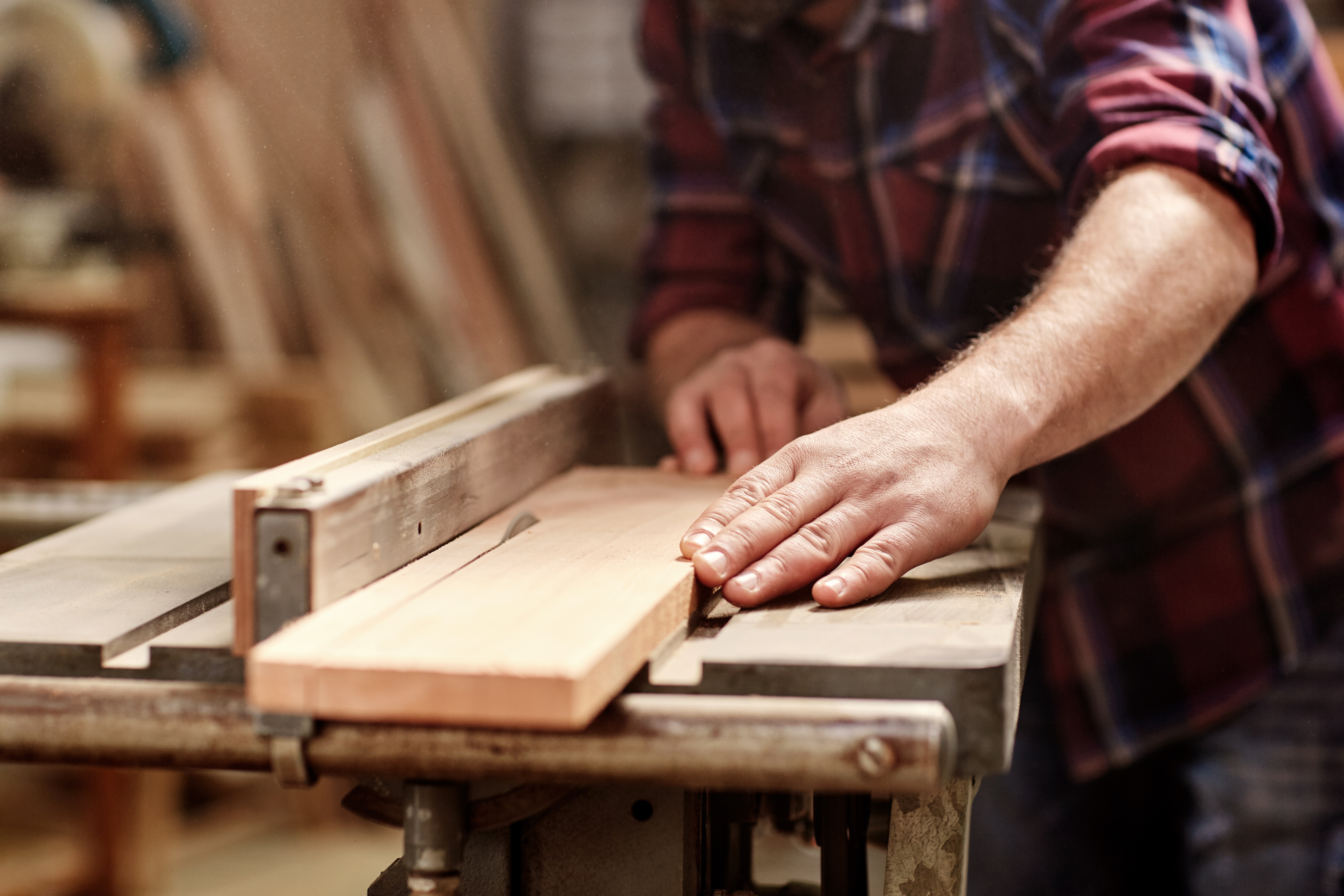
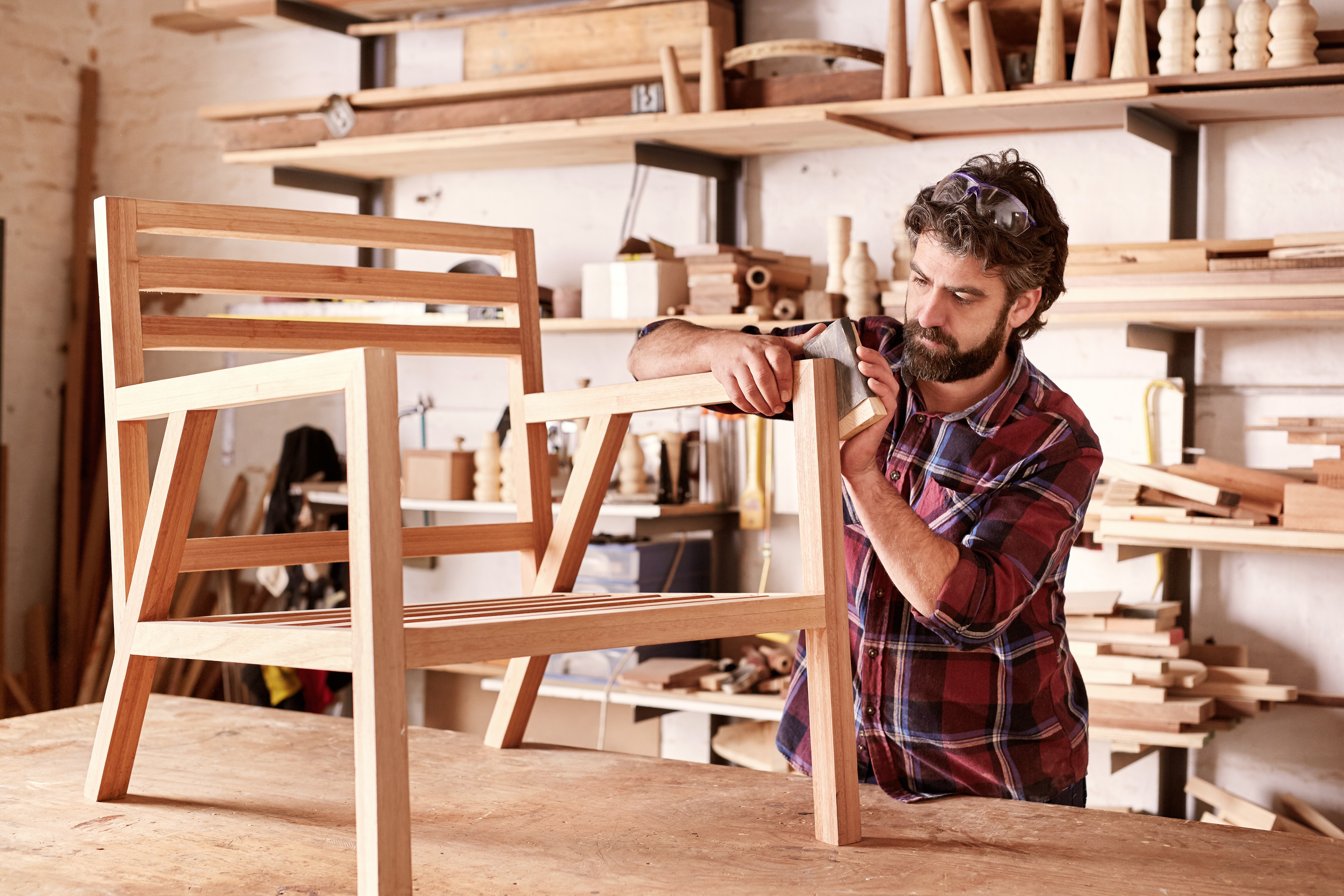
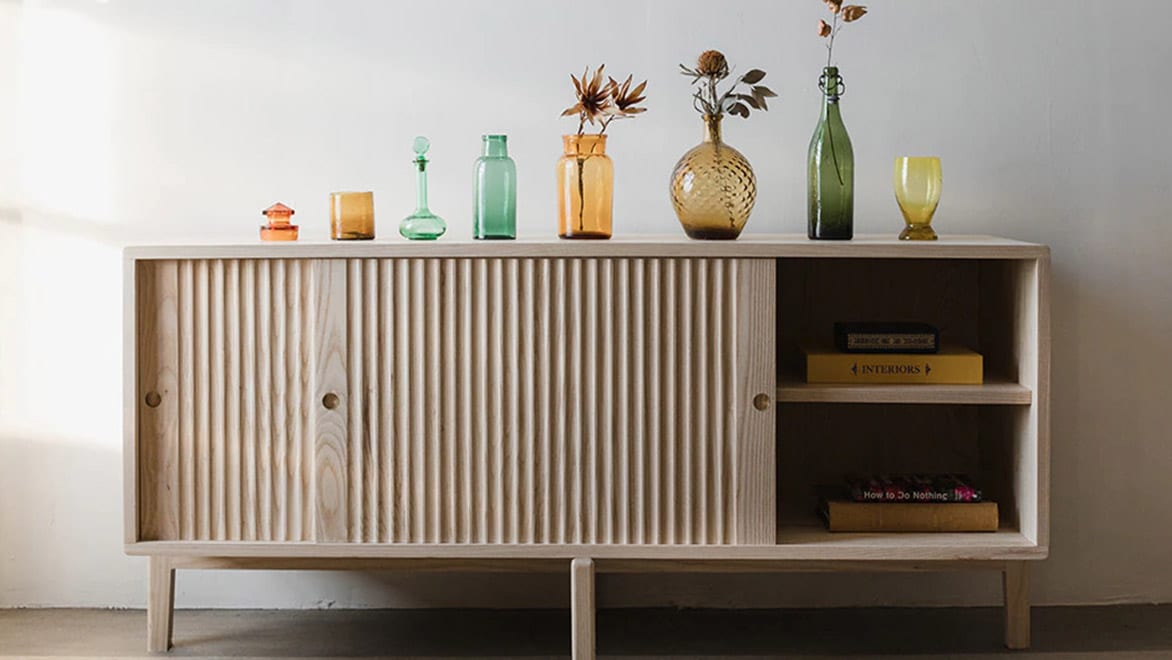
Woodworking is the craft of making usable and functional objects, and like every craft, woodworking starts with design. 3D design software for woodworking allows you to design, visualise and experiment with your parts in 3D before you start cutting wood by hand or on a CNC router. Furniture makers, designers, cabinet makers and crafts people use furniture design software to design and make anything.
Furniture design software refers to computer programs specifically designed to assist designers and manufacturers in creating, visualising and modelling furniture designs. These tools provide a vast range of features and functionalities that enable users to create detailed and accurate representations of furniture pieces before they are created.
3D design software for woodworking is an essential tool for furniture makers, designers, cabinet makers (US Site) and crafts people. It allows them to design, visualise and experiment with their parts in a detailed 3D environment before starting any physical cutting by hand or on a CNC router. Unlike traditional 2D drawings, 3D woodworking design software provides greater flexibility and precision, enabling users to sculpt, modify and test every aspect of their projects digitally. This helps reduce errors, save materials and speed up the production process.
3D modelling software for woodworking not only enhances design quality but also supports innovation and customisation, making it easier than ever to bring your creative vision to life with confidence.
Woodworkers and furniture makers today face growing challenges as product designs become more complex and customer demands for customisation increase. Managing detailed plans, precise measurements and efficient workflows are required to stay competitive and avoid costly mistakes. At the same time, modern woodworking and furniture design software offers tremendous opportunities to streamline the design process, improve accuracy and accelerate production – especially when integrated with CNC woodworking technologies.
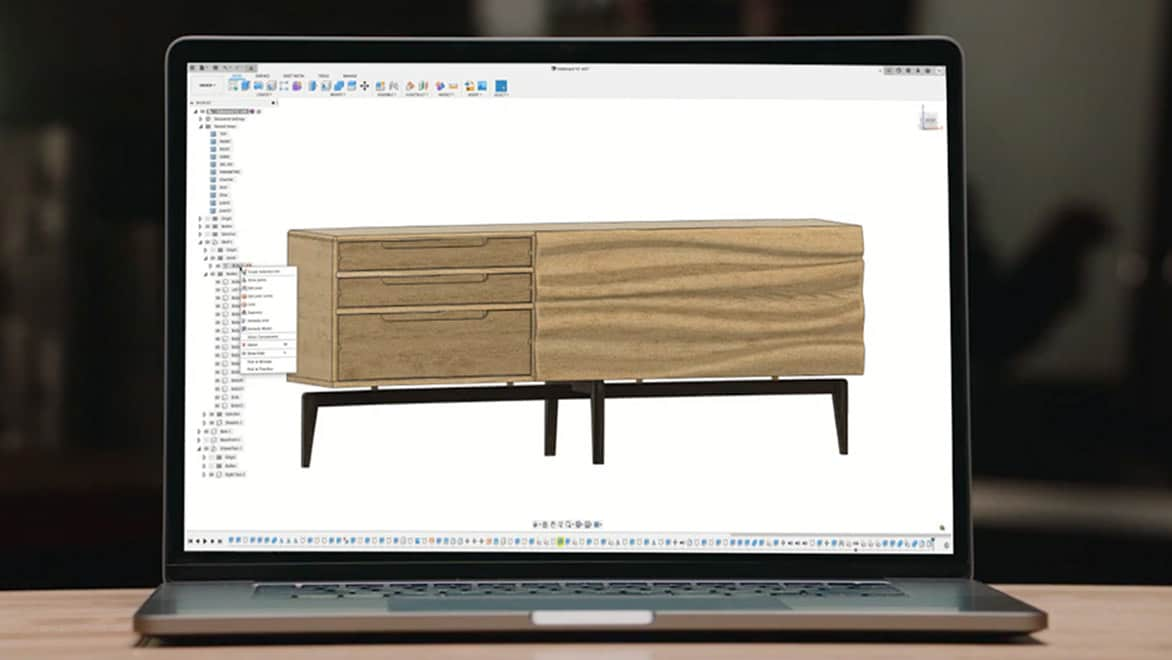
Fusion offers the perfect balance between ease-of-use and powerful features tailored specifically for woodworking and furniture design. As advanced furniture CAD software, Fusion enables woodworkers to quickly create, modify and visualise detailed 3D models while seamlessly preparing designs for CNC woodworking. This combination brings creative visions to life faster and with greater precision.
core essentials
Integrated cloud CAM, CAM, CAE, PCB and PDM core capabilities ideal for designers, engineers, machinists and teams working across the product development lifecycle.
Includes:
Try Autodesk Fusion free for 30-days
Advanced design capabilities
Powerful design, simulation and lifecycle management tools for engineers, designers and teams working on complex, high-performing designs.
Go beyond CAD with advanced design tools:
ADVAnced manufacturing capabilities
Advanced CAD + CAM tools for manufacturers, machinists, engineers and teams needing precise high-performance CAM solutions.
Includes advanced manufacturing capabilities:
Whether you're a designer or manufacturing engineer, furniture design software like Autodesk Fusion can help improve workflows for woodworking and furniture design.
Expand your products’ possibilities with integrated fabrication tools to help save time and money, including sheet metal, simulation, electronics and CAM.
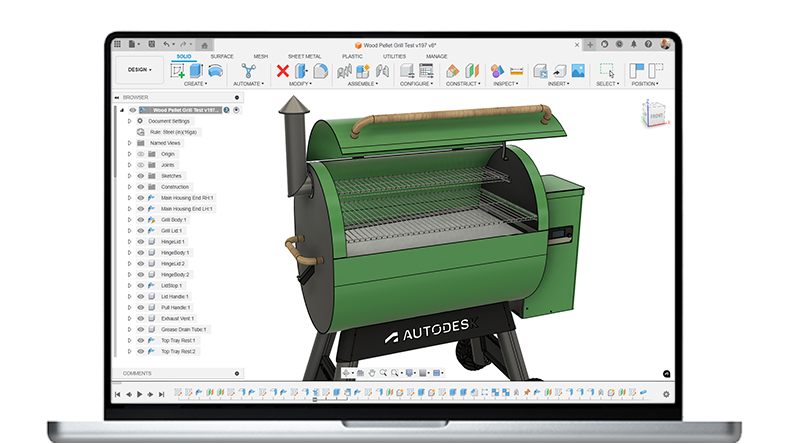
Design and edit cabinetry or ergonomics more accurately with parametric controls.
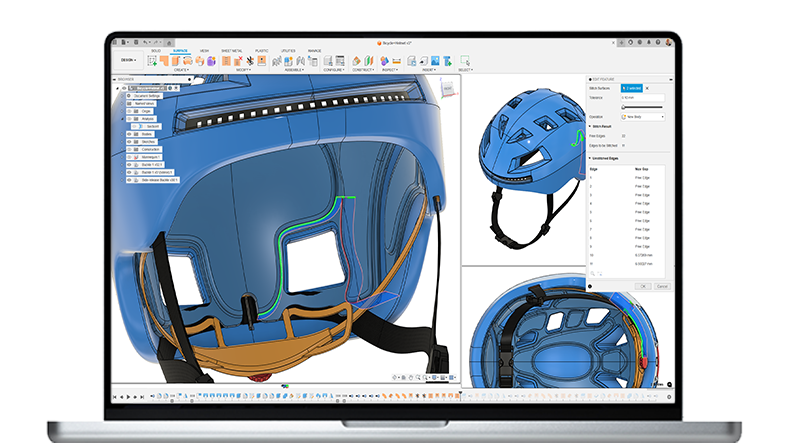
Create complex, organic shapes and traditional joinery with complete 3D modelling tools that integrate surface, free-form and solid bodies.
Fusion is widely used for furniture design and woodworking due to its comprehensive and flexible features. Here are four primary features that make it valuable:
Fusion supports parametric modelling to support the development of flexible designs that incorporate parameters and constraints. Furniture designers can explore various dimensions and proportions without having to restart the design process.
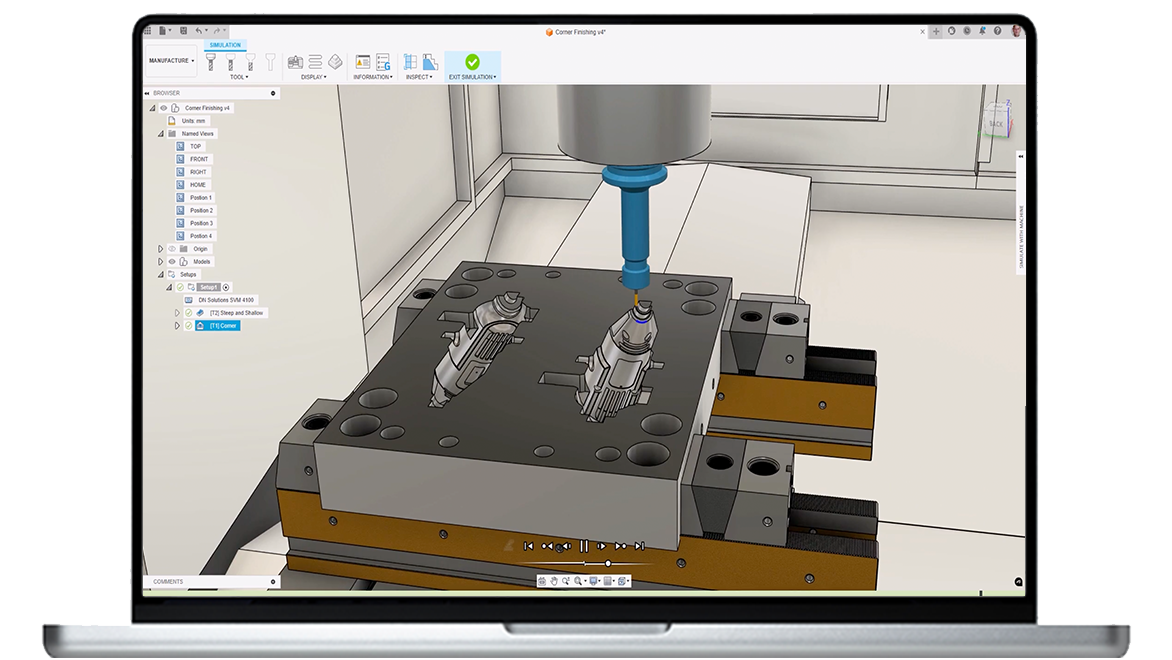
The integrated CAM tools in Fusion allow you to create toolpaths for CNC machines directly from your 3D models. This simplifies the transition from design to production.
Fusion offers robust tools for designing and testing joints and assemblies. For woodworking, you can create and simulate how components will fit together and behave under various conditions. This aids in maintaining the structural integrity and functionality of furniture pieces.
Fusion includes a large library of materials and finishes to help you visualise your final product. Apply realistic wood textures and finishes to your model.
Start your furniture design process by creating initial sketches and rough shapes to capture the core concept. Then, use parametric modelling to define key dimensions and relationships, which allows for easy modifications later on.
Refine the design by adding important details such as joints, hardware locations and surface finishes. You can also explore multiple design variations by adjusting parameters without the need to rebuild the model from scratch, enabling greater flexibility and efficiency throughout the design process.
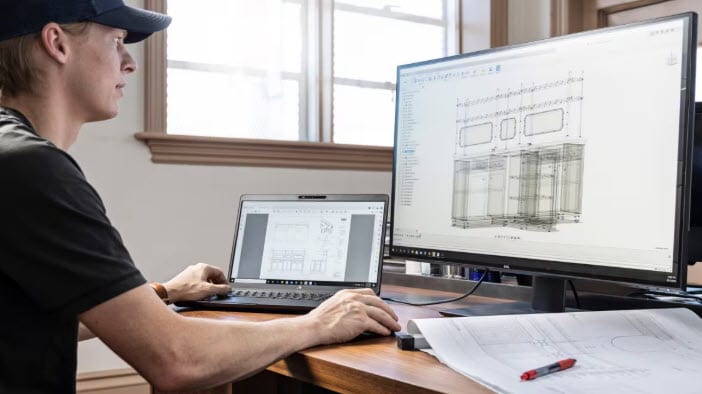
Extract 2D drawings from your 3D model to use as construction references, including elevations, sections and detailed views. Automatically generate material cutlists and bills of materials (BOM) based on the components and dimensions of your design. These drawings and cutlists help you efficiently plan material purchases and prepare for the fabrication process.
Fusion offers integration with CNC machining by allowing you to import or export CAD files compatible with CNC machines. This ensures a smooth transition from design to cutting and machining, maintaining accuracy and efficiency throughout the process. You can set up CNC toolpaths with precision, specifying details such as cutting order, tool selection and machining parameters.
This level of control ensures that each step of the machining process follows your design specifications, resulting in high-quality outcomes. Before actual machining, you can run simulations to verify tooling paths to detect potential collisions or errors.
Use CNC-machined parts or hand-cut components following the provided drawings and cutlists. These pieces are then assembled based on detailed joinery and assembly instructions derived from the design.
For finishing, apply surface treatments, finishes or coatings according to the design specifications. Conduct quality checks to ensure all design criteria and tolerances are met before final delivery or installation.
Integrated CAD/CAM software can help streamline the various stages of production in carpentry from design to manufacturing and ensure accuracy and efficiency of the requirements for each furniture design project. 2D drawing and drafting, 3D modelling and design automation using CAD software can improve workflows for designers, engineers and woodworkers.
Create wooden bars, columns and more by using a CNC lathe to rotate or turn wooden components to remove material to reach a specific diameter and shape.
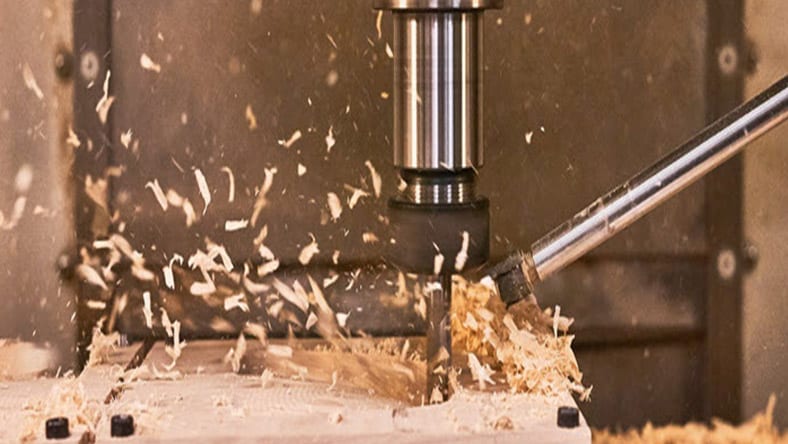
Design furniture with custom carvings and cuts by using a CNC milling machine to hold the wood in a stationary position while rotating cutting tools to produce various shapes.
Image courtesy of Grovemade
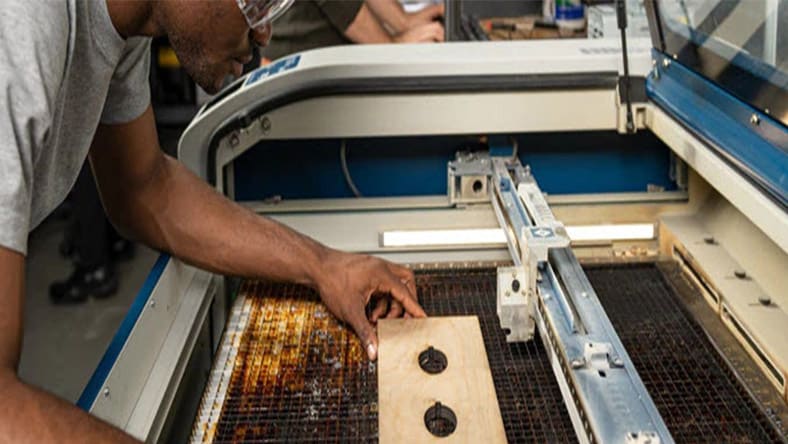
Add high detail engravings to your furniture design with CNC laser machines that use a focused laser beam for precision cutting and slicing of wooden material.
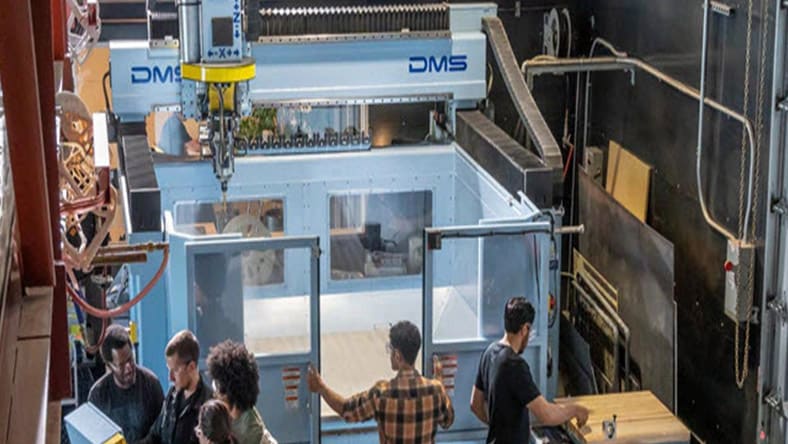
CNC routers combine multiple functions of carpentry shop machines into one device that can be used for cutting and boring.
See how Fusion provides GANAS Manufacturing with all the capabilities they needed and more, including 2D CAD, 3D modelling, CAM and CNC support, and nesting.
Image courtesy of GANAS MFG
Grovemade uses Fusion to create an aesthetically appealing set of desktop speakers using a mix of maple and walnut wood.
Image courtesy of Grovemade
Design startup Lingrove went from creating sustainable guitars and office furniture to reimagining home furniture.
Image courtesy of Lingrove
Learn how to design furniture in Fusion from start to finish in this series of step-by-step video tutorials.
If you’re tired of spending more time managing your tools than creating with them – Fusion is the furniture design solution for you.
Fusion is a comprehensive solution for furniture design allowing you to transform sketches into intricate, manufacturable 3D forms.
Elevate your design processes with parametric design by leveraging algorithmic computing for efficiency and speed to improve your furniture design workflow.
Fusion simplifies furniture design with parametric modelling, enabling fast customisation, seamless iteration and automatic updates – all in one cloud-based platform.
Fusion offers many functions that can help improve your furniture designs and streamline the process from design to production.
Yes, Fusion runs on both Mac and Windows.
Yes, Fusion can be used for woodworking and furniture design. It allows you to design, test, modify and visualise your projects in 3D before bringing them to life.
Autodesk Fusion is available on a subscription basis for
Parametric design in Fusion allows you to create history-based features, including extrude, revolve, loft and sweep that update with design changes. Generative design in Fusion allows you to explore multiple manufacturing-ready outcomes that meet your design specifications while reducing weight, improving performance and consolidating parts through generative design.
Using Fusion to create a parametric model (US Site), woodworkers can re-evaluate cutlists, eliminate unnecessary fabrication expenses, provide a visual representation to clients and suppliers, and check parameters all in one digital platform.
Fusion is an easy-to-use 3D modelling design software for hobbyists and professionals alike that offers specialised features for woodworking and furniture design to help throughout every stage of the design and manufacturing process.
Fusion integrates 3D modeling with CNC woodworking by allowing you to design detailed models and directly generate toolpaths for CNC machines within the same software solution. This streamlines the workflow so that your digital designs are accurately translated into physical wooden pieces.
Fusion supports several file formats (US Site) for CNC manufacturing, including:
1. G-Code files (.nc, .tap, .cnc): These are the standard formats for CNC machine code.
2. STEP files (.step, .stp): Widely used for 3D model data exchange.
3. IGES files (.iges, .igs): Common for CAD data exchange.
4. STL files (.stl): Often used for 3D printing and CNC routing.
5. DXF files (.dxf): Used for 2D sketches and CNC cutting paths.
Parametric modeling (US Site) enhances furniture CAD design workflows by allowing designers to easily adjust dimensions and proportions without starting from scratch. This enables quick experimentation with different variations while maintaining consistency across components. It streamlines the design process, reduces errors, and facilitates easy modifications based on client feedback.
In Fusion, you can customise wood grain and finishes in your furniture design by following these steps:
1. Apply appearances (US Site): Select the "Appearance" tool from the toolbar and choose a wood texture from the extensive library.
2. Customise textures: Adjust the scale, rotation, and placement of the wood grain to match your design requirements.
3. Edit material properties: Modify the properties such as glossiness, reflectivity and colour to achieve the desired finish.
4. Use custom textures: Import your own wood textures or finishes if the default library doesn't meet your needs.
To learn the process of furniture design and woodworking in Fusion, there is a comprehensive video tutorial series available here.
Autodesk Fusion for personal use is a free version available for individuals who generate less than $1,000 USD in annual revenue and use it for home-based, non-commercial furniture design and woodworking projects.