& Construction

Integrated BIM tools, including Revit, AutoCAD, and Civil 3D
& Manufacturing

Professional CAD/CAM tools built on Inventor and AutoCAD
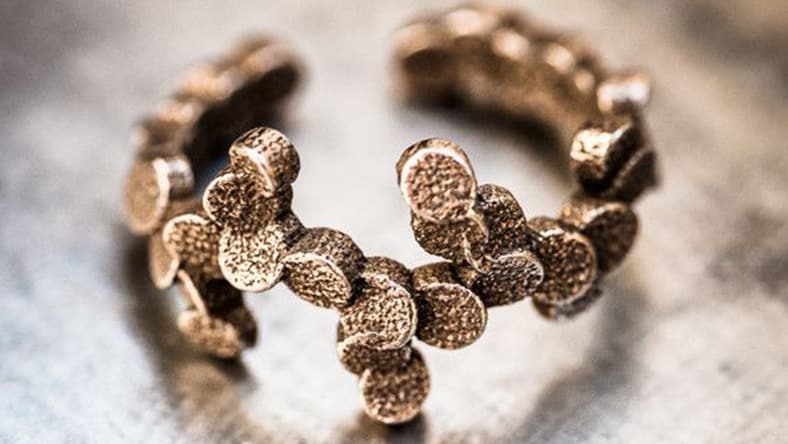
Image courtesy of Ziprashantzi
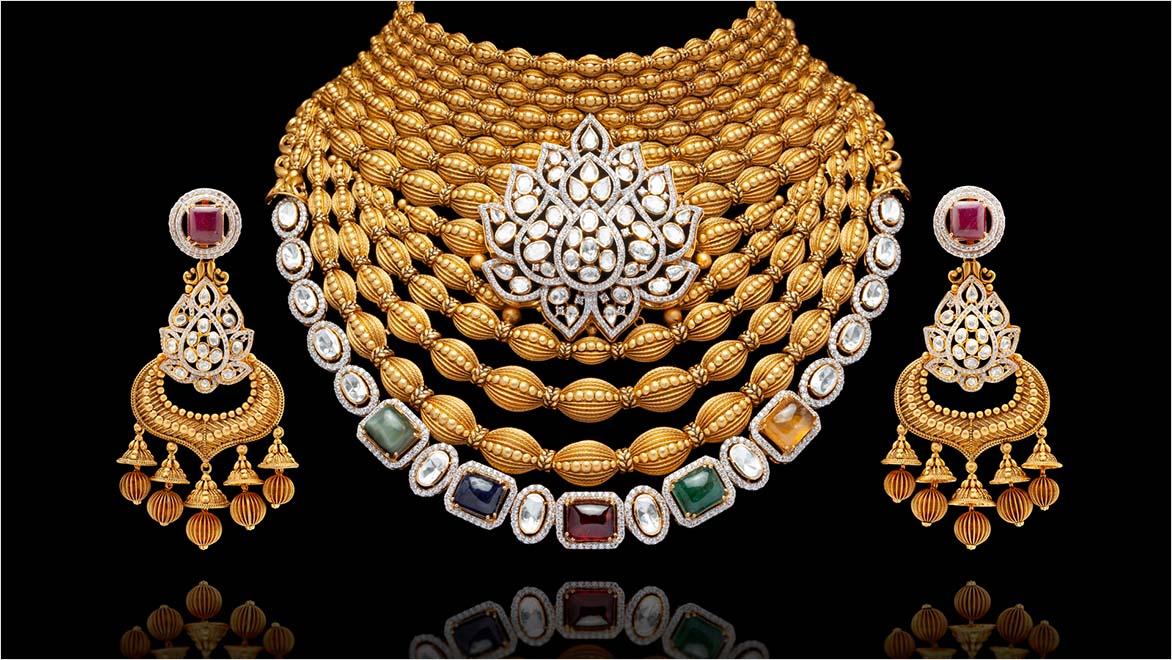
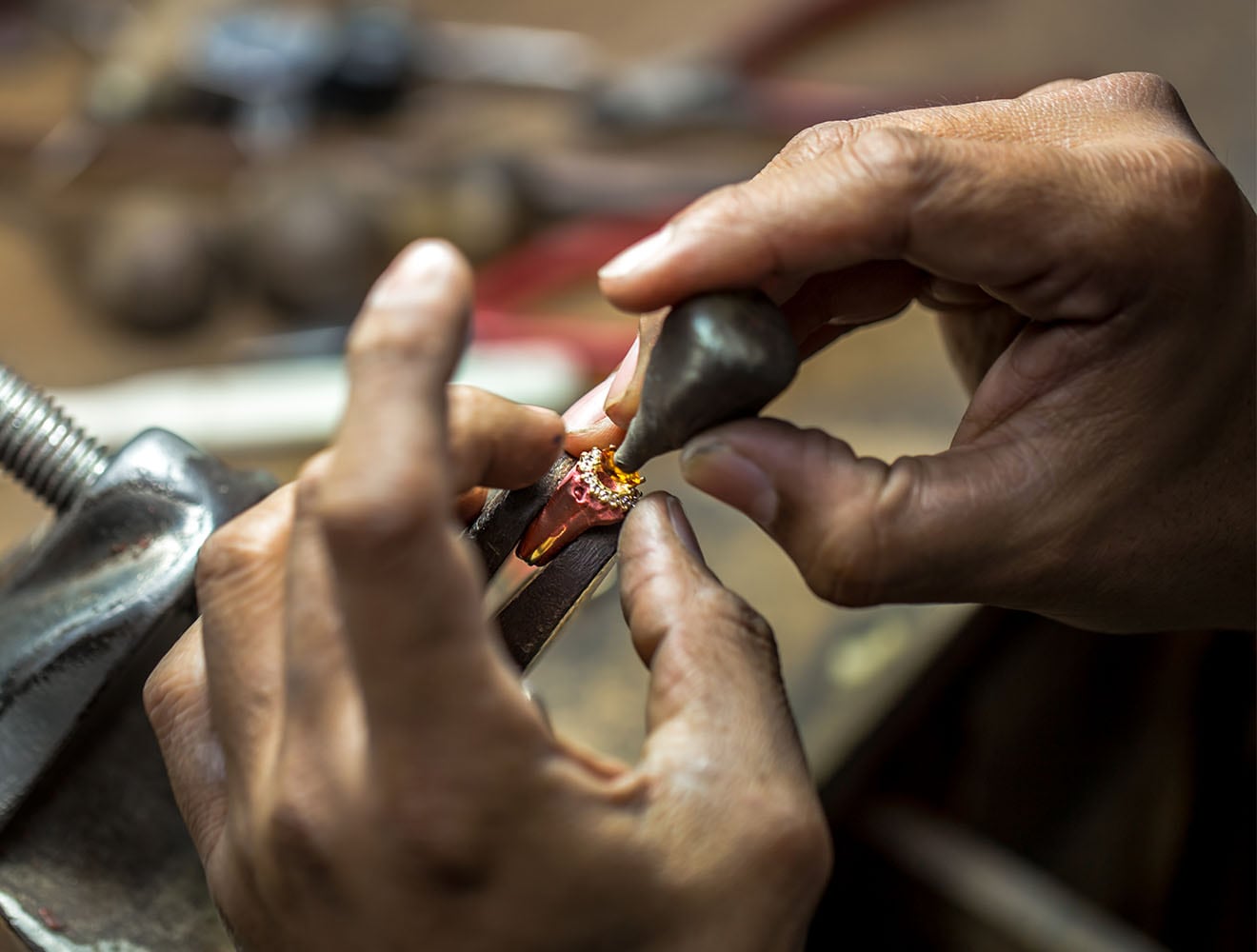
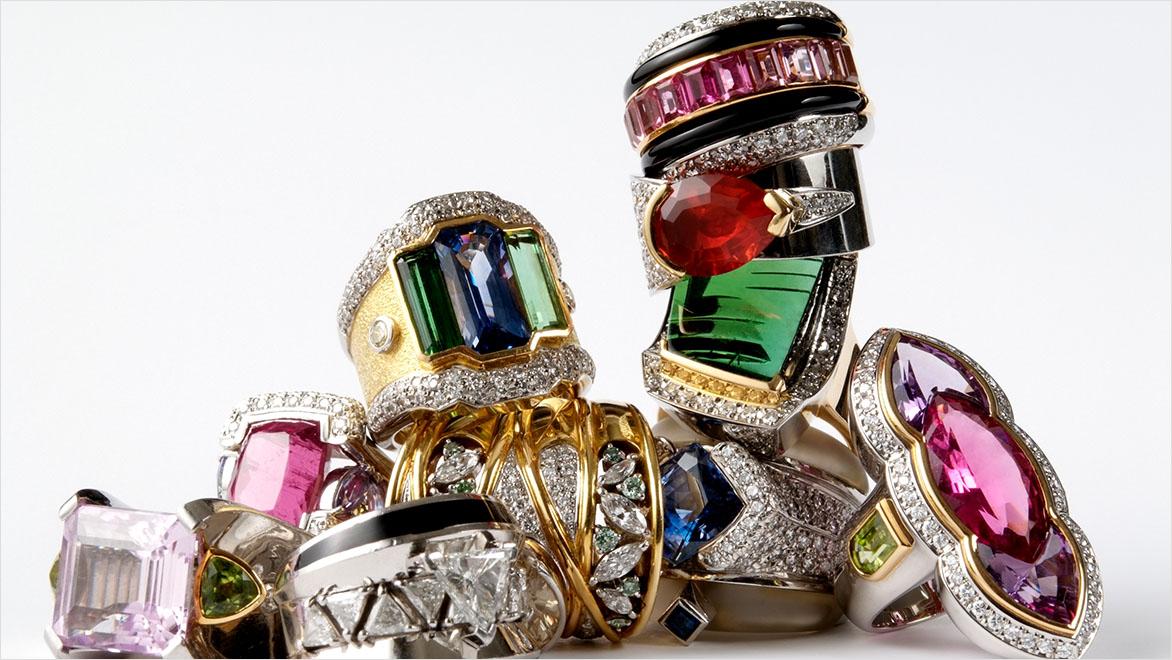
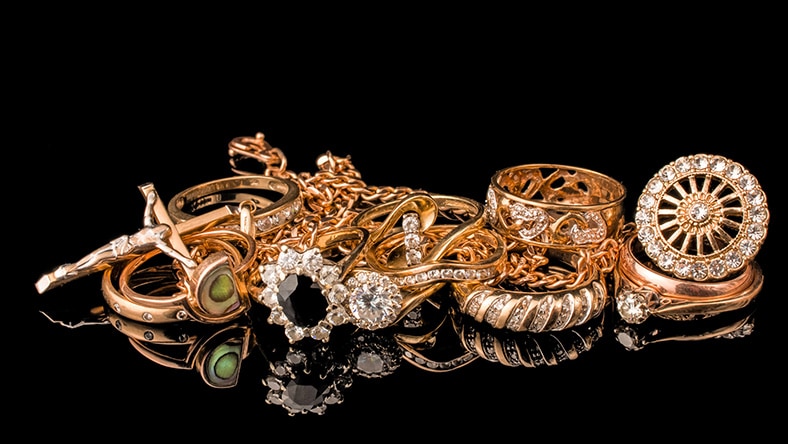
Jewellery manufacturing turns raw materials into finished jewellery pieces. The process begins with designing and prototyping your idea before casting and setting it in stone. Finishing touches such as polishing, engraving, or applying treatments are added to enhance the piece’s beauty and durability.
Image courtesy of Volodymyr Kalyniuk
India is one of the world’s largest jewellery markets and is renowned for the creativity of its designers and manufacturers. As modern technology intensifies global competition and consumer tastes change rapidly, speed to market and adaptability are essential for designers and manufacturers. Computer-aided design (CAD) 3D jewellery design software, such as Autodesk Fusion and 3ds Max, helps designers and manufacturers conceptualise, collaborate, and create new designs faster.
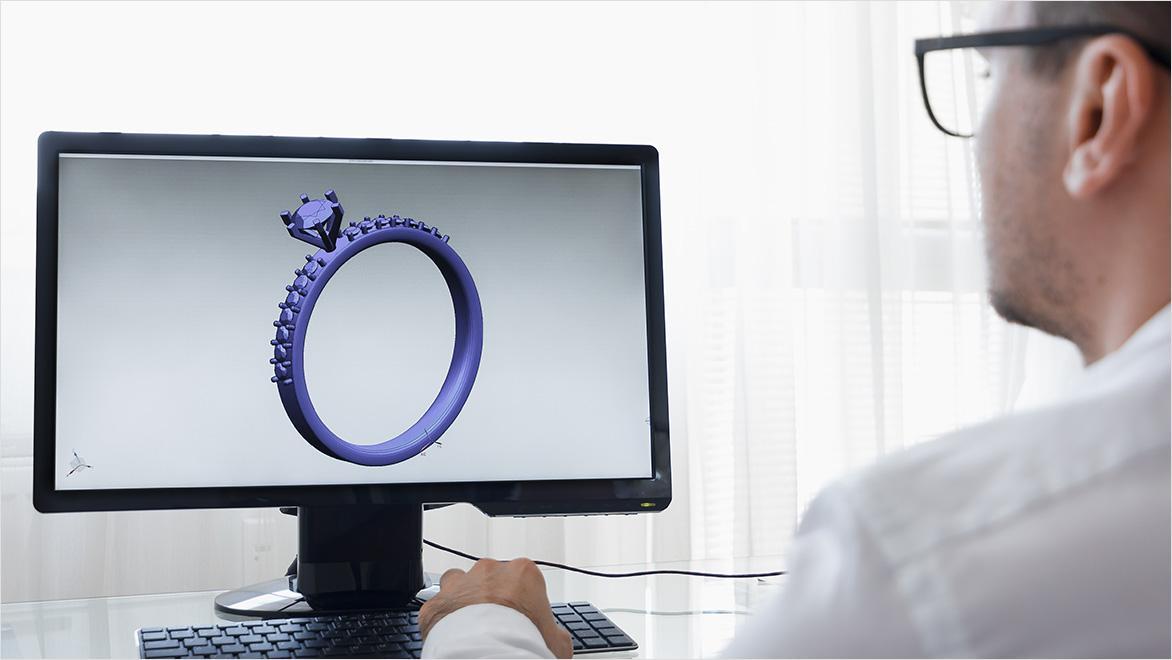
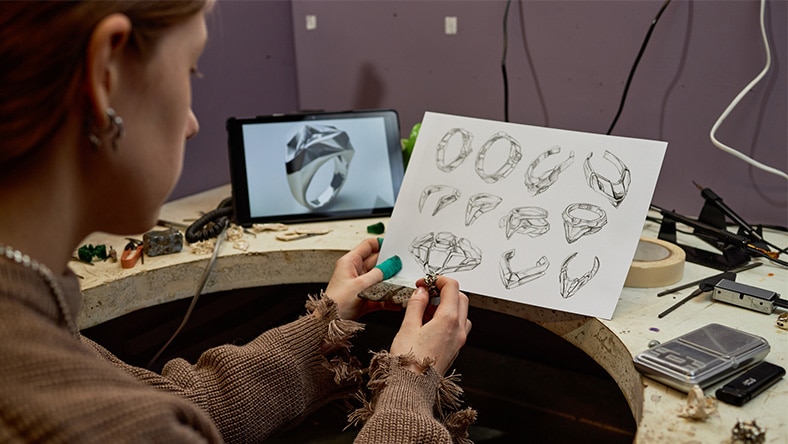
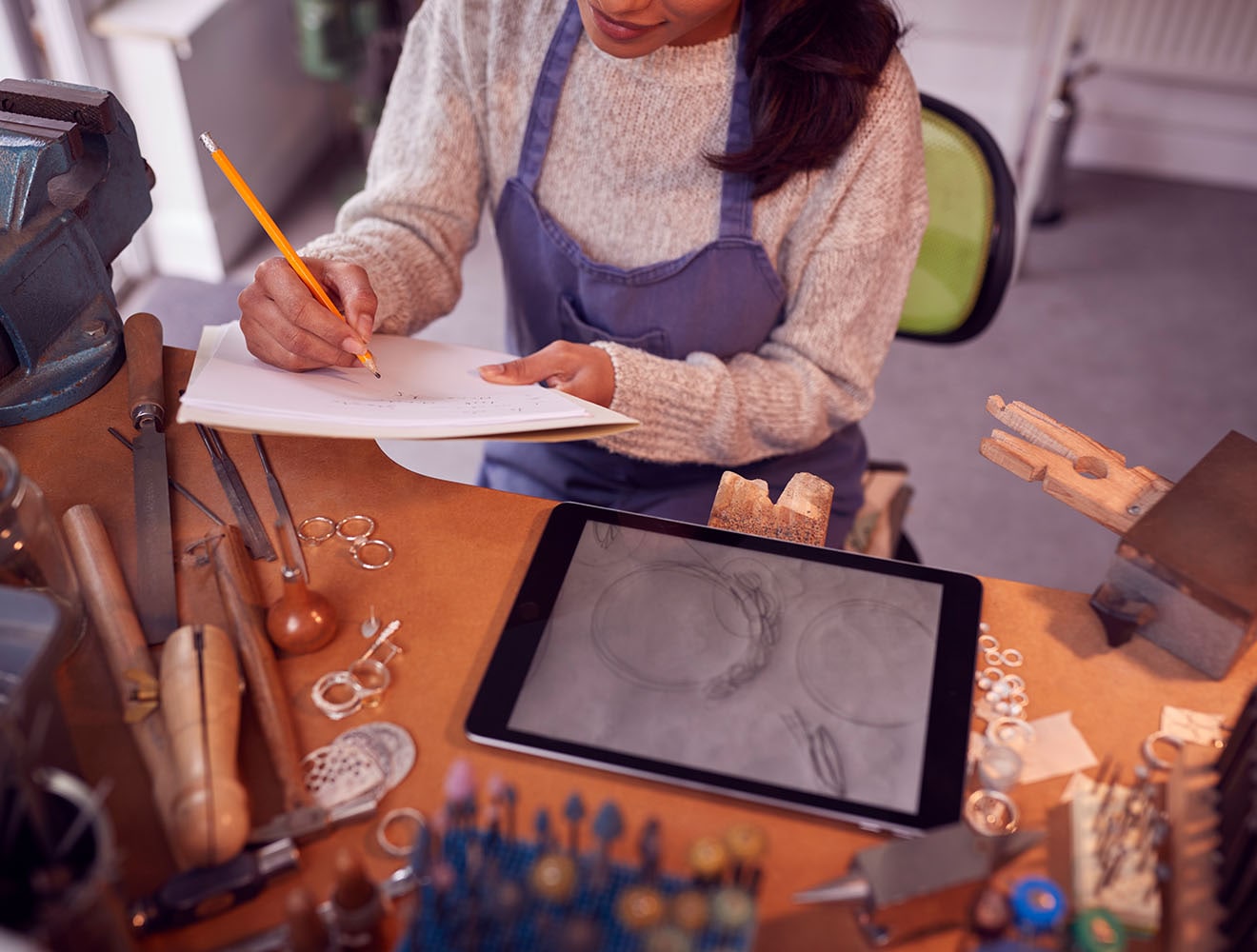
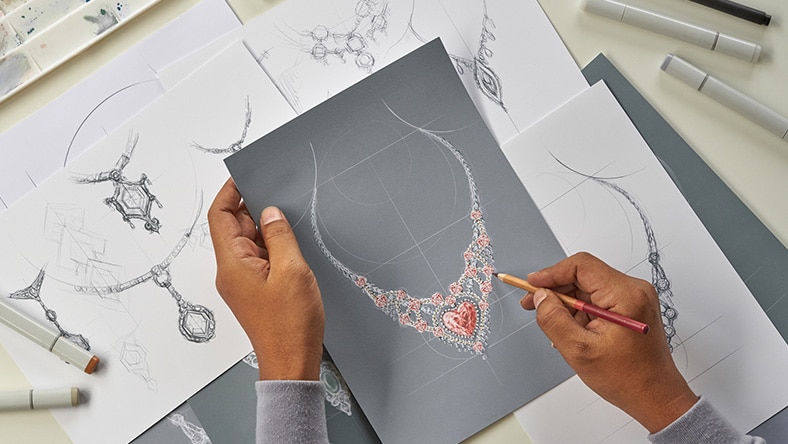
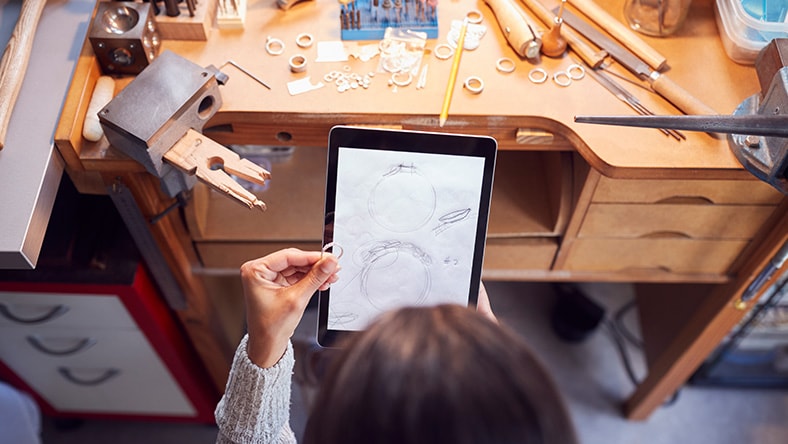
CAD and 3D printing add a new layer of precision and artistry to jewellers' skill sets. The process begins with an idea. Designers sketch their concepts on paper or with digital tools. Once a design is finalized, it’s moved on to prototyping. Traditional methods create prototypes by handcrafting models, which can take a long time and require material investment. Modern CAD software enables faster, more accurate prototyping with 3D printing, enabling designers to preview and test designs without wasting time or materials. Quick physical models improve collaboration between designers, manufacturers, and buyers. People can communicate and provide feedback more effectively when they view and examine a design.
CAD jewellery design software has more benefits that complement traditional jewellery making.
Autodesk Fusion and 3ds Max help manufacturers create precise designs and prototypes. Designers can adjust each piece's dimensions, curves, and settings with pinpoint accuracy, minimising the risk of making errors when setting the stone.
Another advantage of using CAD jewellery design software is the ease of iteration. Traditional jewellery-making often means starting from scratch. With digital design tools, a designer can change a model and see the results in real-time. This rapid prototyping ability allows designers to test and refine ideas quickly.Lorem ipsum dolor sit amet, consectetur adipiscing elit, sed do eiusmod tempor incididunt ut labore et dolore magna aliqua.
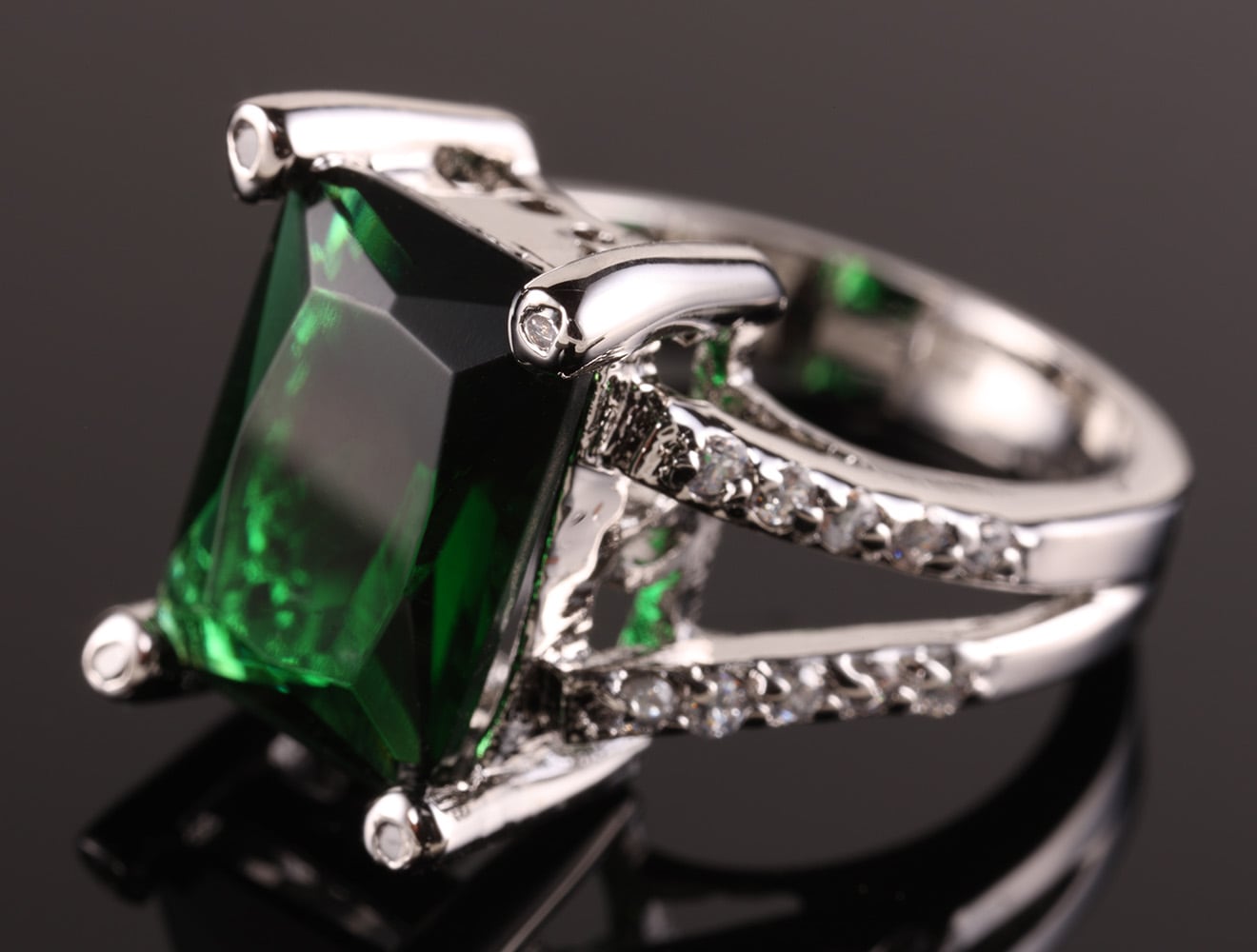
CAD jewellery manufacturing allows for virtual simulations of the final product. Designers and manufacturers see how light interacts with stones and test the balance and symmetry of a design. Previewing the product before creating it helps manufacturers ensure it meets aesthetic and functional requirements before stone-setting.
Fusion and 3ds Max provide cloud collaboration capabilities that allow teams in different locations to work on the same project simultaneously. Cloud collaboration enables real-time communication and file sharing, making it easier to align and coordinate efforts. When someone updates a design, everyone involved receives notifications, keeping them up to date with the latest versions and facilitating quicker progress.
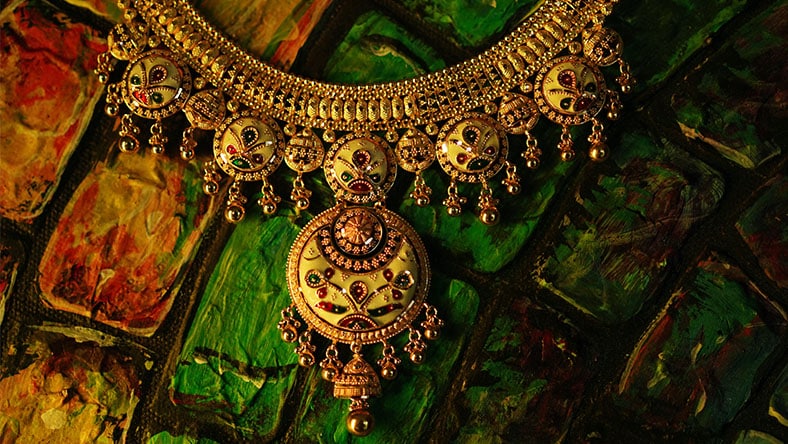
Many Indian jewellery designs have elaborate patterns and fine details. Designers can create these elements with high precision using Autodesk tools. Even the most complex designs render precisely, reducing errors that occur with hand-drawn or manually crafted designs.
Image courtesy of Chirag Kanubhai Panchal
Custom orders are a big part of the jewellery business in India. With 3D printing, manufacturers can quickly produce prototypes to meet each customer's unique needs. Clients review a physical model before crafting begins, ensuring the final piece meets their expectations.
Image courtesy of SeventyFour
One hurdle in jewellery manufacturing is the high cost of precious metals and gemstones. Manufacturers reduce material waste by testing designs virtually and with 3D printed models. This approach saves money and minimises the environmental impact of the manufacturing process.
Autodesk Fusion offers an all-in-one solution combining CAD and CAM capabilities in one cloud-based platform that transforms design sketches into detailed digital models, ready to become physical jewellery. With its parametric modelling features, designers can iterate and refine every curve and setting with precision. This level of detail minimises errors when it comes to production.
3ds Max is a powerful tool for creating photorealistic visualisations of jewellery designs. While Fusion excels at transforming sketches into functional models, 3ds Max focuses on bringing your designs to life with high-quality renders. The software allows you to simulate how light interacts with metals and gemstones, providing a clear, realistic preview of your jewellery.
CAD 3D printing tools in jewellery manufacturing bring together centuries of artistic tradition with the accuracy of modern engineering. Autodesk tools help capture your initial spark of creativity, whether a rough sketch or an early model, and preserve every subtle detail. This blend of creative energy and technology creates a powerful combination.
Once a design is digitised, Autodesk Fusion and 3ds Max help turn it into a precisely measured, scalable prototype. You can refine your work in iterative stages throughout the process. While some jewelers use tools like Rhino and MatrixGold, Fusion and 3ds Max stand out by offering user-friendly interfaces and seamless integration with traditional workflows.
Fusion and 3ds Max put the user first. Their interfaces are straightforward and easy to navigate. This simplicity speeds up the learning curve, allowing designers to apply the software to their projects quickly.
Image courtesy of Chaosamran_Studio
The integration of cloud-based collaboration tools means that Fusion and 3ds Max easily connect designers and manufacturers with others involved in the creation process. This approach helps maintain consistency, alignment, and efficiency in the jewellery production process.
Image courtesy of Ana Lebiodiene
Whether you’re a small-time designer or part of a larger manufacturing unit, Autodesk tools can scale to meet your needs. Smaller teams can enjoy the benefits of digital design without heavy upfront investments, while larger operations can integrate these tools into existing workflows easily.
Image courtesy of Monkeybusinessimages
Find out everything you need to know about prototyping, from its necessity for your product to non-negotiable steps and potential production costs.
Get all the details about 3d printing and rapid prototyping with Autodesk Fusion and understand how the software supports you through development cycles.
Get familiar with Autodesk tools for 3D printing, including automated modelling, simulation, generative design, latticing, rendering, and more.
3D printing enables rapid prototyping, which shortens design cycles. It allows designers to produce physical models quickly, test designs, and refine them before final production.
Yes. Digital tools support traditional craftsmanship by automating precise tasks and allowing artisans to experiment with new ideas without risking expensive materials.
Autodesk Fusion offers high precision, fast iteration, and an easy-to-learn interface. It helps reduce material waste and speeds the transition from design to prototype.
Cloud collaboration allows designers and manufacturers to work together in real time, sharing updates and feedback instantly. This integration ensures consistency and improves overall efficiency.
Common challenges include learning new software, integrating digital tools with existing workflows, and managing initial costs. However, gradual adoption and available online resources can ease the transition.
Autodesk tools are known for their user-friendly interfaces and seamless cloud collaboration. They integrate well into existing workflows and are scalable for small and large operations.