
Jim Byrne
Jim is dedicated to the success of our customers who use our technology to design, validate, and manage their intellectual property. He has over 20 years of experience demonstrating and implementing software solutions.
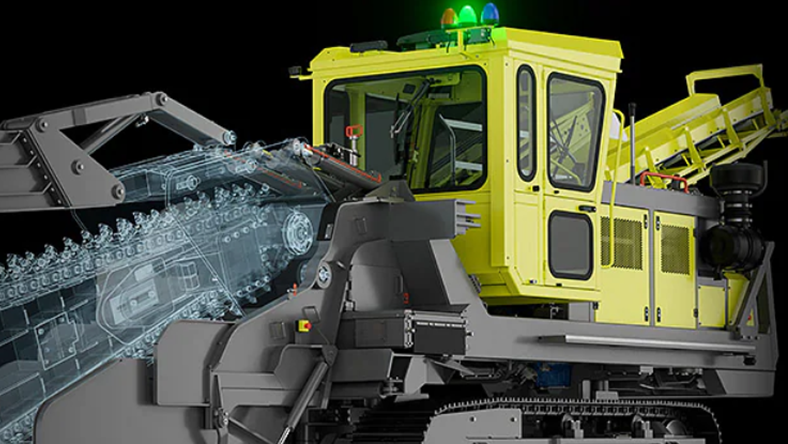
Learn how Product Design & Manufacturing Collection (PDMC) helps enterprise manufacturers support global teams, multi-site operations, design governance, and scalable product development workflows. As manufacturers grow, product development becomes increasingly complex. What started as a single engineering team working from one location often evolves into a global network of designers, engineers, suppliers, and manufacturing facilities…
Design & Engineering
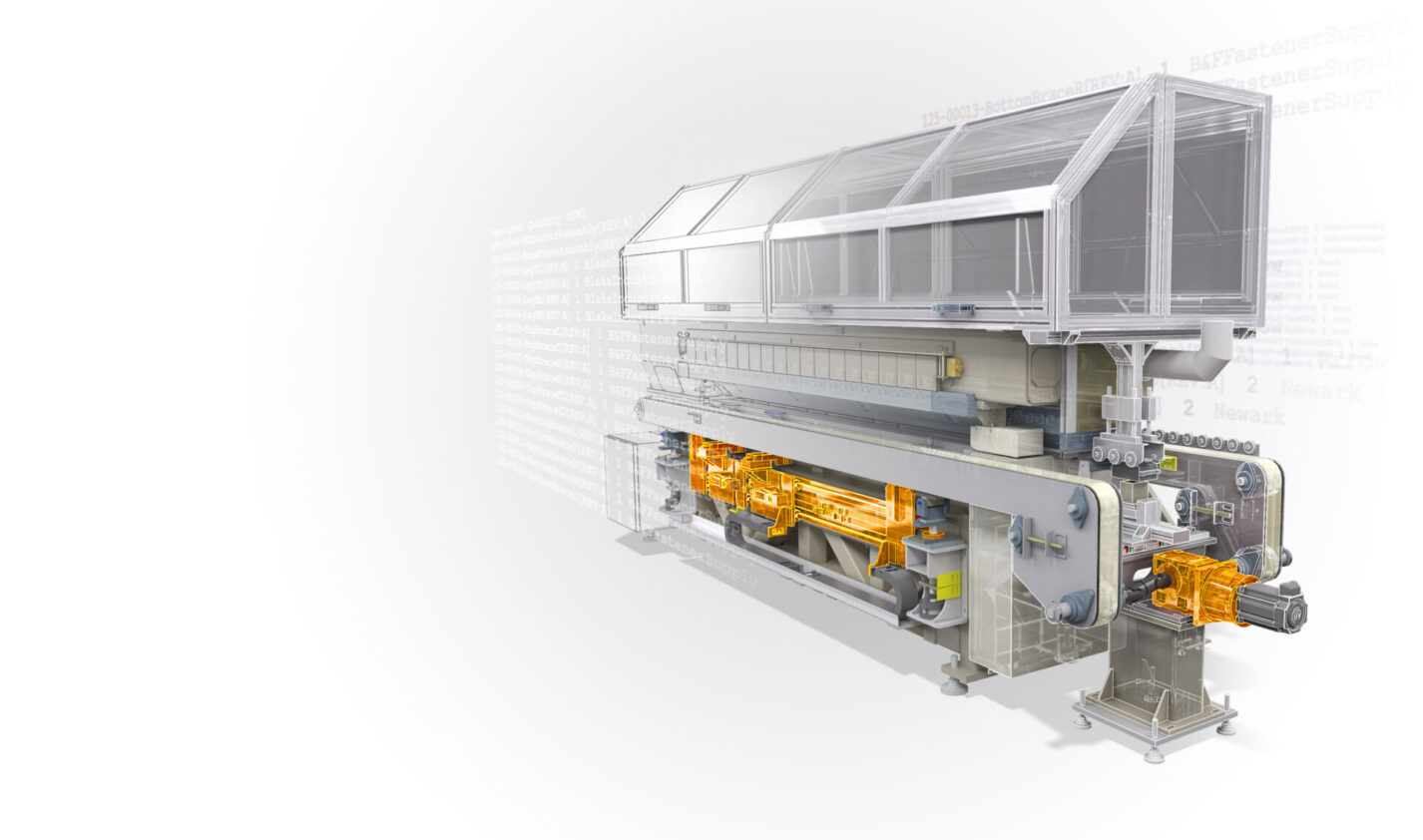
Learn how Autodesk Inventor iLogic helps engineers automate repetitive tasks, create configurable products, reduce errors, and accelerate mechanical design workflows. What is iLogic in Autodesk Inventor? iLogic is the built-in rules-based design automation engine in Autodesk Inventor. It allows engineers and designers to create logic-driven models that automatically respond to inputs, parameters, and design requirements…
Design & Engineering
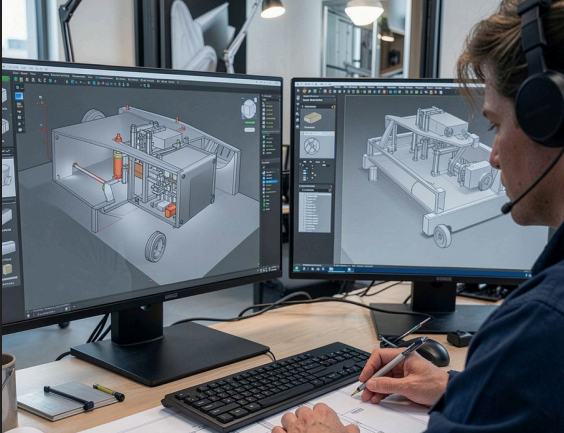
Learn how to move data between AutoCAD and Inventor using imports, references, links, Desktop Connector, and Autodesk Forma. Discover the best workflows for maintaining design intent, reducing rework, and keeping teams connected. If you work across AutoCAD and Inventor, you already know the friction: a 2D layout lives in one tool, the 3D model lives…
Design & Engineering
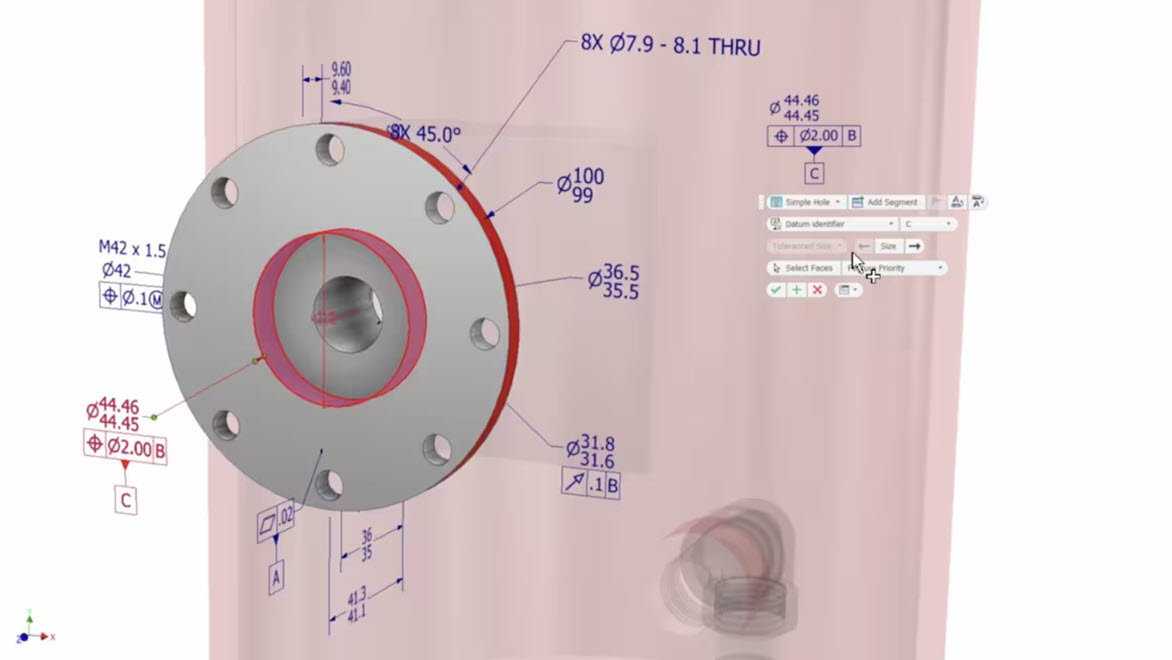
Discover why manufacturers are adopting Model-Based Definition (MBD) to replace traditional 2D drawings, reduce errors, improve collaboration, and streamline product development with Autodesk Inventor. For decades, engineering drawings have been the universal language of manufacturing. Detailed 2D drawings have communicated dimensions, tolerances, notes, and manufacturing requirements from design teams to production floors around the world.…
Autodesk Inventor
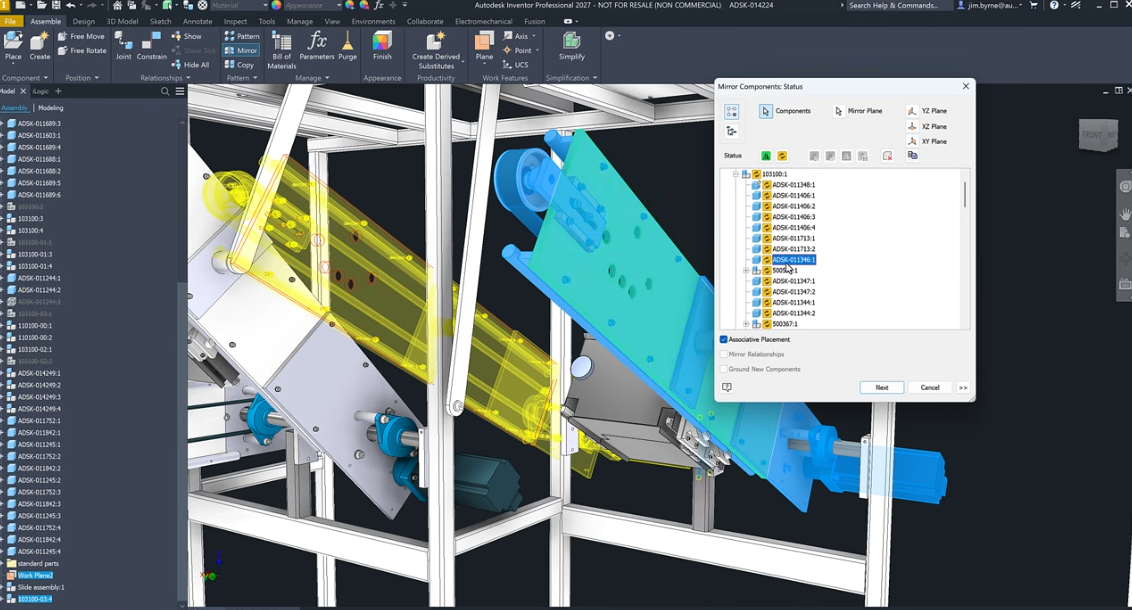
Learn how Autodesk Inventor handles large assemblies and discover practical techniques to improve performance, reduce complexity, manage dependencies, and work more efficiently on complex product designs. As products become more sophisticated, engineering teams are being asked to manage increasingly complex assemblies. Industrial equipment, automation systems, heavy machinery, transportation products, and advanced manufacturing equipment can easily…
Autodesk Inventor
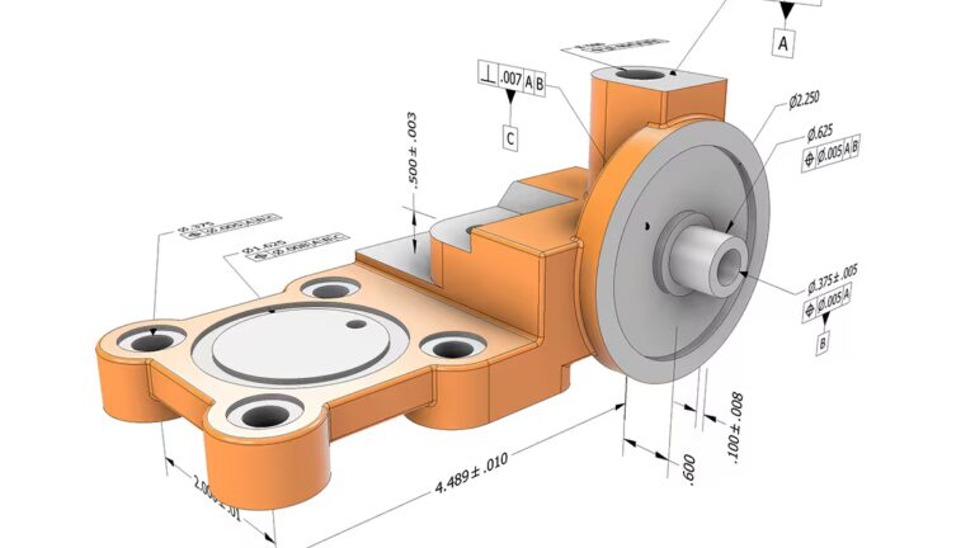
Learn how geometric dimensioning and tolerancing (GD&T) works, where traditional 2D documentation can create challenges, and how Autodesk Inventor’s model-based definition (MBD) tools help connect design intent, manufacturing, and inspection through annotated 3D models. What is GD&T and why does it matter? For more than a century, manufacturers have relied on engineering drawings to communicate…
Autodesk Inventor
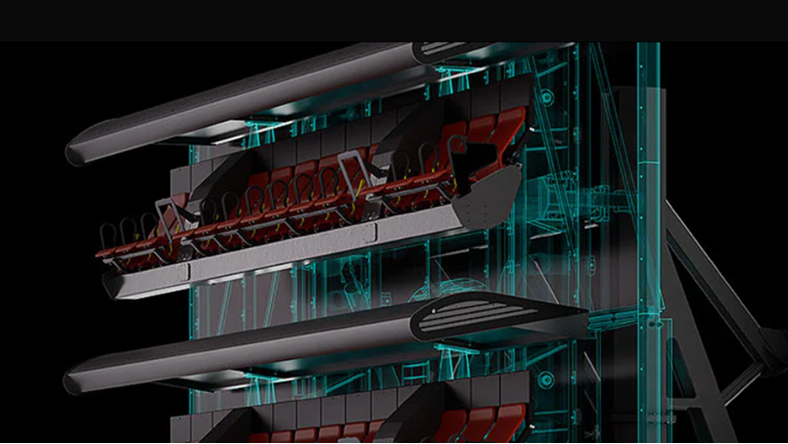
Struggling with large CAD assemblies slowing you down? Learn how to manage complex industrial machinery designs, and why Autodesk Inventor is built for large-scale performance. Designing industrial machinery is one of the most demanding use cases in CAD. Assemblies don’t just grow, they scale. What starts as a manageable model quickly becomes a system of…
Design & Engineering
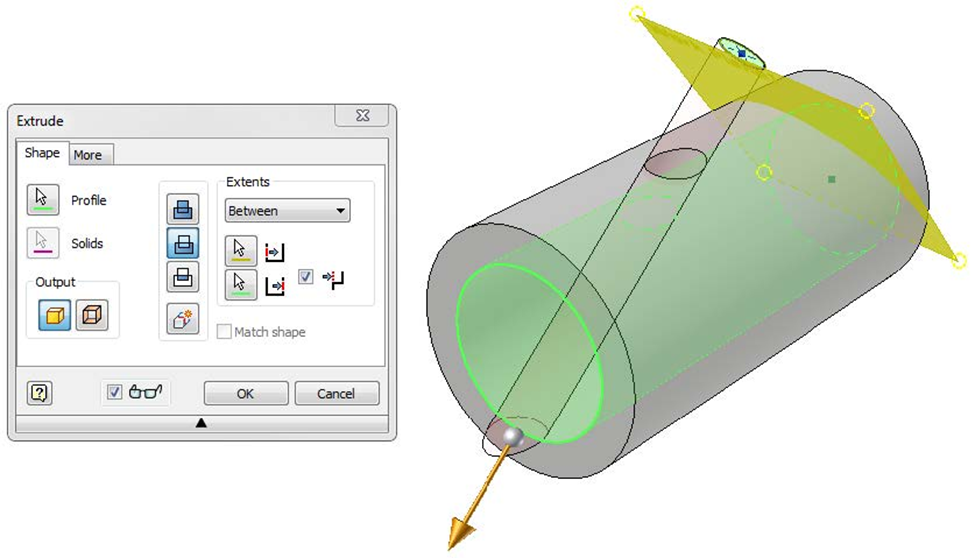
Maintaining design intent in complex parametric assemblies is a challenge that compounds at each revision cycle. This article explores how Autodesk Inventor supports mechanical engineers and designers through structured feature relationships, iLogic-driven automation, and purpose-built tools for creating configurable, reusable components. A mechanical design may look perfect on screen, but it can still fail in…
Autodesk Inventor
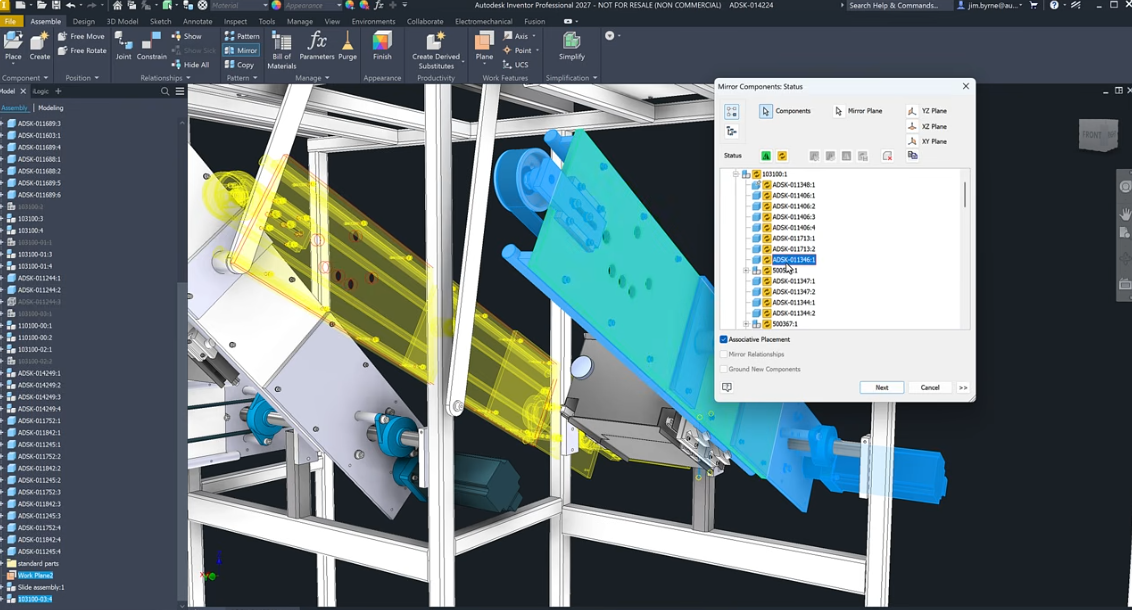
Learn how Autodesk Inventor’s enhanced assembly mirror workflow gives designers more control through associative placement, flexible mirroring options, and design‑intent‑driven workflows. Mirroring components in an assembly is a common task in mechanical design. From left‑ and right‑hand versions of components to symmetrical assemblies, mirroring saves time and helps maintain consistency. But in real‑world workflows, mirroring…
Design & Engineering
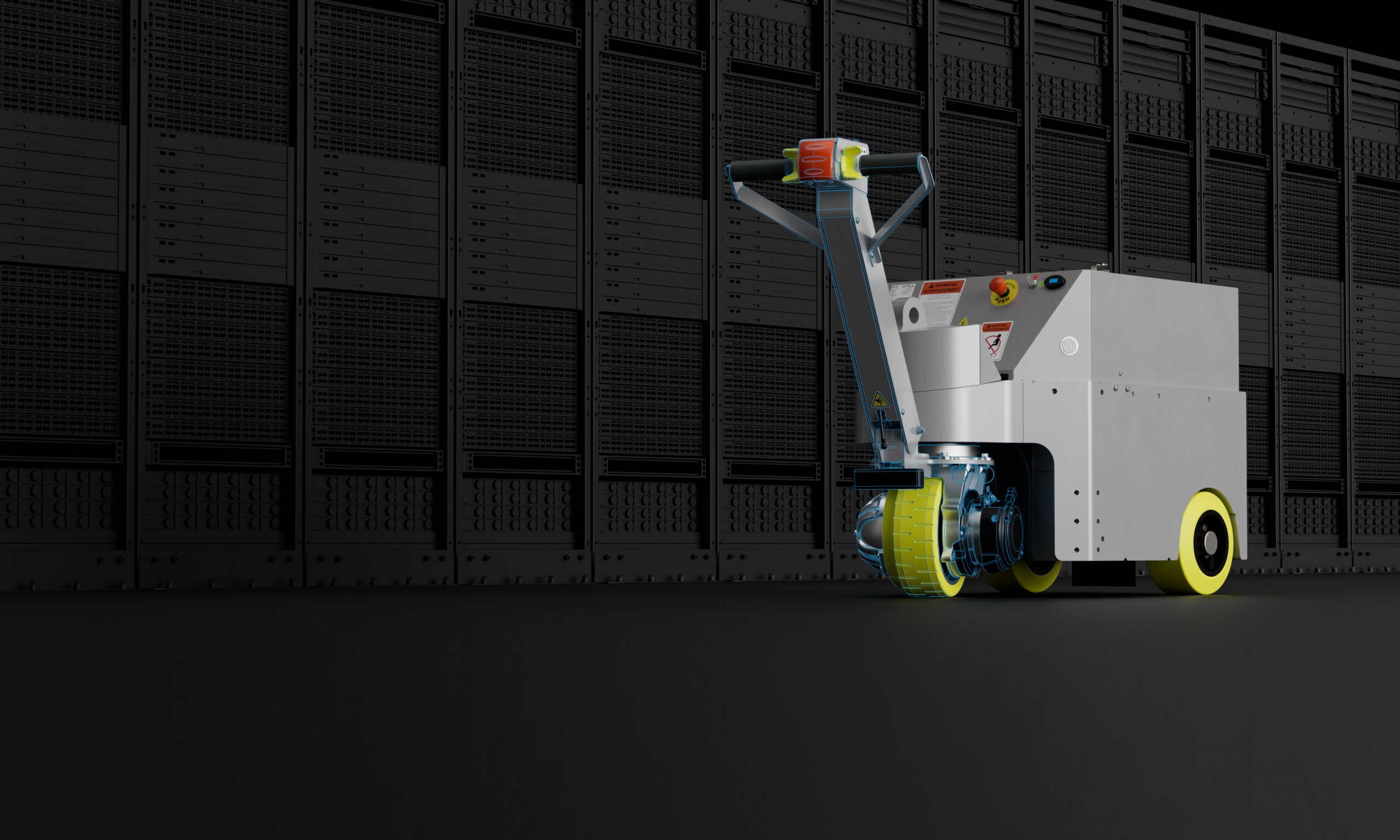
Learn how PHS West scaled design automation and product configuration with Autodesk Inventor, reducing errors and cutting sales drawings from hours to minutes. PHS West, a leading manufacturer of highly configurable medical carts and large-scale data center infrastructure solutions, has built its reputation on quality, customization, and close collaboration with customers. As product complexity and…
Design & Engineering
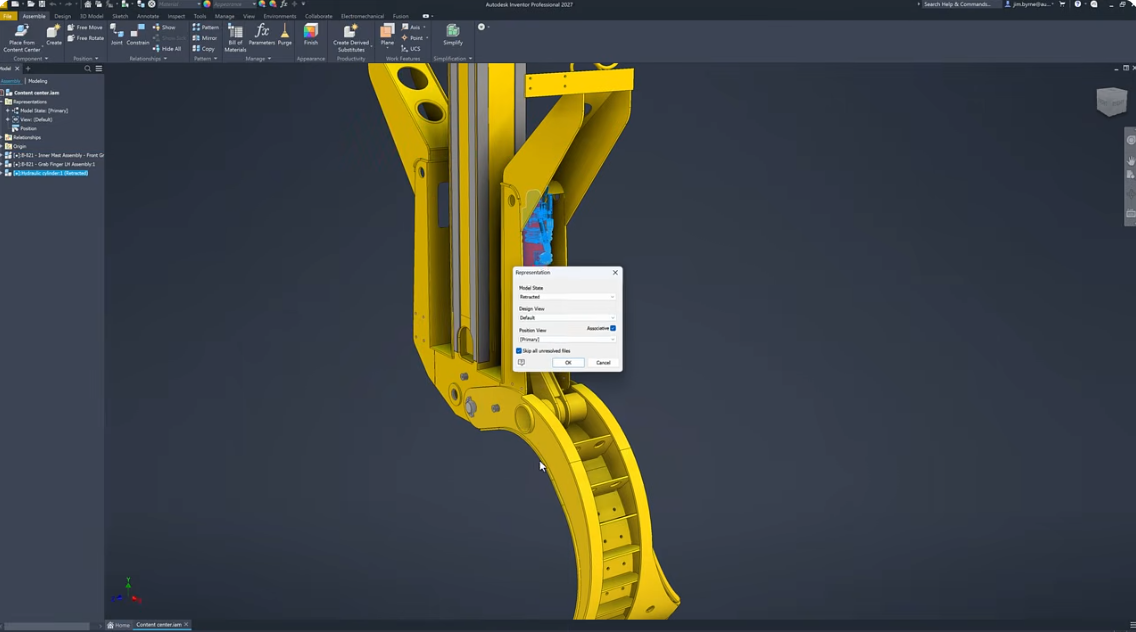
Learn how Autodesk Inventor now supports publishing assemblies to Content Center, making reusable sub‑assemblies easier to standardize, place, and configure across designs. For many Inventor users, Content Center has long been a cornerstone of efficient design workflows. It’s where teams manage and reuse standard components, including fasteners, hardware, and purchased parts, without reinventing the wheel…
Autodesk Inventor
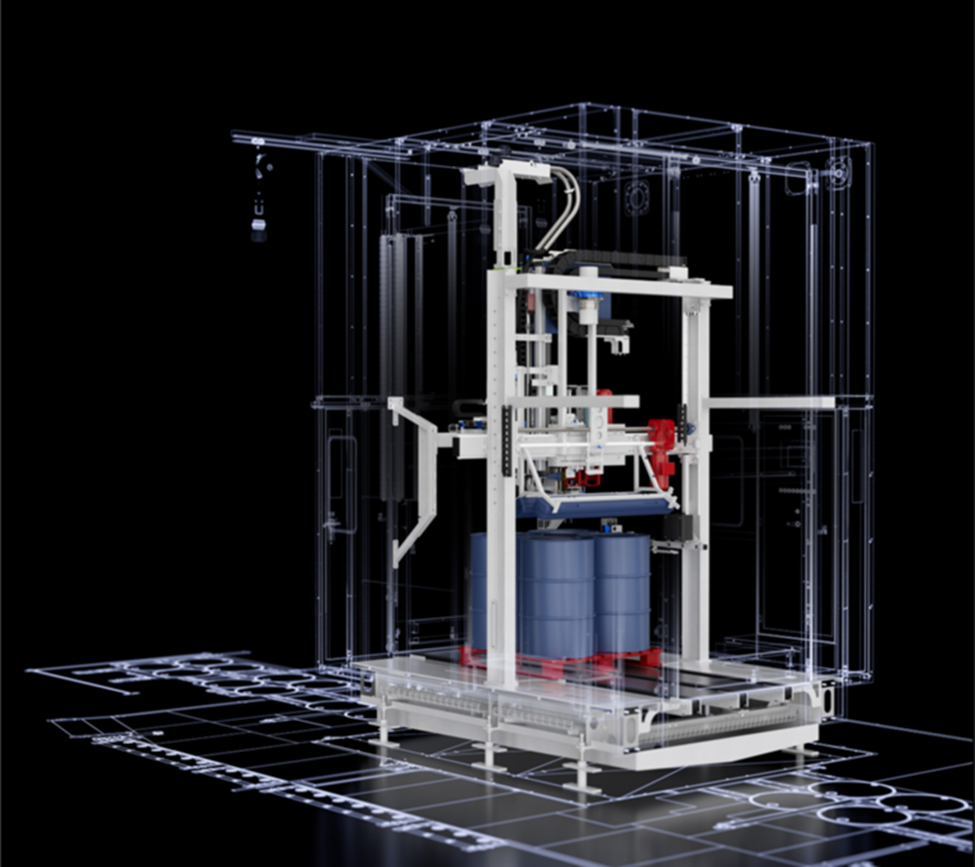
Learn how Autodesk Inventor helps engineers design industrial machinery, automate custom equipment design, manage large assemblies, and accelerate product development. What is industrial machinery design? Industrial machinery design is the process of engineering machines and mechanical systems used in production, manufacturing, and heavy-duty operations. It covers everything from early concept and CAD modeling to simulation,…
Design & Engineering