-
Introducing the Fusion MCP: Opening Fusion to AI-Powered Workflows
Discover how Fusion MCP connects AI tools to Autodesk Fusion, opening new ways to automate, customize, and extend design workflows. People are already using AI tools like Cursor and Claude to think, write, code, and solve problems. Our view is simple: if that is where work is happening, Fusion should be there too. That is…
Fusion
-
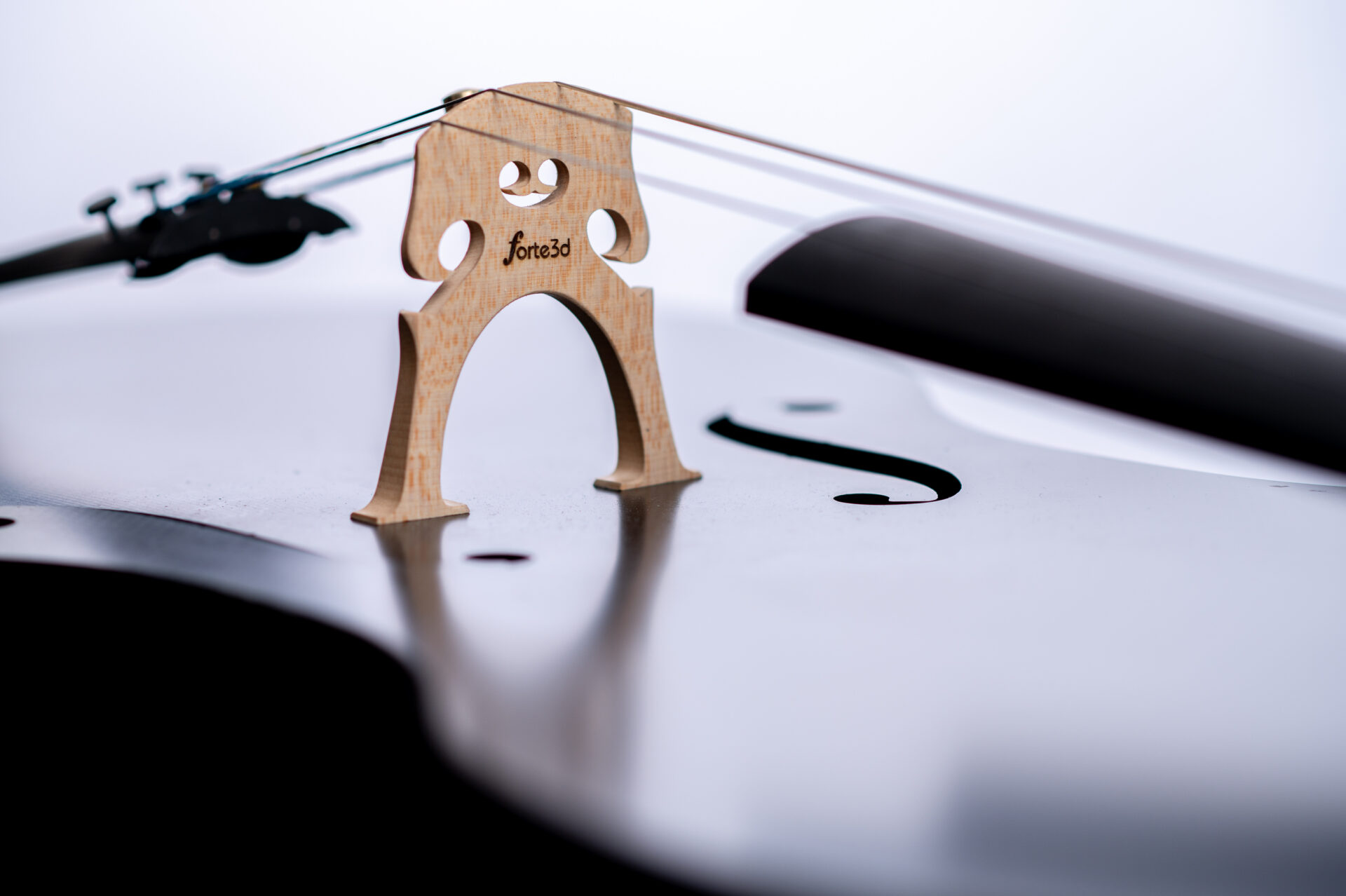
Forte3D Designs World’s First 3D-printed Cello and Makes a Splash on Shark Tank
Forte3D turned a bold idea into a Shark Tank success, receiving a $250,000 investment with their professional-quality, 3D-printed cellos and violins. With Autodesk Fusion, the company took innovative design, rapid prototyping, and 3D printing to reshape the future of string instruments that are more durable, accessible, and better sounding than ever before. When you watch…
Case Studies
-

Do Small Businesses Really Need a PLM System or Can Spreadsheets Still Work?
Do small businesses really need PLM? Learn when spreadsheets stop working—and how Fusion helps growing teams manage product data and change without complexity. For many small businesses, spreadsheets feel like the safest answer to managing product data. They’re familiar and flexible. And when your team is small, they seem “good enough” for tracking parts, changes,…
Fusion
-

Half Motorcycle, Half Car: AEMOTION Designs a New Electric Vehicle with Autodesk Fusion
AEMOTION is redefining urban mobility with a new electric vehicle that blends the agility of a motorcycle with the safety and comfort of a car. Autodesk Fusion played a crucial role in bringing the concept to life with rapid prototyping, complex engineering, and cost-effective development. As a Parisian, Alexandre Lagrange experiences the crush of traffic…
Case Studies
-

Fusion for Manufacturing: Toolpath Automation with Steep and Shallow and Hole Recognition
Next up in this Fusion 360 Machining Extension series is toolpath automation, including steep and shallow and hole recognition tools.
Machining
-
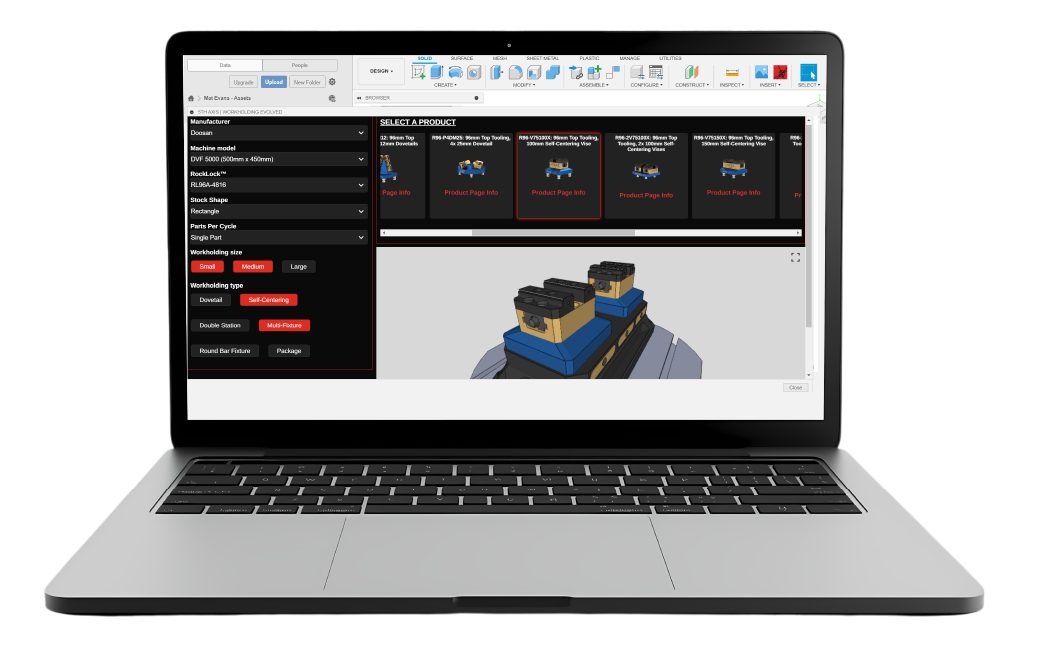
Setup and Buy Your Workholding with the 5th Axis Workholding Intelligence Add-In for Fusion
Optimize CNC setupwith machine‑aware workholding in Fusion. The 5th Axis Workholding Intelligence Add‑In helps small shops save time and standardize proven setups. For shop owners and operators, time on the machine is what drives revenue, but time spent configuring setups, sourcing workholding, and validating designs can quietly eat into margins. What if those steps were faster,…
Manufacturing
-
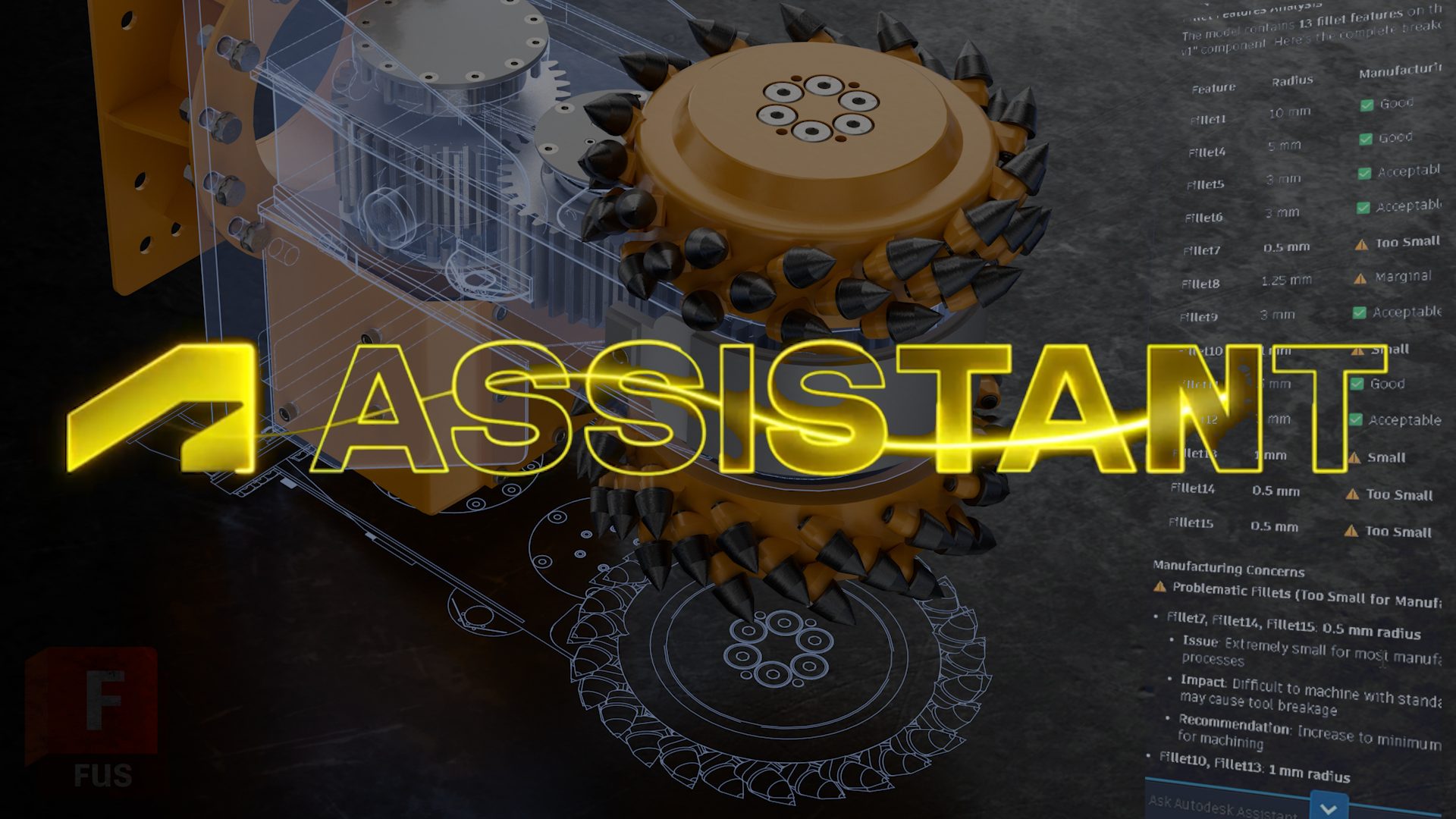
Autodesk Assistant Script Execute Update
Autodesk Assistant now executes Fusion API scripts in your workflow, helping you automate repetitive tasks just by describing what you want. When we introduced Autodesk Assistant in Fusion, the vision was simple: an AI that doesn’t just answer questions, but actually helps you get work done inside your tools. This release takes a significant step toward that. Autodesk Assistant can…
Fusion
-
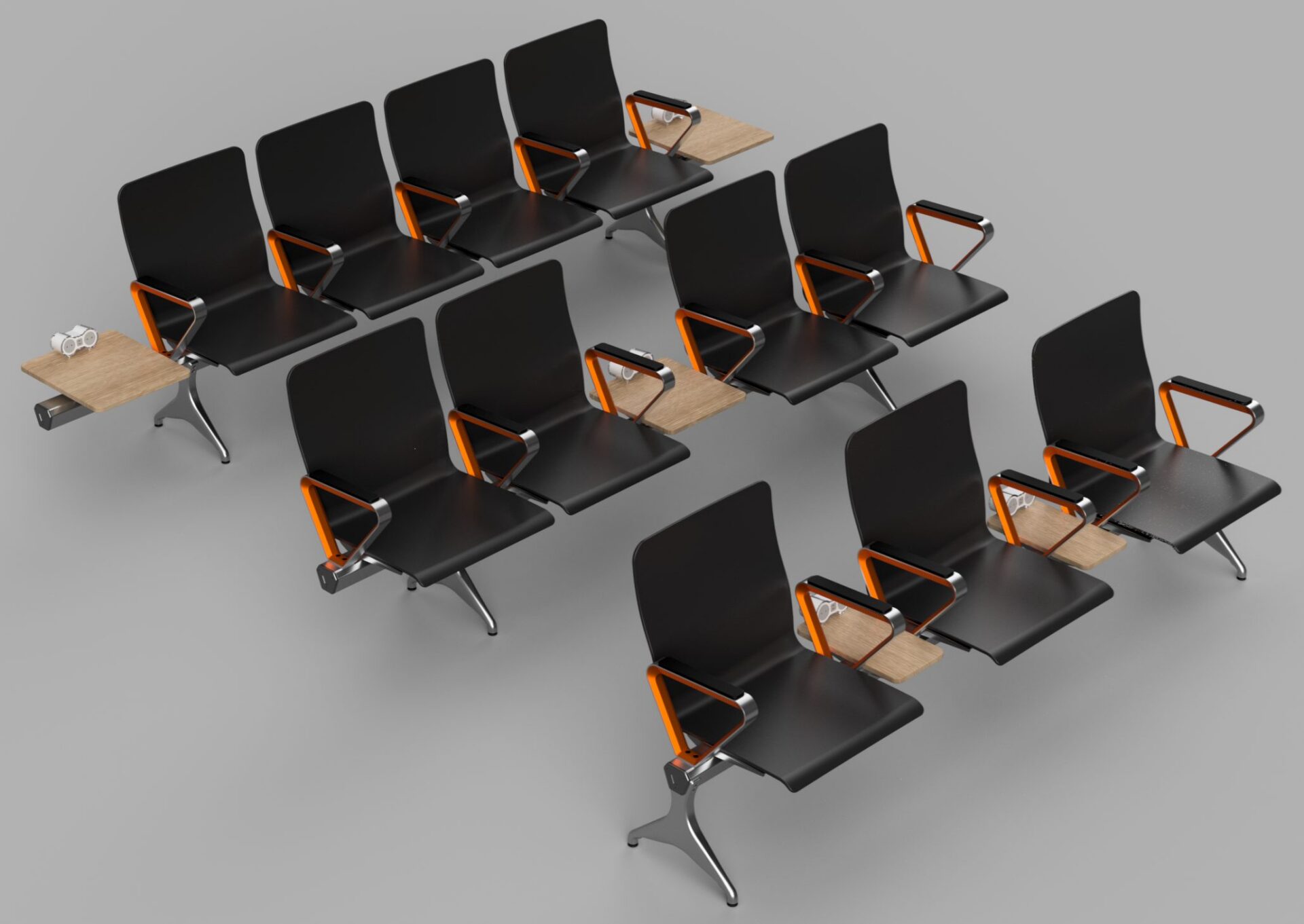
Introducing Configuration Rules in Autodesk Fusion
Configuration rules in Fusion let you define logic that controls parameters, options, and features, ensuring every configuration stays valid, consistent, and ready for manufacturing. Fusion now includes configuration rules, letting you define logic that drives and constrains values in a configured design. Configuration rules automate how design options work together, helping ensure outputs remain valid…
Fusion
-

Engineering Change Management for Everyone with Autodesk Fusion
Learn what engineering change management is, why it matters, and how Autodesk Fusion helps teams manage design changes with speed, clarity, and control. Engineering change management doesn’t have to be complicated or reserved for large enterprises. At its core, it’s simply the process of controlling, communicating, and tracking design changes so teams can move forward…
Data management
-
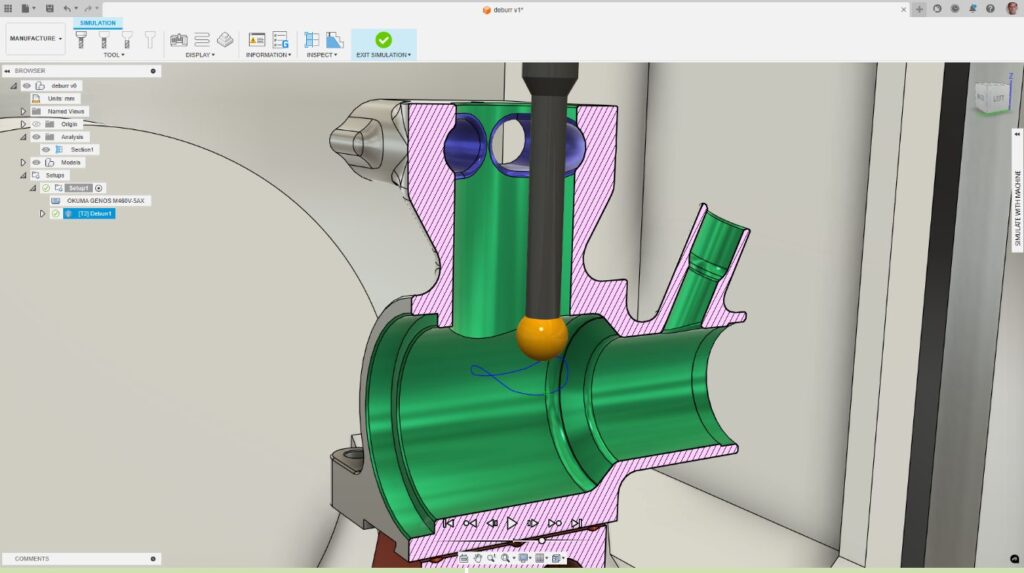
CNC Deburring: How Autodesk Fusion for Manufacturing Eliminates Manual Finishing Bottlenecks
Learn how CNC deburring in Autodesk Fusion for Manufacturing replaces manual finishing with programmable, consistent deburr toolpaths. A part is complete when the last toolpath runs. Burrs, small, sharp imperfections left behind after cutting, can compromise fit, function, safety, and surface quality. For many manufacturers, deburring remains one of the most time‑consuming and inconsistent steps…
Advanced Manufacturing
-
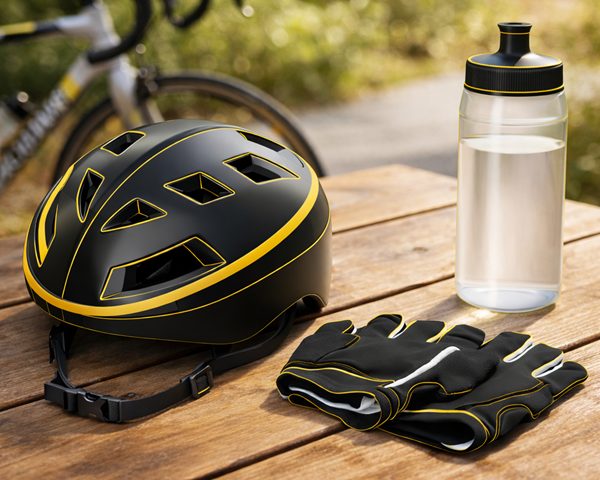
What AI‑Assisted Rendering in Fusion Means for Modern Design Workflows
Learn how AI‑assisted rendering in Fusion brings visualization into the flow of design, using natural language, embedded AI, and scalable cloud platforms to accelerate iteration. AI rendering is beginning to change how designers visualize and iterate on concepts, removing friction between idea, model, and presentation. AI‑assisted rendering in Fusion that lets users generate visual renderings…
Product Design & Engineering
-
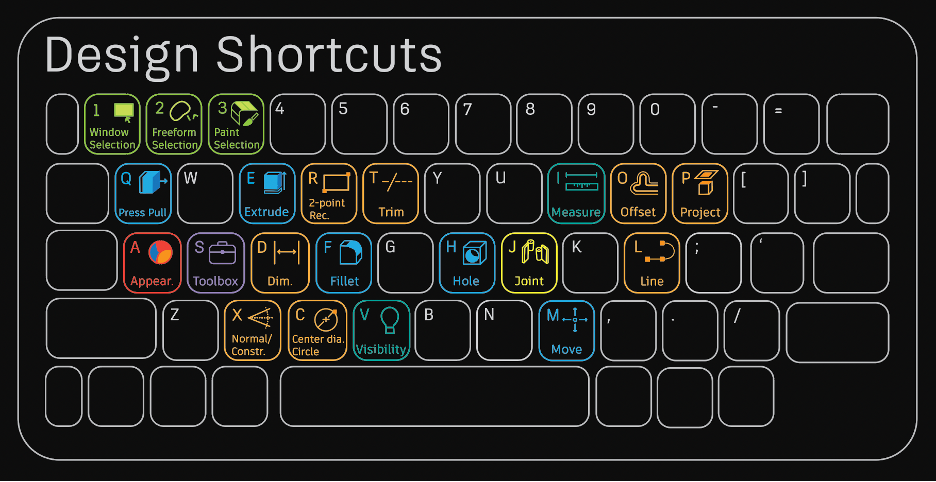
15+ Essential Fusion Shortcuts and Their Modeling Commands
Once you master this list of beginner Fusion 360 modeling commands, you'll be well on your way to becoming an expert.
Getting Started
-
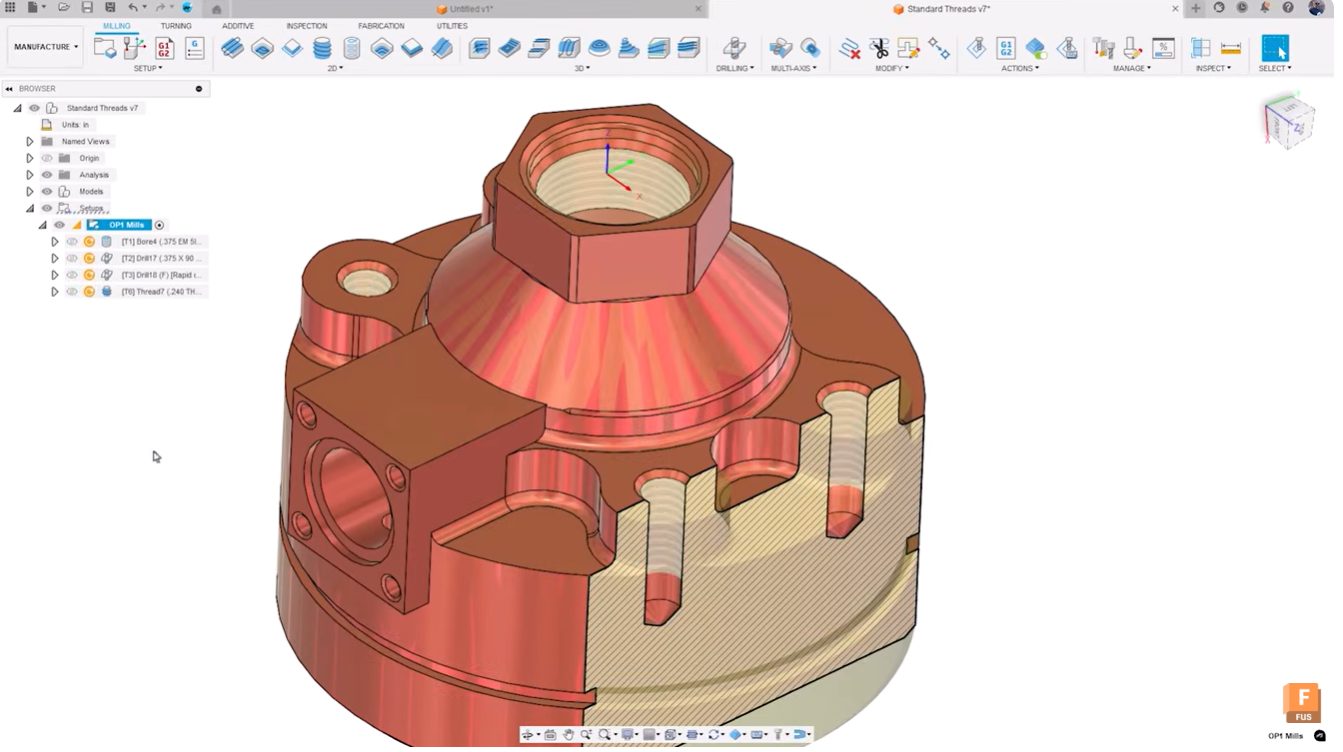
Top 5 New Autodesk Fusion Features for Smarter Workflows [April 2026]
Autodesk Fusion’s April 2026 update delivers workflow‑driven improvements for electronics, configurable designs, and advanced manufacturing teams. The April 2026 update to Autodesk Fusion delivers five major feature enhancements designed to streamline complex workflows, reduce manual setup time, and strengthen the connection between design and manufacturing. These updates address real pain points reported by users working…
Fusion
-
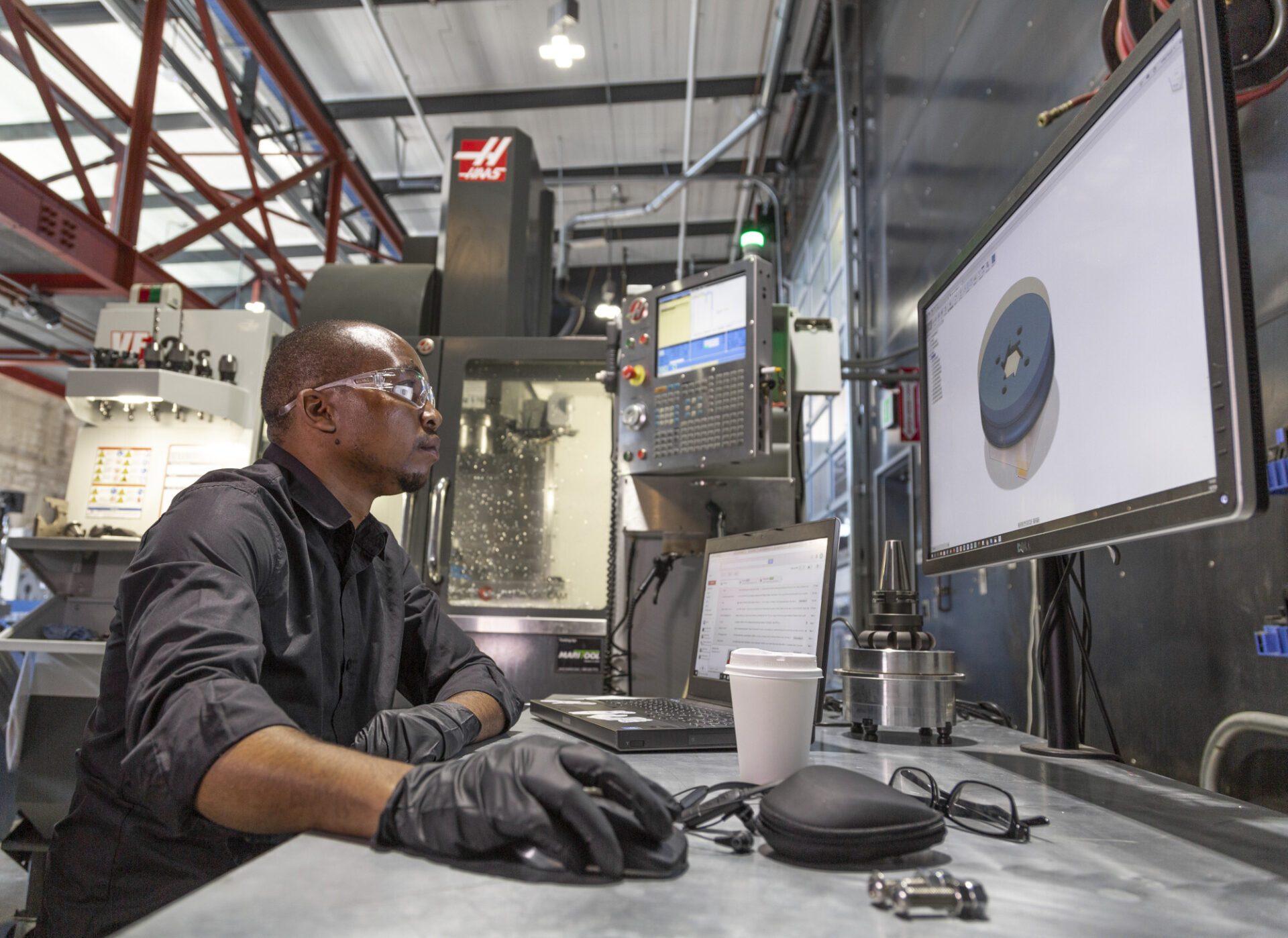
Autodesk Fusion Manufacturing Fundamentals: From Design to Production—Without Switching Tools
This guide highlights tools to master, best practices, and things to be aware of as you get up to speed with manufacturing in Fusion 360.
Getting Started
-
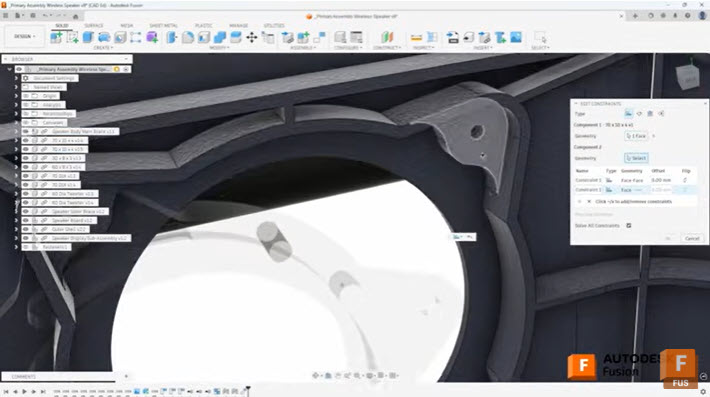
Efficient Assembly Design with Joints and Constraints in Autodesk Fusion
Learn when to use joints and constraints in Autodesk Fusion to build efficient assemblies, control motion, and manage complex component relationships. When building assemblies in Autodesk Fusion, understanding how to effectively position and relate components is fundamental to creating efficient, well-structured designs. Two primary methods exist for establishing these relationships: the Joint command and the…
Tutorials