 James Krenisky
This article explores how consumer products teams apply design for manufacturability (DFM) to protect tooling investments and avoid late-stage rework. It examines the real costs of discovering manufacturability issues after design freeze and explains how Autodesk Fusion helps engineers incorporate DFM thinking from the earliest stages of development.

Elevate your design and manufacturing processes with Autodesk Fusion
For many designers, a nightmare scenario involves having to change designs after their manufacturer has already cut tools. The associated costs, delays, and logistical efforts are enough to derail projects and threaten companies completely.
In practice, most rework in consumer products traces back to geometry, tolerance, and assembly issues that designers don’t catch until too late. With a strong design for manufacturability (DFM) approach from the onset, teams can better position themselves to avoid these problems. With Autodesk Fusion, teams can more easily embrace DFM in their natural design workflow without adding complexity or extra work.
When manufacturability issues surface too late
Consumer products teams often contend with tight timelines and tight margins. By the time a product reaches tooling, teams expect the design to be locked. At that stage, any manufacturability problem carries a disproportionate cost to fix. For this reason, a strong design approach is one that integrates manufacturability considerations from the beginning.
One challenge is that costs can inflate when engineers over-specify tolerances on non-critical features. Such overengineering could increase machining time, scrap rates, and inspection overhead without improving product performance. A tolerance that looks conservative on paper may require a specialty tooling operation that adds several days to a production run.
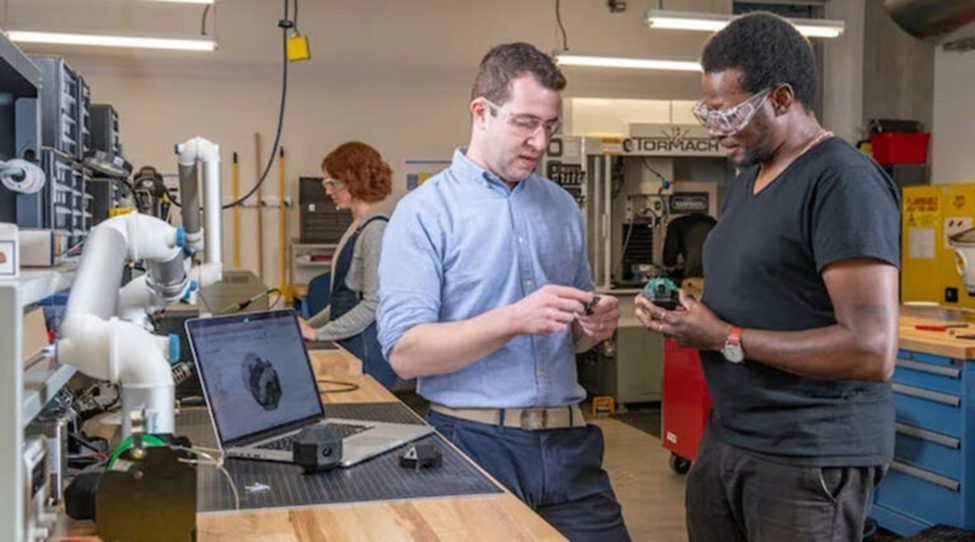
Similarly, engineers need to be aware of other part design features that may require additional tooling. Features such as deep pockets, thin walls, and sharp internal corners often require additional machine setups or specialty cutters. For injection-molded consumer parts, undercuts that engineers miss during design review could require side actions or lifters in the tool, adding additional cost and lead time.
However, the deepest source of tooling risk is organizational. When design and manufacturing teams work from separate data streams, manufacturability issues often go untested until the design is too far along to change inexpensively. Regular DFM reviews can resolve this, though they only work when all stakeholders access the same current design. The best way to facilitate DFM is to store production constraints within the design environment from the earliest stages, rather than adding them as a downstream handoff.
How Autodesk Fusion embeds DFM in the design process
In sum, most manufacturing failures stem from making manufacturability decisions too late in the process. Autodesk Fusion helps teams be more proactive with DFM by combining CAD, CAM, and simulation in a single environment. With powerful design tools and meaningful product management data, Fusion helps engineers evaluate production constraints before finalizing designs.
The biggest benefit of Fusion’s CAD/CAM integration is to make manufacturing risks visible early. Designers working in Fusion can move directly between design and manufacturing workspaces without exporting geometry or rebuilding models in separate software. When part geometry changes, teams can see toolpath implications immediately, allowing them to fix draft angles and wall thickness before tooling locks those decisions in.
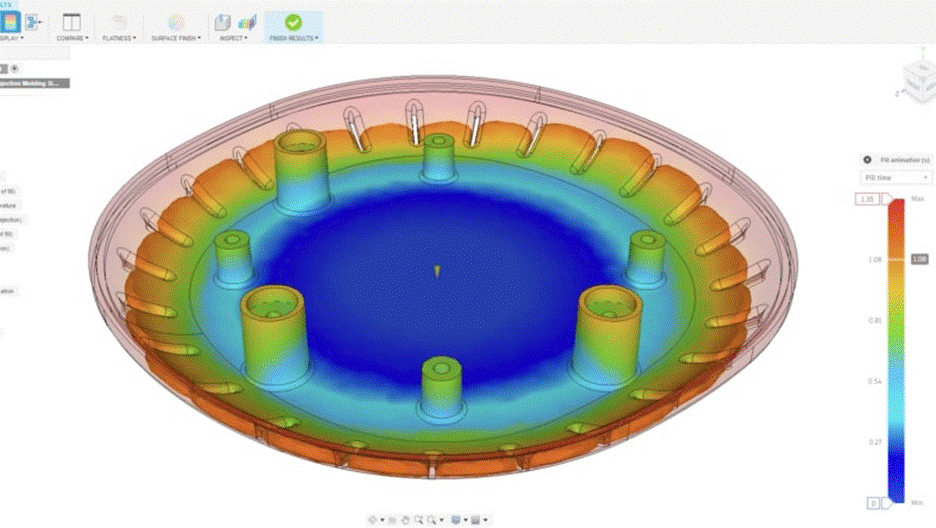
Fusion’s simulation workspace also helps teams catch manufacturability issues before tooling. With the Fusion Simulation Extension, designers can run static stress analysis and thermal simulations in the same environment they use for modeling. Meanwhile, features like dynamic motion studies help teams assess how designs respond to movement and load.
Because Autodesk designed Fusion to be a cloud-based data management platform, teams always have access to the latest design and can flag concerns in context. Quality teams and suppliers can conduct DFM reviews knowing they are looking at the current geometry. When all stakeholders work from a single source of truth, teams can resolve manufacturability questions while the design is still open to change.
Building products that hold up in production
Most teams can’t afford the time and financial costs that come with tooling revisions. To avoid these scenarios, teams need to consider manufacturability from the outset. With Autodesk Fusion, consumer products teams can more easily integrate DFM into every stage of their development and ensure their designs are production-ready before tooling begins.