
Autodesk Assistant has become one of the most useful tools in Fusion because it helps automate the small, repetitive tasks that slow down everyday work. Across design, manufacturing prep, sheet metal, and electronics, the workflow is simple: describe what you need in plain language, then let Assistant handle the tedious part. We pulled together eight…
Fusion
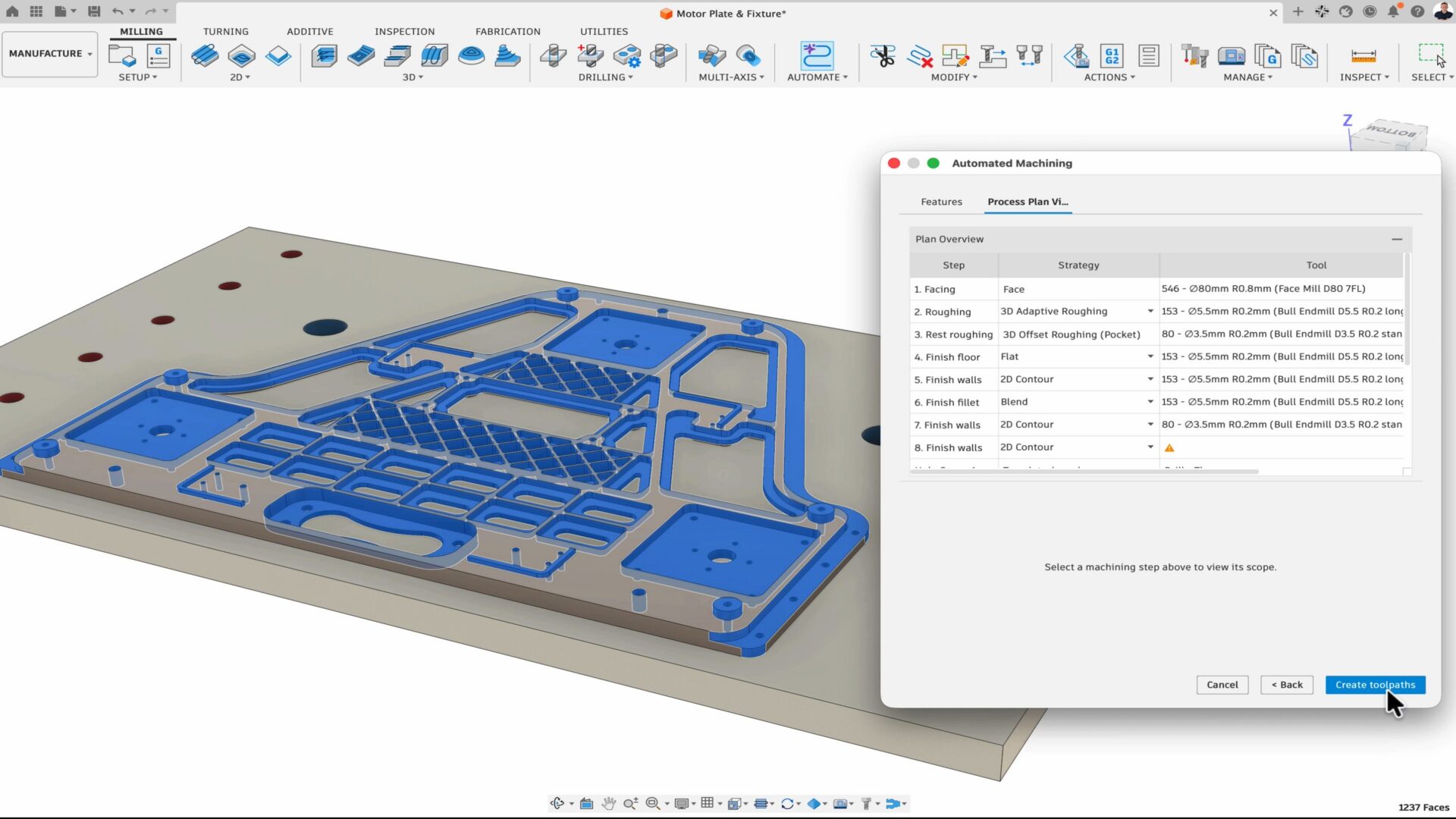
At AU 26, new Fusion announcements point to a more connected, automated way for teams to get more work done with the people, tools, and processes they already trust. Many manufacturers have already moved beyond experimentation and have started adopting AI and automation tools in their daily workflows. But even as interest turns into adoption,…
News

Discover five powerful updates in Autodesk Fusion that help designers, engineers, and manufacturers work more efficiently. See how the September 2026 release streamlines modeling, sheet metal design, CNC programming, and model-based manufacturing workflows. Every product team feels the pressure to move faster without sacrificing quality. Yet too much time is often lost to disconnected tools,…
What's New
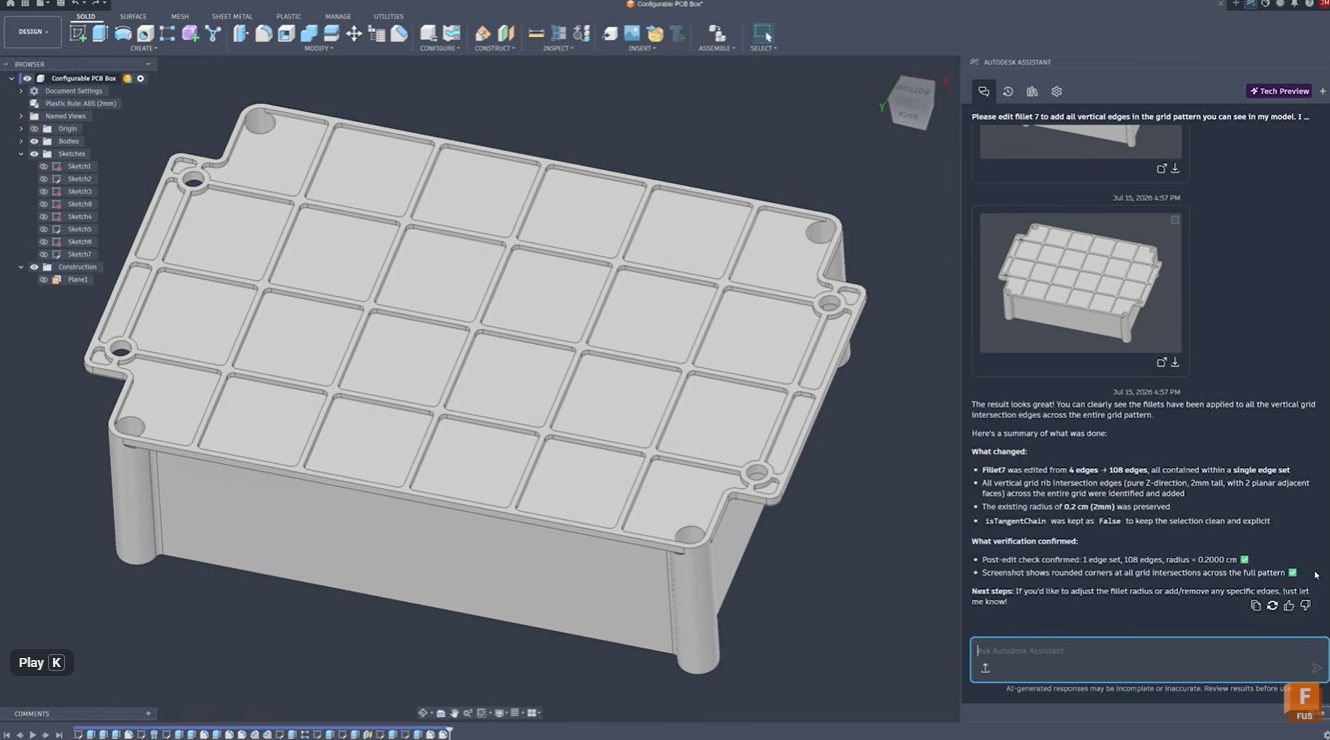
Learn how Autodesk Assistant helps automate fillet selection in Autodesk Fusion by recognizing repetitive geometry patterns, reducing manual work, improving accuracy, and keeping design timelines clean. Stop clicking every edge: Automate fillet selection with Autodesk Assistant Whether you’re designing injection-molded parts, lattice structures, housings, or complex mechanical components, selecting dozens or hundreds of similar edges…
Product Design & Engineering
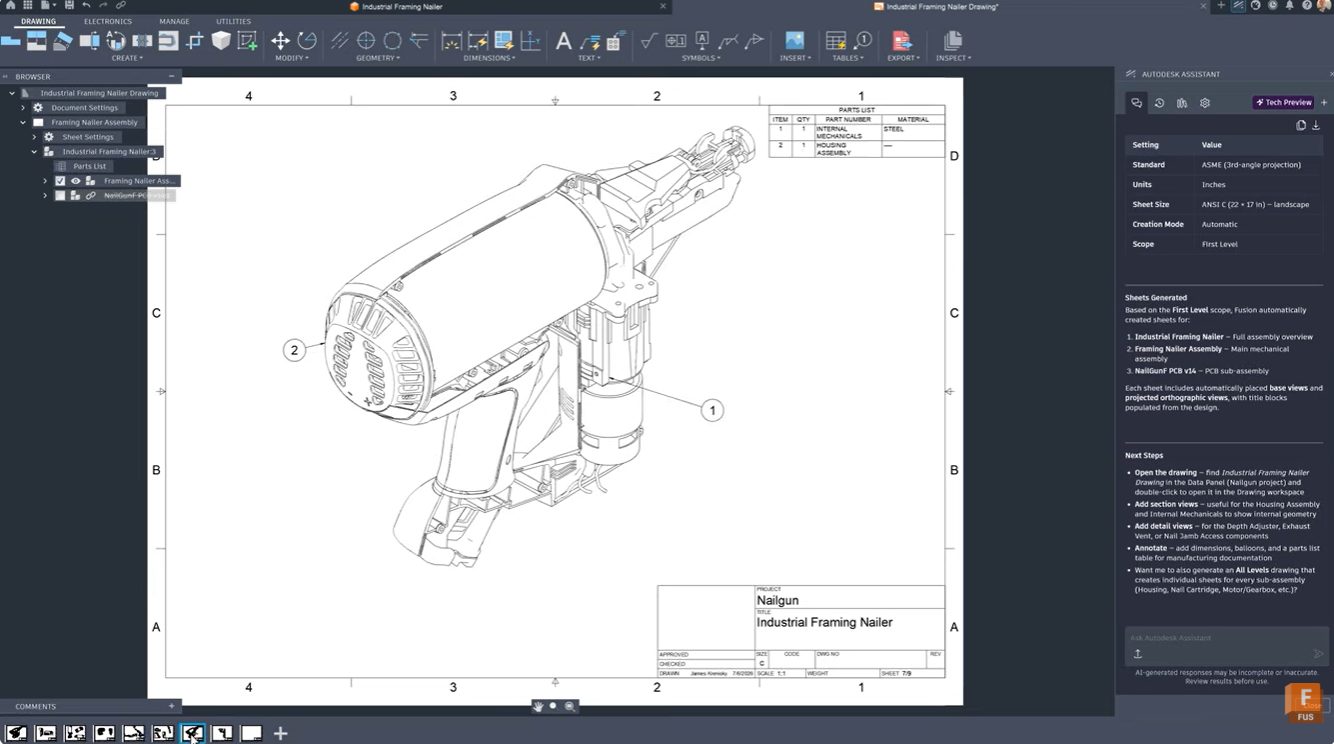
Learn how Autodesk Assistant in Fusion helps automate drawing creation, view placement, and dimensioning, reducing documentation time and helping teams create professional technical drawings faster. For many engineers and product designers, generating manufacturing drawings is one of the most time-consuming parts of the workflow. Selecting templates, configuring standards, placing views, and adding dimensions can take…
Product Design & Engineering
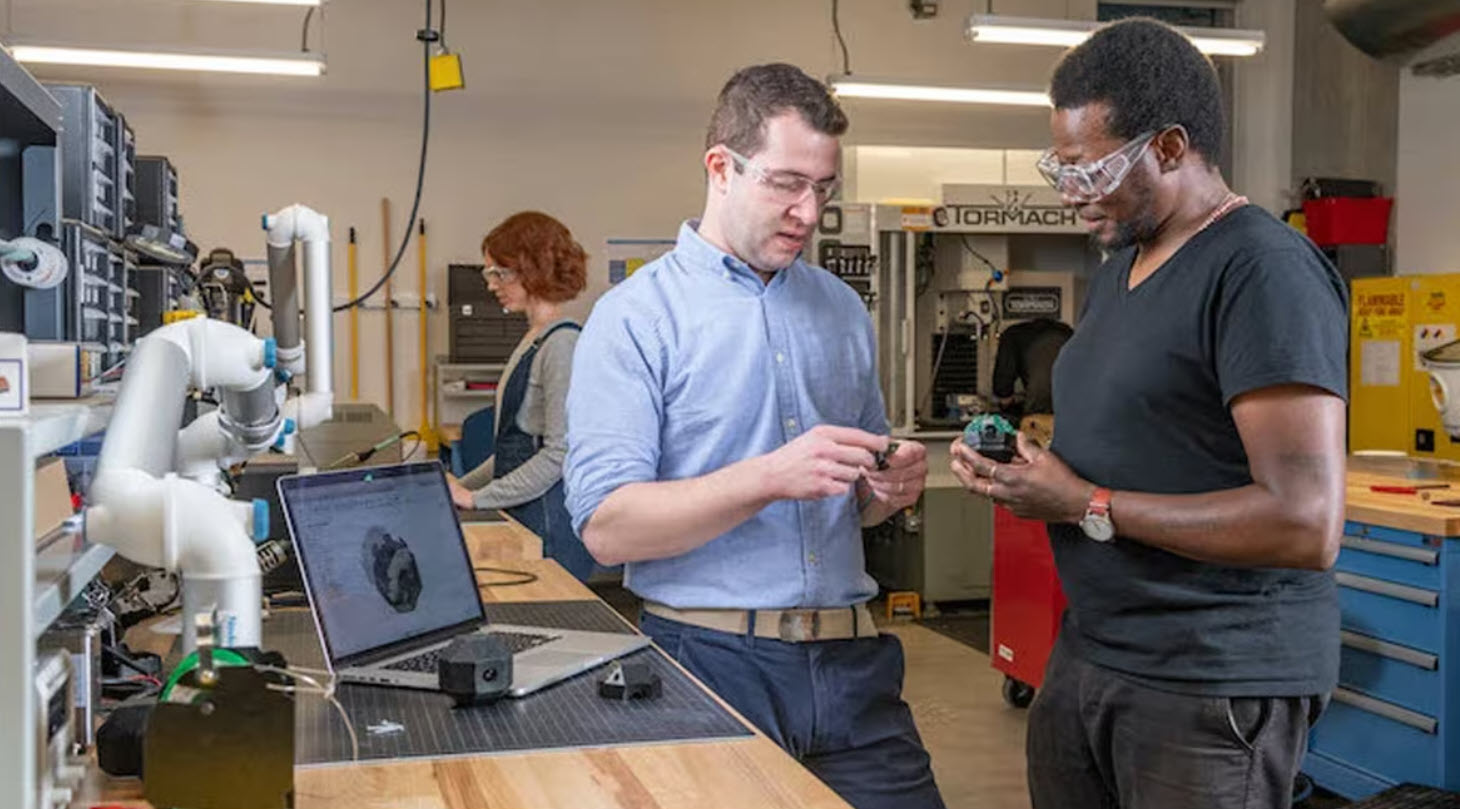
Learn how Fusion supports design for manufacturability by connecting CAD and manufacturing workflows, helping teams optimize machining, reduce cycle times, and move from design to production faster. Designing a great part is only half the challenge. The real test comes when that part reaches the shop floor. A design that looks perfect on screen can…
Manufacturing
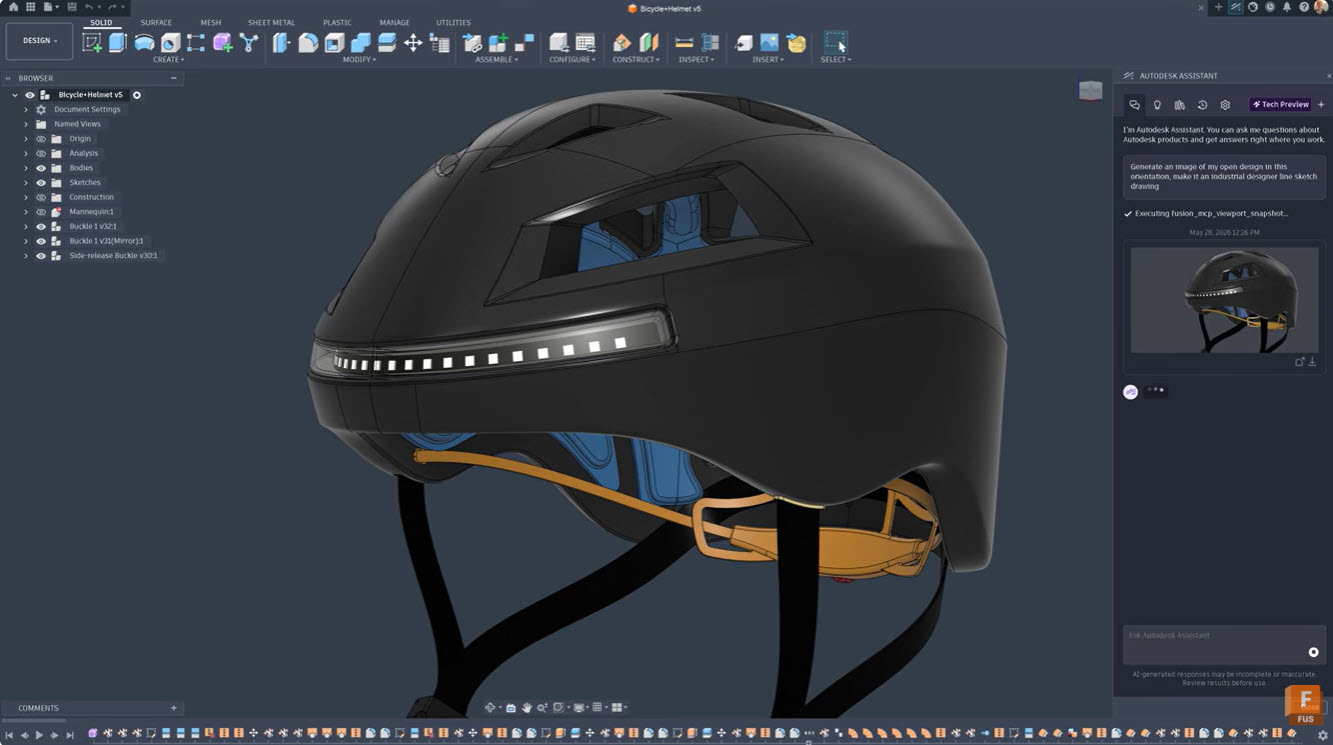
Discover how designers are using AI to explore more concepts, accelerate product development, and bring better products to market faster. Learn how Autodesk Fusion helps teams innovate with AI-powered workflows. Product designers have never struggled with ideas. They’ve always struggled with time. Every project begins with possibilities. One sketch becomes five. Five concepts become twenty…
Product Design & Engineering

Choosing the right kitchen cabinet design software matters. Let’s take a look at what professionals use, from entry-level tools to full parametric CAD, and why Autodesk Fusion is the top solution. If you’ve spent time designing kitchen cabinets, you already know that the software you choose shapes everything downstream, including how fast you work, how…
Industrial Design
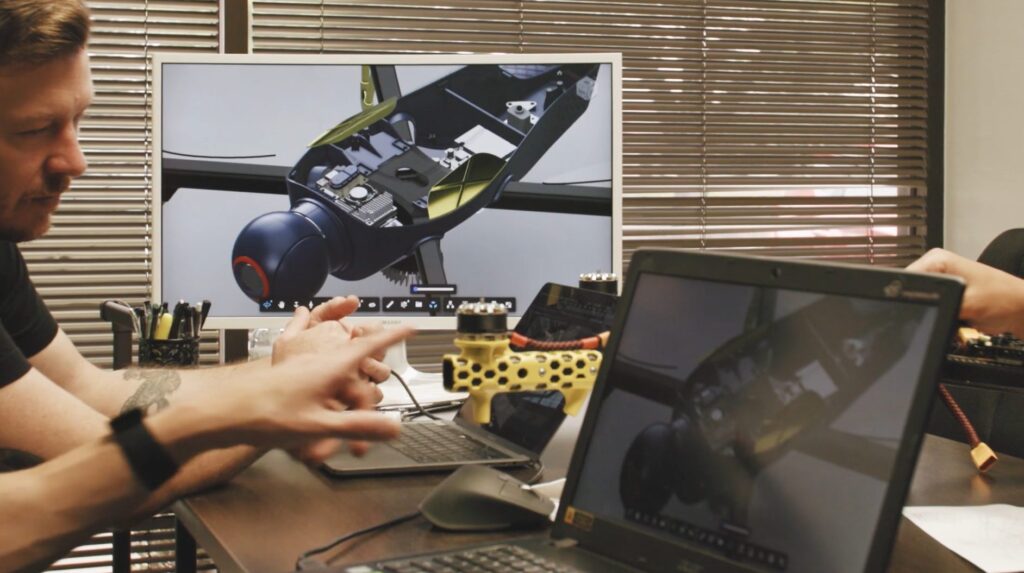
Design for Manufacturing (DFM) helps teams reduce costs, improve quality, and scale production by aligning design decisions with real-world manufacturing processes. Learn how it works. Most product failures don’t happen because of bad ideas. They happen because designs don’t translate cleanly into production. A part may look perfect in CAD but be difficult to machine.…
Manufacturing
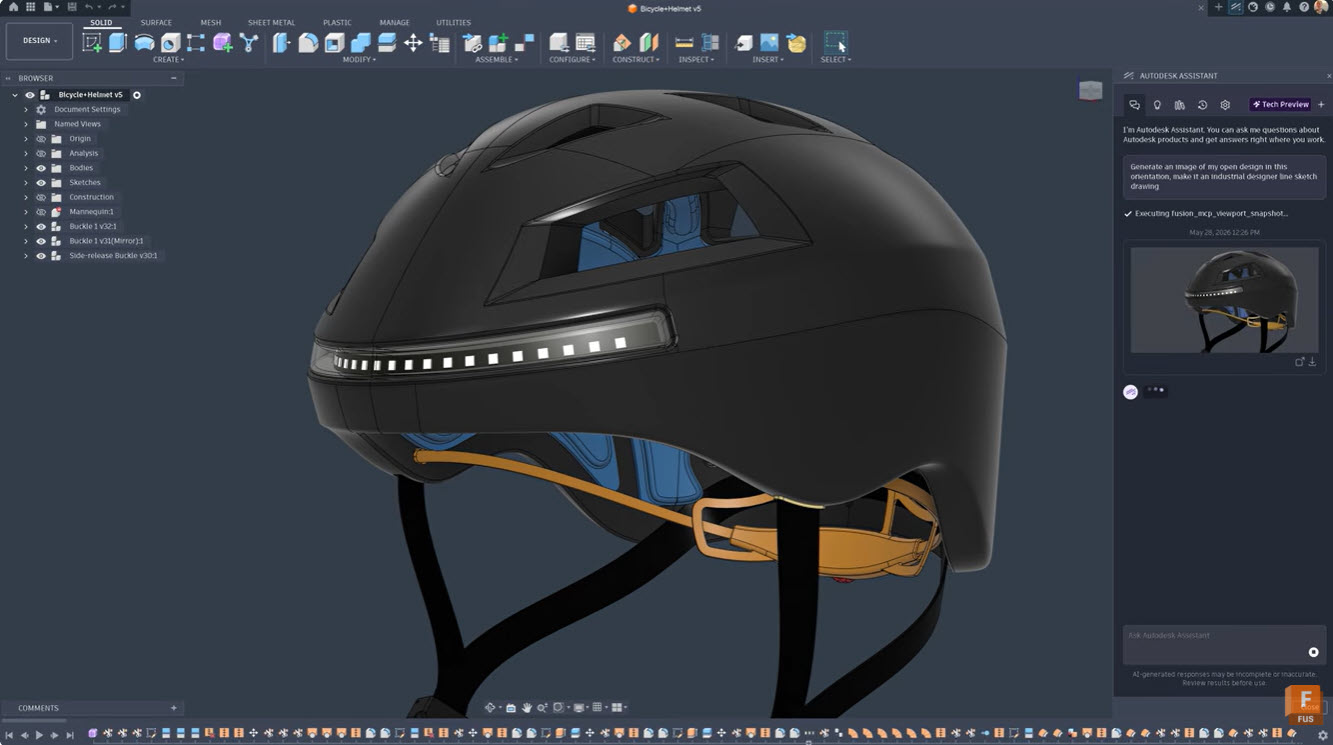
Learn how Autodesk Assistant in Fusion uses AI and natural language prompts to automate tasks, create add-ins, generate drawings, and streamline design and manufacturing workflows. Autodesk Assistant is transforming how designers and engineers work in Fusion by bringing AI capabilities directly into your workflow. This intelligent tool understands plain language commands and can handle everything…
Tutorials
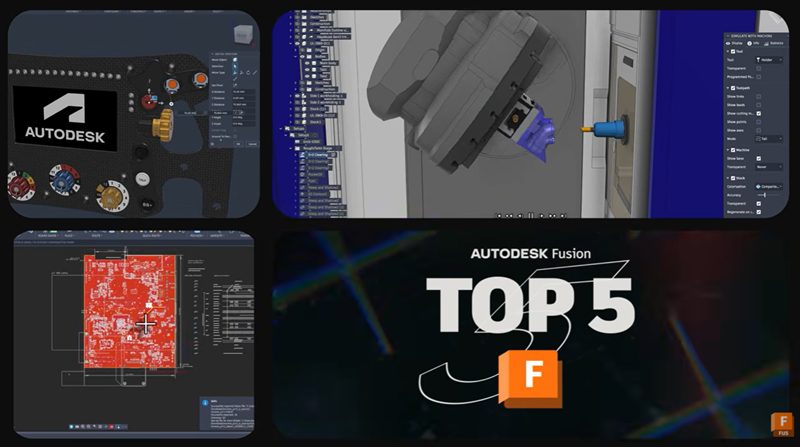
Explore the top highlights in the July 2026 Fusion update, including on-demand configurations, CAM enhancements, component reuse, and Altium import. The July 2026 Autodesk Fusion update is focused on a simple goal: helping product development teams spend less time managing complexity and more time delivering products. This release introduces new capabilities across design, manufacturing, electronics,…
What's New

Learn about the new Fusion Data MCP Server that connects AI tools to Fusion project data so teams can manage permissions, folders, and project structure through natural language.
Fusion
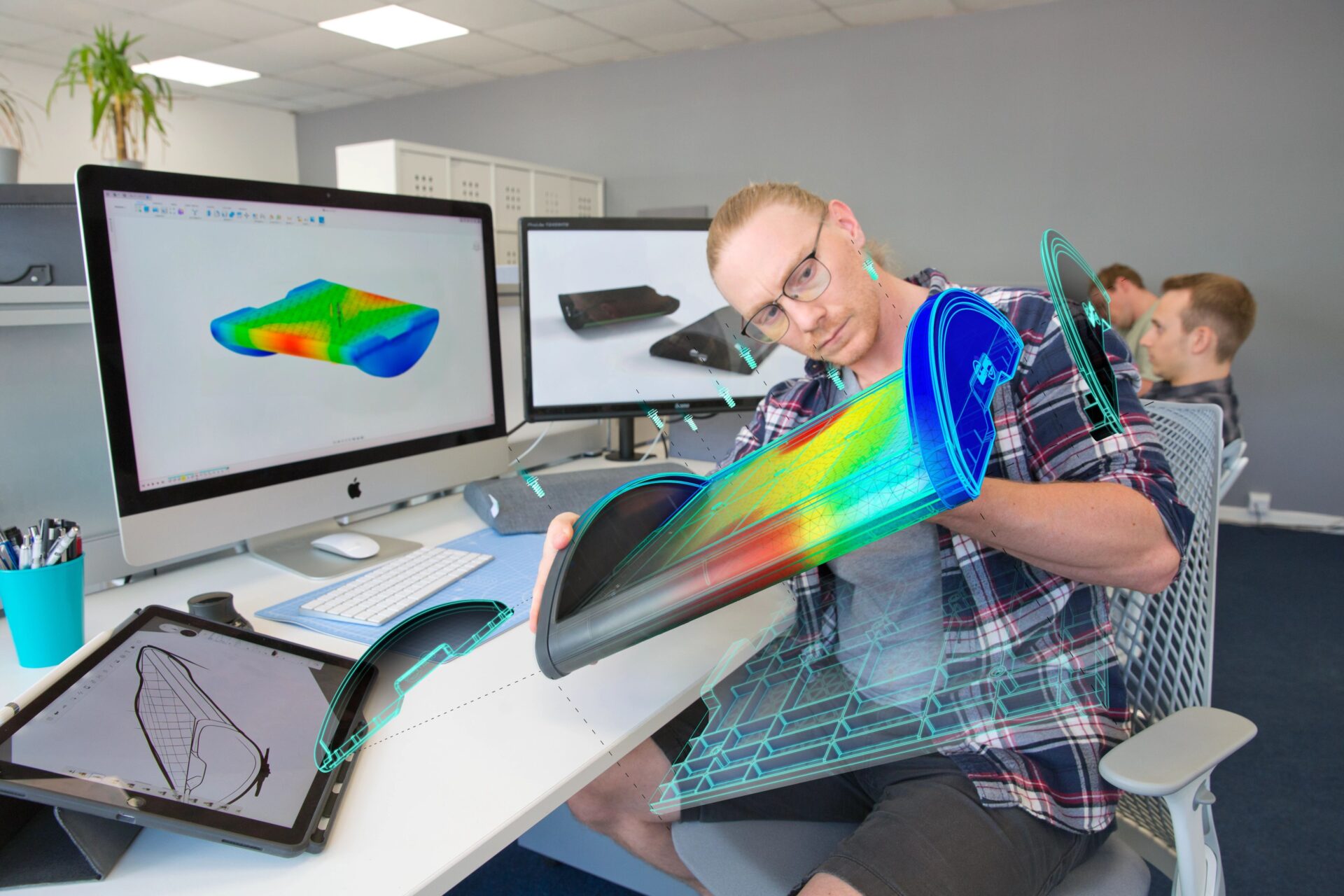
Are you curious about Fusion 360 vs. SolidWorks? This migration guide will be the key to your success.
Getting Started
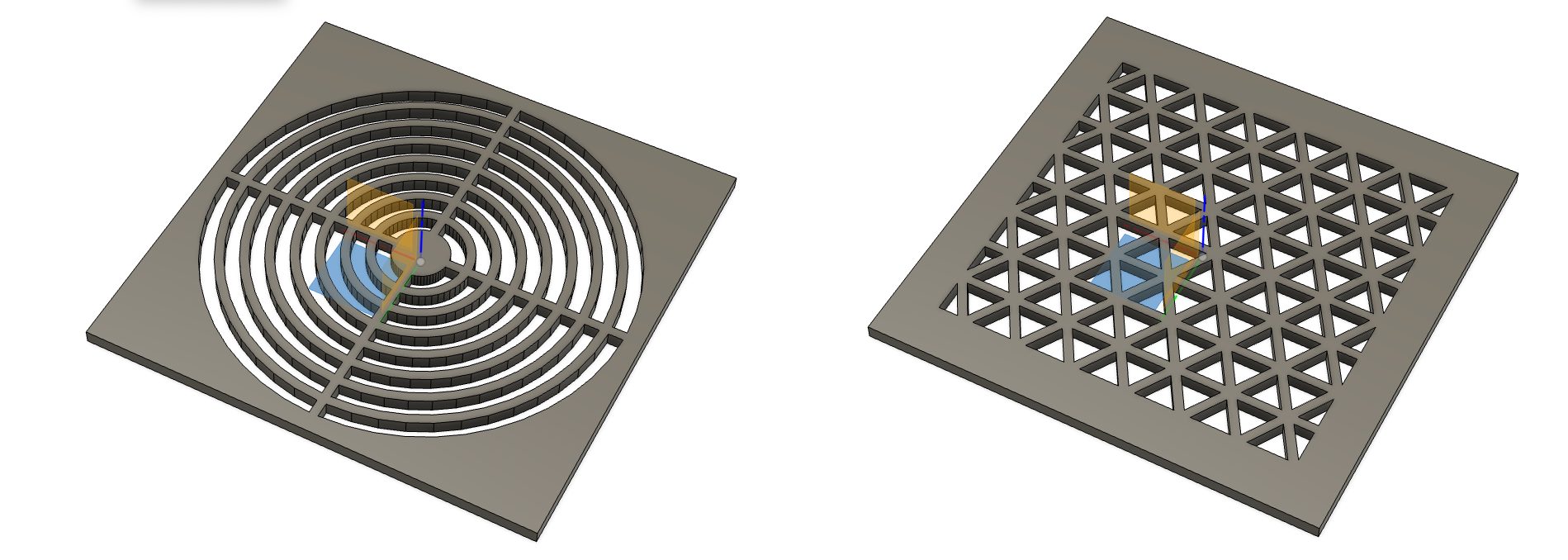
Build a Fusion add-in without coding using AI agents. Learn how the Fusion MCP connects tools like Claude and Cursor to automate workflows, test scripts, and accelerate add-in development. The Claude Desktop connector for Fusion arrived alongside something just as monumentus official MCP’s for Fusion. Any tool that supports the Model Context Protocol can now…
Fusion
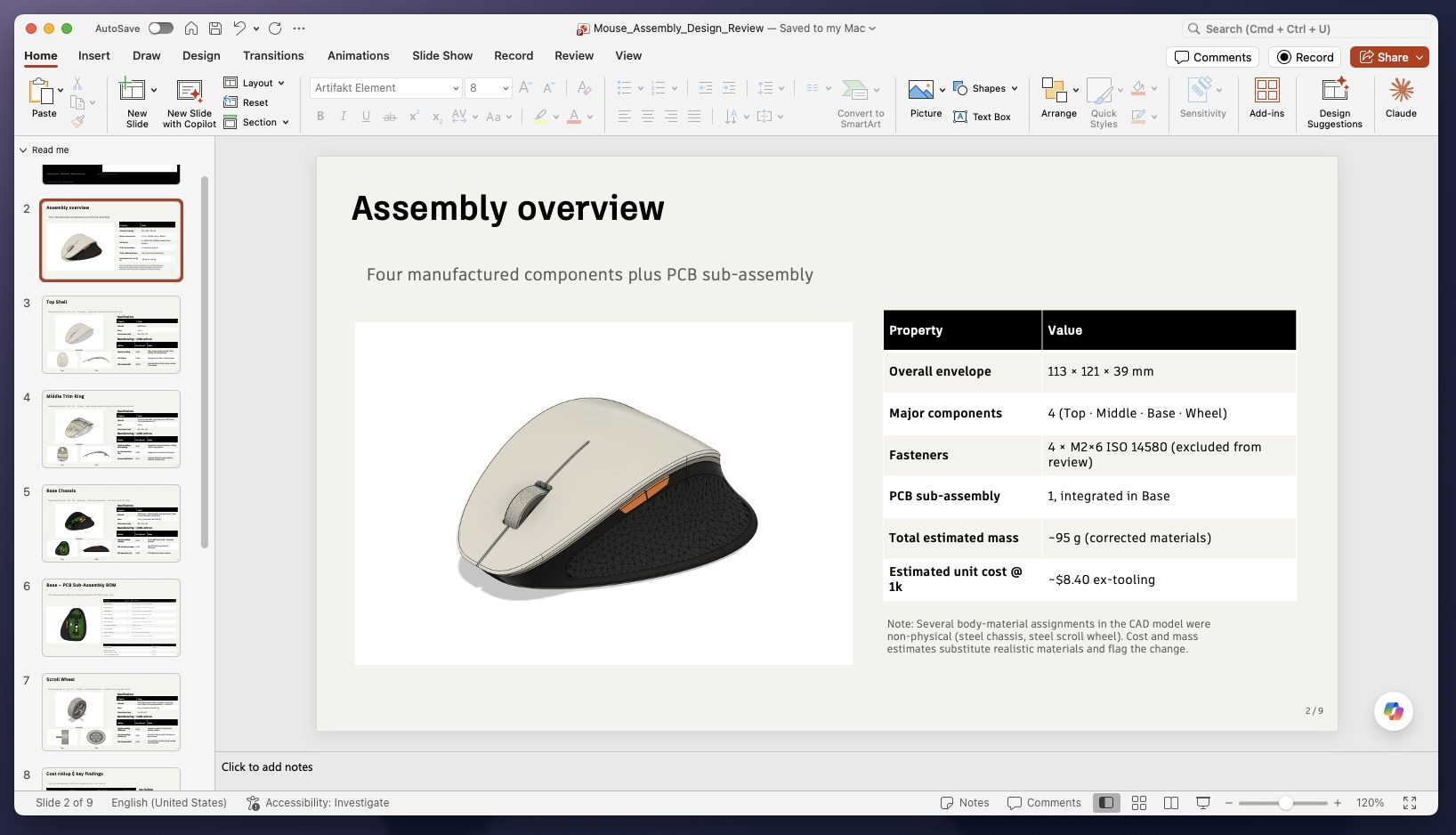
Learn how to use the Autodesk Fusion Claude Desktop Connector to automate repetitive design tasks, streamline workflows, and extract insights, without relying on unreliable AI-generated geometry.
Fusion