Category: Manufacturing
-
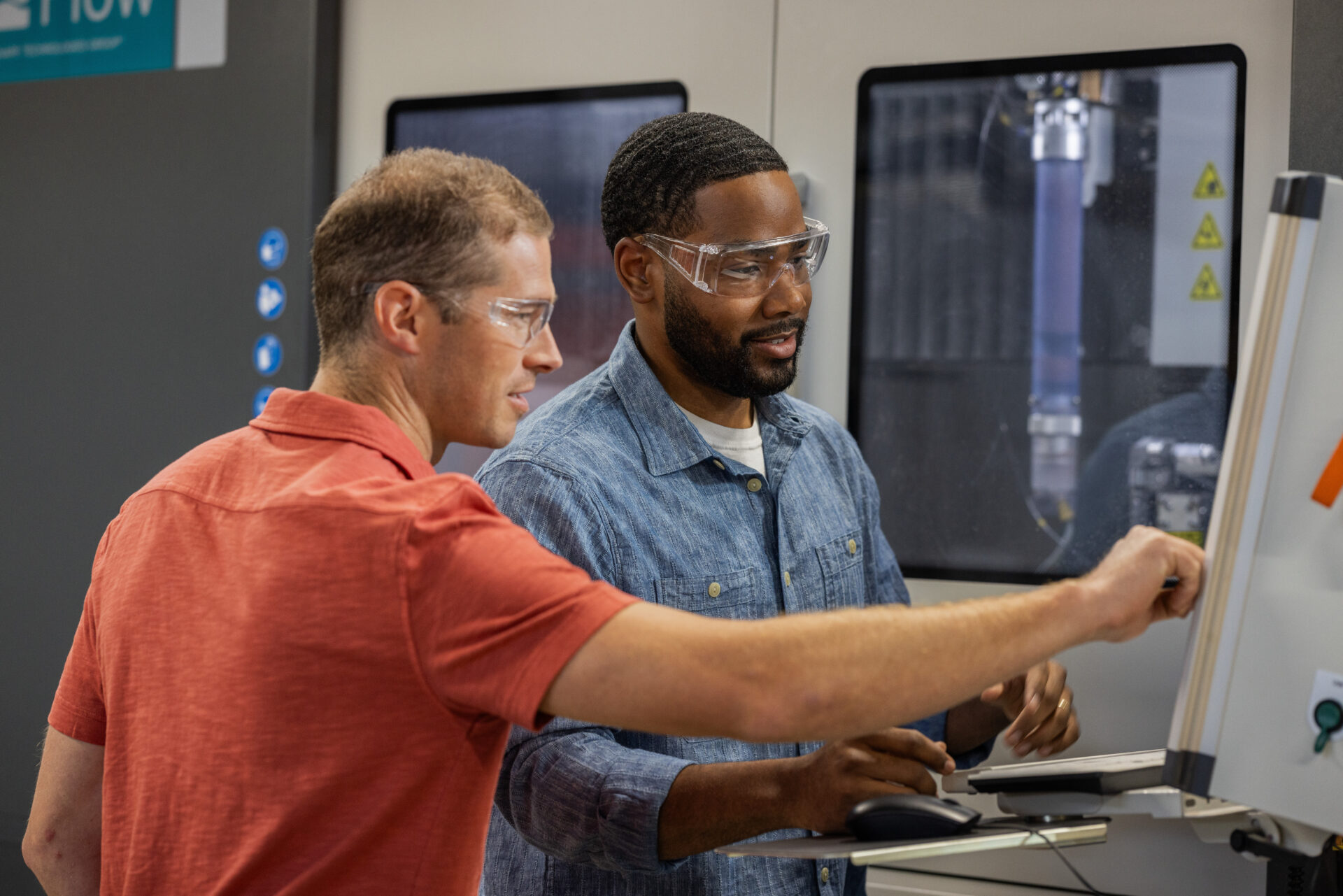
3-Axis vs. 5-Axis Machining: How to Choose Based on Part Geometry, Not Just Cost
Choosing between 3-axis vs. 5-axis machining isn’t just about machine cost. Learn how part geometry, setup requirements, and manufacturing goals influence the right CNC strategy and how Fusion for Manufacturing helps support each approach. When manufacturers compare 3-axis and 5-axis machining, the conversation usually starts with machine cost. Five-axis machines require a larger investment, so…
Manufacturing
-
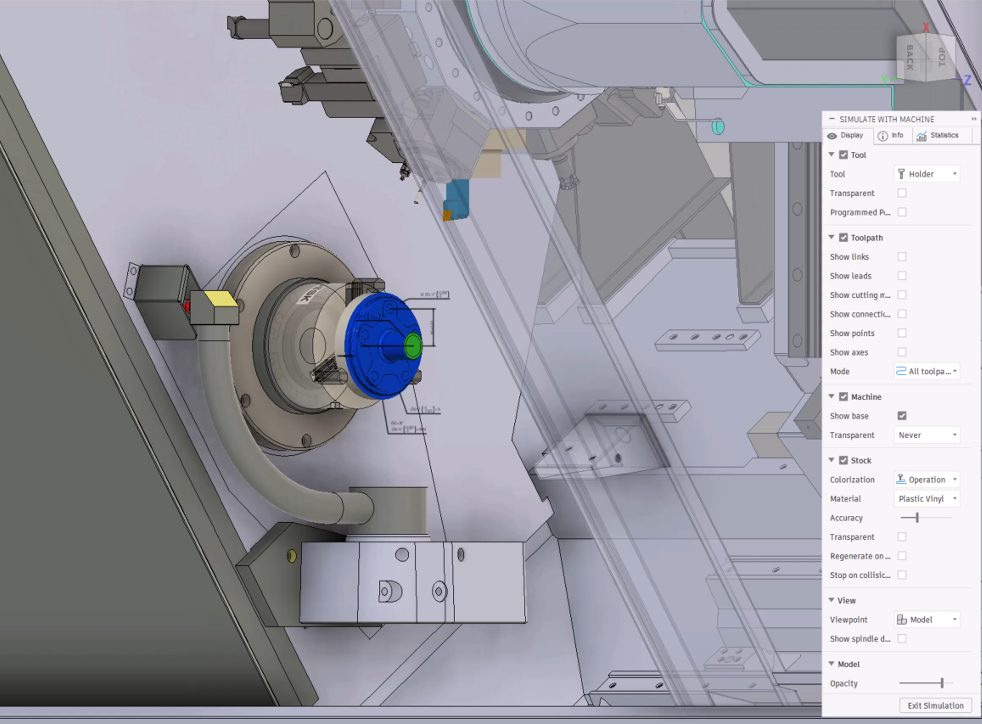
What’s New and Next for Fusion Manufacturing: 5 Announcements from IMTS and Autodesk University
Explore five major Fusion manufacturing developments, including machine simulation, CAM automation, System Modeler, local data options, and Fusion Compute MCP. IMTS and Autodesk University brought plenty of news for manufacturers this year. If you didn’t catch every announcement, demo or roadmap session, here’s a look at some of the biggest developments and what they tell…
Manufacturing
-
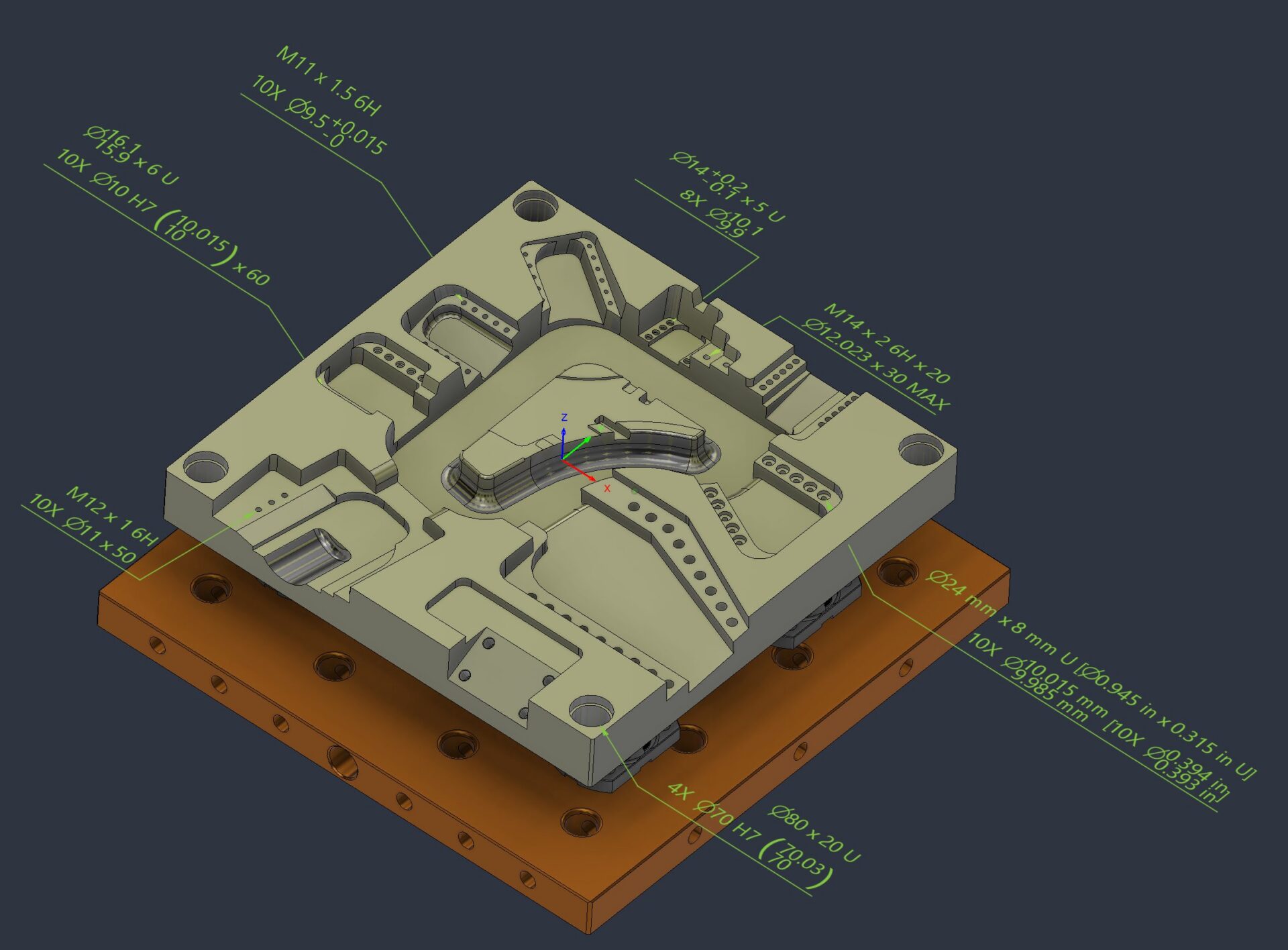
Product Manufacturing Information Comes to Fusion: Keep Manufacturing Intent with the Model
Understand PMI in Fusion, including Manufacturing ready hole notes, thread annotation and leader note creation. Keep manufacturing intent connected to the model from design through manufacturing. Manufacturing runs on more than geometry. The details that determine whether a part is made correctly, inspected accurately, and delivered on time often live beyond the model itself: tolerances, thread…
Manufacturing
-
8 Practical Ways to Automate Your Fusion Workflow with Autodesk Assistant
Autodesk Assistant has become one of the most useful tools in Fusion because it helps automate the small, repetitive tasks that slow down everyday work. Across design, manufacturing prep, sheet metal, and electronics, the workflow is simple: describe what you need in plain language, then let Assistant handle the tedious part. We pulled together eight…
Fusion
-
Simplify CNC Milling Programming in Fusion with Autodesk Assistant
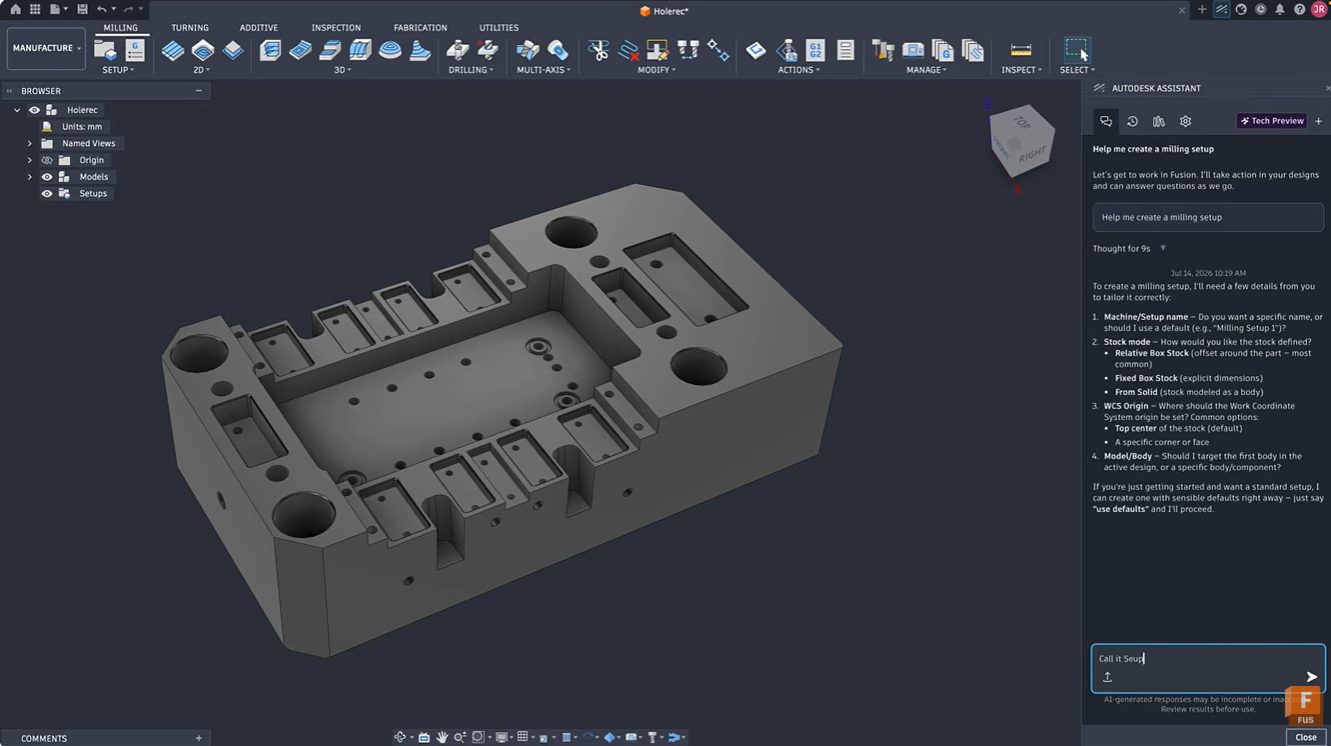
Learn how Autodesk Assistant in Fusion simplifies milling setup creation, tool selection, and toolpath programming through natural language guidance. Reduce setup time and accelerate CAM learning. Getting started with CAM programming can feel intimidating. Even experienced machinists occasionally spend valuable time configuring setups, selecting tools, and navigating numerous parameters before cutting the first chip. Autodesk…
Manufacturing
-
Design for Manufacturability in Fusion: From CAD Geometry to Production-Ready Parts
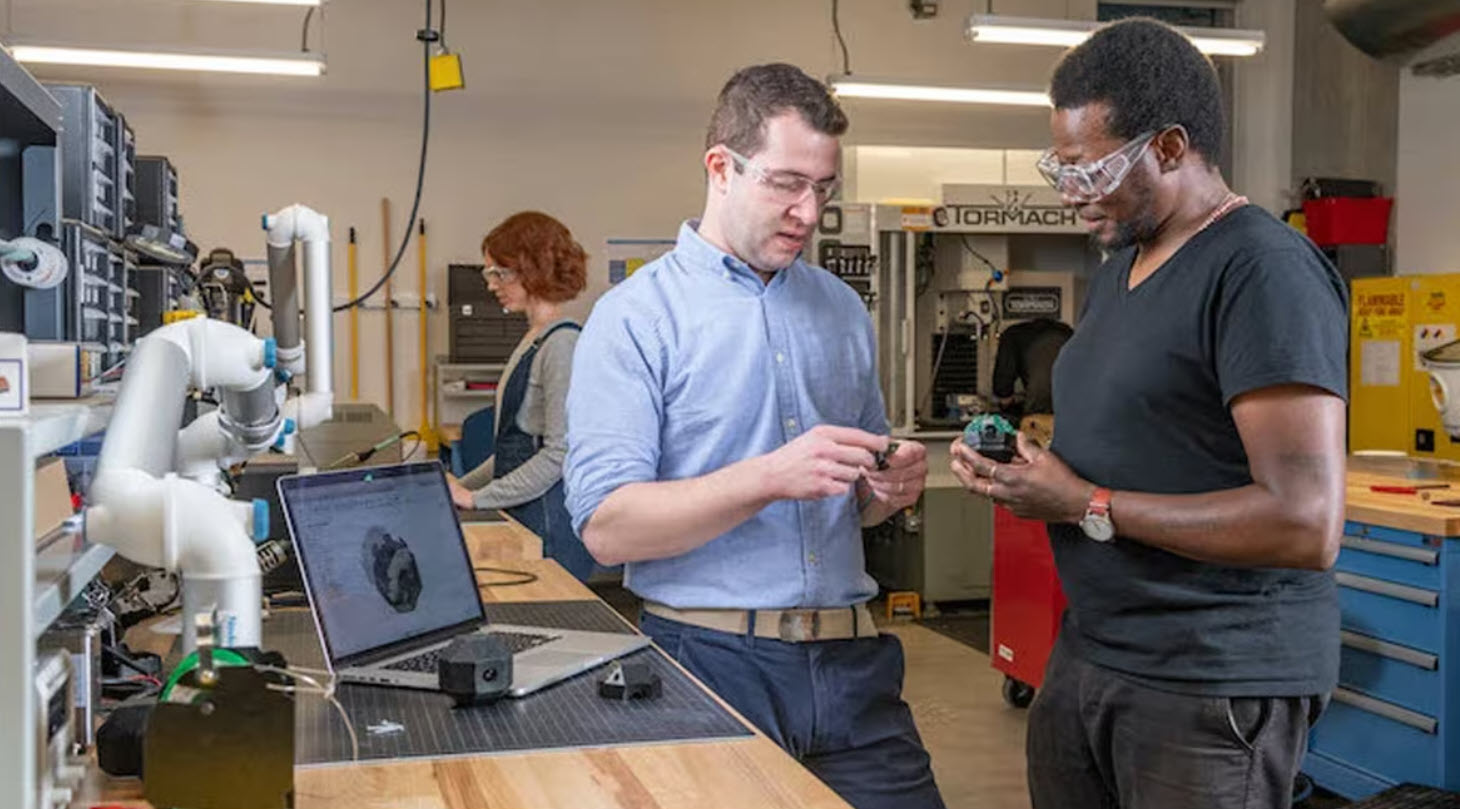
Learn how Fusion supports design for manufacturability by connecting CAD and manufacturing workflows, helping teams optimize machining, reduce cycle times, and move from design to production faster. Designing a great part is only half the challenge. The real test comes when that part reaches the shop floor. A design that looks perfect on screen can…
Manufacturing
-
Design for Manufacturing (DFM): The Complete Guide for Building Products That Actually Ship
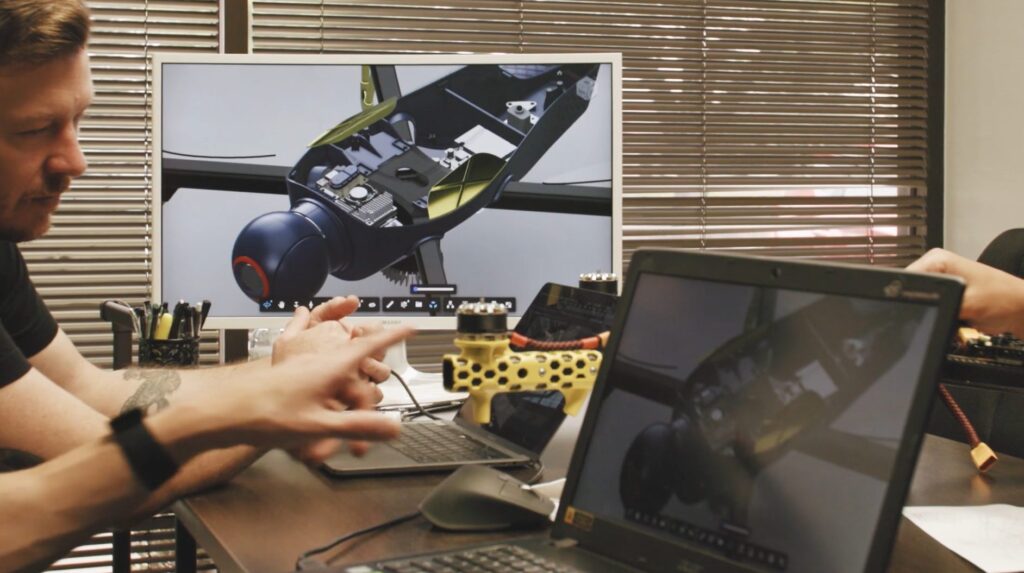
Design for Manufacturing (DFM) helps teams reduce costs, improve quality, and scale production by aligning design decisions with real-world manufacturing processes. Learn how it works. Most product failures don’t happen because of bad ideas. They happen because designs don’t translate cleanly into production. A part may look perfect in CAD but be difficult to machine.…
Manufacturing
-
Why Another CNC Machine Won’t Solve Your Capacity Problem
Increase manufacturing capacity without adding machines or headcount. Learn how connected workflows and Autodesk Fusion help manufacturers eliminate bottlenecks and scale efficiently. If you walk through almost any growing machine shop or contract manufacturing facility, you’ll hear the same conversation: “We’re booked solid. We need another machine.” Sometimes that’s true. But more often, the real…
Manufacturing
-
The Hidden Cost of Disconnected Manufacturing Workflows
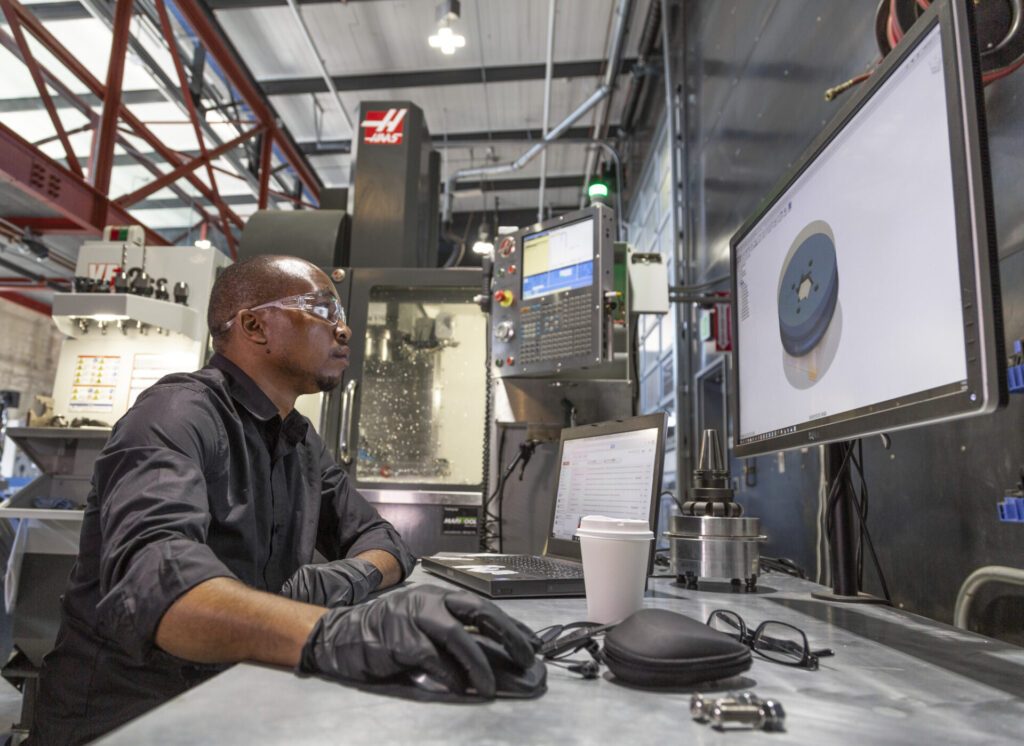
Struggling with revisions, programming bottlenecks, and disconnected software? Discover how connected manufacturing workflows help increase productivity and deliver parts faster. For many manufacturers, the biggest threat to productivity isn’t on the shop floor. It’s in the office. It’s the programmer waiting for an updated CAD model. The engineer emailing design revisions. The operator asking whether…
Manufacturing
-
Standardization: The Secret to Consistent Growth in Manufacturing
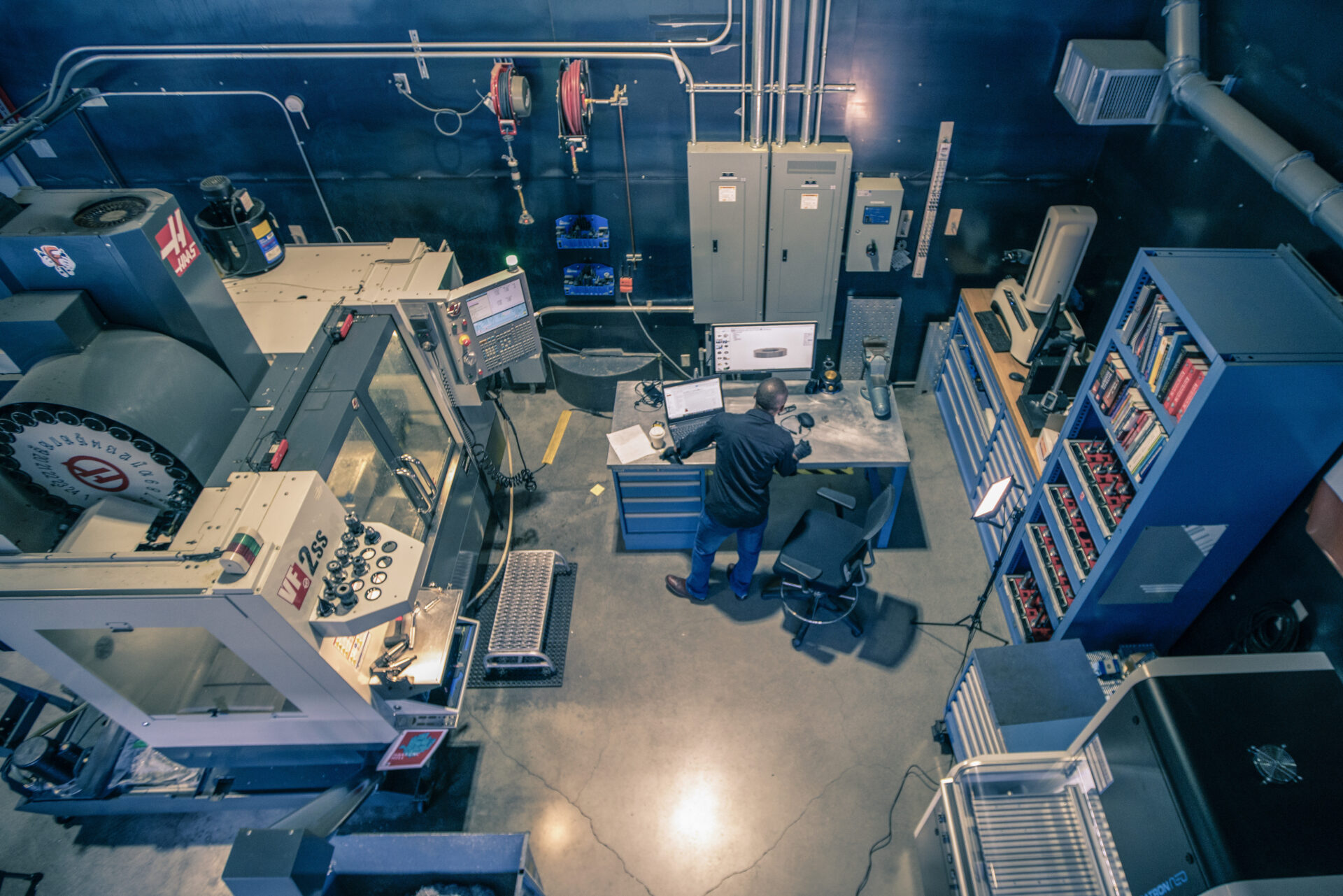
Growth is easier when every employee follows proven processes. Learn how standardization in manufacturing improves quality, productivity, and scalability. As a business grows, complexity tends to grow with it. More jobs. More customers. More machines. More employees. That’s when many manufacturers discover a hidden problem: everyone has their own way of working. One programmer has…
Manufacturing
-
Albert Schütz GmbH Sharpens Precision Manufacturing with Autodesk Fusion
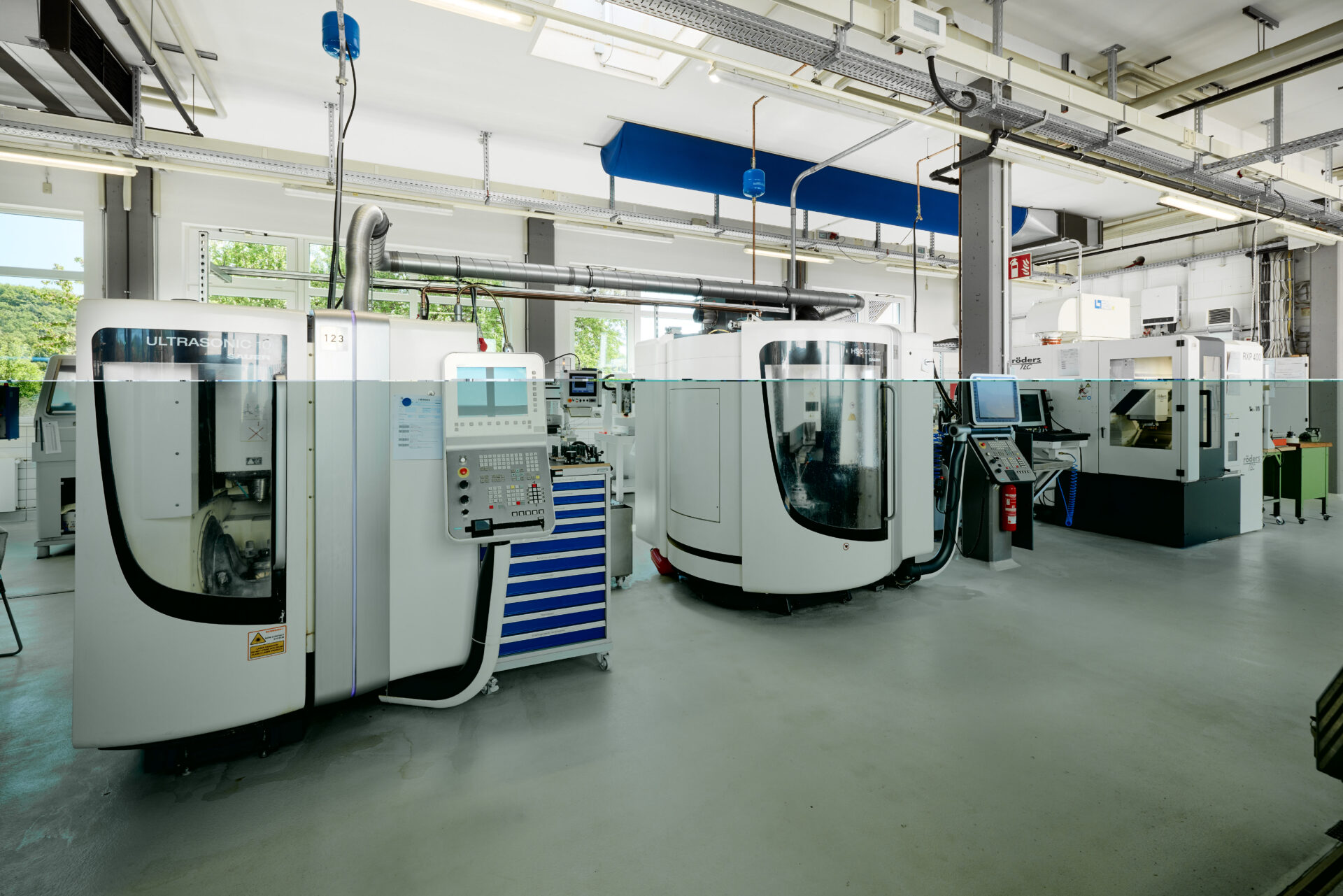
Albert Schütz GmbH is using Autodesk Fusion to bring CAD and CAM together in one platform, replacing separate tools. Fusion’s out-of-the-box post-processors, simple setup, and integrated workflows have helped the company save time, connect more easily to machines, and even design a custom centerless grinding machine for high-volume optical components. With Fusion and the Manufacturing…
Case Studies
-
Reduce Roughing Time in Autodesk Fusion with the ModuleWorks SmartRoughing Add-In
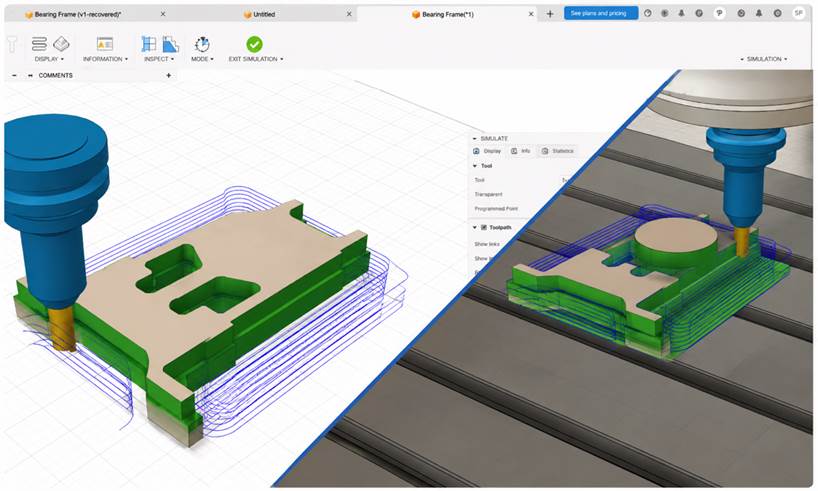
Combine the connected manufacturing platform in Autodesk Fusion with physics-based machining intelligence to reduce cycle times, improve tool life, and eliminate roughing guesswork. CNC programmers must balance material removal rates, tool wear, machine limits, and cycle times under tight deadlines. Traditional roughing often relies on manual tuning, test cuts, and operator experience, leading to inconsistent…
Manufacturing
-
Design for Manufacturability (DFM): How Consumer Products Teams Reduce Rework and Tooling Risk
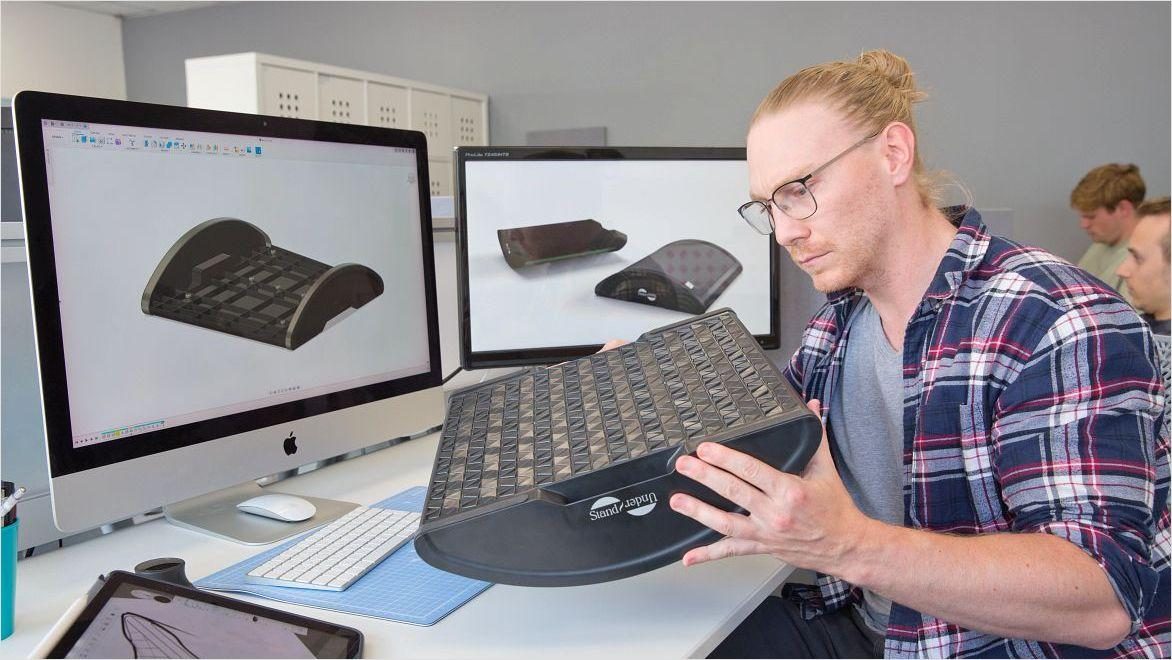
This article explores how consumer products teams apply design for manufacturability (DFM) to protect tooling investments and avoid late-stage rework. It examines the real costs of discovering manufacturability issues after design freeze and explains how Autodesk Fusion helps engineers incorporate DFM thinking from the earliest stages of development. For many designers, a nightmare scenario involves…
Manufacturing
-
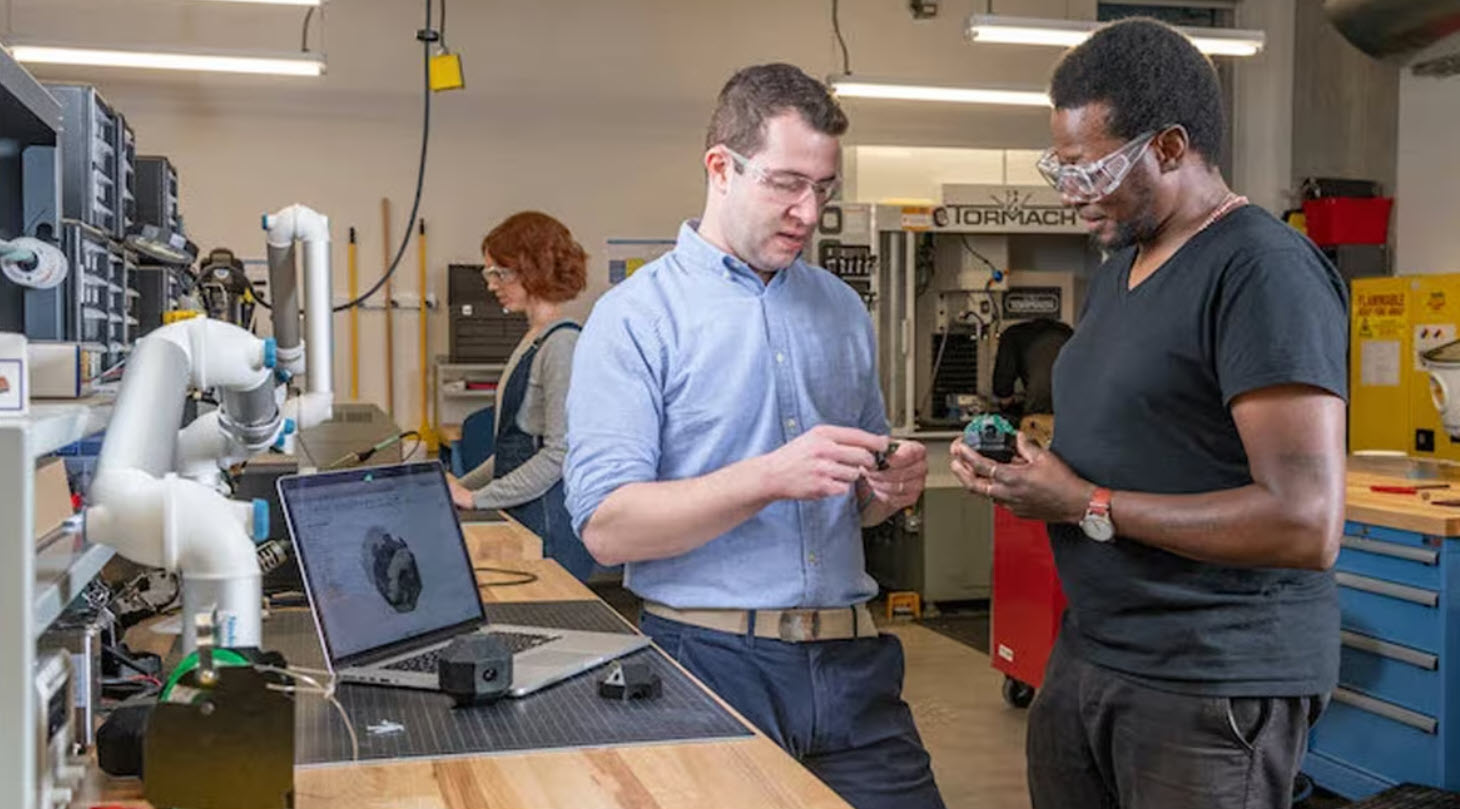
Choosing Rapid Prototyping Software Isn’t About Features, It’s About Flow
Choosing rapid prototyping software isn’t about features, it’s about workflow. Learn how to evaluate tools based on speed, simulation, collaboration, and manufacturing to iterate faster and reduce rework. Most teams don’t struggle with ideas. They struggle with turning those ideas into something testable. That’s where rapid prototyping comes in. And increasingly, the difference between a…
Product Design & Engineering
-
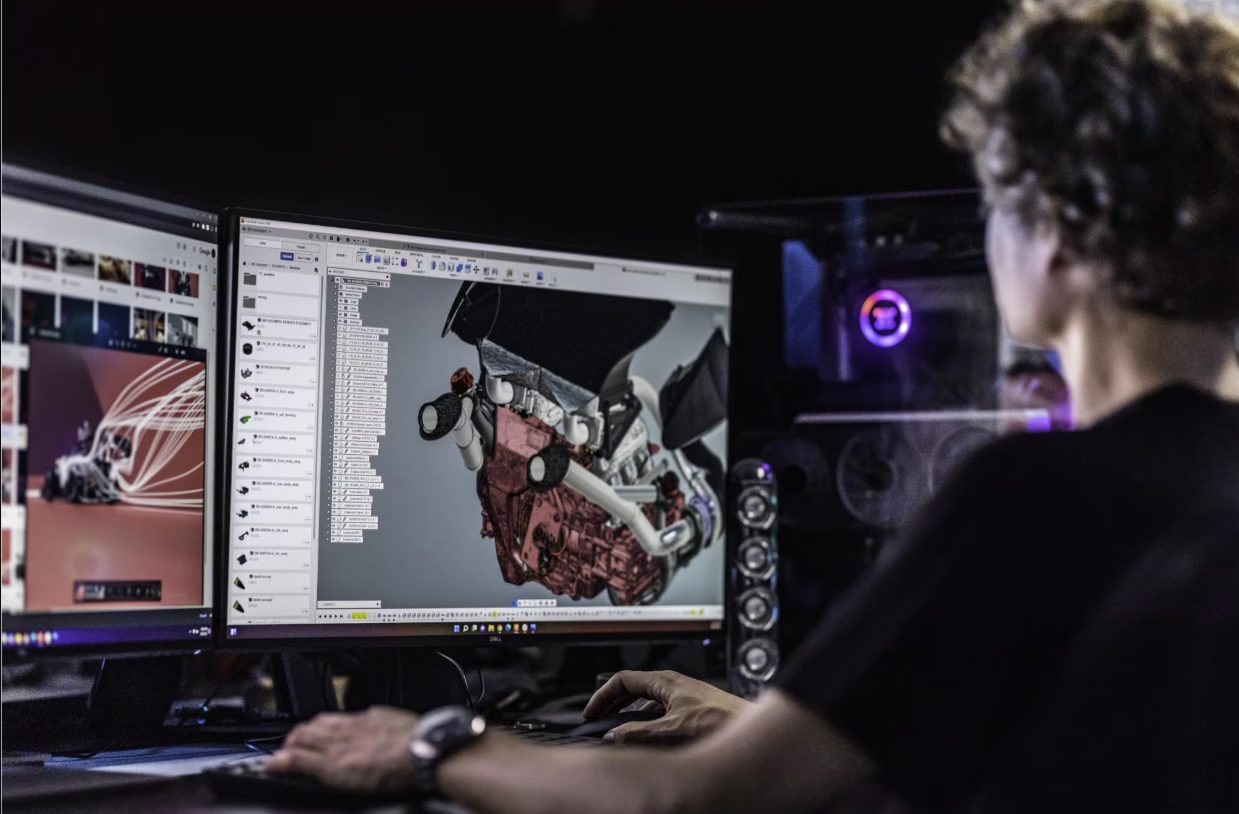
Designing Custom Automotive Parts for Fit, Performance, and Manufacturability
Learn how automotive part manufacturing teams design custom parts for fit, performance, and manufacturability using integrated workflows with Autodesk Fusion. Automotive part manufacturing, especially in the aftermarket, demands far more than simply modeling a part in 3D. Manufacturers must design components that fit precisely, perform reliably under real‑world conditions, and move efficiently from design to…
Manufacturing