 Marti Deans
Understand what’s the difference between CNC milling or CNC turning? Learn which machining process is best for your part with Fusion’s all-in-one CAD/CAM tools.
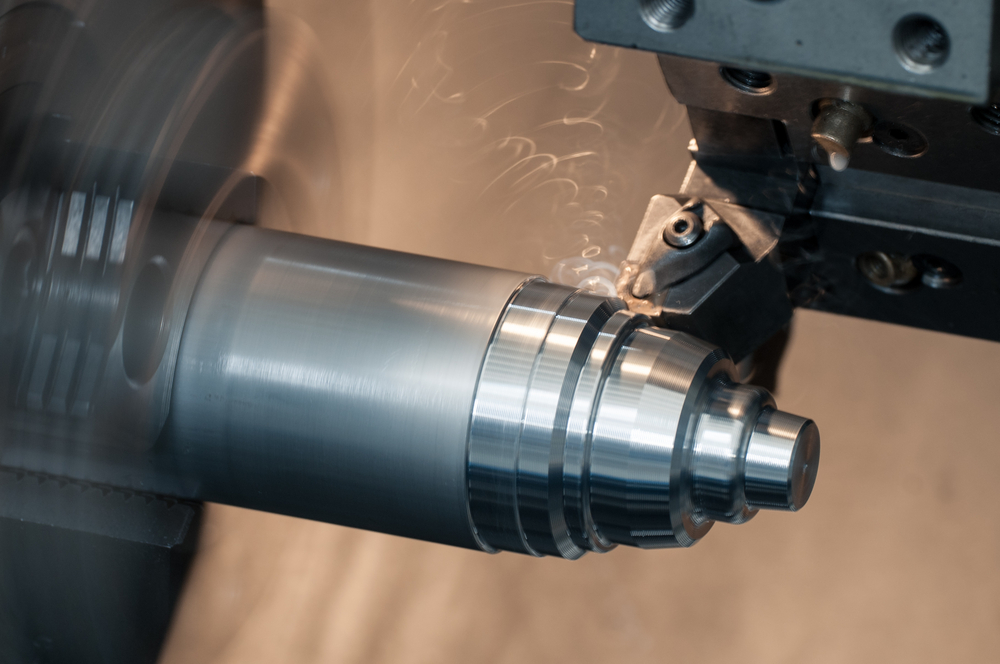
If you’re preparing to machine a new part, one of the first questions you’ll face is whether to use CNC milling or CNC turning. Both methods are essential to modern manufacturing, and choosing the right one can significantly affect production speed, precision, and cost.

Elevate your design and manufacturing processes with Autodesk Fusion
Fusion’s integrated CAD/CAM platform brings both milling and turning into one seamless environment—making it easier than ever to design, simulate, and machine parts accurately. Let’s explore how each process works, when to use them, and why mill-turn capabilities are transforming advanced manufacturing.
What Is CNC milling?
CNC milling is a machining process where a rotating cutting tool removes material from a stationary workpiece. The workpiece is securely mounted on the machine bed—typically in a vise or with clamps—and the cutting tool moves along multiple axes to shape the material.
Milling is ideal for non-cylindrical geometries, including complex contours, pockets, and angled surfaces. Common milling machines include:
- 3-axis mills: For simple operations.
- 4- and 5-axis mills: For intricate surfaces and precise angular features.
Fusion’s advanced CAM tools automatically generate optimized toolpaths such as adaptive clearing—maximizing tool life while removing material efficiently.
Applications of CNC milling
- Flat and prismatic parts like plates, housings, molds, and fixtures.
- Prototyping and small-batch production.
- Flexible material compatibility: metals, plastics, composites, and wood.
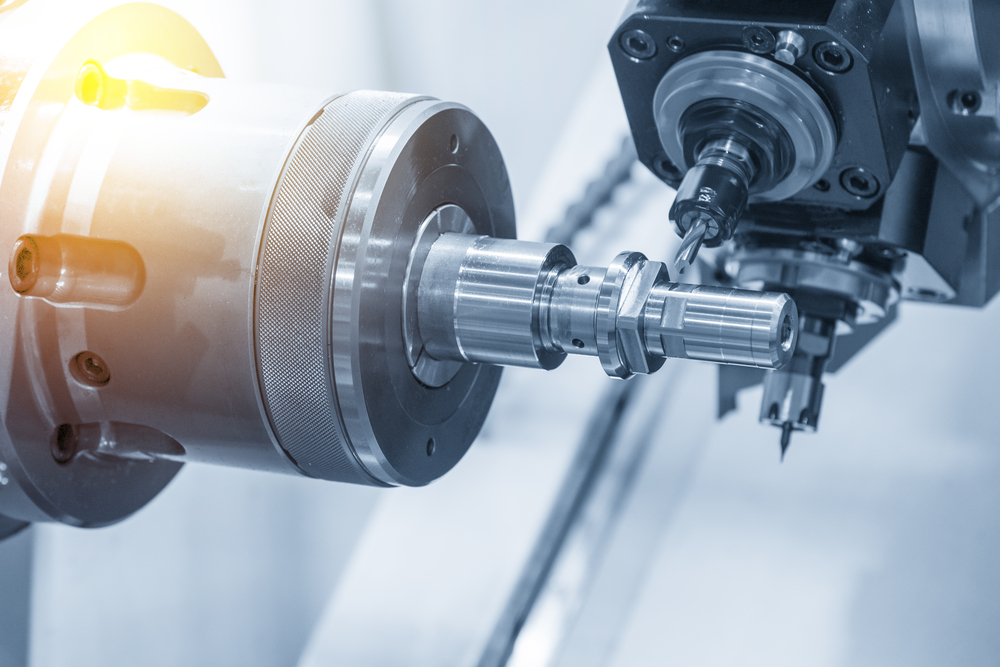
What Is CNC turning?
CNC turning rotates the workpiece while a stationary cutting tool shapes it into round or conical geometries. The part spins on a spindle, and the tool removes material to create symmetrical shapes such as:
- Shafts, bolts, bushings, and bearings.
- Conical features or threaded surfaces.
Advanced CNC turning centers include multiple turrets, live tooling, and secondary spindles—allowing simultaneous machining and optimized cycle times. In Autodesk Fusion, turning strategies integrate with digital design tools, letting machinists simulate cutting paths and predict tool wear before setup.
Applications of CNC turning
- Cylindrical or round components.
- High-precision mechanical parts.
- Efficient production of rotationally symmetric geometry.
CNC milling or CNC turning: How to decide
| Feature | CNC Milling | CNC Turning |
|---|---|---|
| Workpiece Motion | Stationary; tool moves around it | Rotating workpiece |
| Ideal Shapes | Flat, angled, or irregular geometries | Round, cylindrical, or tapered |
| Material Removal | Progressive cutting passes | Continuous removal via rotation |
| Setup Time | Flexible with multi-axis capability | Faster setup for repeatable round parts |
| Surface Finish | Excellent for prismatic features | Superior for concentric surfaces |
| Best For | Complex 3D shapes | Shafts, threads, and smooth surfaces |
Rule of thumb:
If it’s round, turn it.
If it’s any other shape, mill it.
Autodesk Fusion’s mill-turn capabilities even let you combine both workflows in one setup—reducing handling, improving precision, and cutting cycle times.
Should you mill then turn—or turn then mill?
This depends on geometry and tolerance requirements. Generally, machinists turn first, then mill, since milling equipment can grip round features more easily than lathes can hold irregular ones. However, some lathes use soft jaws and sub-spindles to handle complex geometries first.
Fusion’s integrated toolpath simulation helps ensure each transition maintains part accuracy and consistent alignment between operations.
Advantages and disadvantages: CNC milling or CNC turning?
Advantages of CNC milling
- Supports multi-axis machining for complex shapes.
- Compatible with a wide variety of materials.
- Easy tool replacement and in-process wear calibration.
Advantages of CNC turning
- Speeds up production for cylindrical parts.
- Provides high accuracy with continuous cuts.
- Allows simultaneous tool operations in modern turning centers.
Main drawback
Each process has limitations in geometry: milling is slower for round parts, turning is limited for prismatic or irregular ones. That’s why mill-turn machines—which combine both—are becoming industry standards for part flexibility and productivity.
Integrating both with mill-turn technology
- Reduced setup time and part handling.
- Higher precision through fewer re-clamps.
- Faster cycle times with automated tool changes.
Mill-turn machining merges both processes in one setup. Autodesk Fusion automates toolpath generation, simulation, and post-processing, allowing continuous machining without transferring parts between machines. The benefits include:
Fusion’s mill-turn environment ensures that complex components—like aerospace housings or robotics shafts—can be programmed and simulated from a single digital model.
Use Fusion for smarter CNC machining
Whether you choose CNC milling or CNC turning, or a combined mill-turn workflow, Fusion is an all-in-one platform to design, simulate, and machine parts with high precision and minimal setup time. Optimize toolpaths, eliminate rework, and streamline from CAD to G-code—all in one connected environment.