Category: Fusion
-
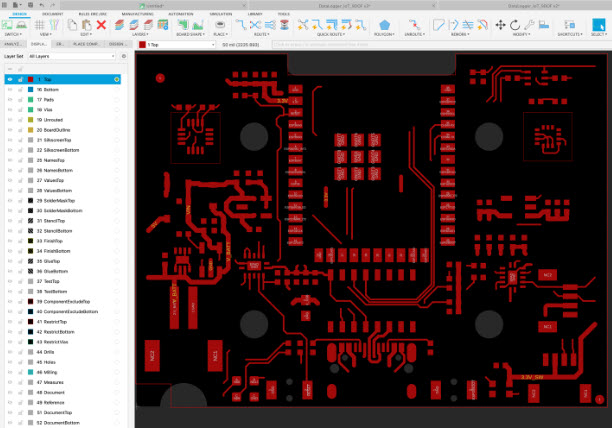
Understanding PCB Layers in Autodesk Fusion and What You Need to Know About Them
Get an in-depth look at the PCB layers in Fusion and understand how they help you track design data without cluttering your canvas. If you’ve ever looked at the PCB layers list in Fusion and felt overwhelmed, then this post is for you! Layers are a critical component of your PCB design. They help you…
Fusion
-
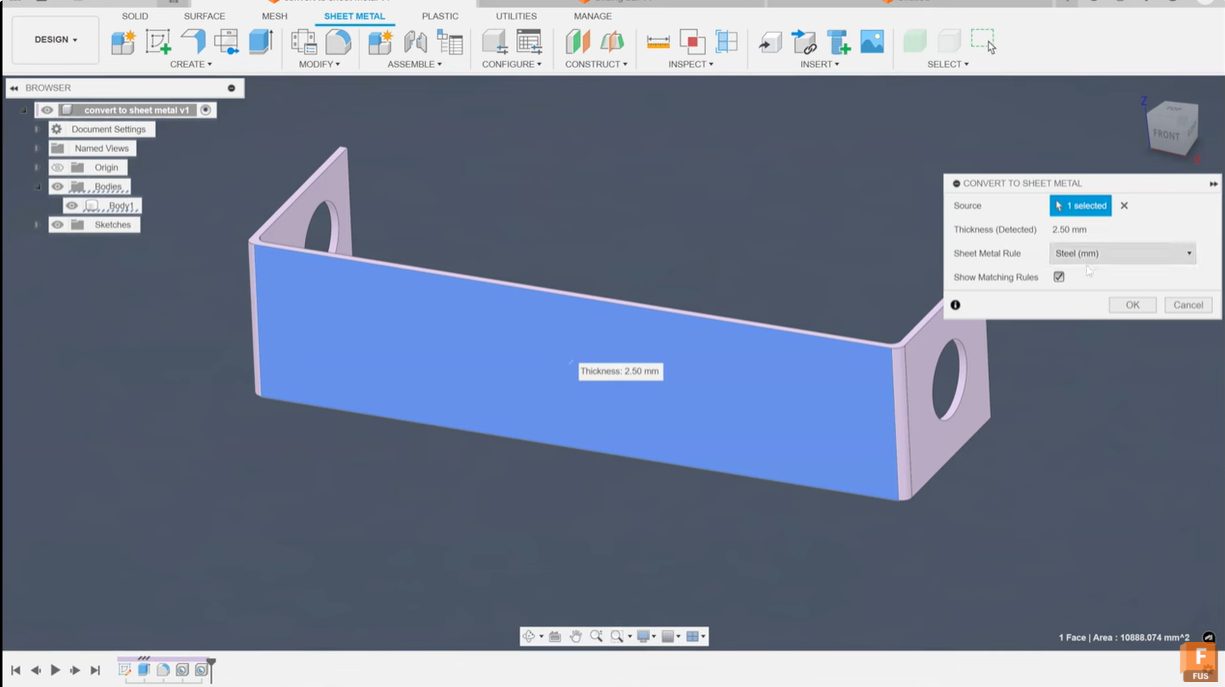
How to Flatten Parts in Fusion for Laser Cutting
Learn how to effectively flatten parts in Fusion using sheet metal tools and best practices to create accurate flat patterns ready for laser cutting and fabrication. Flattening a 3D part to prepare it for laser cutting or sheet metal fabrication can be challenging, especially when the design started as a 3D printed model. Fusion offers…
Tutorials
-

Elevating Furniture Design with Fusion and JoinerCAD: The Next Evolution in Furniture Design
Discover how furniture design software—Fusion and JoinerCAD—streamlines your furniture design process. Learn how to achieve high-quality custom detailing, optimize material usage, and boost collaboration for woodworking and cabinet projects. The furniture design industry is rapidly changing thanks to cutting-edge furniture design software. Designers, joiners, and cabinet makers are seeking tools that deliver greater flexibility, precision,…
Fusion
-
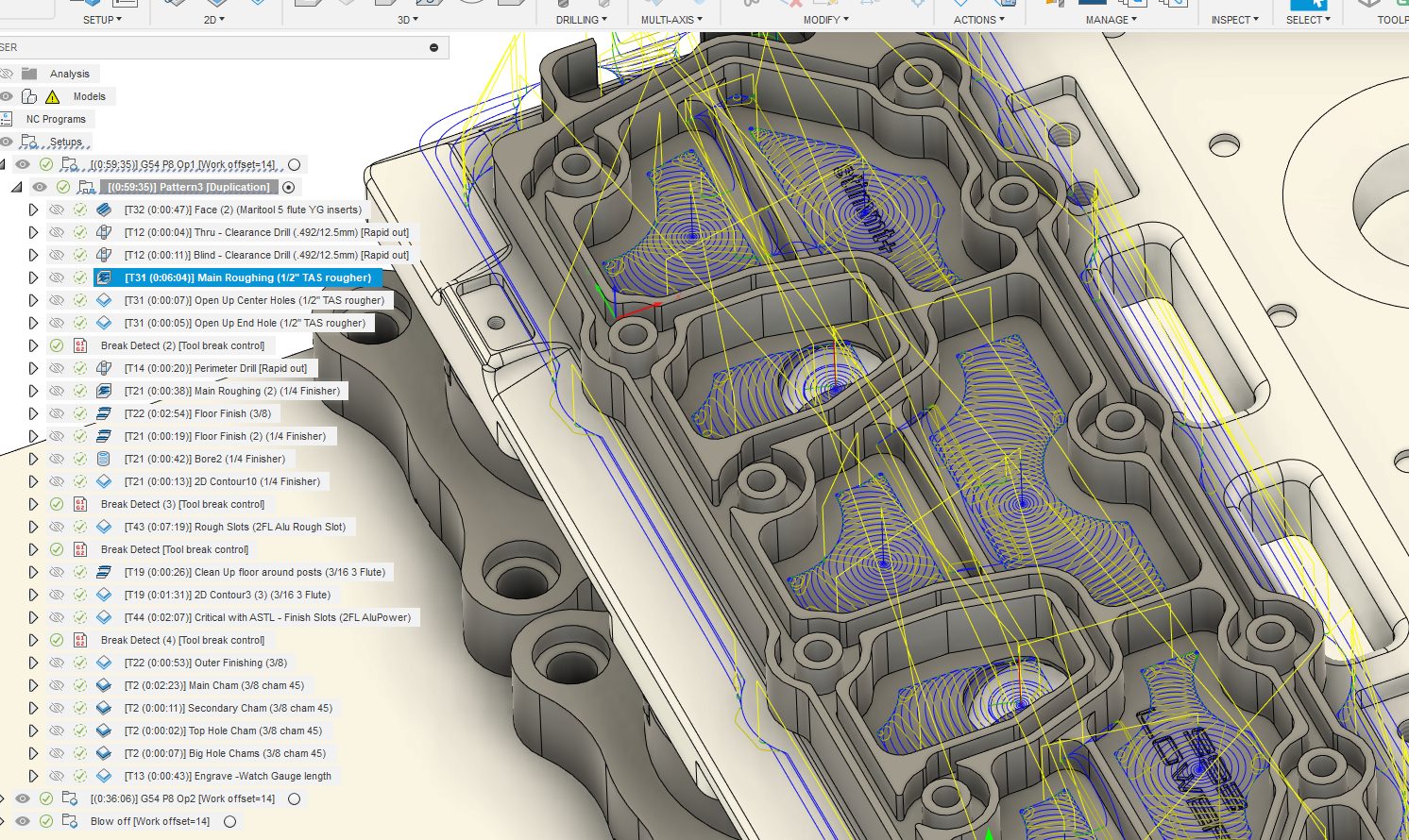
Fusion Community Spotlight: 5 Ways to Improve Your CAM Cycle Time with John Saunders
We’re here with our next Fusion Community Spotlight. A series where we celebrate the makers, builders, and dreamers using Autodesk Fusion to bring their ideas to life. Meet John Saunders. John is the founder of Saunders Machine Works and well-known for his NYC CNC YouTube channel. With extensive experience and as an Autodesk Expert Elite…
Fusion
-
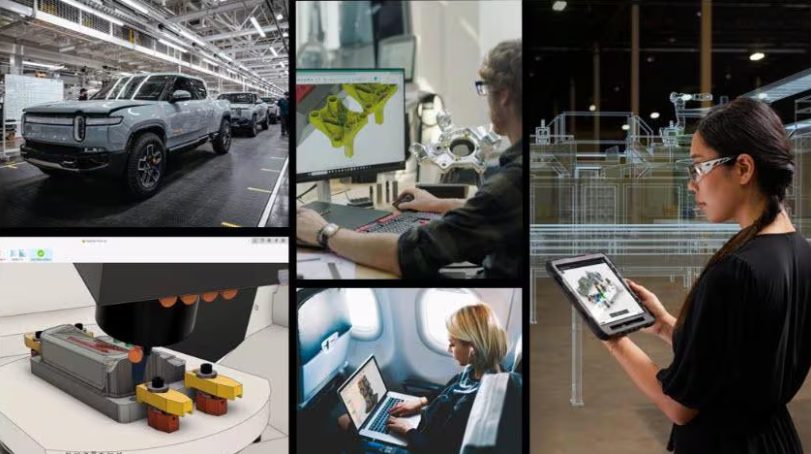
The Autodesk AI Revolution: Transforming Manufacturing with Fusion
Autodesk is transforming manufacturing with Fusion AI-powered workflows for faster innovation, smarter collaboration, and seamless integration across design, engineering, and production.
Fusion
-
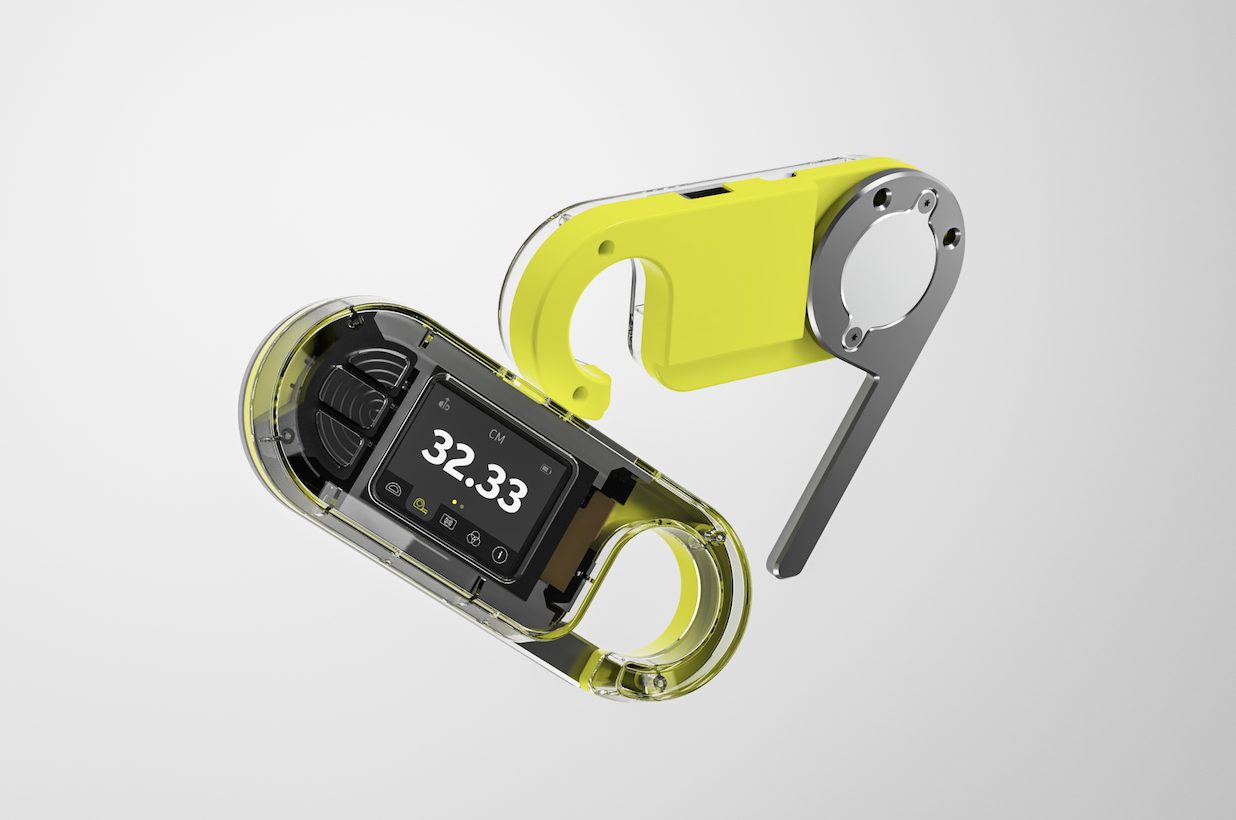
The AU Factory Experience Returns: Introducing the Autodesk MultiMeasure
Learn how we took a concept to product with Autodesk Fusion for this year's AU Factory Experience product.
Fusion
-
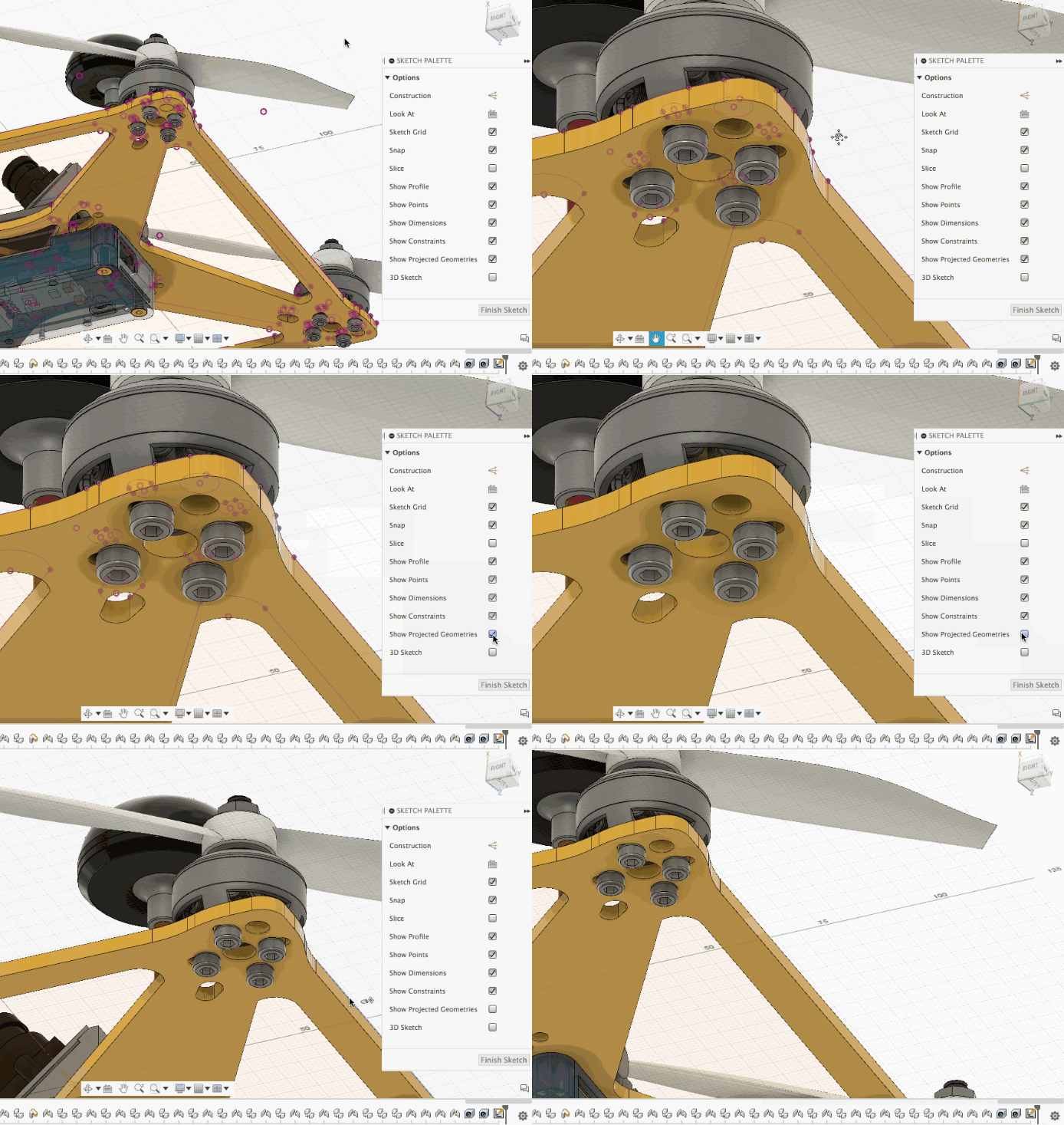
How to Project Geometry onto a Sketch Plane in Fusion
Learning how to project geometry onto a sketch plane in Autodesk Fusion enables precise referencing of existing features, improving efficiency in both 2D and 3D design workflows. Projecting geometry onto a sketch plane is a fundamental feature in Autodesk Fusion. It allows you to reference and re-use surrounding features, streamlining your design workflow for both…
Fusion
-
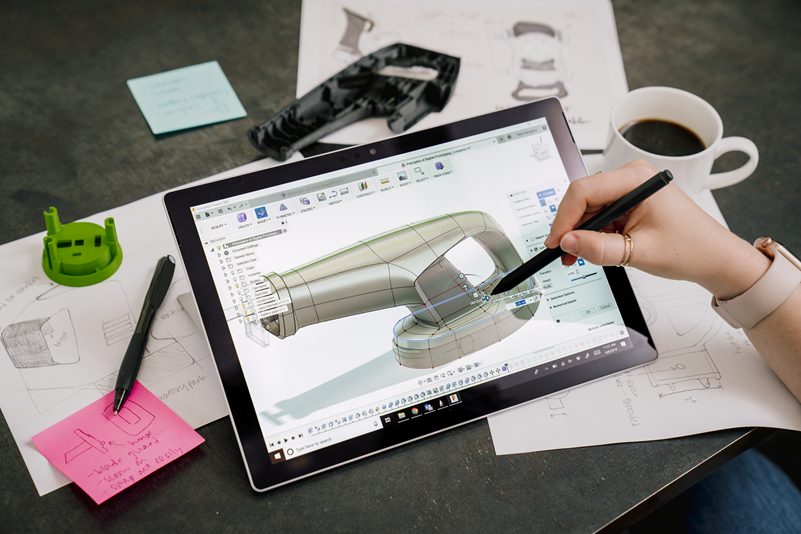
Fusion Mobile: The Ultimate CAD iPad and Multiplatform Design App Including Mac and Windows
The Fusion 360 mobile app is now available for iOS and Android platforms. These mobile applications provide access to Fusion 360 data—anytime, anywhere.
Fusion
-
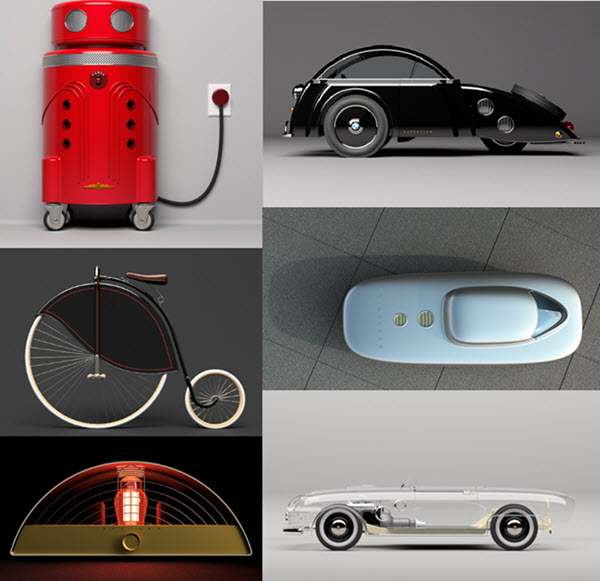
Fusion Community Spotlight: Tim George’s Top 4 Power Rendering Tips Revealed
Welcome to the first post in our new Fusion Community Spotlight series—where we celebrate the makers, builders, and dreamers using Autodesk Fusion to bring their ideas to life. These are the real stories of people pushing creative and technical boundaries with Fusion. First up, Tim George. If you’ve spent any time in the Fusion Facebook…
Product Design & Engineering
-
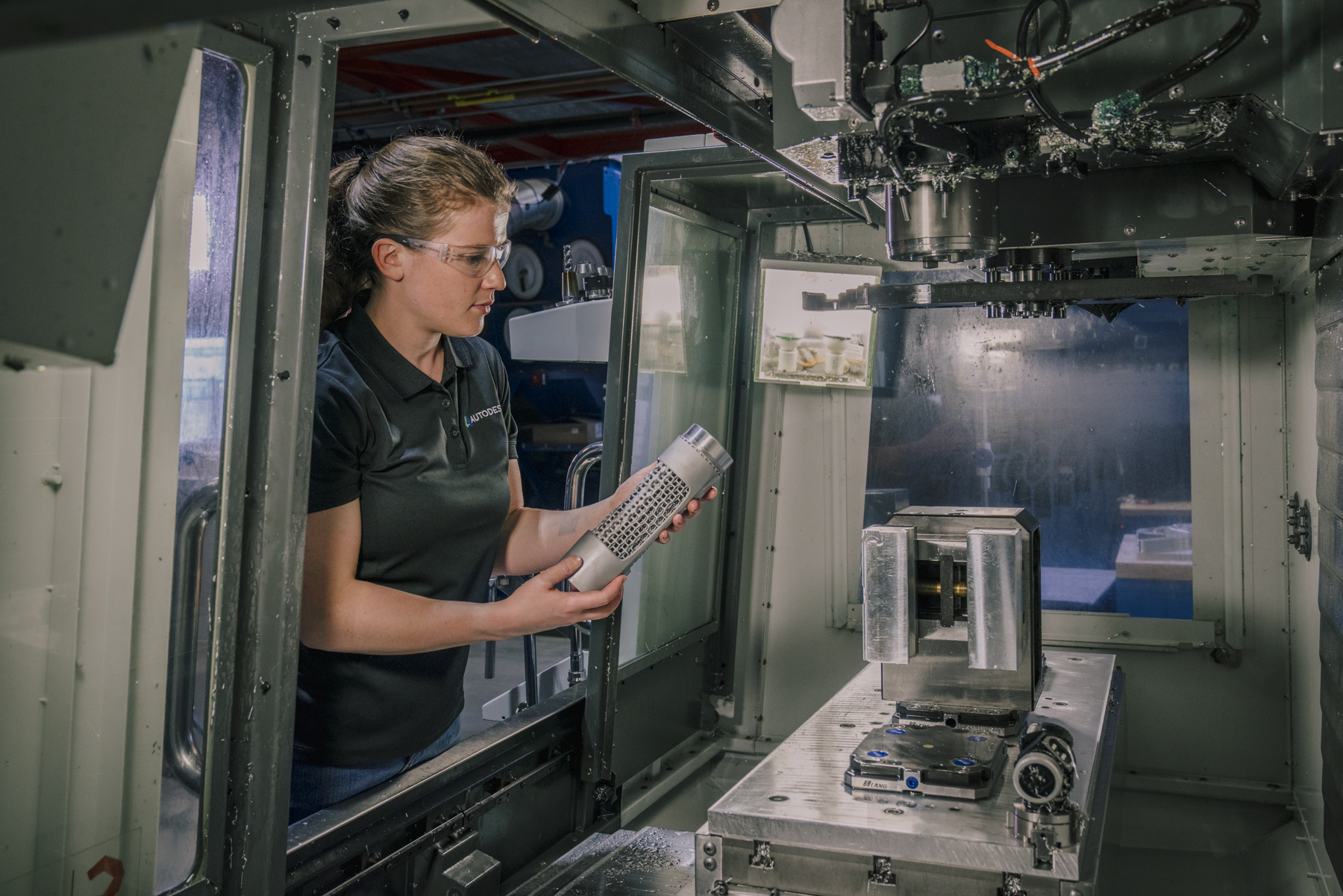
G-Code for CNC Programming [2025 Update]
Learn about the fundamentals of CNC programming and G-code including blocks, modals, address codes, canned cycles, and popular G&M codes.
Fusion
-
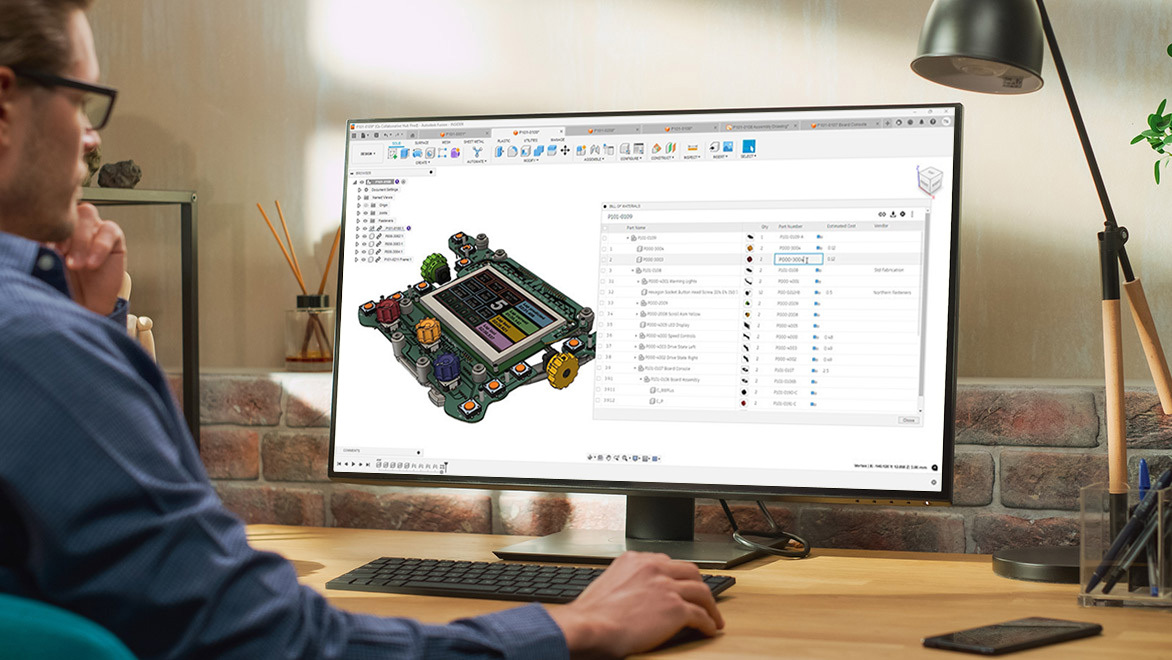
How Fusion Transforms Data Management: Insights from Experts
Autodesk Fusion streamlines data management for manufacturers with real-time collaboration, unified cloud tools, and seamless integrations, eliminating version confusion, improving control, and boosting efficiency for greater agility and innovation. In this post, we delve into our recent LinkedIn Live event, Ask Me Anything: How Fusion is Transforming Data Management. Hosted on July 9, 2025, this…
Fusion
-
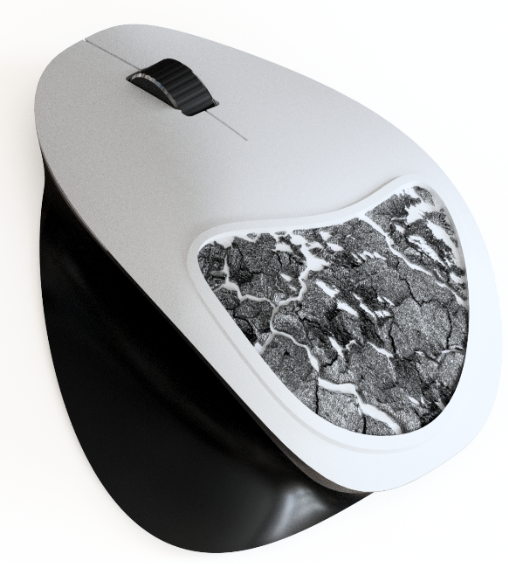
Custom Texture Patterns in Autodesk Fusion
Learn how to create custom texture patterns on mesh bodies in Fusion using the new Texture Extrude feature. Textures have a wide range of applications. They can enhance the grip of surfaces, improve aesthetics, incorporate logos, aid in manufacturing, and much more. With the Fusion July update, a new feature has been added which allows…
Fusion
-

Furniture Design Transformed With The Parametric Design Tools in Autodesk Fusion
Autodesk Fusion simplifies furniture design with parametric modeling for rapid customization, seamless iteration, and automated updates.
Fusion
-
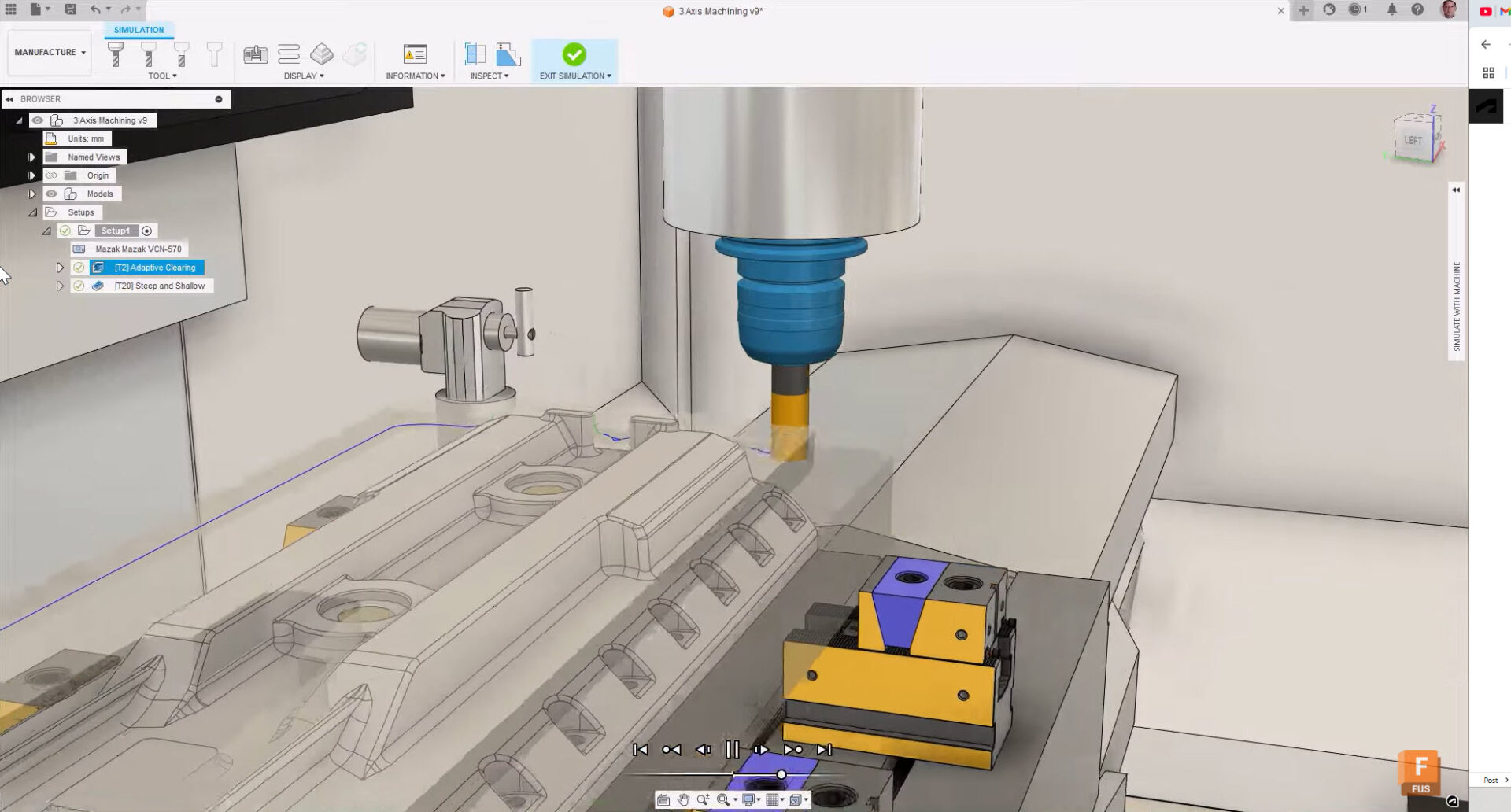
Unlock Your Manufacturing Potential with Autodesk Fusion and Kennametal Tooling
Boost your manufacturing efficiency with Fusion and Kennametal tooling to streamline workflows and produce high-quality parts.
Fusion
-
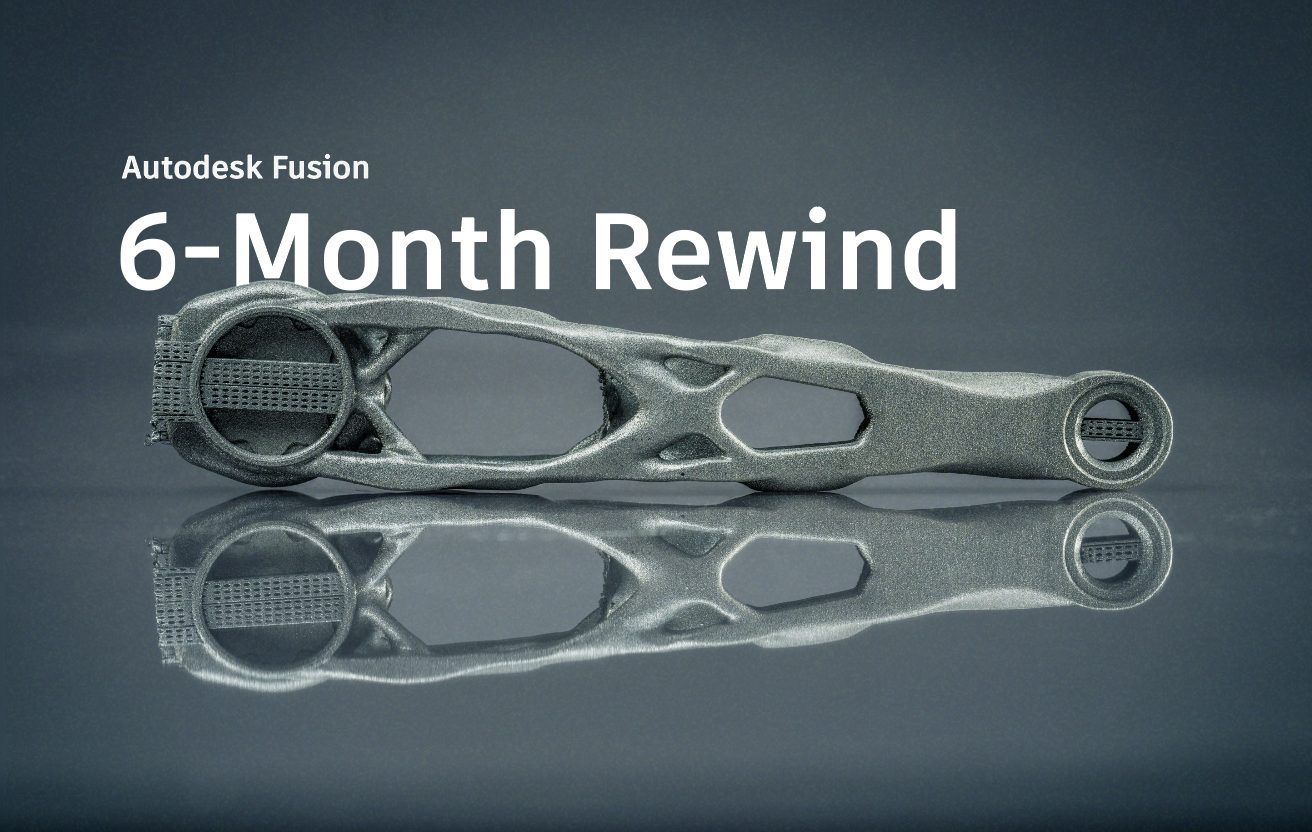
Autodesk Fusion 6-Month Rewind 2025
Join us as we highlight standout moments in Fusion from the first half of 2025! We’re over halfway through the year and we’ve already introduced three major updates so far. During this time, we’ve made several changes to simplify and improve your workflows. We’ve added AI-powered tools like AutoConstrain, made improvements to assemblies, introduced new…
What's New