Category: Fusion
-
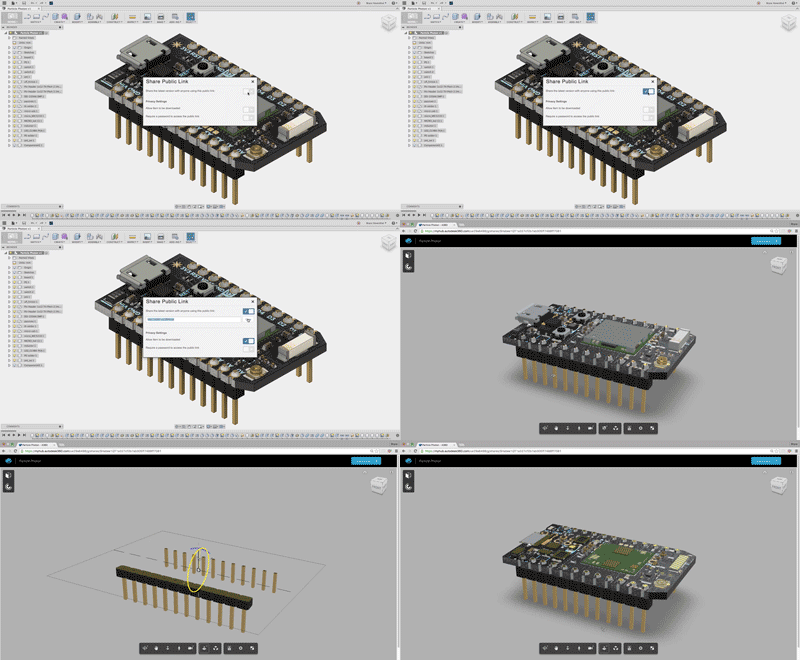
QUICK TIP: Share files externally
In this week's QUICK TIP, learn how to share Fusion 360 files with external stakeholders.
Fusion
-
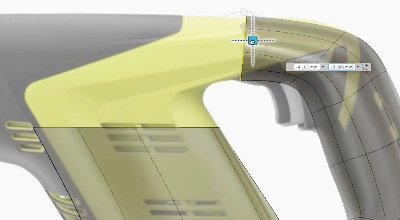
QUICK TIP: Import T-Splines from Rhino
In this week's Quick Tip, learn how to import a design created in the T-Splines plugin inside Rhino into Fusion 360.
Fusion
-

Scriba Aims to Reinvent the Stylus for Designers
Scriba is a new digital stylus designed by Dublin Design Studio that is the first to feature Squeeze-Motion.
Fusion
-
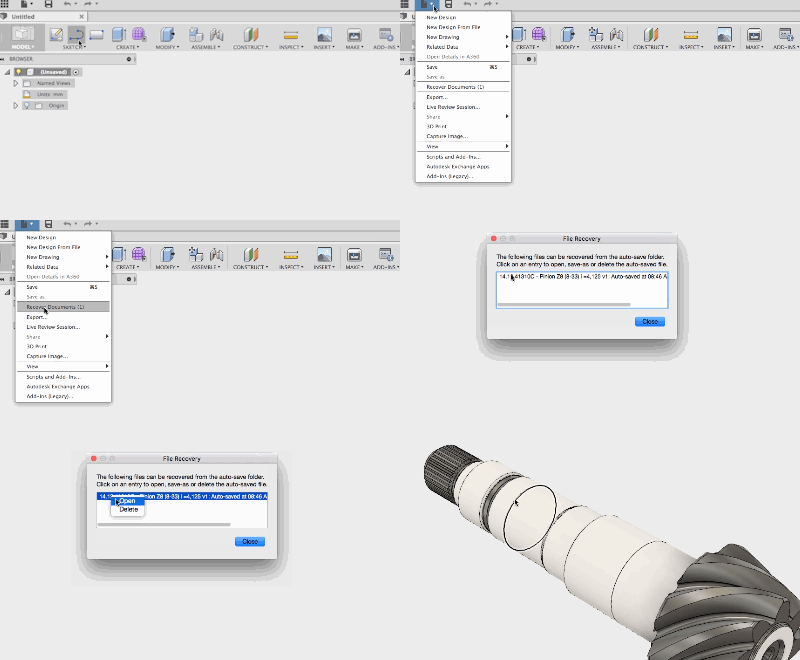
QUICK TIP: Recover Documents
Minimize lost work by utilizing Fusion 360's robust document recovery tool. In this QUICK TIP, we'll show you how to use & customize this feature.
Fusion
-

Fusion 360 Model of the Month – May
Congratulations to Sharath and his "Project Redro-134" - winner of the Fusion 360 model of the month for May!
Fusion
-
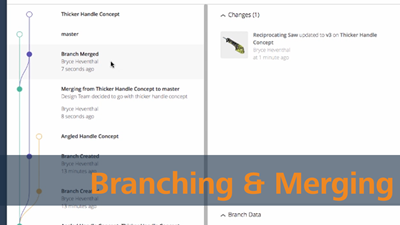
The Fusion Forecast: Branching & Merging
In this week’s Fusion Forecast, we will nerd out on the Branching & Merging functionality that will make its way into Fusion 360. Branching & Merging will allow teams to design in parallel like never before in the development process.
Fusion
-
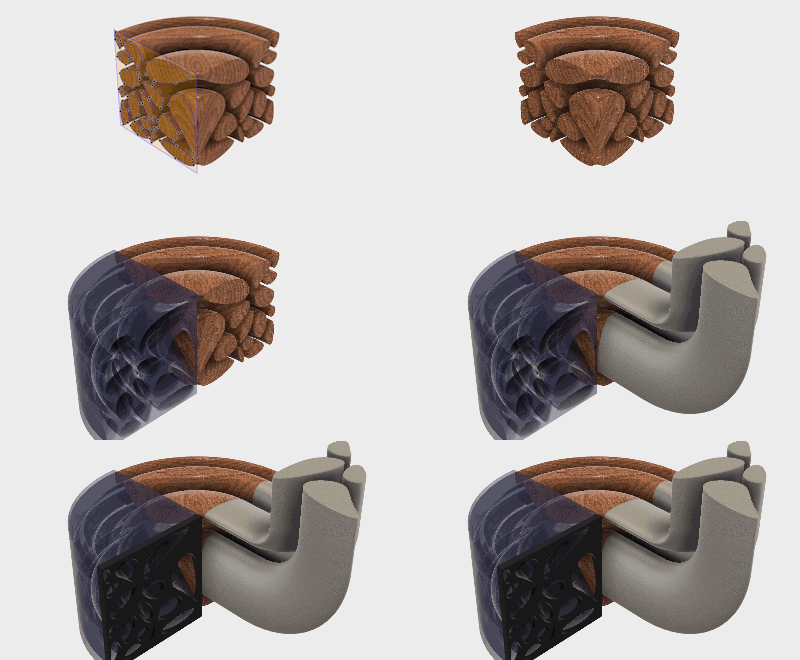
QUICK TIP: Voronoi Sketch Generator
The June App of the Month selection is an incredibly powerful (and fun!) automatic sketch generator. Check out the QUICK TIP to learn more!
Fusion
-

BabyBe Helps Premature Infants Bond with Parents
BabyBe, brings the mother’s heartbeat, voice, and breathing right into the incubator of premature infants.
Fusion
-
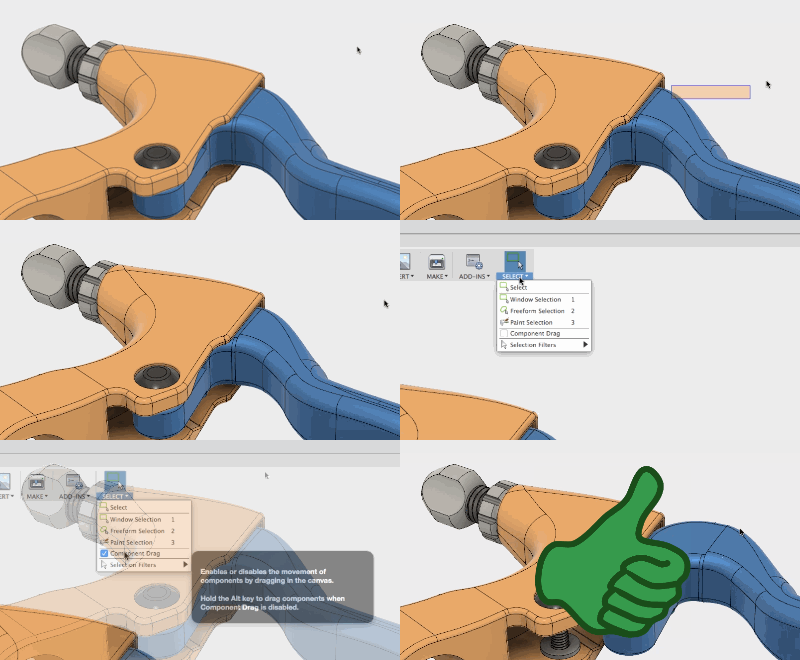
QUICK TIP: Click and Drag
In this QUICK TIP, see why you're unable to click and drag components freely at some times, and how you can enable this ability.
Fusion
-

Share Links & Cable Cars
Next time you need feedback on your Fusion 360 design, use a Share (or Public) Link! This will enable unrivaled collaboration with you and your team.
Fusion
-
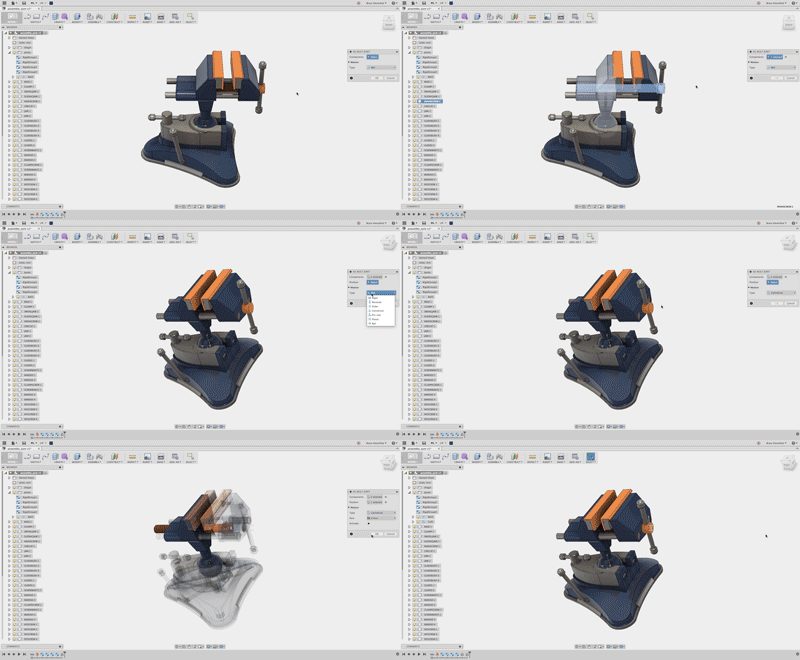
QUICK TIP: Assemble Imported Assemblies
No one likes working with imported geometry, but in this week's QUICK TIP we show how easy Fusion 360 assembles imported assemblies. In this tip, as-built joints & rigid groups quickly assemble this vise.
Fusion
-
Roadmap Check-in May 2016
Keep wondering when sheet metal functionality is going to be available? When will 2D drawings get the next set of improvements? Let's check-in..
Fusion
-
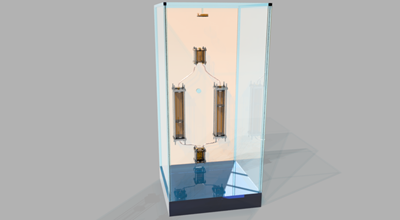
Showerloop Uses Open Source Principles for Environmental Innovation
Showerloop cleans and recycles warm water so you can enjoy that shower while using only a tenth of the resources.
Fusion
-
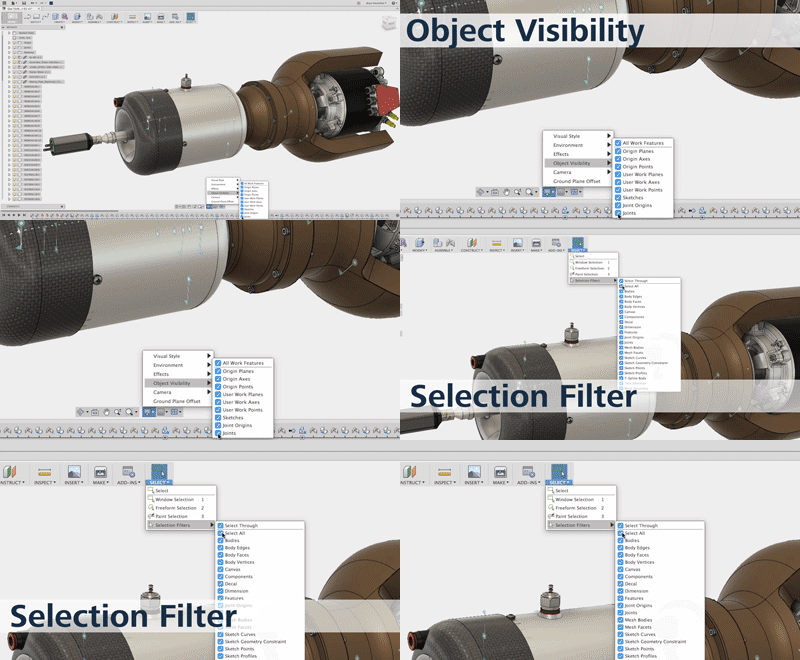
QUICK TIP: Object Visibility and Selection Filters
While designing in Fusion 360, joint previews, sketches and work planes need to be turned off to view different aspects of the design. In this week's QUICK TIP, learn how to turn off a selection of different objects or all of them in your design.
Fusion
-
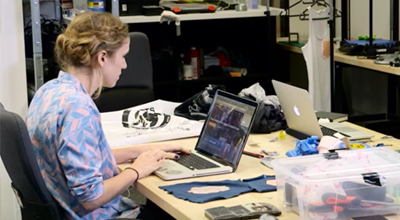
We want YOU to speak at Autodesk University 2016
Submit a proposal and join our community of experts—show how you’re pushing Fusion 360 software to its limits, shaping your industry, and building success in your business.
Fusion