
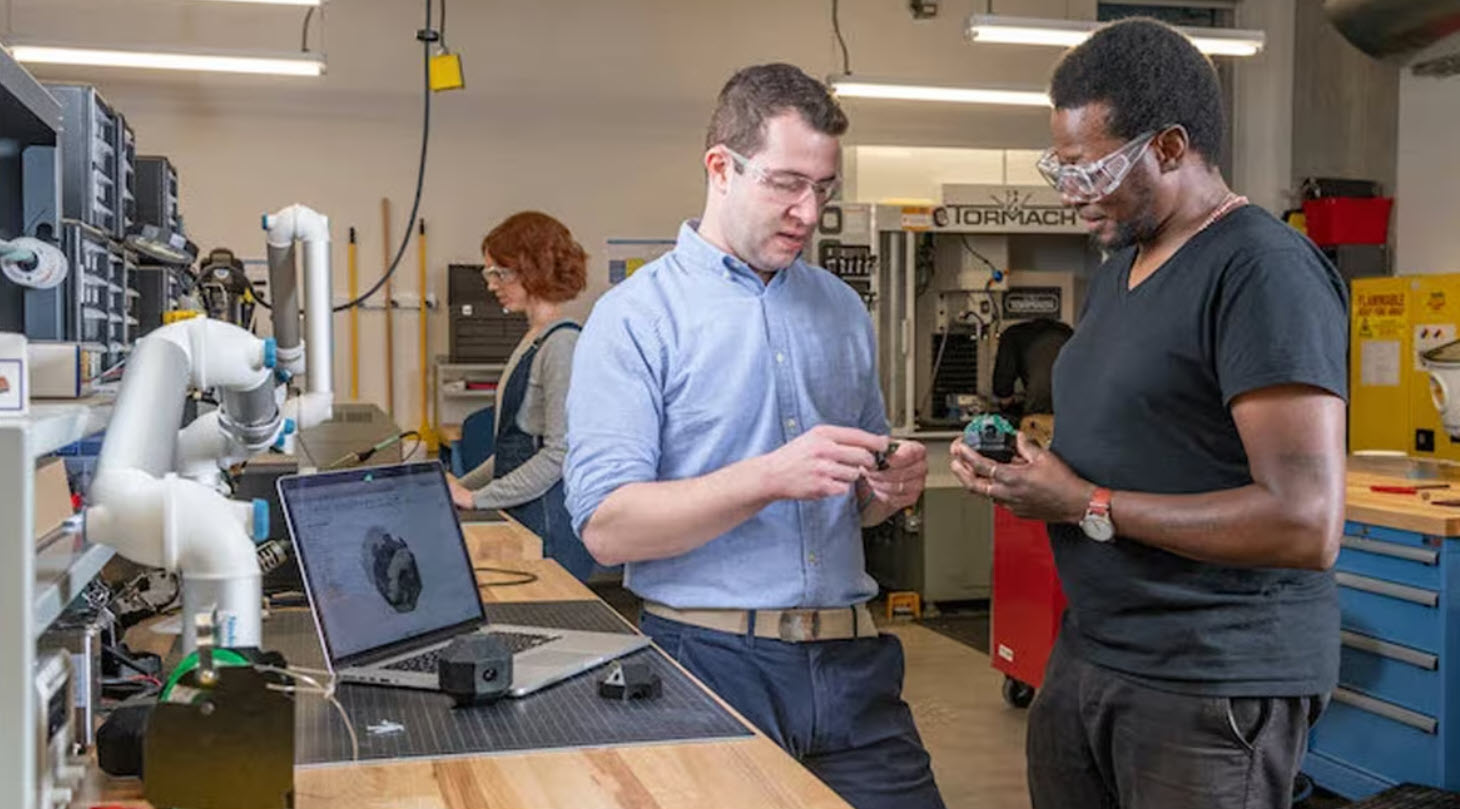
Choosing rapid prototyping software isn’t about features, it’s about workflow. Learn how to evaluate tools based on speed, simulation, collaboration, and manufacturing to iterate faster and reduce rework. Most teams don’t struggle with ideas. They struggle with turning those ideas into something testable. That’s where rapid prototyping comes in. And increasingly, the difference between a…
Product Design & Engineering

Design furniture that’s easier to manufacture by validating fit, joints, and tolerances before cutting material. Learn how early design decisions reduce rework and production delays. Most furniture manufacturing problems don’t originate on the shop floor. They start when designs are created without fully accounting for how parts will be produced, assembled, and changed under real‑world…
Industrial Design
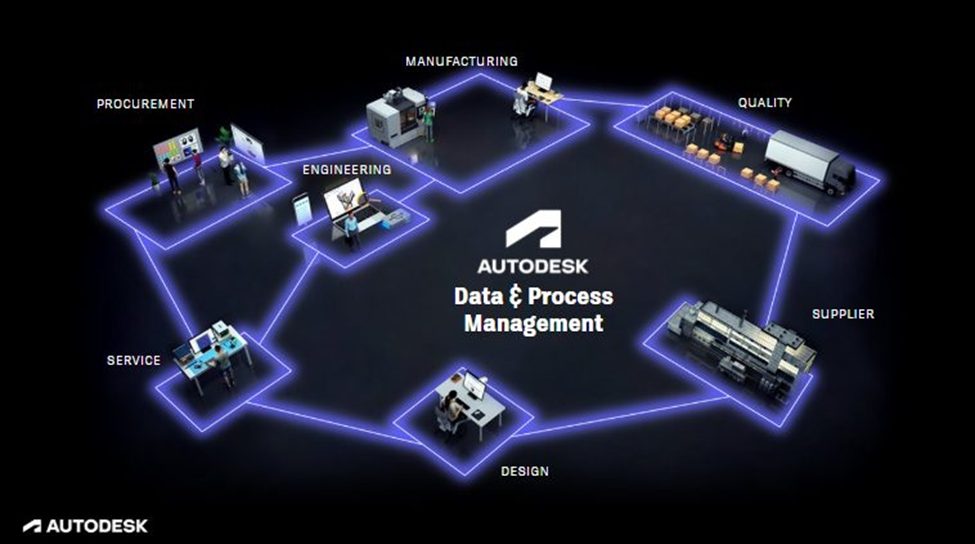
Project success depends on smooth transitions between the design, simulation, and manufacturing phases. Autodesk Fusion is a connected product development platform that maintains a single source of truth, accelerating development. Moving from design and production is possibly the greatest challenge in all of product development. Whereas designers focus on aesthetic intent and functional requirements, manufacturing…
Fusion

Learn how modern furniture manufacturers manage mass customization, improve visualization, and connect design to manufacturing using Autodesk Fusion. Customization is no longer a niche offering in furniture manufacturing, it’s an expectation. Customers want furniture that fits their space, their style, and their functional needs, whether that means different dimensions, finishes, materials, or modular configurations. For…
Industrial Design
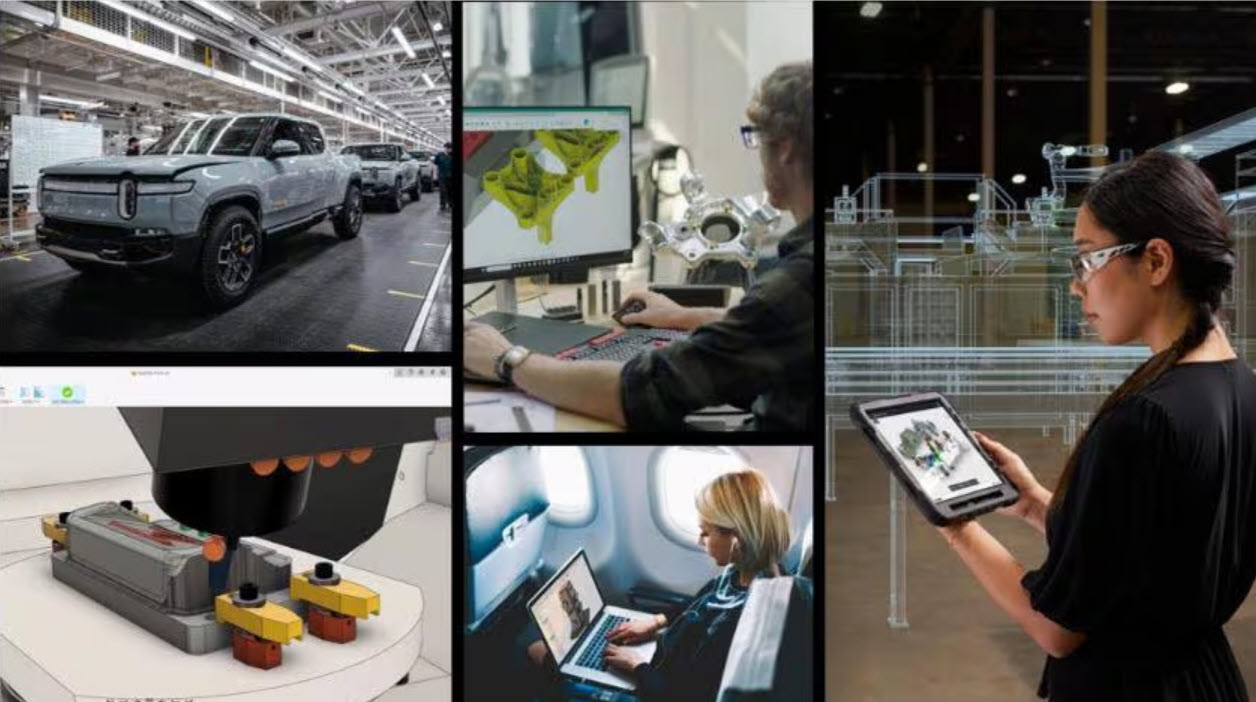
AI is reshaping engineering workflows. Learn how engineers use it to design faster, reduce manual work, and stay competitive with Autodesk Fusion. Rather than displacing human ingenuity, AI is enhancing it. Engineers who use these tools gain a competitive edge, accelerating innovation and efficiency in ways traditional methods can’t match. AI capabilities in Autodesk Fusion…
Manufacturing
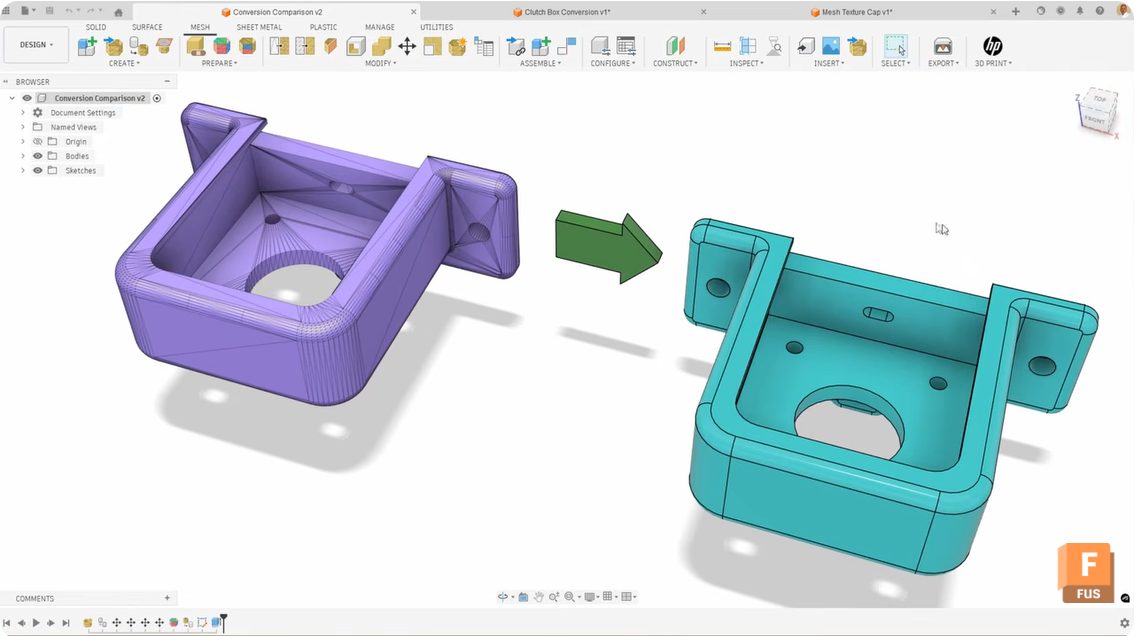
Learn how generate face groups in Fusion improves mesh‑to‑solid conversion, eliminating compute failed errors and messy surface results. Converting mesh bodies to solid bodies in Autodesk Fusion can be tricky sometimes. You follow the workflow, click convert, and either get a “compute failed” error or end up with a random patchwork of surfaces, instead of…
Product Design & Engineering
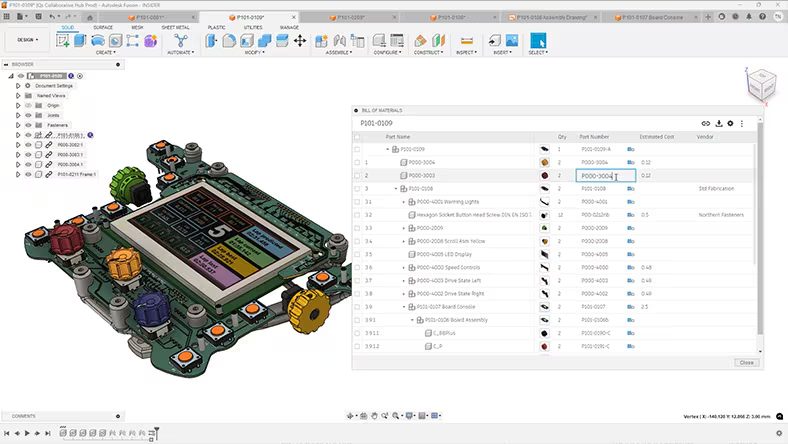
Discover how cloud CAD eliminates version conflicts, hardware limits, and data silos to accelerate product development with Autodesk Fusion.
Product Design & Engineering
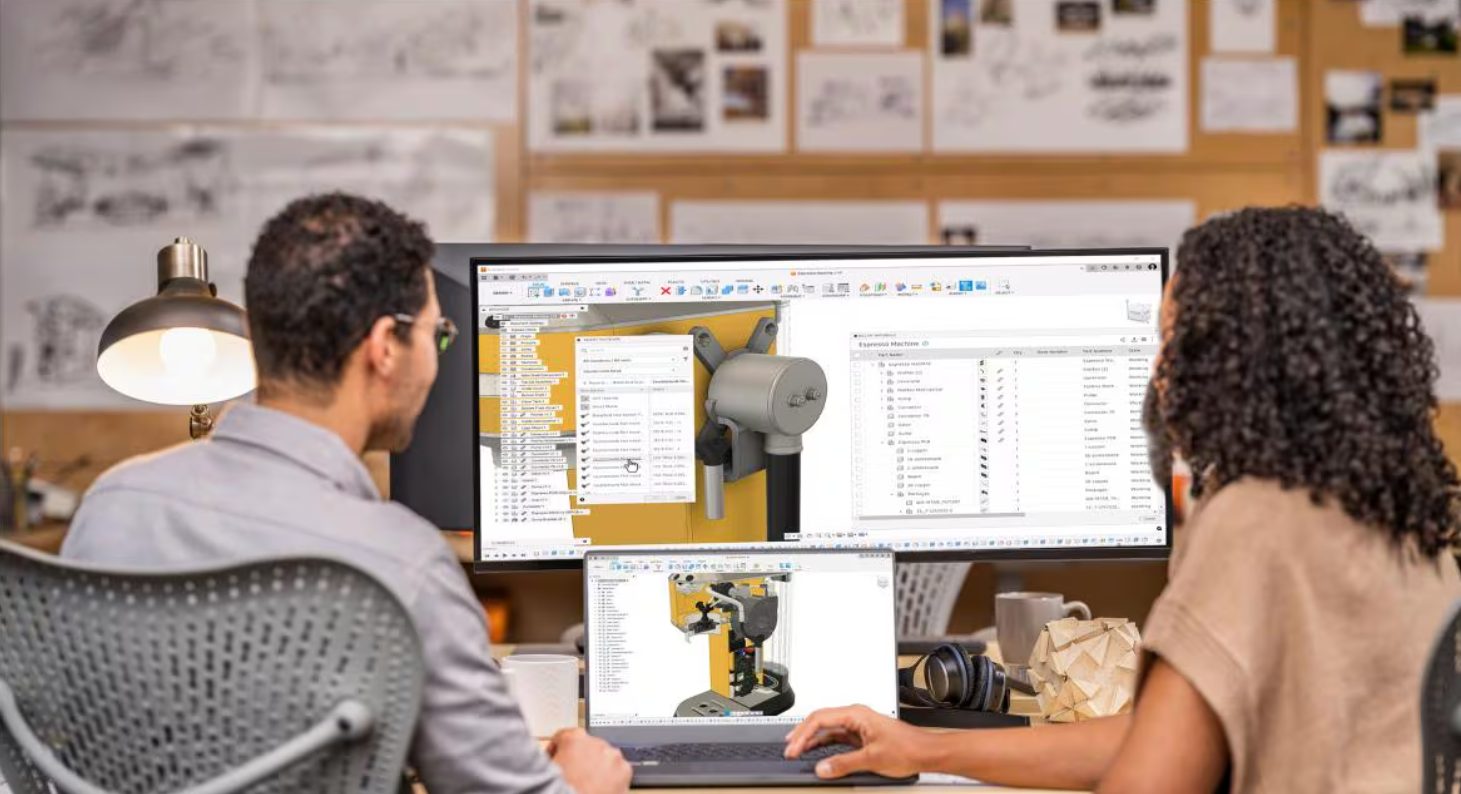
Consumer trends influence product design decisions around cost, speed, and sustainability. Learn how to adapt design strategy to change.
Fusion
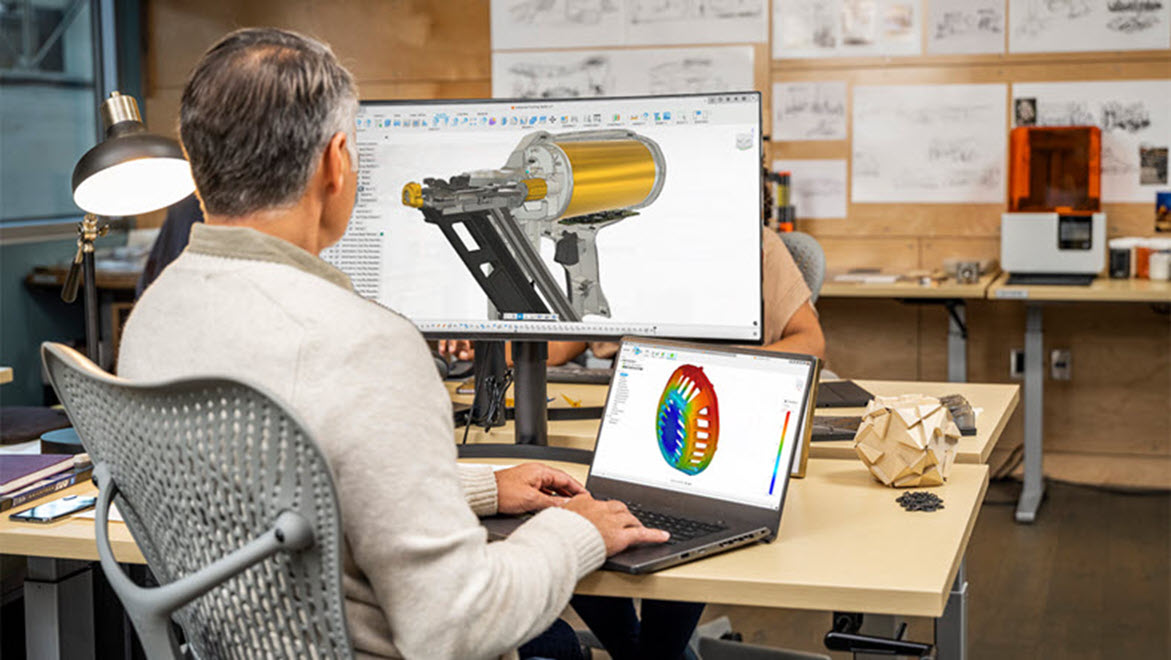
Modern product development tools are helping small design and manufacturing teams achieve high-volume output. With Autodesk Fusion, teams can improve collaboration, automate repetitive tasks, and focus on delivering high-quality products from design through production. It’s easy for small design and manufacturing teams to feel at a disadvantage compared to larger organizations with dedicated departments and…
Manufacturing

Small manufacturing teams can’t afford workarounds. See how Autodesk Fusion reduces friction across CAD, CAM, CAE, and data management to keep work moving. In smaller manufacturing teams, there’s no such thing as “extra time.” Every minute spent chasing files, switching tools, fixing broken workflows, or dealing with licensing issues is a minute not spent designing,…
Fusion
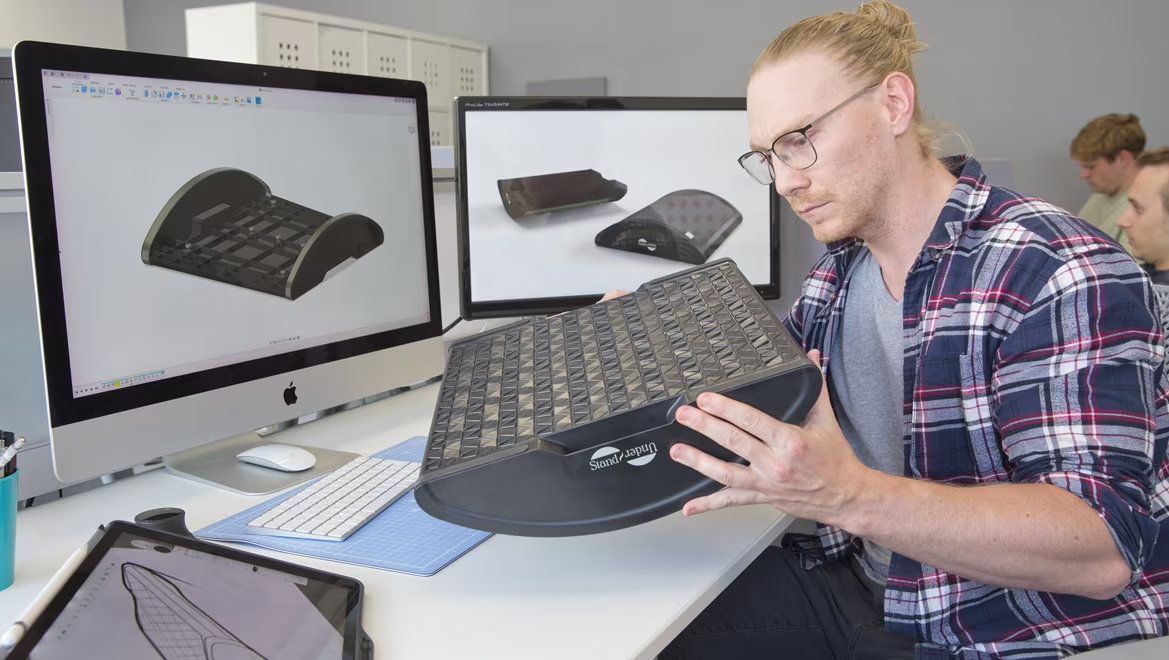
When should you use surface modeling vs solid modeling? Learn the differences, use cases, and how each approach supports modern product design and manufacturing. Choosing between solid modeling and surface modeling is one of the most common questions in product design and manufacturing. Both approaches are essential in modern 3D modeling workflows, but they serve…
Fusion

Do small businesses really need PLM? Learn when spreadsheets stop working—and how Fusion helps growing teams manage product data and change without complexity. For many small businesses, spreadsheets feel like the safest answer to managing product data. They’re familiar and flexible. And when your team is small, they seem “good enough” for tracking parts, changes,…
Fusion

Next up in this Fusion 360 Machining Extension series is toolpath automation, including steep and shallow and hole recognition tools.
Machining
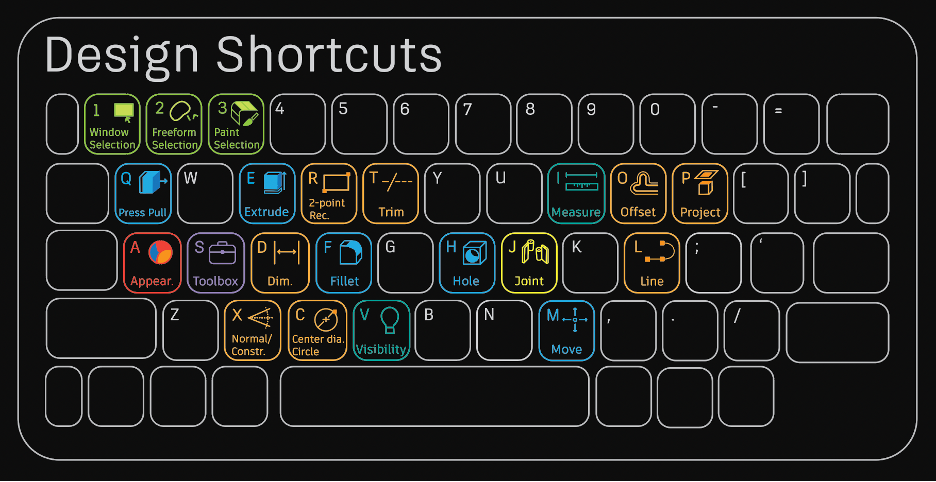
Once you master this list of beginner Fusion 360 modeling commands, you'll be well on your way to becoming an expert.
Getting Started
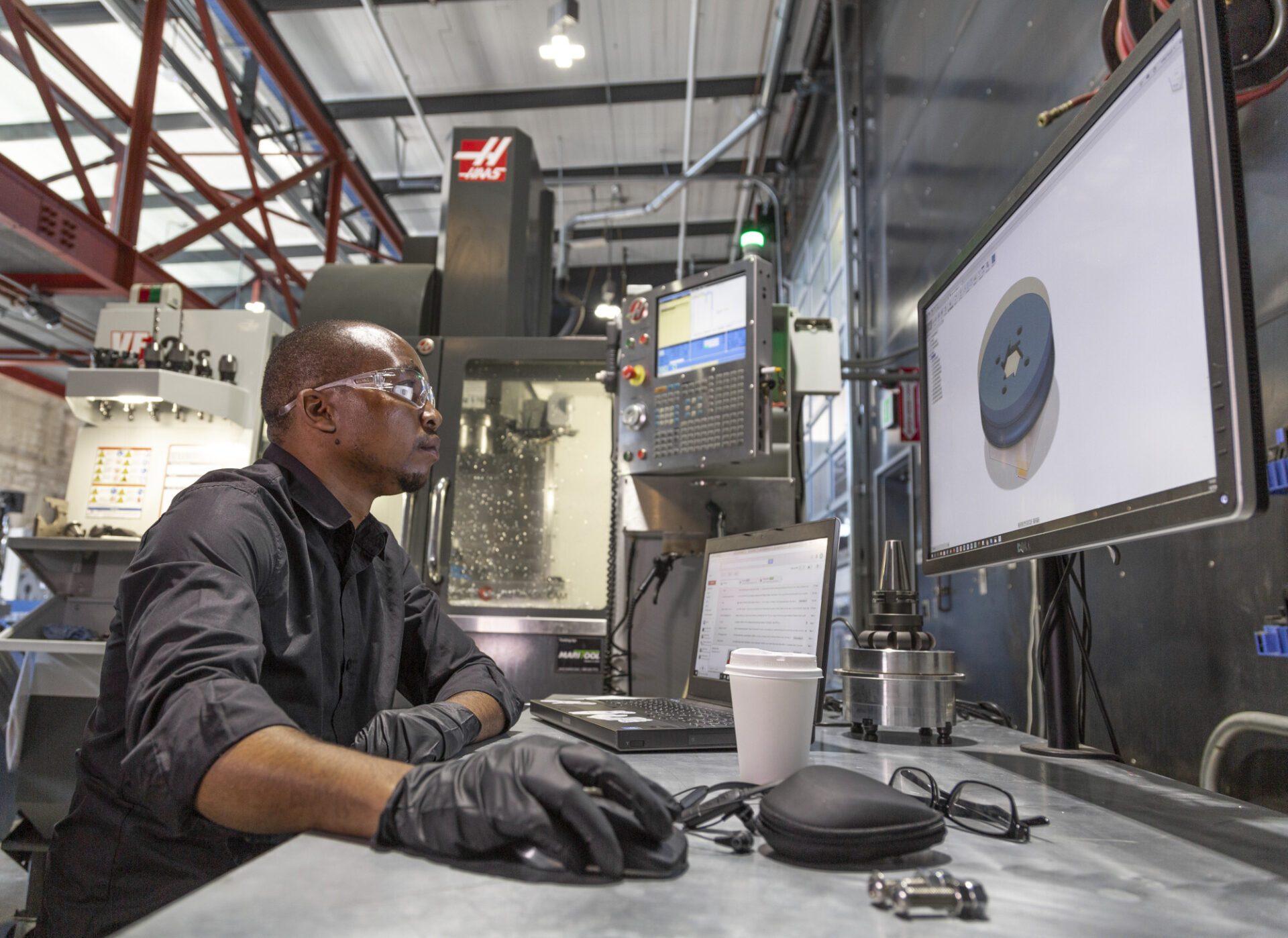
This guide highlights tools to master, best practices, and things to be aware of as you get up to speed with manufacturing in Fusion 360.
Getting Started