
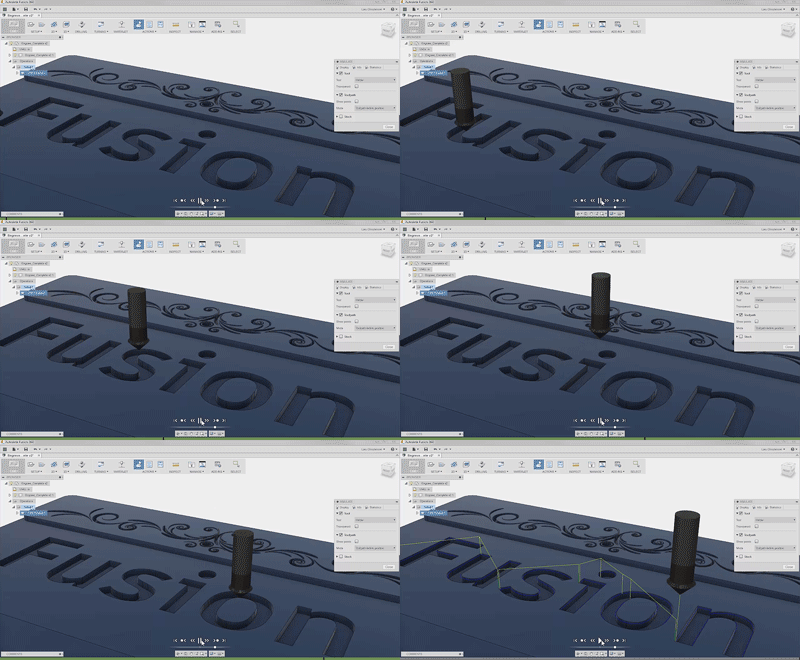
In this week's quick tip, learn how the engrave toolpath can help machine complex text or artistic patterns.
Fusion
In this QUICK TIP, I'll show you why I was wrong last week, and where you can go to get tons of great apps & extensions to help you in your designs!
Fusion
In this QUICK TIP, we'll be showing you a way to help you find hidden bodies within a component, but probably more importantly, how to avoid that from happening altogether!
Fusion
Internal volumes can be complicated and change drastically with design changes. Watch this quick tip to learn how to find the properties of an enclosed volume in Fusion 360.
Fusion
In the first part we'll show you how to insert models from the McMaster-Carr library. Then, we'll discuss ways of adding complex text and logos by using SVG import.
Fusion
In this update, we've added several new enhancements to A360. These enhancements will help design teams interact with their Fusion 360 data in a web browser.
What's New
Reduce time when programming multiple parts in Fusion 360. The CAM Component Pattern can pattern tool paths to different components in the machine.
Fusion
In this QUICK TIP, we'll show you how to edit an existing sketch pattern.
Fusion
2015 saw a number of major enhancements in Fusion 360. Check out this infographic for a quick recap, or watch the video to see the highlights and a sneak peek of what's coming up next!
Fusion
Cloning a simulation study can save an enormous amount of time when iterating designs. Take a look at this QUICK TIP to learn how to clone a study and how you can leverage these in new and different ways.
Fusion
Adding draft to parts is a requirement for many manufacturing processes. Watch this QUICK TIP to learn how to check and add draft in Fusion 360.
Fusion
When assembling components, some designs require components to be centered between two faces. There are many different approaches to this depending on your CAD background. Watch this Quick Tip to see how to create this joint.
Fusion
In this Quick Tip, we'll show you how to setup and use '2-Step Verification' to log into Fusion 360.
Fusion
In this QUICK TIP, we'll show you how to efficiently add dimensions in sketches.
Fusion
Where does every design start? A simple sketch. When dimensioning a sketch it is often required to create an aligned dimension. Aligned dimensions can be created with the standard dimensioning tool in a sketch...
Fusion