 Shannon McGarry
Discover why some SolidWorks users evaluate Autodesk Fusion to reduce software sprawl, connect CAD and CAM workflows, simplify product data management, and improve collaboration.

Elevate your design and manufacturing processes with Autodesk Fusion
Manufacturing has changed. Today’s product development teams need more than powerful CAD tools. They need smoother coordination between design, engineering and manufacturing, better visibility into product data, effective collaboration across locations, and the flexibility to support evolving workflows without introducing unnecessary complexity.
As organizations evaluate the future of their product development workflows, many are looking beyond CAD functionality alone. Questions about manufacturing workflows, collaboration, product data management, and software administration increasingly influence technology decisions.
For teams exploring alternatives to SolidWorks, Autodesk Fusion is often part of that conversation. Common reasons include:
Reduce software sprawl and scale more efficiently
As engineering organizations grow, many teams end up managing separate tools for CAD, CAM, data management, collaboration, file sharing, simulation, electronics design, and manufacturing workflows. According to research from Tech-Clarity, disconnected systems can lead to duplicated work, data recreation, translation issues, and inefficiencies as information moves between applications.
For many organizations evaluating product development platforms the challenge isn’t the CAD software itself. It’s the complexity of managing an increasingly fragmented product development environment.
As organizations grow, they often add new tools to address specific challenges. A CAM system for manufacturing. A PDM system for data management. Separate tools for collaboration, simulation, or electronics design. Each addition may solve an immediate problem, but it can also introduce new administrative overhead, training requirements, deployment complexity, upgrade management, integration maintenance, and support responsibilities. Over time, managing the connections between multiple systems can become just as challenging as the design work itself.
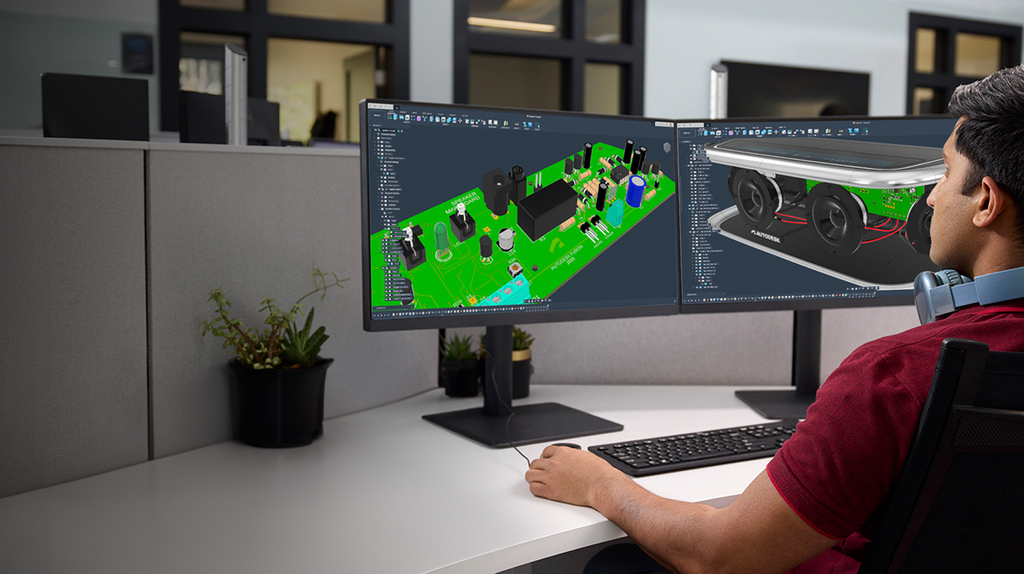
Fusion is designed to provide CAD, CAM, CAE, PCB, collaboration, and data management capabilities within a connected environment. This was a key factor for Native Instruments as the company looked to bring different disciplines together on a common platform:
“We come from a world where industrial designers work with their tools and mechanical engineers work with different tools. For us, the next transformative step was to go to the same platform. Autodesk Fusion really helped us come together.”
– Johannes Schroth, Lead Industrial Designer, Native Instruments
The goal isn’t simply to add more features. It’s to reduce workflow complexity and help teams scale without continuously adding new systems to manage.
Connect design and manufacturing
For many manufacturers, the biggest workflow challenges appear after the design is finished.
In some CAD/CAM environments, design and machining are managed in separate applications, requiring teams to move data between systems and keep manufacturing information synchronized with engineering changes. As revisions occur, maintaining alignment can become increasingly time-consuming and error-prone.
Fusion helps reduce this friction by connecting CAD and CAM within the same environment. Because design and manufacturing workflows share the same model, toolpaths remain associated with design changes, helping reduce manual updates and rework when revisions occur.
For manufacturers operating under tight schedules, reducing revision-related errors may help simplify change-management processes and reduce manual coordination between engineering and manufacturing teams.
“We found with almost the click of a button, Autodesk Fusion is capable of exporting our 3D models to our CNC machine to manufacture right then and there, ending up with a finished part that is ready to hit the racetrack or ship out the door to our client.”
-Betim Berisha, Co-Founder, BBi Autosport
Simplify product data management
As products become more complex and teams become more distributed, product data management becomes increasingly important. Companies may adopt formal processes or tools to help address version control, collaboration, approvals, and change management.
Fusion includes cloud-based product data management capabilities designed to help teams organize product information and manage design data throughout development.
These capabilities provide a centralized location for design files, version history, sharing, and collaboration activities. Team members can access authorized project information across locations and collaborate using the same platform environment.
For organizations with distributed teams, cloud-based collaboration tools may reduce dependence on local file-sharing processes and manual distribution of design files.
I shifted to Fusion very early on because of its accessibility. With most of the computing done in the cloud, it’s easier for many people to access the software. You can share your designs without having to send files. “
– Yashasvi Yadav, Mechanical Design Engineer, Thinkerbell
Support cross-functional workflows
Modern product development extends beyond traditional CAD users. Designers, engineers, manufacturers, suppliers, and other stakeholders often contribute throughout the lifecycle of a product.
Fusion supports workflows across design, review, collaboration, simulation, prototyping, and manufacturing, helping teams spend less time moving between systems and more time moving projects forward. Autodesk also provides learning resources, tutorials, documentation, and community support to help users learn and adopt the platform.
As a result, organizations often evaluate collaboration, workflow continuity, and support for cross-functional teams alongside CAD functionality.
“I’ve used other software in the past, like SolidWorks and Rhino, and found Fusion easier to learn. The user interface and icons are easy to use. The tools in Fusion are easy to pick up, and there are loads of tutorials online.”
– Charlie Adlem, Production Designer, JDD
Beyond CAD replacement
Moving from one platform to another is rarely just a CAD decision. Organizations often evaluate broader business priorities, such as reducing software complexity, improving collaboration, connecting engineering and manufacturing workflows, supporting distributed teams, and managing product data more effectively.
Key questions often include:
- How effectively can teams collaborate?
- How are engineering and manufacturing workflows connected?
- How is product data managed?
- What administrative requirements are involved?
- How well does the platform support distributed teams?
- How easily can workflows evolve as business needs change?
Fusion helps address these questions by connecting design, engineering, simulation, electronics, manufacturing, collaboration, and data-management workflows within a single platform environment.
The importance of each factor varies by organization, but for many teams, the evaluation extends well beyond CAD functionality alone. It’s about how information, people, and processes connect across the product development lifecycle.
Why some teams choose Fusion
For many organizations, evaluating Fusion isn’t simply about replacing one CAD tool with another. It’s about reducing the friction that builds up as products become more complex, teams become more distributed, and workflows extend beyond engineering. The question isn’t just which CAD system has the right features. It’s which platform can help connect the people, data, and processes that turn ideas into finished products.
Frequently asked questions
Yes. Fusion supports importing SolidWorks part and assembly files, allowing teams to leverage existing design data while transitioning workflows. Review Autodesk’s current file-compatibility documentation for supported formats, versions, and associated workflows.
Organizations can import existing SOLIDWORKS data into Fusion and continue working with historical design files. The approach a company takes depends on its migration strategy, active projects, and long-term workflow requirements.
Fusion includes CAD, CAM, CAE, PCB, collaboration, and cloud-based data management capabilities within the platform. Organizations comparing platforms should review current packaging and licensing information to determine which capabilities are included and whether additional products, add-ons, or subscriptions are required.
Fusion brings CAD and CAM capabilities together in a connected platform. Design and manufacturing teams can work from the same product data, helping reduce the need to move information between separate systems and simplifying the management of engineering changes.
Yes. Fusion includes cloud-based data management features such as version control, collaboration tools, and secure sharing, helping many organizations manage design data without requiring a separate PDM system.
Organizations exploring Fusion often want to connect design and manufacturing workflows more closely, simplify product data management, support collaboration across teams and locations, or manage more of the product development process within a single platform.
Fusion is designed to support organizations managing product development across multiple teams, disciplines, and locations. Teams should evaluate its capabilities against their specific workflow, collaboration, and data-management requirements.
Fusion includes capabilities for design, engineering, simulation, electronics, manufacturing, collaboration, and data management. This allows organizations to manage multiple stages of product development within a connected platform environment.
Yes. Some organizations use Fusion and SolidWorks together during migration projects, department-specific workflows, or phased technology transitions. The approach depends on business requirements, existing processes, and data-management strategies.
Fusion includes CAD, CAM, CAE, PCB, collaboration, and data management capabilities within a single platform. Whether it can replace an existing SOLIDWORKS environment depends on an organization’s workflows, requirements, and technology strategy.
Disclaimer: References to third-party products are based on publicly available information as of October 2026. Product features, capabilities, and availability may change over time.