-
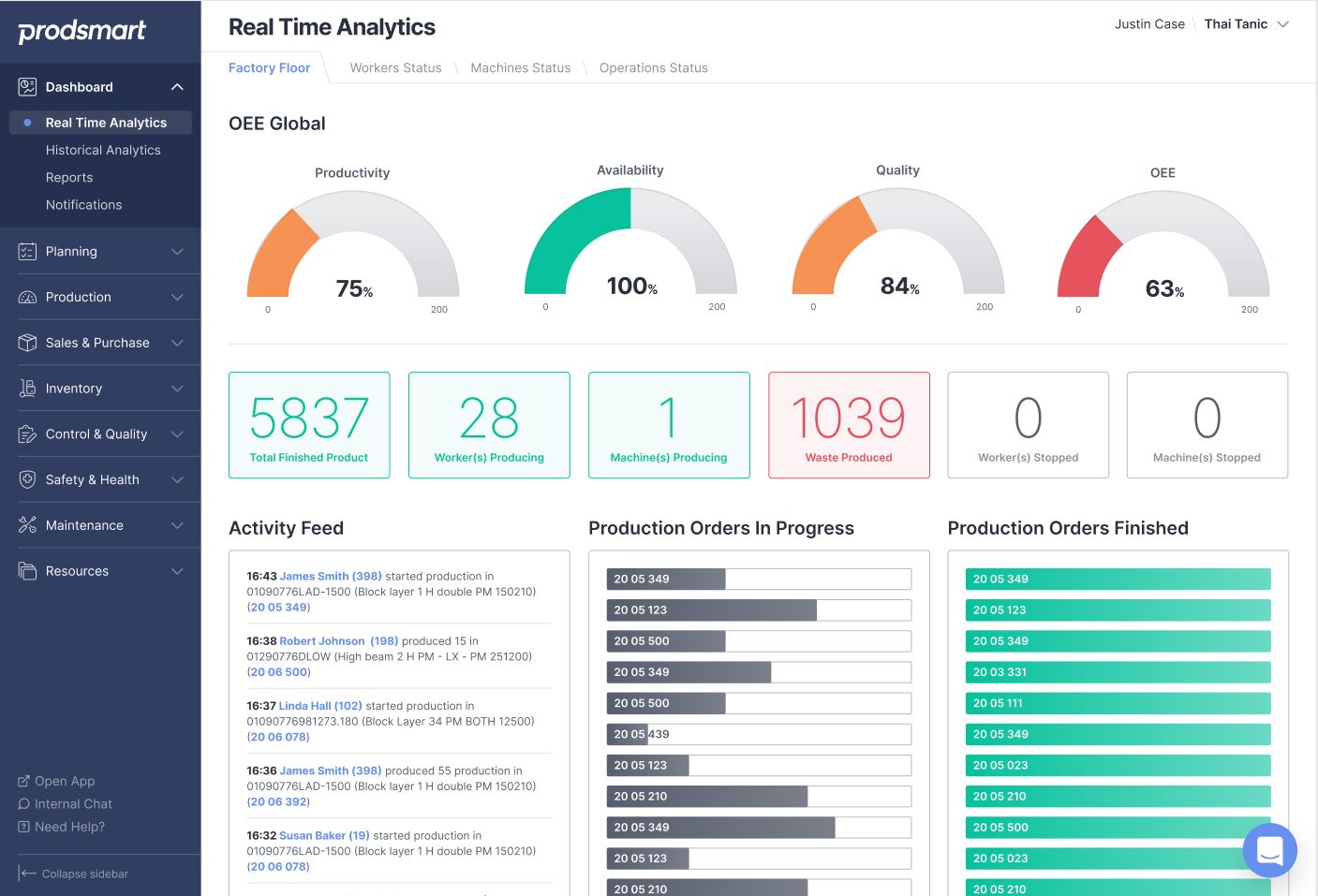
Short-term Feedback Leads to Long Term Improvements
Why is it important to know the impact of every single operation? Because short-term feedback leads to long-term improvement.
Mechanical Engineering
-
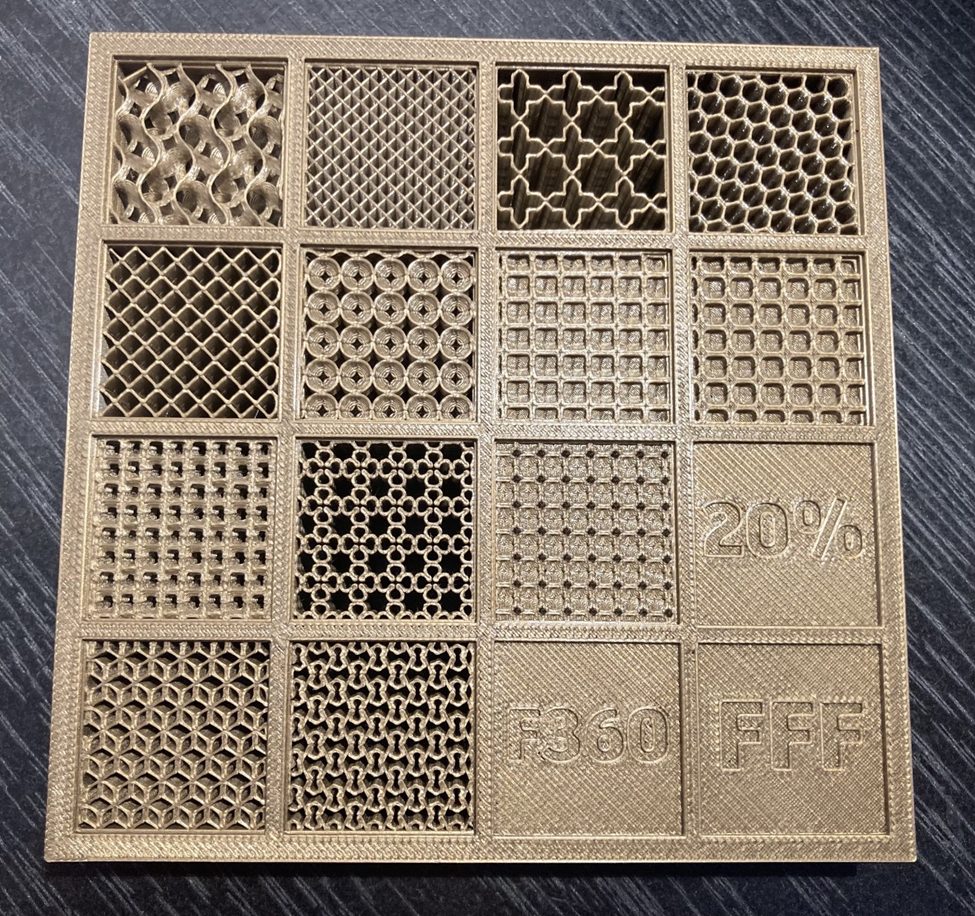
All About Fused Filament Fabrication (FFF) in Fusion
Let's take an in-depth look at what Fused Filament Fabrication (FFF) is and some cool functionality in Fusion 360.
Getting Started
-
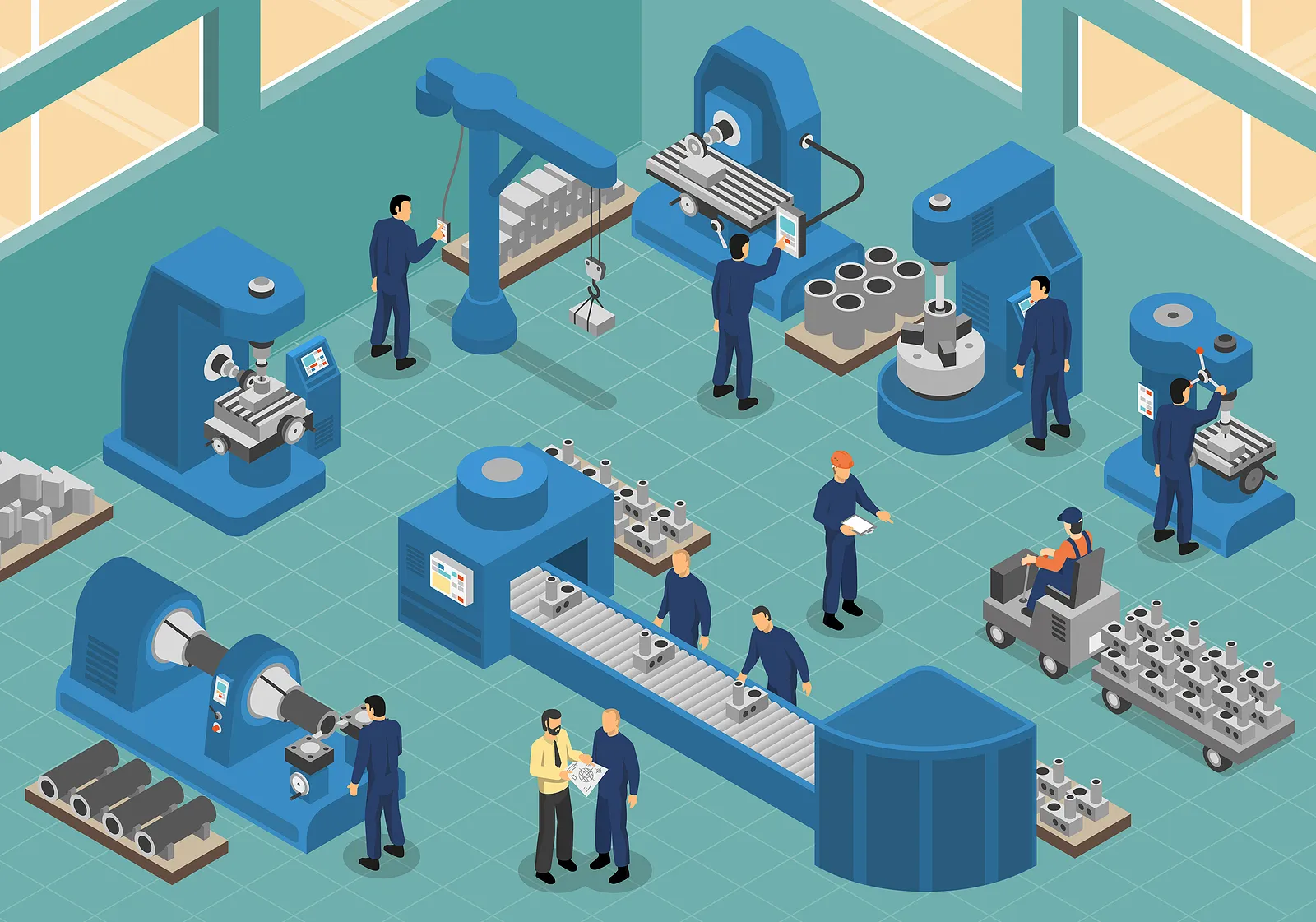
3 Ways Inventory Management Has Changed Over the Years
As technology advances, inventory management strategies advance with it. Here are three ways inventory management has changed over the years.
Machining
-
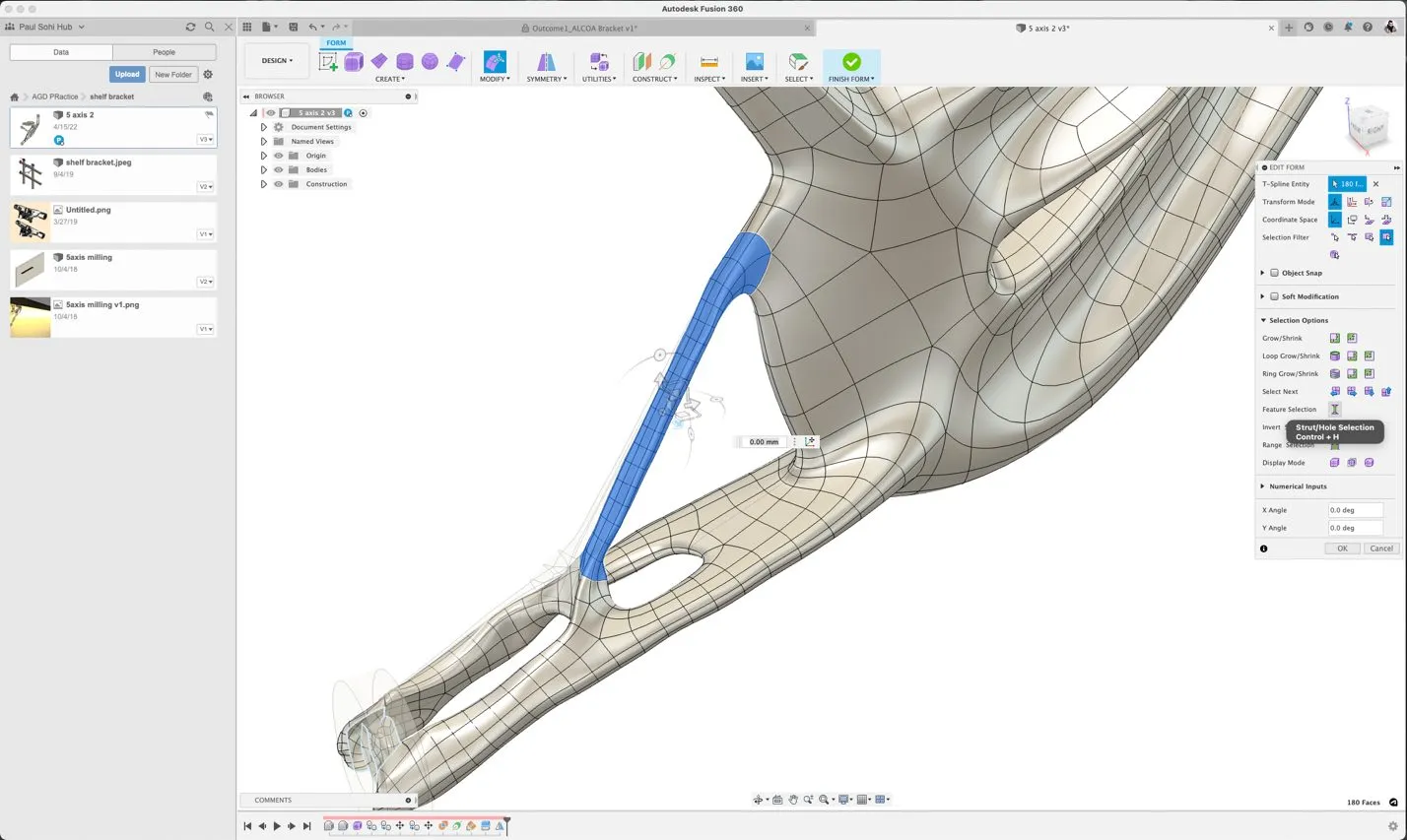
Enabling Business Growth Through Design Automation Tools in Fusion 360
Design automation tools like parametric modeling, generative design, and automated modeling in Fusion 360 enable your team to grow smarter.
Mechanical Engineering
-
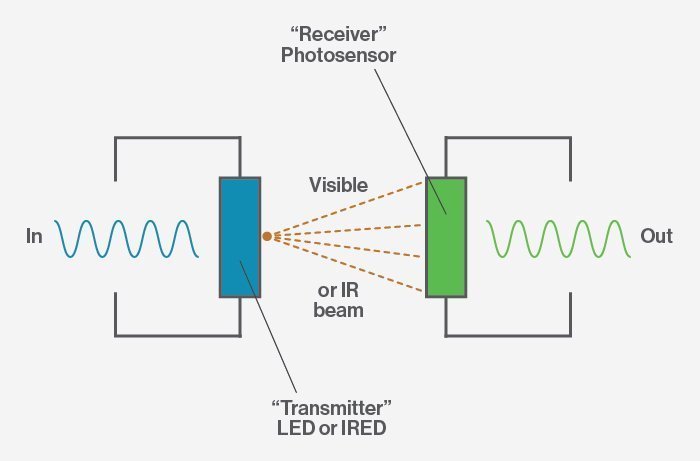
Let There Be Light! How an Optocoupler Works
Learn how an optocoupler works to safely separate high-voltage components and low-voltage devices while removing electrical noise.
Electronics Engineering
-
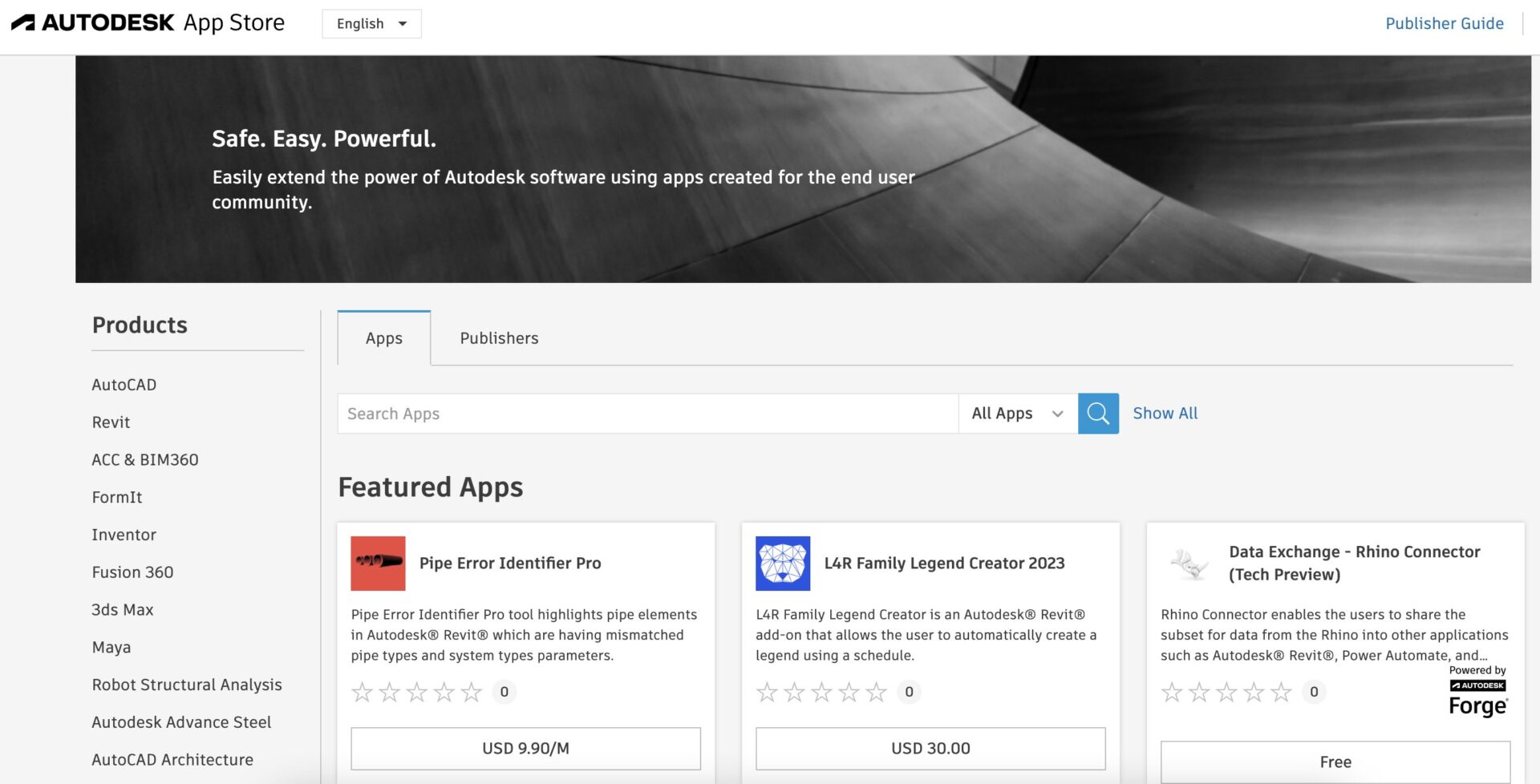
How to Leverage the Autodesk App Store for Fusion 360
Did you know that you can get from design to make faster in Fusion 360 by leveraging apps found in the Autodesk App Store?
Getting Started
-
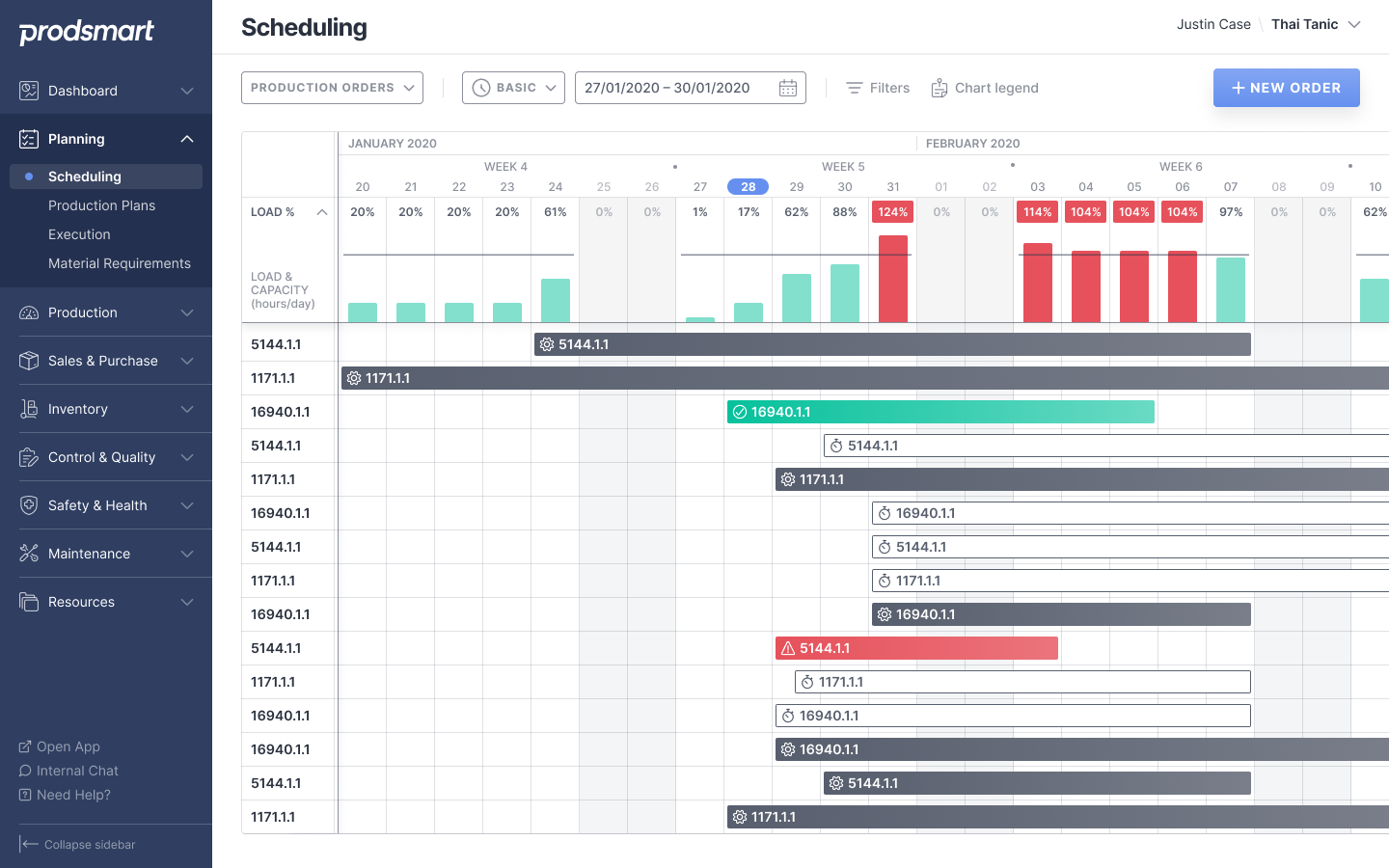
How To Take Control of Your Manufacturing Inventory Management
Lost control over your inventory? Here are three simple ways to regain control of your manufacturing inventory management once and for all.
Mechanical Engineering
-
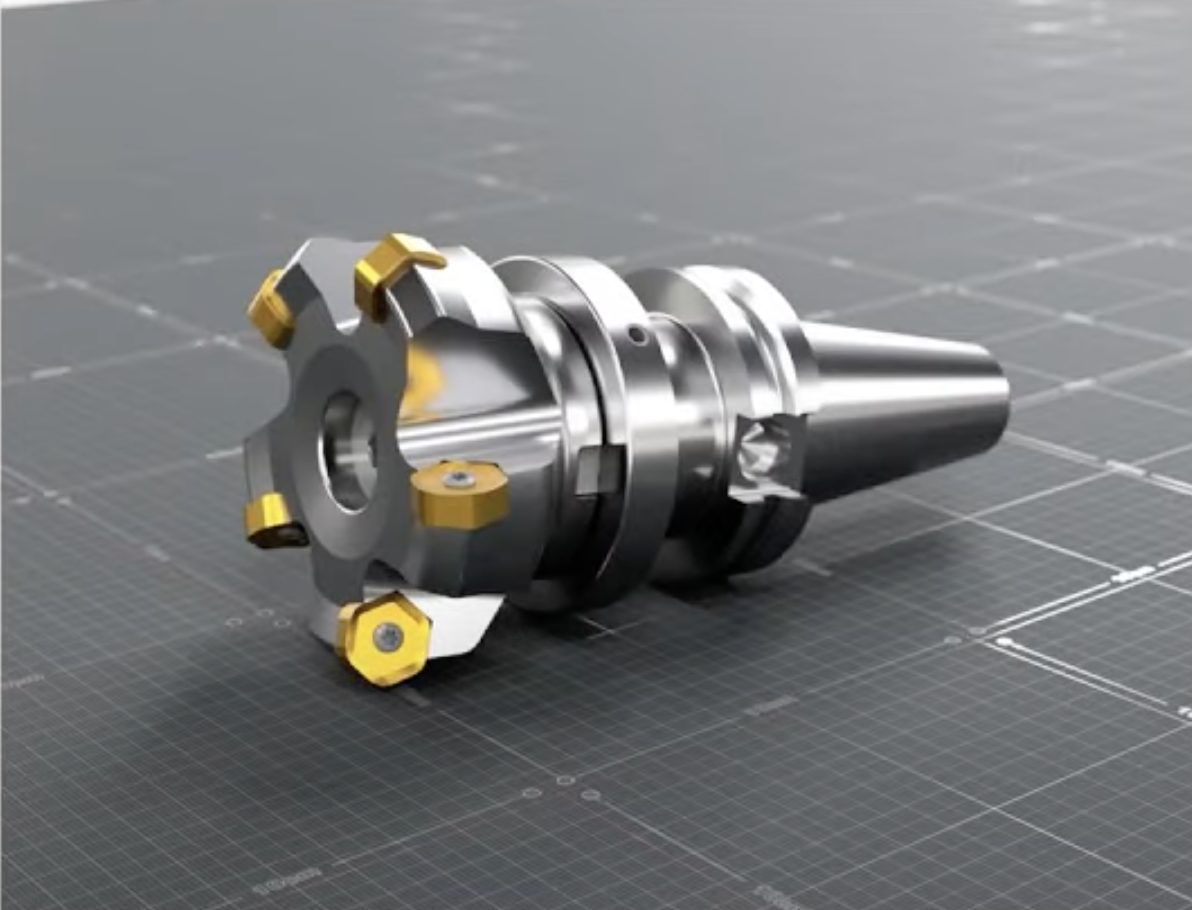
How To Create Realistic Fusion 360 Renderings
Do you want to take your Fusion 360 renderings to the next level? You're in the right place! Let's go through some tips and tricks.
Getting Started
-

First Calculator: When Was the Calculator Invented?
Despite their simplicity, electronic calculators are an enormous landmark for design. Learn about the first electronic calculator.
Electronics Engineering
-
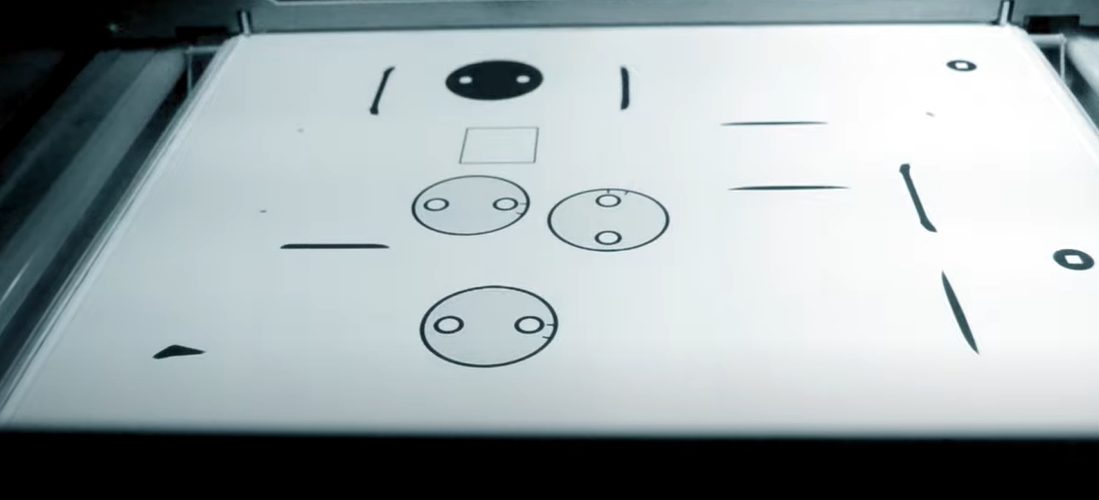
Connected Additive Manufacturing Workflows With the HP 3D Printer App for Fusion 360
The HP App for Autodesk Fusion 360 allows you to connect and transfer print build information directly to your HP 3D printers from within Fusion 360. Learn how it can benefit your additive manufacturing workflows here.
Industrial Design
-

Princess by Day, Superhero by Night: Limbitless Solutions Empowers Kids With Custom Bionic Arms
See how Limbitless Solutions is working to transform what bionics for children will look like in the future with the help of Autodesk Fusion 360.
Customer Stories
-

3 Inventory Metrics You Can Track on Mobile Devices
See how Manufacturing execution systems like Fusion Operations make it easy to track inventory metrics on mobile devices.
Machining
-

How To Face 3 Current Manufacturing Challenges Head-on
Today's manufacturing industry is rife with challenges. Explore three major manufacturing challenges and how to solve them head-on.
Mechanical Engineering
-

Explore More Design Options With Agile Product Development
Agile product development enables design teams to prototype and fabricate ideas faster, leading to a higher potential for market success.
Fusion
-

February 2023 Minor Product Update – What’s New
V.2.0.15509 In this February update, we addressed key issues reported through our support channel, forums, Fusion 360 Insider Program as well as our manufacturing Customer Advisory Board. Thank you everyone for your ongoing support! Let’s get into the key updates: Design & API Now within the Edit Motion Limits Dialog you will have the option…
News