-
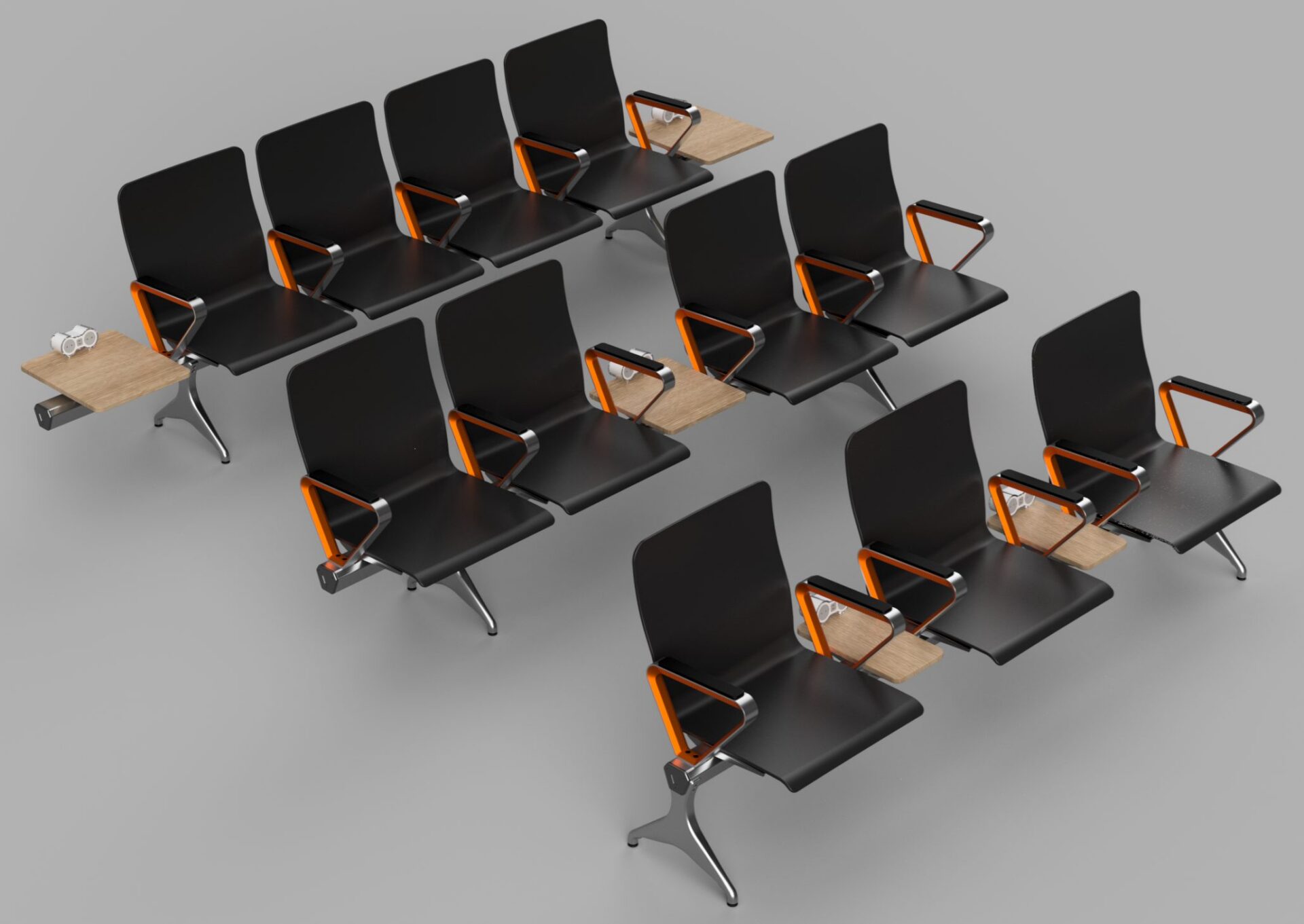
Introducing Configuration Rules in Autodesk Fusion
Configuration rules in Fusion let you define logic that controls parameters, options, and features, ensuring every configuration stays valid, consistent, and ready for manufacturing. Fusion now includes configuration rules, letting you define logic that drives and constrains values in a configured design. Configuration rules automate how design options work together, helping ensure outputs remain valid…
Fusion
-

Engineering Change Management for Everyone with Autodesk Fusion
Learn what engineering change management is, why it matters, and how Autodesk Fusion helps teams manage design changes with speed, clarity, and control. Engineering change management doesn’t have to be complicated or reserved for large enterprises. At its core, it’s simply the process of controlling, communicating, and tracking design changes so teams can move forward…
Data management
-
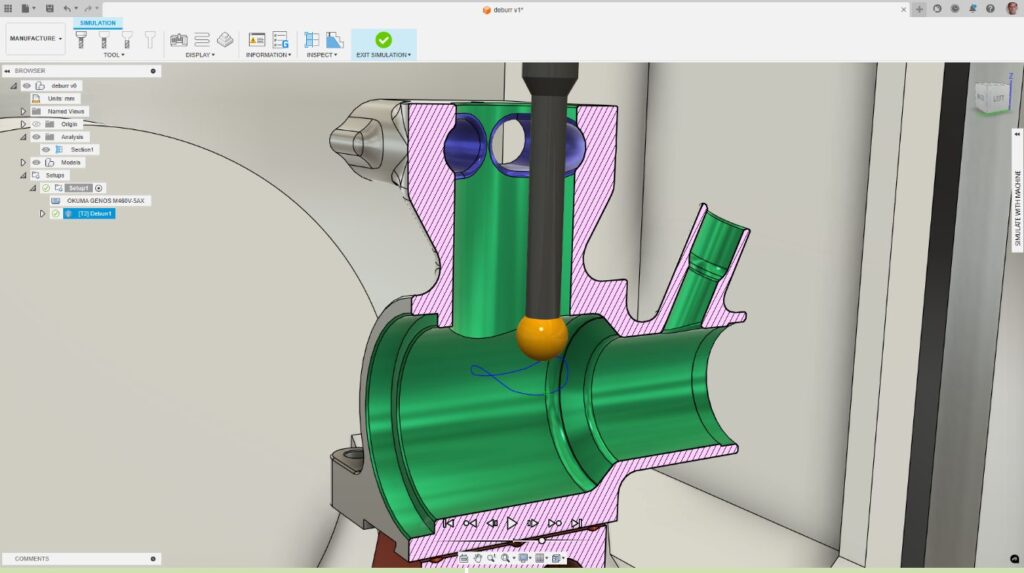
CNC Deburring: How Autodesk Fusion for Manufacturing Eliminates Manual Finishing Bottlenecks
Learn how CNC deburring in Autodesk Fusion for Manufacturing replaces manual finishing with programmable, consistent deburr toolpaths. A part is complete when the last toolpath runs. Burrs, small, sharp imperfections left behind after cutting, can compromise fit, function, safety, and surface quality. For many manufacturers, deburring remains one of the most time‑consuming and inconsistent steps…
Advanced Manufacturing
-

What AI‑Assisted Rendering in Fusion Means for Modern Design Workflows
Learn how AI‑assisted rendering in Fusion brings visualization into the flow of design, using natural language, embedded AI, and scalable cloud platforms to accelerate iteration. AI rendering is beginning to change how designers visualize and iterate on concepts, removing friction between idea, model, and presentation. AI‑assisted rendering in Fusion that lets users generate visual renderings…
Product Design & Engineering
-
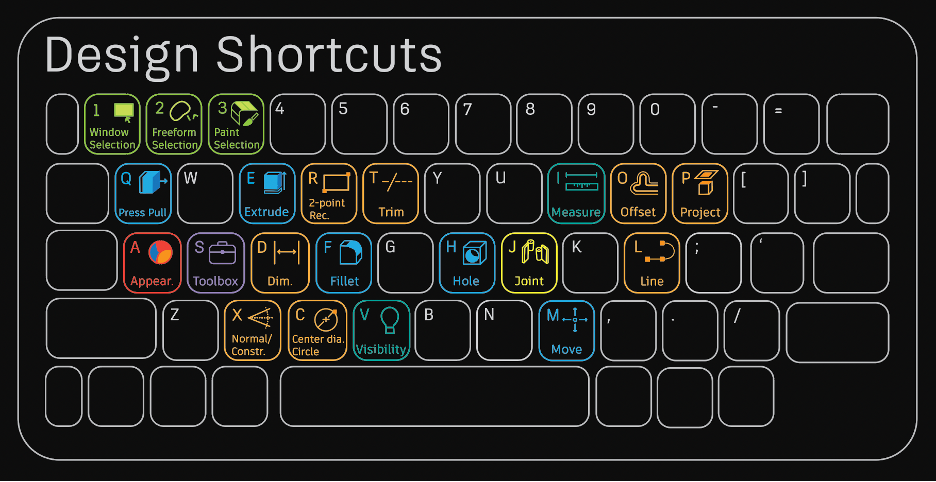
15+ Essential Fusion Shortcuts and Their Modeling Commands
Once you master this list of beginner Fusion 360 modeling commands, you'll be well on your way to becoming an expert.
Getting Started
-
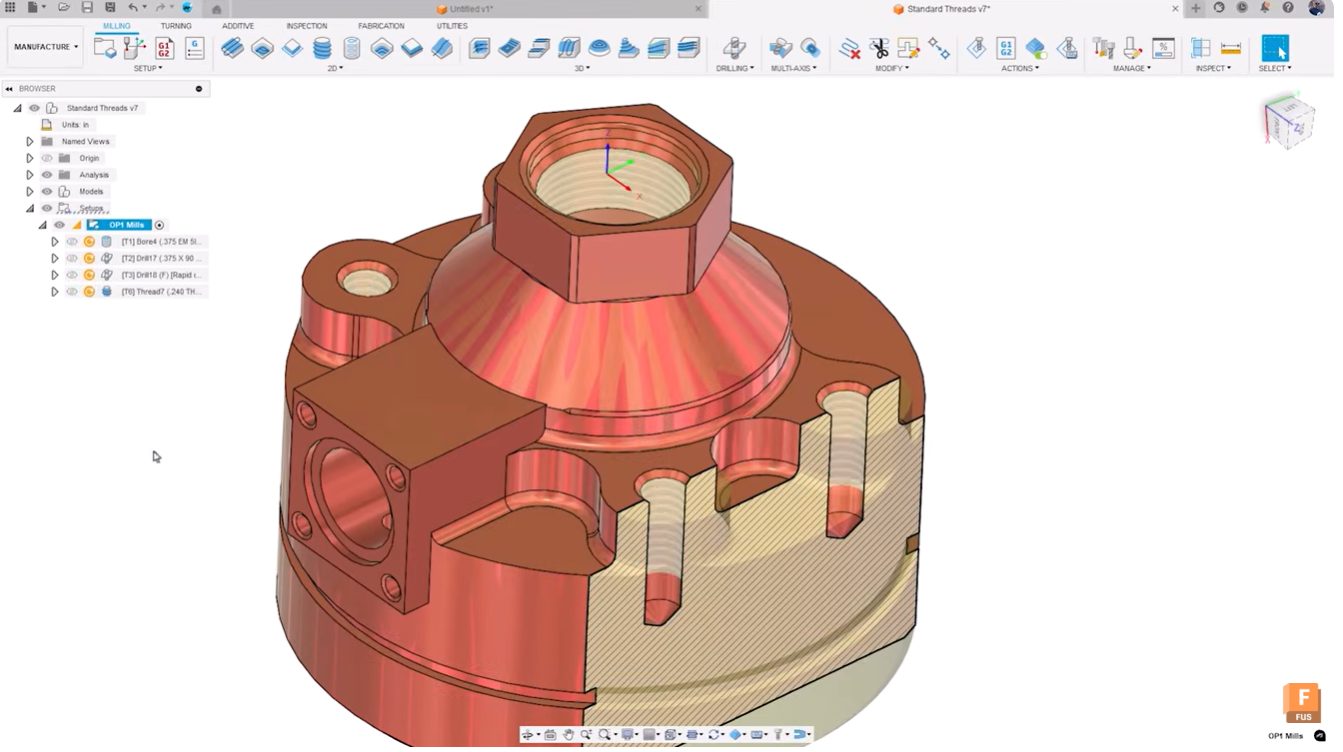
Top 5 New Autodesk Fusion Features for Smarter Workflows [April 2026]
Autodesk Fusion’s April 2026 update delivers workflow‑driven improvements for electronics, configurable designs, and advanced manufacturing teams. The April 2026 update to Autodesk Fusion delivers five major feature enhancements designed to streamline complex workflows, reduce manual setup time, and strengthen the connection between design and manufacturing. These updates address real pain points reported by users working…
Fusion
-
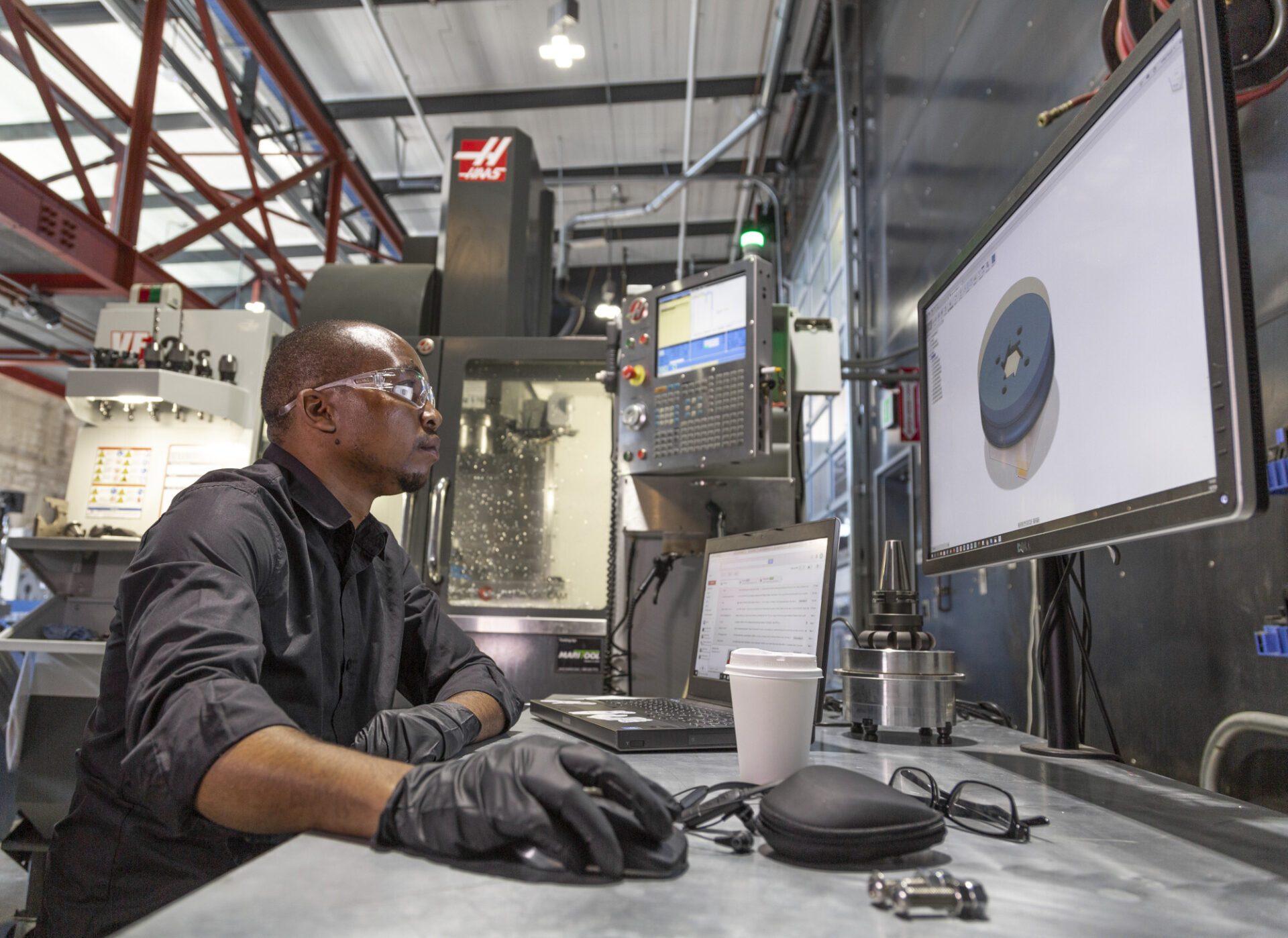
Autodesk Fusion Manufacturing Fundamentals: From Design to Production—Without Switching Tools
This guide highlights tools to master, best practices, and things to be aware of as you get up to speed with manufacturing in Fusion 360.
Getting Started
-
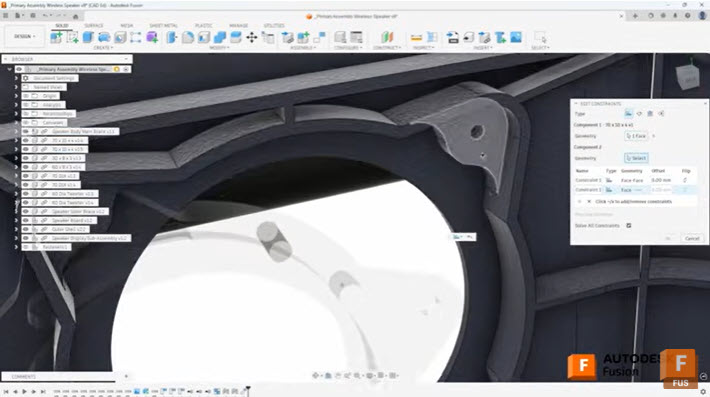
Efficient Assembly Design with Joints and Constraints in Autodesk Fusion
Learn when to use joints and constraints in Autodesk Fusion to build efficient assemblies, control motion, and manage complex component relationships. When building assemblies in Autodesk Fusion, understanding how to effectively position and relate components is fundamental to creating efficient, well-structured designs. Two primary methods exist for establishing these relationships: the Joint command and the…
Tutorials
-
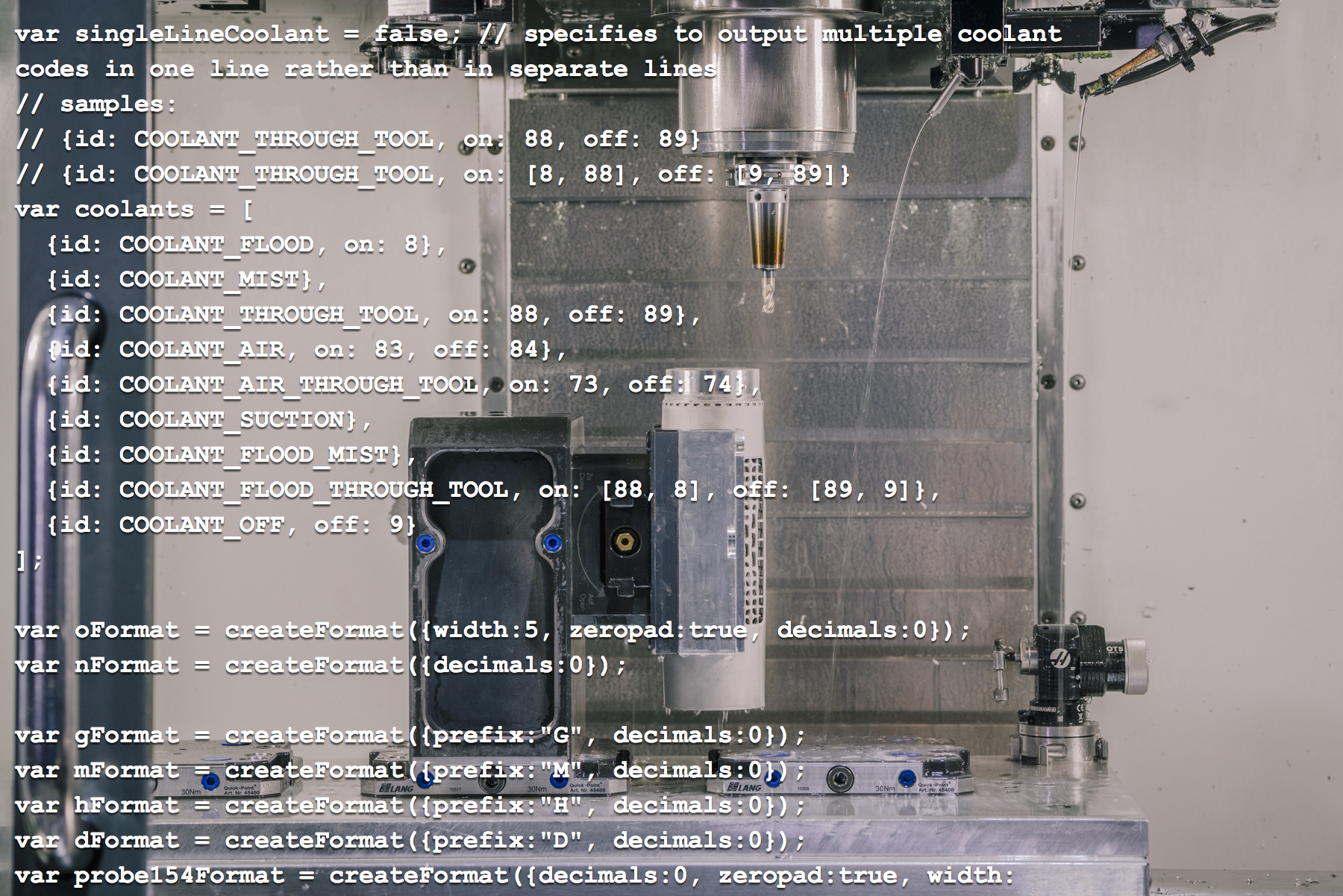
A Quick Introduction to Editing Post Processors in Autodesk Fusion [Update 2026]
If you're generating toolpaths with a CAM system, you need a way to turn them into code for your machine. Typically this is done by a post processor. These are often expensive, difficult to create, and hard to find support. Learn more about how Fusion 360 flips this on its head.
Machining
-
How to Set Up Teams, Projects, and Secure Access in Autodesk Fusion
This article covers a few of Fusion 360's key data management features, from creating teams to setting up secure SSO for your organization.
Mechanical Engineering
-

Here’s How to Set Up Your Fusion Hub (and Get Your Team Collaborating Faster)
Creating your Fusion Hub is the first step after purchasing Autodesk Fusion. Here's everything you need to know about the process.
Getting Started
-

The Autodesk Fusion Creator Challenge: Real Projects. Real Stories. And a Chance to Win $10,000
Enter the Fusion Creator Challenge for a chance to win $10,000. Share a short video showing how you use Autodesk Fusion to design, prototype, and manufacture real ideas. Submission date extended to June 10, 2026. Enter for a chance to win $10,000! Submit your video here. A thriving community is built on sharing and helping…
Fusion
-
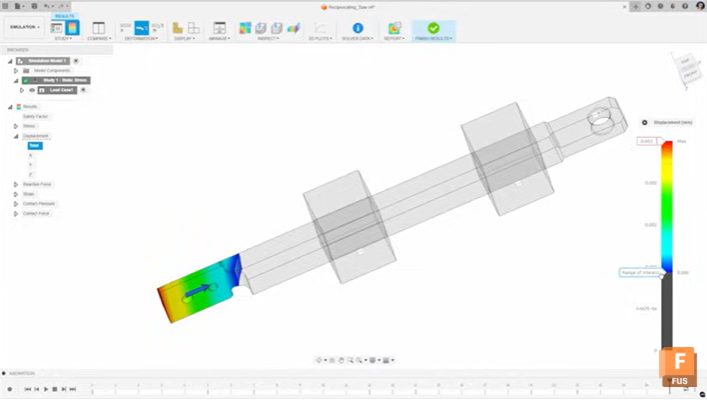
Mastering Static Stress Simulations in Autodesk Fusion: A Comprehensive Guide
Static stress simulations in Autodesk Fusion uses Finite Element Analysis (FEA) to evaluate stress, displacement, and safety factors for parts and assemblies under applied loads before manufacturing. Static stress simulations in Autodesk Fusion enables engineers and designers to predict how parts will behave under real-world loads before manufacturing. Using finite element analysis (FEA), you can…
Mechanical Engineering
-
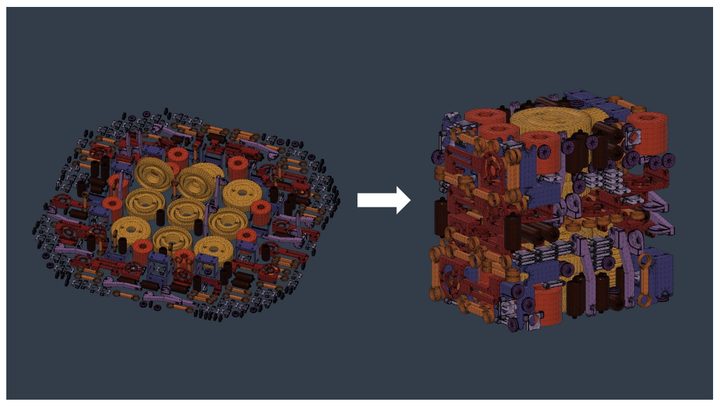
New Arrangement Criteria Options for Additive Arrange in Fusion
Unlock smarter additive workflows in Fusion with new arrangement criteria. In additive manufacturing, how parts are arranged within a build volume directly affects print time, part quality, and overall efficiency. This process—often called nesting—can be complex, especially when balancing competing goals like density, speed, and thermal stability. For the Fusion April release, we have introduced some new controls…
Fusion
-

April 2026 Product Update – What’s New
Start faster, design smarter, and get more done with Fusion’s April update, featuring a streamlined start-up experience, expanded Autodesk Assistant capabilities, and new tools across design, manufacturing, and electronics. Minor Updates Our latest minor update brings several important fixes and improvements to enhance your experience. Click to learn more. Highlights v.2702.1.47 – April 13, 2026 (Major…
What's New