-
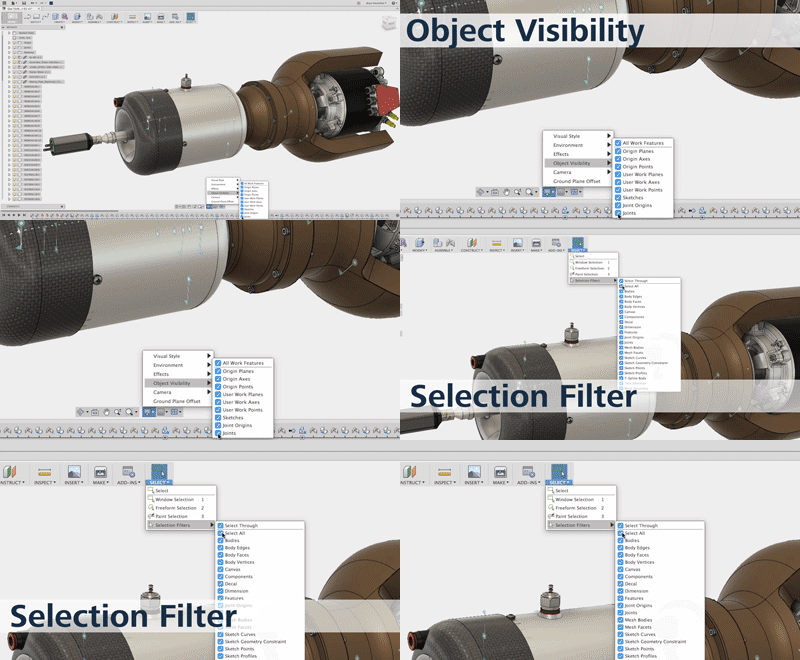
QUICK TIP: Object Visibility and Selection Filters
While designing in Fusion 360, joint previews, sketches and work planes need to be turned off to view different aspects of the design. In this week's QUICK TIP, learn how to turn off a selection of different objects or all of them in your design.
Fusion
-
We want YOU to speak at Autodesk University 2016
Submit a proposal and join our community of experts—show how you’re pushing Fusion 360 software to its limits, shaping your industry, and building success in your business.
Fusion
-

FusionNews for the week of 5/13: A weekly roundup of community news
FusionNews highlights the key things that happened over the past week in the Fusion 360 Community. New posts every Friday.
Fusion
-
May 12, 2016 Update – What’s New
We made some critical fixes to ensure better stability during startup, prevent graphics-related crashes, and to fix the missing tools in your CAM tool library.
What's New
-
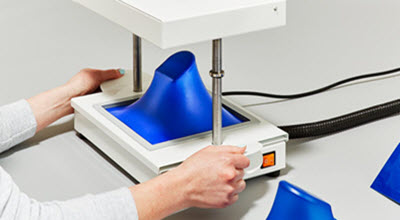
Mayku Brings Manufacturing Right into Your Hands
Set up a mini-production line right on your desk with FormBox - a desktop vacuum former.
Fusion
-
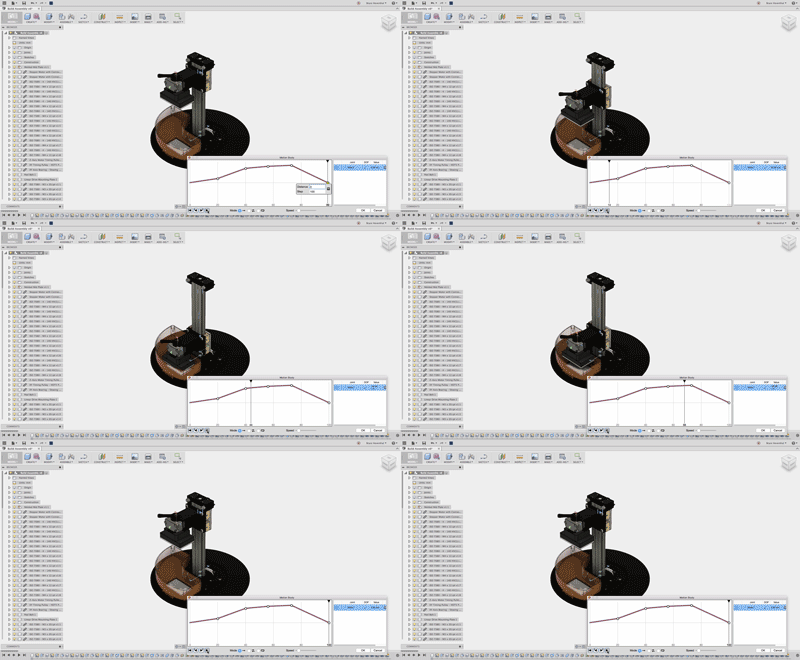
QUICK TIP: Rendering Motion Studies
Never send a manager or customer a standard grey CAD animation again. In this week’s Quick Tip, make motion studies to demonstrate how your design functions and then take it a step further with a rendering of your motion study using cloud resources.
Fusion
-

Fusion 360 Model of the Month – April
It's officially a tie! Congratulations to Mark and Alex - the winners of the Model of the Month for April!
Fusion
-
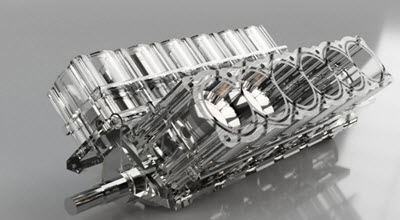
FusionNews for the week of 5/6: A weekly roundup of community news
FusionNews highlights the key things that happened over the past week in the Fusion 360 Community. New posts every Friday.
News
-
May 7, 2016 Update – What’s New
We’ve been working hard on our data management infrastructure, added new features to 2D drawings, local background rendering becomes available, and you can now mirror components. This is gonna be exciting, trust me.
What's New
-
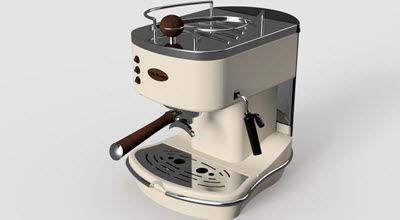
FusionNews for the week of 4/29: A weekly roundup of community news
FusionNews highlights the key things that happened over the past week in the Fusion 360 Community. New posts every Friday.
News
-
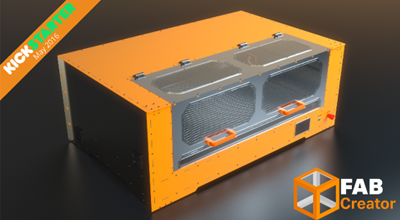
Partner Spotlight: Thea Render with FabCreator
FabCreator is attempting to revolutionize the CO2 laser cutting industry by producing a new range of affordable, open source systems to bring digital fabrication tools to the masses.
Fusion
-
April 27, 2016 Update – What’s New
We have a quick update available that fixes a number of critical issues we’ve been seeing.
What's New
-
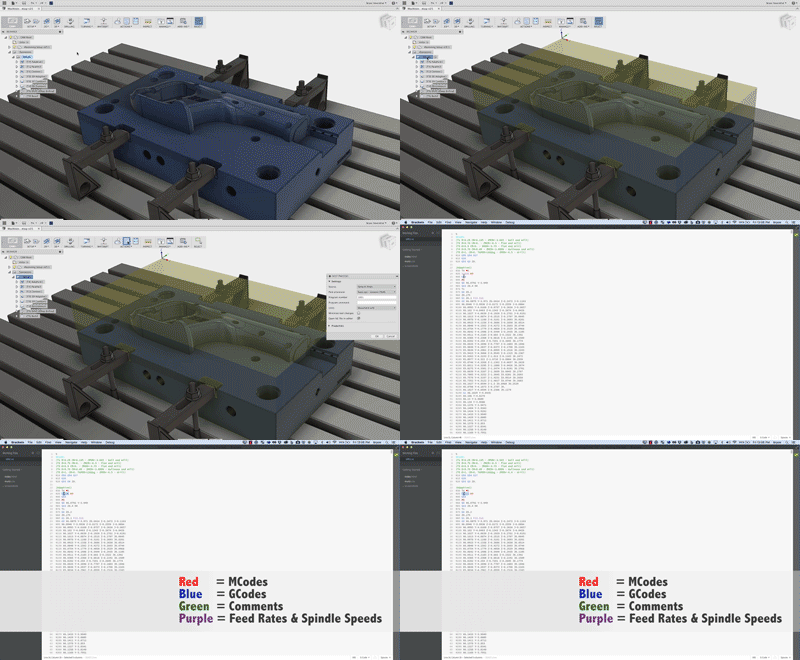
QUICK TIP: Enhanced GCode viewing when posting from Fusion 360
In this week's QUICK TIP, enhance your GCode viewing experience while using brackets or learn how to choose a different default GCode editor.
Fusion
-
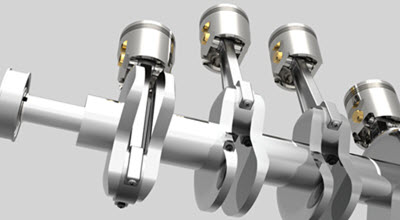
FusionNews for the week of 4/22: A weekly roundup of community news
FusionNews highlights the key things that happened over the past week in the Fusion 360 Community. New posts every Friday.
News
-
Happy Earth Day!
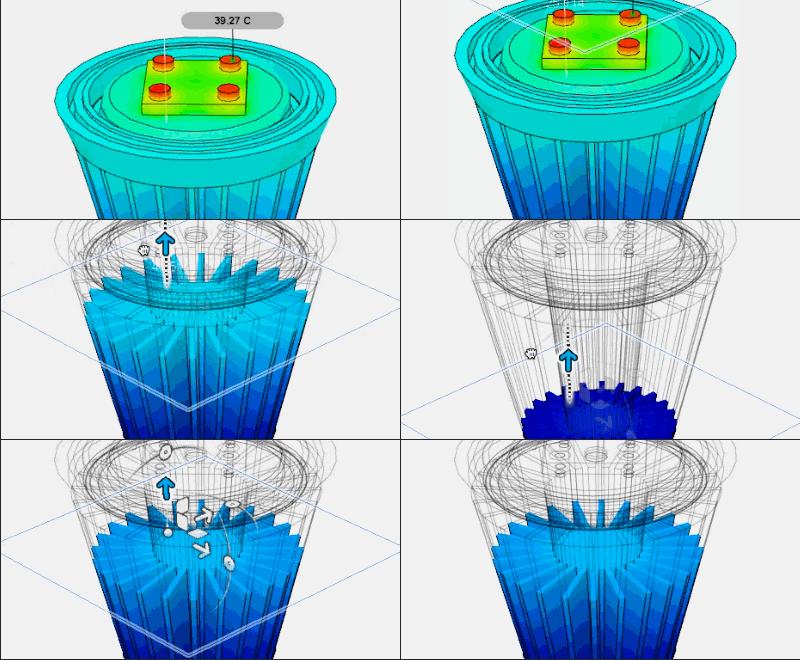
Happy Earth Day! In this post, we'll look at how we were able to use Fusion 360's Simulation workspace to optimize an LED light bulb to ensure a long life.
Fusion