 Shannon McGarry
Welcome to the first post in our new Fusion Community Spotlight series—where we celebrate the makers, builders, and dreamers using Autodesk Fusion to bring their ideas to life. These are the real stories of people pushing creative and technical boundaries with Fusion.
First up, Tim George. If you’ve spent any time in the Fusion Facebook User Group, chances are you’ve seen his work and helpful pieces of advice.
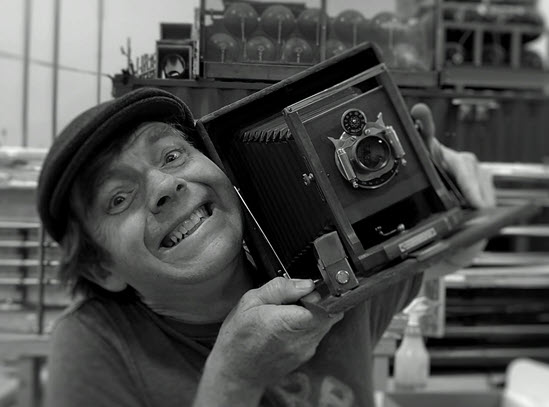
Tim’s creative journey began in New Orleans, sketching cars from an early age. By 17, he had designed and built a guitar purchased by Courtney Love—a model later mass produced by Fender. After moving to Denver, Tim’s self-driven passion led him to master 3Ds Max and later Fusion, where he’s created hundreds of designs, especially for cars—a true passion. Tim also built and raced a car in the vintage Baja 1000, authored a book on a groundbreaking 1902 race car with a foreword by Jay Leno, and balances his career between green energy design engineering and high-end classic car restoration in Denver. An avid musician and photographer for over three decades, Tim’s life is fueled by creativity and innovation.
We chatted with Tim about his experience with Fusion, specifically around rendering and he shared some candid feedback and tips you should know, so let’s jump right in.
No hype: Just honest rendering wisdom
No fluff here—Fusion’s built-in renderer isn’t the flashiest. But for Tim, that’s not the point
“Is Fusion’s renderer world class? Nope. Is it easy? Yep. Will it get you most of the way there with visualization? Yep, as long as it’s not outdoor lighting.”
What it is, is fast. And sometimes that’s exactly what you need when you’re racing through iterations, making real parts, and turning concepts into physical products. For Tim, this speed unlocks momentum. And momentum means progress.
“The first day I tried to render something I got decent results fast… Within a month I was designing and rendering my ideas and thinking, ‘Hmmm, I could make this stuff.’”
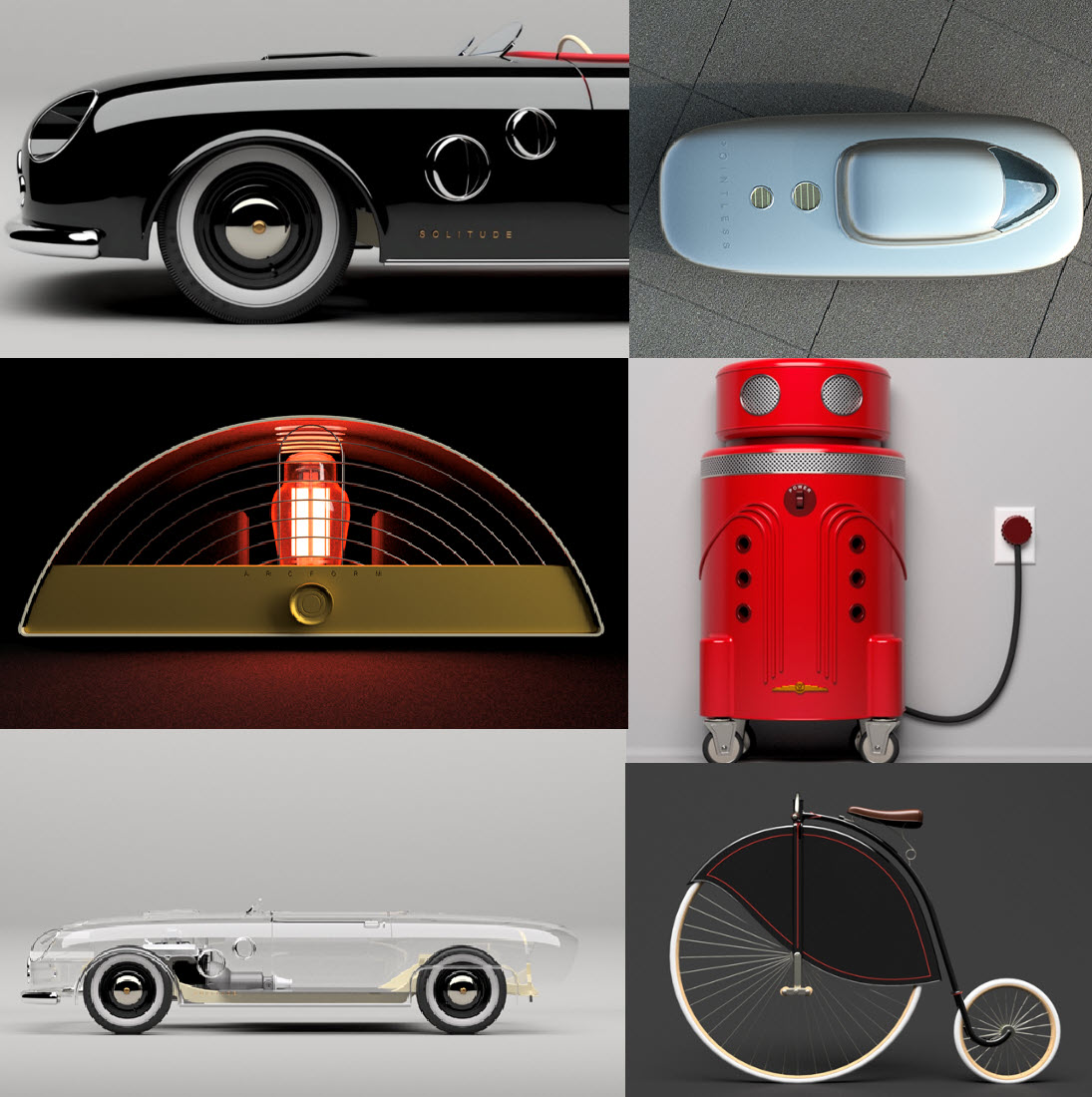
Tim’s 4 power rendering moves in Fusion
- Always fillet corners—no exceptions.
- Sharp edges kill realism. A tiny fillet goes a long way.
- Use the ‘skateboard halfpipe’ background trick.
- Soft gradients between floor and wall make your models pop, minus harsh lines.
- Get strategic with blur.
- It’s a pro move for polished product renders.
- Ditch native lights—build your own emissive lightboxes.
- The more control, the better your story. Custom lighting sets great renders apart.
These aren’t software updates—they’re user upgrades. And they come from someone who gets what it means to balance creativity with getting stuff done.
Tim’s journey is a reminder of what makes Fusion unique: a single platform where creative thinkers and practical builders can move seamlessly from idea to iteration to production—all in one place.
That’s the vision of Fusion: to unify design, engineering, and manufacturing into one cloud-based platform that empowers everyone—from weekend makers to full-time pros—to make anything they can imagine.
Stay tuned for more voices, more projects, and more of the everyday brilliance that keeps our Fusion community thriving.