Category: Fusion
-
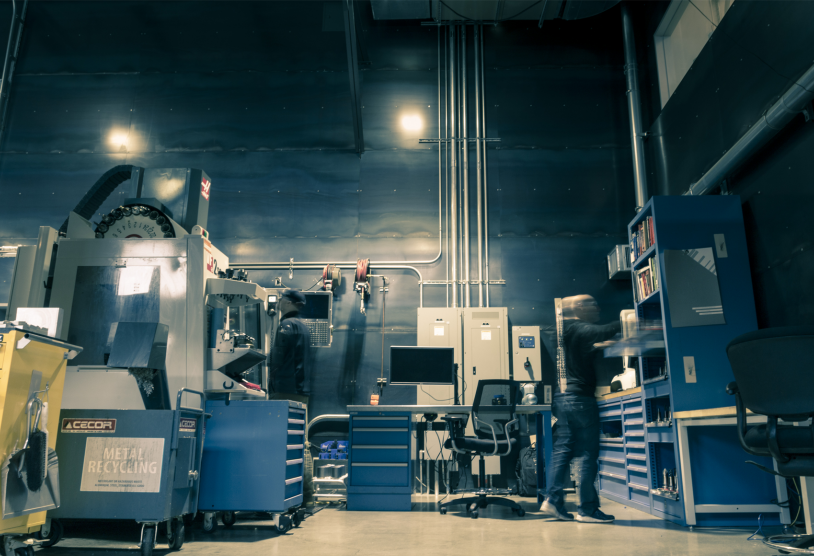
Matsuura is winning the profit game with Fusion 360
First to cut. First to finish. Winning the profit game with generative design in Fusion 360 at your machine shop...Priceless.
Fusion
-
Intern Blog Series – Post 1: Want Fusion 360 for Free? Here’s how.
Our high school and college interns will be sharing their summer work with the Fusion 360 community. Enjoy their first blog!
Fusion
-

20 Years Out: How Engineering Education Has Changed
Engineering education has transformed over the last 20 years, with open source systems and an increasingly democratized design space allowing students to test the boundaries of their knowledge in and out of the classroom.
Fusion
-

Fusion Team FAQs
Fusion Team allows you to collaborate in the cloud with your team, from anywhere! Here's a resource for FAQs for Fusion Team.
Fusion
-
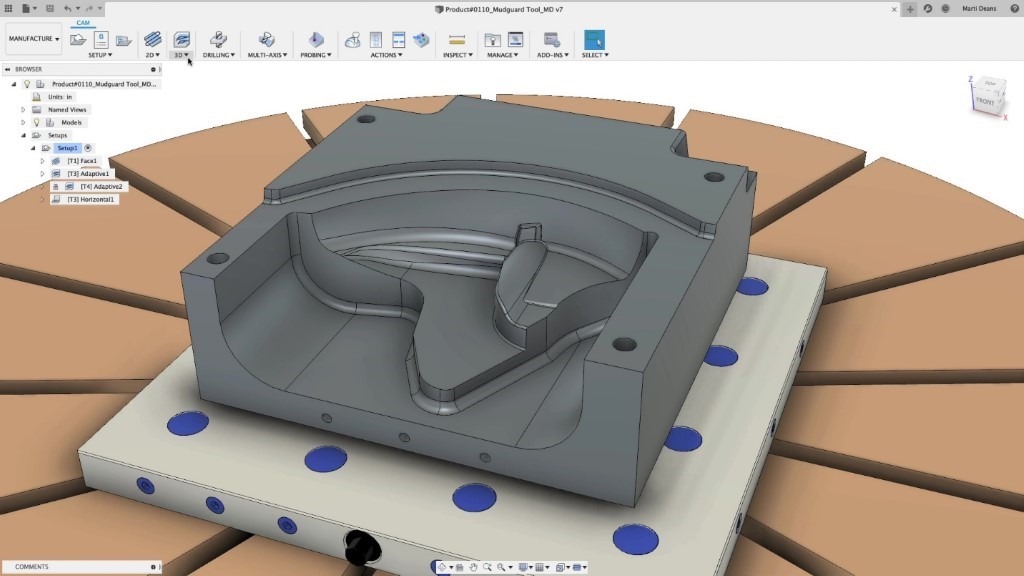
Simplifying the manufacture of free-form parts with steep and shallow machining in Fusion 360
The manufacturing extension allows you to automate your workflows to reduce your programming time, remove repetitive tasks, and reduce errors. Steep and Shallow finishing automates the machining of feature-rich, free-form shapes.
Fusion
-

Fusion 360: The Next Wave of Democratization
Cloud computing is changing how engineering and manufacturing data is created, accessed and shared, driving a next wave of engineering tools democratization.
Fusion
-
How will Isotropic Materials and Processes Change the Way Products are Designed?
While traditional 3D printing can be brittle or fragile, new isotropic processes look to transform what is possible with additive manufacturing.
Fusion
-
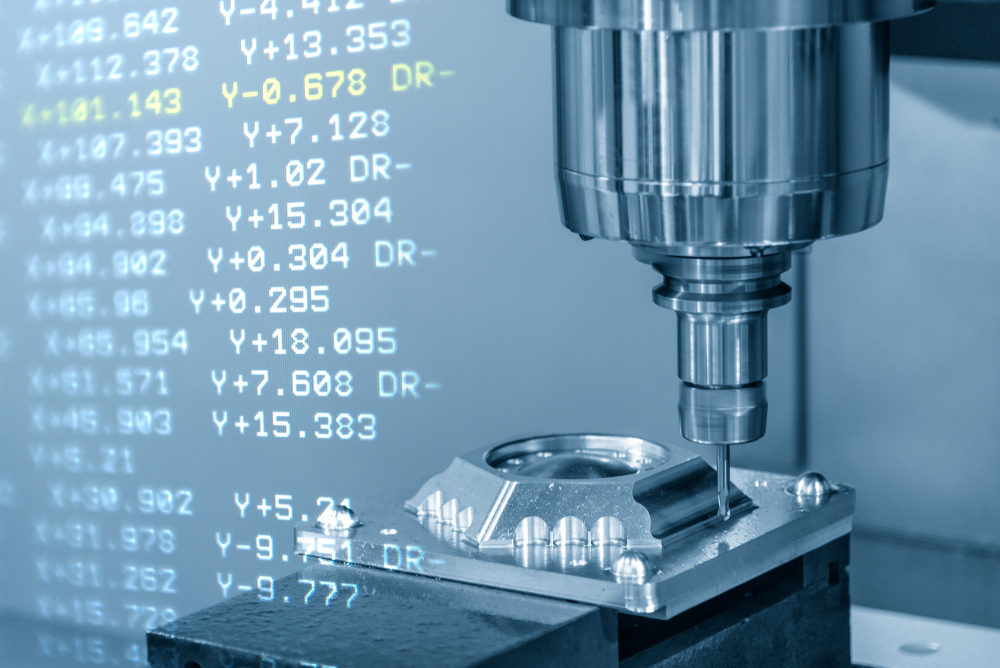
What’s Next for G-Code?
G-Code has been around since the 1950s telling computerized machine tools how to make something. What's changed recently?
Fusion
-

The Growing Potential of Machine Learning in Industrial Automation
Concerns about machines replacing humans in droves across all industries are almost certainly overstated. Instead, the real potential for machine learning comes from combining the best of machines with the irreplaceable human elements of inquisitiveness and creativity.
Fusion
-

Tech Tip: Using the Pipe Command in Designs/Solids
Here's a tech tip for using the pipe command to take any sketch item or edge of solid/surface as a starting “point”.
Fusion
-

Tech Tip: Becoming Two-Faced with Fusion 360
When using generative design in Fusion 360, you can split faces to apply a force to just a region of a surface, rather than the entire face.
Fusion
-
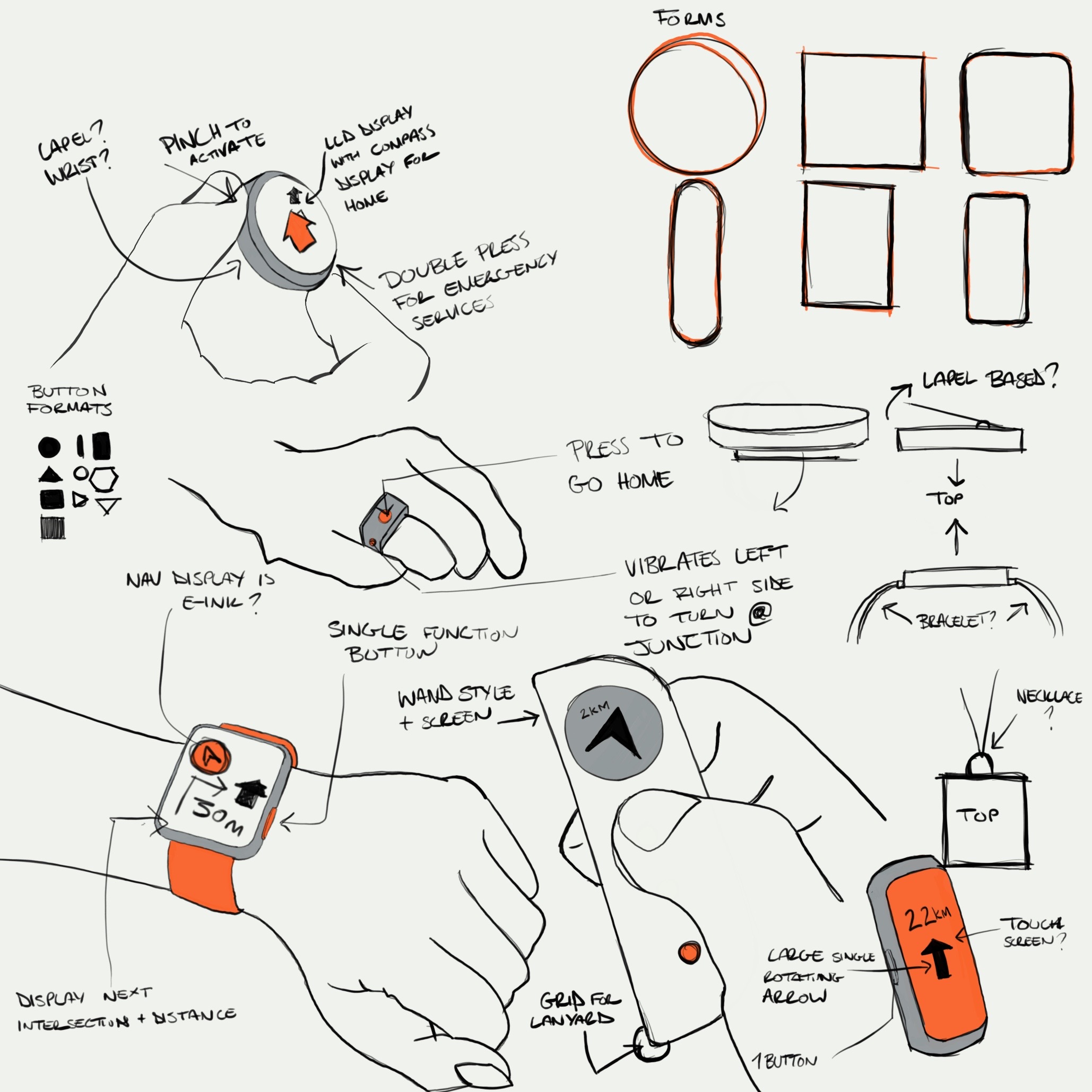
Fusion 360 Academy Design Challenges
Fusion 360 Academy: 3 tracks, 2 keynotes, 25+ classes, and the largest gathering of Fusion 360 professionals ever! And you have a chance to attend for free by winning one of four design challenges.
Fusion
-

360 Live: Design to Machining in Action
Join our four part live stream to see the end to end design and make process! We'll go from design to manufacturing, programming toolpaths, collaboration in Fusion 360, and live manufacturing.
Fusion
-
Fusion 360 Helps Inventor Tattoo the World with Novel Machine Design
Illustrator turned inventor, takes his EGO to the world with Fusion 360, allowing him to develop the prototype then final production design for a new line of lightweight, quiet and accurate tattoo machines.
Fusion
-

What Will It Take To Bring A Manufacturing Facility to the Construction Site?
Construction is more effective and streamlined when manufacturing can be brought right to the construction site. Today, a new approach has emerged: bring manufacturing facilities to the construction site in portable containers.
Fusion