 Guy Buttle
Learn how geometry, tolerances, materials, and production volume affect CNC machining costs. See how design decisions influence machining time, tooling, inspection, and manufacturability.

Elevate your design and manufacturing processes with Autodesk Fusion
Manufacturing cost starts in the CAD model
Two aluminum housings can look nearly identical on screen and perform the same function, yet one may take significantly longer to machine than the other.
That difference often comes down to design decisions made long before production begins.
A deeper pocket requires a longer cutting tool. A tighter internal corner may force a smaller end mill. Specifying tight tolerances on every surface can increase inspection requirements without improving product performance. None of these decisions are inherently wrong. In many cases they’re necessary. The challenge is knowing which requirements are critical and which add manufacturing complexity without delivering meaningful value.
For product designers and engineers, CNC machining cost isn’t simply a manufacturing problem. It’s often a design problem.
To understand why, let’s follow a common example: an aluminum housing for a desktop sensor. As we move from the initial design to production planning, we’ll examine how geometry, tolerances, material choices, and production volume influence manufacturing cost, and how Autodesk Fusion can help teams evaluate those tradeoffs before a part reaches the shop floor.
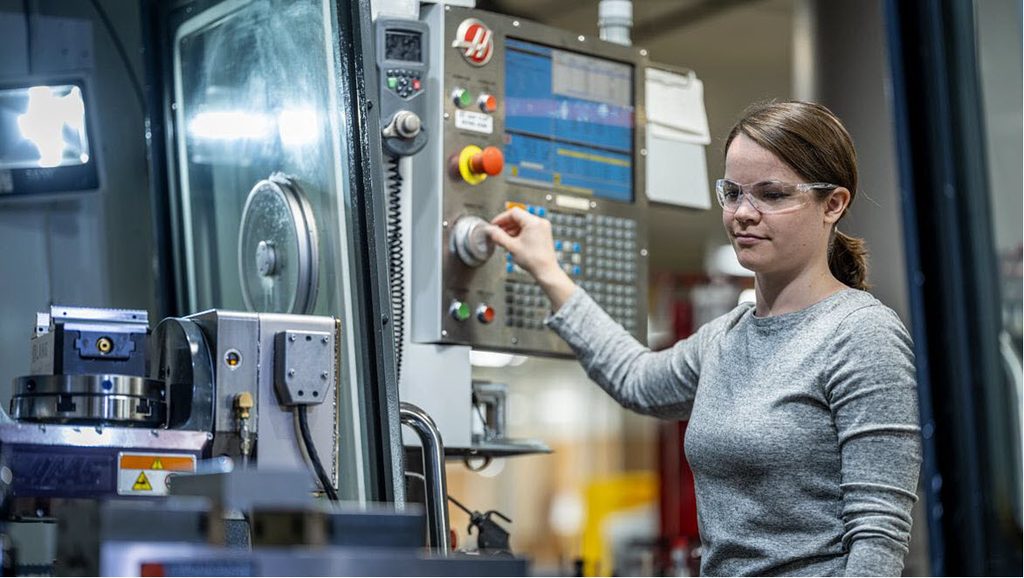
What actually drives CNC machining cost?
When people think about machining costs, they often focus on raw material. Material matters, but it’s usually only one piece of the equation.
The total cost of producing a machined part is influenced by several factors:
- Material
- CAM programming
- Machine setup
- Workholding and fixtures
- Machining time
- Tooling
- Surface finishing
- Inspection and quality control
Some of these costs occur once regardless of whether you’re making ten parts or one hundred. Programming and setup are good examples. Others continue with every part produced, such as material consumption, machine time, finishing, and inspection.
That’s why manufacturing cost should be viewed as a system rather than a single number.
Four design decisions tend to have the greatest influence:
| Design decision | Manufacturing consequence | What to review |
|---|---|---|
| Geometry | Influences tool access, machining strategies, and setups | Pocket depth, corner radii, feature accessibility |
| Tolerances | Affects machining and inspection effort | Identify truly critical dimensions |
| Material | Changes machinability, tooling requirements, and finishing needs | Material performance and manufacturing implications |
| Quantity | Influences setup and programming allocation | Prototype versus production requirements |
The ultimate goal is to remove unnecessary complexity.
Let’s start with our sensor housing.
How geometry affects machining time
The largest feature is an internal cavity that holds the electronics package. Functionally, it seems straightforward. From a manufacturing perspective, however, several details immediately stand out.
The first is pocket depth.
As pockets become deeper, cutting tools generally become longer. Longer tools are less rigid and more susceptible to deflection. To maintain accuracy and achieve the desired finish, machinists often need to reduce cutting parameters or take additional passes, increasing overall cycle time.
Internal corners create another common challenge.
Many designers naturally model square corners, but rotating cutters cannot produce perfectly square internal geometry. The smaller the required corner radius, the smaller the tool needed to machine it. Smaller tools remove material more slowly and may require additional machining operations.
In our housing example, a review reveals that the circuit board doesn’t actually require such tight corner geometry. Increasing the corner radius elsewhere in the cavity may allow larger tooling without affecting fit or function.
The same principle applies to many common features.
Very thin walls can create vibration issues during cutting. Non-standard holes may require special tooling. Features placed in difficult-to-access locations can increase setups or limit tool choices.
None of this means designers should simply maximize radii or eliminate complex geometry. Product requirements always come first.
The question is whether every feature serves a functional purpose or whether some were inherited from earlier design iterations without being challenged.
Often, a small design adjustment can make manufacturing considerably simpler while producing the same final product.
Where tight tolerances add manufacturing cost
Tolerance decisions are also important.
Engineers frequently work on products where certain dimensions genuinely matter. A cover needs to fit correctly. A connector opening needs proper alignment. Components inside an assembly need to locate consistently.
Those features often justify tighter control. Problems arise when the same level of precision is applied everywhere.
Maintaining tight tolerances can require more careful machining processes, additional measurements throughout production, and more extensive inspection after the part is complete.
Inspection itself takes time and resources. The tighter the requirement, the more effort may be needed to verify compliance.
Looking at our housing, the dimensions governing cover alignment and connector positioning are clearly important. They directly influence functionality and assembly performance.
But does every exterior surface need the same level of control? In many cases, the answer is no.
Separating critical dimensions from less critical ones allows manufacturing teams to focus their attention where it creates the most value. It also makes drawings easier to interpret and reduces the risk that non-essential requirements drive unnecessary manufacturing effort.
Good drawings communicate intent. They identify what’s truly important rather than treating every dimension as equally critical.
Why material selection changes more than cost
Material decisions are often reduced to price comparisons, but in reality material selection influences nearly every stage of manufacturing.
A material’s machinability affects cutting performance, tool wear, surface finish, and cycle time. Availability affects lead times. Stock form influences the amount of material that must be removed before the final part shape is achieved.
This is why the least expensive raw material isn’t always the least expensive finished part.
For our sensor housing, aluminum remains the logical choice because of its strength-to-weight ratio, corrosion resistance, and machinability.
But even within aluminum, manufacturing teams may review available grades and stock sizes to determine which option best balances performance and production efficiency.
Stock size is particularly important.
Starting with significantly oversized stock means more material removal, more machine time, and more tool wear. That doesn’t mean choosing the smallest possible stock. Adequate material is still needed for workholding and finishing operations. The goal is to select stock that supports the manufacturing process without introducing unnecessary machining.
As always, performance requirements come first. Material changes should only be considered when they continue to meet the product’s engineering needs.
Why production volume changes the conversation
A prototype and a production run rarely have the same manufacturing priorities.
When only a handful of parts are needed, programming and setup activities represent a much larger portion of the total manufacturing effort. As volume increases, those activities are spread across more parts.
For example, if a hypothetical programming and setup effort requires $500 worth of labor:
- Ten parts distribute that effort at roughly $50 per part
- One hundred parts distribute that effort at roughly $5 per part
These figures are illustrative only. Actual manufacturing costs vary widely.
The broader lesson is that volume affects how efficiently fixed manufacturing activities are utilized.
That doesn’t mean producing more parts is always better. Inventory risk, design maturity, demand forecasts, and product changes all matter. A lower unit cost may not offset the risk of ordering parts before the design is fully validated.
Manufacturing decisions should support the broader product strategy, not just optimize a single cost metric.
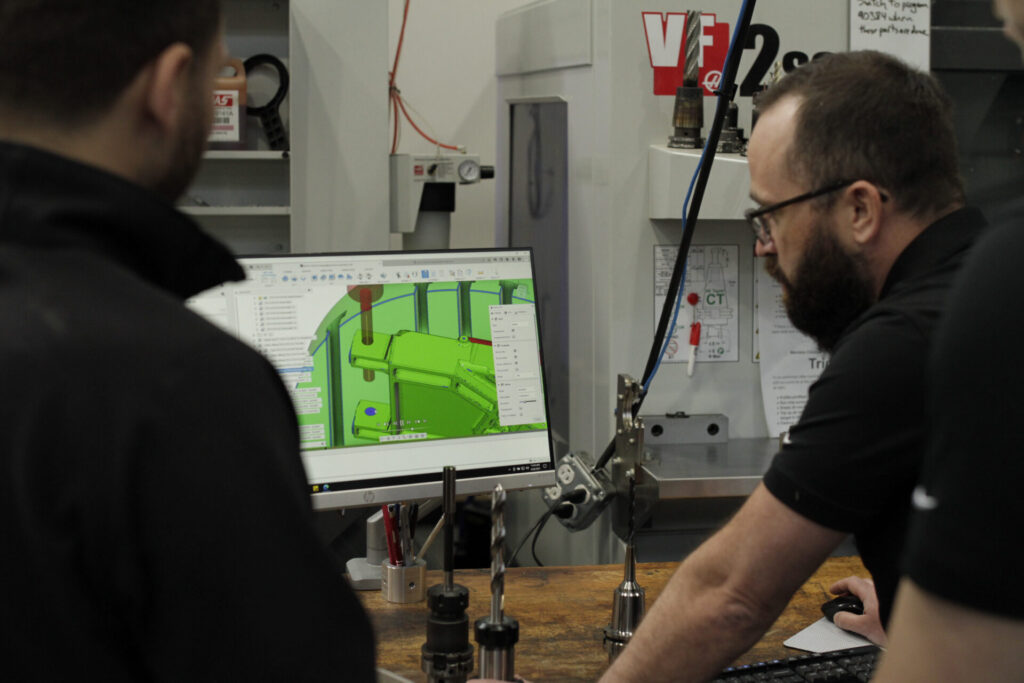
Evaluating manufacturing tradeoffs in Autodesk Fusion
The best time to improve manufacturability is before manufacturing begins.
With Fusion, design and manufacturing teams can evaluate potential changes while working from the same product data.
For our sensor housing, the process might look like this:
First, identify the features most likely to influence machining complexity, such as deep pockets, tight radii, or challenging setups.
Next, explore alternative approaches. Increase an internal radius. Modify pocket depth. Review feature placement. Confirm that changes still satisfy assembly and performance requirements.
Then move into manufacturing planning. Define stock, tooling, and setups, and generate toolpaths based on the revised design.
Fusion’s machining-time tools can help estimate the impact of these changes by comparing toolpath strategies, feed movements, rapid movements, and tool changes. The estimate provides useful planning insight, although actual machine performance depends on machine configuration and shop-specific conditions.
Finally, simulate operations and review the results. Seeing how a tool moves through a part often reveals opportunities that aren’t obvious in the CAD model alone.
The value is producing toolpaths faster and giving design and manufacturing teams a shared environment for evaluating the consequences of design decisions before production begins.
What to review before releasing a part to production
Before releasing a design, take one final look at the requirements driving manufacturing complexity.
Review:
- The latest approved model and drawing revision
- Critical dimensions and tolerances
- Surface finish requirements
- Material specifications
- Inspection requirements
- Production quantities
- Manufacturing assumptions that may affect tooling or setup
Manufacturing cost is rarely determined by a single decision. It’s usually the accumulation of hundreds of design choices, some intentional and some inherited from previous iterations.
The most successful teams make those decisions with manufacturing in mind from the beginning.
Because in CNC machining, cost doesn’t start on the shop floor. It starts in the CAD model.
Frequently asked questions
The biggest drivers of CNC machining cost are part geometry, tolerances, material selection, production volume, machining time, tooling requirements, finishing processes, and inspection requirements. Features such as deep pockets, tight internal radii, thin walls, and difficult-to-access geometry can increase manufacturing complexity and machining time.
Part geometry directly affects tool access, machining strategy, and setup requirements. Deep pockets, small internal corners, thin walls, and complex features often require smaller tools, additional operations, or longer machining cycles. Designing for manufacturability can help reduce unnecessary complexity while maintaining product performance.
Not always, but tighter tolerances often require additional machining control, measurement, and inspection. Critical dimensions that affect fit, function, or assembly typically justify tighter tolerances, while non-critical dimensions may allow more variation without affecting product performance.
Material selection affects more than raw material price. Machinability, tool wear, stock availability, finishing requirements, and machining time all contribute to the final manufacturing cost. A less expensive material is not always the lowest-cost option once production requirements are considered.
Higher production volumes can reduce per-part costs by spreading programming, setup, and fixturing effort across more parts. However, inventory requirements, product demand, and the likelihood of future design changes should also be considered when determining production quantities.
Fusion can estimate machining time based on toolpaths, feed rates, rapid movements, and tool changes, helping teams compare manufacturing approaches. However, total manufacturing cost also depends on factors such as material costs, setup time, tooling, finishing, inspection requirements, overhead, and shop-specific labor rates.
No. While 5-axis machines typically have higher hourly operating costs, they can reduce setups, improve tool access, and simplify machining for complex parts. In some cases, fewer setups and shorter production times can offset the higher machine rate.
Yes. Finer surface finishes often require additional machining passes, slower cutting parameters, specialized tooling, or secondary finishing processes. Surface finish requirements should be based on functional or cosmetic needs rather than applied uniformly across all part features.
Engineers can often reduce manufacturing cost by reviewing internal radii, minimizing unnecessary pocket depth, using standard hole and thread sizes, relaxing non-critical tolerances, selecting appropriate materials, and improving feature accessibility. The goal is to eliminate unnecessary manufacturing complexity while preserving functional requirements.