 Jim Byrne
Factory design and layout with the
Product Design & Manufacturing Collection
In this post…
Overview
Specialized factory software
Supporting software and workflows
Customer story
Resources
Overview
Whether you’re breaking ground on a new facility or retrofitting an existing one, factories are among the biggest investments a company can make. That’s why it’s critically important to rely on the right tools throughout all the phases of your factory project—plan, design, build, and operate.
The Autodesk Product Design & Manufacturing Collection includes a powerful array of both factory-specific and supporting tools you can use to:
- Maximize production efficiency and reduce operational costs by strategically planning machinery, equipment, and factory workflows
- Create precise 2D and 3D layouts that uncover problems before you commit to expensive real-world decisions
- Improve coordination and project reviews across a wide range of stakeholders, to improve productivity, cost-effectiveness, and decision-making in your factory project
Of course, you can always go further and explore more detailed posts about design fundamentals, advanced design and simulation, advanced manufacturing, and visualization.
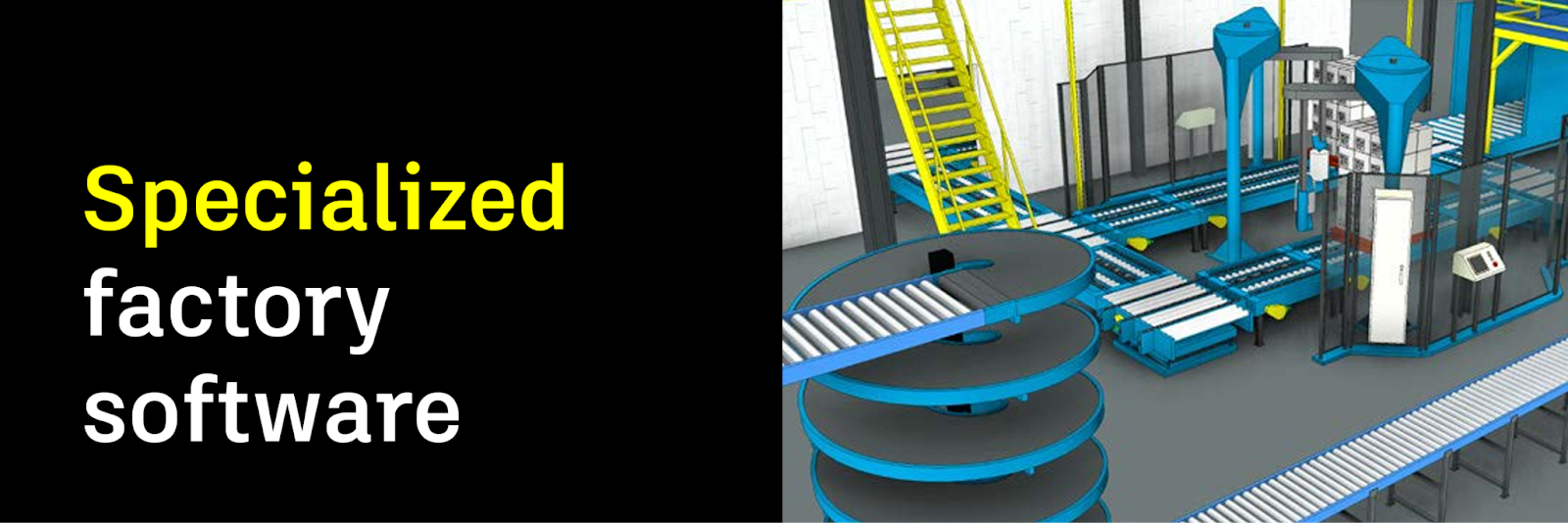
Plan and design factories more quickly and effectively
With Factory Design Utilities, Navisworks, and ReCap Pro—all included in the collection—you can design factories and production floor workflows before teams ever break ground or touch a piece of machinery. Start with:
- Factory Design Utilities: create and optimize factory layouts quickly and easily, with intuitive tools, then seamlessly integrate them with AutoCAD and Inventor for a unified design workflow
- Navisworks: perform comprehensive reviews to coordinate, simulate, and analyze factory layouts, detect clashes, and optimize the overall plan for improved efficiency and productivity
- ReCap Pro: capture high-quality, detailed models of real-world factories and facilities with laser scans and photographs, and generate point clouds, meshes, and accurate 3D models to help you detect clashes and streamline equipment installation
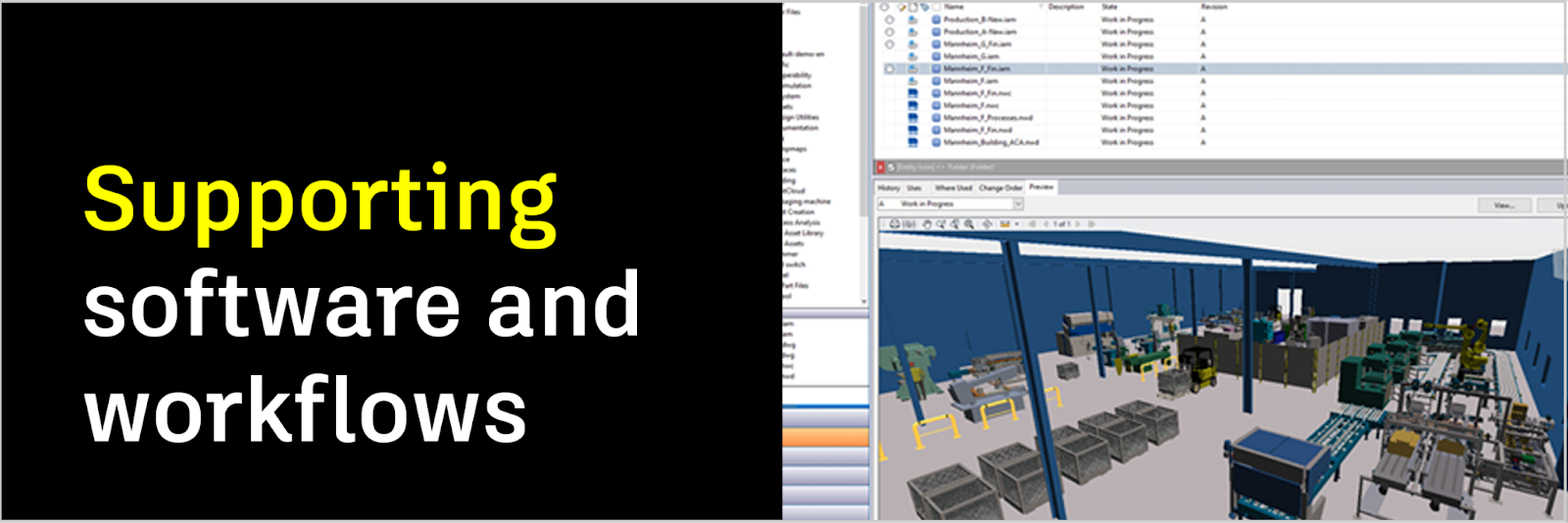
Extend the powerful tools you already know into factory design and construction
We’ve made it easy to use the core 2D, 3D, and data management tools included in the Collection to accelerate your factory design process, collaborate more seamlessly with stakeholders, and get operational faster. Start with:
- AutoCAD: create detailed 2D factory layouts, schematics, and plans, then document them to carry over into your 3D models
- Inventor: design and visualize 3D factory models and equipment, bringing your factory layout to life, then import models directly into Factory Design Utilities for refinement and more detailed 3D modeling
- Autodesk Vault: store and manage all of your design and engineering data in one centralized, version-controlled, and easily accessible environment, to improve collaboration and ensure data integrity across all project stakeholders
- Navisworks: build comprehensive, automated schedules for equipment installation and run powerful “what-if” simulations to anticipate bottlenecks or delivery changes
“We need to build out our ecosystem around tools that talk very well together. Autodesk provides that platform to build this toolbox for us.”
– Axel Save, Engineering Manager
& Fredrik Englund, BIM Manager, Northvolt

Resources
On-demand e-learning resources
Community forums
Design and manufacturing blog
Contact us
Whether you need help with your order, assistance with a download, troubleshooting on your software, or account support, our team is here for you.