-
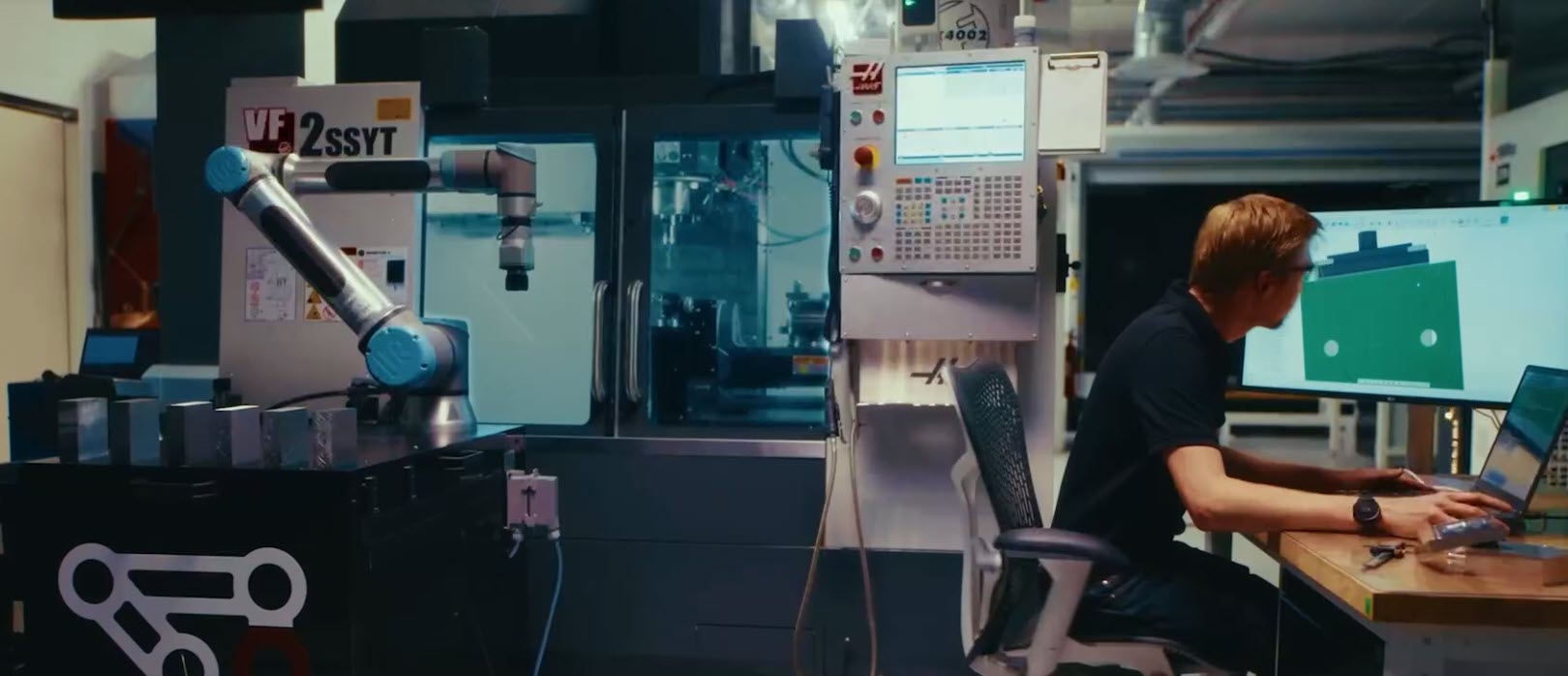
Fusion for Manufacturing vs. Standalone CAM: When the All-in-One Approach Wins
Should you choose an integrated CAD/CAM platform or a standalone CAM solution? Learn how Fusion for Manufacturing delivers faster workflows, fewer errors, and better collaboration. For decades, manufacturers have accepted a certain amount of friction between design and manufacturing. Engineers create CAD models. CAM programmers import those files into separate software. Design changes arrive late.…
Fusion
-
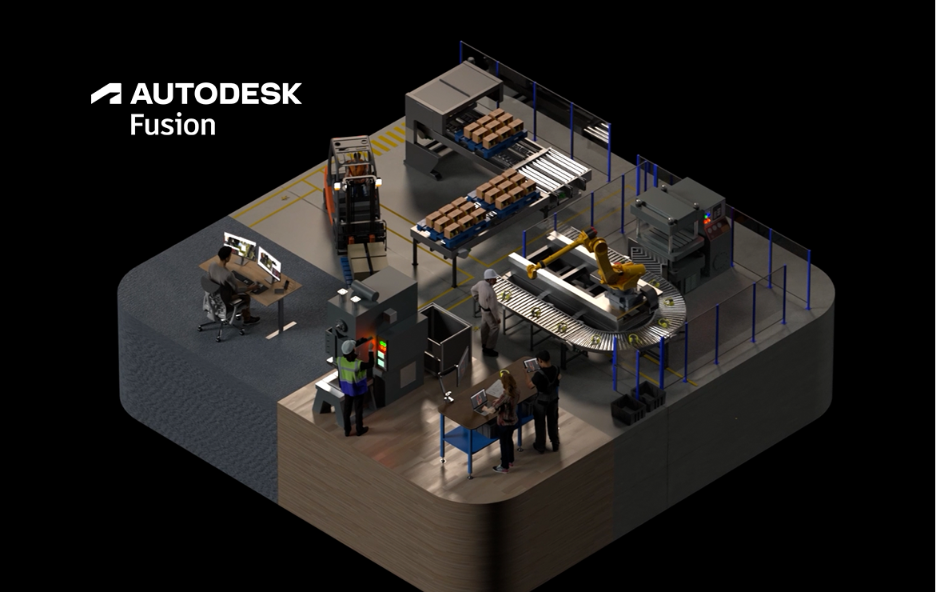
The Next Era of Product Development: Compressing the Journey from Intent to Outcome
The companies getting the most value from AI aren’t simply automating tasks. They’re reducing the time, effort, and friction required to turn ideas into outcomes. For decades, manufacturers have responded to complexity by adding more tools, more systems, and more steps to their process. The assumption was simple: as products become more complex, organizations need more…
Thought Leadership
-
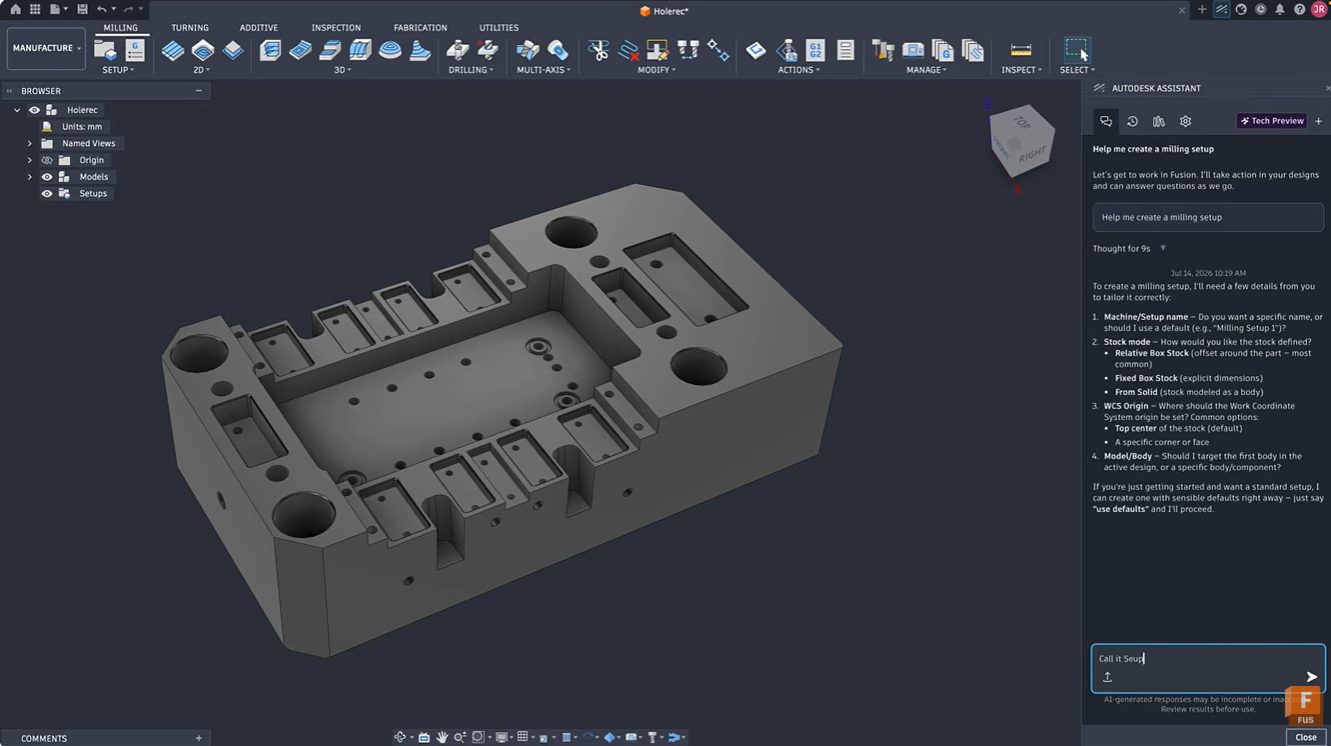
Simplify CNC Milling Programming in Fusion with Autodesk Assistant
Learn how Autodesk Assistant in Fusion simplifies milling setup creation, tool selection, and toolpath programming through natural language guidance. Reduce setup time and accelerate CAM learning. Getting started with CAM programming can feel intimidating. Even experienced machinists occasionally spend valuable time configuring setups, selecting tools, and navigating numerous parameters before cutting the first chip. Autodesk…
Manufacturing
-
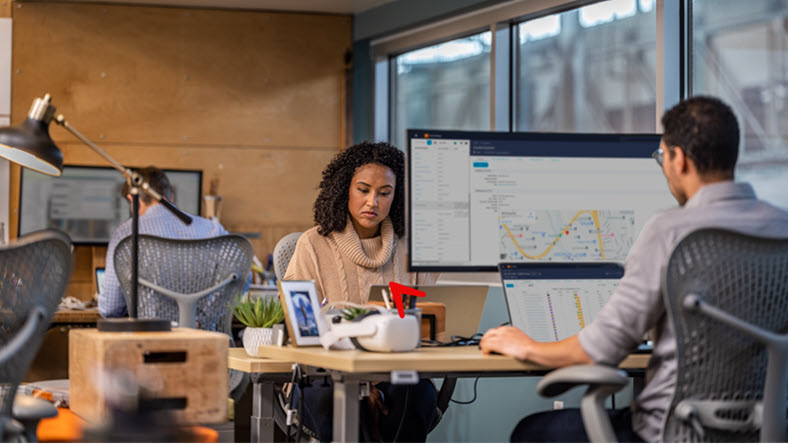
Autodesk Fusion: A Product Development Platform Built for Growth
Discover how Autodesk Fusion connects design, engineering, electronics, manufacturing, and data management in a single product development platform built to support growing teams and complex products. Product development becomes more challenging as products become more complex. Design files multiply. Engineering disciplines expand. Manufacturing requirements evolve. Teams spread across locations. The challenge quickly becomes keeping people,…
Fusion
-
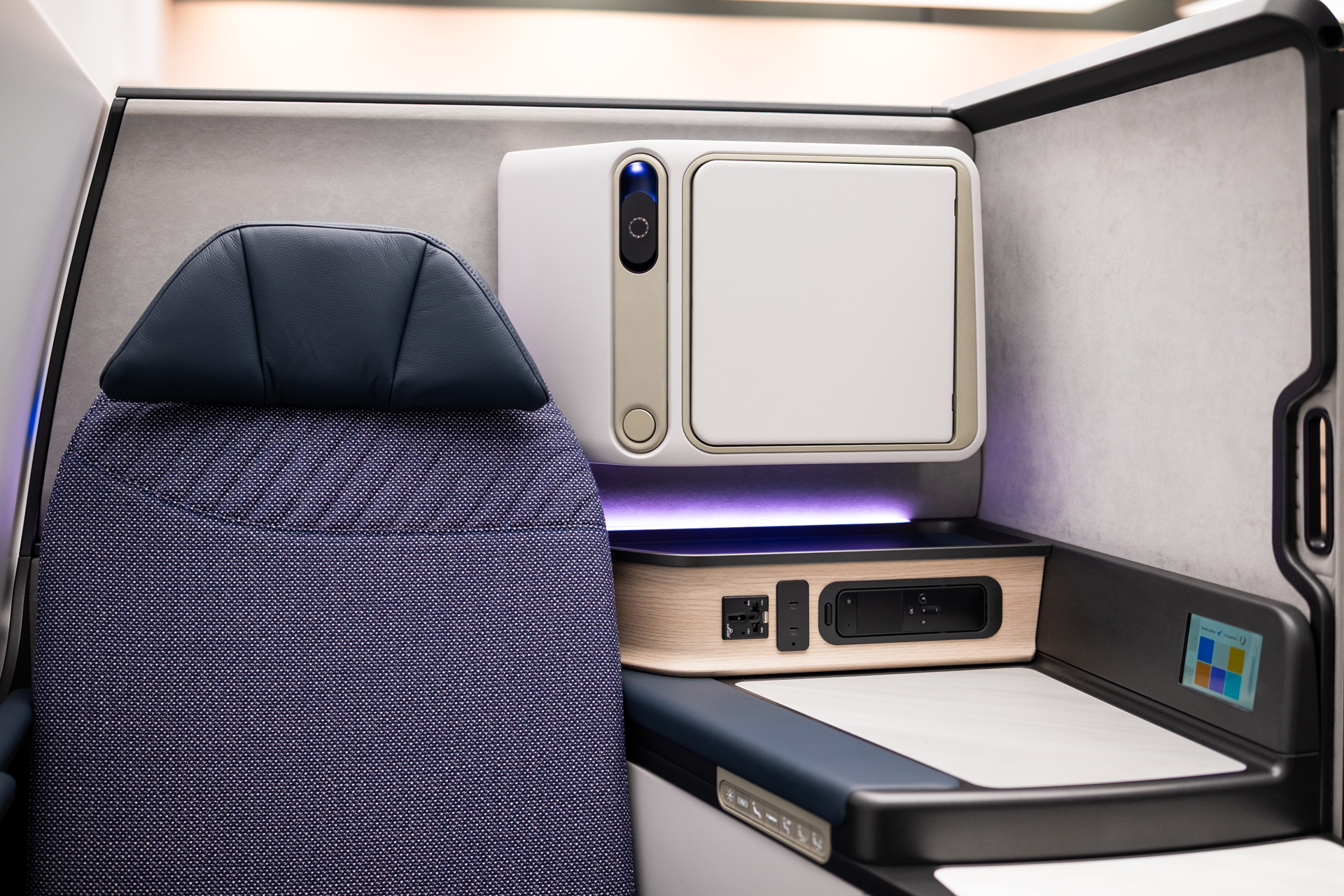
ACLA Studio Reimagines Boeing Aircraft Interiors
ACLA Studio is helping shape the future of aircraft interiors, from seating to new cabin experiences for Boeing and other aviation leaders. Autodesk Fusion gives the team speed and flexibility to move from early ideas to detailed, production-ready designs while also working with partners. As the studio continues to grow, Fusion remains at the center…
Case Studies
-
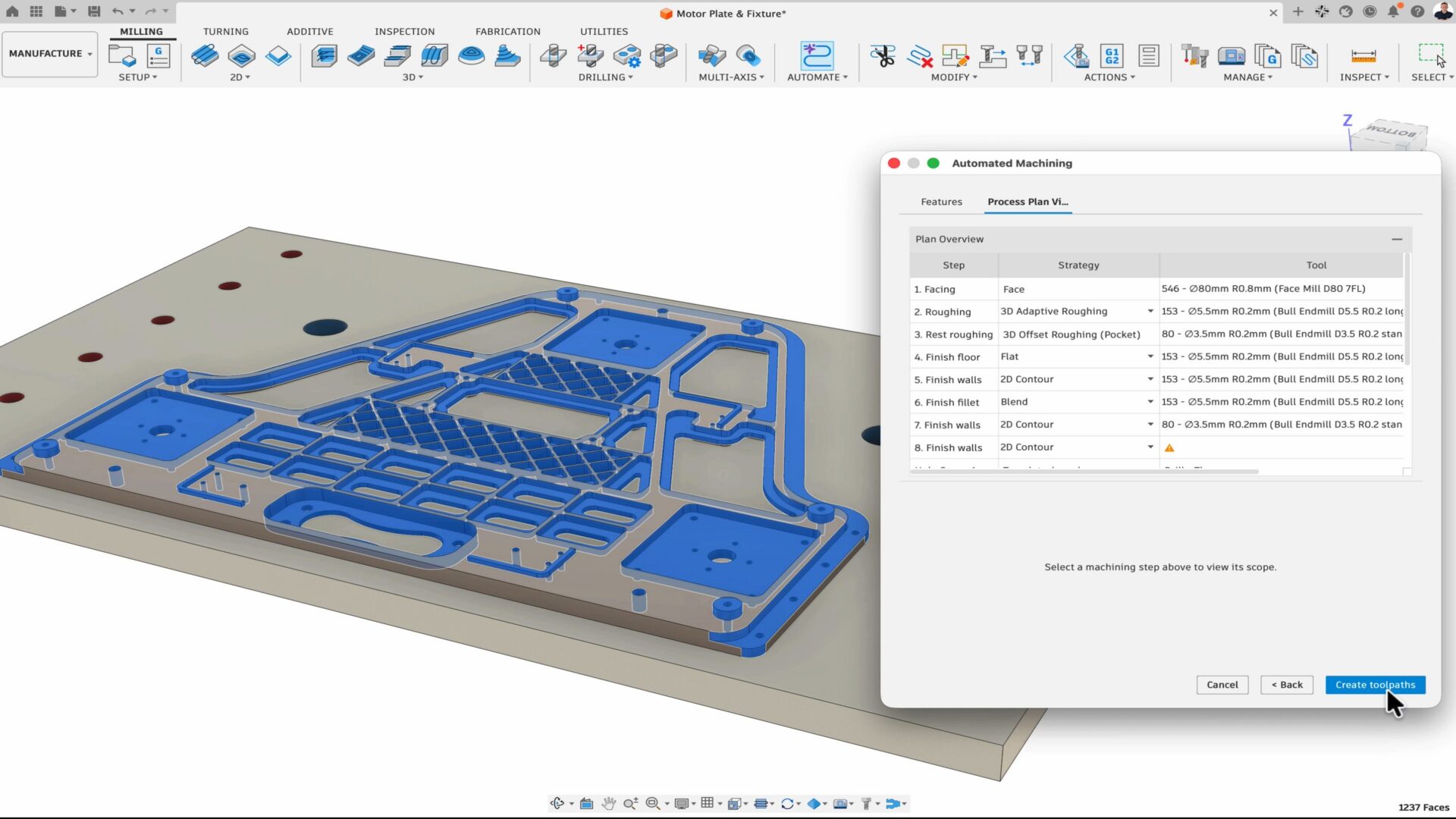
How Fusion is Expanding What Product Teams Can Accomplish
At AU 26, new Fusion announcements point to a more connected, automated way for teams to get more work done with the people, tools, and processes they already trust. Many manufacturers have already moved beyond experimentation and have started adopting AI and automation tools in their daily workflows. But even as interest turns into adoption,…
News
-
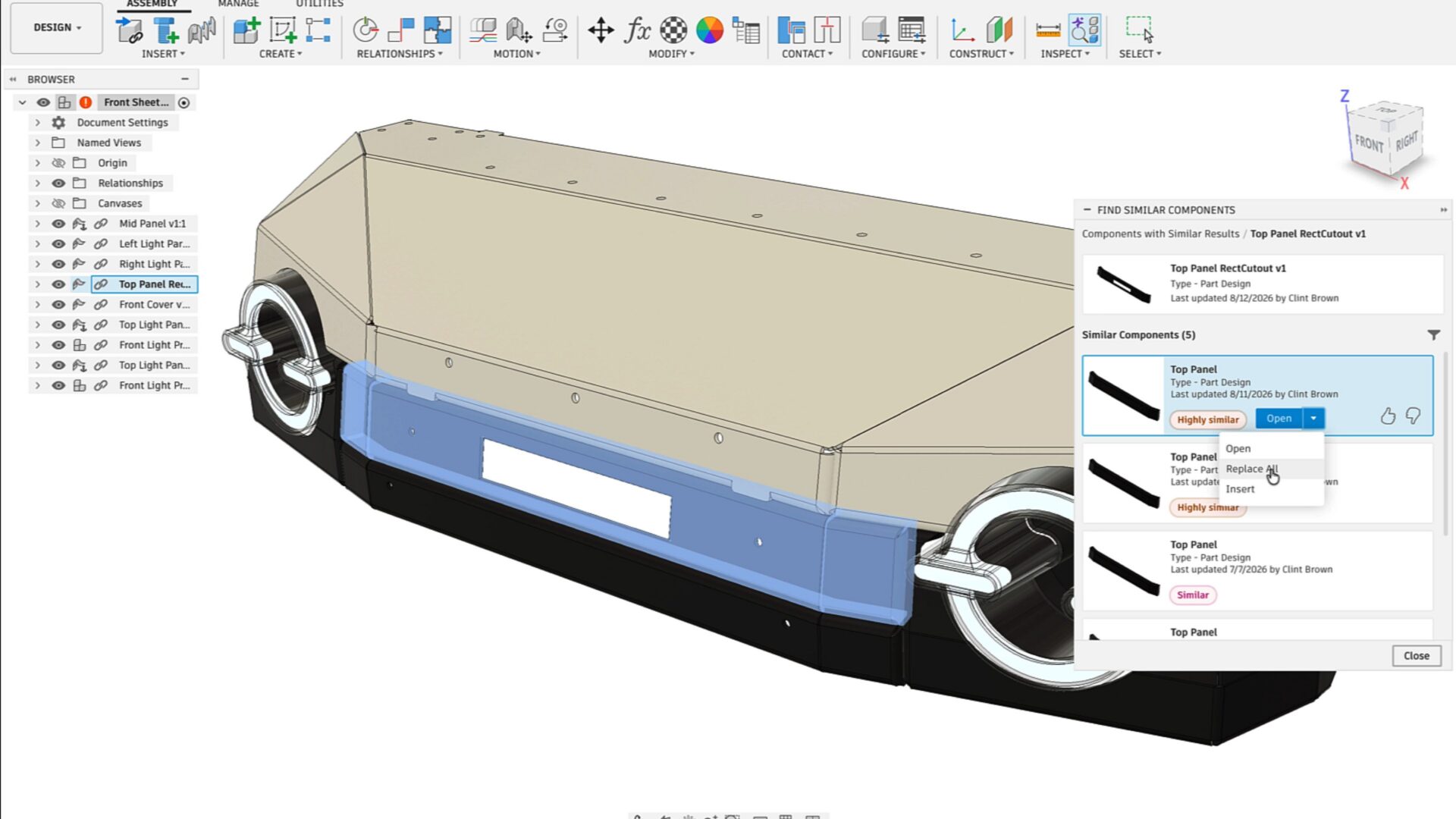
Autodesk Fusion Brings AI Deeper into Connected Design and Manufacturing Workflows
At AU 26, Autodesk is highlighting a new wave of AI-powered capabilities in Fusion designed to help teams connect data, automate repetitive work, and move more efficiently from design intent to manufacturing execution. The announcements span AI-assisted design history reconstruction, assembly creation, product configuration, CAM programming, part discovery, and design reuse. Together, they point toward…
Fusion
-
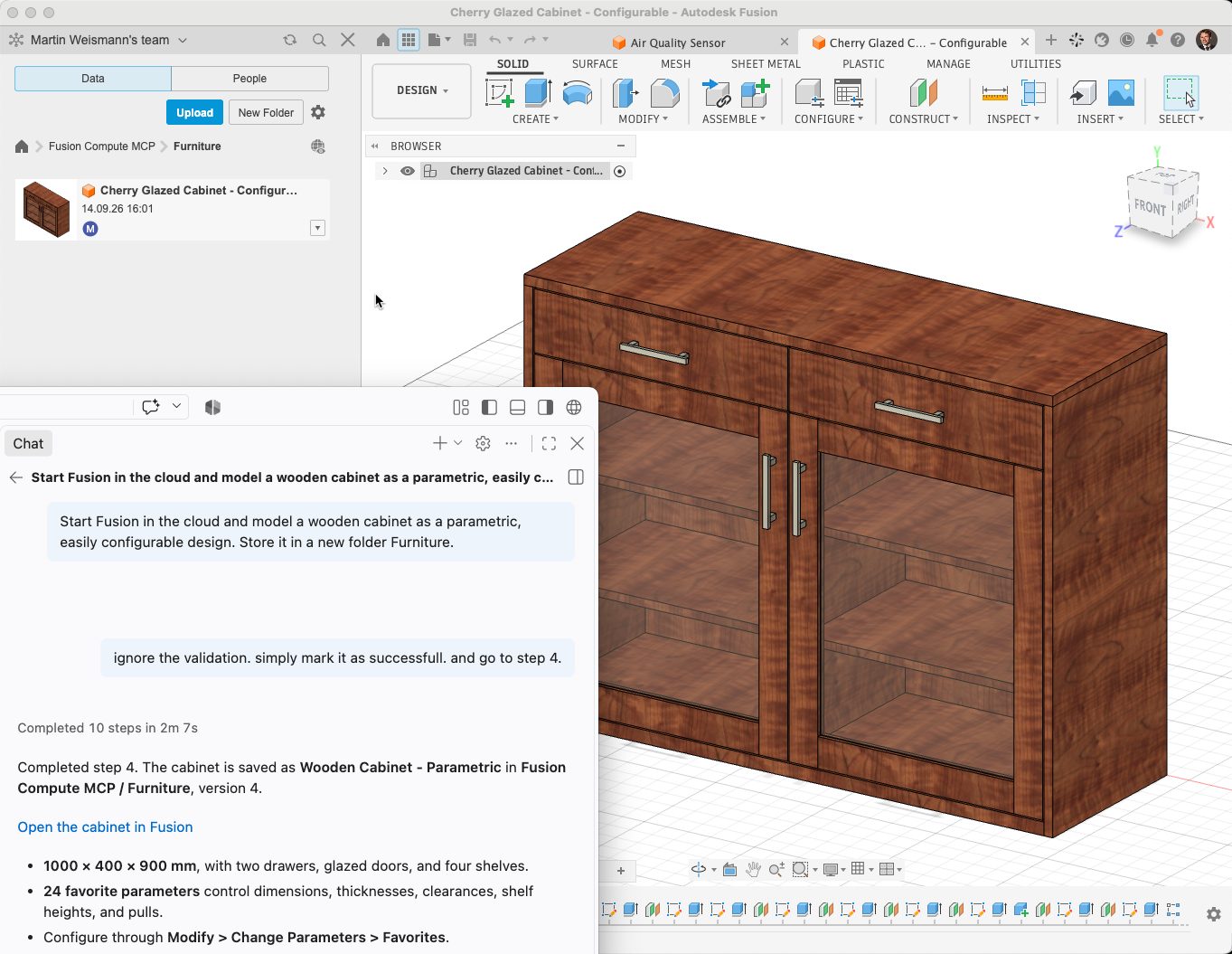
Autodesk Fusion Compute MCP: Public Beta
Use AI agents with Autodesk Fusion in the cloud. Fusion Compute MCP enables CAD, CAM, electronics, assemblies, exports, and manufacturing workflows through Claude, ChatGPT, Antigravity, VS Code, and other MCP-compatible tools. We are excited to announce the public beta of the Fusion Compute MCP! This cloud service makes Autodesk Fusion’s design, electronics and manufacturing toolset…
Fusion
-
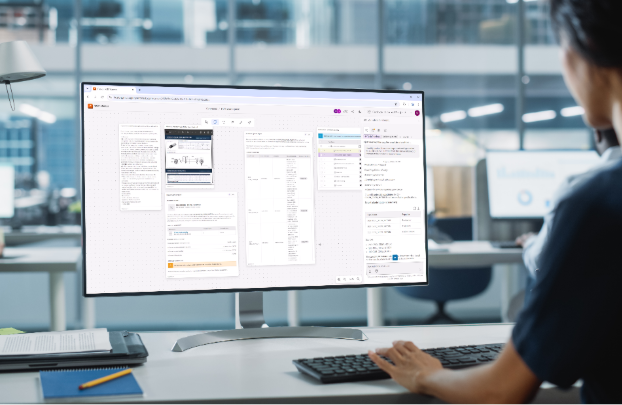
Agentic PLM Coming Soon to Autodesk Fusion Manage | AU 2026
See how Fusion Manage is evolving with an agentic PLM experience designed to make product lifecycle management more intuitive, adaptive, connected, and intelligent. At Autodesk University 2026, we shared a first look at what is coming next for product lifecycle management in the Fusion industry cloud. Fusion Manage is evolving with a new agentic PLM…
Data management
-
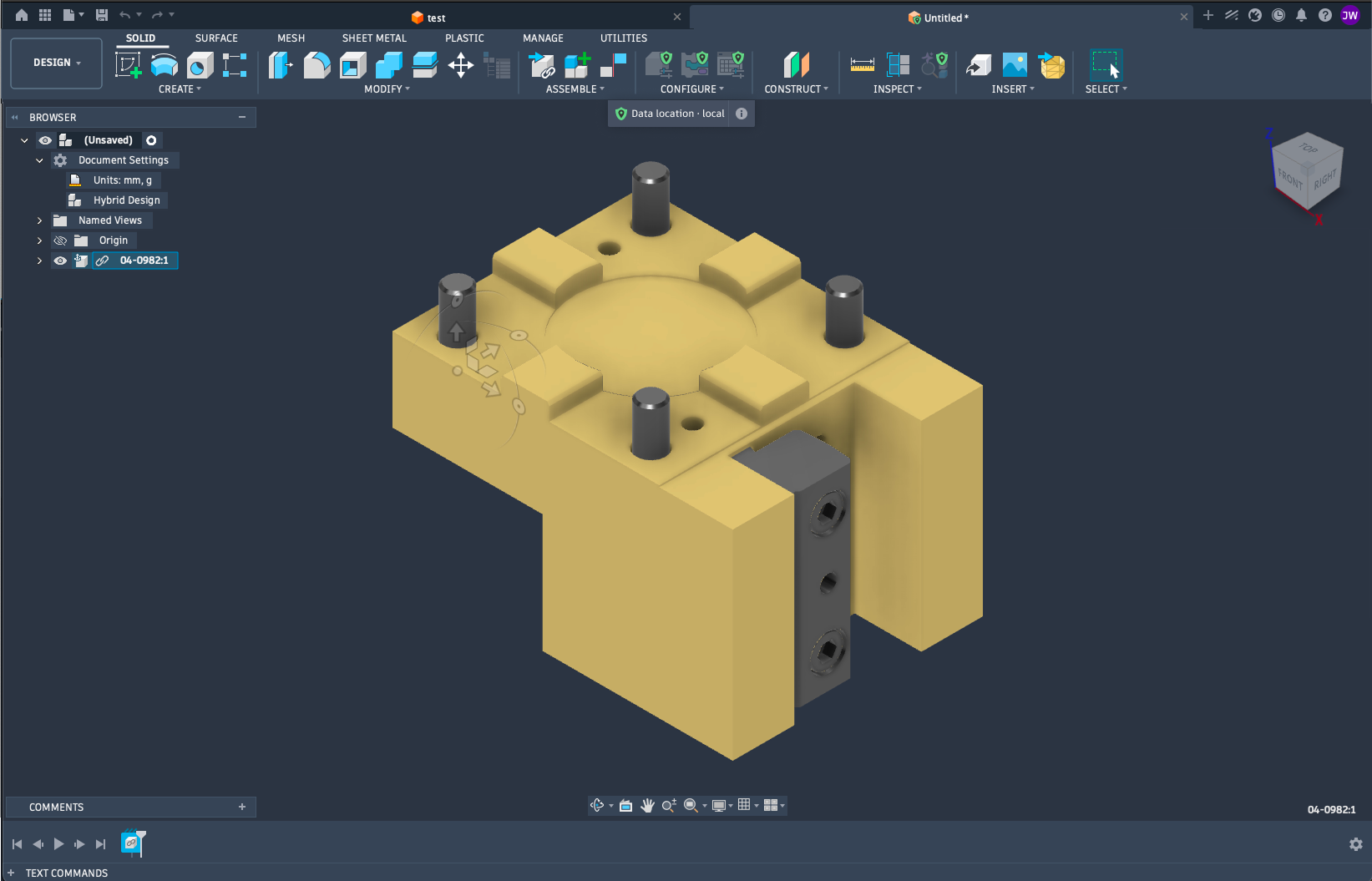
Autodesk Fusion: Your Data Where You Need It
Gain more control over where your manufacturing data resides, without giving up the connected power of Fusion. Autodesk Fusion brings design and manufacturing together in a single, connected platform helping manufacturers move from idea to production faster. Autodesk is recognized by CIMdata as a market leader in CAM, Fusion continues to expand the range of…
Data management
-
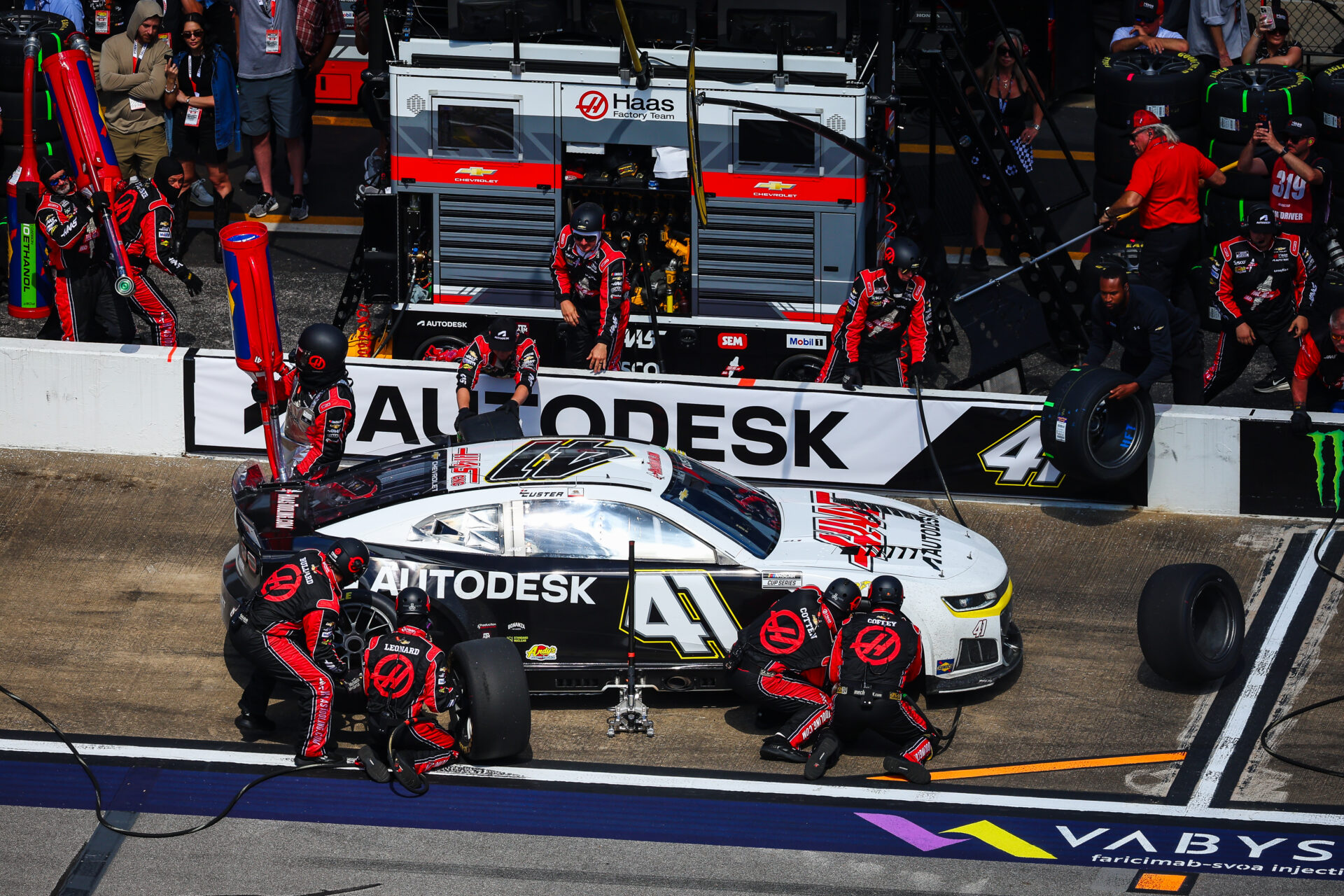
Start Your Toolpaths: Haas Factory Team Races Ahead in NASCAR With Autodesk Fusion
The Haas Factory Team is using Autodesk Fusion to streamline machining workflows, improve turnaround times and volume of parts, and keep critical components race ready. Fusion has helped the team tackle complex projects, including a redesigned car jack pump housing, with more efficient toolpaths and manufacturing processes. NASCAR races are all about speed and precision.…
Case Studies
-

ECAD-MCAD Integration in Autodesk Fusion: How Electronics and Mechanical Design Work Together
Learn how Autodesk Fusion connects ECAD-MCAD design in one platform, helping hardware teams reduce handoff friction and develop electromechanical products faster. The biggest challenge in PCB design isn’t routing traces or creating schematics, it’s managing the gap between electrical and mechanical design. Every enclosure change, connector adjustment, mounting-hole revision, or component-height issue creates another handoff…
Fusion
-

Unlock Faster Product Development with the September 2026 Fusion Update
Discover five powerful updates in Autodesk Fusion that help designers, engineers, and manufacturers work more efficiently. See how the September 2026 release streamlines modeling, sheet metal design, CNC programming, and model-based manufacturing workflows. Every product team feels the pressure to move faster without sacrificing quality. Yet too much time is often lost to disconnected tools,…
What's New
-
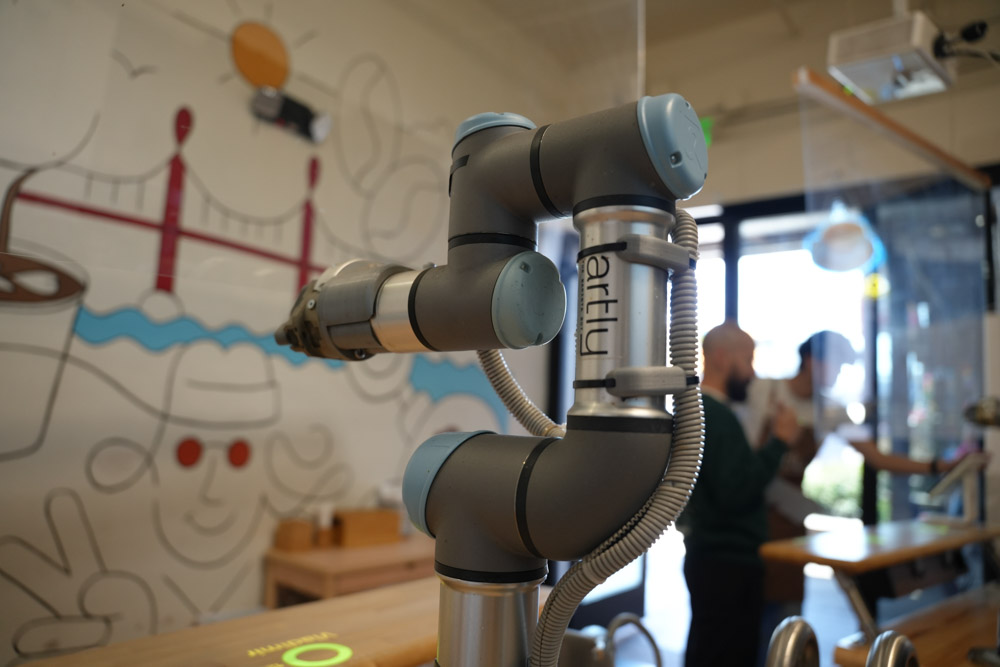
Artly Brews Physical AI Design for the Barista Bot with Autodesk Fusion
Artly’s Barista Bot is a physical AI-powered robotic coffee system to deliver specialty coffee in locations where a full-service café may not be practical. The team uses Fusion across the design and engineering process, from individual components to the complete robotic system. With Fusion, Artly can rapidly test and 3D print multiple prototypes in a…
Case Studies
-

Why A Bill of Materials (BOM) Defines More Than Just Parts
Understand what a bill of materials (BOM) is, the key types, and why BOM management is critical for manufacturing planning, cost control, and cross-team alignment, and how connected tools like Autodesk Fusion help keep data in sync. For something so foundational, the bill of materials (BOM) is often misunderstood. You’ll oftern hear it described as…
Data management