 Shannon McGarry
Autodesk Fusion is a comprehensive solution for furniture design allowing you to transform sketches into intricate, manufacturable 3D forms.
Furniture design is an art that blends creativity with engineering. Autodesk Fusion offers an incredibly powerful platform to bring your designs to life. Whether you’re a seasoned industrial designer or a furniture maker scaling your business, Fusion offers tools that streamline the entire furniture design process—from ideation to manufacturing.
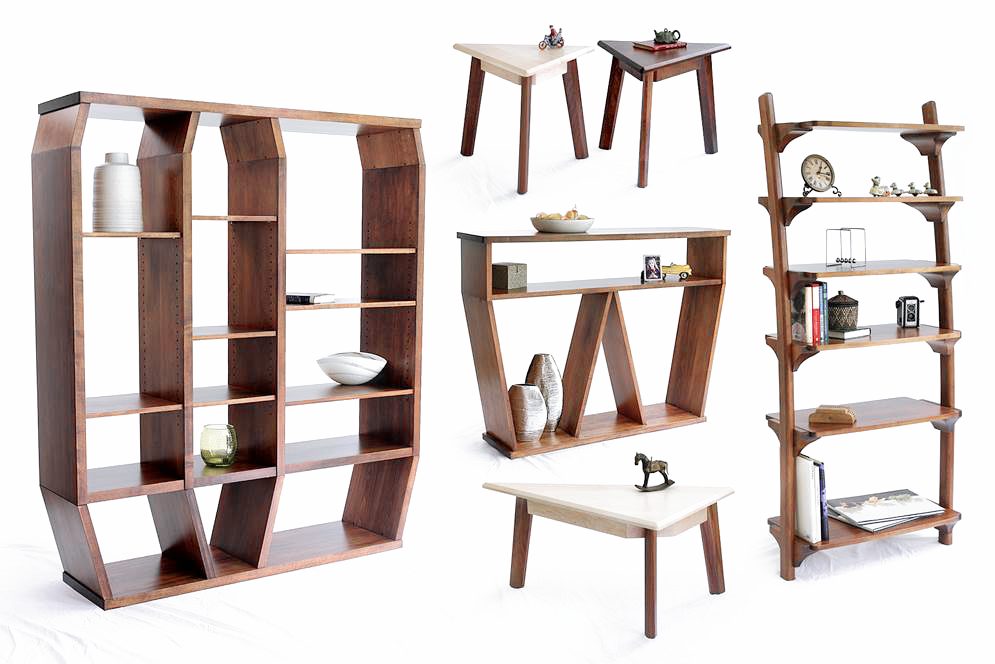
Autodesk Fusion for furniture design
Fusion is a perfect fit for furniture design. It combines parametric modeling, sculpting, and manufacturing workflows into one integrated environment. You can start with traditional sketches or images and easily turn those ideas into complex 3D forms. Fusion also supports both precision engineering and freeform creativity. It’s ideal for crafting everything from jigs and fixtures to fully realized furniture collections.

Elevate your design and manufacturing processes with Autodesk Fusion
Exploring the sculpt environment
Unlike traditional parametric CAD where you have to work with exact sketches and dimensions, the sculpt environment allows you to work more organically. You can push and pull surfaces in real time and react to evolving shapes without the need for a predetermined plan. This is a great fit for designing furniture with flowing curves and complex geometries.
From sketch to sculpted form
The furniture design process often begins with reference images or sketches. You can insert these images directly into your workspace as canvases, which you can scale and calibrate to real-world dimensions. This helps you maintain accuracy while giving you the freedom to explore form.
Once the canvas is set, you can start creating sculpted bodies using various primitive shapes like boxes, tori, or pipes. For instance, to design a curved footrest or armrest, you might:
- Sketch a control point spline to outline the general shape.
- Use the pipe tool to create a tubular form along that spline.
- Adjust the diameter and smoothness of the pipe to refine the shape.
This iterative process is highly interactive. You can tweak curves and proportions dynamically until the design feels right.
“We’re utilizing tools to accelerate and realize our ideas without having to spend huge amounts of money on molds or huge amounts of time.”
—Yvonne Mouser, Designer, Lingrove
Manage complex furniture design with T-splines
T-spline technology in Fusion offers enhanced control by breaking down surfaces into manipulable faces and edges. You can achieve precise shaping capabilities, explore innovative forms, and refine designs to perfection. This detail is particularly beneficial for furniture design, where complex curves and unique shapes are often required. By balancing the number of faces with manageability, you can create beautifully detailed furniture pieces more efficiently.
Integrating design and manufacturing
Beyond design, Fusion seamlessly bridges the gap to manufacturing. Once your sculpted form is complete, you can prepare it for CNC machining, 3D printing, or other fabrication methods directly within Fusion. You can easily generate toolpaths, optimize your design for various fabrication methods, and visualize the final product prior to production. This seamless transition from concept to production is a game-changer for furniture makers like you who want to customize and iterate quickly.
Get started with Fusion for furniture design
Fusion offers everything you need to sculpt intricate furniture designs with precision, while also making sure they are ready for manufacturing. With its integrated CAD/CAM environment, you can confidently transition from innovative concepts to tangible products. Embrace the future of furniture design and elevate your craft to new heights with Autodesk Fusion.