Category: Tutorials
-
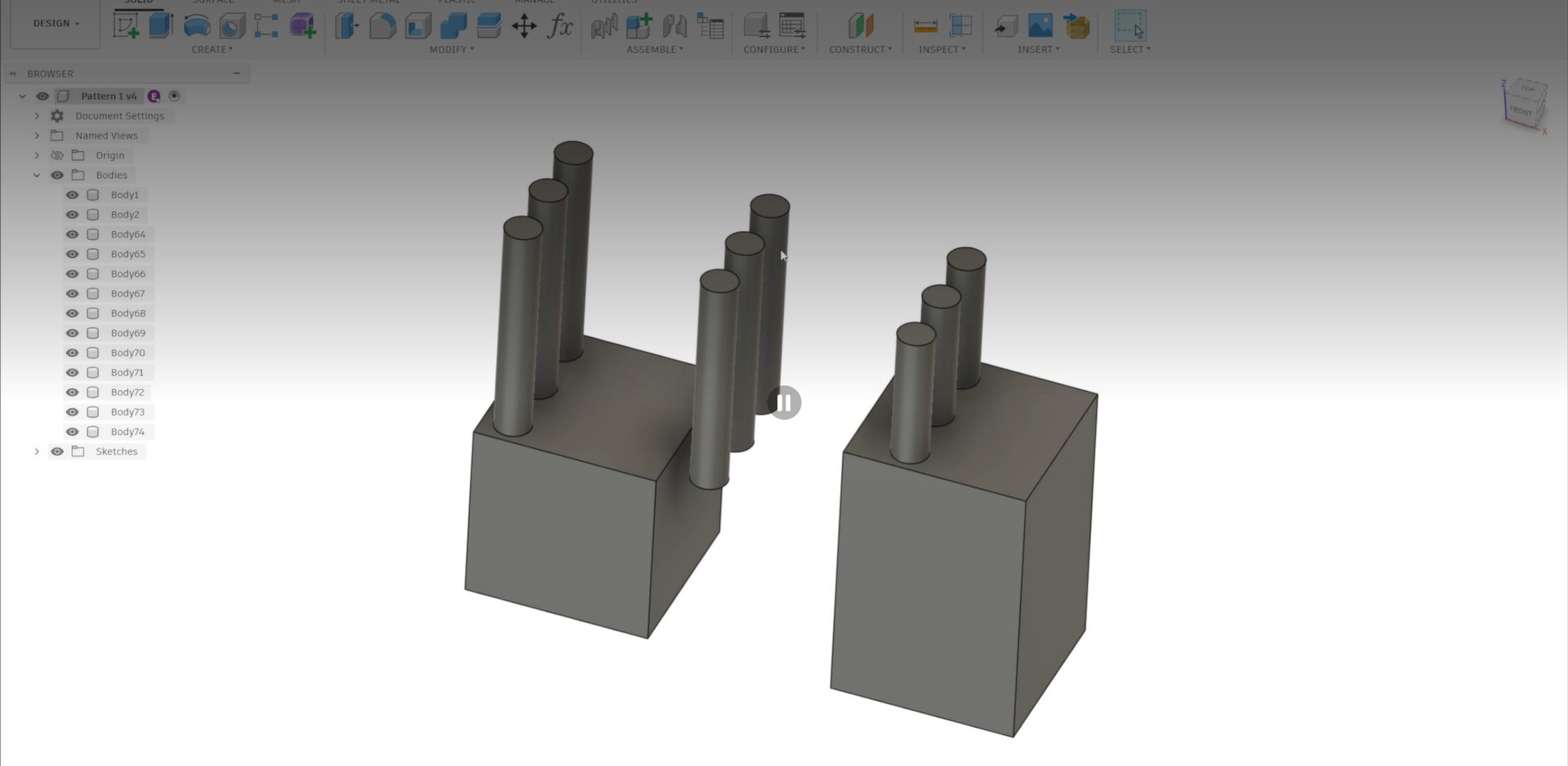
Understanding Compute Options for Mirror and Pattern in Autodesk Fusion
Avoid broken mirror and pattern results in Fusion by learning when to use Optimized, Identical, or Adjust compute options for accurate outcomes. When working with mirror and pattern features in Fusion, you’ve likely encountered a frustrating scenario: you select the default “Optimized” compute option, the preview shows exactly what you want, but when you click…
Tutorials
-
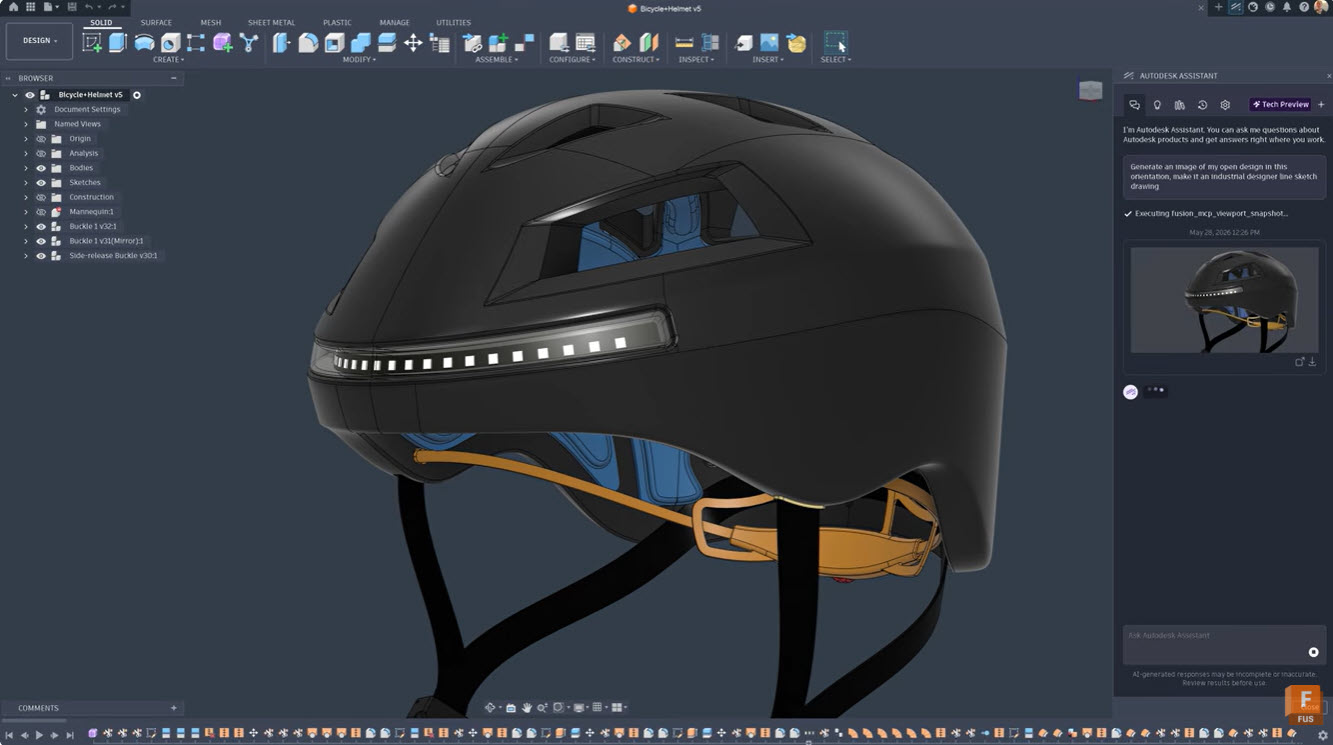
A Guide to Autodesk Assistant in Fusion
Learn how Autodesk Assistant in Fusion uses AI and natural language prompts to automate tasks, create add-ins, generate drawings, and streamline design and manufacturing workflows. Autodesk Assistant is transforming how designers and engineers work in Fusion by bringing AI capabilities directly into your workflow. This intelligent tool understands plain language commands and can handle everything…
Tutorials
-
Autodesk Fusion vs. SolidWorks: The Ultimate Migration Guide
Are you curious about Fusion 360 vs. SolidWorks? This migration guide will be the key to your success.
Getting Started
-

Here’s How to Set Up Your Fusion Hub
Creating your Fusion Hub is the first step after purchasing Autodesk Fusion. Here's everything you need to know about the process.
Getting Started
-
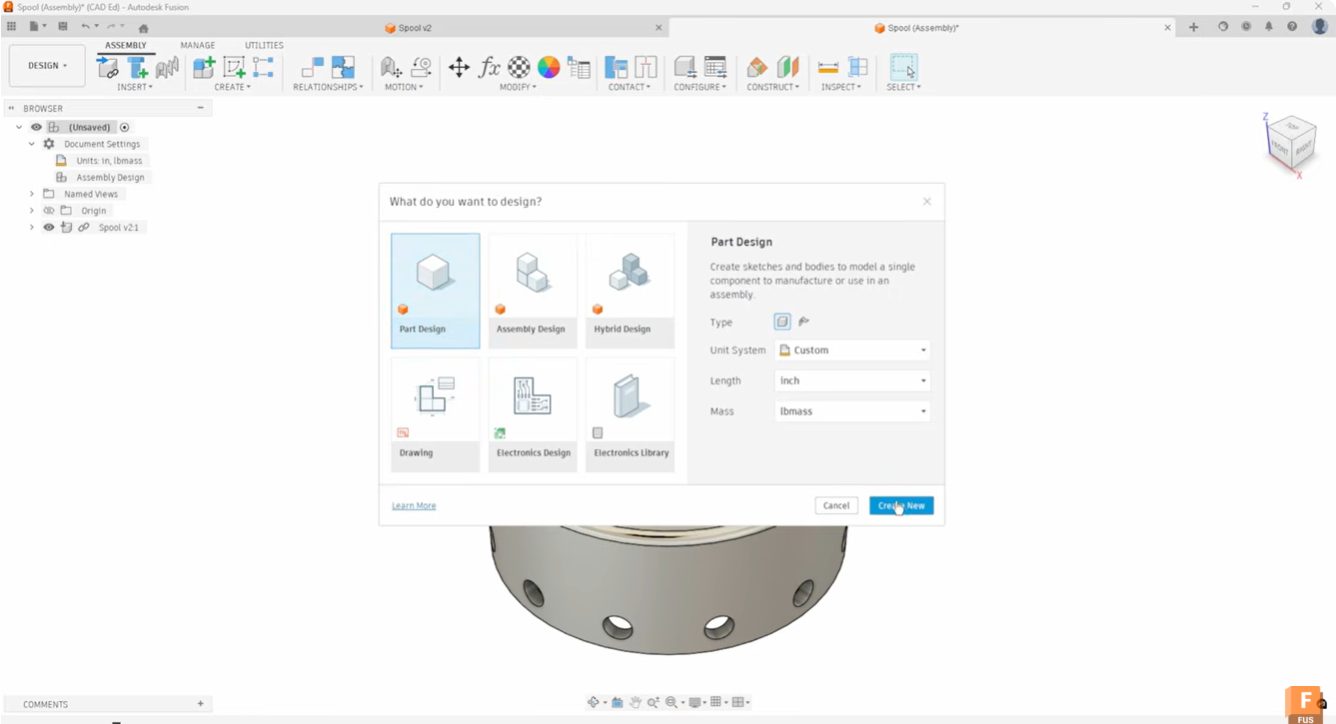
Start Your Fusion Designs Right with Intent-Driven Design
Learn how intent-driven design in Fusion helps you choose part, assembly, or hybrid workflows to start designs with clarity and avoid rework.
Industrial Design
-
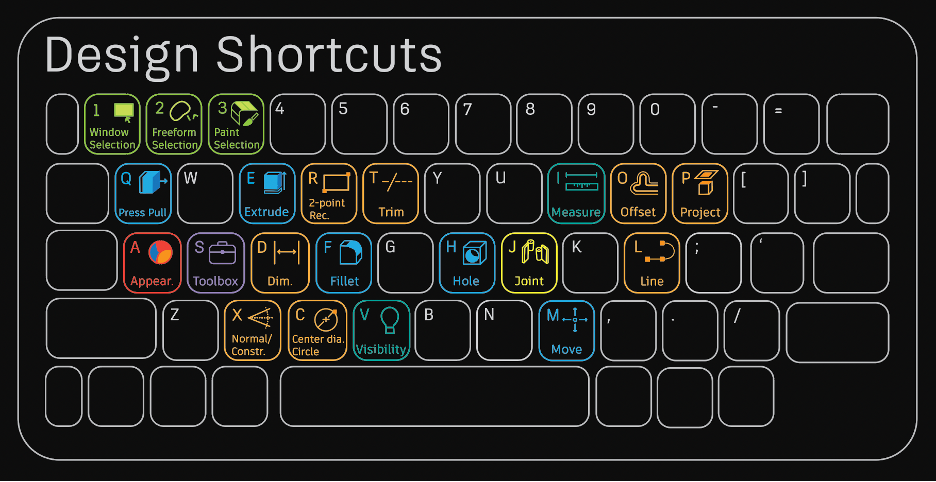
15+ Essential Fusion Shortcuts and Their Modeling Commands
Once you master this list of beginner Fusion 360 modeling commands, you'll be well on your way to becoming an expert.
Getting Started
-
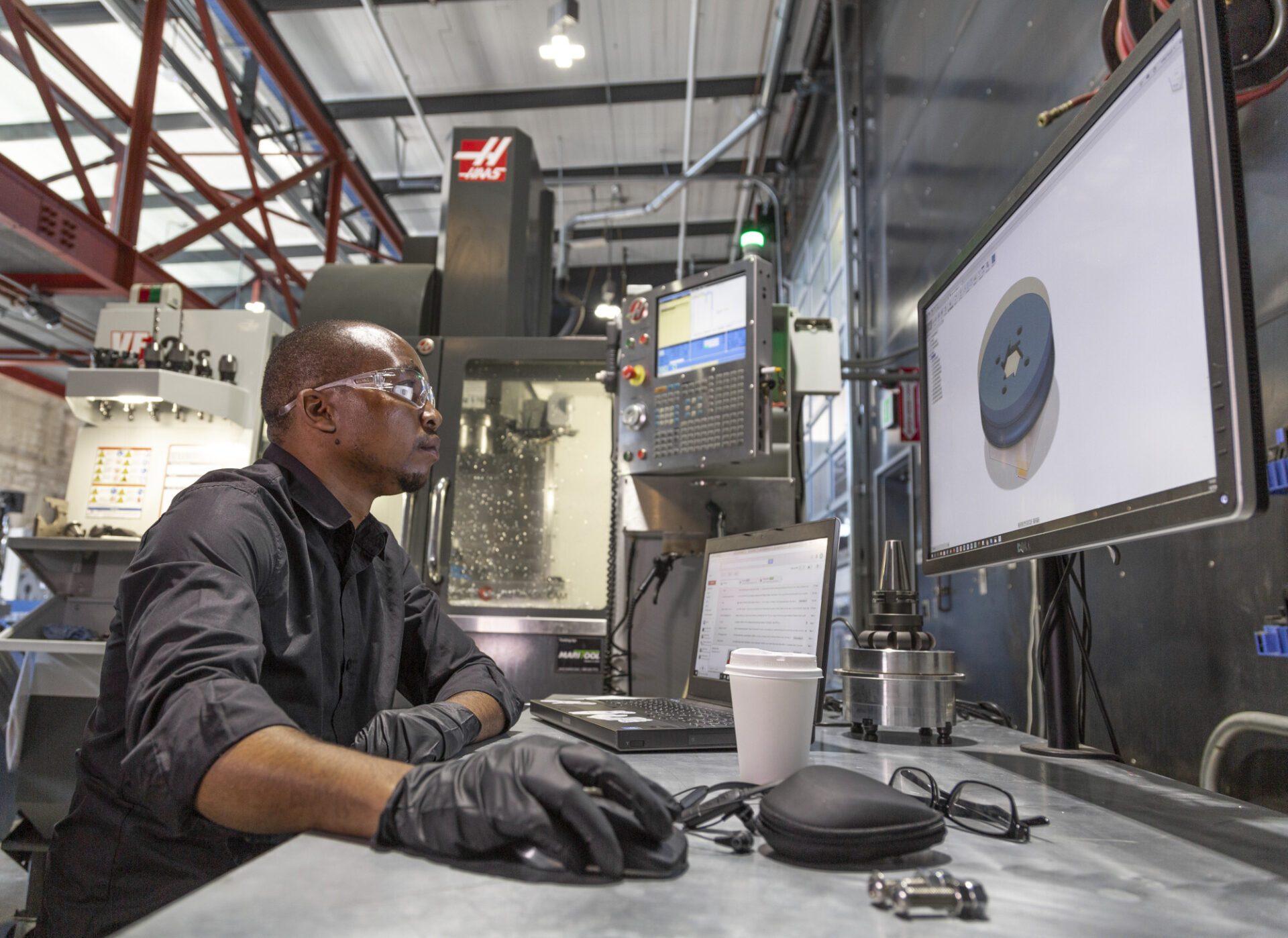
Autodesk Fusion Manufacturing Fundamentals: From Design to Production—Without Switching Tools
This guide highlights tools to master, best practices, and things to be aware of as you get up to speed with manufacturing in Fusion 360.
Getting Started
-
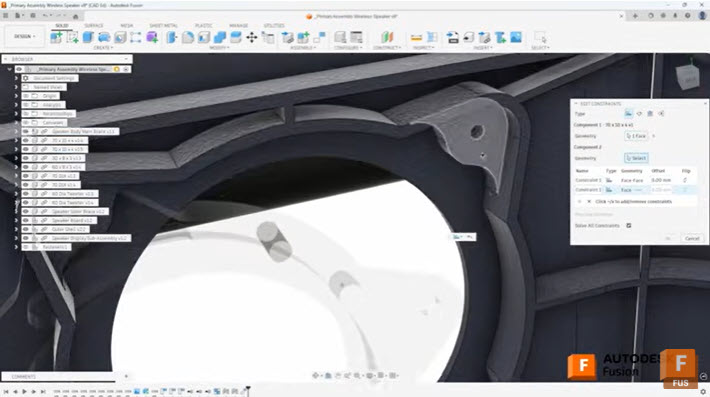
Efficient Assembly Design with Joints and Constraints in Autodesk Fusion
Learn when to use joints and constraints in Autodesk Fusion to build efficient assemblies, control motion, and manage complex component relationships. When building assemblies in Autodesk Fusion, understanding how to effectively position and relate components is fundamental to creating efficient, well-structured designs. Two primary methods exist for establishing these relationships: the Joint command and the…
Tutorials
-
How to Set Up Teams, Projects, and Secure Access in Autodesk Fusion
This article covers a few of Fusion 360's key data management features, from creating teams to setting up secure SSO for your organization.
Mechanical Engineering
-
Here’s How to Set Up Your Fusion Hub (and Get Your Team Collaborating Faster)
Creating your Fusion Hub is the first step after purchasing Autodesk Fusion. Here's everything you need to know about the process.
Getting Started
-
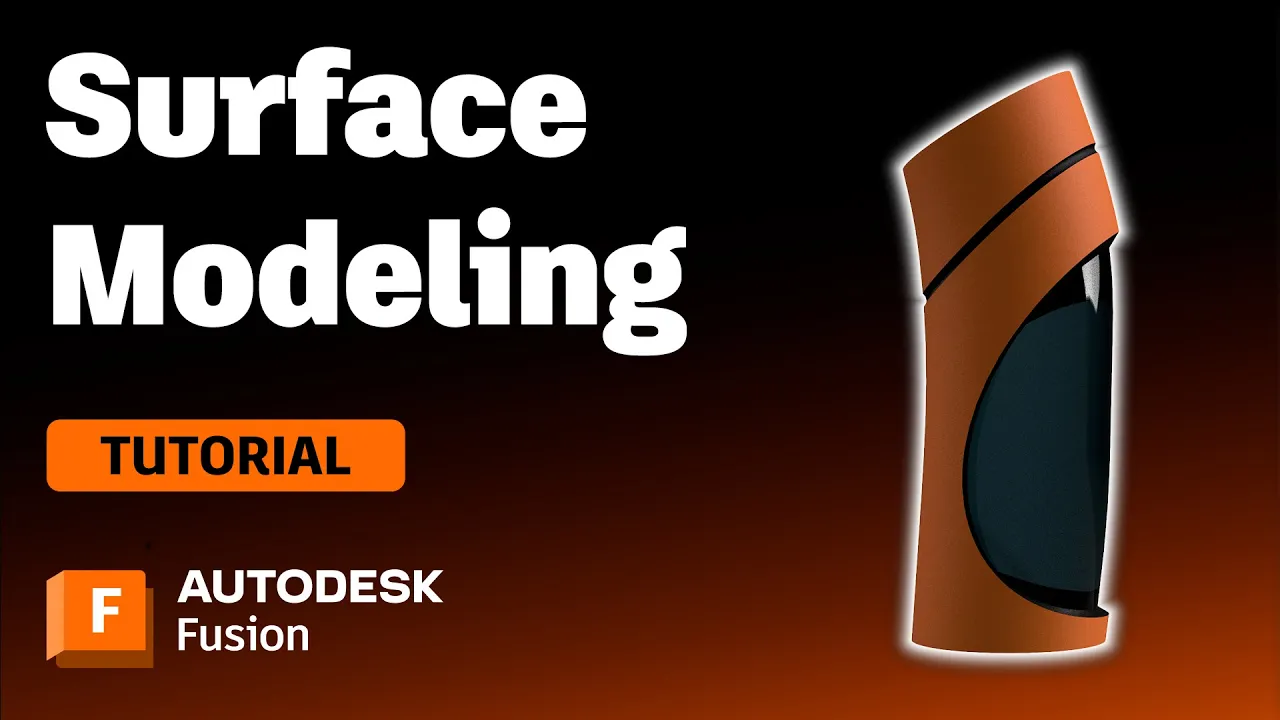
Surface Modeling Software: Autodesk Fusion
Check out this tutorial to understand surface modeling in Autodesk Fusion, how it relates to solid modeling, and its advantages.
Getting Started
-
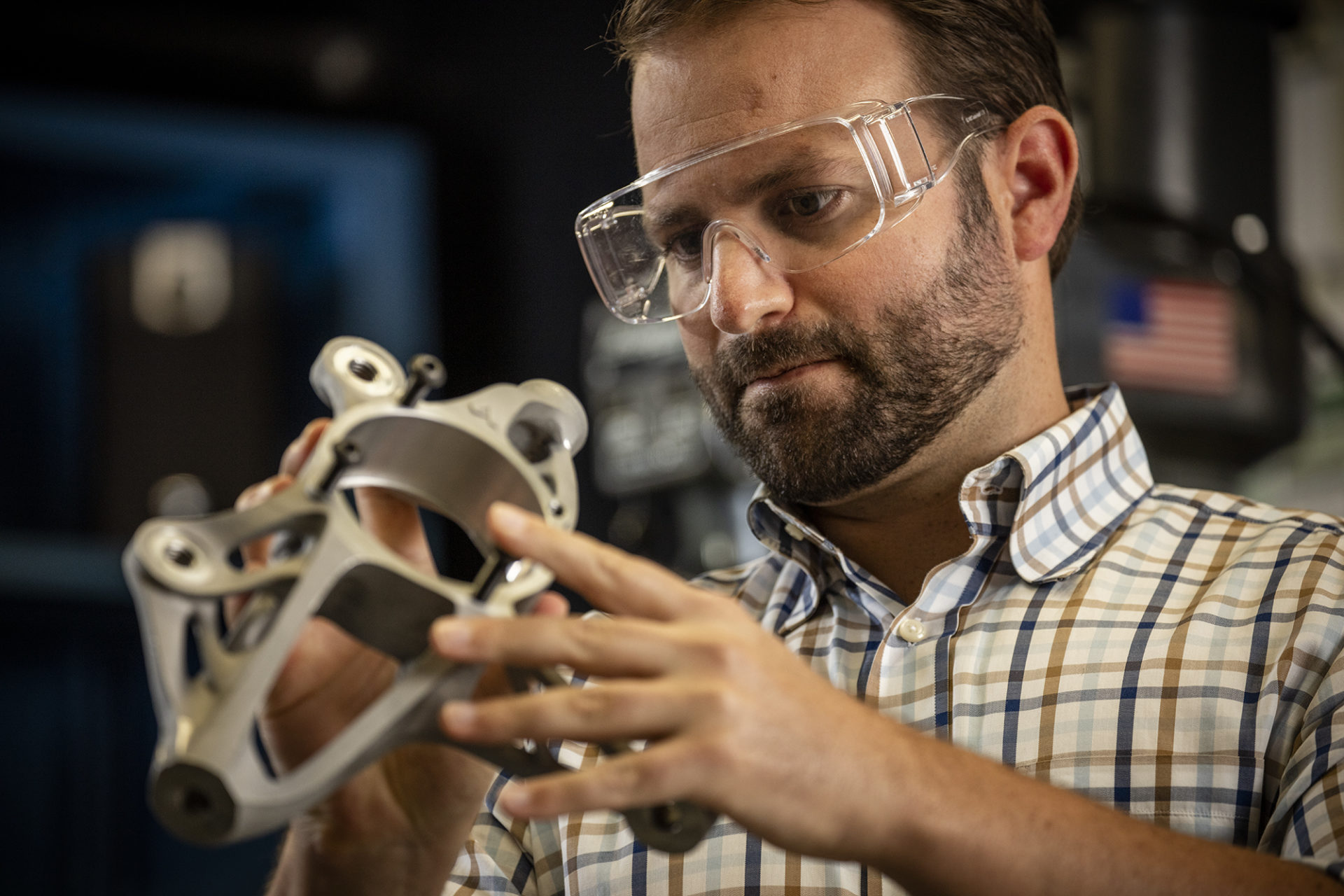
Autodesk Fusion Extensions Explained: Which Extension is Right for You?
An overview of what Autodesk Fusion extensions we offer, what they can help you accomplish, and how to unlock their advanced capabilities.
Getting Started
-
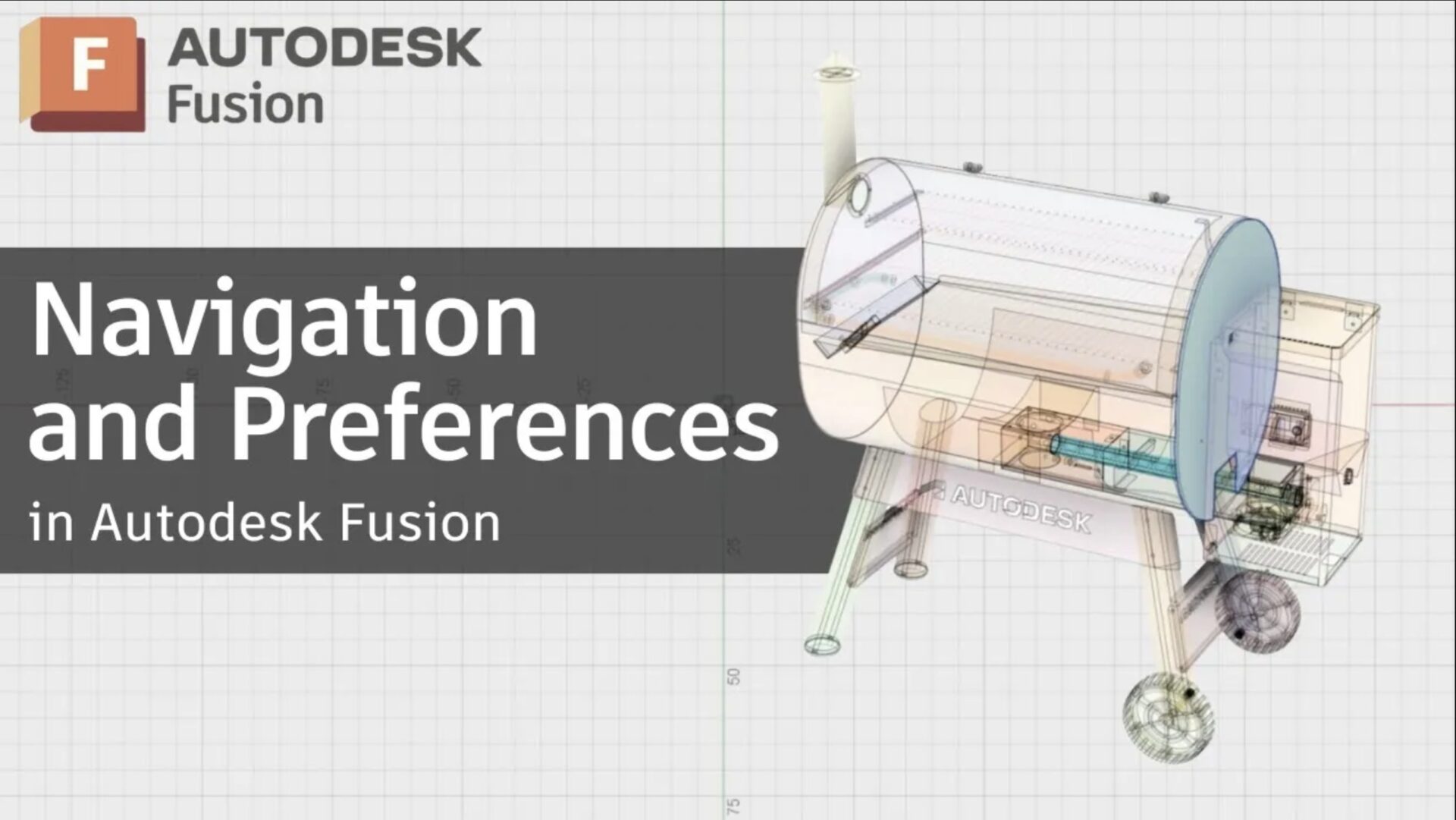
Fusion Navigation and Preferences: How to Customize Autodesk Fusion for Faster Workflows [2026 Update]
Moving from SolidWorks to Autodesk Fusion? Learn to adjust navigation, manage sketches, and use the browser and timeline effectively.
Getting Started
-
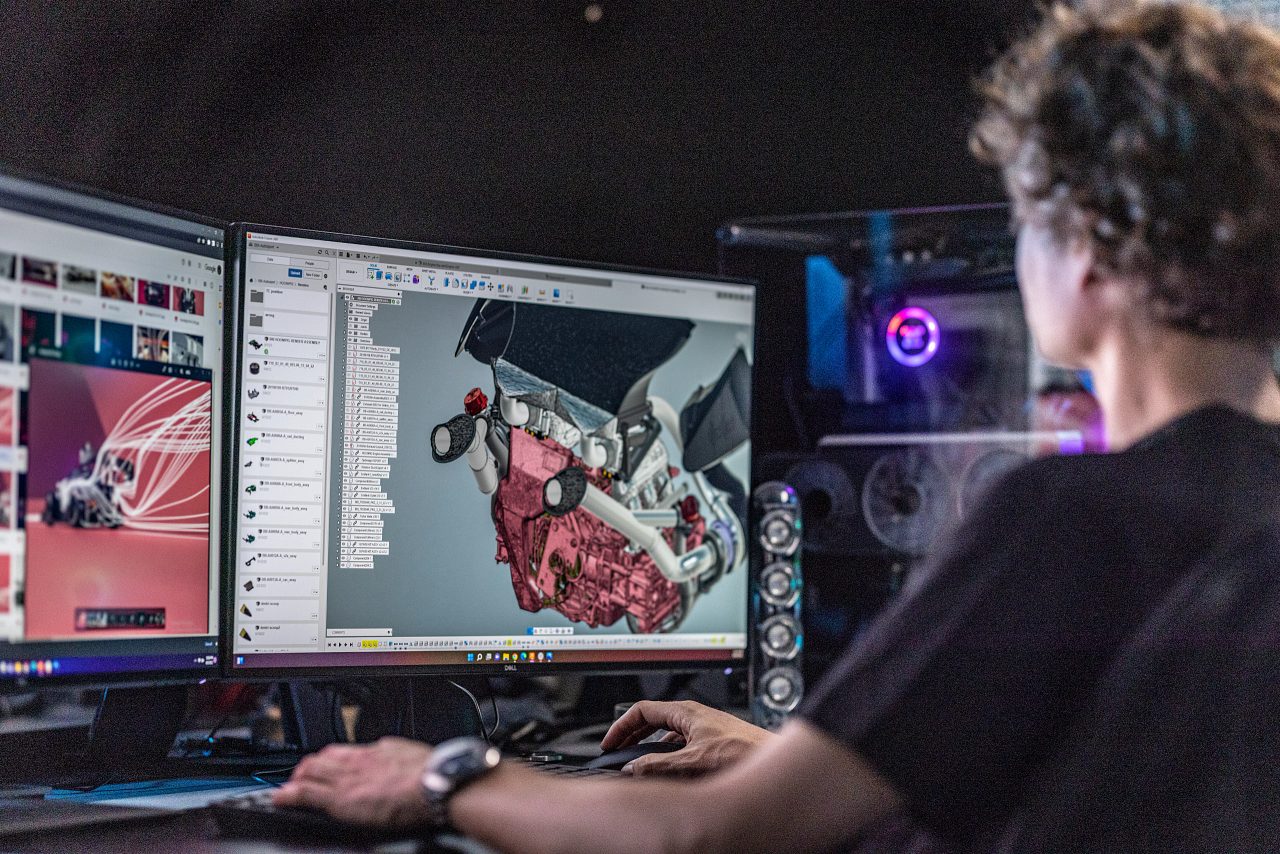
Autodesk Fusion Subscription Types
Autodesk Fusion 360 provides various licenses suited to your design and make goals. Learn about the licenses and what best suits you.
Getting Started
-
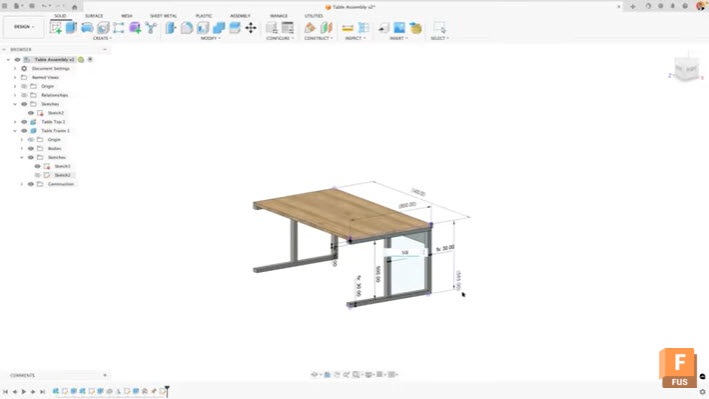
Maximize Efficiency: View and Edit Sketch Dimensions Outside of Sketches in Autodesk Fusion
Learn how to view and edit sketch dimensions outside of sketch mode in Autodesk Fusion to speed up design changes and improve workflow efficiency. When working in Autodesk Fusion, accessing dimensional information typically requires entering edit mode for each sketch. This workflow can slow down your design process, especially when you need to make quick…
Tutorials