Category: Machining
-
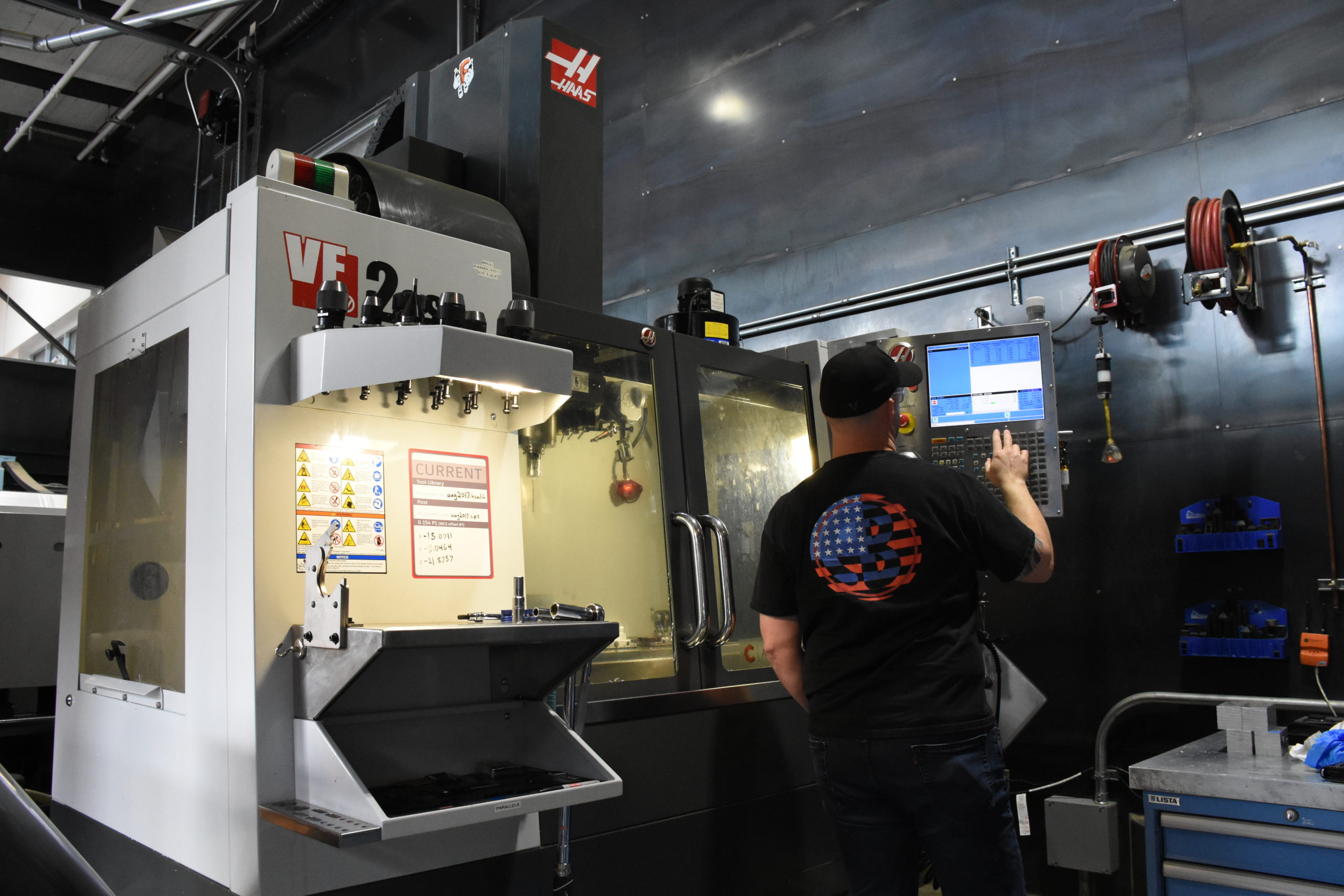
Tips for Using Fusion 360 with a Haas Machine Pt. 2
Reduce the pain of getting set up with Fusion 360 and your Haas machines with the following tips to make quality parts faster.
Machining
-

What CAD File Formats Do People Use Most in Autodesk Fusion?
Autodesk Fusion supports a wide variety of CAD file formats. Take a look at the most-used ones in this brief overview.
Machining
-
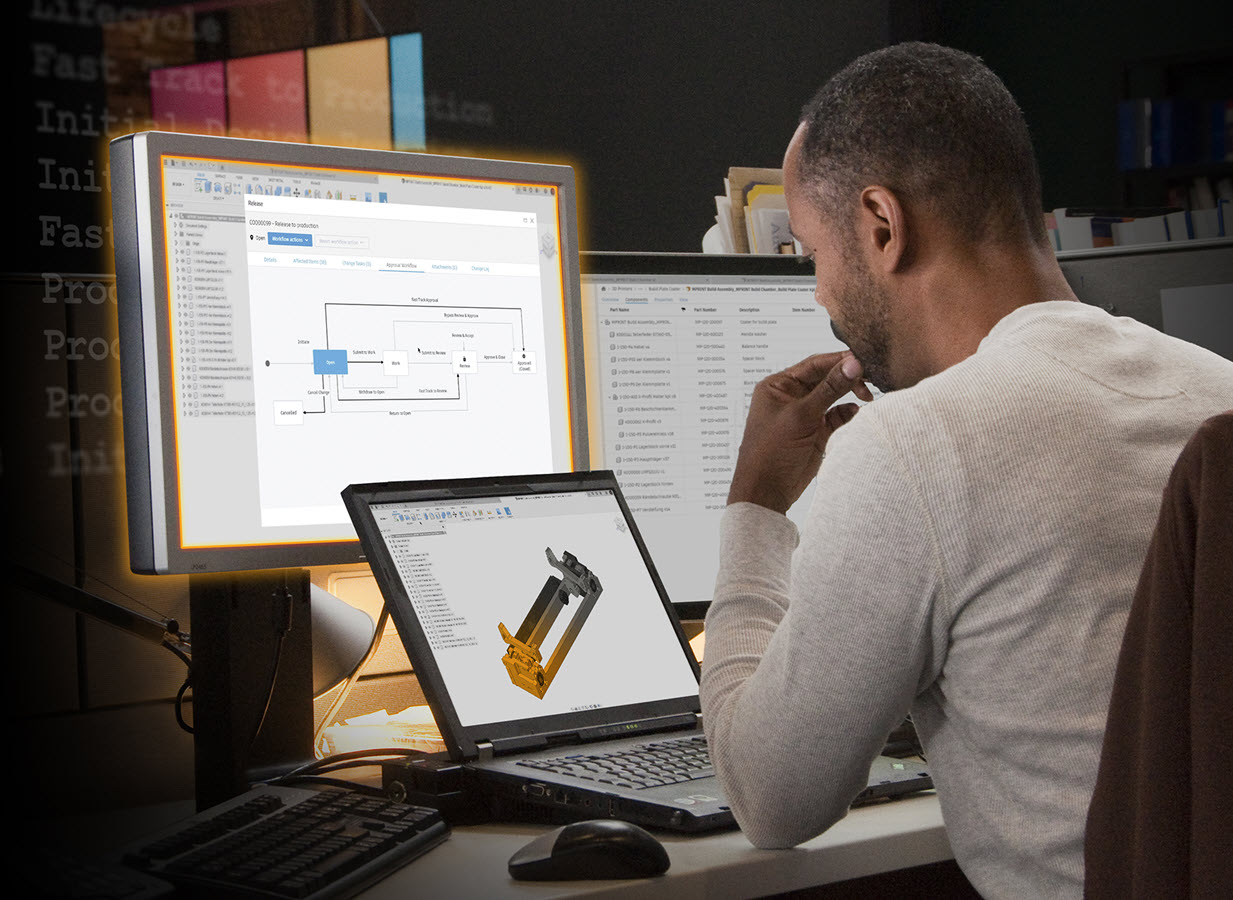
Data Management Made Easy with the Fusion 360 Manage Extension
Unlock additional data management functionality and manage design changes at any production stage using pre-built workflows in the Fusion 360 Manage Extension.
Electronics Engineering
-
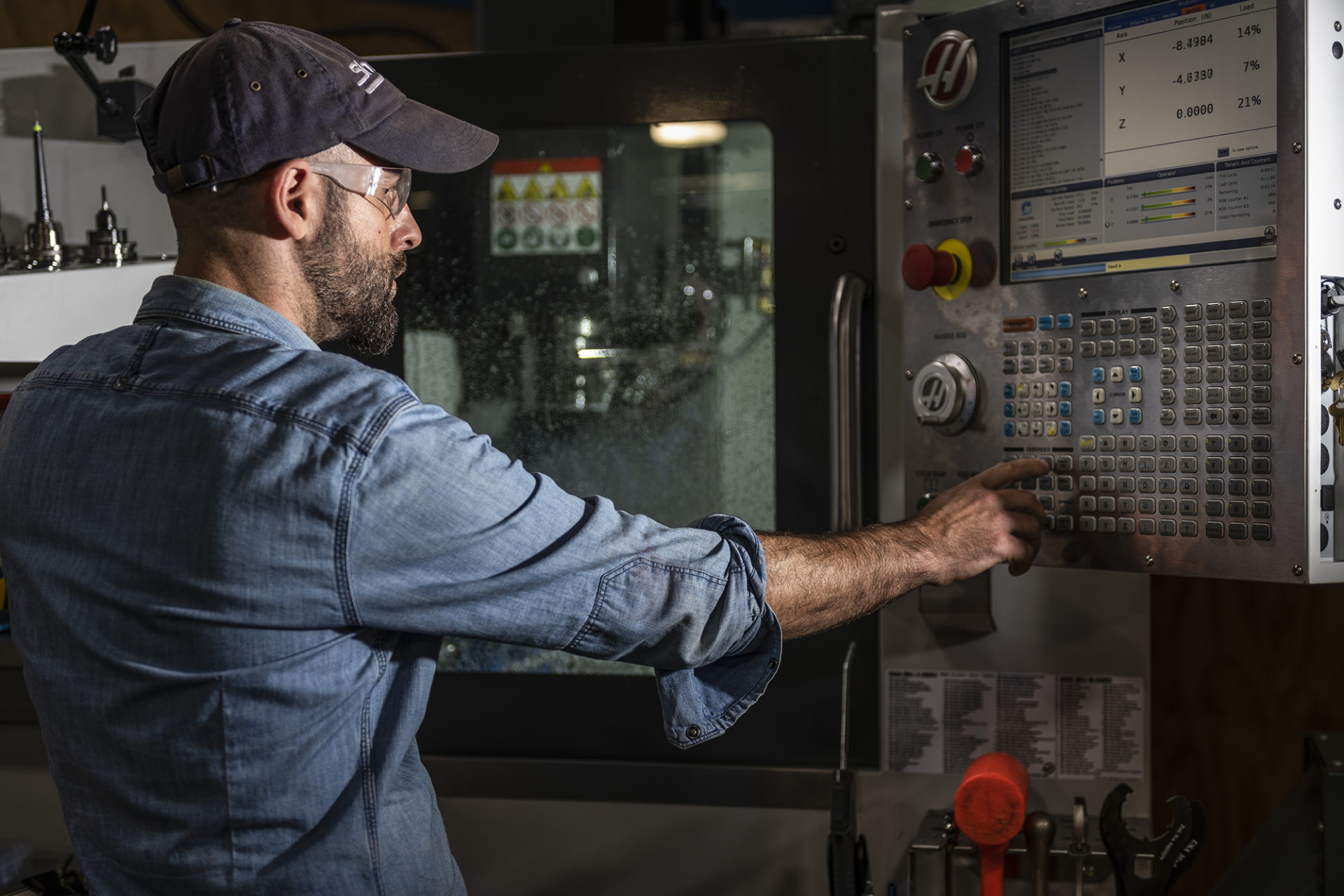
Tips for Using Fusion 360 with a Haas Machine Pt. 1
Fusion 360 closely partners with Haas Automation to reduce the pain of getting set up with your Haas machine and Fusion 360. Take a look at the following tips to work smarter, not harder, and stay tuned for Pt. 2, where we’ll share some more tips! As a machinist, there’s nothing more frustrating than trying to balance…
Machining
-
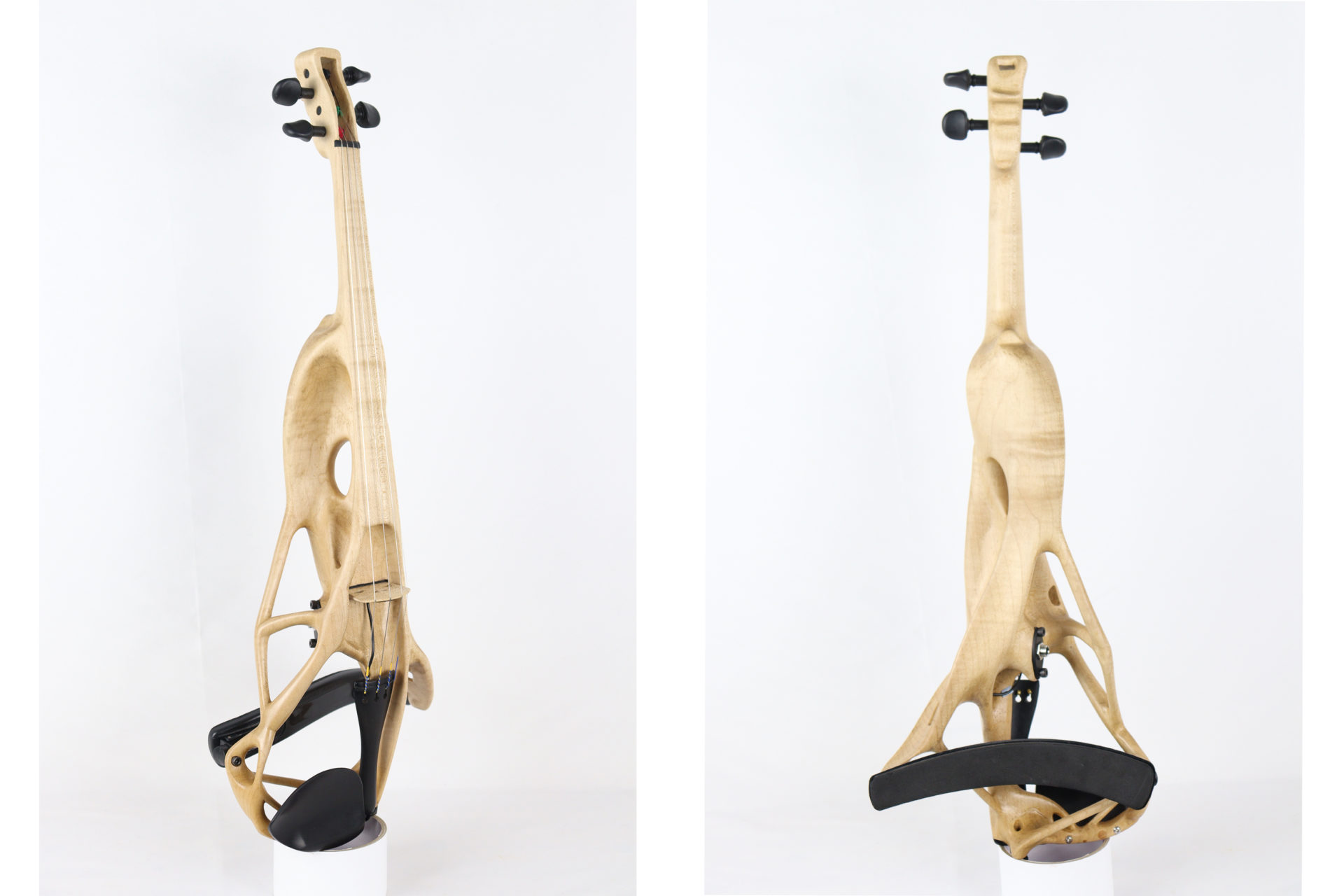
Generative Design and Traditional Craftsmanship Make a Sweet Symphony: The GD Violin
Generative design in Autodesk Fusion 360 helped a luthier develop a new method for designing and manufacturing electric violins.
Industrial Design
-
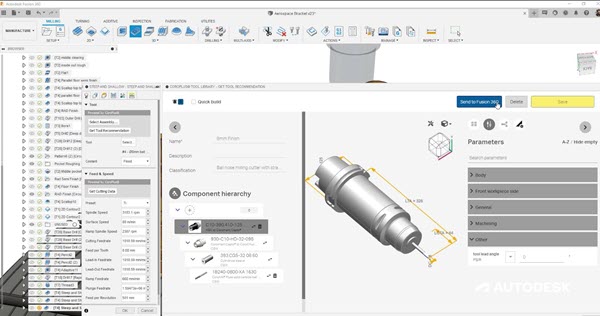
Check Out the Sandvik Coromant Tool Library Add-In for Fusion 360
Seamlessly access the Sandvik Coromant online tool library from within Autodesk Fusion 360 with the Sandvik Coromant add-in.
News
-
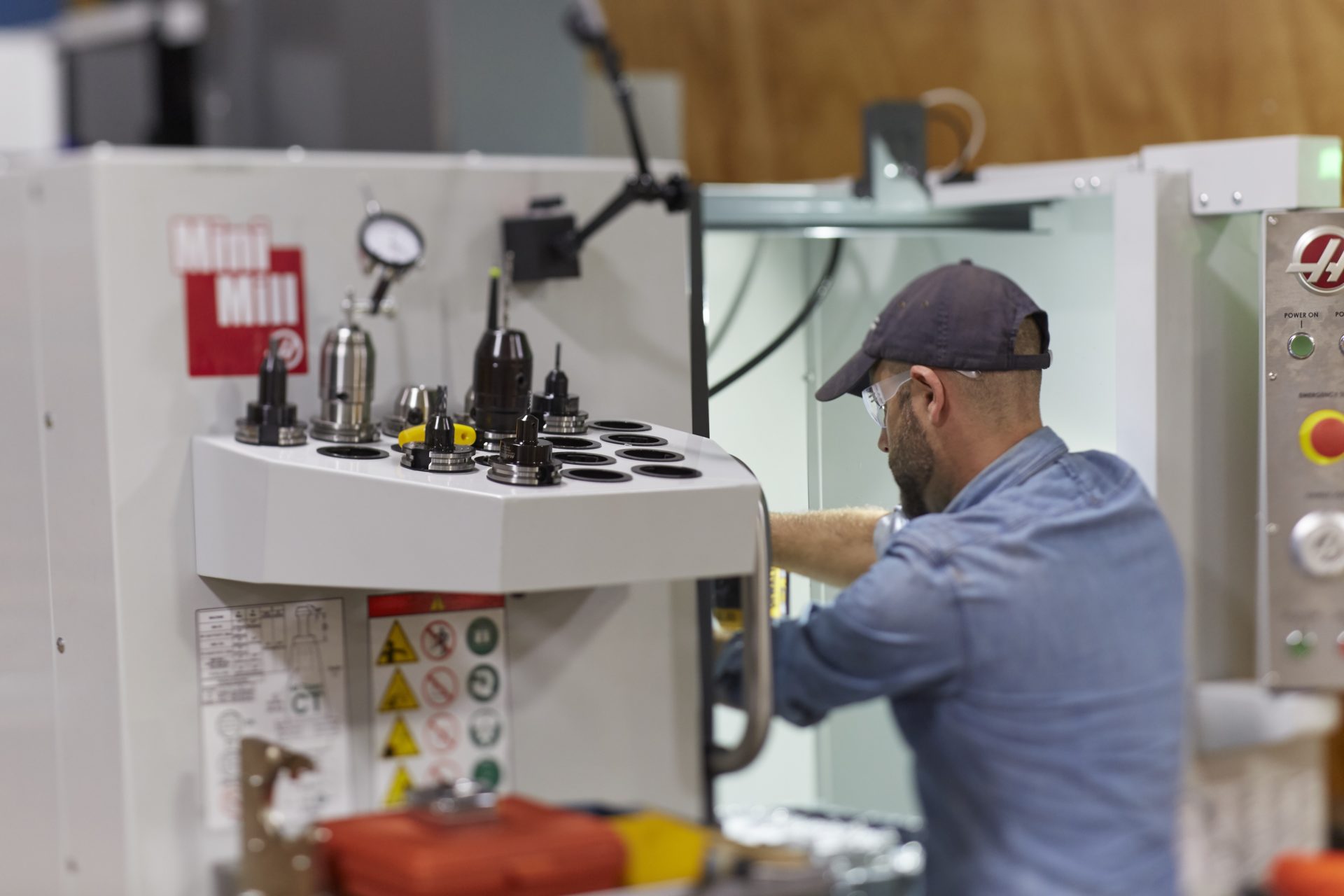
Haas Tooling in the Fusion 360 Tool Library
Let’s take a look at the Haas tooling available in the Fusion 360 Tool Library.
Machining
-
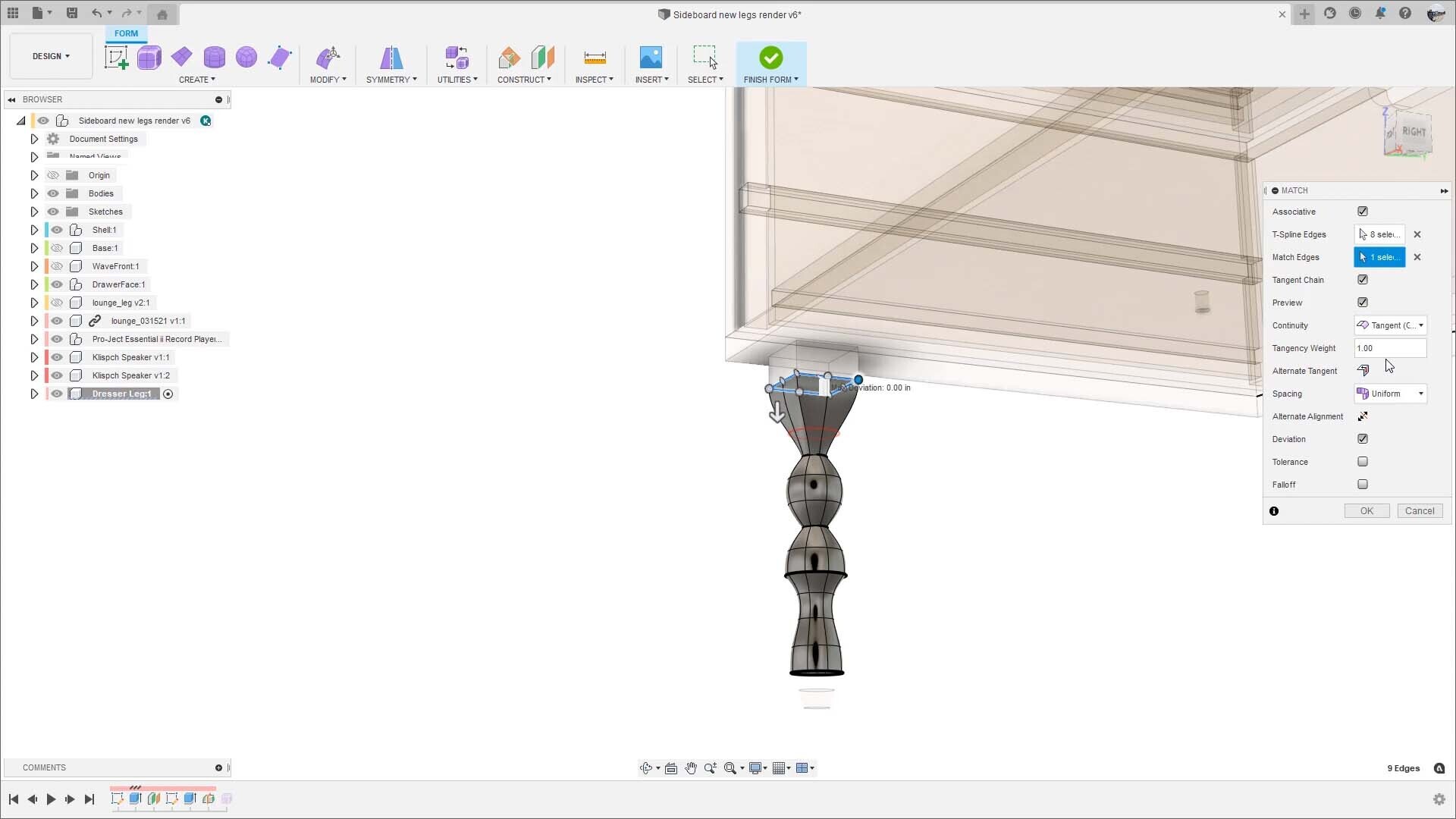
Associative Match: Better Workflows Between Form and Parametric Bodies
Associative Match in Autodesk Fusion 360 allows you to associatively control a T-spline body or surface with the simple check of a box, enabling better 3D modeling workflows.
News
-
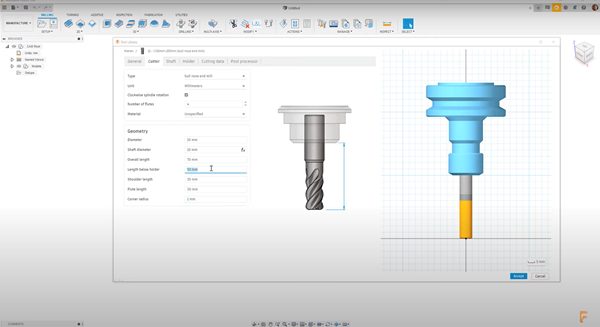
Machining Fundamentals: Tool Length Offset
Learn what a tool length offset is, why they’re important, where to find them, and how to set them.
Machining
-

High Feed Rate vs Rapid Feed Rate Explained
In this article, you'll learn the difference between high feed rate and rapid feed rate.
Machining
-
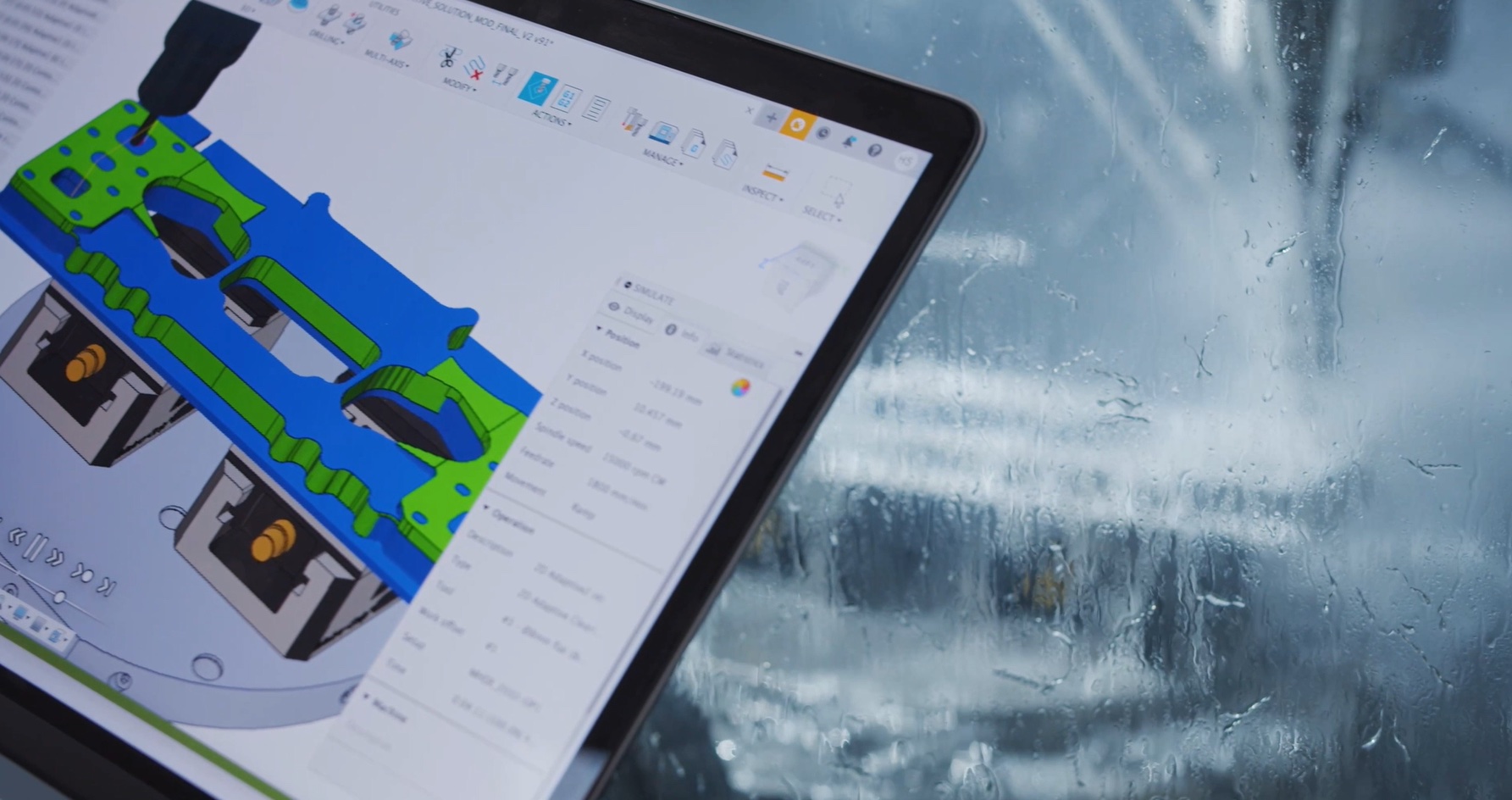
Evolve Dispels Common Generative Design Myths
Evolve's latest hypercar component dispels common myths about generative design, including expense, difficulty, and fabrication methods.
Machining
-
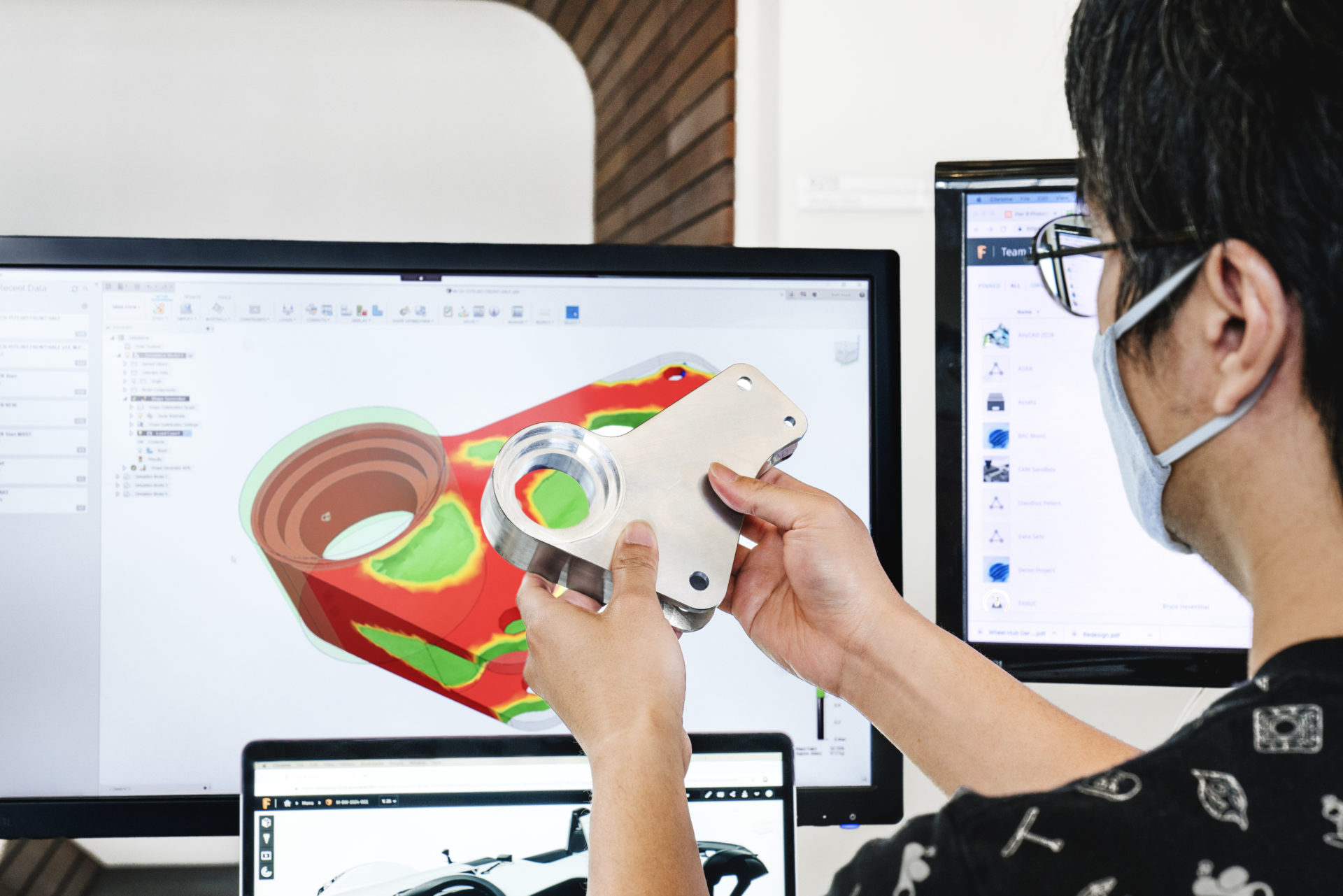
Autodesk Fusion: 3D Modeling Software for Beginners and Beyond
Learn what 3D modeling software is and why Autodesk Fusion 360 is an ideal 3D modeling software for beginners and experts alike.
Mechanical Engineering
-

3+2 Axis Milling (5-Axis Positional) With Autodesk Fusion 360
Autodesk Fusion 360 and its Machining Extension allow high-efficiency toolpaths within the 3+2 milling (5-axis positional) environment.
Machining
-
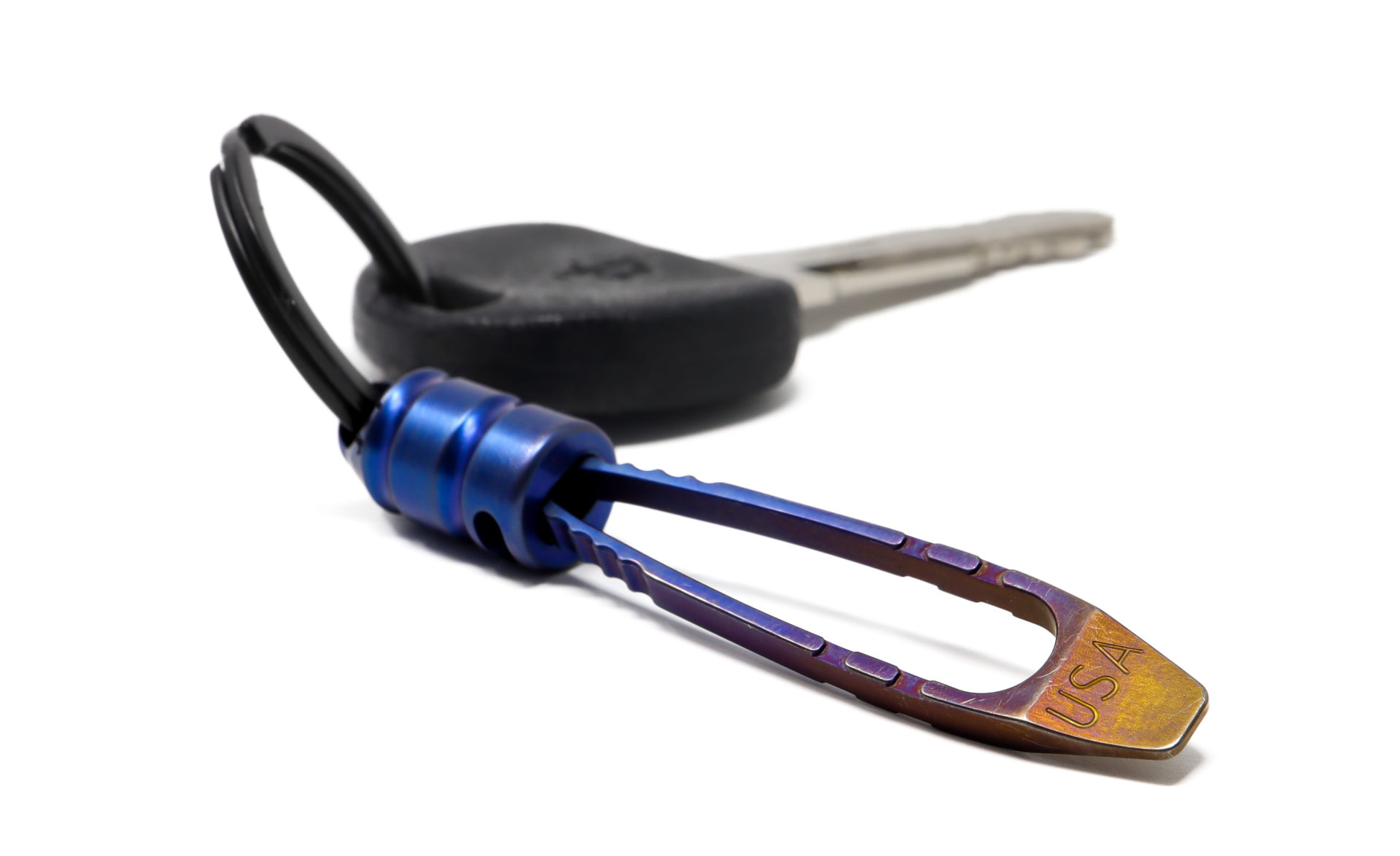
Jon Boggs Tweezes Success with Fusion 360 and “Everyday Carry” Market
Air National Guard member Jon Boggs designs and makes tweezers using leftover titanium, Fusion 360, and a Haas V2F machine.
Machining
-
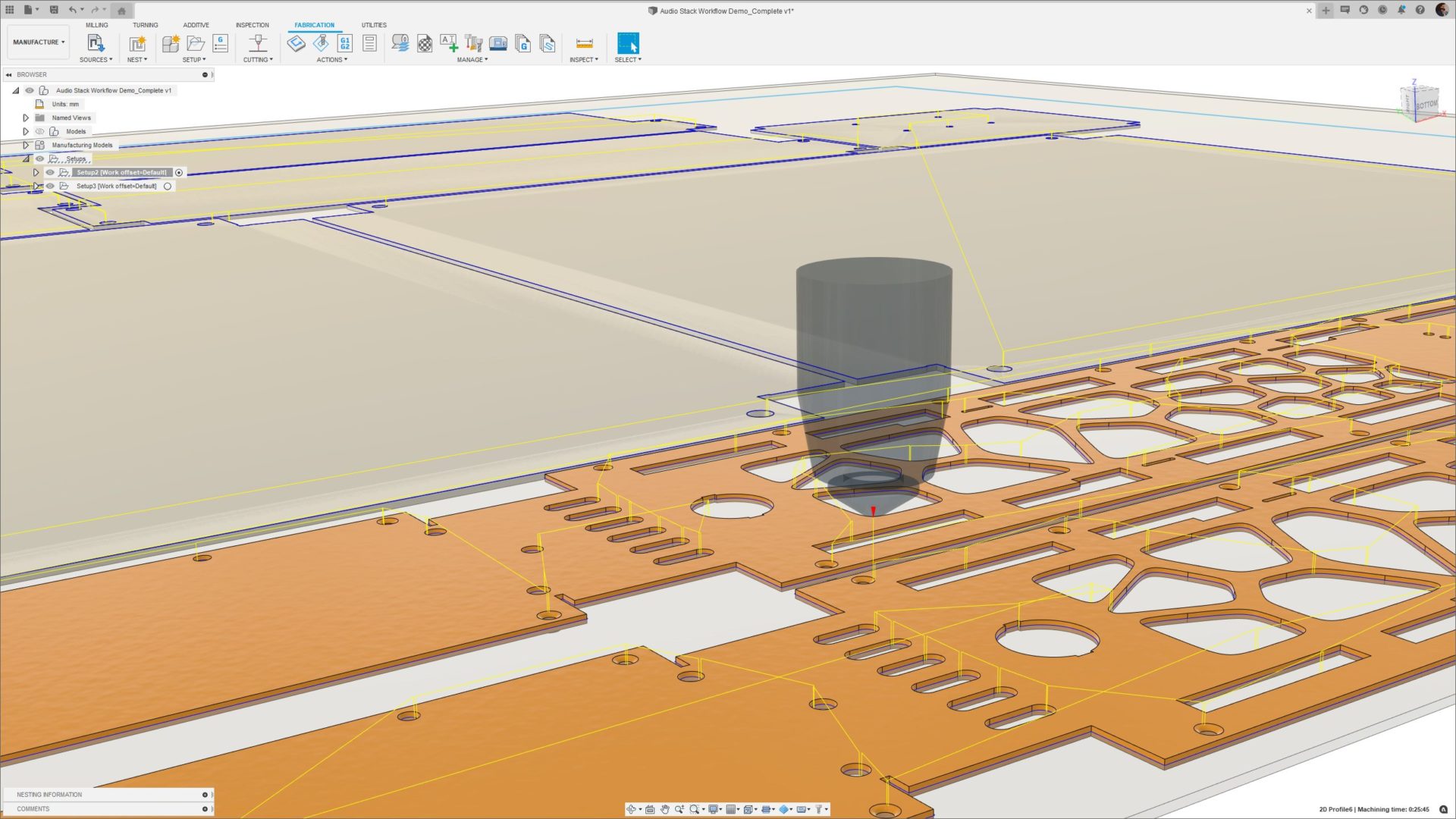
Fusion 360 Nesting & Fabrication Extension: Less Cost, Less Programming Time, Less Rework
Learn how automating the nesting process with the Fusion 360 Nesting & Fabrication Extension saves you valuable resources.
Machining