Category: Machining
-
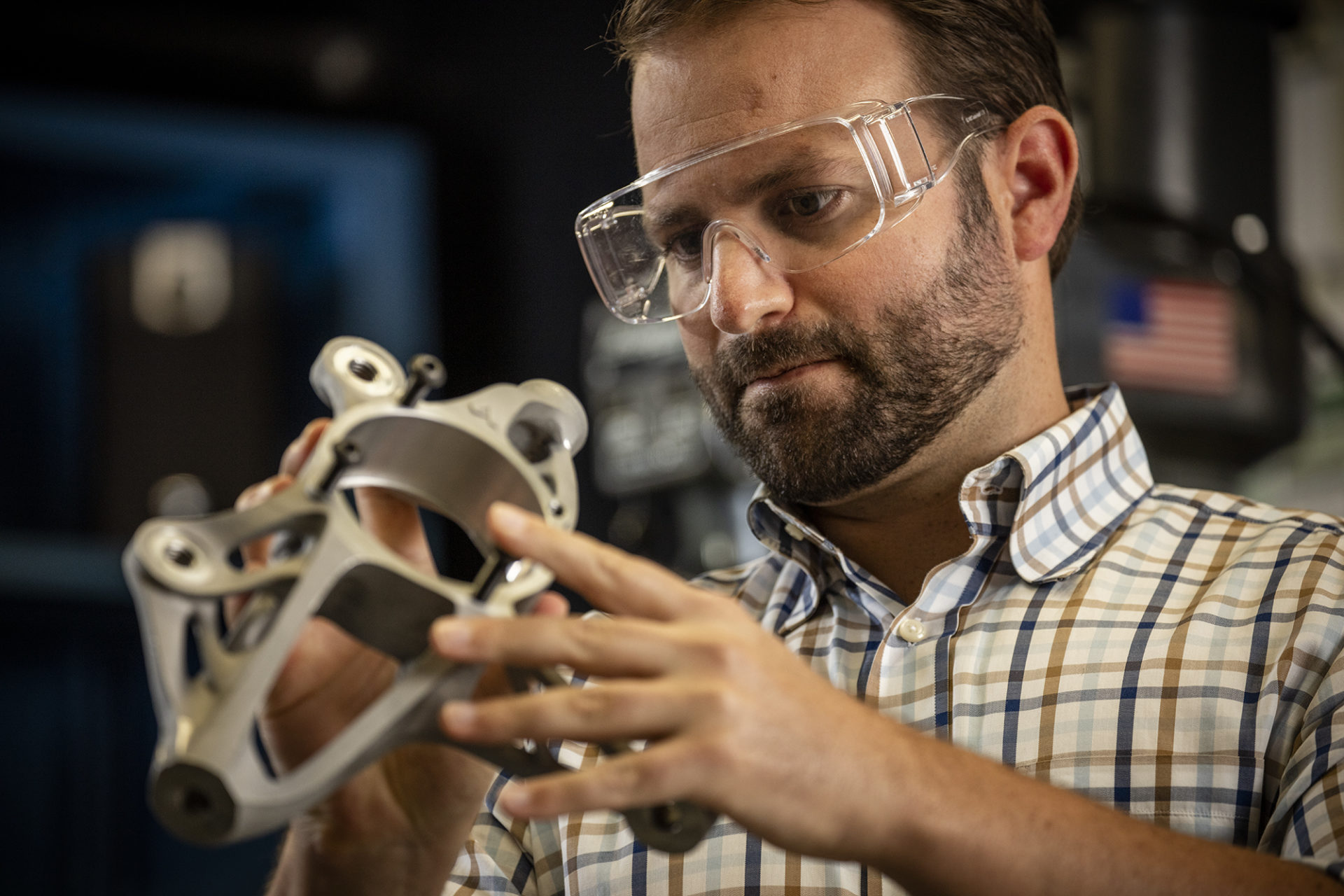
What are Autodesk Fusion Extensions?
An overview of what Autodesk Fusion extensions we offer, what they can help you accomplish, and how to unlock their advanced capabilities.
Getting Started
-

Enhanced CAM Capabilities in Autodesk Fusion Simplify High-Precision, Simultaneous 5-Axis Machining at Yutaka
Ultra-high precision components in the sub-micron range are essential in fields like semiconductor production equipment and aerospace. Manufacturing these requires advanced machining techniques like simultaneous 5-axis machining, making not only cutting-edge equipment but also personnel proficient in software indispensable. Yutaka Co., Ltd., a precision machined parts manufacturer in Matsuyama, Ehime Prefecture, is tackling this with…
Customer Stories
-
Autodesk Fusion Subscription Types
Autodesk Fusion 360 provides various licenses suited to your design and make goals. Learn about the licenses and what best suits you.
Getting Started
-
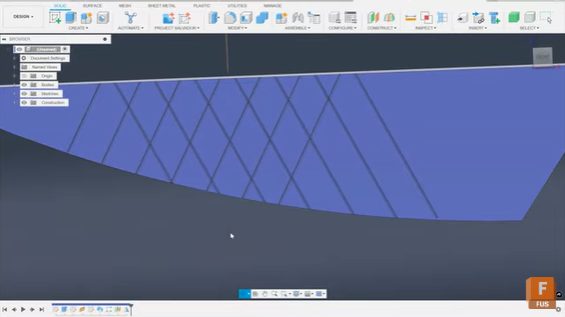
How to Create Criss-Cross Grooves in Fusion for Machining
Phil Eichmiller, Senior QA Engineer shows you how to design criss-cross grooves in Fusion using sketches, sweeps, and pattern tools for precise machining control. Crosshatch or criss-cross groove patterns are common in machining for texture, grip, or aesthetic purposes. While machinists often have clever tricks for producing these patterns directly on the shop floor, you…
Tutorials
-
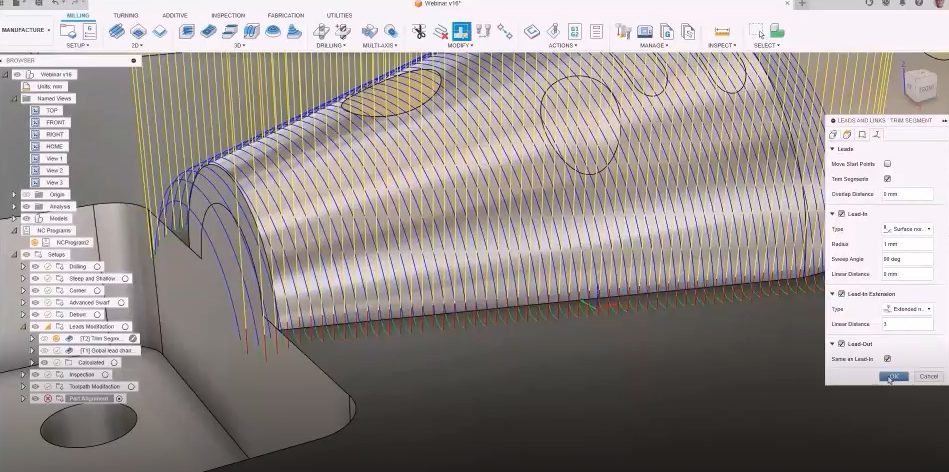
Advanced Tooling: The Key to Faster, Better, and Cost-Effective Machining
Boost manufacturing speed, quality, and savings with advanced tooling. Discover how Fusion for Manufacturing unlocks efficiency and superior results for your team. The pressure to deliver high-quality parts quickly and cost-effectively has never been greater. Manufacturers are constantly seeking new ways to boost productivity, improve surface finishes, and reduce operational costs. One of the most…
Advanced Manufacturing
-
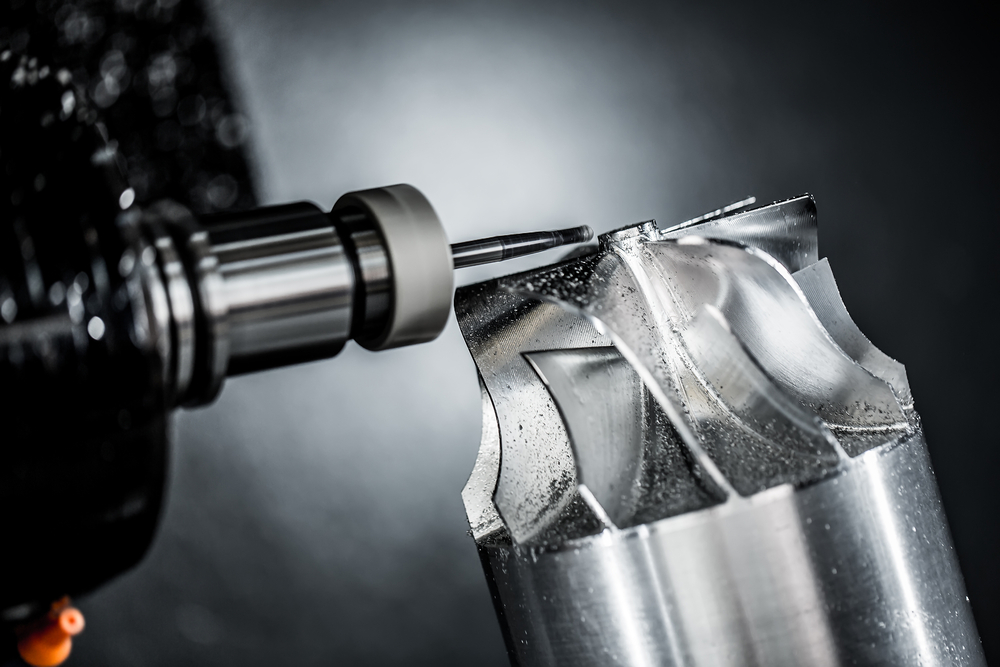
CNC Milling or CNC Turning: Key Differences and How to Choose the Right Process
New to machining? Take a deep dive into CNC Turning vs. CNC Milling to determine which option best fits your process.
Machining
-
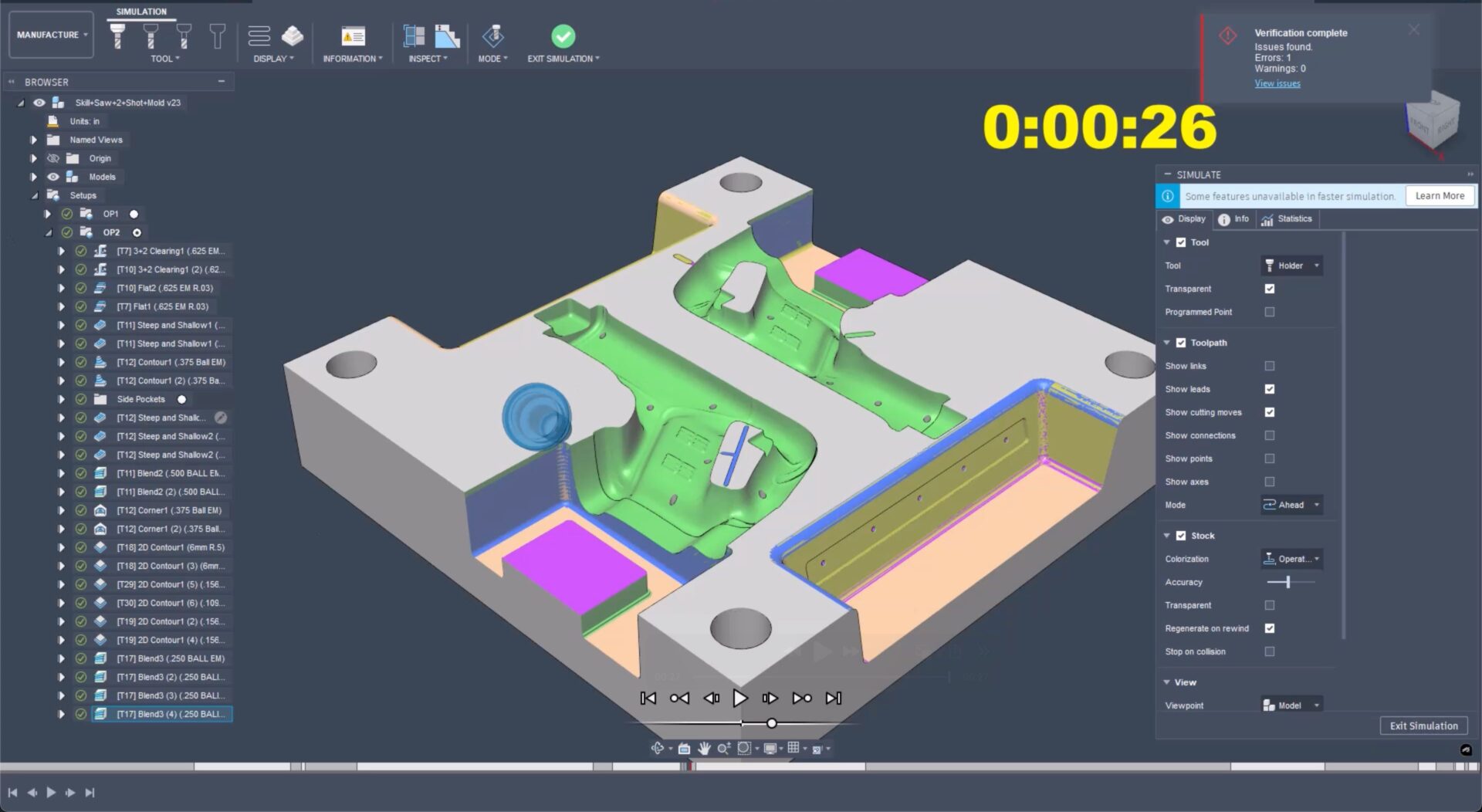
Revolutionizing Toolpath Simulation with GPU Simulation
Experience revolutionary GPU simulation with the new GPU-accelerated toolpath simulation in Fusion. Slash verification times from minutes to seconds for faster, safer manufacturing. In the world of computer-aided manufacturing (CAM), GPU simulation is transforming the landscape by drastically reducing the time required for toolpath simulation. Toolpath simulation is a crucial process that helps verify collision-free machining operations…
Manufacturing
-

Introduction to Post Processors in Fusion [Update 2025]
Learn all about post processor files, including what they are, why we need them, and how to use them with Fusion 360.
Machining
-
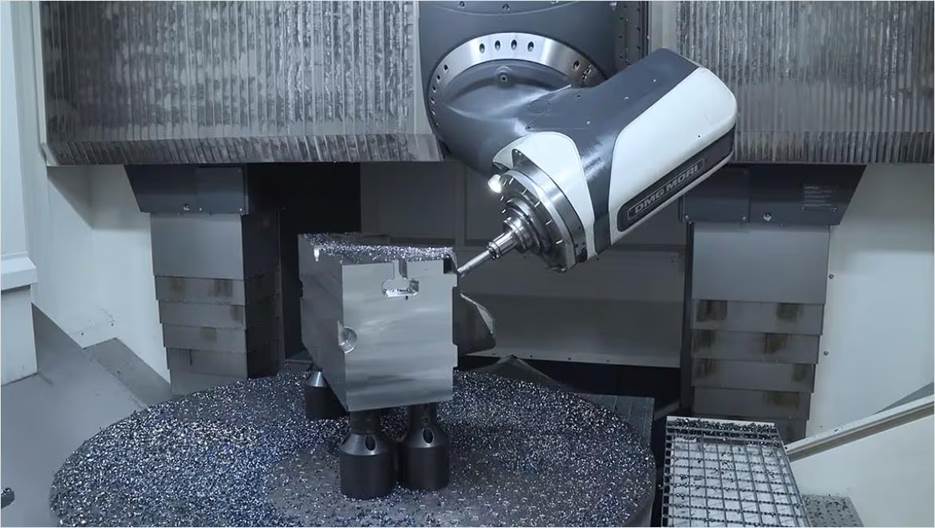
Understanding 5-Axis Machining with Autodesk Fusion
Explore how 5-axis machining with Autodesk Fusion gives product designers greater precision and flexibility.
Advanced Manufacturing
-
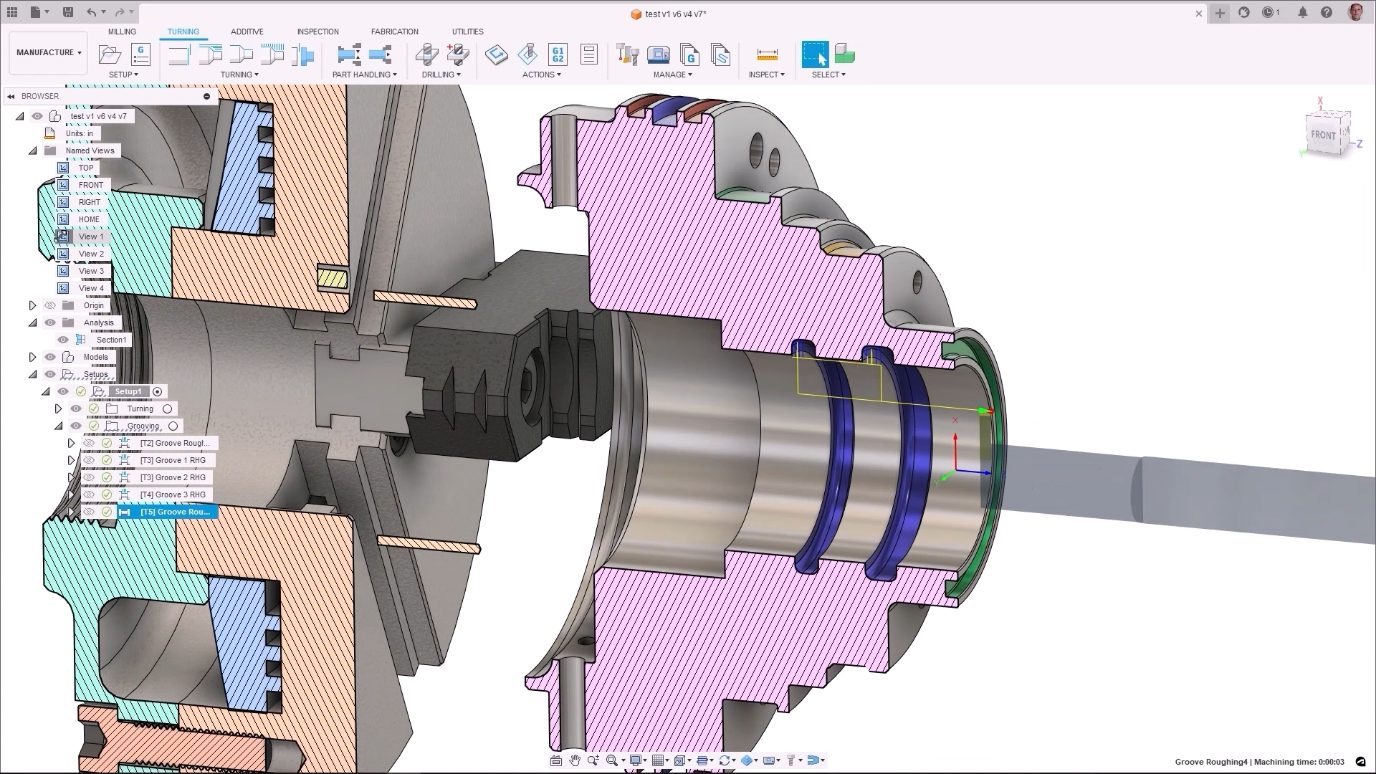
Exploring the Turning Capabilities of Autodesk Fusion for Manufacturing
Learn how the turning capabilities in Autodesk Fusion for Manufacturing provide a set of operations that optimize toolpaths and more.
Manufacturing
-
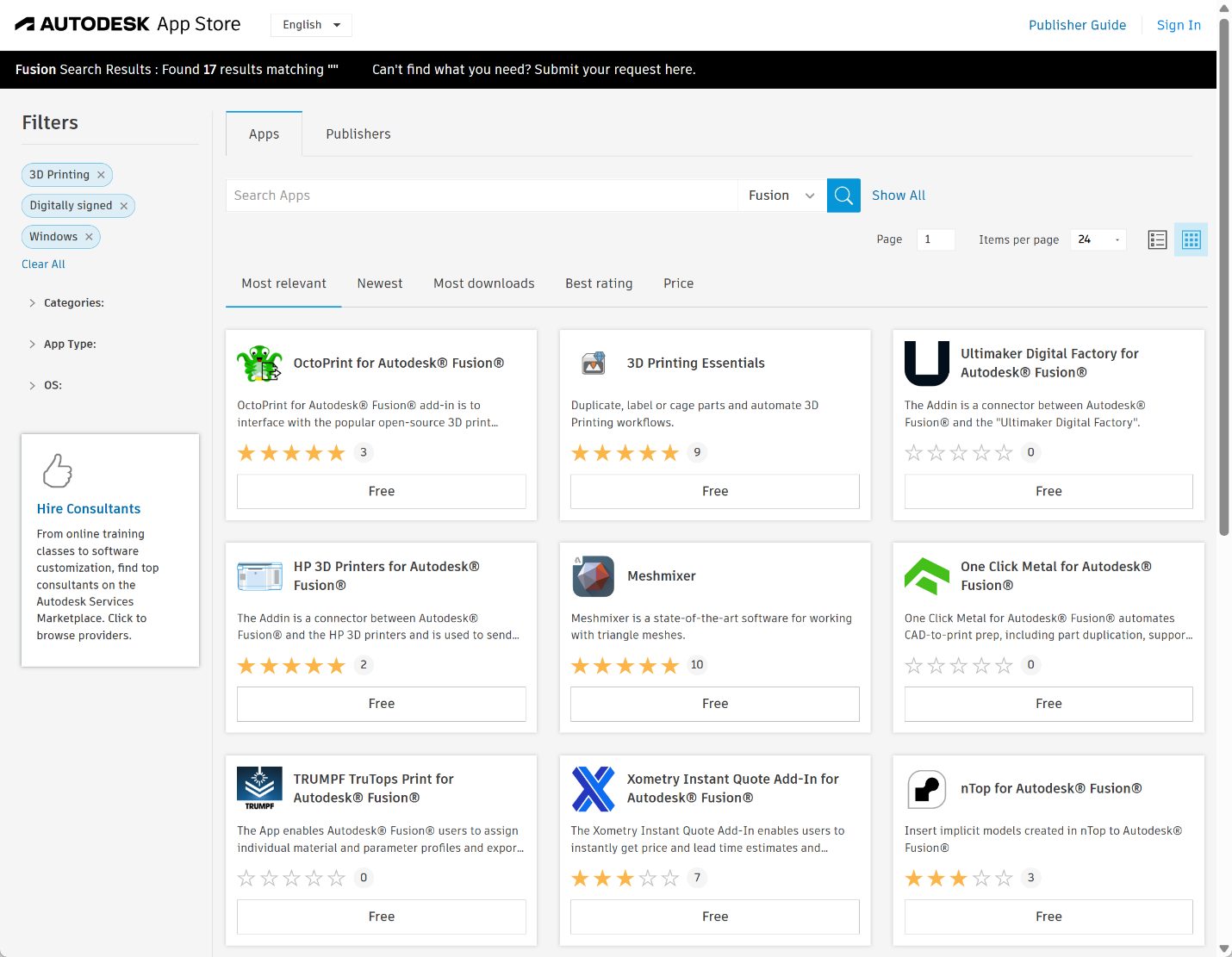
Autodesk Fusion 3D Printing Apps That Make Your Workflows Better
A look at the many 3D printing apps for Autodesk Fusion that maximize your additive manufacturing capabilities.
Mechanical Engineering
-

Probing Into the Inspection and Part Alignment Capabilities in Autodesk Fusion for Manufacturing
See how Autodesk Fusion for Manufacturing's probing, inspection, and part alignment capabilities empower manufacturers.
Machining
-
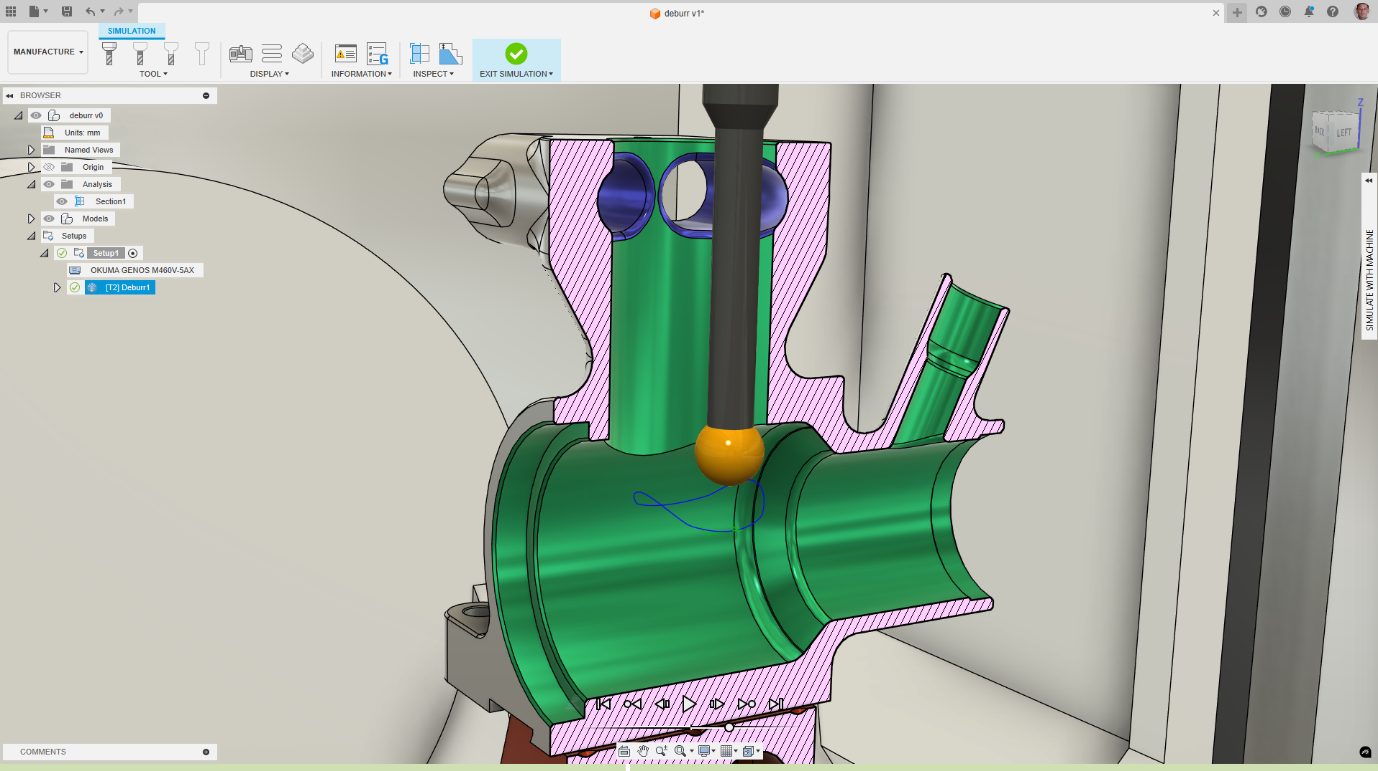
Honing in on the Power of Deburr in Autodesk Fusion for Manufacturing
The deburr machining strategy in Autodesk Fusion for Manufacturing automates the removal of burrs from machined parts to increase efficiency.
Machining
-
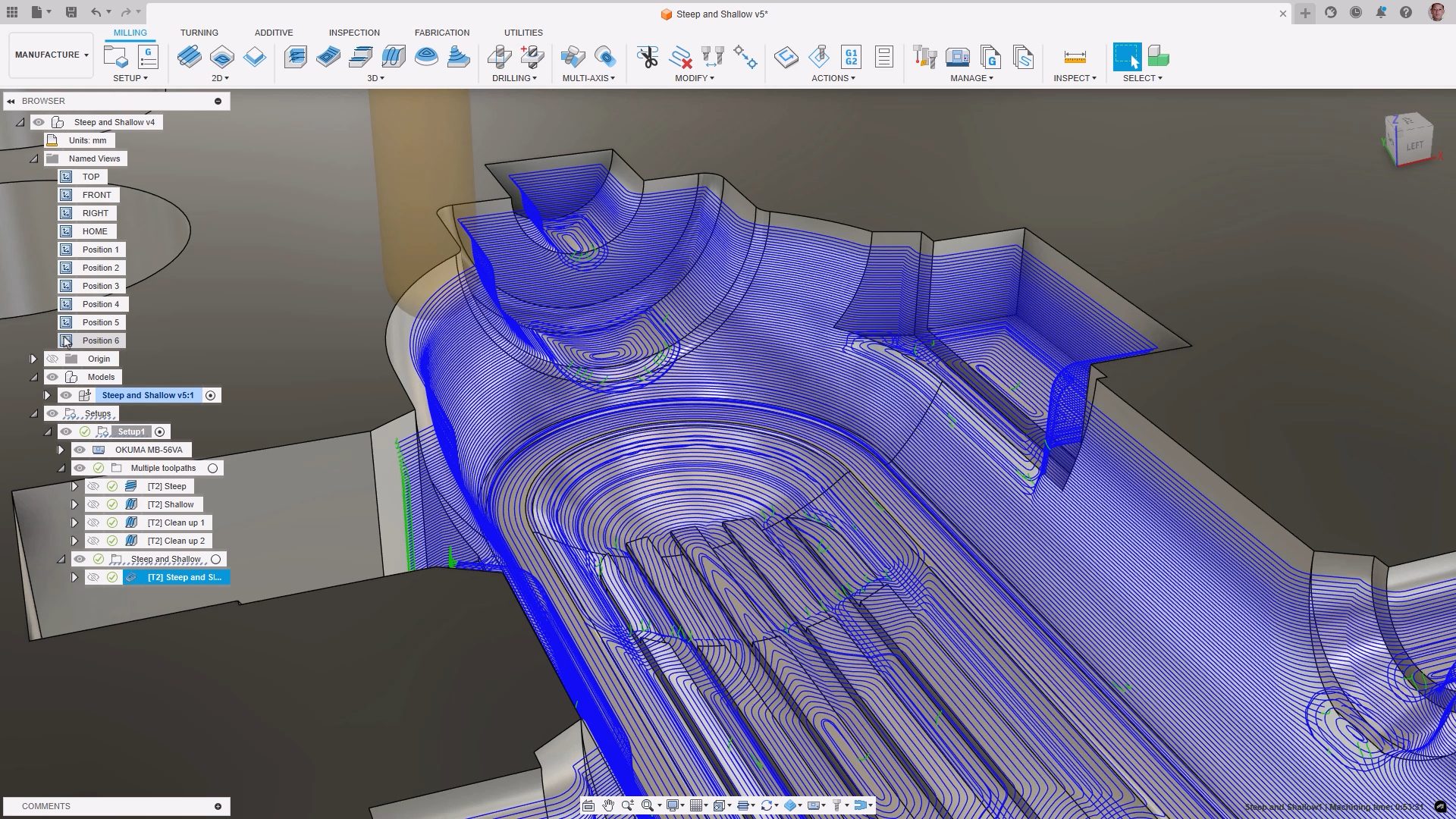
Autodesk Fusion for Manufacturing: Revolutionizing the Manufacturing Industry
Autodesk Fusion for Manufacturing is a comprehensive, cloud-based solution that integrates CAD, CAM, CAE, and PDM tools. Learn how this invaluable asset can help to streamline workflows, reduce costs, improve product quality, and foster innovation. In today’s fast-paced manufacturing environment, efficiency, precision, and innovation are paramount. In this article, we’re going to provide an overview…
Advanced Manufacturing
-

Elevate Your Manufacturing Game with Kennametal Import Tools
We’re excited to introduce Kennametal Import Tools—a game-changing application designed to enhance your capabilities and fuel innovation.
Advanced Manufacturing